DOM Notebook for Dynamic Web Pages
Element selection, event handling, forms, animations and AJAX loading
Are you tired of static web pages that fail to engage your users?
269 pages14 chaptersJan 23, 2025JavaScript
About this book
JavaScript Wizardry: Mastering DOM Manipulation for Dynamic Web Experiences is your key to unlocking the full potential of web interactivity. This comprehensive guide takes you on a deep dive into the world of JavaScript DOM manipulation, equipping you with the skills to transform ordinary websites into captivating, responsive web applications. From basic DOM traversal to advanced event handling, you'll discover how to harness the power of JavaScript to manipulate web page elements with precision and finesse. Learn how to create smooth animations, build interactive forms, and develop intuitive user interfaces that respond to user actions in real-time. Whether you're looking to enhance user experience, optimize website performance, or push the boundaries of what's possible in web development, this book provides the knowledge and techniques you need to succeed. By the time you finish reading, you'll have the confidence to tackle complex DOM manipulation challenges and bring your web projects to life.
Table of contents
- IntroductionThe Importance of DOM Manipulation in Modern Web Development, Book Overview and How to Use This Guide, Prerequisites and SetupRead below
- Chapter 1: Understanding the DOMWhat is the Document Object Model?, The DOM Tree Structure, Nodes vs Elements, DOM Interfaces and Objects
- Chapter 2: Selecting DOM ElementsUsing getElementById and getElementsByClassName, querySelector and querySelectorAll, Traversing the DOM Tree, Understanding NodeList and HTMLCollection
- Chapter 3: Manipulating DOM ElementsChanging Element Content, Modifying Element Attributes, Styling Elements with JavaScript, Creating and Removing Elements
- Chapter 4: Event Handling in the DOMIntroduction to DOM Events, Adding and Removing Event Listeners, The Event Object and Its Properties, Event Propagation: Bubbling and Capturing
- Chapter 5: Working with Forms and ValidationAccessing and Manipulating Form Elements, Handling Form Events, Implementing Client-Side Form Validation, Creating Dynamic Form Interfaces
- Chapter 6: DOM-based Animations and TransitionsUsing CSS Transitions with JavaScript, Smooth Animations with requestAnimationFrame, Advanced Animation Techniques, Performance Considerations in DOM Animations
- Chapter 7: AJAX and Dynamic Content LoadingIntroduction to AJAX, Using the Fetch API for AJAX Requests, Updating the DOM with AJAX Responses, Error Handling in AJAX Requests
- Chapter 8: Optimizing DOM PerformanceUnderstanding Reflow and Repaint, Using Document Fragments, Introduction to Virtual DOM Concepts, Debouncing and Throttling DOM Events
- Chapter 9: Advanced DOM TechniquesWorking with Shadow DOM, Creating Custom Elements, Using MutationObserver, Implementing Intersection Observer
- Chapter 10: Cross-Browser DOM ManipulationUnderstanding Browser Differences, Implementing Feature Detection, Using Polyfills for Older Browsers, Cross-Browser Testing Strategies
- Chapter 11: DOM Manipulation with Modern FrameworksReact and Virtual DOM, Vue.js and DOM Manipulation, Angular's Approach to DOM Handling, When to Use Vanilla JS vs Frameworks
- Chapter 12: Accessibility and DOM ManipulationWorking with ARIA Attributes, Implementing Keyboard Navigation, Ensuring Screen Reader Compatibility, Creating Accessible Dynamic Content
- Chapter 13: Security Considerations in DOM ManipulationPreventing Cross-Site Scripting (XSS), Implementing Content Security Policy, Sanitizing User Input, Best Practices for Secure DOM Manipulation
- Chapter 14: The Future of DOM ManipulationWeb Components and the DOM, Upcoming DOM APIs and Features, WebAssembly and Its Impact on DOM Manipulation, Trends and Predictions in Web Development
- ConclusionRecap of Key Concepts, Next Steps in Your DOM Manipulation Journey
- AppendixDOM Manipulation Cheat Sheet, Additional Resources and Tools
Introduction
Welcome to "JavaScript Wizardry: Mastering DOM Manipulation for Dynamic Web Experiences." This comprehensive guide is designed to take your web development skills to the next level by diving deep into the world of Document Object Model (DOM) manipulation. As an intermediate-level software developer or web designer, you've already laid the foundation with HTML and basic JavaScript. Now, it's time to harness the full power of JavaScript to create truly dynamic and interactive web applications that will captivate your users and set your projects apart.
In today's digital landscape, static websites are no longer sufficient to meet the expectations of modern users. The ability to create responsive, interactive, and engaging web experiences has become a crucial skill for any developer looking to stay competitive in the industry. This book will equip you with the knowledge and techniques necessary to transform ordinary web pages into dynamic, user-centric applications that respond in real-time to user actions and provide seamless, intuitive interfaces.
Throughout this journey, you'll explore a wide range of topics, from the fundamentals of DOM structure to advanced techniques in event handling, animation, and performance optimization. You'll learn how to leverage JavaScript's powerful tools for traversing and modifying the DOM, create smooth animations and transitions, and build scalable, maintainable web applications that can handle complex user interactions with ease.
By the time you complete this book, you'll have gained a deep understanding of DOM manipulation techniques and be well-prepared to tackle even the most challenging web development projects. Whether you're looking to enhance user experience, optimize website performance, or push the boundaries of what's possible in web development, the skills you'll acquire here will prove invaluable in your career as a web developer or designer.
So, prepare to embark on an exciting journey into the heart of dynamic web development. Let's begin our exploration of the fascinating world of DOM manipulation and unlock the true potential of JavaScript in creating extraordinary web experiences.
The Importance of DOM Manipulation in Modern Web Development
In the ever-evolving landscape of web development, the ability to manipulate the Document Object Model (DOM) has become an indispensable skill for creating dynamic, interactive, and responsive web applications. The DOM serves as the bridge between your HTML structure and the JavaScript that brings it to life, making it a crucial component in modern web development. Understanding and mastering DOM manipulation techniques is not just a valuable skill—it's a necessity for any developer looking to create cutting-edge web experiences.
At its core, DOM manipulation allows you to dynamically update the content, structure, and style of a web page without requiring a full page reload. This capability is the foundation of the smooth, app-like experiences that users have come to expect from modern websites. By leveraging DOM manipulation, you can create interfaces that respond instantly to user actions, update data in real-time, and provide a level of interactivity that was once only possible with native applications.
One of the primary reasons DOM manipulation is so crucial is its role in enhancing user experience (UX). In today's fast-paced digital world, users demand websites that are not only visually appealing but also highly responsive and interactive. Through effective DOM manipulation, you can create intuitive user interfaces that guide users through complex processes, provide immediate feedback, and adapt to user preferences or device capabilities. This level of responsiveness and personalization can significantly improve user engagement and satisfaction, leading to higher conversion rates and user retention for your web applications.
Furthermore, DOM manipulation is essential for creating single-page applications (SPAs) and progressive web apps (PWAs), which have gained immense popularity in recent years. These modern web application architectures rely heavily on JavaScript's ability to dynamically update the DOM, allowing for seamless navigation and content updates without the need for traditional page reloads. By mastering DOM manipulation, you'll be well-equipped to build these advanced web applications that offer native app-like experiences directly in the browser.
Another critical aspect of DOM manipulation is its impact on web application performance. While manipulating the DOM can be resource-intensive if not done correctly, understanding the intricacies of efficient DOM manipulation allows you to optimize your web applications for speed and responsiveness. Techniques such as minimizing reflows, using document fragments, and implementing virtual DOM concepts can significantly improve the performance of your web applications, ensuring they run smoothly even on less powerful devices or slower network connections.
DOM manipulation also plays a crucial role in creating accessible web applications. By dynamically updating content and managing focus, you can ensure that your web applications are usable by people with disabilities, adhering to Web Content Accessibility Guidelines (WCAG) and creating inclusive digital experiences. This not only broadens your user base but also demonstrates a commitment to ethical web development practices.
In the realm of front-end frameworks and libraries, such as React, Vue, and Angular, understanding DOM manipulation remains fundamental. While these tools often abstract direct DOM manipulation, knowing how the DOM works under the hood allows you to better understand and optimize your code, debug issues more effectively, and make informed decisions about when to use framework-specific features versus vanilla JavaScript DOM manipulation.
As web technologies continue to evolve, new APIs and features are constantly being introduced that build upon or enhance our ability to manipulate the DOM. Staying current with these advancements, such as the Intersection Observer API, Custom Elements, or the Shadow DOM, allows you to create more powerful and efficient web applications. A solid foundation in DOM manipulation makes it easier to adapt to and leverage these new technologies as they emerge.
Moreover, proficiency in DOM manipulation opens up opportunities for creating rich, interactive data visualizations and complex user interfaces. Whether you're building dashboards, data-driven applications, or interactive storytelling experiences, the ability to dynamically update and manipulate the DOM is key to bringing your creative visions to life on the web.
Lastly, it's worth noting that DOM manipulation skills are highly transferable and remain relevant even as new frameworks and libraries come and go. The fundamental concepts and techniques you'll learn in this book will serve you well throughout your career, providing a solid foundation that you can build upon regardless of the specific tools or technologies you work with in the future.
In conclusion, DOM manipulation is not just a skill—it's a cornerstone of modern web development. By mastering these techniques, you'll be able to create more engaging, performant, and accessible web applications that stand out in today's competitive digital landscape. As we delve deeper into the intricacies of DOM manipulation throughout this book, you'll gain the knowledge and confidence to tackle complex web development challenges and bring your most ambitious web projects to life.
Book Overview and How to Use This Guide
"JavaScript Wizardry: Mastering DOM Manipulation for Dynamic Web Experiences" is designed to be your comprehensive guide to becoming proficient in DOM manipulation techniques. This book is structured to take you on a journey from the fundamentals of the Document Object Model to advanced concepts and best practices in creating dynamic web applications. Whether you're looking to enhance your current skillset or aiming to become a DOM manipulation expert, this guide provides the knowledge and practical examples you need to succeed.
The book is organized into logical chapters that build upon each other, allowing you to progressively deepen your understanding of DOM manipulation. Each chapter focuses on a specific aspect of working with the DOM, providing detailed explanations, code examples, and practical exercises to reinforce your learning. To get the most out of this guide, it's recommended that you follow the chapters in order, as later concepts often build upon the foundations laid in earlier sections.
We begin with an introduction to the DOM, exploring its structure and importance in web development. From there, we delve into the core techniques of selecting and manipulating DOM elements, covering everything from basic methods to advanced selectors. As you progress through the book, you'll encounter more complex topics such as event handling, form manipulation, and creating smooth animations using the DOM.
One of the key features of this guide is its emphasis on practical application. Throughout the book, you'll find numerous code examples that demonstrate how to implement the concepts being discussed. These examples are designed to be clear and concise, allowing you to easily understand and adapt them to your own projects. It's highly recommended that you take the time to experiment with these code snippets, modifying them and observing the results to deepen your understanding.
In addition to code examples, each chapter includes hands-on exercises and challenges. These are carefully crafted to help you apply what you've learned and to encourage creative problem-solving. By completing these exercises, you'll not only reinforce your knowledge but also gain confidence in your ability to tackle real-world DOM manipulation tasks.
As you work through the book, you'll notice that we place a strong emphasis on best practices and performance optimization. DOM manipulation can be resource-intensive if not done correctly, so we've dedicated entire sections to discussing efficient techniques and potential pitfalls to avoid. Pay close attention to these performance tips, as they will be invaluable when you're working on large-scale web applications.
To help you navigate the wealth of information presented in this guide, each chapter begins with a clear outline of the topics to be covered and ends with a summary of key points. This structure allows you to quickly review the main concepts and easily locate specific information when you need to refer back to it later.
While the book is designed to be read from start to finish, it can also serve as a valuable reference guide. The table of contents and index are comprehensive, allowing you to quickly find information on specific DOM manipulation techniques or concepts. Don't hesitate to jump to relevant sections when you need to refresh your memory or solve a particular problem in your projects.
Throughout the book, you'll find "Deep Dive" sections that explore advanced topics or provide additional context for particularly complex concepts. These sections are optional but highly recommended for those looking to gain a deeper understanding of the inner workings of DOM manipulation.
To get the most out of this guide, it's recommended that you have a development environment set up where you can practice the techniques described. A simple text editor and a modern web browser with developer tools will suffice for most of the examples and exercises. For more complex projects, you may want to set up a local development server to test your code effectively.
As you progress through the book, don't be afraid to experiment and push beyond the examples provided. The best way to truly master DOM manipulation is through practice and exploration. Try to think of ways to apply the concepts you're learning to your own projects or come up with creative solutions to the challenges presented.
Remember that learning DOM manipulation is an ongoing process. Web technologies are constantly evolving, and new techniques and best practices emerge regularly. This book provides a solid foundation, but it's important to stay curious and continue learning even after you've finished reading. The final chapter of the book includes resources for further learning and staying up-to-date with the latest developments in web development.
Lastly, don't hesitate to seek help if you encounter difficulties. The web development community is vast and generally very supportive. Online forums, developer communities, and documentation can be invaluable resources when you're stuck on a particular problem or looking to deepen your understanding of a specific concept.
By approaching this guide with dedication and an open mind, you'll be well on your way to becoming a DOM manipulation wizard. Embrace the challenges, celebrate your progress, and get ready to create dynamic, engaging web experiences that will impress users and fellow developers alike. Let's begin this exciting journey into the world of advanced JavaScript and DOM manipulation!
Prerequisites and Setup
Before diving into the intricate world of DOM manipulation, it's essential to ensure that you have the necessary foundation and tools to make the most of this guide. While "JavaScript Wizardry" is designed for intermediate-level developers, a quick review of the prerequisites and setup process will help you get started on the right foot and maximize your learning experience.
First and foremost, this book assumes a solid understanding of HTML and CSS. You should be comfortable with creating web page structures using HTML5 elements and styling them with CSS3 properties. If you need a refresher on these topics, there are numerous online resources and tutorials available that can help you brush up on your skills. A strong grasp of HTML and CSS is crucial because DOM manipulation often involves dynamically altering the structure and style of web pages.
In terms of JavaScript knowledge, you should have a good command of the basics. This includes understanding variables, data types, functions, loops, and conditional statements. You should also be familiar with ES6+ features such as arrow functions, template literals, and destructuring assignments, as these will be used throughout the book to write more concise and modern JavaScript code. If you feel uncertain about your JavaScript fundamentals, it might be beneficial to spend some time reviewing these concepts before proceeding.
When it comes to development tools, you'll need a few essentials to follow along with the examples and complete the exercises in this book. First, you'll need a text editor or Integrated Development Environment (IDE) for writing and editing your code. Popular choices among web developers include Visual Studio Code, Sublime Text, or WebStorm. Choose one that you're comfortable with or that offers features that align with your workflow preferences.
A modern web browser is another crucial tool for DOM manipulation. While any up-to-date browser will work, it's recommended to use Google Chrome or Mozilla Firefox, as they offer robust developer tools that will be invaluable for inspecting and debugging your DOM-related code. Familiarize yourself with the browser's developer tools, particularly the Elements panel for inspecting the DOM structure and the Console for JavaScript output and debugging.
To test your code effectively, you'll need a local development server. While you can open HTML files directly in a browser, some features and APIs require a server environment to function correctly. There are several simple options for setting up a local server:
- If you have Node.js installed, you can use the `http-server` package, which can be installed globally with npm: `npm install -g http-server`
- Python users can start a simple server using the command `python -m http.server` (for Python 3) or `python -m SimpleHTTPServer` (for Python 2)
- For more advanced setups, tools like XAMPP or MAMP provide a complete local server environment
Version control is not strictly necessary for following this book, but it's highly recommended for managing your code and tracking changes. Git is the most widely used version control system, and platforms like GitHub or GitLab provide free repositories for your projects. Familiarizing yourself with basic Git commands will be beneficial not only for this book but for your overall development workflow.
As you progress through more advanced topics, you may want to explore additional tools to enhance your development experience. These might include:
- Task runners or build tools like Gulp or Webpack for automating repetitive tasks and optimizing your code
- Linters such as ESLint to help maintain code quality and catch potential errors
- Browser extensions like React Developer Tools or Vue.js devtools if you're working with specific frameworks
To get the most out of the exercises and examples in this book, it's recommended to create a dedicated project folder on your local machine. Within this folder, you can organize your work by creating subfolders for each chapter or concept. This structure will help you keep your code organized and make it easier to refer back to specific examples later.
Before starting each chapter, take a moment to review any specific setup instructions or requirements mentioned at the beginning. Some sections may introduce new tools or libraries that need to be installed or configured. Following these instructions carefully will ensure a smooth learning experience and help you avoid potential roadblocks.
It's also worth noting that web development is a rapidly evolving field, and new tools and best practices emerge regularly. While this book covers the core concepts of DOM manipulation that remain relatively stable, be prepared to adapt and learn new tools as they become available. Staying curious and open to new technologies is a key trait of successful web developers.
Lastly, consider setting up a comfortable and distraction-free workspace where you can focus on the material. DOM manipulation can be complex, and having a dedicated learning environment can significantly improve your ability to absorb and retain information. Ensure you have a reliable internet connection for accessing online resources and documentation when needed.
With these prerequisites in mind and your development environment set up, you're ready to embark on your journey to mastering DOM manipulation. Remember, the key to success is consistent practice and experimentation. Don't be afraid to try out new ideas or modify the examples to suit your own projects. The more you engage with the material, the more proficient you'll become in creating dynamic and interactive web experiences.
As you progress through the book, keep in mind that learning DOM manipulation is not just about memorizing syntax or methods. It's about understanding the underlying principles and developing problem-solving skills that will allow you to tackle a wide range of web development challenges. Approach each chapter with curiosity and enthusiasm, and you'll find yourself well on your way to becoming a true JavaScript wizard in DOM manipulation.
This is the end of the free sample. The full book has 14 chapters.
Want this book written for you?
Tell us your goals and background, and get your own version of this book, tailored by AI to you.


Benefits of AI-tailored books
- Read one book, not ten:
- all the JavaScript knowledge you need, gathered into a single book.
- Save days of learning:
- tell us your goals, choose your topics, and the whole book is built around them.
- Learn effortlessly:
- JavaScript book written for your specific background and expertise.
- Understand at a glance:
- includes charts, tables, timelines, checklists, decision trees, and more.
- Stay current:
- written the day you order it, not years ago.
- Trust what you read:
- every book is checked for accuracy, with real research when your subject needs it.
Create your unique book in 3 steps
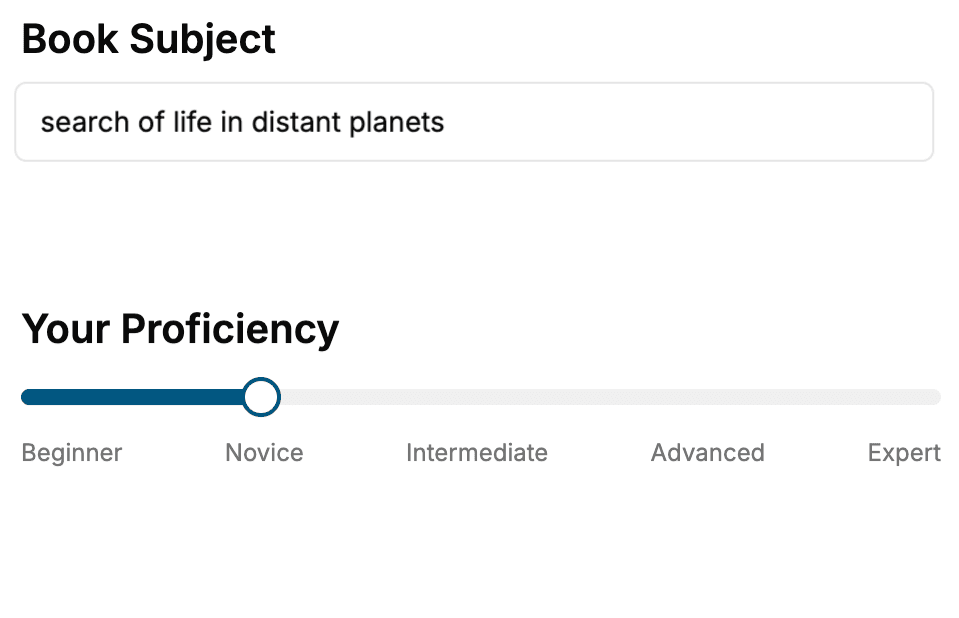
- 1. Select your focus
Select the focus of your JavaScript book and share your background
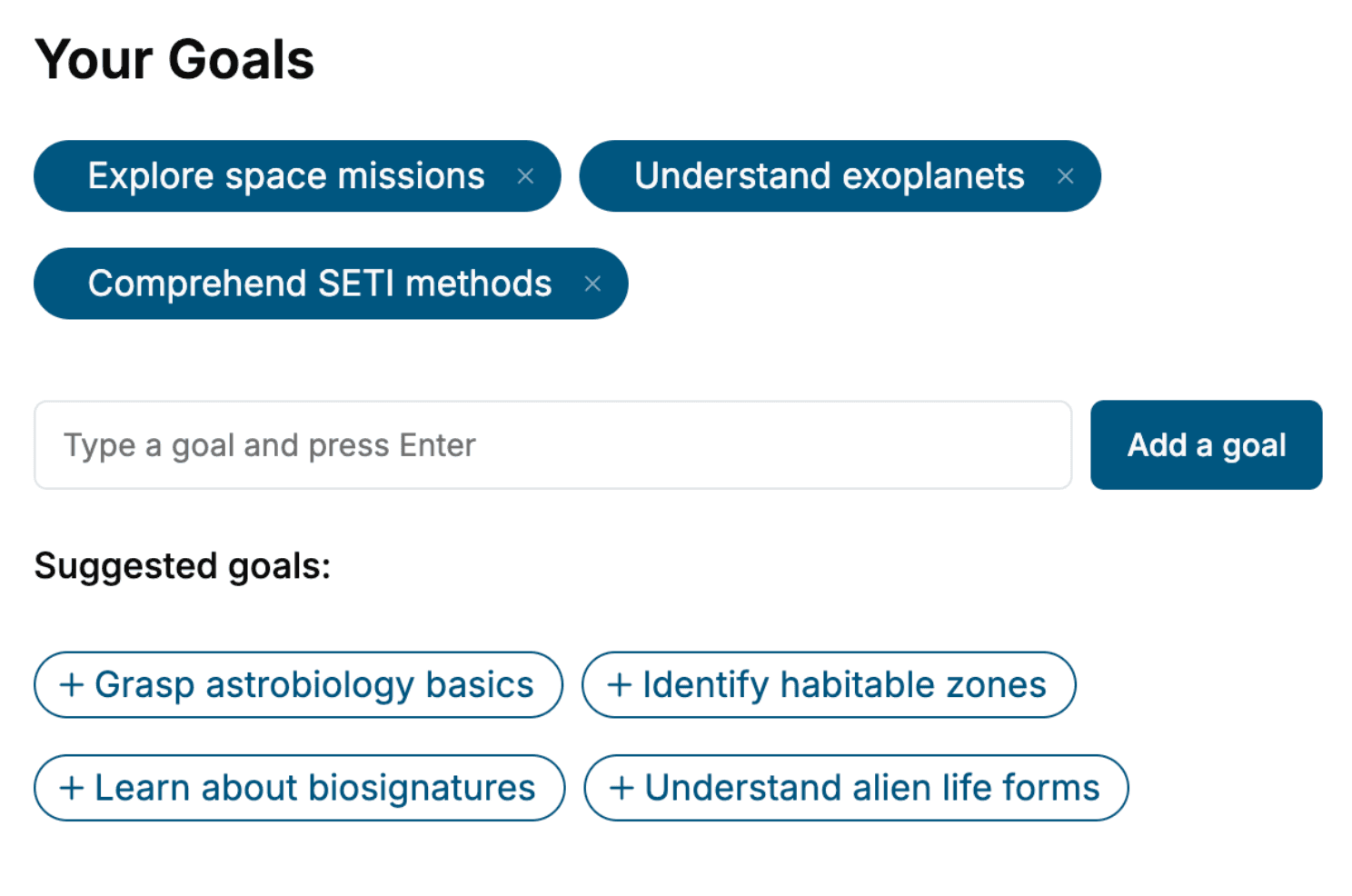
- 2. Personalize your book
Specify your goals and choose sub-topics to include
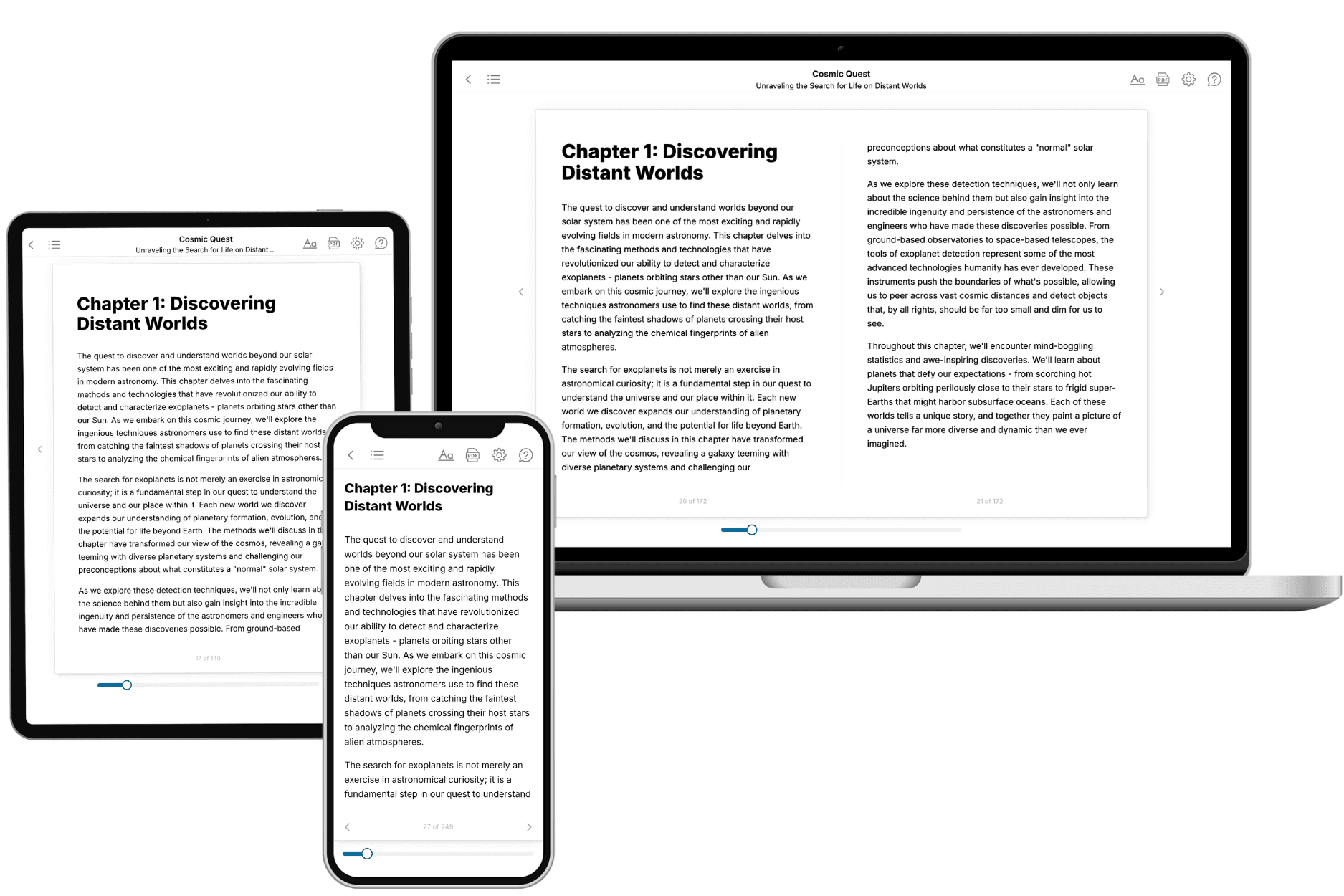
- 3. Get your tailored book
Your book is ready in 10 minutes. Read it online, download as EPUB or PDF, or send to Kindle.
Frequently asked questions
- What is TailoredRead?
TailoredRead creates complete, full-length nonfiction ebooks, written specifically for you. Tell us what you want to learn and why, and TailoredRead writes you a complete ebook on it, with charts, tables, and diagrams throughout. Read it online, on Kindle, or on any e-reader, or download it as a PDF or EPUB. Every book is written fresh the day you order it.
- How is the book tailored to me?
Before anything is written, you answer a few short questions about your goals, your background, and the topics you care about. Your book is then planned around your answers: written at your level, focused on your goals, and covering the topics you chose, instead of the one-size-fits-all book a store sells everyone.
- Will it read like generic AI content?
No. Your book isn't a chat transcript: it's planned chapter by chapter before a single word is written, told in a clear book voice, and explains ideas visually with charts, tables, and diagrams. After writing, every book goes through an editorial pass that polishes chapters so the book reads consistent from start to finish. Judge for yourself: browse thousands of sample books on our Explore Books page.
- How accurate is the content?
Our AI first checks whether your subject needs live research. Niche and fast-moving subjects are researched before writing, and the book plan and chapters are grounded in what it finds. After writing, every book goes through a quality pass that checks its facts and consistency, and researched books list their sources in a Notes section at the back.
- How long is the book?
You choose the length: Comprehensive (250-300 pages), Detailed (150-200 pages), Essential (70-100 pages), or Short (30-50 pages).
- Does the book include visuals?
Yes. Every book includes charts, tables, and diagrams: timelines, checklists, step-by-step guides, decision trees, comparison tables, matrices, and bar charts. A typical book includes dozens of these visual elements.
- Can I read it on Kindle? What formats can I download?
Yes. Every book can be read in our online reader or downloaded as a PDF or EPUB. The EPUB can be opened with Kindle, Apple Books, Kobo, and any e-reader. The Commercial and Author licenses also include an editable Word (DOCX) and Markdown download.
- How much does it cost?
About the price of a regular ebook. The exact price depends on your book's length and complexity, from $2 for the shortest books to $35 for the most comprehensive, and it's shown when you review your book, before you commit to anything. Each book is a one-time purchase, yours to keep, no subscription. Licenses that let you share, teach, or publish your book range from $35.99 to $49.99.
- Can I preview the book before purchasing?
Before you pay, you'll see what your book will cover: the title, a detailed description, the estimated length, and the complete chapter-by-chapter table of contents, so you know what you're getting before you decide. The full text itself is written after you purchase.
- How long does it take to create a book?
About 10 minutes. You can start reading the opening chapters while the rest is still being written.