PowerShell Mastery
Advanced Techniques for Data Analysis and Reporting
Elevate your data analysis and reporting capabilities with PowerShell Mastery.
253 pages13 chaptersMar 2, 2025PowerShell
About this book
This comprehensive guide is tailored for IT professionals who are ready to take their PowerShell skills to the next level. You'll dive deep into advanced techniques for JSON manipulation, data transformation, and XML processing, enabling you to handle complex datasets with ease and efficiency. Discover how to leverage multithreading and parallel processing to supercharge your scripts, dramatically reducing execution times for large-scale data operations. You'll also explore cutting-edge data visualization techniques that will allow you to present your findings in compelling and intuitive ways. Throughout the book, you'll develop advanced functions that will become invaluable tools in your data analysis arsenal. Whether you're a developer, DBA, or architect, this book will equip you with the skills to tackle the most challenging data analysis and reporting tasks with confidence and precision.
Table of contents
- IntroductionOverview of Advanced PowerShell for Data Analysis, Prerequisites and Setup, How to Use This Book, What to Expect: Learning OutcomesRead below
- Chapter 1: Advanced JSON ManipulationUnderstanding Complex JSON Structures, Parsing and Navigating Nested JSON, Modifying and Creating JSON Objects, Converting Between JSON and PowerShell Objects
- Chapter 2: Data Transformation TechniquesData Cleaning and Normalization, Reshaping Data with Select-Object and Group-Object, Merging and Joining Datasets, Advanced Data Aggregation Techniques
- Chapter 3: XML Processing for Data AnalysisXML Structure and Namespaces, Parsing and Querying XML Documents, Modifying and Creating XML, XML Transformation with XSLT
- Chapter 4: Harnessing Multithreading in PowerShellUnderstanding Threading Concepts, Working with Runspaces, Using Jobs for Background Processing, Thread Synchronization and Resource Management
- Chapter 5: Parallel Processing for Large DatasetsIntroduction to Parallel Processing, Leveraging ForEach-Object -Parallel, Scaling with PSJobs, Implementing Workflows for Parallel Execution
- Chapter 6: Advanced Data Visualization TechniquesExploring PowerShell Charting Modules, Creating Custom Charts and Graphs, Building Interactive Visualizations, Integrating with External Reporting Tools
- Chapter 7: Designing Advanced FunctionsAdvanced Function Structure and Best Practices, Parameter Validation and Error Handling, Adding Pipeline Support to Functions, Creating Reusable Function Modules
- Chapter 8: Error Handling and DebuggingAdvanced Try-Catch Techniques, Creating and Throwing Custom Errors, Implementing Robust Logging Mechanisms, Using PowerShell Debugging Tools
- Chapter 9: Integrating with External Tools and APIsWorking with RESTful APIs, Database Integration Techniques, Web Scraping for Data Collection, Interacting with Cloud Services
- Chapter 10: Performance Optimization StrategiesProfiling and Benchmarking PowerShell Code, Memory Management and Garbage Collection, Optimizing Data Queries and Filtering, Implementing Caching for Improved Performance
- Chapter 11: Building Advanced Reporting SystemsAutomating Report Generation, Creating Dynamic and Interactive Reports, Scheduling and Distributing Reports, Implementing Report Security and Access Control
- Chapter 12: Advanced Data Analysis PatternsTime Series Analysis in PowerShell, Basic Predictive Modeling Techniques, Text Analysis and Natural Language Processing, Implementing Anomaly Detection
- Chapter 13: Real-World Scenarios and Case StudiesAdvanced Log Analysis System, Building a Real-time Performance Dashboard, Large-scale Data Migration Project, Predictive Maintenance System for IT Infrastructure
- ConclusionFuture Trends in PowerShell and Data Analysis, Continuing Your PowerShell Education
- AppendixUseful Resources and Tools, PowerShell Cheatsheet for Data Analysis
Introduction
Welcome to "PowerShell Mastery: Advanced Techniques for Data Analysis and Reporting." This comprehensive guide is designed to elevate your PowerShell skills to new heights, focusing specifically on advanced data analysis and reporting techniques. As a highly educated IT professional with a PhD, working as a Developer, DBA, or Architect, you already possess a strong foundation in PowerShell. This book aims to build upon that knowledge, providing you with cutting-edge strategies and tools to tackle complex data challenges in your professional environment.
In today's data-driven world, the ability to efficiently analyze and report on large, complex datasets is more crucial than ever. PowerShell, with its robust scripting capabilities and seamless integration with the Windows ecosystem, stands out as a powerful tool for IT professionals seeking to streamline their data workflows. This book will take you beyond the basics, delving into advanced concepts and techniques that will transform the way you approach data analysis and reporting tasks.
Throughout this journey, you'll explore a wide range of topics, from advanced JSON and XML manipulation to harnessing the power of multithreading and parallel processing. You'll learn how to create stunning visualizations, design advanced functions for modular code, and optimize your scripts for peak performance. By the end of this book, you'll have acquired a comprehensive toolkit of advanced PowerShell techniques, enabling you to tackle even the most challenging data analysis projects with confidence and efficiency.
Overview of Advanced PowerShell for Data Analysis
PowerShell has evolved significantly since its inception, becoming a versatile and powerful tool for data analysis and reporting. This book focuses on leveraging PowerShell's advanced features to handle complex data structures, perform sophisticated analyses, and generate insightful reports. The landscape of data analysis is constantly changing, with new challenges emerging as datasets grow larger and more complex. PowerShell, with its deep integration into the Windows ecosystem and its ability to interact seamlessly with various data sources, provides a robust platform for addressing these challenges.
In this book, we'll explore how PowerShell can be used to tackle advanced data analysis tasks that go beyond simple scripting. You'll learn how to work with complex JSON and XML structures, transform and reshape data efficiently, and leverage multithreading and parallel processing to handle large-scale data operations. These techniques are not just theoretical concepts; they are practical skills that you can immediately apply to real-world scenarios in your professional environment.
One of the key strengths of PowerShell in data analysis is its versatility. Throughout this book, you'll discover how to integrate PowerShell with external tools and APIs, expanding its capabilities and allowing you to create comprehensive data analysis solutions. Whether you're working with local files, databases, web services, or cloud platforms, you'll learn techniques to efficiently collect, process, and analyze data from diverse sources.
Data visualization is another critical aspect of data analysis that we'll cover in depth. You'll explore advanced techniques for creating compelling and informative visualizations directly from PowerShell, as well as methods for integrating with specialized visualization tools. These skills will enable you to communicate your findings effectively, turning raw data into actionable insights for your organization.
Performance optimization is a crucial consideration when working with large datasets or complex analyses. This book will guide you through strategies for profiling and optimizing your PowerShell code, ensuring that your scripts run efficiently even when dealing with massive amounts of data. You'll learn techniques for memory management, query optimization, and caching that can dramatically improve the performance of your data analysis workflows.
Throughout the book, we'll emphasize best practices for writing clean, maintainable, and reusable code. You'll learn how to design advanced functions and modules that can form the building blocks of your data analysis toolkit. We'll also cover error handling and debugging techniques specific to data analysis scenarios, helping you create robust and reliable scripts that can handle unexpected situations gracefully.
By the end of this overview, you'll have a clear understanding of the advanced PowerShell techniques for data analysis that we'll be exploring in this book. These skills will not only enhance your ability to work with complex datasets but also position you as a valuable asset in any data-driven organization. Let's embark on this journey to master PowerShell for advanced data analysis and reporting.
Prerequisites and Setup
Before diving into the advanced techniques covered in this book, it's essential to ensure that you have the necessary prerequisites in place. As an experienced IT professional, you likely already have a solid foundation in PowerShell, but let's review the key requirements and setup steps to ensure you're fully prepared for the advanced content ahead.
First and foremost, you should have a strong grasp of PowerShell fundamentals. This includes understanding basic syntax, cmdlets, pipelines, and scripting concepts. You should be comfortable with creating and running scripts, working with variables, and using common PowerShell cmdlets for file and data manipulation. If you feel you need a refresher on these topics, it's recommended to review PowerShell documentation or introductory resources before proceeding with the advanced techniques in this book.
In terms of software requirements, you'll need PowerShell 5.1 or later installed on your system. While many of the techniques in this book will work with earlier versions, some advanced features and performance improvements are only available in more recent releases. It's highly recommended to use PowerShell 7.0 or later, as it offers significant enhancements in terms of performance and cross-platform compatibility. You can download the latest version of PowerShell from the official Microsoft website or through the Microsoft Store on Windows 10 and later.
Your development environment should include an Integrated Development Environment (IDE) or a robust text editor with PowerShell support. While you can use the built-in PowerShell ISE (Integrated Scripting Environment), more advanced editors like Visual Studio Code with the PowerShell extension offer additional features that can enhance your productivity. These include IntelliSense, debugging tools, and integrated terminal support, which will be particularly useful when working with the complex scripts and data structures we'll be exploring.
For the data analysis and visualization aspects of this book, you may need to install additional PowerShell modules. We'll be working with modules such as ImportExcel for Excel integration, PSWriteHTML for creating HTML reports, and Graphical for advanced charting. While we'll provide installation instructions for these modules as they're introduced, it's a good idea to familiarize yourself with the process of installing and managing PowerShell modules using the PowerShellGet cmdlets.
Given the focus on data analysis, you should have access to sample datasets to practice the techniques covered in the book. While we'll provide some datasets for specific examples, it's beneficial to have your own data to work with as well. This could include log files, CSV exports from databases, or JSON data from web services relevant to your professional context. Ensure you have permission to use any organizational data for learning purposes, and consider creating anonymized versions if working with sensitive information.
For sections dealing with database integration, you'll need access to a database management system. Microsoft SQL Server is used for many examples, but the concepts can be applied to other database systems as well. If you don't have access to a full database server, you can use SQLite or the free SQL Server Express edition for practice.
When we explore cloud integration, having access to cloud services will be beneficial. If possible, set up free tier accounts with major cloud providers like Microsoft Azure, Amazon Web Services (AWS), or Google Cloud Platform. This will allow you to follow along with cloud-specific examples and understand how PowerShell can interact with these services.
Lastly, ensure that your PowerShell execution policy is set appropriately to allow you to run the scripts we'll be creating. In most cases, setting the execution policy to RemoteSigned is sufficient and secure. You can check your current execution policy by running Get-ExecutionPolicy in PowerShell, and modify it if necessary using Set-ExecutionPolicy RemoteSigned (run as administrator).
With these prerequisites in place, you'll be well-prepared to tackle the advanced PowerShell techniques for data analysis and reporting covered in this book. Remember, the key to mastering these skills is practice, so don't hesitate to experiment with the concepts as you learn them, applying them to your own datasets and scenarios whenever possible.
How to Use This Book
To get the most out of "PowerShell Mastery: Advanced Techniques for Data Analysis and Reporting," it's important to approach the material strategically. This book is designed to be both a comprehensive learning resource and a practical reference guide for your data analysis projects. Here's how you can effectively use this book to enhance your PowerShell skills and become proficient in advanced data analysis techniques.
First and foremost, while the chapters are organized in a logical progression, don't feel constrained to read the book strictly from start to finish. Each chapter is designed to stand alone to a large extent, allowing you to focus on the topics most relevant to your current needs or interests. However, concepts do build upon each other, so if you find yourself struggling with a particular section, it may be helpful to review earlier chapters or related topics.
As you read through each chapter, take an active learning approach. The book is filled with code examples, and it's crucial that you don't just read these passively. Set up your PowerShell environment and follow along with the examples, typing out the code yourself and running it to see the results firsthand. This hands-on practice is essential for internalizing the concepts and understanding how they work in real-world scenarios.
Don't hesitate to experiment with the code examples provided. Try modifying the scripts, changing parameters, or applying the techniques to your own datasets. This experimentation will deepen your understanding and help you discover new ways to apply the concepts to your specific work challenges. Remember, the goal is not just to replicate the examples, but to understand the underlying principles so you can adapt them to your unique situations.
Throughout the book, you'll find "Try It Out" sections that present specific challenges or exercises. These are designed to reinforce your learning and encourage practical application of the concepts. Make a point of completing these exercises, as they often simulate real-world scenarios you might encounter in your data analysis work. If you're stuck, solutions are provided, but try to work through the problems on your own first to maximize your learning.
Pay special attention to the "Best Practices" and "Pro Tips" callout boxes scattered throughout the chapters. These contain valuable insights drawn from real-world experience and can help you avoid common pitfalls or find more efficient ways of accomplishing tasks. These tips often represent the kind of knowledge that comes from years of practical experience, so they can be particularly valuable in enhancing your skills quickly.
As you progress through the book, start thinking about how you can apply the techniques to your current work projects. Look for opportunities to implement advanced PowerShell scripts in your daily tasks or to improve existing processes. The real value of this book comes not just from understanding the concepts, but from applying them to solve real problems in your professional environment.
Don't skip the case studies and real-world scenarios presented in the later chapters. These provide valuable context for how the advanced techniques can be combined and applied in complex, real-world situations. Try to work through these examples as if they were your own projects, considering how you might approach the problems and comparing your solutions to those presented.
Make use of the additional resources provided in the appendix. These include references to official documentation, community forums, and other learning materials that can supplement your understanding or provide alternative perspectives on the topics covered. The PowerShell community is vibrant and supportive, and engaging with it can significantly enhance your learning experience.
Finally, consider this book a long-term reference. Even after you've read through it once, keep it handy as you work on data analysis projects. You may find yourself returning to specific chapters or sections as you encounter new challenges in your work. The detailed table of contents and index are designed to help you quickly locate the information you need when facing a particular problem or seeking to implement a specific technique.
By approaching this book with an active, hands-on mindset and consistently applying what you learn to real-world scenarios, you'll not only master advanced PowerShell techniques for data analysis but also develop the problem-solving skills necessary to tackle complex data challenges in your professional career. Remember, becoming proficient in these advanced techniques is a journey, so be patient with yourself and enjoy the process of expanding your PowerShell expertise.
What to Expect: Learning Outcomes
As you embark on this journey through "PowerShell Mastery: Advanced Techniques for Data Analysis and Reporting," it's important to have a clear understanding of the learning outcomes you can expect to achieve. This book is designed to significantly enhance your PowerShell skills, particularly in the realm of data analysis and reporting. By the time you complete this book, you will have acquired a comprehensive set of advanced techniques and strategies that will transform the way you approach data-related tasks in your professional role.
First and foremost, you will master advanced JSON manipulation techniques for complex data structures. JSON has become a ubiquitous format for data exchange, and being able to efficiently parse, navigate, and modify complex JSON structures is a crucial skill in modern data analysis. You'll learn how to work with nested JSON objects, handle arrays within JSON, and convert between JSON and PowerShell objects seamlessly. This knowledge will enable you to work with APIs, configuration files, and other JSON-based data sources with confidence and efficiency.
You will also develop expertise in implementing efficient data transformation strategies using PowerShell. This includes advanced techniques for cleaning and normalizing data, reshaping datasets, merging data from multiple sources, and performing complex aggregations. These skills are essential for preparing data for analysis and reporting, allowing you to transform raw, messy data into structured, meaningful information that can drive decision-making in your organization.
XML processing is another key area where you'll develop advanced skills. While JSON has gained popularity, XML remains a critical format in many enterprise environments. You'll learn how to navigate complex XML structures, work with namespaces, and perform advanced queries on XML documents. Additionally, you'll explore XML transformation techniques using XSLT, enabling you to convert XML data into other formats or restructure it for specific analysis needs.
One of the most significant outcomes will be your ability to harness the power of multithreading and parallel processing in PowerShell scripts. You'll learn how to design scripts that can process large datasets much more quickly by utilizing multiple CPU cores. This includes working with runspaces, leveraging PowerShell jobs, and implementing parallel foreach loops. These techniques will allow you to dramatically reduce execution times for data-intensive operations, making your scripts more efficient and capable of handling larger datasets.
In the realm of data visualization, you'll develop skills to create stunning and informative visual representations of your data directly from PowerShell. This includes working with various charting libraries, creating interactive dashboards, and integrating with external visualization tools. You'll learn how to choose the right type of visualization for different kinds of data and how to customize your charts and graphs to effectively communicate insights.
Advanced function design is another key area where you'll see significant growth. You'll learn how to create robust, reusable functions that can form the building blocks of complex data analysis workflows. This includes implementing advanced parameter validation, adding pipeline support to your functions, and organizing your code into modules for better maintainability and sharing.
Error handling and debugging in complex scripts is a critical skill that you'll master. You'll learn advanced try-catch techniques, how to create and throw custom errors, and how to implement comprehensive logging mechanisms. These skills will help you create more reliable scripts that can gracefully handle unexpected situations and provide meaningful feedback when issues occur.
Integration with external tools and APIs is another important outcome. You'll learn how to leverage PowerShell to interact with RESTful APIs, integrate with various database systems, perform web scraping for data collection, and interact with cloud services. This will expand the scope of your data analysis capabilities, allowing you to pull data from a wide range of sources and integrate PowerShell into broader data ecosystems.
Performance optimization is a crucial skill you'll develop throughout the book. You'll learn how to profile and benchmark your PowerShell code, optimize memory usage, improve query performance, and implement caching mechanisms. These techniques will ensure that your scripts can handle large-scale data operations efficiently, even when working with massive datasets or complex analytical processes.
Finally, you'll gain practical experience in applying these advanced techniques to real-world scenarios. Through case studies and hands-on projects, you'll learn how to combine various PowerShell features to build sophisticated data analysis and reporting systems. This includes creating automated reporting workflows, implementing real-time data dashboards, and developing predictive maintenance systems for IT infrastructure.
By the end of this book, you will have transformed from an experienced PowerShell user into a true PowerShell data analysis expert. You'll have the skills and confidence to tackle complex data challenges, automate sophisticated analysis workflows, and deliver insights that can drive important decisions in your organization. This mastery of advanced PowerShell techniques for data analysis and reporting will not only enhance your current role but also open up new opportunities for growth and innovation in your career as an IT professional.
This is the end of the free sample. The full book has 13 chapters.
Want this book written for you?
Tell us your goals and background, and get your own version of this book, tailored by AI to you.






Benefits of AI-tailored books
- Read one book, not ten:
- all the PowerShell knowledge you need, gathered into a single book.
- Save days of learning:
- tell us your goals, choose your topics, and the whole book is built around them.
- Learn effortlessly:
- PowerShell book written for your specific background and expertise.
- Understand at a glance:
- includes charts, tables, timelines, checklists, decision trees, and more.
- Stay current:
- written the day you order it, not years ago.
- Trust what you read:
- every book is checked for accuracy, with real research when your subject needs it.
Create your unique book in 3 steps
- 1. Select your focus
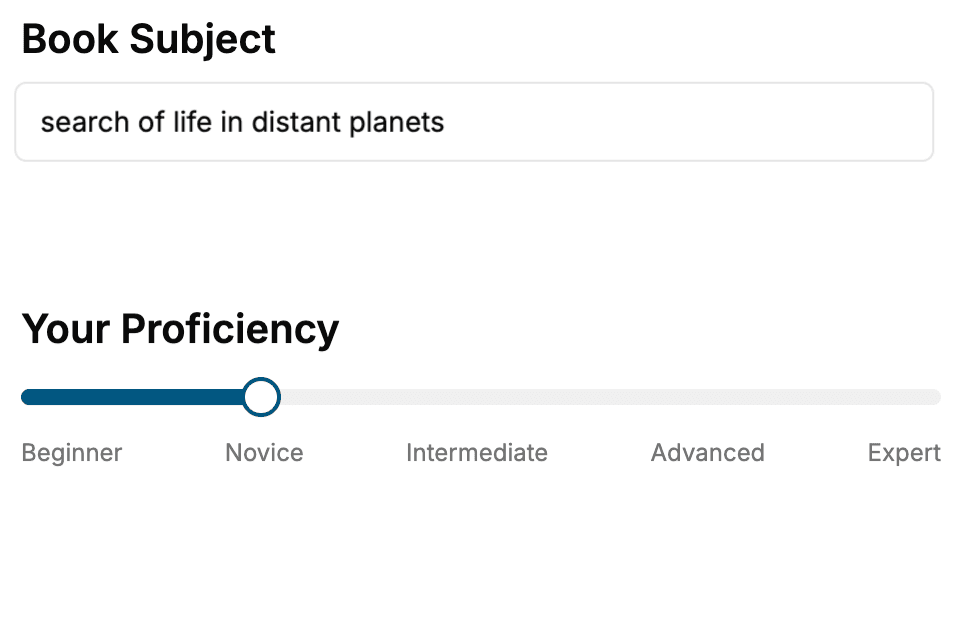
Select the focus of your PowerShell book and share your background
- 2. Personalize your book
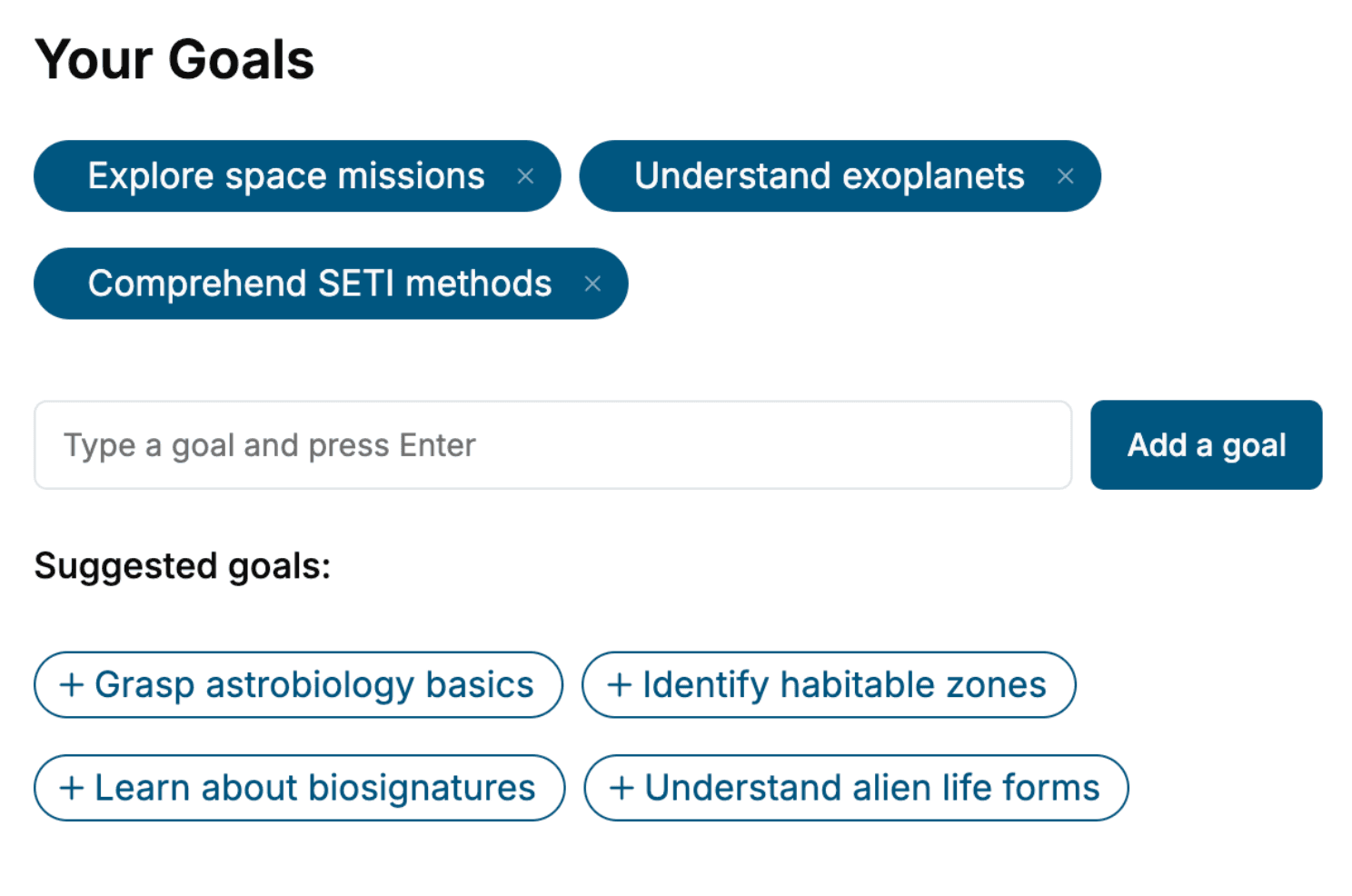
Specify your goals and choose sub-topics to include
- 3. Get your tailored book
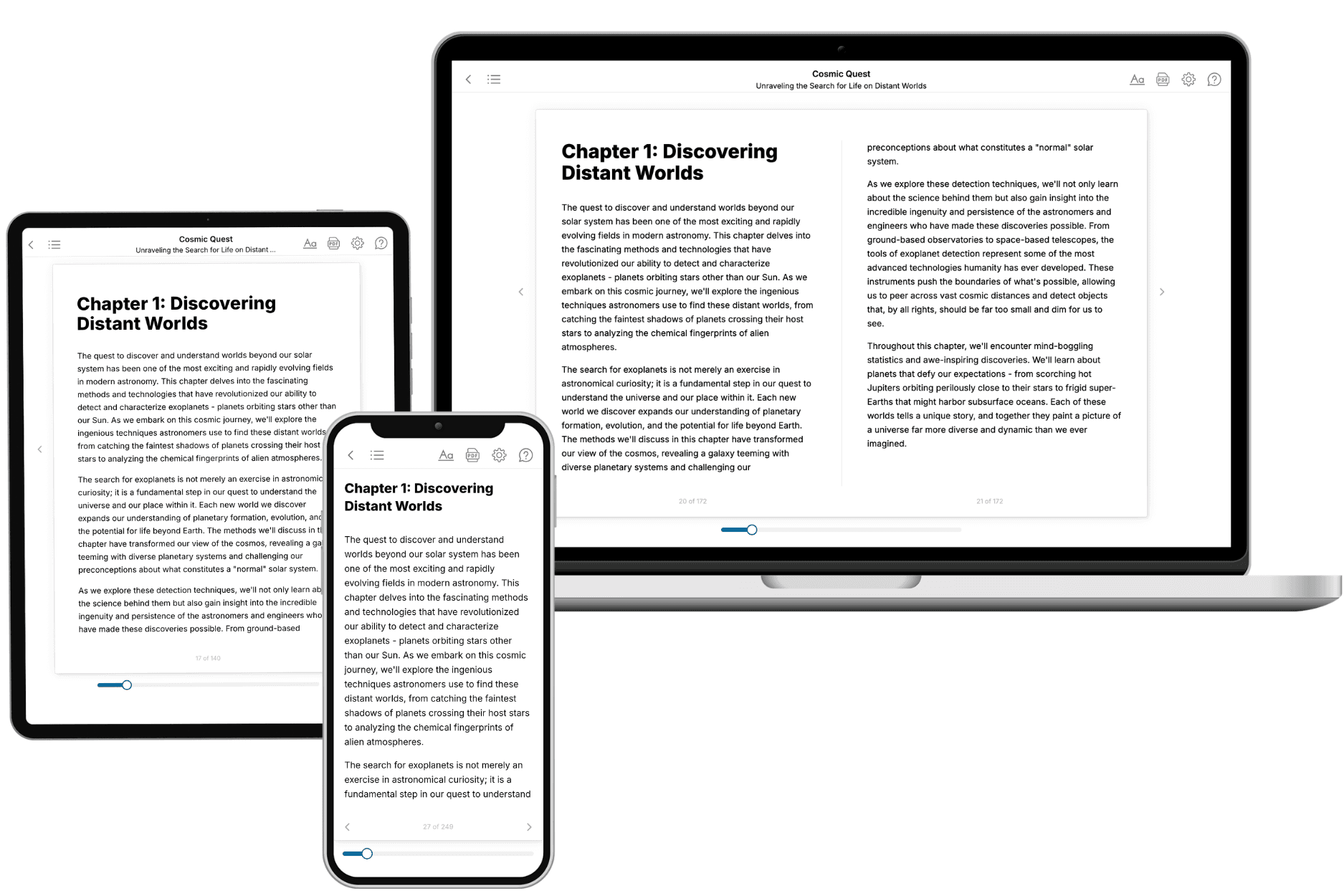
Your book is ready in 10 minutes. Read it online, download as EPUB or PDF, or send to Kindle.
Frequently asked questions
- What is TailoredRead?
TailoredRead creates complete, full-length nonfiction ebooks, written specifically for you. Tell us what you want to learn and why, and TailoredRead writes you a complete ebook on it, with charts, tables, and diagrams throughout. Read it online, on Kindle, or on any e-reader, or download it as a PDF or EPUB. Every book is written fresh the day you order it.
- How is the book tailored to me?
Before anything is written, you answer a few short questions about your goals, your background, and the topics you care about. Your book is then planned around your answers: written at your level, focused on your goals, and covering the topics you chose, instead of the one-size-fits-all book a store sells everyone.
- Will it read like generic AI content?
No. Your book isn't a chat transcript: it's planned chapter by chapter before a single word is written, told in a clear book voice, and explains ideas visually with charts, tables, and diagrams. After writing, every book goes through an editorial pass that polishes chapters so the book reads consistent from start to finish. Judge for yourself: browse thousands of sample books on our Explore Books page.
- How accurate is the content?
Our AI first checks whether your subject needs live research. Niche and fast-moving subjects are researched before writing, and the book plan and chapters are grounded in what it finds. After writing, every book goes through a quality pass that checks its facts and consistency, and researched books list their sources in a Notes section at the back.
- How long is the book?
You choose the length: Comprehensive (250-300 pages), Detailed (150-200 pages), Essential (70-100 pages), or Short (30-50 pages).
- Does the book include visuals?
Yes. Every book includes charts, tables, and diagrams: timelines, checklists, step-by-step guides, decision trees, comparison tables, matrices, and bar charts. A typical book includes dozens of these visual elements.
- Can I read it on Kindle? What formats can I download?
Yes. Every book can be read in our online reader or downloaded as a PDF or EPUB. The EPUB can be opened with Kindle, Apple Books, Kobo, and any e-reader. The Commercial and Author licenses also include an editable Word (DOCX) and Markdown download.
- How much does it cost?
About the price of a regular ebook. The exact price depends on your book's length and complexity, from $2 for the shortest books to $35 for the most comprehensive, and it's shown when you review your book, before you commit to anything. Each book is a one-time purchase, yours to keep, no subscription. Licenses that let you share, teach, or publish your book range from $35.99 to $49.99.
- Can I preview the book before purchasing?
Before you pay, you'll see what your book will cover: the title, a detailed description, the estimated length, and the complete chapter-by-chapter table of contents, so you know what you're getting before you decide. The full text itself is written after you purchase.
- How long does it take to create a book?
About 10 minutes. You can start reading the opening chapters while the rest is still being written.