PowerShell Mastery
Advanced Techniques for Database Architects and Developers
Imagine effortlessly orchestrating complex database operations, crafting elegant automation solutions, and wielding PowerShell with unparalleled precision.
284 pages15 chaptersMar 9, 2025Software Development
About this book
This is the reality that awaits you as a master of advanced PowerShell techniques. "PowerShell Mastery: Advanced Techniques for Database Architects and Developers" is your comprehensive guide to elevating your scripting prowess to new heights. This book delves deep into the intricacies of PowerShell, offering you a wealth of knowledge on module architecture, parallel processing, regex mastery, and advanced cmdlets that will revolutionize your approach to database management and development tasks. You'll discover how to create robust, efficient functions that streamline your workflows and enhance your productivity. Learn to craft custom modules tailored to your specific needs, implement best practices for logging and documentation, and harness the power of asynchronous programming to boost performance. With in-depth coverage of JSON processing, XML manipulation, and database interaction, you'll be equipped to handle any data challenge that comes your way. Whether you're automating complex workflows, optimizing data pipelines, or enhancing security measures, this book provides the advanced tools and techniques you need to excel. Prepare to take your PowerShell skills from proficient to extraordinary, and become the go-to expert in your organization for all things PowerShell.
Table of contents
- IntroductionThe Evolution of PowerShell in Database Management, Book Overview and How to Use It, Setting Up Your Advanced PowerShell EnvironmentRead below
- Chapter 1: Mastering Advanced PowerShell CmdletsDeep Dive into Complex Cmdlets, Advanced Parameter Binding Techniques, Optimizing Pipeline Operations, Sophisticated Error Handling and Reporting
- Chapter 2: PowerShell Module ArchitectureDesigning Scalable Module Structures, Managing Module Dependencies, Module Versioning and Compatibility, Unit Testing for PowerShell Modules
- Chapter 3: Harnessing Parallel Processing in PowerShellMulti-threading Techniques in PowerShell, Leveraging PowerShell Jobs for Parallelism, Advanced Runspace Pools, Measuring and Optimizing Parallel Performance
- Chapter 4: Regular Expression Mastery in PowerShellAdvanced Regex Patterns and Constructs, PowerShell-specific Regex Techniques, Optimizing Regex Performance, Real-world Regex Applications in Database Management
- Chapter 5: Implementing Logging Best PracticesDesigning Comprehensive Logging Strategies, Log Analysis and Visualization Techniques, Centralized Logging for Distributed Systems, Securing and Encrypting Log Data
- Chapter 6: Asynchronous Programming in PowerShellUnderstanding Asynchronous Execution Models, Building Asynchronous Workflows, Error Handling in Asynchronous Scripts, Best Practices for Asynchronous PowerShell Programming
- Chapter 7: Advanced Workflow AutomationDesigning Complex Workflow Systems, State Management in Long-running Workflows, Implementing Robust Error Recovery Mechanisms, Monitoring and Reporting for Automated Workflows
- Chapter 8: PowerShell and Database InteractionEfficient Database Connection Pooling, Integrating ORM Frameworks with PowerShell, Advanced Transaction Management, Query Optimization and Performance Tuning
- Chapter 9: Advanced JSON Processing TechniquesEfficient JSON Parsing and Generation, Complex JSON Data Transformation, JSON Schema Validation in PowerShell, Optimizing JSON Operations for Large Datasets
- Chapter 10: XML Manipulation and ProcessingAdvanced XML Parsing Strategies, Mastering XPath for XML Navigation, XSLT Transformations in PowerShell, Handling Complex XML Namespaces
- Chapter 11: Enhancing PowerShell SecurityImplementing Code Signing for PowerShell Scripts, Just Enough Administration (JEA) Implementation, Secure Credential Management Techniques, Advanced Auditing and Monitoring for PowerShell Activities
- Chapter 12: Creating Custom PowerShell ModulesPlanning and Structuring Custom Modules, Writing Advanced Functions and Cmdlets, Creating Comprehensive Module Manifests, Publishing and Distributing Custom Modules
- Chapter 13: Crafting Efficient PowerShell FunctionsOptimizing Function Performance, Implementing Advanced Parameter Validation, Creating Dynamic and Adaptive Functions, Designing Functions for Efficient Pipeline Use
- Chapter 14: Streamlining Data Pipelines with PowerShellBuilding Robust ETL Processes, Advanced Data Transformation Techniques, Implementing Pipeline Monitoring and Alerting, Ensuring Data Quality in PowerShell Pipelines
- Chapter 15: Integrating PowerShell with .NETAdvanced .NET Interoperability, Leveraging Reflection for Dynamic Execution, Creating Custom Type Formatters and Converters, Exposing PowerShell Functionality via APIs
- ConclusionFuture Trends in PowerShell Development, Strategies for Continuous Learning and Improvement
- AppendixAdditional PowerShell Resources and Communities, PowerShell Performance Optimization Checklist
Introduction
Welcome to "PowerShell Mastery: Advanced Techniques for Database Architects and Developers." This comprehensive guide is designed to elevate your PowerShell expertise to an elite level, focusing on advanced techniques, best practices, and efficient automation for complex database and development tasks. As a highly experienced IT professional with a doctorate in electronic physics, working as a DBA, Database Architect, and Developer, you are about to embark on a journey that will transform your approach to scripting and automation.
In this introduction, we'll explore the evolution of PowerShell in database management, provide an overview of the book and how to use it effectively, and guide you through setting up an advanced PowerShell environment. By the end of this chapter, you'll be primed and ready to dive into the advanced concepts and techniques that will set you apart as a PowerShell expert.
The Evolution of PowerShell in Database Management
PowerShell has come a long way since its inception in 2006. Originally designed as a task automation framework for Windows, it has evolved into a cross-platform, open-source powerhouse that has revolutionized the way IT professionals manage systems and databases. This evolution has been particularly impactful in the realm of database management, where PowerShell's versatility and power have made it an indispensable tool for DBAs and developers alike.
In the early days of PowerShell, its application in database management was limited. DBAs primarily relied on SQL Server Management Studio (SSMS) and T-SQL for database administration tasks. However, as PowerShell matured and Microsoft introduced the SQL Server PowerShell module (SQLPS) in SQL Server 2008, the landscape began to change. This module provided a set of cmdlets specifically designed for SQL Server management, marking the beginning of PowerShell's journey into becoming a first-class citizen in the database management world.
The release of PowerShell 5.0 in 2016 brought significant improvements, including enhanced script sharing capabilities, new security features, and expanded support for cloud services. These advancements made PowerShell an even more attractive option for database management, especially in increasingly complex and hybrid environments. The introduction of the dbatools community module further accelerated adoption, offering a comprehensive set of commands that simplified many common DBA tasks.
With the advent of PowerShell Core (now simply called PowerShell) in 2018, the language became truly cross-platform, running on Windows, macOS, and Linux. This was a game-changer for database management in heterogeneous environments, allowing DBAs and developers to use consistent scripting across different operating systems. The SqlServer module, which replaced SQLPS, was updated to work with PowerShell Core, providing a robust set of cmdlets for managing SQL Server instances across platforms.
Today, PowerShell stands as a cornerstone of modern database management. Its ability to interact seamlessly with various database platforms, cloud services, and APIs makes it an invaluable tool for automating complex workflows, managing large-scale deployments, and ensuring consistent management practices across diverse environments. The language's support for object-oriented programming, advanced error handling, and parallel processing capabilities have made it possible to create sophisticated, efficient scripts that can handle the most demanding database management tasks.
The evolution of PowerShell in database management is also reflected in its integration with other technologies. PowerShell now works harmoniously with container technologies like Docker, orchestration platforms like Kubernetes, and infrastructure-as-code tools like Terraform. This integration allows for more comprehensive and flexible database management solutions, enabling DBAs and developers to automate entire environments, from infrastructure provisioning to database deployment and maintenance.
Furthermore, the rise of cloud computing has propelled PowerShell to new heights in database management. Cloud providers like Microsoft Azure, Amazon Web Services (AWS), and Google Cloud Platform (GCP) all offer PowerShell modules for managing their services, including database offerings. This has made PowerShell an essential skill for managing databases in hybrid and multi-cloud environments, allowing for consistent management practices across on-premises and cloud-based databases.
The community around PowerShell has also played a crucial role in its evolution. The open-source nature of PowerShell has fostered a vibrant ecosystem of modules, scripts, and tools developed by the community. Platforms like the PowerShell Gallery have made it easy to share and discover new modules, many of which are specifically tailored for database management tasks. This community-driven development has accelerated innovation and has made a wealth of resources available to database professionals looking to leverage PowerShell in their work.
As we look to the future, PowerShell's role in database management is set to become even more prominent. With the increasing adoption of DevOps practices in database development and management, PowerShell's ability to bridge the gap between development and operations makes it a key enabler of database DevOps. Its scripting capabilities are essential for implementing infrastructure as code, continuous integration and deployment (CI/CD) pipelines, and automated testing for database changes.
The evolution of PowerShell in database management is a testament to its flexibility, power, and the vision of both Microsoft and the broader community. From its humble beginnings as a Windows-only scripting language to its current status as a cross-platform, open-source powerhouse, PowerShell has transformed the landscape of database management. As you embark on this journey to master advanced PowerShell techniques, you're not just learning a scripting language – you're equipping yourself with a tool that will continue to shape the future of database management and development.
Book Overview and How to Use It
"PowerShell Mastery: Advanced Techniques for Database Architects and Developers" is designed to be your comprehensive guide to elevating your PowerShell skills to an expert level. This book is structured to provide a logical progression through advanced PowerShell concepts, with each chapter building upon the knowledge gained in previous sections. To get the most out of this book, it's recommended that you approach it with a mindset of active learning, ready to apply the concepts to your specific database management and development scenarios.
The book is divided into 15 chapters, each focusing on a specific aspect of advanced PowerShell usage. While the chapters are designed to be read sequentially, they are also self-contained enough that you can jump to specific topics of interest if you need to address a particular challenge in your work. Here's a brief overview of what you can expect from each chapter:
1. Mastering Advanced PowerShell Cmdlets: This chapter dives deep into complex cmdlets, advanced parameter binding techniques, pipeline optimization, and sophisticated error handling. You'll learn how to leverage these advanced features to create more efficient and robust scripts.
2. PowerShell Module Architecture: Here, you'll explore the intricacies of designing scalable module structures, managing dependencies, versioning, and implementing unit testing for PowerShell modules. This knowledge is crucial for creating maintainable and reusable code.
3. Harnessing Parallel Processing in PowerShell: This chapter covers multi-threading techniques, PowerShell jobs, advanced runspace pools, and methods for measuring and optimizing parallel performance. These skills are essential for handling large-scale data processing tasks efficiently.
4. Regular Expression Mastery in PowerShell: You'll delve into advanced regex patterns and constructs, PowerShell-specific regex techniques, performance optimization, and real-world applications in database management. This chapter will enhance your ability to manipulate and analyze complex text data.
5. Implementing Logging Best Practices: Learn to design comprehensive logging strategies, perform log analysis and visualization, implement centralized logging for distributed systems, and secure log data. These practices are crucial for maintaining and troubleshooting complex systems.
6. Asynchronous Programming in PowerShell: This chapter covers asynchronous execution models, building asynchronous workflows, error handling in asynchronous scripts, and best practices for asynchronous PowerShell programming. These techniques are vital for creating responsive and efficient scripts.
7. Advanced Workflow Automation: Explore designing complex workflow systems, state management in long-running workflows, implementing robust error recovery mechanisms, and monitoring automated workflows. This knowledge will enable you to create sophisticated automation solutions.
8. PowerShell and Database Interaction: Learn about efficient database connection pooling, integrating ORM frameworks with PowerShell, advanced transaction management, and query optimization. These skills are essential for effective database management using PowerShell.
9. Advanced JSON Processing Techniques: This chapter covers efficient JSON parsing and generation, complex data transformation, schema validation, and optimizing JSON operations for large datasets. These techniques are crucial in today's data-driven environments.
10. XML Manipulation and Processing: Explore advanced XML parsing strategies, mastering XPath for XML navigation, XSLT transformations in PowerShell, and handling complex XML namespaces. These skills are valuable for working with XML-based data and configurations.
11. Enhancing PowerShell Security: Learn about implementing code signing for PowerShell scripts, Just Enough Administration (JEA) implementation, secure credential management techniques, and advanced auditing for PowerShell activities. Security is paramount in database management, and this chapter will help you implement robust security measures.
12. Creating Custom PowerShell Modules: This chapter guides you through planning and structuring custom modules, writing advanced functions and cmdlets, creating comprehensive module manifests, and publishing and distributing custom modules. These skills will allow you to extend PowerShell's functionality to meet your specific needs.
13. Crafting Efficient PowerShell Functions: Learn to optimize function performance, implement advanced parameter validation, create dynamic and adaptive functions, and design functions for efficient pipeline use. These techniques will help you write more efficient and flexible code.
14. Streamlining Data Pipelines with PowerShell: Explore building robust ETL processes, advanced data transformation techniques, implementing pipeline monitoring and alerting, and ensuring data quality in PowerShell pipelines. This chapter is crucial for managing complex data workflows.
15. Integrating PowerShell with .NET: This final chapter covers advanced .NET interoperability, leveraging reflection for dynamic execution, creating custom type formatters and converters, and exposing PowerShell functionality via APIs. These skills will allow you to extend PowerShell's capabilities and integrate it more deeply with your existing systems.
To get the most out of this book, it's recommended that you have a solid foundation in PowerShell basics and some experience with database management. As you progress through each chapter, take the time to experiment with the concepts and techniques presented. Try to apply them to real-world scenarios you encounter in your work. The code examples provided throughout the book are meant to be starting points – don't hesitate to modify and expand upon them to suit your specific needs.
Each chapter includes practical examples and exercises that will help reinforce your learning. It's highly recommended that you work through these exercises, as they will give you hands-on experience with the concepts being discussed. Additionally, the book includes best practices and tips throughout, drawn from real-world experience. Pay close attention to these, as they can help you avoid common pitfalls and improve your overall PowerShell scripting.
Remember that mastering PowerShell is an ongoing process. As you work through this book, you may find some concepts challenging at first. Don't be discouraged – revisit difficult sections, experiment with the code, and seek out additional resources when needed. The PowerShell community is vast and supportive, and you'll find many online forums and resources to supplement your learning.
Finally, keep in mind that the true value of this book lies not just in reading it, but in applying what you learn to your daily work. Look for opportunities to implement these advanced techniques in your database management and development tasks. By doing so, you'll not only reinforce your learning but also immediately start reaping the benefits of your enhanced PowerShell skills.
With dedication and practice, you'll find that the advanced techniques covered in this book will dramatically enhance your ability to manage databases, automate complex tasks, and solve challenging problems using PowerShell. Welcome to your journey towards PowerShell mastery!
Setting Up Your Advanced PowerShell Environment
Before diving into the advanced techniques covered in this book, it's crucial to set up a robust PowerShell environment that will support your learning and experimentation. This section will guide you through the process of creating an optimized setup for advanced PowerShell work, particularly focused on database management and development tasks.
First and foremost, ensure you have the latest version of PowerShell installed. As of the writing of this book, PowerShell 7.2 is the most recent stable release. PowerShell 7.x, being cross-platform, allows you to work seamlessly across Windows, macOS, and Linux environments. To check your current version, open a PowerShell console and run:
$PSVersionTable.PSVersionNext, set up your integrated development environment (IDE). While PowerShell can be used from the command line, an IDE can significantly enhance your productivity when working with complex scripts and modules. Visual Studio Code (VS Code) with the PowerShell extension is highly recommended for its robust features and community support. Install VS Code from the official website, then add the PowerShell extension by searching for "PowerShell" in the Extensions view (Ctrl+Shift+X).
Once your IDE is set up, it's time to configure your PowerShell profile. The profile is a script that runs every time you start a new PowerShell session, making it ideal for customizing your environment. To create or edit your profile, run:
if (!(Test-Path -Path $PROFILE)) {
    New-Item -ItemType File -Path $PROFILE -Force
}
notepad $PROFILEFor database-specific work, you'll want to install relevant modules. The SqlServer module is essential for working with SQL Server. Install it by running:
Install-Module -Name SqlServer -AllowClobber -ForceInstall-Module -Name dbatools -AllowClobber -ForceTo enhance your scripting capabilities, install the PSScriptAnalyzer module. This static code checker helps identify and correct common style, performance, and syntax-related issues in your scripts:
Install-Module -Name PSScriptAnalyzer -ForceFor version control, ensure you have Git installed and configured. While not strictly a PowerShell tool, version control is crucial for managing complex scripts and collaborating with others. You can download Git from the official website. Once installed, configure your global Git settings:
git config --global user.name "Your Name"
git config --global user.email "your.email@example.com"
To streamline your workflow, consider setting up a local PowerShell repository. This allows you to easily share custom modules and scripts across your projects. Create a local repository by running:
$repoPath = "C:\PSRepository"
New-Item -Path $repoPath -ItemType Directory -Force
Register-PSRepository -Name LocalRepo -SourceLocation $repoPath -InstallationPolicy TrustedPublish-Module and install them using Install-Module with -Repository LocalRepo.
For advanced debugging capabilities, familiarize yourself with the PowerShell ISE (Integrated Scripting Environment) on Windows, or the debugging features in VS Code. These tools allow you to set breakpoints, step through code, and inspect variables, which is invaluable when working with complex scripts.
To enhance security and enable the execution of signed scripts, consider setting up a code signing certificate. On Windows, you can create a self-signed certificate for testing purposes:
$cert = New-SelfSignedCertificate -Subject "CN=PowerShell Code Signing" -Type CodeSigningCert -CertStoreLocation Cert:\CurrentUser\My
Set-AuthenticodeSignature -FilePath .\YourScript.ps1 -Certificate $certSet-ExecutionPolicy -ExecutionPolicy AllSigned -Scope CurrentUserFor performance monitoring and optimization, install the ImportExcel module. This will allow you to easily export performance data to Excel for analysis:
Install-Module -Name ImportExcel -ForceLastly, set up a test environment that mirrors your production database setup as closely as possible. This could involve creating a local instance of SQL Server, setting up Docker containers with your database images, or utilizing cloud resources. Having a dedicated test environment is crucial for safely experimenting with the advanced techniques you'll learn in this book.
By setting up your PowerShell environment with these tools and configurations, you're creating a robust foundation for advanced scripting and automation. This setup will allow you to efficiently work through the examples in this book and apply the concepts to your own database management and development tasks. Remember to regularly update your tools and modules to ensure you have access to the latest features and security patches. With this environment in place, you're ready to embark on your journey to PowerShell mastery!
This is the end of the free sample. The full book has 15 chapters.
Want this book written for you?
Tell us your goals and background, and get your own version of this book, tailored by AI to you.


Benefits of AI-tailored books
- Read one book, not ten:
- all the Software Development knowledge you need, gathered into a single book.
- Save days of learning:
- tell us your goals, choose your topics, and the whole book is built around them.
- Learn effortlessly:
- Software Development book written for your specific background and expertise.
- Understand at a glance:
- includes charts, tables, timelines, checklists, decision trees, and more.
- Stay current:
- written the day you order it, not years ago.
- Trust what you read:
- every book is checked for accuracy, with real research when your subject needs it.
Create your unique book in 3 steps
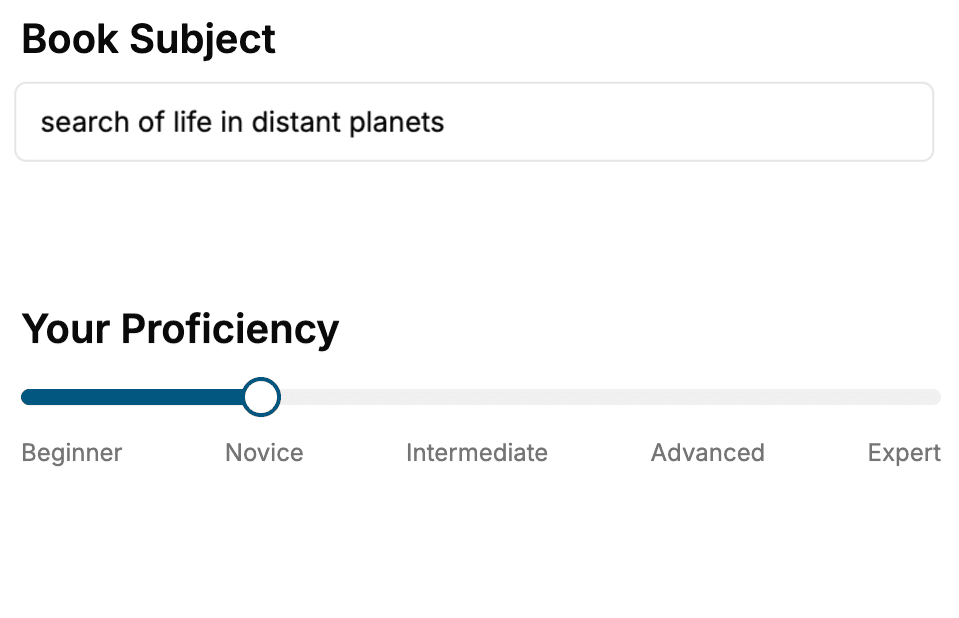
- 1. Select your focus
Select the focus of your Software Development book and share your background
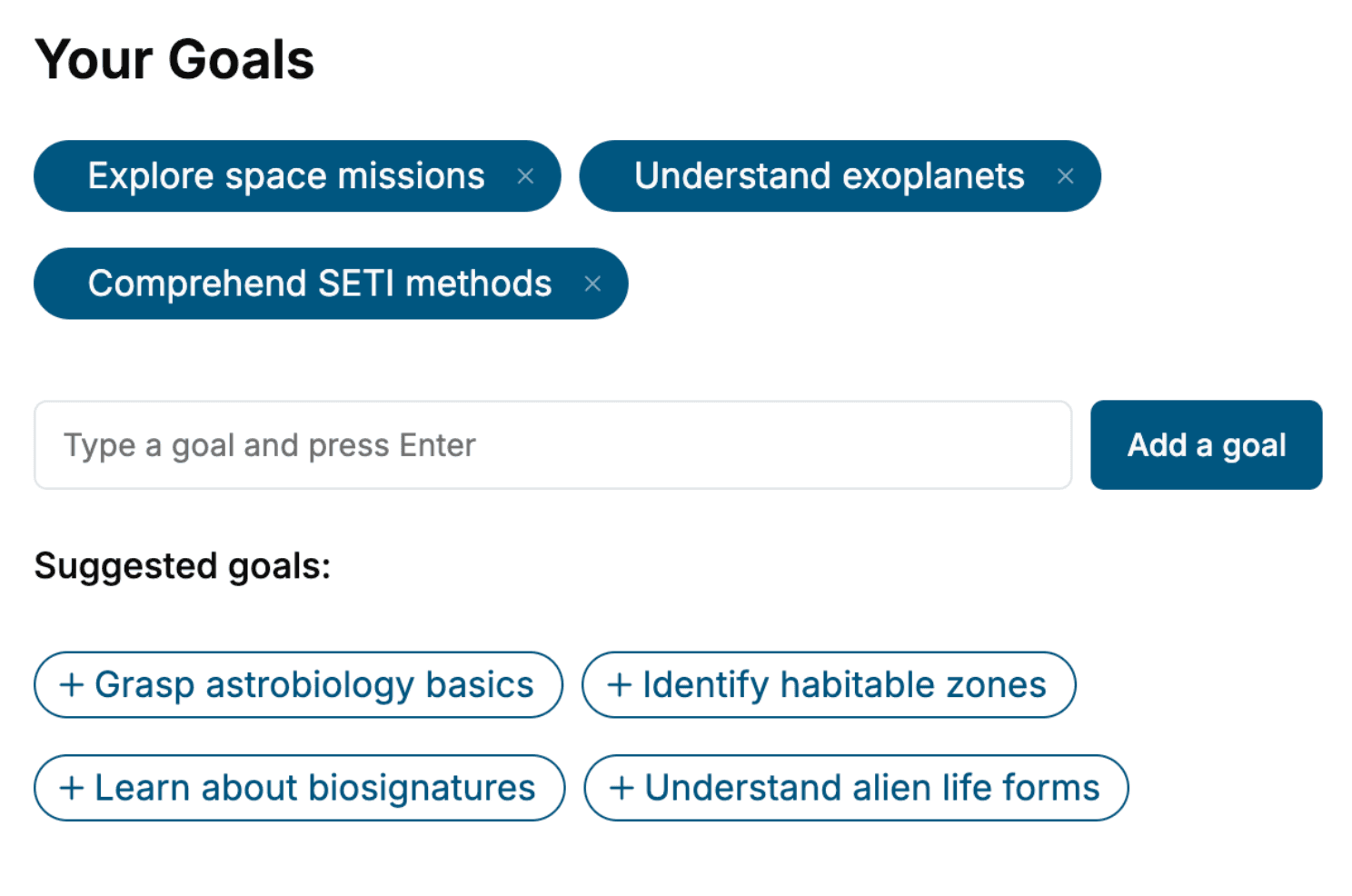
- 2. Personalize your book
Specify your goals and choose sub-topics to include
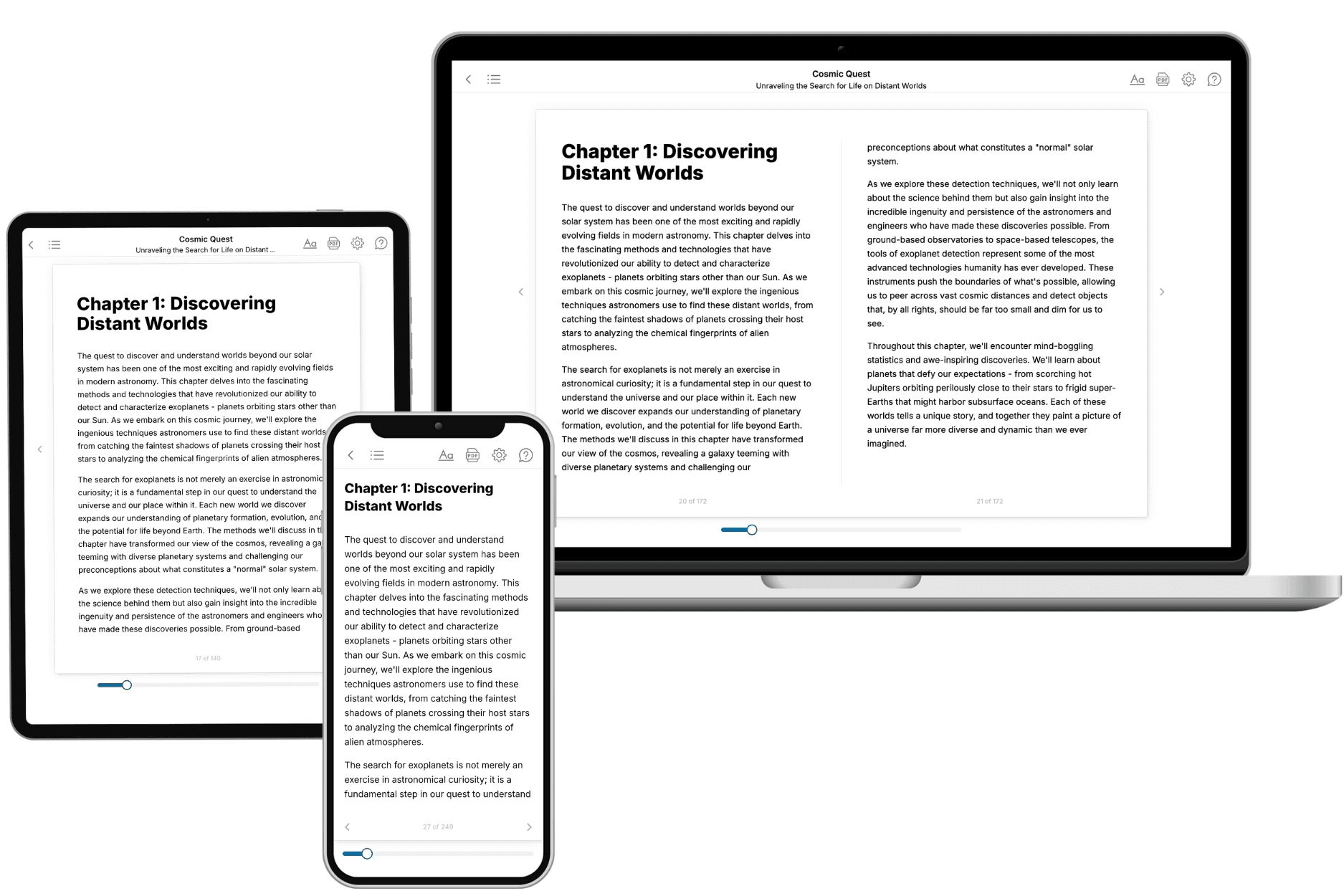
- 3. Get your tailored book
Your book is ready in 10 minutes. Read it online, download as EPUB or PDF, or send to Kindle.
Frequently asked questions
- What is TailoredRead?
TailoredRead creates complete, full-length nonfiction ebooks, written specifically for you. Tell us what you want to learn and why, and TailoredRead writes you a complete ebook on it, with charts, tables, and diagrams throughout. Read it online, on Kindle, or on any e-reader, or download it as a PDF or EPUB. Every book is written fresh the day you order it.
- How is the book tailored to me?
Before anything is written, you answer a few short questions about your goals, your background, and the topics you care about. Your book is then planned around your answers: written at your level, focused on your goals, and covering the topics you chose, instead of the one-size-fits-all book a store sells everyone.
- Will it read like generic AI content?
No. Your book isn't a chat transcript: it's planned chapter by chapter before a single word is written, told in a clear book voice, and explains ideas visually with charts, tables, and diagrams. After writing, every book goes through an editorial pass that polishes chapters so the book reads consistent from start to finish. Judge for yourself: browse thousands of sample books on our Explore Books page.
- How accurate is the content?
Our AI first checks whether your subject needs live research. Niche and fast-moving subjects are researched before writing, and the book plan and chapters are grounded in what it finds. After writing, every book goes through a quality pass that checks its facts and consistency, and researched books list their sources in a Notes section at the back.
- How long is the book?
You choose the length: Comprehensive (250-300 pages), Detailed (150-200 pages), Essential (70-100 pages), or Short (30-50 pages).
- Does the book include visuals?
Yes. Every book includes charts, tables, and diagrams: timelines, checklists, step-by-step guides, decision trees, comparison tables, matrices, and bar charts. A typical book includes dozens of these visual elements.
- Can I read it on Kindle? What formats can I download?
Yes. Every book can be read in our online reader or downloaded as a PDF or EPUB. The EPUB can be opened with Kindle, Apple Books, Kobo, and any e-reader. The Commercial and Author licenses also include an editable Word (DOCX) and Markdown download.
- How much does it cost?
About the price of a regular ebook. The exact price depends on your book's length and complexity, from $2 for the shortest books to $35 for the most comprehensive, and it's shown when you review your book, before you commit to anything. Each book is a one-time purchase, yours to keep, no subscription. Licenses that let you share, teach, or publish your book range from $35.99 to $49.99.
- Can I preview the book before purchasing?
Before you pay, you'll see what your book will cover: the title, a detailed description, the estimated length, and the complete chapter-by-chapter table of contents, so you know what you're getting before you decide. The full text itself is written after you purchase.
- How long does it take to create a book?
About 10 minutes. You can start reading the opening chapters while the rest is still being written.