SharePoint Mastery
Advanced Techniques for API Integration, WCF Services, and Taxonomy Design
Dive deep into the world of SharePoint development and elevate your skills to new heights.
284 pages15 chaptersDec 14, 2024SharePoint DevelopmentCreated by Paul
About this book
This comprehensive guide takes you on an intensive exploration of SharePoint's most powerful features and advanced development techniques. You'll gain hands-on experience with SharePoint REST API integration, allowing you to create robust and flexible solutions that leverage the full potential of SharePoint's capabilities. As you progress through the book, you'll uncover the intricacies of SharePoint WCF services, learning how to design and implement efficient communication channels between SharePoint and external applications. You'll also master the art of SharePoint taxonomy design, enabling you to create intuitive and well-structured information architectures that enhance user experience and streamline content management. With a focus on practical application, this book equips you with the knowledge and tools to optimize SharePoint's user interface and overall user experience. By the end, you'll have the expertise to architect and develop sophisticated SharePoint solutions that meet the most demanding enterprise requirements.
Table of contents
- IntroductionThe SharePoint Development Landscape, Book Overview and Learning Path, Prerequisites and Setup, SharePoint Development Best PracticesRead below
- Chapter 1: SharePoint Architecture Deep DiveCore SharePoint Components, SharePoint Data Model, SharePoint Service Applications, Scalability and Performance Considerations
- Chapter 2: SharePoint REST API FundamentalsREST API Overview and Principles, Understanding SharePoint REST Endpoints, Authentication and Authorization, CRUD Operations with REST API
- Chapter 3: Advanced REST API TechniquesBatch Operations and $batch Endpoint, Advanced OData Queries and Filtering, Error Handling and Debugging, Performance Optimization Strategies
- Chapter 4: Introduction to SharePoint WCF ServicesWCF Services Overview, WCF Architecture in SharePoint, WCF vs REST: When to Use Each, Setting Up WCF Services in SharePoint
- Chapter 5: Implementing WCF Services in SharePointDefining Service Contracts, Working with Data Contracts, Hosting WCF Services in SharePoint, Securing WCF Services
- Chapter 6: Advanced WCF Techniques in SharePointAsynchronous Programming with WCF, Error and Fault Handling, Service Throttling and Load Balancing, Monitoring and Diagnostics
- Chapter 7: SharePoint Taxonomy FundamentalsUnderstanding SharePoint Taxonomy, Term Store and Term Sets, Managed Metadata Services, Benefits of Well-Designed Taxonomies
- Chapter 8: Designing Effective SharePoint TaxonomiesPlanning Your Taxonomy Structure, Creating Hierarchical Taxonomies, Implementing Faceted Classification, Taxonomy Governance and Maintenance
- Chapter 9: Implementing and Managing TaxonomiesTerm Store Management, Programmatic Taxonomy Management, Migrating and Updating Taxonomies, Taxonomy Localization Strategies
- Chapter 10: SharePoint Information ArchitecturePrinciples of Information Architecture, Designing Effective Site Structures, Navigation Design Best Practices, Search-Driven Information Architecture
- Chapter 11: SharePoint UI/UX OptimizationResponsive Design for SharePoint, Custom Branding and Theming, Accessibility Considerations, UI Performance Tuning
- Chapter 12: Developing Custom Web PartsWeb Part Fundamentals, SharePoint Framework Web Parts, Building Web Parts with React, Packaging and Deploying Web Parts
- Chapter 13: Integrating External Data SourcesBusiness Connectivity Services Overview, Working with External Content Types, Integrating External APIs via REST, Hybrid SharePoint Integration Scenarios
- Chapter 14: Security and Compliance in SharePoint DevelopmentSharePoint Authentication Methods, Managing App Permissions, Data Protection and Privacy, Security Best Practices for Custom Solutions
- Chapter 15: Performance Optimization TechniquesCaching Strategies in SharePoint, CAML and REST Query Optimization, Resource Management and Disposal, Performance Monitoring Tools and Techniques
- ConclusionFuture Trends in SharePoint Development, Continuous Learning and Improvement
- AppendixUseful Resources and Tools, Additional Code Samples
Introduction
Welcome to "SharePoint Mastery: Advanced Techniques for API Integration, WCF Services, and Taxonomy Design." This comprehensive guide is designed to take your SharePoint development skills to the next level, providing you with the knowledge and tools necessary to create sophisticated, efficient, and scalable SharePoint solutions. As an experienced software developer with a strong foundation in software engineering, you're about to embark on a journey that will significantly enhance your expertise in SharePoint development.
In today's rapidly evolving digital landscape, SharePoint has emerged as a powerful platform for enterprise collaboration, content management, and business process automation. Its versatility and extensibility make it an indispensable tool for organizations of all sizes. However, to truly harness the full potential of SharePoint and create solutions that stand out in terms of performance, user experience, and functionality, developers need to master advanced techniques and best practices.
This book is your roadmap to achieving that mastery. We'll delve deep into the intricacies of SharePoint development, focusing on three critical areas that form the backbone of advanced SharePoint solutions: API integration, WCF services, and taxonomy design. These topics have been carefully chosen to address the most challenging aspects of SharePoint development and to equip you with the skills that are in high demand in the industry.
Throughout this book, you'll find a perfect blend of theoretical concepts and practical, hands-on examples. Each chapter is designed to build upon the previous one, gradually increasing in complexity and depth. By the time you reach the end of this book, you'll have gained a comprehensive understanding of SharePoint's architecture, mastered its most powerful APIs, learned to create efficient and secure WCF services, and developed the ability to design intuitive and scalable taxonomies.
But this book offers more than just technical knowledge. It's also about understanding the bigger picture - how these various components come together to create robust, enterprise-grade solutions. You'll learn how to make informed decisions about which technologies to use in different scenarios, how to optimize your solutions for performance and scalability, and how to implement best practices that will set your work apart.
So, whether you're looking to advance your career, tackle complex SharePoint projects, or simply satisfy your curiosity about the inner workings of this powerful platform, you've come to the right place. Let's begin this exciting journey into the world of advanced SharePoint development.
Book Overview and Learning Path
This book is structured to provide a comprehensive and logical progression through the advanced topics of SharePoint development. We've carefully designed the learning path to build your skills incrementally, starting with foundational concepts and moving towards more complex and specialized topics. Here's an overview of what you can expect from each section of the book:
We begin with a deep dive into SharePoint architecture in Chapter 1. This chapter lays the groundwork for everything that follows, providing you with a thorough understanding of SharePoint's core components, data model, service applications, and scalability considerations. This knowledge is crucial for making informed decisions as you design and develop advanced SharePoint solutions.
Chapters 2 and 3 focus on the SharePoint REST API, a cornerstone of modern SharePoint development. Chapter 2 covers the fundamentals, including API principles, endpoints, authentication, and basic operations. Chapter 3 then builds on this foundation, exploring advanced techniques such as batch operations, complex OData queries, error handling, and performance optimization. By the end of these chapters, you'll have the skills to leverage the full power of the SharePoint REST API in your solutions.
The next three chapters (4, 5, and 6) are dedicated to Windows Communication Foundation (WCF) services in SharePoint. We start with an introduction to WCF services and their role in SharePoint development, then move on to practical implementation, and finally explore advanced techniques. These chapters will equip you with the knowledge to create efficient, secure, and scalable communication channels between SharePoint and other systems.
Chapters 7, 8, and 9 delve into SharePoint taxonomy, a critical aspect of information management in SharePoint. We begin with the fundamentals of SharePoint taxonomy, then explore best practices for designing effective taxonomies, and finally cover the practical aspects of implementing and managing taxonomies. This section will enable you to create intuitive and scalable information architectures that enhance user experience and content management.
Chapter 10 broadens our focus to SharePoint information architecture as a whole. Here, we'll explore how to design effective site structures, create intuitive navigation, and leverage search-driven architectures. This chapter ties together many of the concepts from earlier in the book, showing how taxonomy and information architecture work together to create cohesive SharePoint solutions.
In Chapter 11, we turn our attention to SharePoint UI/UX optimization. You'll learn techniques for creating responsive designs, implementing custom branding, ensuring accessibility, and optimizing UI performance. This chapter is crucial for creating SharePoint solutions that not only function well but also provide an excellent user experience.
Chapter 12 focuses on developing custom web parts, a key skill for any SharePoint developer. We'll cover web part fundamentals, dive into the SharePoint Framework (SPFx), explore building web parts with React, and discuss best practices for packaging and deployment.
Chapter 13 addresses the important topic of integrating external data sources with SharePoint. We'll explore Business Connectivity Services, working with external content types, integrating external APIs, and handling hybrid SharePoint scenarios. This chapter will broaden your ability to create comprehensive solutions that leverage data from various sources.
Security and compliance are the focus of Chapter 14. Here, we'll dive into SharePoint authentication methods, app permissions, data protection strategies, and security best practices for custom solutions. In an era where data security is paramount, this chapter provides essential knowledge for creating robust and secure SharePoint solutions.
Chapter 15 rounds out our technical discussions with a deep dive into performance optimization techniques. You'll learn about caching strategies, query optimization, resource management, and performance monitoring tools. These skills are crucial for ensuring that your SharePoint solutions not only meet functional requirements but also perform efficiently at scale.
We conclude the book with a look at future trends in SharePoint development and strategies for continuous learning and improvement. The appendix provides additional resources and code samples to support your ongoing SharePoint development journey.
Throughout the book, you'll find practical examples, code snippets, and best practices that you can apply directly to your SharePoint projects. We've designed the content to be both comprehensive and accessible, allowing you to build your skills progressively as you work through the chapters.
Remember, while the book follows a logical progression, feel free to jump to specific chapters that align with your immediate needs or interests. Each chapter is designed to stand alone while also fitting into the broader narrative of advanced SharePoint development.
By the time you complete this learning path, you'll have gained a deep understanding of SharePoint's most powerful features and advanced development techniques. You'll be well-equipped to design, develop, and optimize sophisticated SharePoint solutions that meet the most demanding enterprise requirements.
Prerequisites and Setup
Before we dive into the advanced topics covered in this book, it's important to ensure that you have the necessary prerequisites in place. This section will guide you through the knowledge, skills, and tools you'll need to make the most of this book and successfully implement the techniques we'll be discussing.
First and foremost, this book assumes a solid foundation in software development and SharePoint basics. You should be comfortable with object-oriented programming concepts and have experience with at least one modern programming language, preferably C#. Familiarity with web development technologies such as HTML, CSS, and JavaScript is also essential, as many SharePoint development tasks involve client-side scripting and UI customization.
In terms of SharePoint knowledge, you should have a good understanding of SharePoint's basic concepts and features. This includes familiarity with SharePoint site collections, sites, lists, libraries, and the basics of SharePoint administration. If you're new to SharePoint or need a refresher, Microsoft's official documentation and online courses can be excellent resources to build this foundational knowledge[2].
For the development environment, you'll need access to a SharePoint environment for testing and deployment. While many of the concepts we'll cover apply to both SharePoint Online and SharePoint Server (on-premises), we'll primarily focus on SharePoint Online as part of Microsoft 365. If you don't already have access to a SharePoint Online environment, you can sign up for a Microsoft 365 developer account, which provides a free SharePoint Online developer tenant[3].
In terms of development tools, you'll need the following:
- Visual Studio 2019 or later: This will be our primary integrated development environment (IDE) for SharePoint development. The Community edition is sufficient for most tasks we'll be covering.
- SharePoint Framework (SPFx): We'll be using SPFx for client-side development. You'll need to set up your development environment for SPFx, which includes installing Node.js, npm, and the Yeoman SharePoint generator.
- SharePoint Online Management Shell: This PowerShell module is useful for various administrative tasks and some development scenarios.
- A modern web browser: While any modern browser will work, Microsoft Edge or Google Chrome are recommended for their robust developer tools.
- Postman or a similar API testing tool: This will be invaluable for testing and debugging REST API calls.
For version control and collaboration, we recommend using Git and GitHub. While not strictly necessary for following along with the book, these tools are industry standards and will be helpful if you're working on team projects or want to manage your code effectively.
In addition to these tools, you'll need to set up your development environment for SharePoint Framework development. This involves several steps:
- Install Node.js (LTS version recommended)
- Install npm (usually comes with Node.js)
- Install Yeoman and Gulp: npm install -g yo gulp
- Install the Yeoman SharePoint generator: npm install -g @microsoft/generator-sharepoint
For WCF service development, ensure that you have the necessary components installed in Visual Studio. This typically includes the ".NET desktop development" and "ASP.NET and web development" workloads.
Throughout the book, we'll be using various SharePoint APIs and services. To interact with these, you'll need to register applications in Azure Active Directory and obtain the necessary credentials. We'll guide you through this process in the relevant chapters, but it's worth familiarizing yourself with the Azure portal and the concept of app registrations in advance.
Lastly, while not strictly a prerequisite, having access to Microsoft's official documentation will be invaluable as you work through the book. Bookmark the SharePoint developer documentation page, as you'll likely refer to it frequently for additional details and up-to-date information on SharePoint APIs and services.
Remember, SharePoint development is a vast field, and technology evolves rapidly. While this book covers advanced topics in depth, it's always a good idea to stay updated with the latest developments in the SharePoint ecosystem. Following Microsoft's official blogs, participating in community forums, and regularly checking the documentation will help you stay current and complement the knowledge you gain from this book.
With these prerequisites in place, you'll be well-prepared to tackle the advanced SharePoint development techniques we'll be exploring in the coming chapters. If you find you need to brush up on any of these areas, take the time to do so before proceeding. A solid foundation will ensure you get the most out of the advanced content that follows.
SharePoint Development Best Practices
As we embark on this journey into advanced SharePoint development, it's crucial to establish a solid foundation of best practices. These guidelines will not only help you create more efficient, maintainable, and scalable solutions but also align your development approach with industry standards and Microsoft's recommendations. Let's explore some key best practices that should underpin all your SharePoint development efforts.
First and foremost, always prioritize the principle of least privilege. When developing SharePoint solutions, whether they're client-side scripts, server-side code, or full-trust solutions, always use the minimum set of permissions necessary to accomplish the task at hand. This approach enhances security by limiting the potential impact of any security breaches. For example, when using the SharePoint REST API, request only the specific permissions your application needs rather than asking for full control[4].
Secondly, embrace the "cloud-first, mobile-first" philosophy that Microsoft has been advocating for several years. This means designing your solutions with cloud deployment and mobile access in mind from the outset. Even if you're currently working in an on-premises environment, adopting this mindset will make your solutions more future-proof and easier to migrate to the cloud when the time comes. In practice, this might involve using responsive design techniques, leveraging SharePoint's modern UI elements, and designing your data structures and APIs to be cloud-friendly.
Another critical best practice is to follow SharePoint's out-of-the-box functionality and design patterns wherever possible. SharePoint provides a rich set of features and capabilities out of the box, and it's often more efficient and maintainable to configure and extend these existing features rather than building custom solutions from scratch. When custom development is necessary, strive to make your customizations look and feel like native SharePoint functionality to provide a consistent user experience.
Version control is an absolute must in SharePoint development. Use a robust version control system like Git to track changes to your code, facilitate collaboration, and maintain a history of your development process. This is particularly important when working on complex projects or in team environments. Additionally, implement a clear branching strategy to manage different versions of your code for development, testing, and production environments.
Performance optimization should be a continuous focus throughout the development process, not an afterthought. This includes writing efficient queries, implementing appropriate caching strategies, and optimizing page load times. Regular performance testing and profiling can help identify bottlenecks early in the development cycle. Remember, a solution that works well in a development environment with a small dataset may face significant performance issues when deployed to a production environment with large volumes of data and concurrent users.
Adopt a modular and reusable approach to your code. Break down your solutions into smaller, manageable components that can be easily maintained and potentially reused across different projects. This is particularly relevant when developing web parts or extensions using the SharePoint Framework. By creating modular, well-documented components, you can build a library of reusable assets that will accelerate future development efforts.
Always consider the long-term maintainability of your solutions. This includes writing clean, well-documented code, following consistent naming conventions, and providing comprehensive documentation for your solutions. Remember that you or another developer may need to maintain or extend your solution months or even years down the line. Clear, self-explanatory code and thorough documentation can save countless hours of frustration in the future.
Security should be a primary concern at every stage of development. This goes beyond just using the principle of least privilege. Implement proper input validation and sanitization to prevent cross-site scripting (XSS) attacks, use secure communication protocols, and be cautious about storing sensitive information. When working with external services or APIs, always use secure authentication methods and protect any API keys or secrets.
Embrace automated testing as part of your development process. Unit tests, integration tests, and end-to-end tests can help catch issues early, ensure the reliability of your code, and make it easier to refactor and maintain your solutions over time. Tools like Jest for JavaScript testing and MSTest for .NET can be invaluable in implementing a robust testing strategy.
Stay informed about SharePoint's deprecation policies and roadmap. Microsoft regularly updates SharePoint, sometimes deprecating older features or introducing new, more efficient ways of accomplishing tasks. By staying informed about these changes, you can ensure that your development efforts are aligned with the platform's future direction, reducing the risk of building solutions that may become obsolete or unsupported in the near future.
Lastly, actively participate in the SharePoint development community. Engage in forums, attend conferences or webinars, and contribute to open-source projects when possible. The SharePoint community is vibrant and supportive, and engaging with it can provide valuable insights, help you stay updated with the latest trends and best practices, and even open up new career opportunities.
By adhering to these best practices, you'll be well-positioned to create high-quality, efficient, and maintainable SharePoint solutions. As we delve into more advanced topics in the coming chapters, we'll continue to reinforce these principles and show how they apply in various development scenarios. Remember, best practices are not static rules but evolving guidelines. Always be open to learning and adapting your approach as the SharePoint platform and development landscape continue to evolve.
Notes
Introduction
This is the end of the free sample. The full book has 15 chapters.
Want this book written for you?
Tell us your goals and background, and get your own version of this book, tailored by AI to you.






Benefits of AI-tailored books
- Read one book, not ten:
- all the SharePoint Development knowledge you need, gathered into a single book.
- Save days of learning:
- tell us your goals, choose your topics, and the whole book is built around them.
- Learn effortlessly:
- SharePoint Development book written for your specific background and expertise.
- Understand at a glance:
- includes charts, tables, timelines, checklists, decision trees, and more.
- Stay current:
- written the day you order it, not years ago.
- Trust what you read:
- every book is checked for accuracy, with real research when your subject needs it.
Create your unique book in 3 steps
- 1. Select your focus
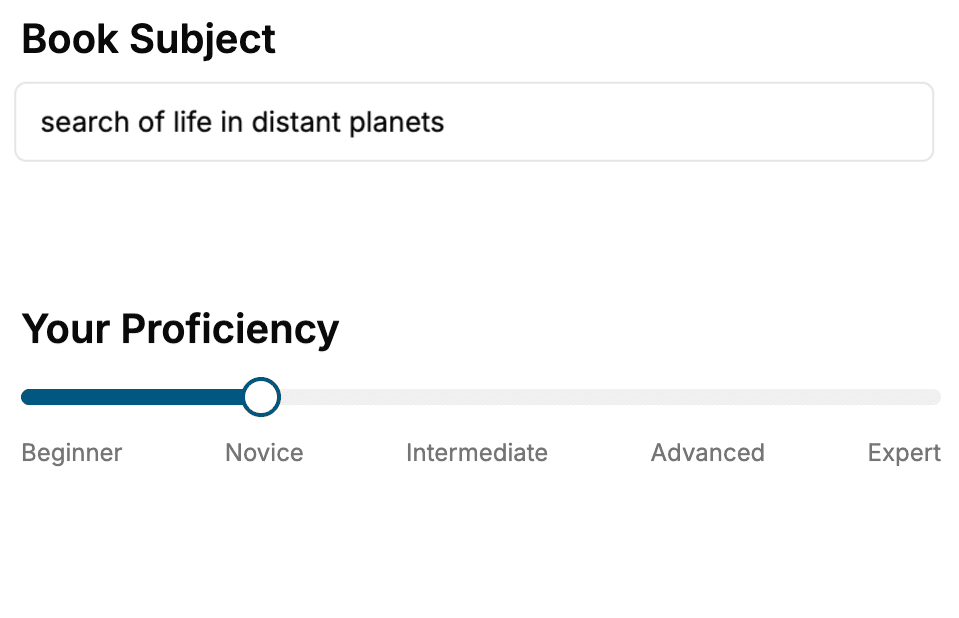
Select the focus of your SharePoint Development book and share your background
- 2. Personalize your book
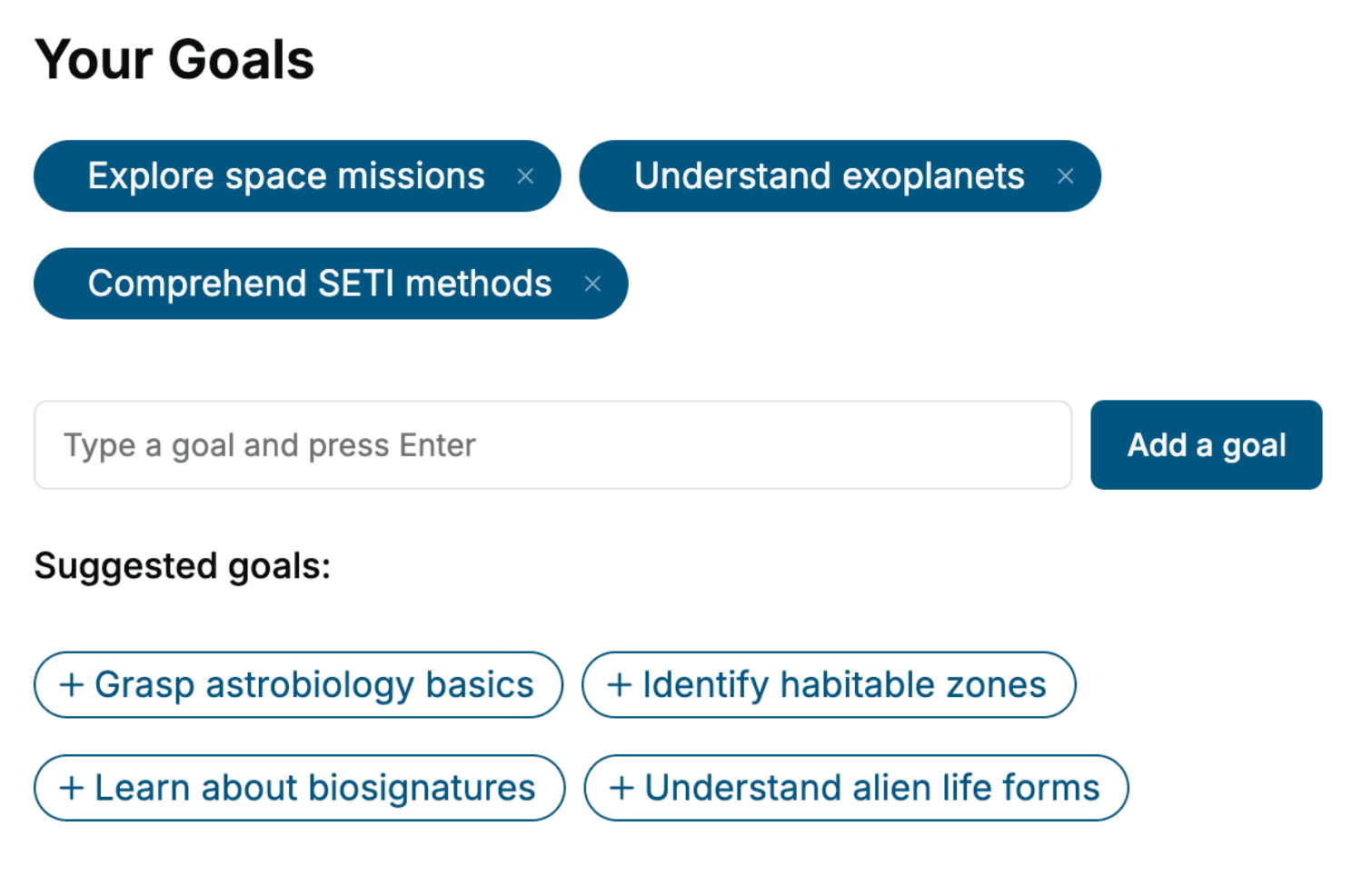
Specify your goals and choose sub-topics to include
- 3. Get your tailored book
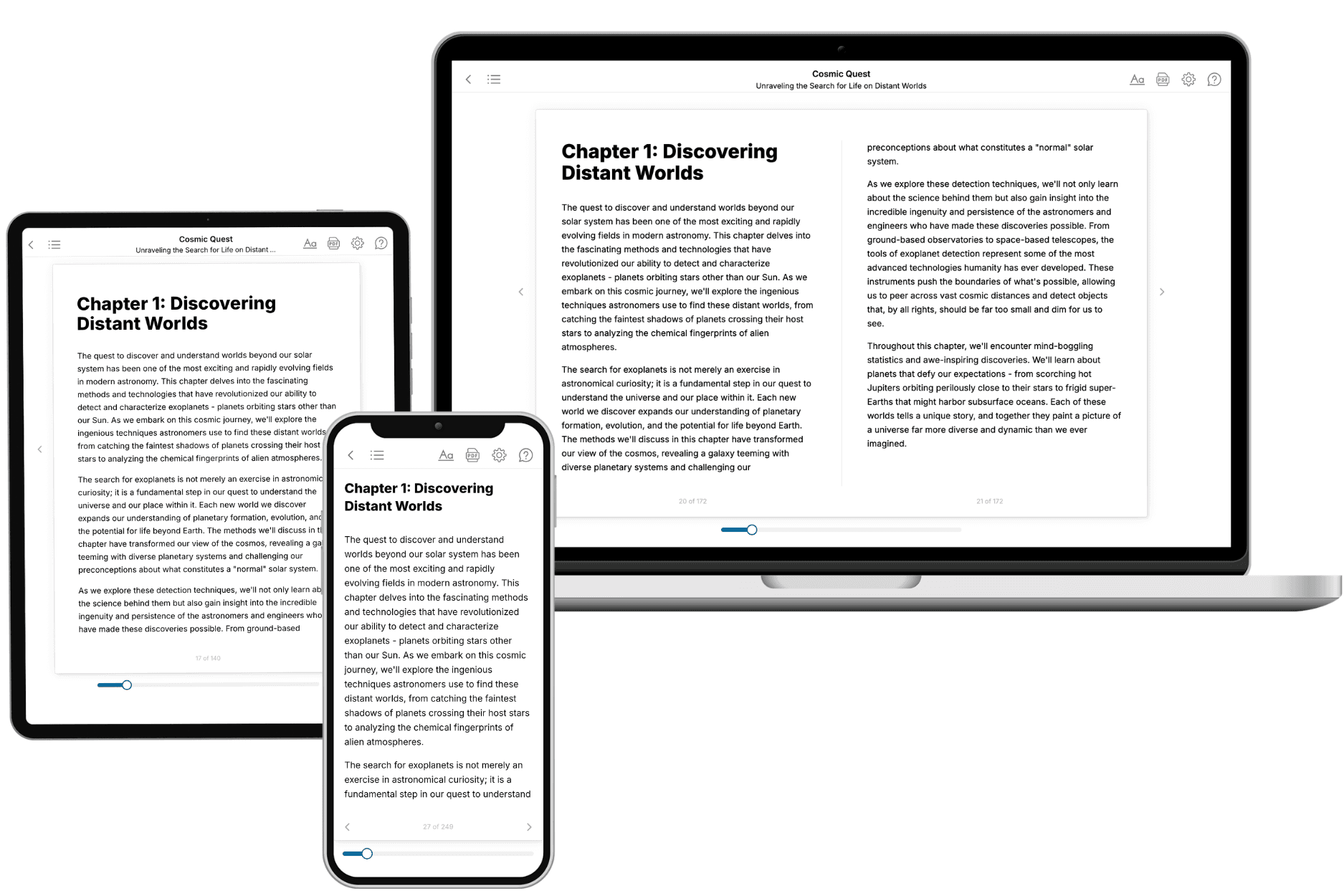
Your book is ready in 10 minutes. Read it online, download as EPUB or PDF, or send to Kindle.
Frequently asked questions
- What is TailoredRead?
TailoredRead creates complete, full-length nonfiction ebooks, written specifically for you. Tell us what you want to learn and why, and TailoredRead writes you a complete ebook on it, with charts, tables, and diagrams throughout. Read it online, on Kindle, or on any e-reader, or download it as a PDF or EPUB. Every book is written fresh the day you order it.
- How is the book tailored to me?
Before anything is written, you answer a few short questions about your goals, your background, and the topics you care about. Your book is then planned around your answers: written at your level, focused on your goals, and covering the topics you chose, instead of the one-size-fits-all book a store sells everyone.
- Will it read like generic AI content?
No. Your book isn't a chat transcript: it's planned chapter by chapter before a single word is written, told in a clear book voice, and explains ideas visually with charts, tables, and diagrams. After writing, every book goes through an editorial pass that polishes chapters so the book reads consistent from start to finish. Judge for yourself: browse thousands of sample books on our Explore Books page.
- How accurate is the content?
Our AI first checks whether your subject needs live research. Niche and fast-moving subjects are researched before writing, and the book plan and chapters are grounded in what it finds. After writing, every book goes through a quality pass that checks its facts and consistency, and researched books list their sources in a Notes section at the back.
- How long is the book?
You choose the length: Comprehensive (250-300 pages), Detailed (150-200 pages), Essential (70-100 pages), or Short (30-50 pages).
- Does the book include visuals?
Yes. Every book includes charts, tables, and diagrams: timelines, checklists, step-by-step guides, decision trees, comparison tables, matrices, and bar charts. A typical book includes dozens of these visual elements.
- Can I read it on Kindle? What formats can I download?
Yes. Every book can be read in our online reader or downloaded as a PDF or EPUB. The EPUB can be opened with Kindle, Apple Books, Kobo, and any e-reader. The Commercial and Author licenses also include an editable Word (DOCX) and Markdown download.
- How much does it cost?
About the price of a regular ebook. The exact price depends on your book's length and complexity, from $2 for the shortest books to $35 for the most comprehensive, and it's shown when you review your book, before you commit to anything. Each book is a one-time purchase, yours to keep, no subscription. Licenses that let you share, teach, or publish your book range from $35.99 to $49.99.
- Can I preview the book before purchasing?
Before you pay, you'll see what your book will cover: the title, a detailed description, the estimated length, and the complete chapter-by-chapter table of contents, so you know what you're getting before you decide. The full text itself is written after you purchase.
- How long does it take to create a book?
About 10 minutes. You can start reading the opening chapters while the rest is still being written.