Tailwind Theming Mastery
Crafting Beautiful and Flexible User Interfaces with Tailwind CSS
Picture yourself effortlessly creating stunning, responsive web designs that perfectly match your brand's aesthetic.
300 pages15 chaptersFeb 21, 2025CSS
About this book
Imagine having the power to customize every aspect of your user interface with just a few keystrokes, all while maintaining a clean and organized codebase. This is the reality that awaits you with Tailwind CSS theming. "Tailwind Theming Mastery" is your comprehensive guide to harnessing the full potential of Tailwind CSS for creating beautiful, flexible, and highly customized user interfaces. You'll discover how to leverage Tailwind's utility-first approach to rapidly build modern websites and applications, all while maintaining full control over your design system. From understanding the core concepts of Tailwind CSS to advanced theming techniques, this book covers everything you need to know to become a Tailwind theming expert. You'll learn how to create and manage custom color palettes, typography scales, and spacing systems that align perfectly with your project's unique requirements. Dive into practical examples and real-world scenarios that will help you apply these concepts to your own work immediately. Whether you're working on a small personal project or a large-scale application, "Tailwind Theming Mastery" will equip you with the knowledge and skills to create polished, professional designs with ease and efficiency. Get ready to revolutionize your approach to CSS and take your web development skills to the next level.
Table of contents
- IntroductionWhat is Tailwind CSS?, The Utility-First Approach, The Importance of Theming in Web Development, What You'll Learn in This BookRead below
- Chapter 1: Getting Started with Tailwind CSSInstalling and Setting Up Tailwind CSS, Understanding the Tailwind Configuration File, Core Utility Classes, Responsive Design with Tailwind
- Chapter 2: Color Theming in TailwindTailwind's Default Color Palette, Creating Custom Color Schemes, Working with Color Opacity, Implementing Gradients
- Chapter 3: Typography ThemingCustomizing Font Families, Defining Font Size Scales, Adjusting Line Heights, Fine-tuning Letter Spacing
- Chapter 4: Spacing and SizingCreating a Custom Spacing Scale, Customizing Width and Height, Working with Min and Max Dimensions, Configuring the Container Class
- Chapter 5: Borders and ShadowsCustomizing Border Styles, Defining Border Radius Values, Creating Custom Box Shadows, Working with Outlines
- Chapter 6: Layout ThemingCustomizing Flexbox Utilities, Tailoring Grid Systems, Fine-tuning Positioning Utilities, Managing Z-index Scales
- Chapter 7: Transitions and AnimationsCustomizing Transition Properties, Adjusting Duration and Timing Functions, Working with Transforms, Creating Custom Keyframe Animations
- Chapter 8: Extending the Default ThemeUnderstanding the Theme Structure, Adding New Utility Classes, Modifying Default Values, Creating Theme Variants
- Chapter 9: Responsive Theming TechniquesCustomizing Breakpoints, Implementing Mobile-First Designs, Creating Responsive Typography, Exploring Container Queries
- Chapter 10: Implementing Dark ModeConfiguring Dark Mode in Tailwind, Creating Dark Color Schemes, Building a Dark Mode Toggle, Respecting System Color Scheme Preferences
- Chapter 11: Working with Tailwind PluginsUnderstanding Tailwind Plugins, Exploring Official Tailwind Plugins, Creating Custom Plugins, Theming with Plugins
- Chapter 12: Optimizing Tailwind for ProductionConfiguring PurgeCSS, Minifying Your Tailwind CSS, Implementing Tree Shaking, Performance Optimization Tips
- Chapter 13: Building Design Systems with TailwindCreating Design Tokens, Developing a Component Library, Documenting Your Design System, Maintaining and Evolving Your Design System
- Chapter 14: Real-World Theming ExamplesTheming an E-commerce Site, Customizing an Admin Dashboard, Styling a Personal Portfolio, Theming a Blog Platform
- Chapter 15: The Future of Tailwind ThemingUpcoming Tailwind Features, Emerging CSS Trends and Tailwind, The Tailwind Community and Ecosystem, Staying Updated with Tailwind
- Conclusion
- Glossary
- Further Reading
Introduction
Welcome to "Tailwind Theming Mastery: Crafting Beautiful and Flexible User Interfaces with Tailwind CSS." This book is your comprehensive guide to harnessing the full potential of Tailwind CSS for creating stunning, responsive, and highly customized user interfaces. As a software developer with intermediate experience in web development, you're about to embark on a journey that will elevate your skills and transform the way you approach CSS and design in your projects.
In today's fast-paced web development landscape, creating visually appealing and highly functional user interfaces efficiently is more crucial than ever. Tailwind CSS has emerged as a game-changer in this realm, offering a utility-first approach that streamlines the design process while providing unprecedented flexibility and control. This introduction will set the stage for your deep dive into Tailwind CSS theming, outlining the core concepts, the importance of theming in modern web development, and what you can expect to learn throughout this book.
What is Tailwind CSS?
Tailwind CSS is a utility-first CSS framework that has revolutionized the way developers approach styling in web applications. Unlike traditional CSS frameworks that provide pre-designed components, Tailwind offers a vast array of low-level utility classes that you can combine to build any design, directly in your markup. This approach provides several key advantages that have contributed to its rapidly growing popularity in the web development community.
At its core, Tailwind CSS is designed to be highly customizable and flexible. It provides a set of pre-defined utility classes for common CSS properties such as margin, padding, color, typography, and more. These classes follow a consistent naming convention, making them intuitive to use and easy to remember. For example, mt-4 adds margin-top, text-lg increases font size, and bg-blue-500 sets a background color.
One of the most powerful features of Tailwind CSS is its configuration system. Through a simple JavaScript file, you can customize every aspect of your design system, including colors, spacing, breakpoints, and more. This level of customization allows you to create a unique look and feel for your projects while maintaining consistency across your codebase. The configuration file acts as a single source of truth for your design tokens, making it easier to manage and update your styles across large projects.
Tailwind CSS also embraces the concept of responsive design out of the box. Every utility class can be applied conditionally at different breakpoints, allowing you to create complex responsive layouts with ease. For instance, md:flex would apply a flex layout only on medium-sized screens and above. This mobile-first approach encourages developers to think about responsiveness from the start, resulting in more robust and adaptable designs.
Another significant advantage of Tailwind CSS is its focus on performance. While the framework generates a large number of utility classes, it includes a built-in purge feature that removes unused styles when building for production. This ensures that your final CSS bundle remains lean and optimized, containing only the styles actually used in your project. This approach combines the development speed of a comprehensive framework with the performance benefits of hand-crafted CSS.
Tailwind CSS also fosters a component-driven development approach. By combining utility classes, you can create reusable components that encapsulate both structure and style. This methodology aligns well with modern front-end frameworks and libraries like React, Vue, and Angular, allowing for a seamless integration of styling within component architecture. The result is a more maintainable and scalable codebase, where styles are tightly coupled with the components they affect.
As you delve deeper into Tailwind CSS throughout this book, you'll discover how these core principles and features come together to create a powerful theming system. You'll learn to leverage Tailwind's utility classes and configuration options to build sophisticated, custom designs that perfectly match your project's requirements. The utility-first approach, combined with Tailwind's robust theming capabilities, will empower you to create beautiful, consistent, and highly customized user interfaces with unprecedented efficiency.
The Utility-First Approach
The utility-first approach is a paradigm shift in CSS methodology that forms the foundation of Tailwind CSS. This approach challenges traditional CSS practices by prioritizing small, single-purpose utility classes over larger, more specific stylesheets. To fully appreciate the power of Tailwind CSS theming, it's crucial to understand the principles and benefits of this utility-first philosophy.
At its core, the utility-first approach involves creating a comprehensive set of low-level utility classes that correspond to single CSS properties or patterns. These utilities are then composed directly in your HTML to style elements. For example, instead of writing a custom CSS class for a button with specific padding, background color, and text color, you would apply utility classes like px-4 py-2 bg-blue-500 text-white directly to the button element. This approach offers several significant advantages that have contributed to its growing adoption in the web development community.
One of the primary benefits of the utility-first approach is the speed and efficiency it brings to the development process. With a well-designed set of utility classes at your disposal, you can rapidly prototype and iterate on designs directly in your markup. This eliminates the constant context-switching between HTML and CSS files, allowing you to focus on building your interface. As you become more familiar with the available utilities, you'll find that you can compose complex layouts and styles without writing a single line of custom CSS, significantly accelerating your development workflow.
Another key advantage of utility-first CSS is its ability to reduce CSS bloat and improve maintainability. In traditional CSS approaches, styles often accumulate over time as new features are added and designs evolve. This can lead to large, unwieldy stylesheets with redundant or conflicting rules. The utility-first approach mitigates this issue by encouraging the reuse of existing utilities rather than creating new, specific classes for each element. This results in a more consistent codebase with less duplication and lower overall file size.
The utility-first methodology also promotes better collaboration among team members. With a shared set of utility classes, designers and developers can speak a common language when discussing and implementing designs. This shared vocabulary reduces misunderstandings and streamlines the handoff process between design and development. Additionally, the self-descriptive nature of utility classes makes it easier for team members to understand and modify existing styles without having to decipher complex CSS selectors or navigate through multiple stylesheets.
Contrary to common misconceptions, the utility-first approach does not preclude the use of semantic class names or component-based architecture. In fact, it complements these practices by providing a flexible foundation upon which to build more complex components. As your project grows, you can easily extract commonly used combinations of utilities into reusable components or apply semantic class names that aggregate multiple utilities. This allows you to maintain the benefits of utility-first CSS while still adhering to principles of semantic markup and component-driven development.
The utility-first approach also aligns well with modern CSS practices and browser capabilities. Many utility classes map directly to CSS custom properties (variables), making it easier to create dynamic and theme-able interfaces. Furthermore, the granular nature of utility classes works harmoniously with CSS-in-JS solutions and CSS Modules, providing flexibility in how styles are authored and scoped within a project.
As you progress through this book and delve deeper into Tailwind CSS theming, you'll see how the utility-first approach forms the bedrock of Tailwind's powerful theming capabilities. You'll learn to leverage this methodology to create highly customized, responsive, and maintainable user interfaces. The combination of utility-first principles with Tailwind's robust configuration system will empower you to build design systems that are both flexible and consistent, adapting to the unique needs of each project while maintaining a cohesive visual language.
The Importance of Theming in Web Development
Theming has become an increasingly critical aspect of modern web development, playing a pivotal role in creating cohesive, brand-aligned, and user-friendly interfaces. As web applications grow in complexity and scale, the ability to efficiently manage and customize the visual aspects of a project has become paramount. Understanding the importance of theming and mastering its implementation can significantly enhance your capabilities as a web developer and elevate the quality of your projects.
At its core, theming in web development refers to the systematic approach of defining and applying consistent visual styles across an entire application or website. This encompasses everything from color schemes and typography to spacing, layout, and interactive elements. A well-implemented theming system serves as the foundation for creating a unified user experience, reinforcing brand identity, and ensuring design consistency across different parts of an application. In the context of Tailwind CSS, theming takes on an even more powerful role, allowing for unprecedented levels of customization and flexibility.
One of the primary benefits of robust theming is the ability to maintain design consistency at scale. As web applications grow larger and more complex, ensuring a consistent look and feel across all components and pages becomes increasingly challenging. A well-structured theme acts as a single source of truth for design decisions, reducing inconsistencies and making it easier to implement global style changes. This is particularly valuable in large-scale projects or when working with distributed teams, where maintaining design coherence can be a significant challenge.
Theming also plays a crucial role in brand alignment and identity. In today's competitive digital landscape, a strong and consistent brand presence is essential for standing out and building user trust. A comprehensive theming system allows you to easily infuse your brand's visual identity – including colors, typography, and other design elements – throughout your web application. This not only reinforces brand recognition but also creates a more immersive and cohesive user experience that aligns with your overall brand strategy.
Another key aspect of theming is its contribution to accessibility and user experience. A well-designed theme can significantly improve the readability and usability of your web application. By defining appropriate color contrasts, font sizes, and spacing, you can ensure that your interface is accessible to a wide range of users, including those with visual impairments. Furthermore, theming allows for the implementation of features like dark mode, which can enhance user comfort and reduce eye strain in low-light conditions. The ability to easily switch between different themes (e.g., light and dark modes) demonstrates the flexibility and user-centric approach that modern web applications should strive for.
In the context of development efficiency, a robust theming system can dramatically streamline the design and development process. By establishing a set of predefined design tokens and styles, developers can quickly implement new features or components that automatically align with the overall design system. This reduces the need for repetitive styling work and minimizes the risk of introducing visual inconsistencies. Additionally, when design changes are required, having a centralized theming system allows for global updates to be made efficiently, propagating changes across the entire application with minimal effort.
Theming also facilitates better collaboration between designers and developers. By creating a shared language of design tokens and styles, theming bridges the gap between design tools and code implementation. This shared vocabulary reduces misunderstandings and streamlines the handoff process, resulting in more accurate implementations of design intentions. Moreover, a well-documented theming system can serve as a living style guide, providing clear references for both designers and developers throughout the project lifecycle.
As web applications increasingly cater to global audiences, theming plays a crucial role in internationalization and localization efforts. A flexible theming system allows for easy adaptation of visual styles to suit different cultural preferences or regulatory requirements across various regions. This might include adjusting color schemes, typography, or layout to align with local expectations or legal mandates, ensuring that your application resonates with users across different geographical and cultural contexts.
In the realm of performance optimization, thoughtful theming can contribute to improved load times and overall application efficiency. By centralizing style definitions and leveraging modern CSS features like custom properties, you can reduce CSS file sizes and improve rendering performance. Tailwind CSS, with its utility-first approach and built-in optimization features, takes this a step further by allowing for the creation of highly efficient, purged stylesheets that contain only the styles actually used in your project.
As you progress through this book and delve into the intricacies of Tailwind CSS theming, you'll discover how these principles of effective theming are seamlessly integrated into Tailwind's architecture. You'll learn to leverage Tailwind's powerful configuration system and utility classes to create flexible, maintainable, and highly customized themes that elevate your web development projects to new heights of design sophistication and technical excellence.
What You'll Learn in This Book
"Tailwind Theming Mastery" is designed to take you on a comprehensive journey through the world of Tailwind CSS theming. Whether you're looking to enhance your existing Tailwind skills or diving into utility-first CSS for the first time, this book will equip you with the knowledge and techniques to create stunning, customized user interfaces with unprecedented efficiency. Let's take a closer look at what you can expect to learn as you progress through the chapters of this book.
We'll begin by laying a solid foundation with an in-depth exploration of Tailwind CSS basics. You'll learn how to set up Tailwind in your projects, understand the structure of the configuration file, and get acquainted with core utility classes. This initial section will ensure you have a strong grasp of the fundamental concepts that underpin Tailwind's theming capabilities. You'll discover how Tailwind's responsive design utilities work, allowing you to create adaptive layouts with ease.
As we delve deeper, you'll master the art of color theming in Tailwind. We'll explore Tailwind's default color palette and show you how to create custom color schemes that perfectly align with your brand or project requirements. You'll learn techniques for working with color opacity and implementing gradients, giving you fine-grained control over your application's visual aesthetics. This knowledge will enable you to create vibrant, harmonious color schemes that enhance user experience and reinforce brand identity.
Typography plays a crucial role in web design, and you'll learn how to leverage Tailwind's typography theming capabilities to their fullest. We'll cover customizing font families, defining font size scales, adjusting line heights, and fine-tuning letter spacing. These skills will empower you to create typographic systems that are both visually appealing and highly readable across various devices and screen sizes.
Spacing and sizing are fundamental aspects of layout design, and Tailwind provides powerful tools for customizing these elements. You'll learn how to create custom spacing scales, work with width and height utilities, and configure the container class to your specific needs. We'll also explore techniques for working with minimum and maximum dimensions, giving you the flexibility to create layouts that are both aesthetically pleasing and functionally robust.
The book will guide you through the process of customizing borders and shadows, allowing you to add depth and dimension to your designs. You'll learn how to define border styles, create custom border radius values, and craft box shadows that enhance the visual hierarchy of your interface elements. These techniques will help you create polished, professional-looking designs that stand out from the crowd.
We'll dedicate a significant portion of the book to advanced layout theming techniques. You'll master the art of customizing flexbox and grid utilities, fine-tune positioning, and learn how to manage z-index scales effectively. These skills will enable you to create complex, responsive layouts that adapt seamlessly to different screen sizes and device orientations.
Animations and transitions can greatly enhance user experience, and you'll learn how to implement them effectively using Tailwind. We'll cover customizing transition properties, adjusting duration and timing functions, working with transforms, and creating custom keyframe animations. These techniques will allow you to add subtle, engaging motion to your interfaces, improving usability and user engagement.
As you progress, you'll learn how to extend Tailwind's default theme to create truly unique designs. We'll explore the theme structure in depth, showing you how to add new utility classes, modify default values, and create theme variants. This knowledge will give you the power to tailor Tailwind to your exact specifications, creating a custom framework that aligns perfectly with your project's needs.
Responsive design is crucial in today's multi-device world, and you'll master responsive theming techniques with Tailwind. We'll cover customizing breakpoints, implementing mobile-first designs, creating responsive typography, and exploring the potential of container queries. These skills will ensure your designs look great and function flawlessly across all screen sizes.
Dark mode has become increasingly popular, and you'll learn how to implement it effectively using Tailwind. We'll guide you through configuring dark mode, creating dark color schemes, building a dark mode toggle, and respecting system color scheme preferences. This knowledge will allow you to create interfaces that are comfortable to use in various lighting conditions, enhancing accessibility and user comfort.
Tailwind's plugin system is a powerful tool for extending its capabilities, and you'll learn how to leverage it effectively. We'll explore official Tailwind plugins, show you how to create custom plugins, and demonstrate how to use plugins for theming. This will enable you to extend Tailwind's functionality and create reusable design patterns that can be shared across projects.
Performance is crucial for modern web applications, and you'll learn how to optimize Tailwind for production. We'll cover configuring PurgeCSS, minifying your Tailwind CSS, implementing tree shaking, and other performance optimization tips. These techniques will ensure your Tailwind-based projects are lean, fast, and efficient.
Towards the end of the book, we'll explore how to build comprehensive design systems with Tailwind. You'll learn about creating design tokens, developing a component library, documenting your design system, and strategies for maintaining and evolving it over time. This knowledge will be invaluable for creating scalable, consistent design languages for large-scale projects or organizations.
Finally, we'll look at real-world theming examples, applying the knowledge you've gained to practical scenarios such as theming an e-commerce site, customizing an admin dashboard, styling a personal portfolio, and theming a blog platform. These examples will help you see how the concepts and techniques you've learned can be applied in diverse, real-world contexts.
By the end of this book, you'll have a deep understanding of Tailwind CSS theming and the skills to create beautiful, flexible, and highly customized user interfaces. You'll be equipped to tackle complex design challenges, optimize your workflow, and push the boundaries of what's possible with CSS. Whether you're working on personal projects or large-scale applications, the knowledge you gain from "Tailwind Theming Mastery" will be an invaluable asset in your web development toolkit.
This is the end of the free sample. The full book has 15 chapters.
Want this book written for you?
Tell us your goals and background, and get your own version of this book, tailored by AI to you.






Benefits of AI-tailored books
- Read one book, not ten:
- all the CSS knowledge you need, gathered into a single book.
- Save days of learning:
- tell us your goals, choose your topics, and the whole book is built around them.
- Learn effortlessly:
- CSS book written for your specific background and expertise.
- Understand at a glance:
- includes charts, tables, timelines, checklists, decision trees, and more.
- Stay current:
- written the day you order it, not years ago.
- Trust what you read:
- every book is checked for accuracy, with real research when your subject needs it.
Create your unique book in 3 steps
- 1. Select your focus
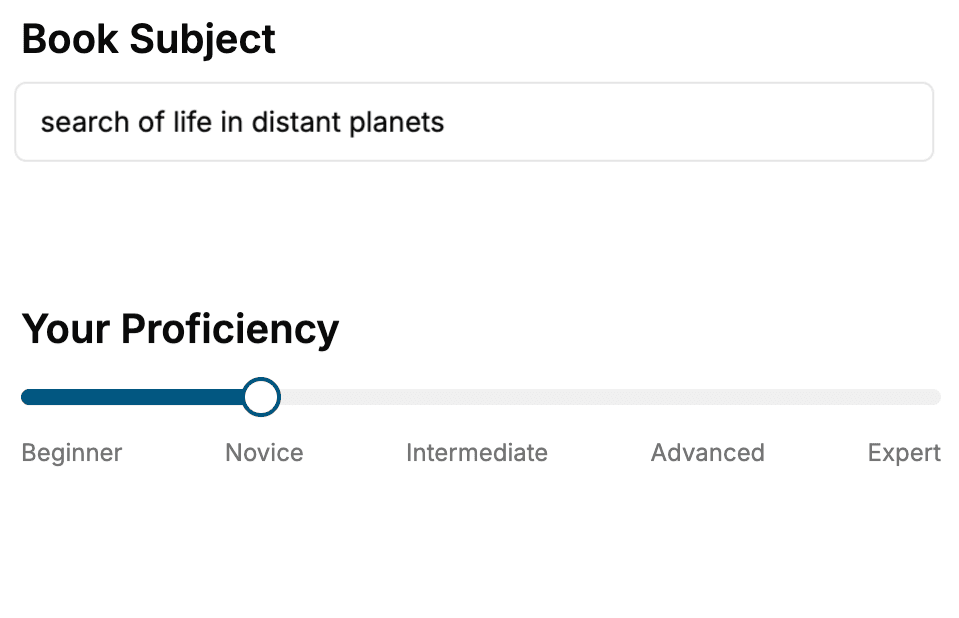
Select the focus of your CSS book and share your background
- 2. Personalize your book
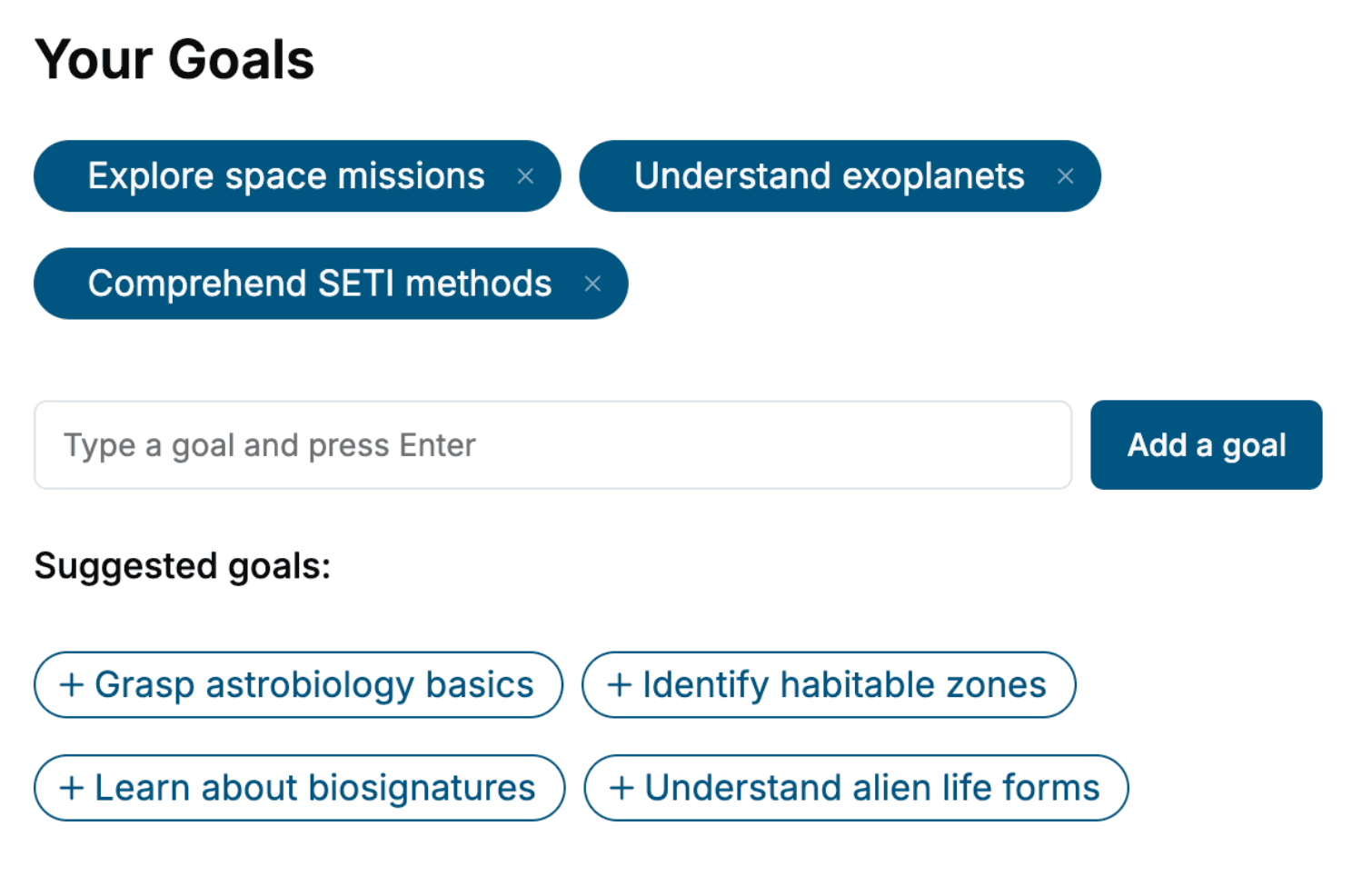
Specify your goals and choose sub-topics to include
- 3. Get your tailored book
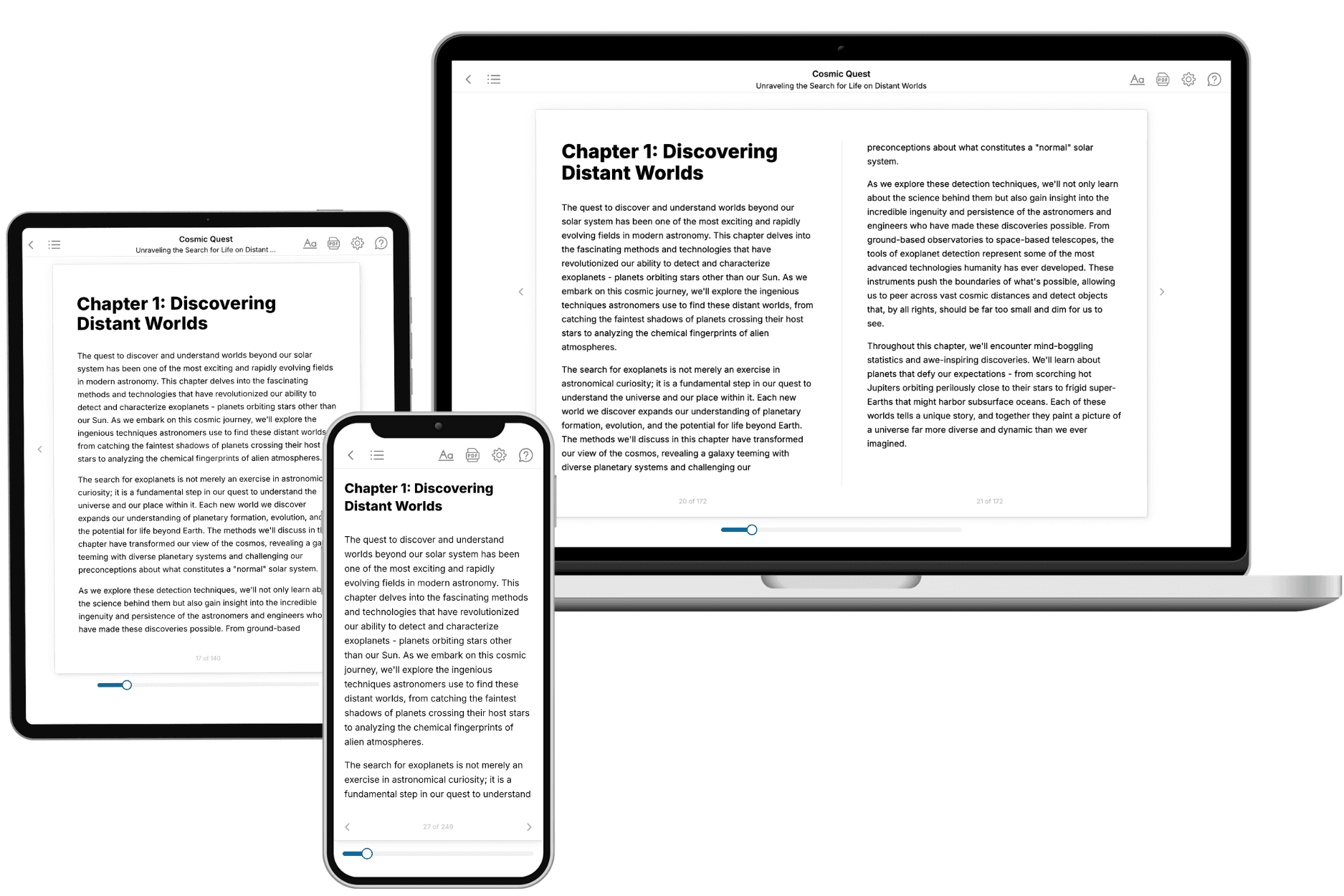
Your book is ready in 10 minutes. Read it online, download as EPUB or PDF, or send to Kindle.
Frequently asked questions
- What is TailoredRead?
TailoredRead creates complete, full-length nonfiction ebooks, written specifically for you. Tell us what you want to learn and why, and TailoredRead writes you a complete ebook on it, with charts, tables, and diagrams throughout. Read it online, on Kindle, or on any e-reader, or download it as a PDF or EPUB. Every book is written fresh the day you order it.
- How is the book tailored to me?
Before anything is written, you answer a few short questions about your goals, your background, and the topics you care about. Your book is then planned around your answers: written at your level, focused on your goals, and covering the topics you chose, instead of the one-size-fits-all book a store sells everyone.
- Will it read like generic AI content?
No. Your book isn't a chat transcript: it's planned chapter by chapter before a single word is written, told in a clear book voice, and explains ideas visually with charts, tables, and diagrams. After writing, every book goes through an editorial pass that polishes chapters so the book reads consistent from start to finish. Judge for yourself: browse thousands of sample books on our Explore Books page.
- How accurate is the content?
Our AI first checks whether your subject needs live research. Niche and fast-moving subjects are researched before writing, and the book plan and chapters are grounded in what it finds. After writing, every book goes through a quality pass that checks its facts and consistency, and researched books list their sources in a Notes section at the back.
- How long is the book?
You choose the length: Comprehensive (250-300 pages), Detailed (150-200 pages), Essential (70-100 pages), or Short (30-50 pages).
- Does the book include visuals?
Yes. Every book includes charts, tables, and diagrams: timelines, checklists, step-by-step guides, decision trees, comparison tables, matrices, and bar charts. A typical book includes dozens of these visual elements.
- Can I read it on Kindle? What formats can I download?
Yes. Every book can be read in our online reader or downloaded as a PDF or EPUB. The EPUB can be opened with Kindle, Apple Books, Kobo, and any e-reader. The Commercial and Author licenses also include an editable Word (DOCX) and Markdown download.
- How much does it cost?
About the price of a regular ebook. The exact price depends on your book's length and complexity, from $2 for the shortest books to $35 for the most comprehensive, and it's shown when you review your book, before you commit to anything. Each book is a one-time purchase, yours to keep, no subscription. Licenses that let you share, teach, or publish your book range from $35.99 to $49.99.
- Can I preview the book before purchasing?
Before you pay, you'll see what your book will cover: the title, a detailed description, the estimated length, and the complete chapter-by-chapter table of contents, so you know what you're getting before you decide. The full text itself is written after you purchase.
- How long does it take to create a book?
About 10 minutes. You can start reading the opening chapters while the rest is still being written.