The 3D Printing Software Playbook
Master Design, Slicing, and Production Management in the Age of AI-Driven Manufacturing
You're standing at the intersection of design and manufacturing, where software decisions directly impact print quality, production speed, and material costs.
222 pages10 chaptersAug 14, 20263D Printing
About this book
This book guides you through the complete 3D printing software ecosystem—from selecting the right CAD tools for parametric vs. organic design, to mastering advanced slicing techniques with AI optimization, to managing fleets of printers across distributed locations. You'll discover how leading platforms like Ultimaker, Prusa Research, and Materialise are reshaping workflows, learn to leverage AI agents for automated parameter tuning, and understand the digital thread that connects design through manufacturing execution. Whether you're optimizing support structures, repairing AI-generated meshes, or coordinating production across multiple machines, this playbook provides the practical knowledge and strategic insights to make informed software choices and maximize your manufacturing capabilities in 2026 and beyond.
Table of contents
- IntroductionWhy 3D Printing Software Matters More Than Ever, The Evolving Software Landscape in 2026, How to Use This BookRead below
- Chapter 1: The Three Pillars of 3D Printing SoftwareDesign and CAD: The Foundation, Slicing and Optimization: The Bridge, Fleet Management: The Control Center
- Chapter 2: Mastering CAD and Design ToolsParametric Design vs. Sculpting: Choosing Your Approach, Popular CAD Platforms and Their Strengths, Preparing Models for Manufacturing
- Chapter 3: AI-Generated Models and Mesh RepairText-to-3D and Image-to-3D Generation, Mesh Repair Essentials: Fixing Holes and Normals, Validation Workflow Before Slicing
- Chapter 4: Understanding Slicing FundamentalsWhat Is Slicing and Why It Matters, G-Code Explained: Machine-Readable Instructions, File Formats: STL, OBJ, 3MF, and Beyond
- Chapter 5: Advanced Slicing Techniques and AI OptimizationAdaptive Layer Height and Dynamic Optimization, Support Generation and Tree Supports, AI-Driven Parameter Tuning and Automation
- Chapter 6: Leading Slicing Platforms and ToolsUltimaker Cura: Open-Source Power and Community, PrusaSlicer: Optimization for Production, Materialise Magics: Industrial-Grade Build Processing
- Chapter 7: Fleet Management and Production ControlFleet Management Platforms: Real-Time Monitoring, The Digital Thread: Design to Execution, Data Analytics and Production Insights
- Chapter 8: AI Agents and Cloud-Based OrchestrationAI Agents: Automating Workflow Coordination, Cloud Platforms and Collaborative Workflows, Industry 4.0 Integration and Smart Manufacturing
- Chapter 9: Choosing the Right Software Stack for Your NeedsOpen-Source vs. Proprietary: Making the Trade-Off, Prototyping vs. Production-Scale Considerations, Integration and Compatibility Across Platforms
- Chapter 10: Practical Workflows and Best PracticesBuilding Your End-to-End Workflow, Quality Control and Continuous Optimization, Troubleshooting Common Software and Print Issues
- ConclusionThe Future of 3D Printing Software, Your Next Steps
- Glossary
- Further Reading and Resources
Introduction
A 3D printer sitting idle because of a bad slicing profile costs more than the filament it wastes. It costs time, confidence, and often a reprint that nobody scheduled. The hardware gets most of the attention in conversations about 3D printing, but the software stack sitting behind every successful print is where the real decisions happen. Choose the wrong slicer settings, skip a mesh validation step, or ignore the data coming off your printer fleet, and even the most capable machine will underperform. Get the software right, and a modest printer can produce results that rival far more expensive equipment.
This book is built around a simple but important observation: 3D printing software has grown into a discipline of its own. It is no longer enough to download a free slicer, load an STL file, and hit print. The field now spans three interconnected domains, each with its own tools, logic, and best practices. Design and CAD tools shape what you can build. Slicing and optimization software determines how reliably and efficiently you build it. Fleet management and production control platforms decide whether you can build it at scale, consistently, across multiple machines and locations. Mastering all three is what separates a hobbyist workflow from a production-grade operation.
AI is accelerating every part of this picture. Automated parameter tuning, generative model creation, cloud-based orchestration, and real-time monitoring are no longer experimental features reserved for large manufacturers. They are becoming standard capabilities that intermediate users and production managers need to understand and apply. This book covers all of it, from the foundational mechanics of G-code and file formats to the emerging world of AI Orchestration Agents and Industry 4.0 Integration. The goal is not to overwhelm you with options but to give you a clear map of the landscape so you can make confident, informed decisions about your own software stack.
Whether you are optimizing support structures for a complex organic geometry, evaluating whether Ultimaker Cura or PrusaSlicer better fits your workflow, or trying to understand how a Digital Thread connects your design files to your production floor, this book gives you the practical knowledge to move forward. Each chapter focuses on a specific layer of the software ecosystem, building toward a complete picture that you can apply immediately.
Why 3D Printing Software Matters More Than Ever
Hardware improvements in 3D printing have been dramatic over the past decade. Print speeds have increased, material options have expanded, and machine reliability has improved significantly. But hardware alone does not determine output quality. The software that prepares, controls, and monitors a print job is equally responsible for the final result. A well-tuned software workflow can extract better performance from an average machine than a poorly configured workflow can from a premium one.
Consider what happens between a designer finishing a model and a printer producing a physical part. The model must be exported in a compatible file format, checked for mesh errors, imported into a slicer, configured with dozens of parameters, converted into G-code, and sent to the machine. Each of those steps is a potential failure point. A single non-manifold edge in the mesh can cause the slicer to generate incorrect toolpaths. A misconfigured support strategy can make a part impossible to remove cleanly. An incorrect layer height setting can add hours to a print that should have taken minutes. Software decisions govern all of these outcomes.
The stakes are even higher at production scale. When you are running a fleet of ten or twenty printers across multiple shifts, a software misconfiguration does not affect one print. It affects every job queued behind it. Fleet Management platforms exist precisely because manual oversight of multi-printer operations becomes unmanageable without software coordination. Real-time monitoring, automated job routing, and centralized parameter control are not luxuries at that scale. They are operational necessities.
AI is changing the calculus further. Tools that automatically adjust slicing parameters based on geometry and material properties are reducing the expertise barrier for complex prints. Text-to-3D Generation and Image-to-3D Generation tools are making model creation accessible to people without CAD training. But these tools also introduce new risks, particularly around mesh quality, that require a solid understanding of Pre-Slice Validation to manage. The software landscape is more capable than ever, and more complex than ever, at the same time.
The practical implication is straightforward: investing time in understanding your software stack pays dividends that hardware upgrades often cannot match. A manufacturer who deeply understands Materialise Magics and its build processor technology will consistently outperform a competitor running the same printers with a poorly configured open-source setup. Software knowledge is a competitive advantage, and it compounds over time as you refine your workflows and build institutional knowledge around your specific materials and geometries.
The printer executes instructions. The software writes them. Every quality problem, every failed print, and every efficiency gain traces back to a decision made in software before the machine ever started moving.
This is also why the Open-Source vs. Proprietary Trade-Off matters so much in practice. Open-source platforms like Ultimaker Cura offer flexibility, community-driven development, and broad hardware compatibility. Proprietary platforms offer manufacturer-optimized profiles, integrated support, and often tighter quality control for specific use cases. Neither is universally better. The right answer depends on your printers, your materials, your team's expertise, and your production goals. Understanding the trade-offs clearly is the first step toward making a choice you will not regret six months later.
Software also determines how well your operation scales. A workflow that works perfectly for one printer and one operator often breaks down when you add machines, team members, or remote locations. Cloud-Based Collaboration tools and Digital Thread connectivity are what make scaling possible without proportionally scaling your management overhead. Getting familiar with these concepts early, even if you are not yet operating at scale, positions you to grow without rebuilding your entire workflow from scratch.
The Evolving Software Landscape in 2026
The 3D printing software market has shifted considerably in a short period. What was once a relatively simple ecosystem of CAD tools and basic slicers has expanded into a layered landscape of specialized platforms, AI-powered modules, and cloud-connected production systems. The major players have grown more distinct in their positioning, and new entrants are targeting specific gaps in the workflow with focused solutions.
On the slicing side, three platforms dominate most professional conversations. Ultimaker Cura remains the most widely used open-source slicer, with a large community and an extensive plugin ecosystem. PrusaSlicer has built a strong reputation for print quality optimization and has expanded well beyond its original focus on Prusa Research hardware. Materialise Magics occupies the industrial end of the spectrum, offering build processor technology and advanced mesh handling that production environments depend on. Each of these platforms is covered in depth in the chapter dedicated to leading slicing platforms.
The design side of the ecosystem is equally varied. Parametric CAD tools like Autodesk Fusion 360 give engineers precise dimensional control and the ability to create models that update automatically when parameters change. Sculpting and Mesh Tools like Meshmixer serve organic and artistic workflows where freeform shaping matters more than dimensional precision. The choice between these approaches is not just a matter of preference. It fundamentally shapes what kinds of models you can create efficiently and how those models behave downstream in the slicing and validation process.
AI-generated models represent one of the most significant new inputs to the workflow. Text-to-3D Generation and Image-to-3D Generation tools can produce printable geometry from a text prompt or a photograph, dramatically lowering the barrier to model creation. However, these outputs almost always require Mesh Repair before they are ready to slice. Non-manifold geometry, inverted normals, and thin walls are common artifacts of AI generation pipelines. Understanding this limitation is not a criticism of the technology. It is a practical requirement for anyone who wants to use these tools reliably.
Fleet management has emerged as its own software category, driven by the growth of production-scale additive manufacturing. Platforms in this space provide real-time monitoring of printer status, automated job queuing, material tracking, and utilization analytics. The Digital Thread concept, which connects design intent through manufacturing execution and into quality records, is becoming a standard expectation in industrial settings. Tools like AddiTrak from 3D Systems represent the current state of this category, and the chapter on Fleet Management and Production Control explores how these platforms work in practice.
AI Orchestration Agents are the newest layer in the stack. Platforms like the Whisper AI Platform from Authentise are designed to coordinate multi-step workflows automatically, routing jobs, adjusting parameters, and flagging anomalies without requiring constant human intervention. These tools are most relevant for high-volume production environments, but their underlying logic, automating decisions that were previously made manually, is relevant to anyone thinking about how their workflow will scale.
Industry 4.0 Integration is the broader context in which all of this is happening. 3D printing is increasingly being connected to enterprise manufacturing systems, ERP platforms, and quality management software. This integration enables data-driven decision-making across the entire production chain, from design revision to final inspection. For production managers, understanding how 3D printing software fits into this larger ecosystem is becoming as important as understanding the software itself.
The market is also growing rapidly. The slicing software segment alone is on a strong upward trajectory, reflecting the broader expansion of additive manufacturing from prototyping into production. This growth is attracting new investment and new entrants, which means the landscape will continue to evolve. The frameworks and principles covered in this book are designed to remain useful even as specific tools change, because they focus on understanding the underlying logic of each software layer rather than memorizing the features of any single platform.
One pattern worth noting across all of these developments is the convergence of previously separate tools. Slicers are adding AI optimization modules. CAD platforms are integrating mesh repair capabilities. Fleet management systems are incorporating slicing functions. The boundaries between software categories are blurring, and the most capable workflows in 2026 are the ones that connect these layers seamlessly rather than treating them as isolated tools.
How to Use This Book
This book is organized around the Three-Pillar Framework that structures the entire 3D printing software ecosystem: Design, Slicing, and Fleet Management. Each pillar gets dedicated coverage, and the chapters build on each other in a logical sequence. That said, the book is also designed to be useful as a reference. If you already have a strong foundation in CAD and want to go straight to advanced slicing techniques, you can do that. If fleet management is your immediate priority, the chapters on production control and AI orchestration stand on their own.
Here is a quick map of what each part of the book covers, so you can navigate to what matters most for your situation right now:
- The Three-Pillar Framework (Chapter 1) establishes the organizing logic for the entire book. Read this first if you are new to thinking about 3D printing software as a system rather than a collection of individual tools.
- CAD and Design Tools (Chapter 2) covers Parametric CAD vs. Sculpting and Mesh Tools, platform selection, and how to prepare models for manufacturing. This is the foundation of the design pillar.
- AI-Generated Models and Mesh Repair (Chapter 3) addresses Text-to-3D Generation, Image-to-3D Generation, and the Mesh Repair and Pre-Slice Validation workflow that AI outputs require before slicing.
- Slicing Fundamentals (Chapter 4) builds the foundational literacy you need to understand what Slicing does, how G-code works, and why file formats like STL, OBJ, and 3MF matter.
- Advanced Slicing and AI Optimization (Chapter 5) covers Adaptive Layer Height, Tree Supports, and AI-Driven Parameter Tuning for readers ready to move beyond basic slicer settings.
- Leading Slicing Platforms (Chapter 6) profiles Ultimaker Cura, PrusaSlicer, and Materialise Magics in depth, with guidance on matching each platform to specific use cases.
- Fleet Management and Production Control (Chapter 7) explains Fleet Management platforms, the Digital Thread concept, and how data analytics drives production decisions at scale.
- AI Agents and Cloud Orchestration (Chapter 8) covers AI Orchestration Agents, Cloud-Based Collaboration, and Industry 4.0 Integration as the automation layer connecting everything else.
- Software Stack Selection (Chapter 9) guides you through the Open-Source vs. Proprietary Trade-Off and the decision logic for assembling a stack that fits your specific context.
- Practical Workflows and Troubleshooting (Chapter 10) synthesizes everything into End-to-End Workflow guidance, Quality Control practices, and a Troubleshooting reference for common software and print issues.
If you are an intermediate enthusiast who prints regularly but wants to level up your slicing knowledge and start thinking about AI tools, a natural reading path starts with the Three-Pillar Framework chapter, moves through the slicing fundamentals and advanced techniques chapters, and then picks up the AI-generated models chapter before circling back to software stack selection. That sequence gives you a complete picture of the design-to-print pipeline without requiring you to read every chapter in order.
If you are a manufacturing professional or production manager responsible for a multi-printer operation, the fleet management, AI orchestration, and software stack selection chapters are likely your highest-priority reading. The slicing fundamentals chapter is still worth your time, because understanding what your operators are configuring makes you a better decision-maker about tooling and training investments. The troubleshooting chapter at the end is designed to be a practical reference you return to when specific problems arise, not just a one-time read.
Throughout the book, canonical terms are used consistently so that concepts are always described the same way. When you see G-code, 3MF, Adaptive Layer Height, or Digital Thread, those terms mean exactly what they mean in the industry. This consistency is intentional. One of the most common sources of confusion in 3D printing software discussions is the use of different terms for the same concept, or the same term for different concepts. Precise language makes it easier to search for additional information, communicate with vendors, and apply what you learn here to real-world situations.
Concrete examples appear throughout every chapter. Abstract explanations of slicing concepts are useful, but they become genuinely actionable only when paired with specific scenarios. You will find examples of what good mesh repair looks like versus what a problematic mesh produces downstream, how Adaptive Layer Height changes print time and surface quality on a specific type of geometry, and what a well-structured End-to-End Workflow looks like for a small production team versus a large distributed operation. These examples are drawn from realistic situations, not idealized conditions, because real workflows always involve trade-offs and constraints.
The Glossary at the back of the book defines every canonical term used throughout the text. If you encounter a term that feels unfamiliar, the Glossary is the fastest way to get a clear definition before continuing. The Further Reading and Resources section points to additional materials for each major topic area, organized by the chapter they relate to, so you can go deeper on any subject that is particularly relevant to your work.
One final note on how to approach the software recommendations in this book: the goal is never to tell you which tool is objectively best. The goal is to give you the framework to evaluate tools against your own requirements. A platform that is perfect for a solo designer running a single FDM printer may be completely wrong for a production team managing a mixed fleet of FDM and resin machines across two facilities. Context determines the right answer, and this book is designed to help you think clearly about your context so you can reach your own well-reasoned conclusions.
The 3D printing software ecosystem rewards people who understand it deeply. Every hour spent learning how your slicer actually generates toolpaths, or how a fleet management platform routes jobs, or how AI parameter tuning decides what to adjust, translates directly into better prints, fewer failures, and more confident decisions. That depth of understanding is what this book is built to provide.
This is the end of the free sample. The full book has 10 chapters.
Want this book written for you?
Tell us your goals and background, and get your own version of this book, tailored by AI to you.


Benefits of AI-tailored books
- Read one book, not ten:
- all the 3D Printing knowledge you need, gathered into a single book.
- Save days of learning:
- tell us your goals, choose your topics, and the whole book is built around them.
- Learn effortlessly:
- 3D Printing book written for your specific background and expertise.
- Understand at a glance:
- includes charts, tables, timelines, checklists, decision trees, and more.
- Stay current:
- written the day you order it, not years ago.
- Trust what you read:
- every book is checked for accuracy, with real research when your subject needs it.
Create your unique book in 3 steps
- 1. Select your focus
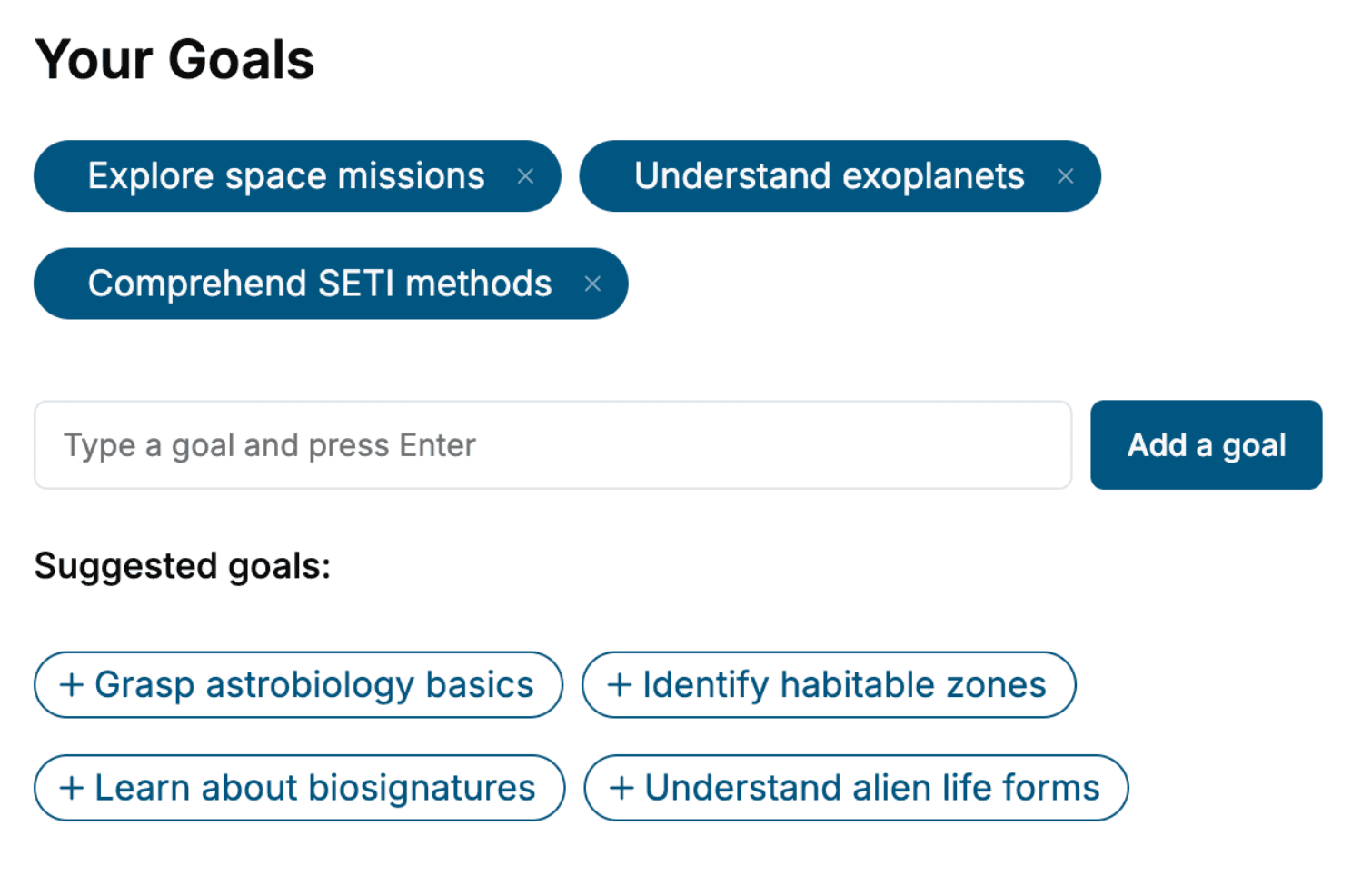
Select the focus of your 3D Printing book and share your background
- 2. Personalize your book
Specify your goals and choose sub-topics to include
- 3. Get your tailored book
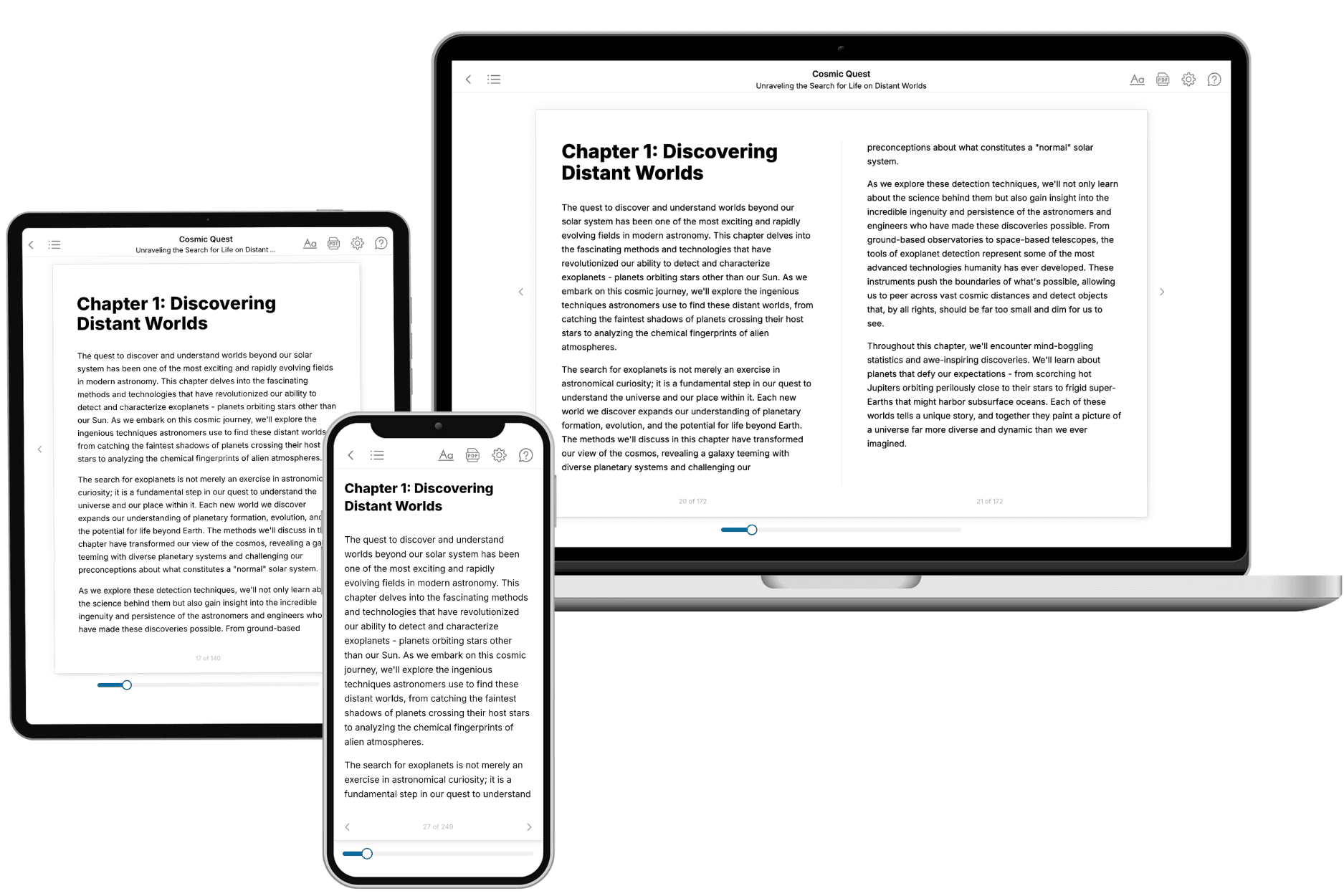
Your book is ready in 10 minutes. Read it online, download as EPUB or PDF, or send to Kindle.

Frequently asked questions
- What is TailoredRead?
TailoredRead creates complete, full-length nonfiction ebooks, written specifically for you. Tell us what you want to learn and why, and TailoredRead writes you a complete ebook on it, with charts, tables, and diagrams throughout. Read it online, on Kindle, or on any e-reader, or download it as a PDF or EPUB. Every book is written fresh the day you order it.
- How is the book tailored to me?
Before anything is written, you answer a few short questions about your goals, your background, and the topics you care about. Your book is then planned around your answers: written at your level, focused on your goals, and covering the topics you chose, instead of the one-size-fits-all book a store sells everyone.
- Will it read like generic AI content?
No. Your book isn't a chat transcript: it's planned chapter by chapter before a single word is written, told in a clear book voice, and explains ideas visually with charts, tables, and diagrams. After writing, every book goes through an editorial pass that polishes chapters so the book reads consistent from start to finish. Judge for yourself: browse thousands of sample books on our Explore Books page.
- How accurate is the content?
Our AI first checks whether your subject needs live research. Niche and fast-moving subjects are researched before writing, and the book plan and chapters are grounded in what it finds. After writing, every book goes through a quality pass that checks its facts and consistency, and researched books list their sources in a Notes section at the back.
- How long is the book?
You choose the length: Comprehensive (250-300 pages), Detailed (150-200 pages), Essential (70-100 pages), or Short (30-50 pages).
- Does the book include visuals?
Yes. Every book includes charts, tables, and diagrams: timelines, checklists, step-by-step guides, decision trees, comparison tables, matrices, and bar charts. A typical book includes dozens of these visual elements.
- Can I read it on Kindle? What formats can I download?
Yes. Every book can be read in our online reader or downloaded as a PDF or EPUB. The EPUB can be opened with Kindle, Apple Books, Kobo, and any e-reader. The Commercial and Author licenses also include an editable Word (DOCX) and Markdown download.
- How much does it cost?
About the price of a regular ebook. The exact price depends on your book's length and complexity, from $2 for the shortest books to $35 for the most comprehensive, and it's shown when you review your book, before you commit to anything. Each book is a one-time purchase, yours to keep, no subscription. Licenses that let you share, teach, or publish your book range from $35.99 to $49.99.
- Can I preview the book before purchasing?
Before you pay, you'll see what your book will cover: the title, a detailed description, the estimated length, and the complete chapter-by-chapter table of contents, so you know what you're getting before you decide. The full text itself is written after you purchase.
- How long does it take to create a book?
About 10 minutes. You can start reading the opening chapters while the rest is still being written.