Accessible Android
Building Mobile Apps That Work for Everyone
What if your app could serve twice as many users simply by making it accessible?
191 pages9 chaptersApr 10, 2026Android Development
About this book
Millions of people with disabilities want to use Android apps but face barriers created by poor design choices. This book shows you how to remove those barriers and build applications that work seamlessly for everyone. You'll learn the practical techniques for implementing screen reader support, voice control, and other assistive technologies. Discover how semantic markup, proper content descriptions, and inclusive design patterns create apps that are easier to use for all users. Through real-world examples and step-by-step guidance, you'll master the Android Accessibility Framework and understand WCAG 2.1 standards. Learn testing strategies that reveal accessibility issues before your users encounter them. By the end, you'll have the knowledge to make accessibility a core part of your development process, not an afterthought—expanding your market reach while creating genuinely inclusive digital experiences.
Table of contents
- IntroductionWhy Accessibility Matters in Mobile Development, Who Benefits from Accessible Apps, What You'll Learn in This Book, How to Use This BookRead below
- Chapter 1: Understanding Android Accessibility FundamentalsThe Android Accessibility Framework Overview, Understanding Different Types of Disabilities, Common Assistive Technologies on Android
- Chapter 2: Semantic Markup and Content DescriptionsWriting Semantic XML Layouts, Crafting Effective Content Descriptions, Using Labels and Hints Effectively
- Chapter 3: Screen Reader Implementation and TestingSetting Up and Using TalkBack, Testing Your App with Screen Readers, Managing Focus and Navigation Order
- Chapter 4: Visual Accessibility and Design ConsiderationsAchieving Proper Color Contrast Ratios, Responsive Text Sizing and Readability, Using Visual Indicators Beyond Color
- Chapter 5: Touch and Motor AccessibilityDesigning Adequate Touch Target Sizes, Providing Alternatives to Complex Gestures, Supporting Users with Limited Motor Control
- Chapter 6: Voice Control and Voice InteractionImplementing Voice Control Support, Creating Accessible Voice Commands, Providing Clear Voice Feedback
- Chapter 7: WCAG 2.1 Guidelines and ComplianceUnderstanding WCAG 2.1 Principles, Navigating Conformance Levels A, AA, and AAA, WCAG 2.1 Considerations for Mobile Apps
- Chapter 8: Accessibility Testing and Quality AssuranceUsing Automated Accessibility Testing Tools, Conducting Manual Accessibility Testing, Testing with Users Who Have Disabilities
- Chapter 9: Integrating Accessibility into Your Development WorkflowAccessibility Considerations in Design Phase, Accessible Coding Practices and Patterns, Building a Culture of Accessibility
- ConclusionYour Accessibility Journey Ahead, Resources and Community Support
- Appendix: Quick Reference GuideAccessibility Implementation Checklist, Essential Tools and Resources, Accessibility Terminology Glossary
Introduction
Picture this: you've spent months building an Android app. The design is clean, the performance is smooth, and your early users love it. Then someone sends you a message. They tell you they can't use your app at all because they rely on a screen reader, and your app is completely silent to it. Every button, every label, every interactive element is invisible to the technology they depend on every day. That user doesn't get to enjoy what you built. And the hard truth is, you probably never thought about them during development.
This scenario plays out constantly across the Android ecosystem. There are over one billion people worldwide living with some form of disability, and a significant portion of them use smartphones as a primary tool for communication, work, and daily life.[1] When apps aren't built with accessibility in mind, those users hit walls. They encounter buttons with no labels, images with no descriptions, and forms that assistive technologies can't interpret. These aren't minor inconveniences. They're barriers that lock people out of tools they need.
The good news is that accessibility isn't some mysterious, advanced discipline reserved for specialists. It's a set of learnable, practical techniques that fit naturally into the development process you already follow. Once you understand the core principles and the tools Android provides, building accessible apps starts to feel less like extra work and more like building things the right way from the start. This book is designed to get you there, step by step, with real code, real examples, and real strategies you can apply immediately.
Whether you're working on a consumer app, an enterprise tool, or a utility that serves a niche audience, accessibility improvements will make your app better for everyone who uses it. Clearer labels help users who are distracted or multitasking. Larger touch targets help users on small screens or in moving vehicles. Better color contrast helps users in bright sunlight. The benefits ripple outward far beyond the users who need them most. That's the quiet power of inclusive design, and it's what this book is built around.
Why Accessibility Matters in Mobile Development
Mobile apps have become infrastructure. People use them to access healthcare, manage finances, communicate with family, find employment, and navigate the world. When an app is inaccessible, it doesn't just create a frustrating experience. It can cut someone off from services they genuinely need. For developers, that's a serious responsibility. The apps you build have real consequences for real people, and accessibility is one of the clearest ways to honor that responsibility.
The scale of the opportunity is worth understanding clearly. In the United States alone, approximately 26% of adults live with some form of disability.[2] Globally, that number represents over a billion people. Many of them are active smartphone users who want to engage with apps just like anyone else. When your app is accessible, you're not doing those users a favor. You're simply not excluding them. That distinction matters, because accessibility is about equal access, not charity.
There's also a strong business case that developers and product teams often overlook. The disability market represents significant purchasing power. In the US, people with disabilities and their households control an estimated $490 billion in disposable income annually.[3] Apps that are accessible can reach this audience. Apps that aren't, can't. From a pure market-reach perspective, accessibility is one of the highest-return investments a development team can make.
Legal requirements are another reality that developers need to understand. In many countries, accessibility standards are not just best practices. They're legal obligations. In the United States, the Americans with Disabilities Act (ADA) has been applied to mobile apps in several court cases, and organizations that fail to meet accessibility standards have faced lawsuits and regulatory action. The European Accessibility Act, which takes effect in 2025, sets binding requirements for digital products sold in EU markets. Ignoring accessibility isn't just a missed opportunity. It can be a legal liability.
Beyond legal and business considerations, there's a simpler reason that often gets lost in technical discussions: it's the right thing to do. Technology has the power to level playing fields and remove barriers that exist in the physical world. A person who can't easily navigate a physical store can shop independently through an app. A person who struggles with written communication can use voice features to interact with services. When developers build accessibly, they're participating in something genuinely meaningful. That's worth keeping in mind throughout the technical work ahead.
Finally, accessibility makes you a better developer. The discipline of thinking about how different users interact with your app forces you to write cleaner code, create clearer interfaces, and think more carefully about user experience. Developers who practice accessibility consistently tend to produce higher-quality work overall, because the habits of clear labeling, logical structure, and thoughtful interaction design improve everything they touch.
Who Benefits from Accessible Apps
It's tempting to think of accessibility as something that only affects a small, specific group of users. That framing is both inaccurate and limiting. The reality is that accessible design creates better experiences across a wide spectrum of users, many of whom you might not immediately associate with the word "disability." Understanding who actually benefits helps you see accessibility not as a niche concern but as a universal design principle.
Users with visual impairments are often the first group that comes to mind. This includes people who are blind and rely entirely on screen readers like TalkBack, people with low vision who use large text settings or magnification, and people with color blindness who can't distinguish certain color combinations. For these users, the difference between an accessible app and an inaccessible one is often the difference between being able to use it at all and being completely locked out.
Users with motor and physical disabilities represent another significant group. Conditions like Parkinson's disease, cerebral palsy, spinal cord injuries, or repetitive strain injuries can make precise touch interactions difficult or impossible. These users may rely on switch access devices, external keyboards, or voice control to navigate their phones. Apps that require small touch targets, complex multi-finger gestures, or rapid sequential taps create serious barriers for this group.
Users with hearing impairments need apps that don't rely solely on audio to convey information. If your app plays a sound to indicate an error but provides no visual feedback, deaf or hard-of-hearing users will miss that information entirely. Captions for video content, visual alerts for audio cues, and text alternatives for audio-only content are all essential for this group.
Users with cognitive and learning disabilities benefit from clear, consistent navigation, plain language, and interfaces that don't overwhelm with too much information at once. Conditions like dyslexia, ADHD, autism spectrum disorder, and traumatic brain injury all affect how people process and interact with digital interfaces. Simple, predictable layouts and clear instructions help these users navigate confidently.
Beyond users with permanent disabilities, consider the much larger group of people in situational or temporary circumstances that create similar needs. A parent holding a baby with one hand needs large touch targets. A construction worker wearing gloves can't make precise taps. Someone recovering from a broken arm is temporarily one-handed. A commuter on a bright, sunny day struggles with low-contrast text. A person in a noisy environment can't hear audio feedback. These situations are universal and temporary, but they create the same barriers that permanent disabilities create. Accessible design solves for all of them.
The curb cut effect is a well-known phenomenon in accessibility: curb cuts in sidewalks were designed for wheelchair users, but they also benefit people pushing strollers, cyclists, delivery workers with carts, and elderly pedestrians. The same principle applies to digital accessibility. Features built for users with disabilities consistently improve the experience for everyone.
Older adults are another group that benefits enormously from accessible design. As people age, they often experience reduced vision, decreased fine motor control, and slower cognitive processing. The global population is aging rapidly, and older smartphone users represent a growing and economically significant demographic. Apps designed with accessibility in mind are simply easier for older users to navigate, which translates directly into broader adoption and retention.
When you design for the edges of the user spectrum, you improve the experience for the middle. That's the core insight behind inclusive design, and it's why accessibility work pays dividends far beyond the specific users it was designed to serve.
What You'll Learn in This Book
This book is structured to take you from foundational understanding to practical implementation, covering every major dimension of Android accessibility. The goal isn't just to give you a checklist to follow. It's to build your understanding deeply enough that you can make good accessibility decisions even in situations this book doesn't explicitly cover. Here's a clear picture of what each part of the journey looks like.
You'll start by building a solid foundation in Android accessibility fundamentals. Chapter 1 walks through the Android Accessibility Framework, explaining how it works under the hood and how assistive technologies interact with your app. You'll learn about the different types of disabilities that affect app usage and get familiar with the assistive technologies that Android users rely on, including TalkBack, Switch Access, and Voice Access.
From there, you'll move into the practical work of semantic markup and content descriptions. Chapter 2 covers how to write XML layouts that communicate meaning, not just appearance. You'll learn how to craft content descriptions that are genuinely useful rather than redundant or confusing, and how to use labels and hints to guide users through forms and interactive elements. These skills form the foundation of almost everything else in the book.
Chapter 3 dives deep into screen reader implementation and testing. You'll learn how to set up and use TalkBack as a developer, how to test your app systematically with screen readers, and how to manage focus order and navigation so that the screen reader experience is logical and efficient. This chapter includes specific testing scenarios and common failure patterns to watch for.
Visual accessibility gets thorough treatment in Chapter 4, covering color contrast ratios, responsive text sizing, and the use of visual indicators that don't rely on color alone. You'll learn the specific contrast requirements from WCAG 2.1 and how to measure and achieve them in your designs. Chapter 5 then addresses touch and motor accessibility, including touch target sizing, alternatives to complex gestures, and support for users with limited motor control through switch access and other input methods.
Chapter 6 covers voice control and voice interaction, an increasingly important area as voice-first interfaces become more common. You'll learn how to implement Voice Access support, create accessible voice commands, and provide clear audio feedback that helps users understand what's happening in your app. Chapter 7 then provides a thorough grounding in WCAG 2.1 guidelines, explaining the four core principles, the three conformance levels, and the specific success criteria most relevant to mobile app development.
Testing and quality assurance is the focus of Chapter 8, which covers automated testing tools like the Accessibility Scanner and Espresso accessibility checks, manual testing protocols, and the critical practice of testing with actual users who have disabilities. Chapter 9 brings everything together by showing you how to integrate accessibility into your development workflow, from design phase through code review and continuous improvement. The goal is to make accessibility a natural part of how your team works, not a separate audit that happens at the end.
Throughout the book, you'll find concrete code examples, specific measurements and thresholds, testing checklists, and real-world scenarios that illustrate both what good accessibility looks like and what common mistakes look like. By the end, you'll have both the knowledge and the practical tools to build apps that genuinely work for everyone.
How to Use This Book
This book is written for intermediate Android developers who are comfortable with the basics of Android development but are new to accessibility or want to deepen their existing knowledge. You don't need to be an expert in accessibility standards before you start. You do need to be comfortable reading Kotlin or Java code, working with XML layouts, and navigating Android Studio. If you have that foundation, everything else will build naturally from there.
The chapters are designed to be read in order, because each one builds on concepts introduced in earlier chapters. The Android Accessibility Framework concepts in Chapter 1 inform the semantic markup work in Chapter 2, which in turn shapes how you approach screen reader testing in Chapter 3. Reading sequentially gives you the most coherent learning experience. That said, if you're already familiar with certain areas, the chapters are self-contained enough that you can skip ahead or use specific chapters as reference material when you need them.
Here's a suggested approach depending on where you're starting from:
- If you're completely new to accessibility: Read every chapter in order. Pay special attention to Chapters 1, 2, and 3, which establish the conceptual and technical foundation everything else depends on.
- If you have some accessibility experience: Skim Chapter 1 to confirm your foundational understanding, then read Chapters 2 through 6 carefully for the implementation details. Use Chapter 7 as a reference for WCAG compliance questions.
- If you're preparing for an accessibility audit: Focus on Chapters 7 and 8, which cover WCAG guidelines and testing strategies. Use the Appendix checklist as your audit framework.
- If you're trying to build team-wide accessibility practices: Chapter 9 is your primary resource, but read it alongside Chapter 8 so you understand the testing infrastructure that supports those practices.
The code examples throughout the book are written in Kotlin, which is the primary language for modern Android development. Where XML layout code is relevant, it's shown in full with clear annotations. All code examples are designed to be practical and directly usable, not just illustrative. You should be able to take the patterns shown and apply them to your own projects with minimal adaptation.
Each chapter ends with a summary of key points and a short list of action items. These action items are designed to be concrete and immediate. They're not vague suggestions like "think about accessibility." They're specific tasks like "add content descriptions to all ImageView elements in your current project" or "run the Accessibility Scanner on your app's main screen and document the results." Working through these action items as you go is the fastest way to turn reading into real skill.
The Appendix at the back of the book contains three resources you'll return to repeatedly. The Accessibility Implementation Checklist gives you a comprehensive list of items to verify before shipping any feature. The Essential Tools and Resources section points you to the most useful testing tools, documentation, and community resources. The Glossary defines the key terms used throughout the book, which is especially useful when you encounter accessibility terminology in external documentation or standards documents.
One practical recommendation: as you read, keep an Android project open alongside the book. The best way to internalize these concepts is to apply them immediately. If you're reading about content descriptions, open a layout file and look at how your current app handles them. If you're reading about TalkBack testing, enable TalkBack on a device or emulator and navigate through your app. Active engagement with the material will accelerate your learning significantly compared to passive reading.
Finally, approach this material with patience and curiosity rather than pressure. Accessibility is a broad field, and no developer gets everything right immediately. The goal isn't perfection on the first pass. It's building the habits and knowledge that make each project more accessible than the last. Every improvement you make has a real impact on real users. That's a genuinely motivating thing to hold onto as you work through the technical details ahead.
Notes
Introduction
- 1. World Health Organization, "Disability and Health," WHO Fact Sheet, 2023
- 2. Centers for Disease Control and Prevention, "Disability and Health Data System," CDC, 2023
- 3. American Institutes for Research, A Hidden Market: The Purchasing Power of Working-Age Adults with Disabilities, AIR, 2018
This is the end of the free sample. The full book has 9 chapters.
Want this book written for you?
Tell us your goals and background, and get your own version of this book, tailored by AI to you.


Benefits of AI-tailored books
- Read one book, not ten:
- all the Android Development knowledge you need, gathered into a single book.
- Save days of learning:
- tell us your goals, choose your topics, and the whole book is built around them.
- Learn effortlessly:
- Android Development book written for your specific background and expertise.
- Understand at a glance:
- includes charts, tables, timelines, checklists, decision trees, and more.
- Stay current:
- written the day you order it, not years ago.
- Trust what you read:
- every book is checked for accuracy, with real research when your subject needs it.
Create your unique book in 3 steps
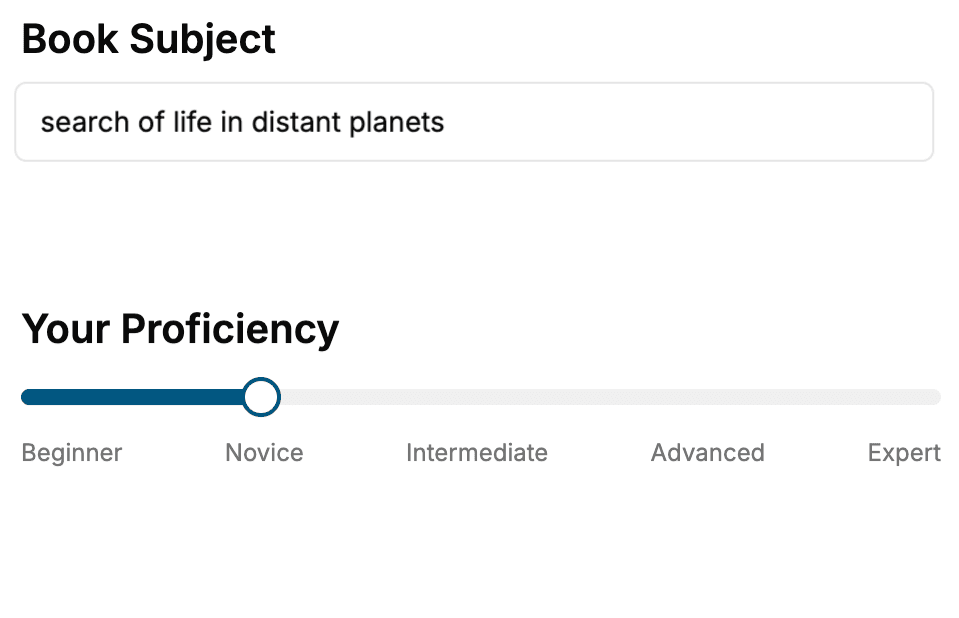
- 1. Select your focus
Select the focus of your Android Development book and share your background
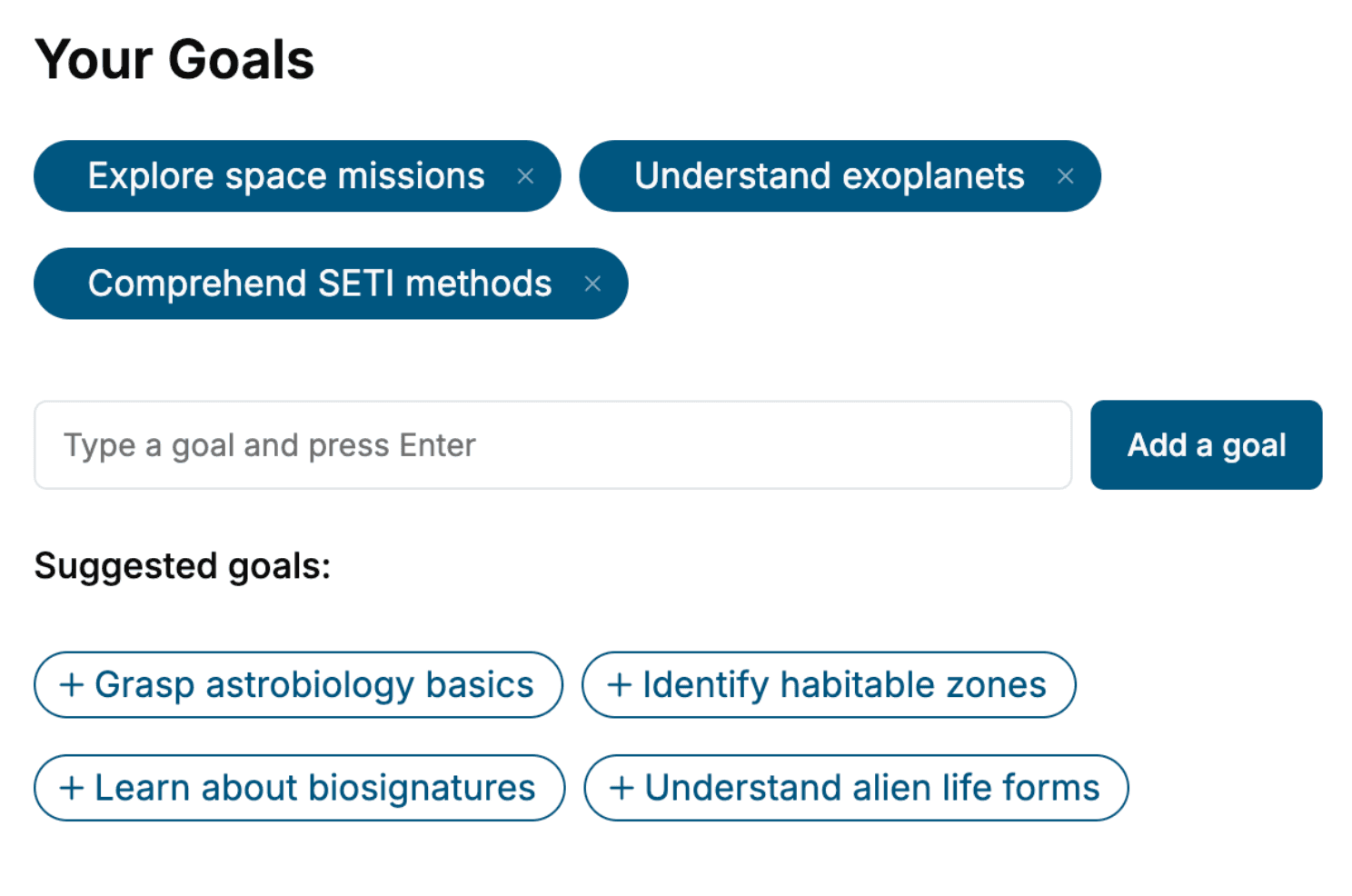
- 2. Personalize your book
Specify your goals and choose sub-topics to include
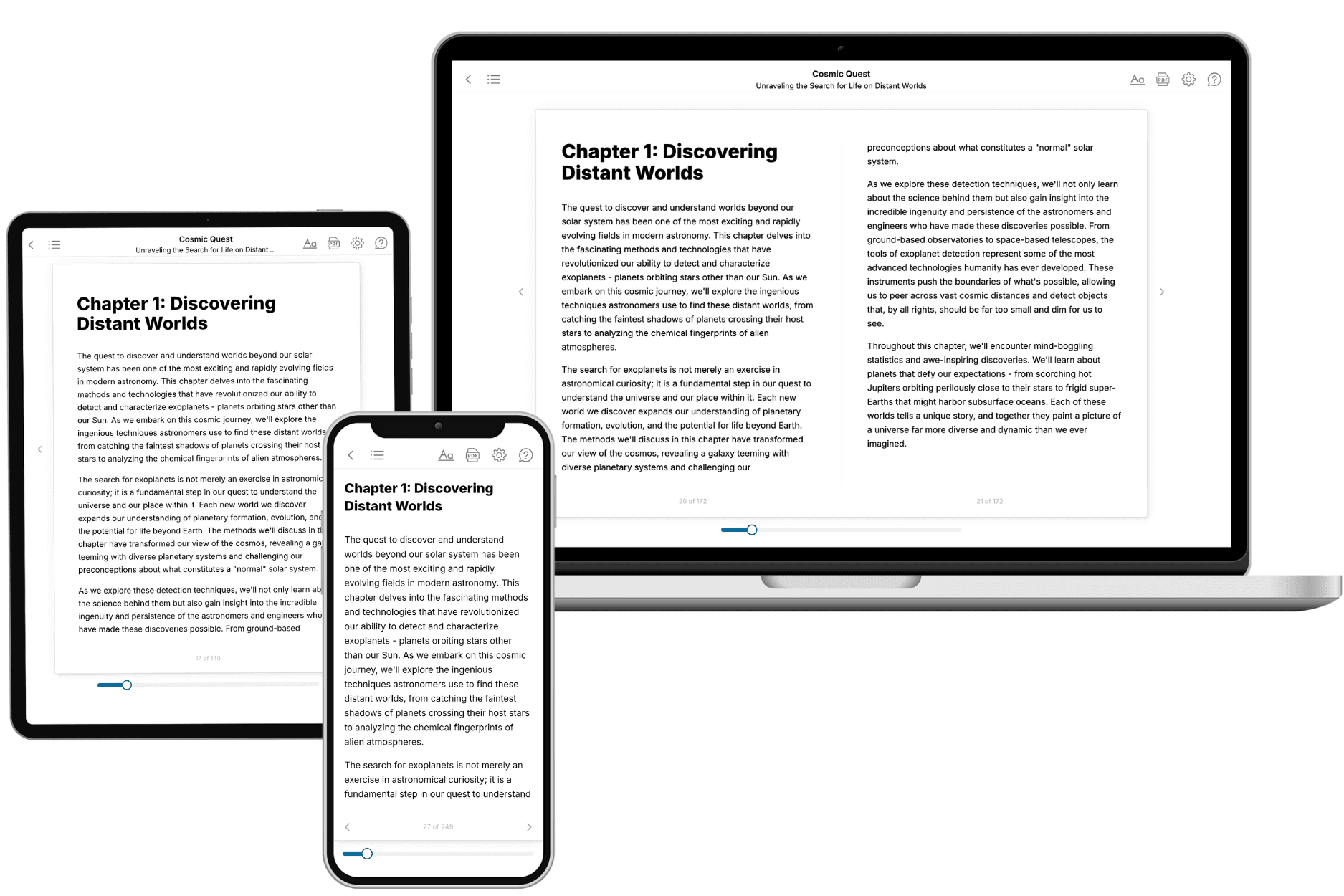
- 3. Get your tailored book
Your book is ready in 10 minutes. Read it online, download as EPUB or PDF, or send to Kindle.
Frequently asked questions
- What is TailoredRead?
TailoredRead creates complete, full-length nonfiction ebooks, written specifically for you. Tell us what you want to learn and why, and TailoredRead writes you a complete ebook on it, with charts, tables, and diagrams throughout. Read it online, on Kindle, or on any e-reader, or download it as a PDF or EPUB. Every book is written fresh the day you order it.
- How is the book tailored to me?
Before anything is written, you answer a few short questions about your goals, your background, and the topics you care about. Your book is then planned around your answers: written at your level, focused on your goals, and covering the topics you chose, instead of the one-size-fits-all book a store sells everyone.
- Will it read like generic AI content?
No. Your book isn't a chat transcript: it's planned chapter by chapter before a single word is written, told in a clear book voice, and explains ideas visually with charts, tables, and diagrams. After writing, every book goes through an editorial pass that polishes chapters so the book reads consistent from start to finish. Judge for yourself: browse thousands of sample books on our Explore Books page.
- How accurate is the content?
Our AI first checks whether your subject needs live research. Niche and fast-moving subjects are researched before writing, and the book plan and chapters are grounded in what it finds. After writing, every book goes through a quality pass that checks its facts and consistency, and researched books list their sources in a Notes section at the back.
- How long is the book?
You choose the length: Comprehensive (250-300 pages), Detailed (150-200 pages), Essential (70-100 pages), or Short (30-50 pages).
- Does the book include visuals?
Yes. Every book includes charts, tables, and diagrams: timelines, checklists, step-by-step guides, decision trees, comparison tables, matrices, and bar charts. A typical book includes dozens of these visual elements.
- Can I read it on Kindle? What formats can I download?
Yes. Every book can be read in our online reader or downloaded as a PDF or EPUB. The EPUB can be opened with Kindle, Apple Books, Kobo, and any e-reader. The Commercial and Author licenses also include an editable Word (DOCX) and Markdown download.
- How much does it cost?
About the price of a regular ebook. The exact price depends on your book's length and complexity, from $2 for the shortest books to $35 for the most comprehensive, and it's shown when you review your book, before you commit to anything. Each book is a one-time purchase, yours to keep, no subscription. Licenses that let you share, teach, or publish your book range from $35.99 to $49.99.
- Can I preview the book before purchasing?
Before you pay, you'll see what your book will cover: the title, a detailed description, the estimated length, and the complete chapter-by-chapter table of contents, so you know what you're getting before you decide. The full text itself is written after you purchase.
- How long does it take to create a book?
About 10 minutes. You can start reading the opening chapters while the rest is still being written.