Android App Shortcuts Mastery
Automate Your Mobile Workflow and Save Hours Every Week
Most Android users spend countless hours repeating the same tasks—opening apps, navigating menus, entering data, sending messages.
207 pages11 chaptersAug 16, 2026Android
About this book
You might think this is just how mobile phones work. But what if you could eliminate 80% of these repetitive actions with a few taps? Android App Shortcuts are a hidden productivity powerhouse that most users never discover. This guide reveals exactly how to harness them. You'll learn to create shortcuts that open apps directly to specific screens, automate multi-step workflows, integrate with your favorite apps, and even trigger actions through voice commands. Whether you want to streamline work processes, simplify daily routines, or create custom solutions for your unique needs, you'll find practical, step-by-step instructions for every skill level. By the end, you'll have a personalized automation system that saves you hours every week and transforms how you interact with your Android device.
Table of contents
- IntroductionWhy Shortcuts Matter in Your Daily Life, What You'll Learn in This Book, How to Use This Guide, Prerequisites and Device RequirementsRead below
- Chapter 1: Understanding Android App ShortcutsWhat Are App Shortcuts and How Do They Work?, Static vs. Dynamic Shortcuts: Key Differences, How Shortcuts Fit Into the Android Ecosystem
- Chapter 2: Getting Started with the Shortcuts AppInstalling and Setting Up the Shortcuts App, Navigating the Shortcuts Interface, Creating Your First Simple Shortcut, Testing and Running Your Shortcuts
- Chapter 3: Building Basic Shortcuts for Common TasksCreating Shortcuts to Launch Apps and Specific Screens, Automating Messages, Emails, and Notifications, Quick Contact and Communication Shortcuts, Media Control and Entertainment Shortcuts
- Chapter 4: Advanced Shortcut TechniquesChaining Multiple Actions Together, Using Conditional Logic and Variables, Manipulating Data Within Shortcuts, Creating Loops and Repetitive Actions
- Chapter 5: Integrating Shortcuts with Other AppsConnecting Shortcuts to Third-Party Applications, Understanding APIs and Web Requests, Popular App Integrations and Use Cases, Building Custom Cross-App Workflows
- Chapter 6: Voice Commands and Automation TriggersSetting Up Voice Command Activation, Creating Automated Triggers and Routines, Location-Based and Time-Based Automation
- Chapter 7: Organization, Naming, and Best PracticesEffective Naming Conventions for Shortcuts, Organizing Shortcuts Into Folders and Categories, Documenting Your Shortcuts for Future Reference, Maintenance Practices and Regular Updates
- Chapter 8: Security and Privacy ConsiderationsUnderstanding Security Risks in Shortcuts, Protecting Sensitive Data in Your Shortcuts, Managing Permissions and Access Controls, Safe Practices for Sharing and Using Shortcuts
- Chapter 9: Troubleshooting and DebuggingIdentifying and Fixing Common Errors, Debugging Techniques and Tools, Optimizing Shortcut Performance, Comprehensive Troubleshooting Guide
- Chapter 10: Real-World Automation ScenariosProductivity and Work Automation Workflows, Personal Life and Daily Routine Shortcuts, Business and Professional Use Cases
- Chapter 11: Backing Up, Sharing, and Syncing ShortcutsBacking Up Your Shortcuts Safely, Sharing Shortcuts With Others, Syncing Shortcuts Across Multiple Devices, Recovery Procedures and Restoration
- ConclusionRecap of Key Learnings, Your Next Steps Forward
Introduction
Open a banking app, tap the search icon, type a merchant name, then wait for the results to load. Four steps, repeated three or four times a day, for years. Multiply that by every other app on your phone: the food delivery service, the ride-share app, the group chat you check before bed. None of these steps are hard on their own. Together, they quietly consume minutes that stack into hours over a single week.
Android has carried a fix for this problem since 2016, built directly into the operating system, yet most people never turn it on. The App Shortcut feature lets you skip straight past menus, search bars, and loading screens to the exact action you need. A long press on an icon can open a specific conversation, start a specific playlist, or launch a specific form, without a single extra tap along the way.
This book exists to close the gap between what Android can already do and what most people actually use. It treats App Shortcuts not as a minor convenience but as a genuine automation system, one that can be combined with voice commands, location triggers, and third-party services to remove repetitive work from your day. The goal is not to make you memorize settings menus. It is to help you build a personal system that keeps working long after you have finished reading.
The rest of this introduction lays out why this feature deserves your attention, what the following chapters will teach, how to move through the material depending on your goals, and what your device needs to have before you start. Read this part in order, since it sets the frame for everything that follows.
Why Shortcuts Matter in Your Daily Life
Most people underestimate how much time small, repeated actions actually cost. A single unnecessary tap takes a fraction of a second, but the same tap performed ten times a day, across a year, adds up to hours of pure friction. Android App Shortcuts exist specifically to remove that friction by collapsing multi-step journeys into a single gesture. Instead of opening an app and navigating to a feature, you jump straight to the feature itself.
Consider a simple comparison. Without a shortcut, sending a message to a specific contact might require opening the messaging app, searching the contact list, selecting the right thread, and then tapping the text field. With a shortcut built for that exact contact, a long press on the app icon presents that thread directly. The four-step task becomes a two-step task, and the mental effort of remembering where things live disappears along with it.
This matters more the busier your day becomes. Someone juggling a job, a family, and a handful of side projects touches their phone dozens of times daily for small, functional reasons: checking a delivery status, sending a quick update, starting a timer. Each of these micro-tasks is a candidate for a shortcut. The cumulative effect is not a dramatic one-time change but a steady reduction in daily friction that compounds week over week.
There is also a mental cost that shortcuts reduce, separate from the physical taps. Every time you have to think about where a feature lives inside an app, you spend a small amount of decision-making energy. Shortcuts remove that decision entirely because the destination is fixed the moment you set it up. Over a full day, cutting down on these tiny decisions leaves more mental space for the tasks that actually require your attention.
Shortcuts also change how confidently you can hand your phone to routine tasks. A well-built shortcut behaves the same way every single time, which means you stop worrying about missing a step or forgetting a setting. This predictability is especially valuable for tasks tied to stress, like checking a medication reminder or confirming a work submission went through, where a missed step has real consequences.
Beyond personal convenience, shortcuts open the door to genuine automation. A single App Shortcut is useful on its own, but chained together with Automated Trigger features, Location-Based Automation, and Voice Command Activation, it becomes part of a larger system that reacts to your context without you touching the phone at all. That system is the real destination of this book, and shortcuts are the foundation it is built on.
None of this requires technical skill beyond what an average smartphone user already has. Android designed shortcuts to be created through simple, visual interactions rather than code. The barrier to entry is low, but the payoff scales with how thoughtfully you apply the feature to your own daily patterns, which is exactly what the coming chapters walk through step by step.
What You'll Learn in This Book
The chapters ahead move in a deliberate order, starting with the mechanics of shortcuts and ending with full automation systems built for real situations. Early chapters establish exactly what an App Shortcut is, how Static Shortcut and Dynamic Shortcut types differ, and where they sit inside the broader Android system. This foundation matters because later techniques, like chaining and conditional logic, only make sense once you understand what a shortcut can and cannot do on its own.
From there, the material shifts into hands-on territory. You will build shortcuts for the tasks that come up constantly: launching apps to a specific screen, sending a message without opening a keyboard first, controlling media playback, and reaching a contact in one motion. These are not abstract examples. Each one mirrors something you likely already do several times a day, so the practice sticks because it replaces a habit you already have.
Once the basics feel comfortable, the book introduces advanced construction techniques: linking multiple actions into a single Action Chain, applying Conditional Logic so a shortcut behaves differently depending on the situation, working with Variable data that changes each time the shortcut runs, and building Loop structures for repetitive tasks. This is where shortcuts stop being simple launchers and start becoming small programs you design yourself.
A separate section focuses on connecting shortcuts to the outside world. You will learn how to reach third-party applications and web services through API connections and Web Request actions, building a true Cross-App Workflow that moves data between tools automatically. Paired with this is a chapter dedicated to Voice Command Activation and Automated Trigger setups, including Time-Based Automation and Location-Based Automation, so shortcuts can fire without you touching your phone at all.
As your shortcut library grows, keeping it organized becomes its own skill. A dedicated section covers Naming Convention systems, Shortcut Folder structures, and simple Shortcut Documentation habits that keep a library of thirty or more shortcuts just as manageable as one with five. Right alongside organization sits protection: a chapter on security walks through Permission management and Sensitive Data handling, so convenience never comes at the cost of privacy.
Because no automation system works perfectly on the first try, a full chapter is set aside for Debugging and Performance Optimization, teaching you how to read an Action Log and fix a shortcut that fails silently or runs slowly. The book then closes with real scenarios drawn from work, personal life, and small business contexts, followed by practical guidance on Shortcut Backup, Safe Sharing, Cross-Device Sync, and Recovery Procedure steps that protect everything you have built.
By the final page, the aim is not that you have read about automation but that you have a working, personalized system already running on your device. Every chapter includes concrete steps rather than abstract theory, so the knowledge translates directly into shortcuts you actually use the same day you learn about them.
How to Use This Guide
This book is built to be used with your phone in hand, not read from a distance. Each chapter introduces a concept and then asks you to apply it immediately, so the ideal approach is to read a section, pause, and build the shortcut it describes before moving on. Skimming through without practicing will leave you with a general sense of what is possible but none of the muscle memory that makes automation actually stick.
If you are completely new to the feature, work through the chapters in order. The structure is intentional: understanding the mechanics of App Shortcuts before attempting Conditional Logic or Cross-App Workflow design prevents the confusion that comes from skipping ahead. Someone who jumps straight to chaining shortcuts without understanding how a single Action or Deep Link works often ends up guessing at settings instead of understanding them.
If you already have some experience creating shortcuts, treat the early chapters as a refresher rather than skipping them entirely. Even experienced users often discover they have been ignoring the difference between a Static Shortcut and a Dynamic Shortcut, which limits how flexible their existing shortcuts can be. A quick pass through the foundational material tends to reveal small gaps that make the advanced chapters click faster.
Use the organization and security chapters as ongoing references rather than one-time reads. As your shortcut collection grows past ten or fifteen entries, the Naming Convention and Shortcut Folder guidance becomes more relevant, not less, so it is worth revisiting those sections every few months. The same applies to the security chapter: return to it whenever you build a shortcut that touches banking information, health data, or work credentials.
Each subchapter is designed to stand on its own for reference purposes, which means you can return later to a specific topic, such as Debugging techniques or Location-Based Automation, without rereading everything that came before it. Treat the table of contents as a working index once you have finished a full read-through, rather than a list you only use once.
Wherever a concept connects to something covered elsewhere in the book, that connection is called out directly so you can jump to the relevant chapter instead of hunting for it. For example, when the discussion of Web Request actions comes up, it points toward the chapter dedicated to connecting shortcuts with third-party applications rather than repeating that material in full.
Finally, treat every example shortcut in this book as a starting template rather than a fixed recipe. The specific apps and services you use will differ from the ones described here, so the value lies in the structure and reasoning behind each shortcut, not in copying it exactly. Adapting an example to your own set of apps is, in itself, good practice for the automation thinking the rest of the book builds toward.
Prerequisites and Device Requirements
App Shortcuts require very little in terms of technical background. If you can install an app, rearrange icons on your home screen, and long-press an icon to see a menu appear, you already have the basic skills this book builds on. No coding knowledge is assumed anywhere in the chapters ahead, including the sections on Conditional Logic, Variable use, and API connections, which are all explained through visual, menu-driven steps rather than written code.
On the device side, App Shortcuts were introduced as a system feature in Android 7.1, so a phone running that version or newer supports the core functionality[1]. Most phones sold since 2017 meet this requirement by default, and the vast majority of active Android devices today run a version well past this baseline. If you are using a phone purchased within the last several years, you almost certainly meet this requirement without needing to check anything.
Some of the more advanced material, particularly around Automated Trigger setups, Voice Command Activation, and integration with third-party automation apps, works best on devices running recent versions of Android, since manufacturers periodically expand what shortcuts and routines can do. If a specific feature described in a later chapter does not appear exactly the way it is shown, checking for a pending system update is usually the first thing to try before assuming something is broken.
You do not need a rooted device, a developer account, or any special unlocking process to follow along. Everything covered in this book uses features available on a standard consumer phone straight out of the box. Chapters that involve third-party apps or web services will mention any additional app installation needed at that point, but none of it requires special permissions beyond what those apps normally request during setup.
A stable internet connection becomes relevant once you reach the chapters on Web Request actions and Cross-App Workflow design, since these rely on communication with external services. For the earlier, device-only shortcuts covered in the first half of the book, no internet connection is required at all, which makes those chapters a safe starting point even if you want to test ideas while offline.
If you manage more than one Android device, such as a personal phone and a work phone, keep both nearby while working through the chapter on Cross-Device Sync later in the book. Testing a shortcut on a single device is enough for most of the early material, but seeing how the same shortcut behaves once synced elsewhere makes that later chapter far more concrete.
With these basics in place, there is nothing standing between you and a working automation system beyond time and a willingness to experiment. The next chapter starts from the ground up, defining exactly what happens behind the scenes when you create and trigger an App Shortcut on your device.
Notes
Introduction
- 1. Google, "App Shortcuts," Android Developers, 2024
This is the end of the free sample. The full book has 11 chapters.
Want this book written for you?
Tell us your goals and background, and get your own version of this book, tailored by AI to you.


Benefits of AI-tailored books
- Read one book, not ten:
- all the Android knowledge you need, gathered into a single book.
- Save days of learning:
- tell us your goals, choose your topics, and the whole book is built around them.
- Learn effortlessly:
- Android book written for your specific background and expertise.
- Understand at a glance:
- includes charts, tables, timelines, checklists, decision trees, and more.
- Stay current:
- written the day you order it, not years ago.
- Trust what you read:
- every book is checked for accuracy, with real research when your subject needs it.
Create your unique book in 3 steps
- 1. Select your focus
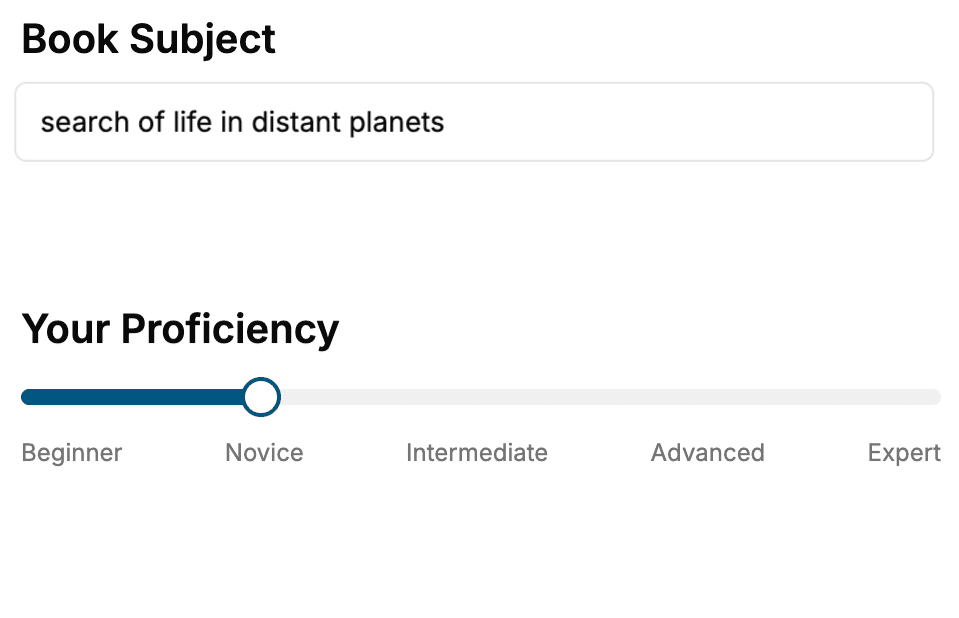
Select the focus of your Android book and share your background
- 2. Personalize your book
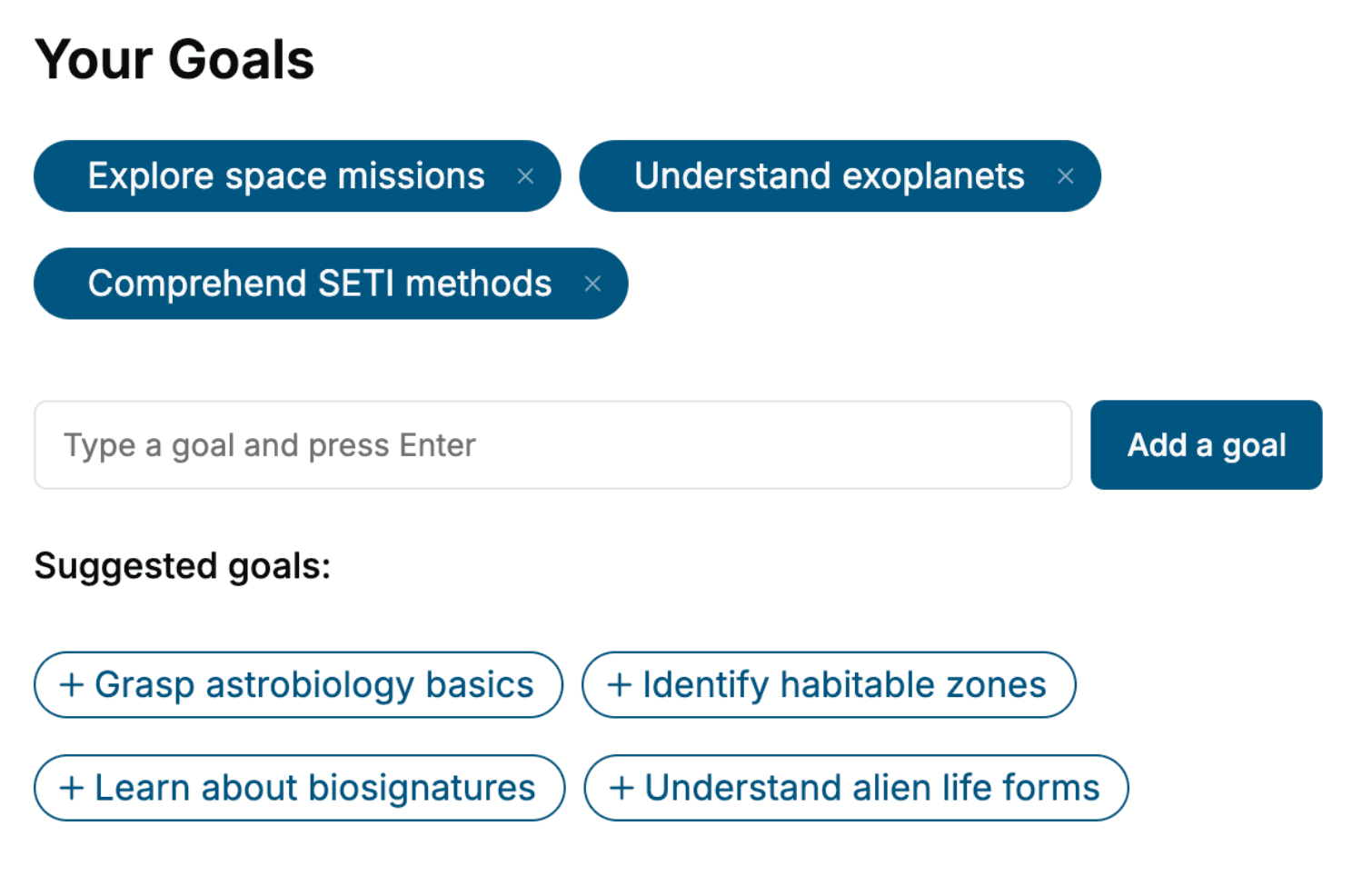
Specify your goals and choose sub-topics to include
- 3. Get your tailored book
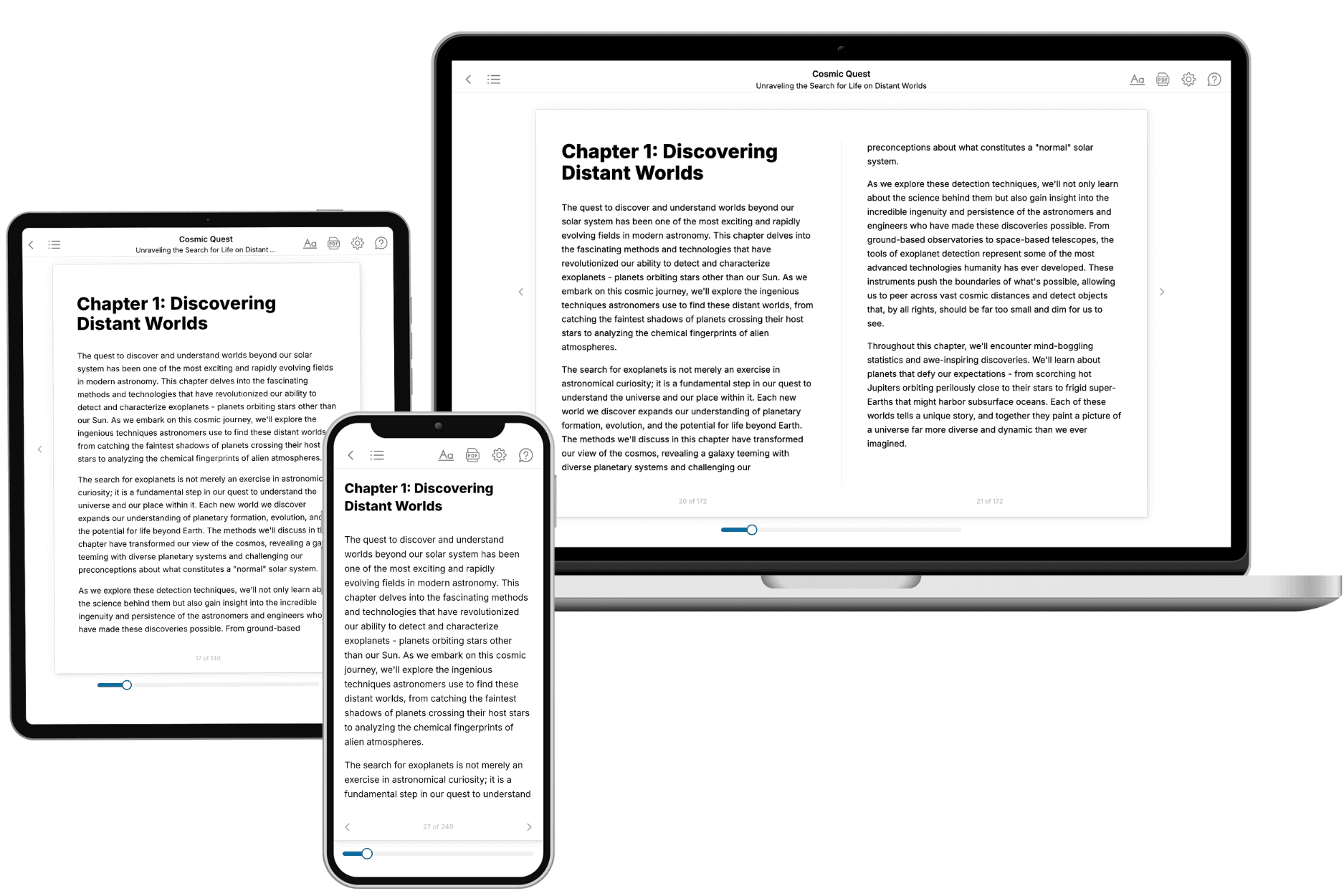
Your book is ready in 10 minutes. Read it online, download as EPUB or PDF, or send to Kindle.
Frequently asked questions
- What is TailoredRead?
TailoredRead creates complete, full-length nonfiction ebooks, written specifically for you. Tell us what you want to learn and why, and TailoredRead writes you a complete ebook on it, with charts, tables, and diagrams throughout. Read it online, on Kindle, or on any e-reader, or download it as a PDF or EPUB. Every book is written fresh the day you order it.
- How is the book tailored to me?
Before anything is written, you answer a few short questions about your goals, your background, and the topics you care about. Your book is then planned around your answers: written at your level, focused on your goals, and covering the topics you chose, instead of the one-size-fits-all book a store sells everyone.
- Will it read like generic AI content?
No. Your book isn't a chat transcript: it's planned chapter by chapter before a single word is written, told in a clear book voice, and explains ideas visually with charts, tables, and diagrams. After writing, every book goes through an editorial pass that polishes chapters so the book reads consistent from start to finish. Judge for yourself: browse thousands of sample books on our Explore Books page.
- How accurate is the content?
Our AI first checks whether your subject needs live research. Niche and fast-moving subjects are researched before writing, and the book plan and chapters are grounded in what it finds. After writing, every book goes through a quality pass that checks its facts and consistency, and researched books list their sources in a Notes section at the back.
- How long is the book?
You choose the length: Comprehensive (250-300 pages), Detailed (150-200 pages), Essential (70-100 pages), or Short (30-50 pages).
- Does the book include visuals?
Yes. Every book includes charts, tables, and diagrams: timelines, checklists, step-by-step guides, decision trees, comparison tables, matrices, and bar charts. A typical book includes dozens of these visual elements.
- Can I read it on Kindle? What formats can I download?
Yes. Every book can be read in our online reader or downloaded as a PDF or EPUB. The EPUB can be opened with Kindle, Apple Books, Kobo, and any e-reader. The Commercial and Author licenses also include an editable Word (DOCX) and Markdown download.
- How much does it cost?
About the price of a regular ebook. The exact price depends on your book's length and complexity, from $2 for the shortest books to $35 for the most comprehensive, and it's shown when you review your book, before you commit to anything. Each book is a one-time purchase, yours to keep, no subscription. Licenses that let you share, teach, or publish your book range from $35.99 to $49.99.
- Can I preview the book before purchasing?
Before you pay, you'll see what your book will cover: the title, a detailed description, the estimated length, and the complete chapter-by-chapter table of contents, so you know what you're getting before you decide. The full text itself is written after you purchase.
- How long does it take to create a book?
About 10 minutes. You can start reading the opening chapters while the rest is still being written.