Azure Functions Mastery
Build Scalable, Event-Driven Applications on Microsoft Azure
Build production-ready serverless applications that scale automatically and cost only what you use.
191 pages9 chaptersMar 18, 2026Microsoft Azure
About this book
Azure Functions represents a fundamental shift in how you architect cloud applications—eliminating server management while enabling you to respond instantly to business events. This comprehensive guide takes you from foundational concepts through advanced production patterns, covering everything from trigger selection and binding configuration to monitoring, security, and DevOps integration. You'll learn how to design event-driven architectures that handle real-world complexity, optimize performance and costs, and integrate seamlessly with Azure's ecosystem. Whether you're modernizing legacy applications, building microservices, or creating real-time data processing pipelines, this book provides the practical knowledge and proven strategies you need to succeed with serverless computing on Azure.
Table of contents
- IntroductionWhy Serverless Computing Matters, What Azure Functions Enables, How to Use This BookRead below
- Chapter 1: Serverless Fundamentals and Azure Functions BasicsUnderstanding the Serverless Paradigm, Azure Functions Architecture and Execution Model, Hosting Plans: Consumption, Premium, and Dedicated
- Chapter 2: Triggers and Bindings: Connecting Your FunctionsExploring Trigger Types and Selection Criteria, Input and Output Bindings for Data Integration, Configuring Bindings Declaratively and Programmatically
- Chapter 3: Building Your First Functions: Development EssentialsLocal Development Environment Setup, Using Templates and Project Structure, Testing Functions Locally and Debugging
- Chapter 4: Event-Driven Architecture PatternsCommon Event-Driven Patterns and Use Cases, Asynchronous Processing and Durable Functions, Choreography vs. Orchestration in Workflows
- Chapter 5: Deployment and DevOps IntegrationDeployment Methods: Portal, CLI, and Infrastructure as Code, Building CI/CD Pipelines with Azure DevOps and GitHub Actions, Managing Multiple Environments and Configurations
- Chapter 6: Security and Identity ManagementAuthentication, Authorization, and Access Control, Managed Identities and Service Principals, Secrets Management and Key Vault Integration
- Chapter 7: Monitoring, Logging, and DiagnosticsApplication Insights and Telemetry Collection, Structured Logging and Log Analytics, Alerting, Troubleshooting, and Root Cause Analysis
- Chapter 8: Performance Optimization and Cost ManagementUnderstanding and Mitigating Cold Starts, Optimizing Execution Duration and Resource Usage, Cost Analysis, Forecasting, and Optimization Strategies
- Chapter 9: Advanced Integration and EcosystemDeep Integration with Azure Services, Connecting to Third-Party APIs and Services, Hybrid and Multi-Cloud Scenarios
- ConclusionKey Takeaways and Next Steps, Staying Current with Azure Functions Evolution
- Appendix: Quick Reference and ResourcesTrigger and Binding Quick Reference, Common Code Patterns and Examples, Additional Learning Resources and Documentation
Introduction
Something fundamental has shifted in how software gets built and deployed. Not long ago, launching a new application meant provisioning servers, configuring operating systems, managing patches, and worrying about capacity planning before a single line of business logic was written. Today, a developer can write a function, push it to the cloud, and have it processing real events within minutes, with zero servers to manage and costs that scale directly with actual usage. That shift is serverless computing, and Azure Functions sits at the center of it on Microsoft's cloud platform.
This book is for developers and DevOps professionals who already have some familiarity with Azure and want to go deeper. You know what a cloud function is in broad terms. You may have deployed one or two already. But you want to understand the full picture: how to design event-driven systems that hold up under real production load, how to integrate functions with the broader Azure ecosystem, how to secure and monitor them properly, and how to build the kind of CI/CD pipelines that make deployments reliable and repeatable. That is exactly what this book covers.
The chapters ahead move from foundational concepts through increasingly advanced territory. Each one builds on the last, but the structure also allows you to jump to specific topics when you need a reference on something concrete, like cold start mitigation or Key Vault integration. Code examples, architecture patterns, and practical guidance appear throughout, grounded in real scenarios rather than toy examples. The goal is not just to explain how Azure Functions works, but to give you the knowledge and confidence to use it well in production environments where reliability and cost efficiency actually matter.
Before diving into the technical content, it helps to understand why serverless computing has become such an important part of modern cloud architecture, what Azure Functions specifically brings to the table, and how to get the most out of the material in this book. The three sections that follow address each of those questions directly.
Why Serverless Computing Matters
The traditional model of deploying applications involves a persistent layer of infrastructure that runs continuously, whether or not it is actively doing useful work. A web server sits idle between requests. A background worker polls a queue even when the queue is empty. You pay for that idle time, and you also carry the operational burden of keeping those machines healthy, patched, and scaled appropriately. For many workloads, this model creates more overhead than value.
Serverless computing inverts that model. Instead of maintaining always-on infrastructure, you define discrete units of logic that execute in response to specific events. The platform handles everything else: provisioning compute, scaling up when demand spikes, scaling back down when it drops, and billing only for the actual execution time consumed. This is not just a cost optimization. It is a fundamentally different way of thinking about how applications respond to the world around them.
The business case for serverless is compelling across a wide range of scenarios. Consider a retail company that processes order confirmations. Traffic is unpredictable, spiking heavily during promotions and nearly silent overnight. With traditional infrastructure, you either over-provision to handle peak load (wasting money during quiet periods) or under-provision and risk failures during spikes. With serverless, the platform scales automatically to match demand, and you pay only for what you use. Studies from organizations that have migrated event-driven workloads to serverless consistently report infrastructure cost reductions of 40 to 70 percent for those specific workloads.[1]
Beyond cost, serverless changes the developer experience in meaningful ways. When infrastructure management disappears from the equation, teams can focus almost entirely on writing business logic. Deployment cycles shorten. New features can be shipped as independent functions without touching existing infrastructure. Small teams can build and operate systems that would previously have required dedicated platform engineering resources. This democratization of scalable computing is one of the most significant practical benefits of the serverless model.
It is worth being honest about the trade-offs, though. Serverless is not the right tool for every workload. Long-running processes, applications with very consistent high-throughput demands, and systems that require fine-grained control over the execution environment may be better served by containers or virtual machines. Cold starts, execution time limits, and the stateless nature of individual function invocations introduce constraints that require thoughtful design. Understanding those constraints is part of what this book will help you navigate.
The broader trend toward event-driven architecture also matters here. Modern applications are increasingly built around streams of events: user actions, sensor readings, payment transactions, inventory changes, and system state transitions. Serverless functions are a natural fit for this model because they are designed to respond to events. When you combine serverless compute with event-driven design patterns, you get systems that are not just cheaper to run but also more loosely coupled, easier to extend, and more resilient to partial failures. That combination is what makes serverless computing genuinely transformative rather than just a cost-saving measure.
The adoption numbers reflect this. As of 2024, serverless computing is used by a majority of organizations running workloads on major cloud platforms, with Azure Functions being one of the three most widely adopted serverless platforms globally alongside AWS Lambda and Google Cloud Functions.[2] Understanding how to use it well is no longer a niche skill. It is a core competency for cloud developers and architects.
What Azure Functions Enables
Azure Functions is Microsoft's serverless compute platform, built on top of Azure's global infrastructure and deeply integrated with the broader Azure ecosystem. At its core, it lets you write code in your language of choice, attach it to a trigger that defines when it runs, and deploy it without managing any underlying servers. But that description undersells what the platform actually makes possible in practice.
The trigger and binding system is one of Azure Functions' most distinctive features. Triggers define what causes a function to execute. Bindings define how the function connects to other services for input and output. Together, they let you wire up complex integrations with very little boilerplate code. A function that reads from Azure Service Bus, writes results to Cosmos DB, and sends a notification through SendGrid can be configured almost entirely through declarative binding definitions rather than custom integration code. This dramatically reduces the amount of plumbing code you need to write and maintain.
The range of supported triggers is broad and covers most common integration scenarios:
- HTTP triggers for building APIs and webhooks
- Timer triggers for scheduled jobs and recurring tasks
- Queue triggers for processing messages from Azure Storage Queues or Service Bus
- Event Hub triggers for high-throughput event stream processing
- Blob triggers for reacting to file uploads and changes in Azure Storage
- Cosmos DB triggers for responding to database change feeds
- Event Grid triggers for reacting to events from across Azure and third-party sources
Language support is another practical strength. Azure Functions supports C#, JavaScript, TypeScript, Python, Java, PowerShell, and Go, with the .NET isolated worker model giving C# developers full control over their runtime environment. This means teams can use the language they already know rather than adopting a new one just to use serverless compute. Python data engineers, TypeScript web developers, and C# enterprise developers can all work within the same platform using familiar tooling.
Durable Functions deserves special mention because it extends the platform significantly. Standard Azure Functions are stateless by design, which is appropriate for most event-driven workloads. But some workflows require state to be maintained across multiple steps, with coordination between parallel activities, human approval gates, or long-running processes that span hours or days. Durable Functions provides an orchestration layer built on top of Azure Functions that handles all of this, using a reliable execution model that survives restarts and failures. It enables patterns like fan-out/fan-in, async HTTP APIs, and stateful entity management without requiring you to build your own state management infrastructure.
The hosting model flexibility is also worth understanding early. Azure Functions offers three main hosting plans, each with different trade-offs around cost, performance, and control:
- Consumption plan: True pay-per-execution pricing with automatic scaling. Best for workloads with variable or unpredictable traffic.
- Premium plan: Pre-warmed instances that eliminate cold starts, with support for virtual network integration and longer execution timeouts. Best for production workloads that need consistent performance.
- Dedicated (App Service) plan: Functions run on dedicated VMs you already pay for. Best when you have existing App Service capacity or need maximum control over the execution environment.
Integration with Azure's security infrastructure is deep and practical. Managed identities let your functions authenticate to other Azure services without storing credentials anywhere in your code or configuration. Key Vault references allow application settings to pull secrets directly from Key Vault at runtime. Azure Active Directory integration enables you to protect HTTP-triggered functions with enterprise authentication in just a few configuration steps. These capabilities mean that building secure serverless applications does not require building custom security infrastructure from scratch.
To make this concrete, consider a real-world scenario: an e-commerce platform needs to process order events, update inventory, send confirmation emails, and trigger fulfillment workflows. With Azure Functions, each of these responsibilities becomes a separate function triggered by events on a Service Bus topic. The order processor updates Cosmos DB using an output binding. The email sender uses a SendGrid binding. The fulfillment trigger calls a Durable Functions orchestration that coordinates a multi-step workflow with retry logic. Each piece scales independently, fails independently, and can be deployed independently. The result is a system that is more resilient and easier to evolve than a monolithic equivalent would be.
Monitoring and observability are built in through Application Insights integration. Every function invocation generates telemetry automatically, including execution duration, success and failure rates, dependency calls, and custom metrics you add yourself. This gives you the visibility you need to understand how your functions are performing in production and to diagnose problems quickly when they occur. Combined with Azure Monitor alerts, you can build comprehensive operational awareness without standing up separate monitoring infrastructure.
How to Use This Book
This book is organized to serve two different reading modes. If you are new to Azure Functions or want to build a solid foundation before tackling advanced topics, reading from beginning to end is the right approach. The chapters are sequenced so that each one builds on concepts introduced earlier. By the time you reach the advanced integration and performance chapters, you will have the context needed to apply those concepts effectively.
If you already have some Azure Functions experience and are looking for guidance on specific topics, the book works equally well as a reference. Each chapter is self-contained enough to be useful on its own. The chapter structure is as follows:
- Chapter 1 covers the serverless paradigm, Azure Functions architecture, and hosting plan selection. Start here if you want a solid conceptual foundation.
- Chapter 2 goes deep on triggers and bindings, which are the core mechanism for connecting functions to the rest of your system.
- Chapter 3 focuses on local development, project structure, and testing. This is where you set up your development environment and write your first functions.
- Chapter 4 covers event-driven architecture patterns, including Durable Functions for complex workflows.
- Chapter 5 addresses deployment and DevOps, including CI/CD pipelines with Azure DevOps and GitHub Actions.
- Chapter 6 covers security, managed identities, and Key Vault integration.
- Chapter 7 focuses on monitoring, logging, and diagnostics with Application Insights.
- Chapter 8 tackles performance optimization and cost management, including cold start mitigation strategies.
- Chapter 9 explores advanced integration scenarios with Azure services and third-party platforms.
The code examples throughout the book are written primarily in C# and TypeScript, as these are the most commonly used languages for Azure Functions in enterprise environments. However, the concepts and patterns apply across all supported languages. Where language-specific details matter, they are called out explicitly. All code examples are designed to be practical and runnable rather than simplified to the point of being unrealistic.
To get the most out of the hands-on sections, you will need a few things set up before you start:
- An active Azure subscription (a free account works for most examples)
- Visual Studio Code with the Azure Functions extension installed
- The Azure Functions Core Tools installed locally
- The Azure CLI for deployment and resource management tasks
- Node.js (for TypeScript examples) or the .NET SDK (for C# examples), depending on your language preference
Chapter 3 walks through the full local development setup in detail, so if any of those tools are unfamiliar, that chapter will get you oriented. For now, having an Azure subscription and Visual Studio Code installed is enough to follow along with the early conceptual chapters.
A note on Azure Functions versions: this book covers Azure Functions v4, which is the current major version and the one Microsoft recommends for all new development. The .NET isolated worker model is used for C# examples rather than the older in-process model, as it offers better performance, more flexibility, and is the direction Microsoft is investing in going forward. If you are working with an older version of Azure Functions, most concepts still apply, but some APIs and configuration details will differ.
Throughout the book, you will find several recurring elements designed to make the content more useful:
- Practical examples that show real-world scenarios rather than abstract demonstrations
- Architecture diagrams described in text that help you visualize how components connect
- Common pitfalls that highlight mistakes developers frequently make and how to avoid them
- Decision frameworks that help you choose between options when multiple approaches are valid
- Footnotes and references pointing to official documentation and additional resources for topics where you want to go deeper
One of the most important things to keep in mind as you work through this material is that serverless development rewards a different mindset than traditional application development. Functions should be small, focused, and stateless. They should do one thing well and delegate everything else to the platform or to other services. When you find yourself writing a function that is growing large and complex, that is usually a signal to decompose it. The chapters on event-driven patterns and Durable Functions will give you the tools to handle complexity without abandoning that principle.
The Azure platform evolves quickly, and Azure Functions is no exception. New trigger types, language runtime updates, and platform features are released regularly. The Conclusion chapter addresses how to stay current with these changes and where to find reliable information as the platform evolves. The Appendix provides a quick reference for triggers, bindings, and common code patterns that you will likely return to repeatedly as you build real applications.
The goal of this book is not to make you dependent on a reference. It is to give you a deep enough understanding of how Azure Functions works, and why it works that way, so that you can reason through new situations confidently. When you encounter a trigger type not covered here, or a new platform feature released after this book was written, the mental models you build in these chapters will help you evaluate and adopt it quickly. That kind of durable understanding is what separates developers who use a platform from developers who truly master it.
This is the end of the free sample. The full book has 9 chapters.
Want this book written for you?
Tell us your goals and background, and get your own version of this book, tailored by AI to you.






Benefits of AI-tailored books
- Read one book, not ten:
- all the Microsoft Azure knowledge you need, gathered into a single book.
- Save days of learning:
- tell us your goals, choose your topics, and the whole book is built around them.
- Learn effortlessly:
- Microsoft Azure book written for your specific background and expertise.
- Understand at a glance:
- includes charts, tables, timelines, checklists, decision trees, and more.
- Stay current:
- written the day you order it, not years ago.
- Trust what you read:
- every book is checked for accuracy, with real research when your subject needs it.
Create your unique book in 3 steps
- 1. Select your focus
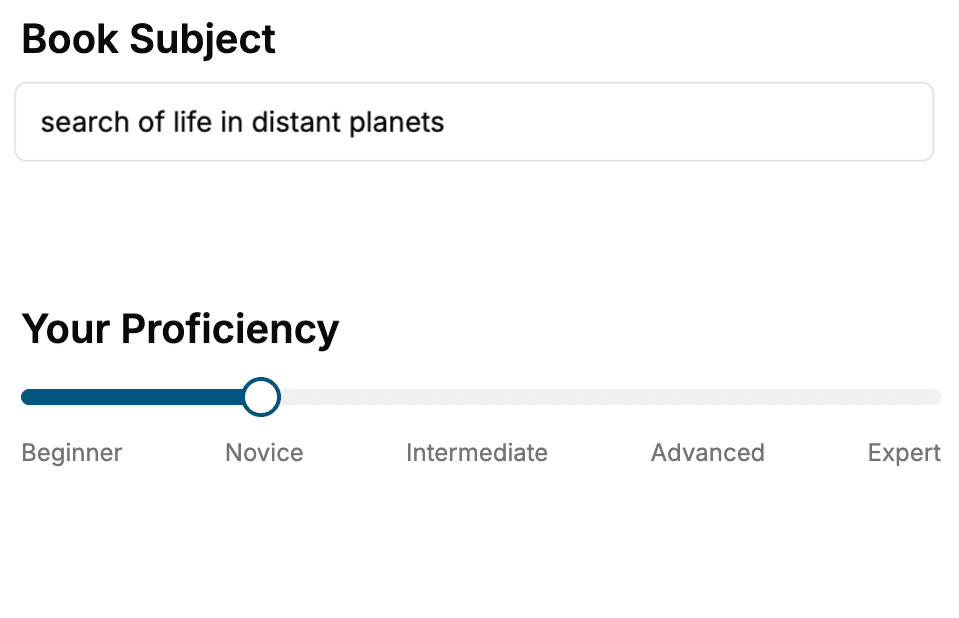
Select the focus of your Microsoft Azure book and share your background
- 2. Personalize your book
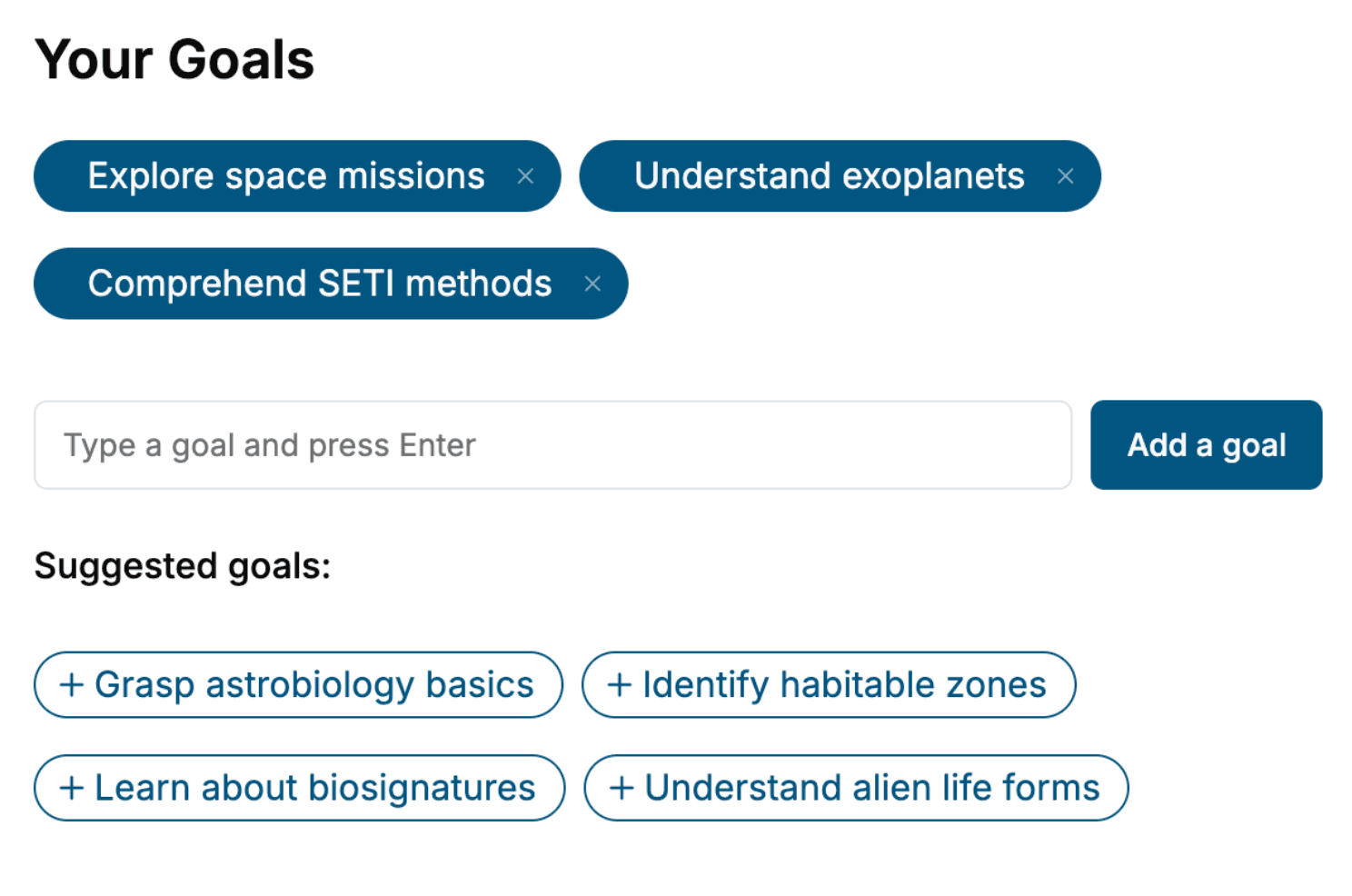
Specify your goals and choose sub-topics to include
- 3. Get your tailored book
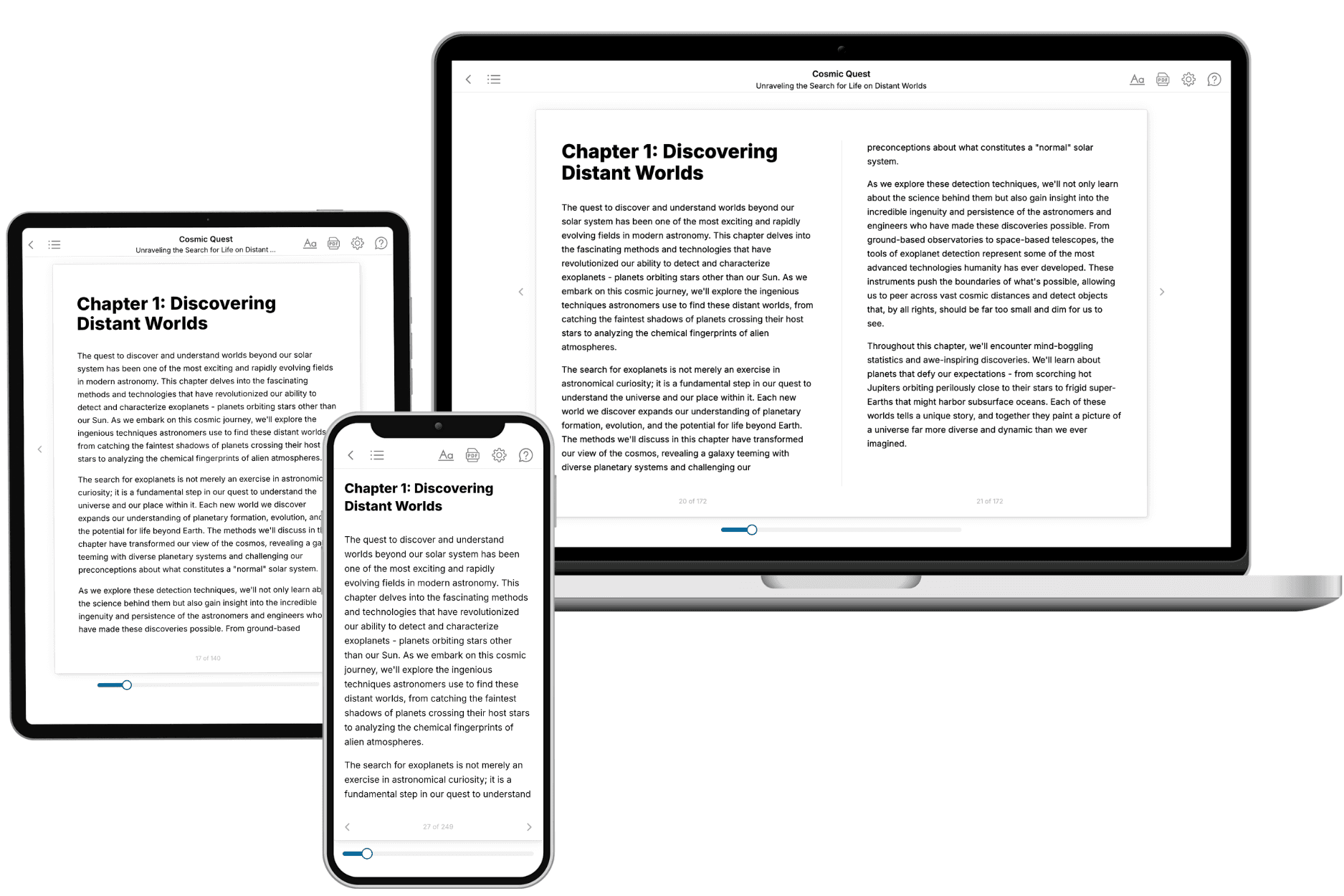
Your book is ready in 10 minutes. Read it online, download as EPUB or PDF, or send to Kindle.
Frequently asked questions
- What is TailoredRead?
TailoredRead creates complete, full-length nonfiction ebooks, written specifically for you. Tell us what you want to learn and why, and TailoredRead writes you a complete ebook on it, with charts, tables, and diagrams throughout. Read it online, on Kindle, or on any e-reader, or download it as a PDF or EPUB. Every book is written fresh the day you order it.
- How is the book tailored to me?
Before anything is written, you answer a few short questions about your goals, your background, and the topics you care about. Your book is then planned around your answers: written at your level, focused on your goals, and covering the topics you chose, instead of the one-size-fits-all book a store sells everyone.
- Will it read like generic AI content?
No. Your book isn't a chat transcript: it's planned chapter by chapter before a single word is written, told in a clear book voice, and explains ideas visually with charts, tables, and diagrams. After writing, every book goes through an editorial pass that polishes chapters so the book reads consistent from start to finish. Judge for yourself: browse thousands of sample books on our Explore Books page.
- How accurate is the content?
Our AI first checks whether your subject needs live research. Niche and fast-moving subjects are researched before writing, and the book plan and chapters are grounded in what it finds. After writing, every book goes through a quality pass that checks its facts and consistency, and researched books list their sources in a Notes section at the back.
- How long is the book?
You choose the length: Comprehensive (250-300 pages), Detailed (150-200 pages), Essential (70-100 pages), or Short (30-50 pages).
- Does the book include visuals?
Yes. Every book includes charts, tables, and diagrams: timelines, checklists, step-by-step guides, decision trees, comparison tables, matrices, and bar charts. A typical book includes dozens of these visual elements.
- Can I read it on Kindle? What formats can I download?
Yes. Every book can be read in our online reader or downloaded as a PDF or EPUB. The EPUB can be opened with Kindle, Apple Books, Kobo, and any e-reader. The Commercial and Author licenses also include an editable Word (DOCX) and Markdown download.
- How much does it cost?
About the price of a regular ebook. The exact price depends on your book's length and complexity, from $2 for the shortest books to $35 for the most comprehensive, and it's shown when you review your book, before you commit to anything. Each book is a one-time purchase, yours to keep, no subscription. Licenses that let you share, teach, or publish your book range from $35.99 to $49.99.
- Can I preview the book before purchasing?
Before you pay, you'll see what your book will cover: the title, a detailed description, the estimated length, and the complete chapter-by-chapter table of contents, so you know what you're getting before you decide. The full text itself is written after you purchase.
- How long does it take to create a book?
About 10 minutes. You can start reading the opening chapters while the rest is still being written.