Azure Service Bus Mastery
Build Scalable, Reliable Messaging Solutions in the Cloud
Are you struggling to build reliable, scalable messaging systems that can handle enterprise workloads without becoming a maintenance nightmare?
207 pages10 chaptersApr 3, 2026Message Queues
About this book
Azure Service Bus is a powerful solution, but its complexity can overwhelm even experienced developers. This book cuts through the confusion and shows you exactly how to design, implement, and operate production-grade messaging architectures. You'll learn the architectural patterns that separate successful implementations from those that fail under load, discover how to configure security and monitoring correctly from day one, and master the advanced features that make Service Bus truly shine. Whether you're building microservices, event-driven applications, or integrating legacy systems, this guide provides the practical knowledge and real-world strategies you need to deliver reliable solutions that scale.
Table of contents
- IntroductionWhy Messaging Matters in Modern Applications, What Azure Service Bus Brings to the Table, How to Use This BookRead below
- Chapter 1: Fundamentals of Azure Service BusCore Concepts and Architecture, Understanding Service Bus Tiers and Pricing, Getting Started with Your First Namespace
- Chapter 2: Queues: Point-to-Point MessagingQueue Architecture and Use Cases, Creating and Configuring Queues, Sending and Receiving Messages, Queue Best Practices and Patterns
- Chapter 3: Topics and Subscriptions: Publish-Subscribe MessagingPublish-Subscribe Architecture Explained, Creating Topics and Subscriptions, Message Filtering and Routing Rules, Advanced Publish-Subscribe Patterns
- Chapter 4: Message Handling and ProcessingUnderstanding Message Structure and Properties, Message Processing Strategies and Patterns, Error Handling and Retry Logic, Dead-Letter Queues and Poison Message Handling
- Chapter 5: Advanced Features and OptimizationMessage Sessions and Ordering Guarantees, Duplicate Detection and Idempotency, Throughput Optimization and Scaling, Partitioning Strategy for Performance
- Chapter 6: Security and Access ControlAuthentication Methods and Managed Identities, Authorization with Role-Based Access Control, Encryption, Compliance, and Data Protection, Network Security and Private Endpoints
- Chapter 7: Monitoring, Logging, and DiagnosticsAzure Monitor Integration and Metrics, Diagnostic Logging and Log Analytics, Setting Up Alerts and Troubleshooting Issues, Performance Analysis and Optimization
- Chapter 8: Integration with Azure ServicesAzure Functions and Service Bus Triggers, Logic Apps and Workflow Automation, Event Grid and Event-Driven Architectures, Integration with App Service, Cosmos DB, and Storage
- Chapter 9: Production Deployment and OperationsDeployment Strategies and Infrastructure as Code, Disaster Recovery and Business Continuity, Capacity Planning and Cost Management, Operational Excellence and Maintenance
- Chapter 10: Real-World Scenarios and Case StudiesBuilding Microservices with Service Bus, Event Sourcing and CQRS Patterns, Integrating Legacy Systems
- ConclusionKey Takeaways and Next Steps, Continuing Your Learning Journey
- Appendix: Quick Reference and ResourcesCommon Errors and Solutions, Code Examples and Templates, Further Reading and Official Documentation
Introduction
Distributed systems are hard. Anyone who has spent time building applications that need to talk to each other across networks, services, and organizational boundaries knows this truth firsthand. Messages get lost. Services go down at the worst possible moments. A spike in traffic on one end of your system can cascade into failures everywhere else. These are not edge cases or theoretical concerns. They are the everyday reality of building software that runs at scale in production environments.
Azure Service Bus exists to solve exactly these problems. It is a fully managed, enterprise-grade message broker that sits between your application components and handles the hard work of reliable message delivery. Instead of your services calling each other directly and hoping for the best, they communicate through a durable intermediary that guarantees delivery, handles retries, and keeps messages safe even when parts of your system are temporarily unavailable. The result is a more resilient, more scalable, and far more maintainable architecture.
This book is a practical guide to mastering Azure Service Bus. It covers everything from the foundational concepts you need to understand before writing a single line of code, all the way through advanced features, security hardening, production operations, and real-world architectural patterns. Whether you are building a new microservices platform from scratch or trying to modernize a legacy system that has grown too brittle to maintain, the knowledge in these pages will help you make better decisions and avoid the costly mistakes that trip up even experienced teams.
The goal here is not to simply repeat the official documentation. Microsoft's docs are thorough and well-maintained, and you should absolutely use them as a reference. What this book offers instead is the context, judgment, and practical experience that documentation rarely provides. You will learn not just how to configure a dead-letter queue, but why it matters and what happens in production when you get it wrong. You will see real architectural trade-offs explained clearly, with concrete examples that reflect the kinds of decisions you actually face on the job.
Why Messaging Matters in Modern Applications
Modern applications are rarely monoliths anymore. Even organizations that started with a single, unified codebase have typically broken their systems into smaller, more focused services over time. This shift toward distributed architectures brings enormous benefits in terms of team autonomy, independent deployability, and the ability to scale individual components based on their specific load. But it also introduces a fundamental challenge: how do all these separate pieces communicate reliably?
The naive answer is direct HTTP calls. Service A needs something from Service B, so it makes a REST request and waits for a response. This works fine in simple cases, but it creates tight coupling between services. If Service B is slow, Service A slows down too. If Service B is down, Service A fails. If you need to add Service C to also receive the same data, you have to modify Service A to know about Service C. Every direct connection adds fragility and complexity to your system.
Asynchronous messaging solves these problems by introducing a buffer between producers and consumers. Consider a real-world example: an e-commerce platform where placing an order needs to trigger inventory updates, payment processing, email notifications, and analytics tracking. With direct calls, the order service must coordinate all of these steps synchronously, and a failure in any one of them can break the entire order flow. With messaging, the order service simply publishes an "order placed" message and moves on. Each downstream service picks up that message independently, at its own pace, and handles its own failures without affecting the others.
A concrete example: Imagine your payment processing service experiences a brief outage during a flash sale. With synchronous calls, every order attempt during that window fails immediately. With asynchronous messaging, orders continue to queue up safely in Service Bus. When payment processing recovers, it works through the backlog and processes every order successfully. Your customers experience a slight delay rather than an error. That difference can mean thousands of dollars in recovered revenue and a much better user experience.
Beyond resilience, messaging enables a pattern called temporal decoupling. The producer and consumer do not need to be running at the same time. A batch job can produce thousands of messages overnight, and the consuming services can process them gradually throughout the day without either side needing to coordinate schedules. This flexibility is enormously valuable in enterprise environments where different systems operate on different timelines and have different availability requirements.
Messaging also makes it much easier to scale individual parts of your system independently. If your order processing service is falling behind, you can spin up additional consumer instances to work through the queue faster. The producer side does not need to change at all. This kind of elastic scaling is one of the core advantages of cloud-native architectures, and a well-designed messaging layer is what makes it practical to implement.
The importance of getting messaging right cannot be overstated. A poorly designed messaging architecture can be just as fragile as the tightly coupled system it was meant to replace. Messages that pile up without being processed, consumers that crash and lose messages, duplicate processing that corrupts data, and security gaps that expose sensitive payloads are all real failure modes that teams encounter in production. Understanding the principles behind reliable messaging is the foundation for everything else in this book.
Research consistently shows that system downtime and data loss are among the most expensive problems organizations face. Studies from industry analysts estimate that unplanned downtime costs enterprises an average of $5,600 per minute, with some industries facing far higher figures.[1] A robust messaging architecture is one of the most effective investments you can make in reducing that risk.
What Azure Service Bus Brings to the Table
Azure Service Bus is Microsoft's fully managed enterprise message broker, built on top of the AMQP 1.0 protocol and designed to handle the demanding requirements of production workloads. It has been available since 2012 and has matured significantly over the years, adding features that address the real-world needs of enterprise development teams. Understanding what it offers, and equally what it is designed for, helps you make better architectural decisions from the start.
At its core, Service Bus provides two primary messaging patterns. Queues implement point-to-point communication, where a message sent by a producer is consumed by exactly one receiver. This is the right pattern when you need to distribute work across multiple consumers or ensure that a specific task is performed exactly once. Topics and subscriptions implement the publish-subscribe pattern, where a single message can be delivered to multiple independent subscribers. This is the right pattern when multiple services need to react to the same event.
What sets Service Bus apart from simpler messaging solutions is its rich set of enterprise features. Here are the capabilities that matter most in production environments:
- At-least-once delivery guarantee: Messages are never lost. If a consumer fails to process a message, Service Bus makes it available again for redelivery.
- Dead-letter queues: Messages that cannot be processed after a configurable number of attempts are moved to a separate dead-letter queue for investigation and remediation.
- Message sessions: Related messages can be grouped and processed in order by a single consumer, enabling stateful workflows and ordered processing.
- Duplicate detection: Service Bus can automatically detect and discard duplicate messages within a configurable time window, protecting your system from double-processing.
- Scheduled delivery: Messages can be scheduled to become available at a specific future time, enabling deferred processing patterns.
- Message deferral: A consumer can defer a message it is not ready to process, allowing it to be retrieved later by message sequence number.
- Transactions: Multiple operations can be grouped into a single atomic transaction, ensuring consistency across message sends and receives.
Service Bus also integrates deeply with the broader Azure ecosystem. It works natively with Azure Functions, allowing you to trigger serverless code whenever a message arrives. It connects to Logic Apps for low-code workflow automation. It participates in Azure Monitor for metrics and alerting, and it supports Azure Active Directory authentication through managed identities, eliminating the need to manage connection string secrets in your application code.
It is worth being clear about what Service Bus is not designed for. It is not a streaming platform for high-volume telemetry or event data. If you need to ingest millions of events per second from IoT devices or clickstream data, Azure Event Hubs is the right tool. Service Bus is optimized for reliable, ordered, transactional message delivery in the range of thousands to tens of thousands of messages per second, which covers the vast majority of enterprise application scenarios. Knowing this boundary helps you avoid the common mistake of choosing the wrong tool for the job.
The pricing model for Service Bus is based on the number of messaging operations performed, with different tiers offering different feature sets. The Basic tier supports only queues and is suitable for simple scenarios. The Standard tier adds topics, subscriptions, and most enterprise features. The Premium tier provides dedicated resources, higher throughput, larger message sizes, and geo-disaster recovery. Choosing the right tier from the beginning saves both money and the pain of migrating later. Chapter 1 covers this in detail.
One of the most compelling aspects of Service Bus is that it is fully managed. Microsoft handles the underlying infrastructure, patching, scaling of the control plane, and high availability. You do not need to manage servers, configure clustering, or worry about disk failures. This operational simplicity is a significant advantage over self-hosted alternatives like RabbitMQ or Apache Kafka, especially for teams that do not have dedicated infrastructure specialists. You can focus on building your application logic rather than maintaining your messaging infrastructure.
Security is built into Service Bus at multiple levels. All data is encrypted in transit using TLS and at rest using Microsoft-managed or customer-managed keys. Access control is enforced through Shared Access Signatures or Azure Active Directory role-based access control. Network access can be restricted to specific virtual networks or private endpoints, preventing any public internet exposure. These capabilities make it straightforward to meet enterprise security and compliance requirements without building custom solutions.
How to Use This Book
This book is structured to take you from foundational understanding through to production-ready expertise. It is designed for intermediate cloud developers and DevOps engineers who already have some familiarity with Azure and want to go deep on Service Bus specifically. You do not need to be an expert in distributed systems theory, but you should be comfortable with basic cloud concepts like namespaces, resource groups, and managed identities before diving in.
The chapters are organized in a logical progression, but they are also designed to be useful as standalone references. If you are already familiar with the basics and want to jump straight to a specific topic, you can do that. Here is a quick map of what each part of the book covers:
- Chapters 1 through 3 cover the fundamentals. You will learn the core architecture, set up your first namespace, and understand the difference between queues and topics in depth. If you are new to Service Bus, start here and work through these chapters in order.
- Chapter 4 dives into message handling, including error handling, retry logic, and dead-letter queues. This chapter is critical reading for anyone building production systems, regardless of experience level.
- Chapter 5 covers advanced features like message sessions, duplicate detection, and throughput optimization. These are the features that separate a basic implementation from a truly robust one.
- Chapter 6 focuses entirely on security. Authentication, authorization, encryption, and network isolation are all covered in detail. Do not skip this chapter before deploying to production.
- Chapter 7 covers monitoring, logging, and diagnostics. You will learn how to set up Azure Monitor integration, configure alerts, and diagnose problems when they occur in production.
- Chapter 8 explores integration with other Azure services, including Functions, Logic Apps, and Event Grid. This is where you will see how Service Bus fits into larger event-driven architectures.
- Chapter 9 addresses production deployment and operations, including infrastructure as code, disaster recovery, and capacity planning.
- Chapter 10 presents real-world case studies covering microservices architectures, event sourcing, and legacy system integration.
Throughout the book, you will find code examples written primarily in C# using the Azure.Messaging.ServiceBus SDK, which is the current recommended client library for .NET applications.[2] The concepts and patterns apply equally to other supported languages including Java, Python, JavaScript, and Go, and the official Azure SDKs for those languages follow very similar patterns. Where relevant, Azure CLI commands and ARM/Bicep templates are also provided for infrastructure configuration.
To get the most out of this book, you should have an active Azure subscription where you can create resources and experiment. Many of the examples are designed to be run hands-on, and there is no substitute for actually deploying a queue, sending messages, and watching them flow through the system. Azure offers a free tier that includes enough Service Bus usage to work through most of the examples in this book without incurring significant costs. Setting up a dedicated resource group for your learning environment is a good practice that makes cleanup easy when you are done.
Recommended setup before you begin: Create a free or pay-as-you-go Azure account, install the Azure CLI, and set up Visual Studio Code with the Azure Tools extension pack. These tools will be used throughout the book and having them ready before you start will let you follow along without interruption.
Each chapter ends with a summary of key points and, where appropriate, a set of practical exercises or configuration checklists. These are not optional extras. They are designed to reinforce the concepts from the chapter and give you hands-on experience with the patterns being discussed. Working through them will build the kind of muscle memory that makes you genuinely effective with Service Bus in real projects.
Pay particular attention to the sections on error handling, security, and monitoring. These are the areas where teams most commonly cut corners during development, only to face painful consequences in production. A message broker that loses data, exposes sensitive payloads, or fails silently without alerting anyone is worse than no message broker at all. The goal of this book is to help you build systems that you can trust, and that means getting these foundational concerns right from the beginning.
You will also notice that the book frequently discusses trade-offs rather than prescribing a single "correct" approach. That is intentional. Real-world architecture involves making decisions under constraints, and the right answer depends on your specific requirements, team capabilities, and organizational context. The goal is to give you the knowledge and frameworks to make those decisions confidently, not to hand you a rigid blueprint that may not fit your situation.
Finally, the field of cloud messaging continues to evolve. Azure Service Bus receives regular updates, and Microsoft occasionally introduces new features or changes pricing structures. The core concepts and patterns in this book are stable and will remain relevant, but always check the official Microsoft documentation for the latest specifics on configuration options, SDK versions, and pricing details. Links to key documentation resources are provided throughout the text and collected in the appendix for easy reference.
Building reliable distributed systems is genuinely challenging work, but it is also deeply rewarding. When you get it right, you end up with an architecture that handles failure gracefully, scales smoothly under load, and gives your team the confidence to deploy changes without fear. Azure Service Bus is one of the most capable tools available for achieving that outcome. The pages ahead will show you exactly how to use it well.
Notes
Introduction
- 1. Gartner Research, "The Cost of Downtime," Gartner IT Infrastructure & Operations Management Summit, 2014
- 2. Microsoft Documentation. 'Azure Service Bus client library for.NET.'
This is the end of the free sample. The full book has 10 chapters.
Want this book written for you?
Tell us your goals and background, and get your own version of this book, tailored by AI to you.


Benefits of AI-tailored books
- Read one book, not ten:
- all the Message Queues knowledge you need, gathered into a single book.
- Save days of learning:
- tell us your goals, choose your topics, and the whole book is built around them.
- Learn effortlessly:
- Message Queues book written for your specific background and expertise.
- Understand at a glance:
- includes charts, tables, timelines, checklists, decision trees, and more.
- Stay current:
- written the day you order it, not years ago.
- Trust what you read:
- every book is checked for accuracy, with real research when your subject needs it.
Create your unique book in 3 steps
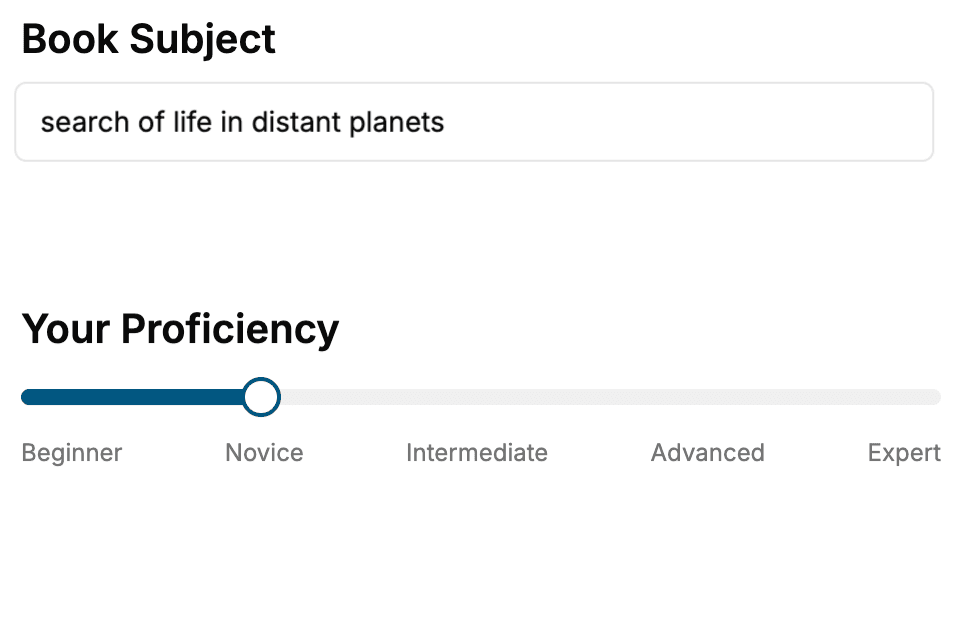
- 1. Select your focus
Select the focus of your Message Queues book and share your background
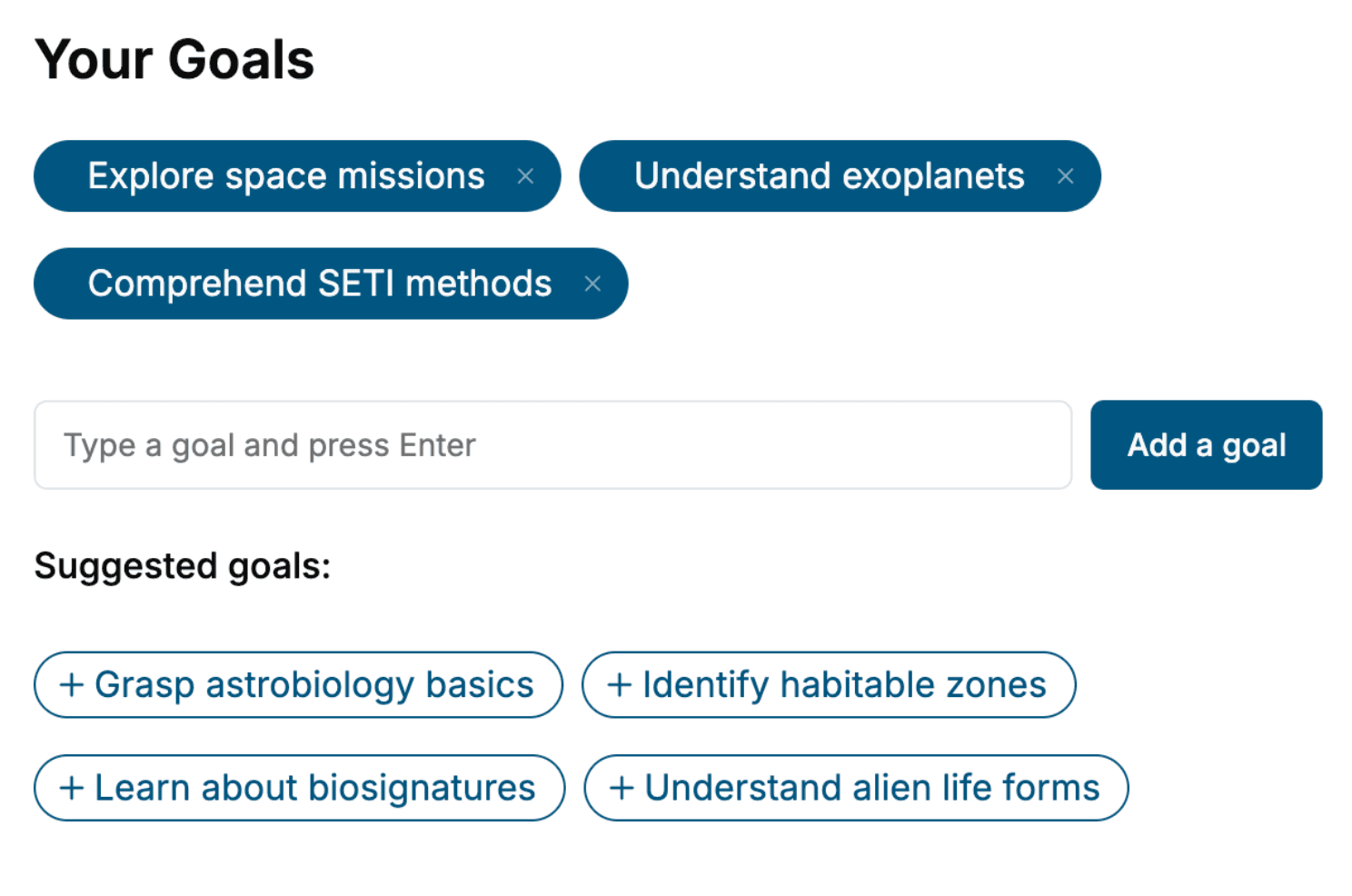
- 2. Personalize your book
Specify your goals and choose sub-topics to include
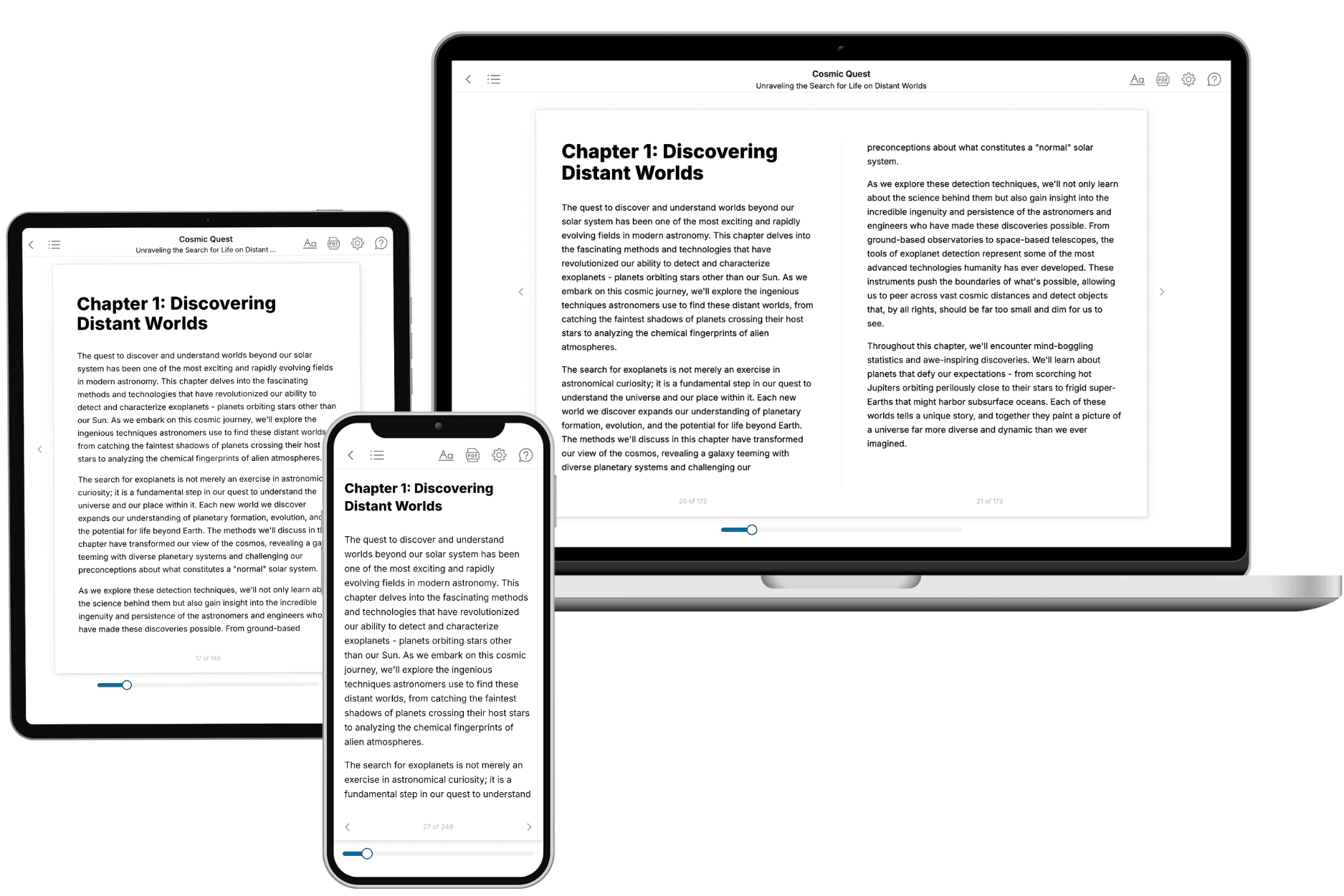
- 3. Get your tailored book
Your book is ready in 10 minutes. Read it online, download as EPUB or PDF, or send to Kindle.
Frequently asked questions
- What is TailoredRead?
TailoredRead creates complete, full-length nonfiction ebooks, written specifically for you. Tell us what you want to learn and why, and TailoredRead writes you a complete ebook on it, with charts, tables, and diagrams throughout. Read it online, on Kindle, or on any e-reader, or download it as a PDF or EPUB. Every book is written fresh the day you order it.
- How is the book tailored to me?
Before anything is written, you answer a few short questions about your goals, your background, and the topics you care about. Your book is then planned around your answers: written at your level, focused on your goals, and covering the topics you chose, instead of the one-size-fits-all book a store sells everyone.
- Will it read like generic AI content?
No. Your book isn't a chat transcript: it's planned chapter by chapter before a single word is written, told in a clear book voice, and explains ideas visually with charts, tables, and diagrams. After writing, every book goes through an editorial pass that polishes chapters so the book reads consistent from start to finish. Judge for yourself: browse thousands of sample books on our Explore Books page.
- How accurate is the content?
Our AI first checks whether your subject needs live research. Niche and fast-moving subjects are researched before writing, and the book plan and chapters are grounded in what it finds. After writing, every book goes through a quality pass that checks its facts and consistency, and researched books list their sources in a Notes section at the back.
- How long is the book?
You choose the length: Comprehensive (250-300 pages), Detailed (150-200 pages), Essential (70-100 pages), or Short (30-50 pages).
- Does the book include visuals?
Yes. Every book includes visual elements such as timelines, checklists, step-by-step guides, decision trees, comparison tables, and matrices, and many include bar charts. A typical book includes dozens of these visual elements.
- Can I read it on Kindle? What formats can I download?
Yes. Every book can be read in our online reader or downloaded as a PDF or EPUB. The EPUB can be opened with Kindle, Apple Books, Kobo, and any e-reader. The Commercial and Author licenses also include an editable Word (DOCX) and Markdown download.
- How much does it cost?
About the price of a regular ebook. The exact price depends on your book's length and complexity, from $2 for the shortest books to $35 for the most comprehensive, and it's shown when you review your book, before you commit to anything. Each book is a one-time purchase, yours to keep, no subscription. Licenses that let you share, teach, or publish your book range from $35.99 to $49.99.
- Can I preview the book before purchasing?
Before you pay, you'll see what your book will cover: the title, a detailed description, the estimated length, and the complete chapter-by-chapter table of contents, so you know what you're getting before you decide. The full text itself is written after you purchase.
- How long does it take to create a book?
About 10 minutes. You can start reading the opening chapters while the rest is still being written.