BitLocker Mastery for Windows Server 2008 R2
A Practical Guide to Drive Encryption and DevOps Security
Many IT professionals assume BitLocker is too complex for their infrastructure or that encryption will cripple system performance.
176 pages8 chaptersJun 11, 2026Cyber Security
About this book
The reality is that BitLocker on Windows Server 2008 R2 is a powerful, manageable security tool when properly understood and deployed. This guide walks you through every aspect of BitLocker implementation, from hardware requirements and initial setup to advanced DevOps integration. You'll learn how to configure encryption policies, manage recovery keys securely, troubleshoot common issues, and automate deployment across your server fleet. Whether you're protecting sensitive data, meeting compliance requirements, or securing your DevOps pipeline, this book provides the practical knowledge and step-by-step procedures you need. Discover how to integrate BitLocker into your existing infrastructure without disrupting operations, monitor encryption status effectively, and respond confidently when issues arise.
Table of contents
- IntroductionWhy BitLocker Matters in Modern Infrastructure, What You'll Learn in This Book, How to Use This GuideRead below
- Chapter 1: Understanding BitLocker FundamentalsEncryption Basics and Data Protection Principles, BitLocker Architecture and How It Works, BitLocker vs. Other Encryption Solutions
- Chapter 2: Hardware Requirements and PrerequisitesTPM Hardware Requirements and Compatibility, Windows Server 2008 R2 System Requirements, Pre-Deployment Planning and Checklist
- Chapter 3: Initial BitLocker ConfigurationEnabling BitLocker on System and Data Drives, Recovery Key Generation and Storage, Configuring Startup Authentication Methods
- Chapter 4: Group Policy and Active Directory IntegrationSetting Up BitLocker Group Policy Objects, Configuring Active Directory Key Escrow, Centralized Management Across Multiple Servers
- Chapter 5: DevOps Integration and AutomationAutomating BitLocker Deployment in DevOps Pipelines, PowerShell Scripting for BitLocker Management, Infrastructure as Code Approaches for Encryption
- Chapter 6: Monitoring and ComplianceMonitoring Encryption Status and Health, Compliance Reporting and Audit Trails, Performance Monitoring and Optimization
- Chapter 7: Troubleshooting and RecoveryCommon BitLocker Issues and Solutions, Recovery Key Access and Data Recovery, Emergency Procedures and Disaster Recovery
- Chapter 8: Security Best Practices and ComplianceSecurity Hardening with BitLocker, Meeting Compliance Requirements (HIPAA, PCI-DSS, etc.), Incident Response and Breach Mitigation
- ConclusionKey Takeaways and Next Steps, Future Considerations and Upgrades
- Appendix: Quick Reference and ResourcesBitLocker PowerShell Command Reference, Quick Troubleshooting Guide, Additional Resources and Further Learning
Introduction
Data breaches are no longer rare, catastrophic events that happen to other organizations. They are a routine operational risk that every IT team must plan for, defend against, and respond to. In 2023 alone, the average cost of a data breach reached $4.45 million globally, with a significant portion of those incidents involving stolen or lost physical hardware.[1] When a server is stolen from a data center, a decommissioned drive is improperly disposed of, or an attacker gains brief physical access to a machine, unencrypted data becomes immediately readable. BitLocker exists precisely to close that gap. It turns raw storage into an unreadable cipher without the correct credentials, making physical access to hardware far less dangerous.
Windows Server 2008 R2 brought meaningful improvements to BitLocker that made it a serious enterprise tool rather than a consumer-grade feature. Support for encrypting data volumes (not just the operating system drive), integration with Active Directory for centralized key management, and more flexible authentication options all arrived with this release. For organizations still running 2008 R2 infrastructure, or those managing mixed environments that include legacy servers, understanding how to deploy and manage BitLocker on this platform is a practical, immediate need. This guide addresses that need directly, without assuming you have unlimited time or a greenfield environment to work with.
This book is written for IT professionals and DevOps engineers who already understand Windows Server administration at an intermediate level. You know how to navigate Group Policy, you're comfortable with PowerShell, and you've managed Active Directory before. What you may not have is a clear, end-to-end picture of how BitLocker fits into your infrastructure, how to deploy it without disrupting operations, and how to keep it running reliably over time. That's exactly what this guide provides. Each chapter builds on the last, moving from foundational concepts through hands-on configuration, automation, monitoring, and recovery procedures.
One of the most common misconceptions about BitLocker is that it's too complex to manage at scale or that it will noticeably degrade server performance. Neither is true when the implementation is done correctly. Modern hardware handles AES encryption with minimal overhead, and with the right Group Policy configuration and PowerShell automation in place, BitLocker can be deployed and monitored across dozens or hundreds of servers without becoming a full-time job. This guide will show you how to reach that point, step by step, with practical examples drawn from real enterprise scenarios.
Why BitLocker Matters in Modern Infrastructure
The threat landscape for enterprise infrastructure has shifted dramatically over the past decade. Attackers no longer rely solely on network-based intrusions. Physical security incidents, insider threats, and supply chain compromises all create scenarios where an adversary may gain direct access to server hardware. In those situations, network firewalls and endpoint detection tools offer no protection at all. Full-disk encryption is the control that makes physical access to hardware operationally useless without the correct authentication credentials.
Consider a concrete scenario: a server is decommissioned from a data center and sent to a third-party recycler. If the drives are not encrypted, any data remaining on those drives is fully readable by whoever handles the hardware next. This is not a theoretical risk. Researchers have repeatedly purchased used enterprise drives from secondary markets and recovered sensitive data from organizations that believed their decommissioning processes were adequate.[2] BitLocker eliminates this risk entirely. An encrypted drive without its recovery key is, for all practical purposes, unreadable.
Compliance requirements have also made encryption a non-negotiable control for many organizations. Frameworks and regulations including HIPAA, PCI-DSS, SOX, and GDPR all reference encryption of data at rest as either a required or strongly recommended safeguard. Auditors increasingly expect organizations to demonstrate that sensitive data stored on servers is encrypted, and that encryption keys are managed through a documented, auditable process. BitLocker, when integrated with Active Directory and properly configured, provides exactly the kind of documented, centrally managed encryption that satisfies these requirements.
Beyond compliance, BitLocker supports a broader security posture known as defense in depth. No single security control is sufficient on its own. BitLocker works alongside network segmentation, access controls, patch management, and monitoring to create multiple layers of protection. If one layer fails, the others continue to provide value. Encryption at rest means that even if an attacker bypasses your network controls and gains physical access to a drive, they still face a significant barrier to accessing the data stored on it.
For DevOps teams specifically, BitLocker matters because infrastructure is increasingly dynamic. Servers are provisioned, moved, repurposed, and decommissioned at a pace that manual security processes cannot keep up with. Automating BitLocker deployment as part of your provisioning pipeline ensures that every server is encrypted from the moment it enters production, without relying on manual steps that can be forgotten or skipped under pressure. This guide dedicates an entire chapter to that automation challenge, with practical PowerShell examples and infrastructure-as-code approaches.
It's also worth addressing the performance concern directly. BitLocker uses AES-128 or AES-256 encryption, and on hardware with a dedicated AES-NI instruction set (which most server-class processors have supported since around 2010), the performance overhead is typically less than 5% for most workloads.[3] For I/O-intensive workloads like database servers, the impact may be slightly higher and worth measuring, but for the vast majority of server roles, BitLocker encryption is effectively transparent to end users and applications. The chapters on performance monitoring will show you how to measure and verify this in your own environment.
Finally, BitLocker matters because it is already included in Windows Server 2008 R2 at no additional cost. There is no separate license to purchase, no third-party agent to deploy, and no additional vendor relationship to manage. For organizations looking to improve their security posture without adding budget, BitLocker represents one of the highest-value controls available. The investment is in time and knowledge, not in software costs, which is exactly why understanding how to deploy it correctly is so worthwhile.
What You'll Learn in This Book
This guide is organized to take you from foundational understanding through practical deployment and into ongoing operations. Each chapter addresses a specific phase of the BitLocker lifecycle, and together they form a complete picture of what it takes to run BitLocker successfully in an enterprise environment. Here is a summary of what each chapter covers and what you'll be able to do after reading it.
Chapter 1: Understanding BitLocker Fundamentals covers the core concepts you need before touching any configuration. You'll learn how full-disk encryption works at a conceptual level, how BitLocker's architecture uses the Trusted Platform Module (TPM) and encryption keys, and how BitLocker compares to alternative encryption solutions like EFS (Encrypting File System) and third-party tools. This chapter ensures you're making informed decisions rather than just following steps without understanding why.
Chapter 2: Hardware Requirements and Prerequisites walks through everything you need to verify before enabling BitLocker. TPM version requirements, BIOS/UEFI configuration, partition layout requirements, and a complete pre-deployment checklist are all covered here. Skipping this chapter is one of the most common reasons BitLocker deployments fail or behave unexpectedly. A few hours of preparation here saves days of troubleshooting later.
Chapter 3: Initial BitLocker Configuration is where hands-on work begins. You'll learn how to enable BitLocker on both system drives and data drives, generate and store recovery keys safely, and configure startup authentication methods including TPM-only, TPM with PIN, and TPM with USB key. This chapter includes step-by-step procedures with specific command examples for both the GUI and command-line approaches.
Chapter 4: Group Policy and Active Directory Integration covers the centralized management layer that makes BitLocker practical at scale. You'll configure Group Policy Objects (GPOs) to enforce encryption settings across your server fleet, set up Active Directory key escrow so recovery keys are automatically backed up to AD, and learn how to manage BitLocker settings consistently across multiple servers without touching each one individually.
Chapter 5: DevOps Integration and Automation addresses the operational efficiency challenge. You'll learn how to automate BitLocker deployment using PowerShell scripts, integrate encryption into provisioning pipelines, and apply infrastructure-as-code principles to encryption management. This chapter includes working PowerShell examples that you can adapt directly for your environment.
The remaining chapters cover the operational side of running BitLocker in production. Specifically, you'll learn the following across Chapters 6, 7, and 8:
- How to monitor encryption status across your server fleet and build compliance reports for auditors
- How to measure and optimize BitLocker's performance impact on different server workloads
- How to diagnose and resolve the most common BitLocker issues, from TPM errors to failed unlocks
- How to access recovery keys and recover data when something goes wrong
- How to handle emergency scenarios including hardware failures and lost credentials
- How to align your BitLocker implementation with HIPAA, PCI-DSS, and other compliance frameworks
- How to incorporate BitLocker into your incident response procedures
By the end of this book, you'll have the knowledge to deploy BitLocker confidently on Windows Server 2008 R2 systems, manage it efficiently at scale, and respond effectively when problems arise. You'll also have a library of PowerShell scripts, checklists, and reference material in the appendix that you can use directly in your environment. The goal is not just to understand BitLocker in theory, but to be able to operate it reliably in production.
One thing this book does not do is treat BitLocker as a magic solution that eliminates all security risk. Encryption at rest is one important control among many. It protects data when hardware is physically compromised, but it does not protect against network-based attacks, credential theft, or misconfigured access controls. Throughout the book, BitLocker is presented in its proper context as a powerful but specific tool, and you'll see how it fits into a broader security strategy rather than standing alone.
A note on scope: This book focuses specifically on BitLocker as implemented in Windows Server 2008 R2. While many concepts apply to later Windows Server versions, specific procedures, PowerShell cmdlets, and Group Policy settings may differ in Server 2012, 2016, 2019, or 2022. Where significant differences exist, they are noted, but the primary focus remains on the 2008 R2 platform throughout.
How to Use This Guide
This guide is designed to work for two different types of readers, and understanding which one you are will help you get the most out of it. The first type is someone approaching BitLocker for the first time who wants a complete, structured path from beginning to end. If that's you, read the chapters in order. Each one builds on the previous, and skipping ahead can leave gaps in your understanding that cause problems during implementation. The second type is an experienced administrator who needs a specific answer quickly. If that's you, the table of contents and the appendix quick-reference section are your starting points.
For those reading sequentially, the recommended approach is to read each chapter fully before attempting the procedures it describes. BitLocker configuration has dependencies that aren't always obvious, and understanding the full picture of a chapter before starting work reduces the chance of making changes you'll need to undo. After reading, work through the procedures in a test environment before applying them to production systems. This is especially important for Chapters 3 and 4, where configuration mistakes can result in drives that require recovery key access to unlock.
Throughout the book, content is organized with consistent visual markers to help you navigate quickly. Here is what each type of formatted content means:
- Step-by-step procedures are presented as numbered lists. Follow them in order unless the text explicitly says otherwise.
- PowerShell commands and code examples appear in code blocks. Commands are written for Windows Server 2008 R2 and should be run in an elevated PowerShell session unless noted.
- Blockquotes are used for important warnings, notes, and real-world examples that deserve extra attention.
- Bold text marks key terms and critical concepts on their first significant use.
The PowerShell examples in this book are written to be functional and adaptable, not just illustrative. Variable names are descriptive, and comments explain what each section does. When you see a script example, the intent is that you can copy it, modify the variables to match your environment, and run it with confidence. That said, always test scripts in a non-production environment first. Even well-written scripts can behave unexpectedly in environments with unusual configurations or non-standard setups.
A few practical recommendations before you begin working through the material. First, ensure you have a documented inventory of the servers you plan to encrypt, including their hardware specifications and current TPM status. Chapter 2 explains exactly what to check, but having that inventory ready before you start will save time. Second, establish a secure location for storing recovery keys before you enable BitLocker on any system. This is not something to figure out after the fact. Third, communicate your encryption plans to relevant stakeholders, including your security team, operations team, and any application owners whose systems will be affected. BitLocker is generally transparent to running applications, but surprises in production environments are never welcome.
If you encounter an issue that isn't covered in the troubleshooting chapter, the appendix includes a curated list of additional resources including Microsoft's official documentation, TechNet articles, and community forums that are particularly useful for Windows Server 2008 R2 BitLocker questions. The platform is mature enough that most issues have been encountered and documented by someone before you, and knowing where to look is half the battle.
Finally, treat this guide as a living reference rather than a one-time read. The chapters on monitoring, compliance, and troubleshooting are ones you'll likely return to repeatedly as your environment evolves. Bookmark the command reference in the appendix. Keep the pre-deployment checklist accessible when you're provisioning new servers. The value of a technical guide like this one compounds over time as you apply it to new situations and build on the foundation it provides.
Before you begin: Make sure you have administrative access to the servers you plan to work with, access to your Active Directory environment and Group Policy management tools, and a test server or virtual machine where you can practice procedures before applying them to production systems. A Windows Server 2008 R2 virtual machine running in Hyper-V or VMware is an ideal practice environment and costs nothing beyond the license you likely already have.
The goal of this guide is straightforward: when you finish it, BitLocker should feel like a tool you understand and control, not a black box you're afraid to touch. Encryption is one of the most reliable security controls available to you, and Windows Server 2008 R2 gives you everything you need to implement it well. The chapters ahead will show you exactly how.
This is the end of the free sample. The full book has 8 chapters.
Want this book written for you?
Tell us your goals and background, and get your own version of this book, tailored by AI to you.






Benefits of AI-tailored books
- Read one book, not ten:
- all the Cyber Security knowledge you need, gathered into a single book.
- Save days of learning:
- tell us your goals, choose your topics, and the whole book is built around them.
- Learn effortlessly:
- Cyber Security book written for your specific background and expertise.
- Understand at a glance:
- includes charts, tables, timelines, checklists, decision trees, and more.
- Stay current:
- written the day you order it, not years ago.
- Trust what you read:
- every book is checked for accuracy, with real research when your subject needs it.
Create your unique book in 3 steps
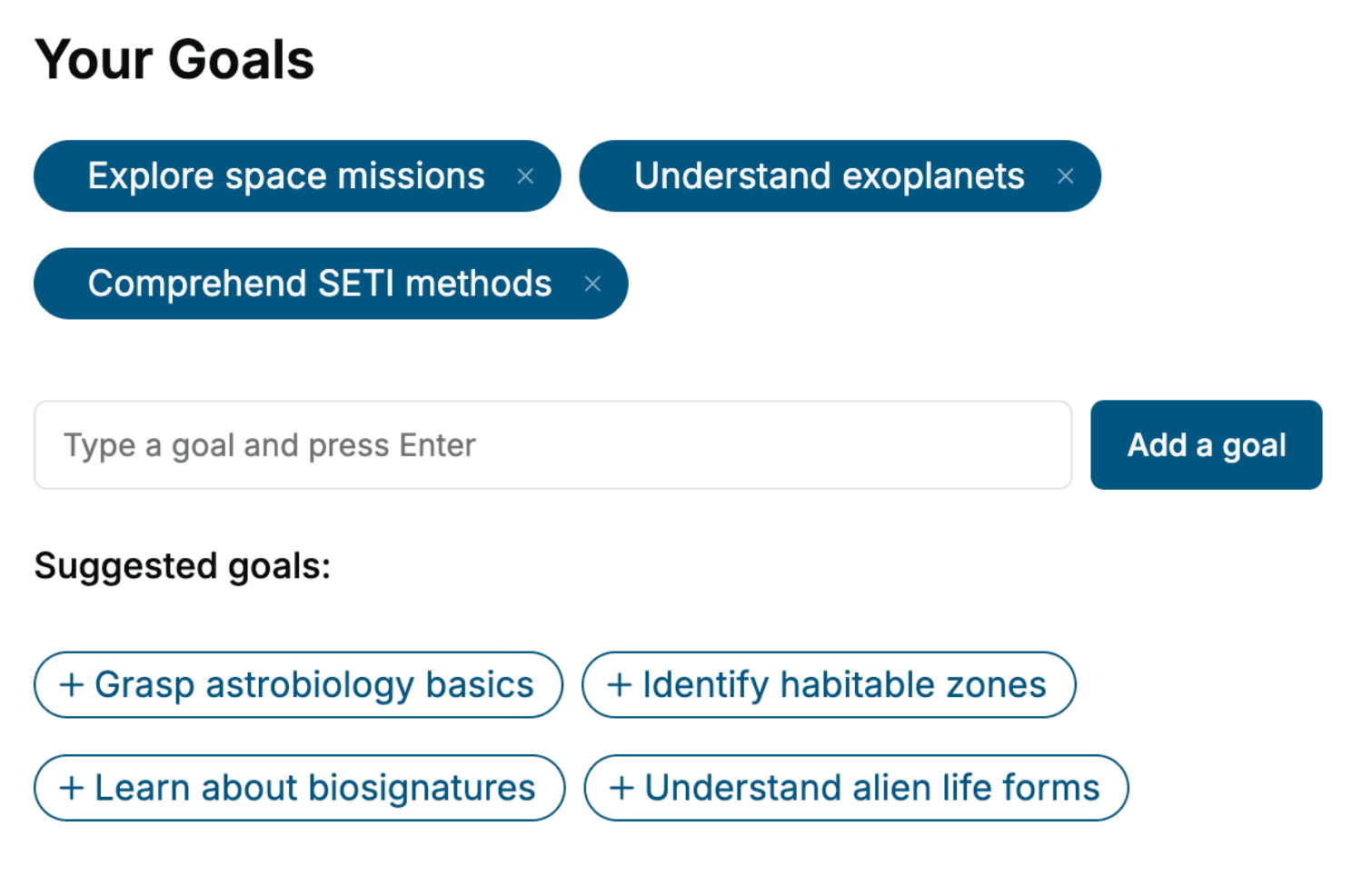
- 1. Select your focus
Select the focus of your Cyber Security book and share your background
- 2. Personalize your book
Specify your goals and choose sub-topics to include
- 3. Get your tailored book
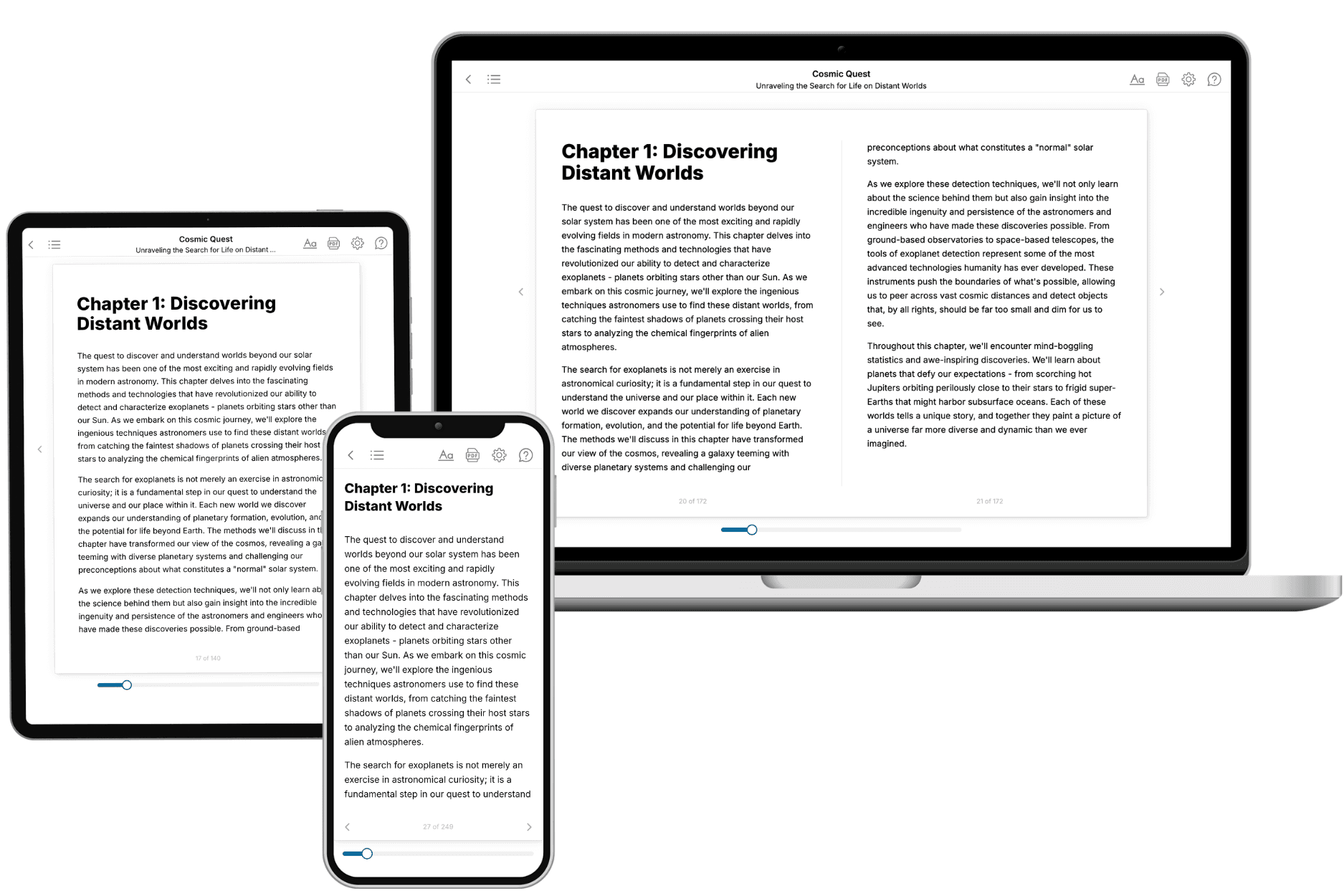
Your book is ready in 10 minutes. Read it online, download as EPUB or PDF, or send to Kindle.

Frequently asked questions
- What is TailoredRead?
TailoredRead creates complete, full-length nonfiction ebooks, written specifically for you. Tell us what you want to learn and why, and TailoredRead writes you a complete ebook on it, with charts, tables, and diagrams throughout. Read it online, on Kindle, or on any e-reader, or download it as a PDF or EPUB. Every book is written fresh the day you order it.
- How is the book tailored to me?
Before anything is written, you answer a few short questions about your goals, your background, and the topics you care about. Your book is then planned around your answers: written at your level, focused on your goals, and covering the topics you chose, instead of the one-size-fits-all book a store sells everyone.
- Will it read like generic AI content?
No. Your book isn't a chat transcript: it's planned chapter by chapter before a single word is written, told in a clear book voice, and explains ideas visually with charts, tables, and diagrams. After writing, every book goes through an editorial pass that polishes chapters so the book reads consistent from start to finish. Judge for yourself: browse thousands of sample books on our Explore Books page.
- How accurate is the content?
Our AI first checks whether your subject needs live research. Niche and fast-moving subjects are researched before writing, and the book plan and chapters are grounded in what it finds. After writing, every book goes through a quality pass that checks its facts and consistency, and researched books list their sources in a Notes section at the back.
- How long is the book?
You choose the length: Comprehensive (250-300 pages), Detailed (150-200 pages), Essential (70-100 pages), or Short (30-50 pages).
- Does the book include visuals?
Yes. Every book includes charts, tables, and diagrams: timelines, checklists, step-by-step guides, decision trees, comparison tables, matrices, and bar charts. A typical book includes dozens of these visual elements.
- Can I read it on Kindle? What formats can I download?
Yes. Every book can be read in our online reader or downloaded as a PDF or EPUB. The EPUB can be opened with Kindle, Apple Books, Kobo, and any e-reader. The Commercial and Author licenses also include an editable Word (DOCX) and Markdown download.
- How much does it cost?
About the price of a regular ebook. The exact price depends on your book's length and complexity, from $2 for the shortest books to $35 for the most comprehensive, and it's shown when you review your book, before you commit to anything. Each book is a one-time purchase, yours to keep, no subscription. Licenses that let you share, teach, or publish your book range from $35.99 to $49.99.
- Can I preview the book before purchasing?
Before you pay, you'll see what your book will cover: the title, a detailed description, the estimated length, and the complete chapter-by-chapter table of contents, so you know what you're getting before you decide. The full text itself is written after you purchase.
- How long does it take to create a book?
About 10 minutes. You can start reading the opening chapters while the rest is still being written.