Bootstrap Responsive Images
Mastering Fluid Visuals for Modern Web Design
Your journey into the world of responsive web design begins here.
269 pages13 chaptersFeb 9, 2025Web Development
About this book
As screen sizes continue to diversify, the need for adaptable images has never been more crucial. This book is your comprehensive guide to mastering Bootstrap's powerful tools for creating responsive images that look stunning on any device. You'll dive deep into the intricacies of responsive image techniques, exploring how to optimize your visuals for various screen sizes and resolutions. From understanding the basics of Bootstrap's grid system to implementing advanced lazy loading techniques, this book covers it all. By the time you finish, you'll have the skills to create websites that not only look great but also perform efficiently across all devices. Get ready to elevate your web development skills and create visually impressive, responsive websites that stand out in today's digital landscape.
Table of contents
- IntroductionThe Importance of Responsive Images in Modern Web Design, Overview of Bootstrap and Its Role in Responsive Design, How This Book Will Help You Master Responsive ImagesRead below
- Chapter 1: Fundamentals of Responsive ImagesUnderstanding Responsive Web Design, Common Challenges with Images in Responsive Design, Bootstrap's Grid System and Its Relation to Images, Viewport Concepts and Their Impact on Images
- Chapter 2: Bootstrap Tools for Responsive ImagesBootstrap's Responsive Image Classes, Using .img-fluid for Responsive Images, Implementing the <picture> Element with Bootstrap, Working with Bootstrap's Thumbnail Classes
- Chapter 3: Image Optimization TechniquesChoosing the Right Image File Formats, Image Compression Techniques for Web, Optimizing Images for Retina and High-DPI Displays, Leveraging SVGs for Responsive Graphics
- Chapter 4: Advanced Responsive Image TechniquesMastering srcset and sizes Attributes, Art Direction in Responsive Images, Implementing Lazy Loading for Performance, Creating Responsive Background Images
- Chapter 5: Performance Optimization for Responsive ImagesCaching Strategies for Responsive Images, Utilizing Content Delivery Networks (CDNs), Determining Optimal Image Breakpoints, Tools and Techniques for Performance Testing
- Chapter 6: Accessibility Considerations for Responsive ImagesProper Use of Alt Text in Responsive Images, Implementing ARIA Attributes for Enhanced Accessibility, Ensuring Sufficient Color Contrast in Image Overlays, Keyboard Navigation for Interactive Image Elements
- Chapter 7: Responsive Image Patterns and Use CasesCreating Responsive Hero Images, Building Responsive Image Galleries, Optimizing Product Images for E-commerce, Implementing Responsive Video Embeds
- Chapter 8: Cross-Browser and Device CompatibilityUnderstanding Browser Support for Responsive Images, Implementing Fallback Strategies for Older Browsers, Special Considerations for Mobile Devices, Tools and Techniques for Cross-Device Testing
- Chapter 9: Integrating Responsive Images into Your WorkflowCollaborating with Designers on Responsive Images, Automating Responsive Image Generation, Version Control Best Practices for Image Assets, Documenting Responsive Image Implementations
- Chapter 10: Future Trends in Responsive ImagesExploring Next-Generation Image Formats, AI-Powered Image Optimization Techniques, Integration of Responsive Images with Variable Fonts, Keeping Up with Emerging Web Standards
- Chapter 11: Real-World Case StudiesResponsive Images in E-commerce: A Success Story, Optimizing a News Site for Fast-Loading Images, Creating a Responsive Portfolio with Bootstrap, Responsive Images for an App Landing Page
- Chapter 12: Troubleshooting Common IssuesFixing Image Distortion Problems, Addressing Slow Load Times, Resolving Mobile-Specific Image Issues, Handling Conflicts with Other Bootstrap Components
- Chapter 13: Best Practices and GuidelinesA Comprehensive Responsive Image Checklist, Setting and Maintaining a Performance Budget, SEO Considerations for Responsive Images, Future-Proofing Your Responsive Image Strategy
- Conclusion
- Glossary
- Further Reading
Introduction
Welcome to the world of responsive web design and Bootstrap's powerful tools for creating fluid, adaptable images. In today's digital landscape, where users access websites on a myriad of devices with varying screen sizes and resolutions, the importance of responsive images cannot be overstated. This book is your comprehensive guide to mastering the art and science of implementing responsive images using Bootstrap, one of the most popular front-end frameworks in web development.
As an intermediate web developer familiar with Twitter Bootstrap, you're already aware of the framework's capabilities in creating responsive layouts. However, images present unique challenges in responsive design, and mastering their implementation can significantly enhance your skills, leading to more efficient and visually appealing websites. Throughout this book, you'll delve deep into the intricacies of responsive image techniques, exploring how to optimize your visuals for various screen sizes and resolutions while maintaining performance and accessibility.
The journey ahead is both exciting and rewarding. You'll learn how to leverage Bootstrap's built-in classes and utilities, combine them with modern HTML and CSS techniques, and implement advanced strategies to create truly responsive and optimized images. By the end of this book, you'll have the knowledge and skills to confidently tackle any responsive image challenge, creating websites that not only look great but also perform efficiently across all devices.
Let's begin by exploring the core concepts that form the foundation of responsive images in modern web design, understanding Bootstrap's role in this ecosystem, and outlining how this book will guide you through your learning journey.
The Importance of Responsive Images in Modern Web Design
In the ever-evolving landscape of web design, responsive images have become a cornerstone of creating user-friendly, visually appealing, and performant websites. The proliferation of devices with varying screen sizes, from small smartphones to large desktop monitors and everything in between, has made it imperative for web developers to ensure that images adapt seamlessly to different viewing contexts. Responsive images are not just about making pictures look good on various screens; they play a crucial role in enhancing user experience, improving website performance, and contributing to better search engine rankings.
One of the primary reasons responsive images are so important is their impact on user experience. When images are not optimized for different screen sizes, they can lead to a frustrating experience for users. Oversized images may require excessive scrolling on mobile devices, while undersized images can appear pixelated or unclear on larger screens. By implementing responsive images, you ensure that your visual content looks crisp and properly sized regardless of the device used to view it. This consistency in visual presentation helps maintain the integrity of your design and keeps users engaged with your content[1].
Performance is another critical aspect where responsive images make a significant difference. Large, unoptimized images can dramatically slow down page load times, especially on mobile devices with limited bandwidth. Slow-loading pages not only frustrate users but can also lead to higher bounce rates and lower conversions. By serving appropriately sized and optimized images for each device, you can significantly reduce page load times, improving overall site performance. This optimization is particularly crucial in an era where mobile internet usage has surpassed desktop usage in many parts of the world[2].
From a technical standpoint, responsive images contribute to more efficient use of bandwidth and server resources. Instead of serving a single large image to all devices and relying on the browser to resize it (which can lead to unnecessary data transfer), responsive image techniques allow you to serve different image versions optimized for specific screen sizes and resolutions. This approach not only saves bandwidth but also ensures that the server isn't burdened with serving unnecessarily large files to devices that don't need them.
Search engine optimization (SEO) is yet another area where responsive images play a crucial role. Search engines like Google have been placing increasing importance on mobile-friendly websites in their ranking algorithms. Websites that implement responsive design principles, including responsive images, are more likely to rank higher in search results, especially for mobile searches. Moreover, faster-loading pages (a direct benefit of optimized, responsive images) are favored by search engines, further boosting your site's SEO performance[3].
Accessibility is an often-overlooked aspect of web design that responsive images can significantly enhance. By providing alternative text and ensuring that images scale appropriately, you make your content more accessible to users with visual impairments or those using assistive technologies. This not only broadens your audience but also aligns with web accessibility standards and guidelines, such as the Web Content Accessibility Guidelines (WCAG).
In the context of brand consistency and visual storytelling, responsive images allow you to maintain control over how your visual content is presented across different devices. This is particularly important for businesses and organizations that rely heavily on visual branding. With responsive image techniques, you can ensure that your brand imagery, product photos, and other visual elements are displayed optimally, regardless of the viewing device, maintaining a consistent brand experience for all users.
As web technologies continue to evolve, the importance of responsive images is only likely to grow. Emerging trends such as variable fonts, next-generation image formats, and AI-powered optimization techniques are set to further enhance the capabilities and importance of responsive images in web design. By mastering responsive image techniques now, you're not only solving current design challenges but also preparing yourself for the future of web development.
In conclusion, responsive images are not just a nice-to-have feature in modern web design; they are an essential component that impacts user experience, performance, SEO, accessibility, and brand consistency. As you progress through this book, you'll gain a deep understanding of how to implement responsive images effectively using Bootstrap, equipping yourself with skills that are crucial for creating successful, user-centric websites in today's multi-device world.
Overview of Bootstrap and Its Role in Responsive Design
Bootstrap, originally developed by Twitter, has become one of the most popular front-end frameworks in the web development ecosystem. Its rise to prominence can be attributed to its comprehensive set of pre-built components, responsive grid system, and extensive documentation, all of which significantly streamline the process of creating responsive, mobile-first websites. In the context of responsive design, and particularly responsive images, Bootstrap provides a robust foundation and a set of powerful tools that make implementation both efficient and effective.
At its core, Bootstrap is built on the principle of responsive design. The framework's grid system, which forms the backbone of its layout capabilities, is inherently responsive. It uses a series of containers, rows, and columns to layout and align content, automatically adjusting to different screen sizes. This responsive grid is crucial for creating layouts that adapt seamlessly across devices, providing a consistent structure within which responsive images can be effectively implemented[4].
One of Bootstrap's key strengths in handling responsive images is its set of utility classes. These classes, such as .img-fluid, provide a quick and easy way to make images responsive without writing custom CSS. The .img-fluid class, for instance, applies max-width: 100% and height: auto to an image, ensuring that it scales with its parent element. This simple yet powerful feature allows developers to quickly implement basic responsive image behavior across their sites, addressing many common responsive image challenges with minimal effort.
Bootstrap's approach to responsive design extends beyond just images and layouts. The framework provides a comprehensive set of responsive utility classes that can be used to adjust visibility, alignment, and other properties based on screen size. These utilities can be particularly useful when fine-tuning the presentation of images in different contexts, allowing for more nuanced control over how images behave across various devices.
Another significant aspect of Bootstrap in the context of responsive design is its mobile-first approach. This philosophy, which prioritizes mobile design and progressively enhances the experience for larger screens, aligns perfectly with modern web development best practices. When it comes to responsive images, this mobile-first approach encourages developers to think critically about image usage, prioritizing performance and user experience on smaller devices while ensuring that the visual impact is maintained across all screen sizes.
Bootstrap's extensive documentation and large community are also invaluable resources when working with responsive images. The official documentation provides clear guidelines and examples for implementing responsive images using Bootstrap's classes and utilities. Moreover, the vast Bootstrap community has produced numerous plugins, extensions, and code snippets that can further enhance your ability to create sophisticated responsive image solutions.
While Bootstrap provides an excellent starting point for implementing responsive images, it's important to note that it's not a one-size-fits-all solution. The framework offers a solid foundation, but to truly master responsive images, you'll need to combine Bootstrap's tools with other modern web technologies and techniques. This is where this book comes in, guiding you through not just Bootstrap's capabilities, but also how to integrate them with advanced responsive image techniques like srcset, sizes attributes, and the picture element.
Bootstrap's role in responsive design extends to performance optimization as well. The framework is designed with performance in mind, using efficient CSS and JavaScript to minimize load times. When it comes to responsive images, this performance-focused approach is crucial. Bootstrap's responsive utilities are lightweight and efficient, allowing you to implement responsive image techniques without significantly impacting your site's overall performance.
As web development trends evolve, Bootstrap continues to adapt and improve its responsive design capabilities. Recent versions of Bootstrap have introduced enhanced flexbox support, improved grid systems, and more refined responsive utilities. These updates reflect the framework's commitment to staying current with modern web development practices and providing developers with the tools they need to create cutting-edge responsive designs.
In conclusion, Bootstrap plays a pivotal role in implementing responsive design, particularly when it comes to images. Its responsive grid system, utility classes, mobile-first approach, and extensive documentation provide a solid foundation for creating responsive websites. As you progress through this book, you'll learn how to leverage Bootstrap's features effectively, combining them with other advanced techniques to master the art of responsive images. This knowledge will not only enhance your ability to create visually appealing and performant websites but also solidify your understanding of responsive design principles that are crucial in today's multi-device web landscape.
How This Book Will Help You Master Responsive Images
This book is designed to be your comprehensive guide to mastering responsive images using Bootstrap. Whether you're looking to enhance your existing skills or dive deep into the intricacies of responsive image implementation, this book will provide you with the knowledge, techniques, and best practices you need to excel in creating visually stunning and performant websites. Let's take a closer look at how this book is structured and what you can expect to learn from each chapter.
We begin with the fundamentals, ensuring that you have a solid grasp of the core concepts underlying responsive web design and the specific challenges posed by images in responsive layouts. Chapter 1, "Fundamentals of Responsive Images," will introduce you to the basic principles of responsive design, common image-related challenges, and how Bootstrap's grid system interacts with images. This foundation is crucial for understanding the more advanced concepts that follow.
In Chapter 2, "Bootstrap Tools for Responsive Images," we delve into the specific tools and classes that Bootstrap provides for handling responsive images. You'll learn how to effectively use classes like .img-fluid, work with the picture element in a Bootstrap context, and leverage Bootstrap's thumbnail classes. This chapter will give you a thorough understanding of how to use Bootstrap's built-in features to create responsive images quickly and efficiently.
Image optimization is a critical aspect of working with responsive images, and Chapter 3, "Image Optimization Techniques," is dedicated to this topic. You'll learn about choosing the right file formats, compression techniques, and how to optimize images for high-resolution displays. This chapter will also introduce you to the power of SVGs in responsive design, providing you with a comprehensive toolkit for ensuring your images are as efficient as possible.
As you progress, you'll dive into more advanced techniques in Chapter 4, "Advanced Responsive Image Techniques." Here, you'll master the use of srcset and sizes attributes, learn about art direction in responsive images, implement lazy loading for improved performance, and create responsive background images. These advanced techniques will allow you to create more sophisticated and efficient responsive image solutions.
Performance is a crucial consideration in web development, and Chapter 5, "Performance Optimization for Responsive Images," focuses on this aspect. You'll learn about caching strategies, how to effectively use Content Delivery Networks (CDNs), determine optimal image breakpoints, and use tools for performance testing. This chapter will ensure that your responsive images not only look great but also contribute to a fast, efficient website.
Accessibility is often overlooked but is increasingly important in modern web development. Chapter 6, "Accessibility Considerations for Responsive Images," will guide you through making your responsive images accessible to all users. You'll learn about proper alt text usage, implementing ARIA attributes, ensuring sufficient color contrast, and making interactive image elements keyboard-navigable.
In Chapter 7, "Responsive Image Patterns and Use Cases," you'll explore common scenarios where responsive images are crucial. From creating responsive hero images to building image galleries, optimizing product images for e-commerce, and implementing responsive video embeds, this chapter will provide you with practical, real-world applications of the techniques you've learned.
Cross-browser and device compatibility is essential for ensuring your responsive images work for all users. Chapter 8, "Cross-Browser and Device Compatibility," will help you understand browser support for responsive images, implement fallback strategies, and consider special requirements for mobile devices. You'll also learn about tools and techniques for cross-device testing.
Chapter 9, "Integrating Responsive Images into Your Workflow," focuses on the practical aspects of working with responsive images in a development environment. You'll learn how to collaborate effectively with designers, automate responsive image generation, implement version control for image assets, and document your responsive image implementations.
Looking to the future, Chapter 10, "Future Trends in Responsive Images," explores emerging technologies and techniques that are shaping the future of responsive images. From next-generation image formats to AI-powered optimization techniques, this chapter will help you stay ahead of the curve in responsive image implementation.
To solidify your understanding, Chapter 11, "Real-World Case Studies," presents practical examples of responsive image implementation in various contexts. You'll see how the techniques you've learned are applied in e-commerce sites, news portals, portfolios, and app landing pages, giving you insights into real-world problem-solving and best practices.
Even with the best preparation, issues can arise when working with responsive images. Chapter 12, "Troubleshooting Common Issues," is dedicated to helping you identify and resolve common problems you might encounter, from image distortion to load time issues and conflicts with other Bootstrap components.
Finally, Chapter 13, "Best Practices and Guidelines," provides you with a comprehensive set of best practices for working with responsive images. From creating a responsive image checklist to setting performance budgets and considering SEO implications, this chapter will help you develop a robust, future-proof approach to responsive image implementation.
Throughout the book, you'll find practical examples, code snippets, and exercises that will help you apply what you've learned. By the end of this journey, you'll have a deep understanding of how to implement responsive images using Bootstrap, along with the skills to tackle complex responsive design challenges with confidence. Whether you're building a personal project or working on enterprise-level websites, the knowledge you gain from this book will be invaluable in creating modern, responsive, and visually appealing web experiences.
This is the end of the free sample. The full book has 13 chapters.
Want this book written for you?
Tell us your goals and background, and get your own version of this book, tailored by AI to you.






Benefits of AI-tailored books
- Read one book, not ten:
- all the Web Development knowledge you need, gathered into a single book.
- Save days of learning:
- tell us your goals, choose your topics, and the whole book is built around them.
- Learn effortlessly:
- Web Development book written for your specific background and expertise.
- Understand at a glance:
- includes charts, tables, timelines, checklists, decision trees, and more.
- Stay current:
- written the day you order it, not years ago.
- Trust what you read:
- every book is checked for accuracy, with real research when your subject needs it.
Create your unique book in 3 steps
- 1. Select your focus
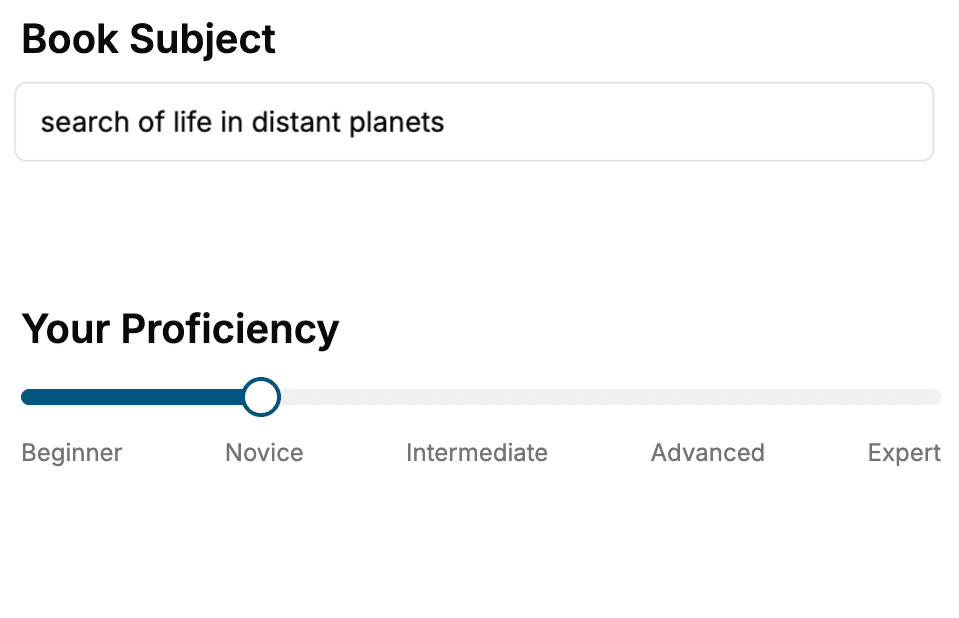
Select the focus of your Web Development book and share your background
- 2. Personalize your book
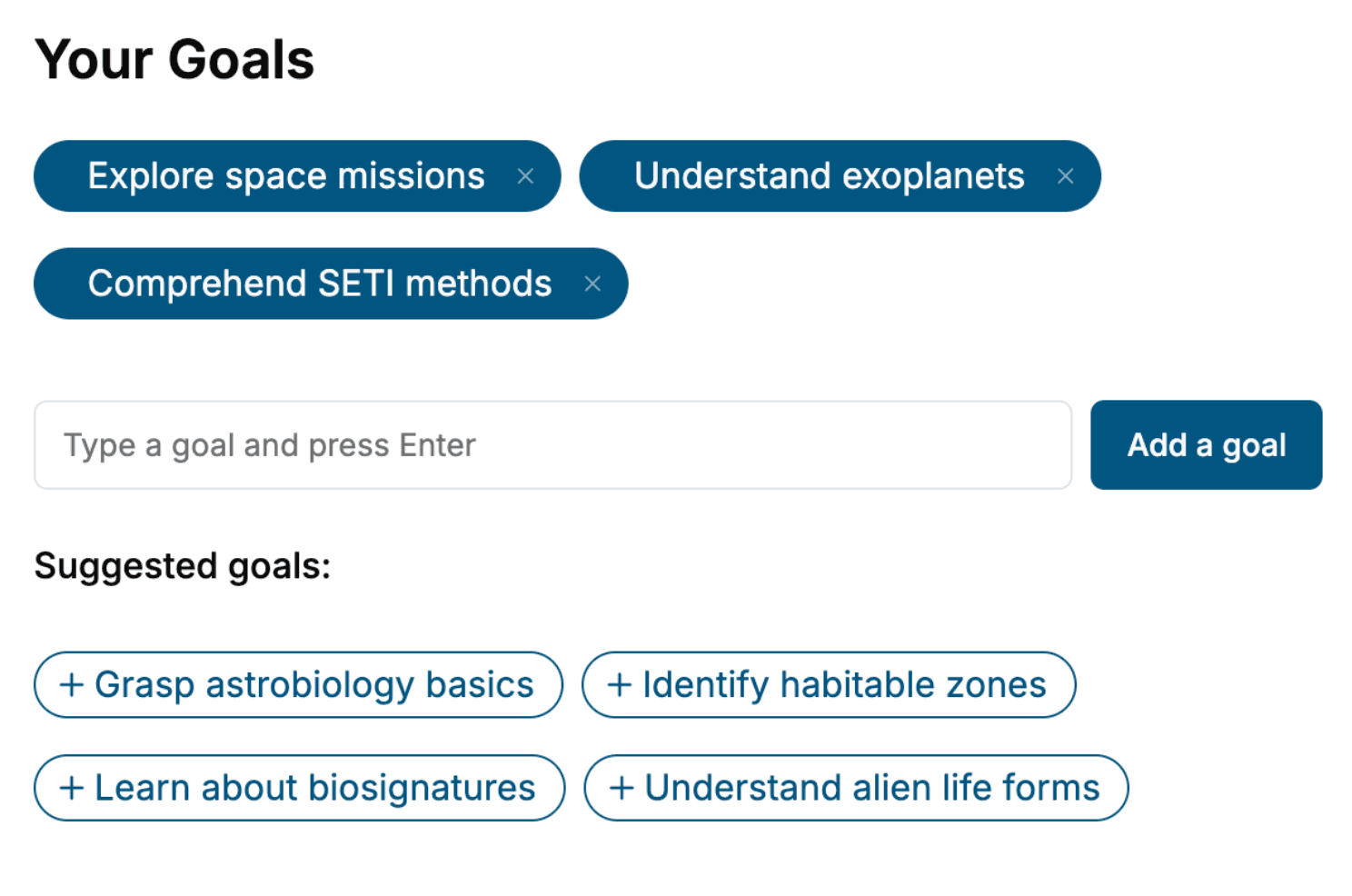
Specify your goals and choose sub-topics to include
- 3. Get your tailored book
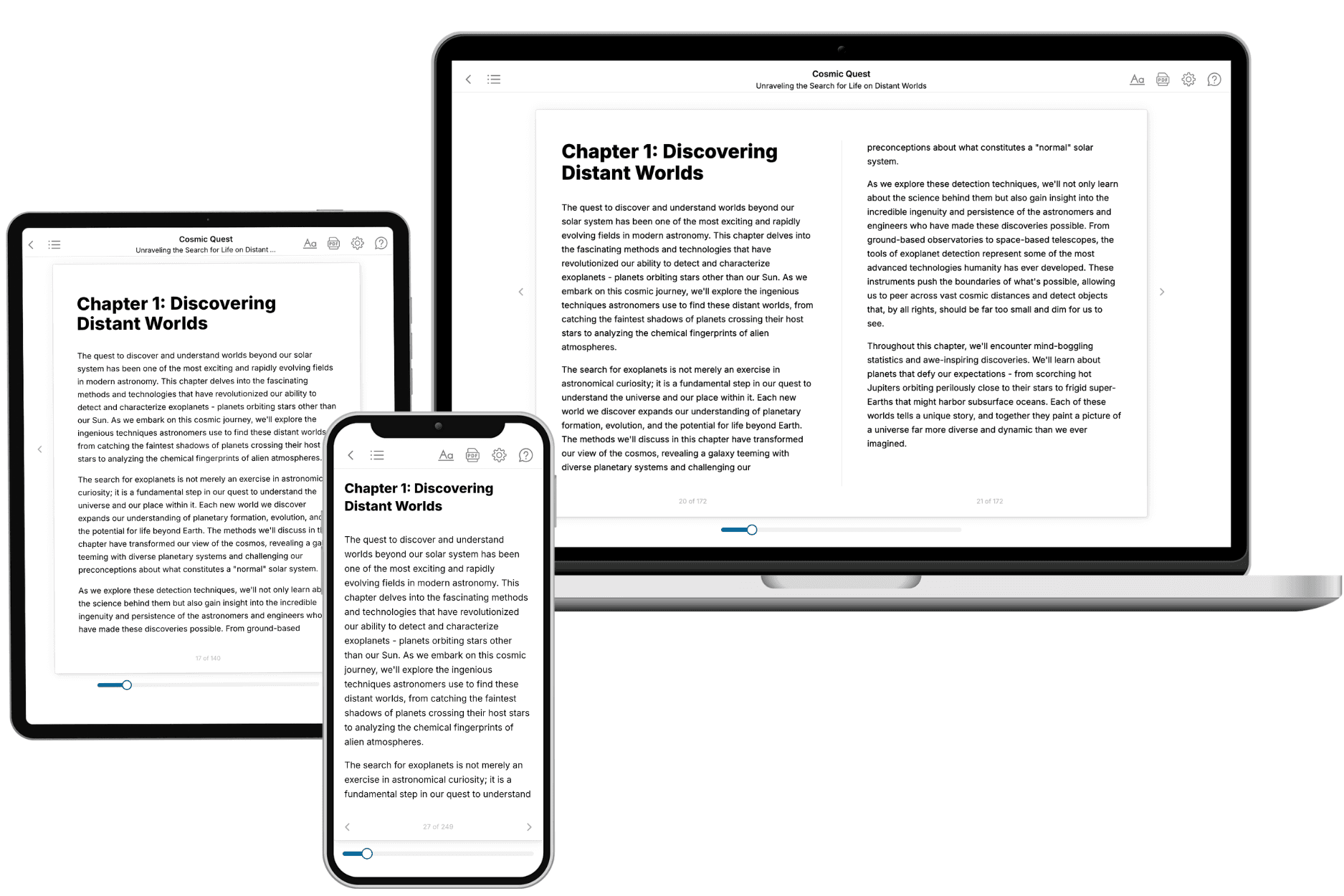
Your book is ready in 10 minutes. Read it online, download as EPUB or PDF, or send to Kindle.
Frequently asked questions
- What is TailoredRead?
TailoredRead creates complete, full-length nonfiction ebooks, written specifically for you. Tell us what you want to learn and why, and TailoredRead writes you a complete ebook on it, with charts, tables, and diagrams throughout. Read it online, on Kindle, or on any e-reader, or download it as a PDF or EPUB. Every book is written fresh the day you order it.
- How is the book tailored to me?
Before anything is written, you answer a few short questions about your goals, your background, and the topics you care about. Your book is then planned around your answers: written at your level, focused on your goals, and covering the topics you chose, instead of the one-size-fits-all book a store sells everyone.
- Will it read like generic AI content?
No. Your book isn't a chat transcript: it's planned chapter by chapter before a single word is written, told in a clear book voice, and explains ideas visually with charts, tables, and diagrams. After writing, every book goes through an editorial pass that polishes chapters so the book reads consistent from start to finish. Judge for yourself: browse thousands of sample books on our Explore Books page.
- How accurate is the content?
Our AI first checks whether your subject needs live research. Niche and fast-moving subjects are researched before writing, and the book plan and chapters are grounded in what it finds. After writing, every book goes through a quality pass that checks its facts and consistency, and researched books list their sources in a Notes section at the back.
- How long is the book?
You choose the length: Comprehensive (250-300 pages), Detailed (150-200 pages), Essential (70-100 pages), or Short (30-50 pages).
- Does the book include visuals?
Yes. Every book includes charts, tables, and diagrams: timelines, checklists, step-by-step guides, decision trees, comparison tables, matrices, and bar charts. A typical book includes dozens of these visual elements.
- Can I read it on Kindle? What formats can I download?
Yes. Every book can be read in our online reader or downloaded as a PDF or EPUB. The EPUB can be opened with Kindle, Apple Books, Kobo, and any e-reader. The Commercial and Author licenses also include an editable Word (DOCX) and Markdown download.
- How much does it cost?
About the price of a regular ebook. The exact price depends on your book's length and complexity, from $2 for the shortest books to $35 for the most comprehensive, and it's shown when you review your book, before you commit to anything. Each book is a one-time purchase, yours to keep, no subscription. Licenses that let you share, teach, or publish your book range from $35.99 to $49.99.
- Can I preview the book before purchasing?
Before you pay, you'll see what your book will cover: the title, a detailed description, the estimated length, and the complete chapter-by-chapter table of contents, so you know what you're getting before you decide. The full text itself is written after you purchase.
- How long does it take to create a book?
About 10 minutes. You can start reading the opening chapters while the rest is still being written.