Building Windows Forms Applications with .NET Framework 1.0
Master GUI Development from Fundamentals to Advanced Techniques
Many developers struggle with Windows Forms because they treat it as a simple drag-and-drop tool rather than understanding the underlying architecture that makes it powerful.
191 pages10 chaptersDec 30, 2025Windows Development
About this book
This book bridges that gap by teaching you how Windows Forms actually works within the .NET Framework 1.0 ecosystem. You'll move beyond basic button clicks to master event-driven programming, create sophisticated layouts that adapt to any screen size, and build custom controls that solve real-world problems. Through practical examples and clear explanations, you'll learn how to structure applications for maintainability, implement data binding effectively, and optimize performance. Whether you're building business applications, utilities, or tools, this comprehensive guide provides the knowledge and techniques you need to create professional-quality Windows desktop applications that users will appreciate.
Table of contents
- IntroductionWhy Windows Forms Matters in .NET Development, What You'll Learn in This Book, How to Use This Book EffectivelyRead below
- Chapter 1: Foundations of Windows Forms and the .NET FrameworkUnderstanding the .NET Framework 1.0 Architecture, The Role of Windows Forms in Desktop Development, Benefits of Managed Code and the Common Language Runtime
- Chapter 2: Creating Your First Windows Forms ApplicationSetting Up Your Development Environment, Understanding Forms and the Form Class, Building and Running Your First Application
- Chapter 3: Working with Controls and ComponentsThe Control Hierarchy and Inheritance Model, Essential Controls: Buttons, TextBoxes, Labels, and More, Configuring Control Properties and Appearance
- Chapter 4: Mastering Event-Driven ProgrammingUnderstanding the Windows Forms Event Model, Implementing Event Handlers and Delegates, Common Event Patterns and Best Practices
- Chapter 5: Layout Management and Control PositioningPrinciples of Effective Layout Design, Using Anchor and Dock Properties for Responsive Layouts, Working with Panels and Container Controls
- Chapter 6: Data Binding and Data-Driven ApplicationsUnderstanding Data Binding Fundamentals, Implementing Simple and Complex Data Binding, Working with Data Sources and Collections
- Chapter 7: Input Validation and Error HandlingDesigning Effective Validation Strategies, Implementing Field and Form-Level Validation, User-Friendly Error Messages and Exception Handling
- Chapter 8: Creating Custom Controls and User ControlsFundamentals of Custom Control Development, Building Reusable User Controls, Design-Time Support and Control Properties
- Chapter 9: Advanced UI Patterns and TechniquesBuilding Multiple Document Interface (MDI) Applications, Working with Dialog Boxes and Modal Forms, Creating Professional Menus and Toolbars
- Chapter 10: Performance Optimization and Resource ManagementOptimizing Rendering with Double Buffering and Invalidation, Efficient Resource Management and Disposal Patterns, Profiling and Monitoring Application Performance
- ConclusionKey Takeaways and Next Steps, Continuing Your Windows Forms Journey
Introduction
Windows Forms represents a pivotal moment in desktop application development, marking the transition from unmanaged Win32 API programming to the managed code environment of the .NET Framework. When Microsoft released .NET Framework 1.0 in 2002, Windows Forms emerged as the primary technology for building Windows desktop applications with managed code. This shift fundamentally changed how developers approached GUI programming, abstracting away the complexity of window procedures, message loops, and direct API calls while providing a rich, object-oriented framework for creating professional applications. Understanding Windows Forms isn't just about learning another UI toolkit—it's about mastering the principles of event-driven architecture, component-based design, and the managed code paradigm that continues to influence modern development practices.
Many developers approach Windows Forms as simply a drag-and-drop tool, placing controls on forms without understanding the underlying architecture that makes it work. This superficial approach leads to applications that are difficult to maintain, perform poorly, and fail to leverage the full power of the framework. The reality is that Windows Forms is built on sophisticated design patterns including inheritance hierarchies, event delegation, data binding mechanisms, and resource management strategies. When you understand these foundational concepts, you can create applications that are not only functional but also maintainable, extensible, and performant. This book takes you beyond the surface-level tutorials to explore how Windows Forms actually operates within the .NET Framework ecosystem.
The .NET Framework 1.0 environment provides a stable, well-documented foundation for learning Windows Forms development. While newer versions of the framework have introduced additional features and improvements, the core concepts established in version 1.0 remain relevant and essential. By focusing on this foundational version, you'll learn the fundamental principles without the distraction of later additions that can obscure the underlying architecture. The techniques and patterns you'll master in this book apply directly to real-world application development, whether you're building business applications, utilities, data entry systems, or specialized tools. Your journey through this book will transform you from someone who can place controls on a form into a developer who understands how to architect robust, professional desktop applications.
Why Windows Forms Matters in .NET Development
Windows Forms solved a critical problem that had plagued Windows developers for years: the complexity and verbosity of Win32 API programming. Before .NET, creating even a simple window required hundreds of lines of code, explicit memory management, careful handling of window messages, and deep knowledge of operating system internals. Developers spent more time managing infrastructure than building features. Windows Forms changed this equation by providing a managed, object-oriented abstraction layer that handles the low-level details automatically. A form becomes a class you inherit from, controls become objects you instantiate, and events become methods you implement. This abstraction doesn't sacrifice power—it amplifies it by letting you focus on application logic rather than plumbing code.
The component model underlying Windows Forms represents one of the most significant architectural achievements of the .NET Framework. Every control inherits from a common base class, creating a consistent programming model across the entire framework. Properties provide discoverable, type-safe configuration options. Events follow a standardized pattern using delegates, making event handling predictable and maintainable. This consistency means that once you understand how one control works, you understand the fundamental pattern for all controls. The framework includes over fifty built-in controls covering everything from simple buttons to complex data grids, and the extensibility model allows you to create custom controls that integrate seamlessly with the existing ecosystem.
Windows Forms applications benefit from the entire .NET Framework infrastructure, including automatic memory management through garbage collection, type safety enforced by the Common Language Runtime, and access to the extensive Base Class Library. You can leverage ADO.NET for database access, System.IO for file operations, and System.Net for network communication—all within the same managed environment. This integration eliminates the impedance mismatch that existed in traditional Windows programming, where UI code, business logic, and data access often required different programming paradigms and interoperability layers. Your entire application stack operates within a unified, consistent framework.
The practical advantages of Windows Forms extend beyond technical elegance to real-world productivity gains. Development cycles shorten dramatically because you spend less time debugging memory leaks, handling edge cases in message processing, or wrestling with resource management. The Visual Studio designer provides immediate visual feedback, letting you see your interface as you build it. IntelliSense guides you through available properties and methods, reducing the need to constantly reference documentation. Debugging tools let you inspect object state, set breakpoints in event handlers, and step through your code with full visibility into the framework's operation. These productivity enhancements translate directly into faster delivery of higher-quality applications.
Windows Forms remains relevant because desktop applications continue to serve critical roles that web applications cannot fully replace. Applications requiring rich offline functionality, direct hardware access, complex local data processing, or integration with existing Windows infrastructure often demand desktop solutions. Consider these scenarios where Windows Forms excels:
- Line-of-business applications that need to work reliably without internet connectivity, such as point-of-sale systems or manufacturing floor applications
- Data-intensive tools that process large datasets locally, like financial analysis applications or scientific data visualization tools
- System utilities that interact with Windows services, registry, or hardware devices requiring elevated permissions
- Legacy system interfaces that provide modern UI layers over existing databases or mainframe systems
- Specialized professional tools for industries like healthcare, engineering, or legal services with specific compliance requirements
Understanding Windows Forms also provides foundational knowledge that transfers to other UI frameworks. The event-driven programming model, separation of presentation and logic, data binding concepts, and component lifecycle management appear in various forms across WPF, ASP.NET Web Forms, and even modern JavaScript frameworks. The design patterns you'll learn—Model-View-Controller separation, observer pattern through events, factory pattern for control creation—represent timeless software engineering principles. Mastering Windows Forms doesn't just teach you one technology; it builds your understanding of GUI programming fundamentals that apply across platforms and frameworks.
The .NET Framework 1.0 version of Windows Forms represents the technology at its most essential and comprehensible form. Later versions added features like layout panels, data binding enhancements, and visual styles, but they also introduced complexity that can obscure the fundamental concepts. By learning Windows Forms in its original form, you gain clarity about how the framework actually works. You'll understand why certain design decisions were made, how the pieces fit together, and what problems the framework was designed to solve. This foundational knowledge makes it easier to understand later enhancements because you'll see them as additions to a solid base rather than mysterious features that simply exist.
What You'll Learn in This Book
This book follows a carefully structured progression from foundational concepts to advanced techniques, ensuring you build a solid understanding at each level before moving forward. You'll start by exploring the .NET Framework architecture itself, understanding how the Common Language Runtime manages your code, how assemblies and namespaces organize functionality, and where Windows Forms fits within this ecosystem. This foundation proves essential because Windows Forms doesn't exist in isolation—it's deeply integrated with the framework's type system, event model, and resource management. You'll learn to think in terms of managed code, understanding concepts like garbage collection, reference types versus value types, and the implications of the .NET object model for GUI programming.
The early chapters guide you through creating your first Windows Forms application, but not as a simple tutorial to follow blindly. Instead, you'll understand what happens when you create a form, how the application message loop processes events, and how your code interacts with the underlying Windows operating system. You'll explore the Form class hierarchy, discovering how inheritance enables code reuse and how you can customize form behavior by overriding methods or handling events. The development environment setup covers not just installation steps but also understanding project structure, references, and how the build process transforms your code into executable applications. This knowledge empowers you to troubleshoot problems and understand error messages rather than treating the development environment as a black box.
Controls form the building blocks of every Windows Forms application, and you'll gain comprehensive understanding of how they work. The book explores the control hierarchy in detail, showing how all controls inherit from a common base class and what that inheritance provides. You'll learn to work with essential controls including buttons, text boxes, labels, list boxes, combo boxes, and check boxes—not just their basic usage but their full property sets, event models, and customization options. Each control discussion includes practical examples showing common usage patterns, potential pitfalls, and best practices. You'll understand when to use each control type, how to configure them for optimal user experience, and how to handle their events effectively.
Event-driven programming represents a fundamental shift in thinking for developers accustomed to procedural code, and this book dedicates substantial attention to mastering this paradigm. You'll learn how the Windows message pump works, how Windows Forms translates Windows messages into .NET events, and how delegates enable type-safe event handling. The coverage includes practical patterns for event handling, such as:
- Single event handlers managing multiple controls to reduce code duplication
- Event argument inspection to determine which control triggered an event and access event-specific data
- Event ordering and understanding the sequence in which events fire during user interactions
- Custom event creation for your own controls and components
- Event handler lifecycle including proper attachment and detachment to prevent memory leaks
Layout management often separates amateur applications from professional ones. This book teaches you to create interfaces that adapt gracefully to different screen resolutions, DPI settings, and window sizes. You'll master the Anchor and Dock properties, understanding how they interact and when to use each approach. Container controls like panels, group boxes, and tab controls receive detailed coverage, showing how to create complex, organized layouts that remain maintainable. The discussion includes practical techniques for handling dynamic content, such as forms that adjust based on user permissions or data availability. You'll learn to think about layout in terms of user workflow and visual hierarchy, not just control placement.
Data binding represents one of Windows Forms' most powerful features, yet it's often underutilized because developers don't understand its full capabilities. This book demystifies data binding, starting with simple property binding and progressing to complex scenarios involving collections, master-detail relationships, and custom data sources. You'll learn how the binding infrastructure keeps UI and data synchronized, how to handle binding events for validation and formatting, and how to implement two-way binding effectively. Practical examples demonstrate binding to various data sources including DataSets, arrays, collections, and custom business objects. You'll understand when data binding simplifies your code and when manual control updates might be more appropriate.
Input validation and error handling receive comprehensive treatment because they're essential for professional applications. The book covers validation strategies at multiple levels: field-level validation as users type, form-level validation before saving, and business rule validation in your domain logic. You'll learn to implement validation using various techniques including the Validating event, ErrorProvider component, and custom validation logic. Error handling extends beyond simple try-catch blocks to include user-friendly error messages, logging strategies, and graceful degradation when problems occur. The coverage includes practical patterns for preventing invalid data entry, guiding users toward correct input, and recovering from unexpected conditions without losing user work.
Custom control development unlocks the full power of Windows Forms, letting you create reusable components that encapsulate complex functionality. You'll learn the difference between user controls (composition-based) and custom controls (inheritance-based), understanding when each approach fits best. The book guides you through the complete custom control lifecycle including rendering, event handling, property exposure, and design-time support. You'll create controls that integrate seamlessly with the Visual Studio designer, support property persistence, and follow Windows Forms conventions. Practical examples include creating specialized input controls, custom data display components, and composite controls that combine multiple elements into cohesive units.
Advanced chapters explore sophisticated UI patterns including Multiple Document Interface (MDI) applications, dialog boxes, menus, and toolbars. You'll learn to structure complex applications with multiple windows, manage document lifecycle, and coordinate state across forms. The coverage includes practical patterns for common scenarios like application settings, recent file lists, and window management. Performance optimization techniques ensure your applications remain responsive, covering topics like double buffering for flicker-free rendering, efficient event handling, and proper resource disposal. You'll learn to profile application performance, identify bottlenecks, and apply targeted optimizations that make measurable differences in user experience.
How to Use This Book Effectively
This book is designed for intermediate developers who already understand basic programming concepts like variables, loops, conditionals, and object-oriented principles. You should be comfortable reading C# code and familiar with concepts like classes, inheritance, and methods. If you're completely new to programming, consider starting with an introductory C# book before tackling Windows Forms. However, you don't need prior experience with Windows Forms, .NET Framework, or even Windows desktop development—the book builds from foundational concepts and assumes only general programming knowledge. Each chapter builds on previous material, so following the sequential order provides the most coherent learning experience, though experienced developers might skip ahead to specific topics of interest.
The most effective way to learn Windows Forms is through hands-on practice, and this book is structured to support active learning. Each chapter includes practical examples with complete, working code that you can type, compile, and run. Don't just read the code examples—actually create the projects, type the code yourself, and experiment with variations. Change property values to see their effects. Add additional controls and wire up events. Break things intentionally to understand error messages and debugging techniques. This active experimentation builds intuition that passive reading cannot provide. The muscle memory of typing code and the problem-solving experience of fixing errors contribute significantly to learning.
Set up a dedicated practice environment where you can experiment freely without worrying about breaking anything important. Install Visual Studio .NET 2002 or 2003 (or Visual Studio 2005 with .NET Framework 1.0 targeting) on a development machine or virtual machine. Create a workspace folder for your practice projects, organizing them by chapter. Keep a code journal or digital notes documenting interesting discoveries, problems you solved, and techniques you want to remember. This documentation becomes a valuable reference as you progress through the book and later when you're building real applications. The act of writing about what you're learning also reinforces understanding and helps identify gaps in your knowledge.
Each chapter follows a consistent structure designed to maximize learning effectiveness:
- Conceptual foundation explaining the underlying principles and architecture before diving into code
- Practical examples demonstrating concepts with complete, working code you can run immediately
- Best practices highlighting professional techniques and common pitfalls to avoid
- Progressive complexity starting with simple scenarios and building toward advanced implementations
- Real-world context connecting concepts to actual application development scenarios
The code examples in this book prioritize clarity and educational value over brevity. You'll see more explicit code than you might write in production, with detailed comments explaining what's happening and why. This verbosity is intentional—it helps you understand the mechanics of Windows Forms rather than relying on shortcuts or framework magic. As you gain experience, you'll naturally develop your own coding style and learn when to use framework features that reduce boilerplate code. But starting with explicit, clear code ensures you understand what's actually happening. When you encounter problems in your own applications, this foundational understanding enables effective debugging and problem-solving.
Pay special attention to the architectural discussions and design pattern explanations throughout the book. Windows Forms embodies numerous software engineering principles including separation of concerns, encapsulation, inheritance, composition, and event-driven architecture. Understanding these patterns transcends Windows Forms itself, making you a better developer across all platforms and technologies. When the book explains why something works a certain way or discusses alternative approaches, invest time in understanding the reasoning. This conceptual knowledge proves more valuable long-term than memorizing specific API calls or property names, which you can always look up in documentation.
Use the book's progression as a guide for building increasingly sophisticated practice projects. After completing chapters on basic controls and events, create a simple calculator application. After learning about layout management, build a form with complex, resizable layouts. Following the data binding chapters, create a small database application. These practice projects cement your learning by requiring you to synthesize multiple concepts and make design decisions. You'll encounter problems not explicitly covered in the book, forcing you to apply principles rather than follow recipes. This problem-solving experience is where real learning happens. Keep these practice projects simple enough to complete but complex enough to challenge your understanding.
When you encounter difficulties—and you will—resist the temptation to immediately seek solutions online or skip ahead. Spend time with the problem, experiment with different approaches, and use debugging tools to understand what's happening. Read error messages carefully; they often contain valuable information about what went wrong. Check the documentation for classes and methods you're using. This struggle is not wasted time; it's essential learning. The problems you solve through your own effort create much stronger neural pathways than solutions handed to you. That said, if you're truly stuck after genuine effort, the book's examples and explanations should provide the guidance you need to move forward.
Consider forming or joining a study group with other developers learning Windows Forms. Explaining concepts to others reinforces your own understanding and exposes gaps in your knowledge. Discussing different approaches to problems reveals alternative perspectives and techniques. Code reviews, even informal ones, help you learn from others' experiences and improve your coding style. If you can't find a local group, online communities and forums provide similar benefits. Teaching others what you're learning represents one of the most effective learning techniques available—it forces you to organize your knowledge and articulate concepts clearly.
Finally, remember that mastery comes through sustained practice over time, not from reading a book once. Plan to revisit chapters as you gain experience, as you'll notice details and implications you missed initially. Keep this book as a reference while building real applications, consulting it when you encounter specific challenges or need to refresh your understanding of particular concepts. The goal isn't to memorize everything but to build a mental model of how Windows Forms works and know where to find detailed information when you need it. With consistent practice and application of these principles, you'll develop the expertise to build professional, maintainable Windows Forms applications that solve real problems effectively.
This is the end of the free sample. The full book has 10 chapters.
Want this book written for you?
Tell us your goals and background, and get your own version of this book, tailored by AI to you.


Benefits of AI-tailored books
- Read one book, not ten:
- all the Windows Development knowledge you need, gathered into a single book.
- Save days of learning:
- tell us your goals, choose your topics, and the whole book is built around them.
- Learn effortlessly:
- Windows Development book written for your specific background and expertise.
- Understand at a glance:
- includes charts, tables, timelines, checklists, decision trees, and more.
- Stay current:
- written the day you order it, not years ago.
- Trust what you read:
- every book is checked for accuracy, with real research when your subject needs it.
Create your unique book in 3 steps
- 1. Select your focus
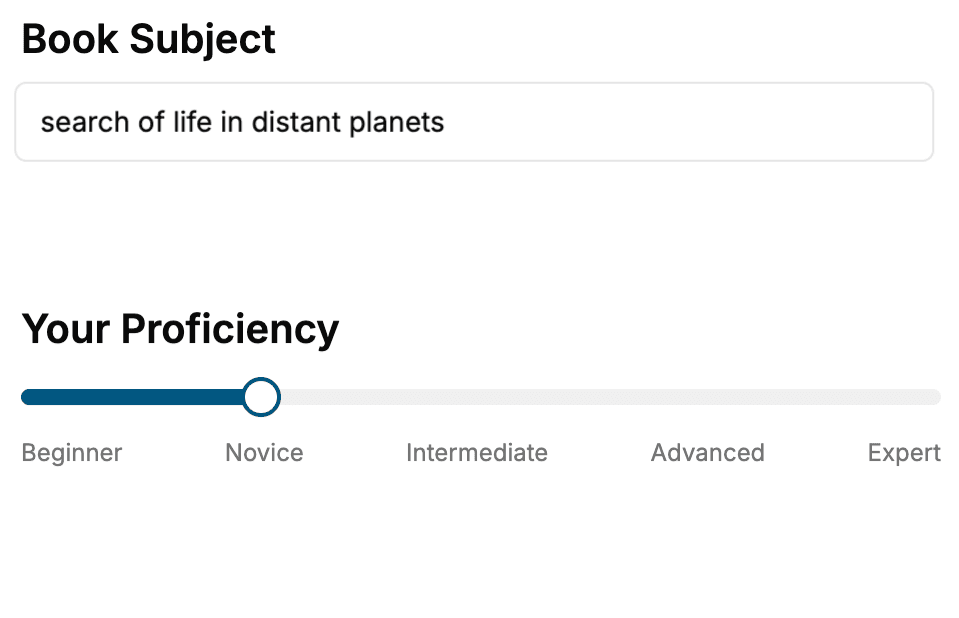
Select the focus of your Windows Development book and share your background
- 2. Personalize your book
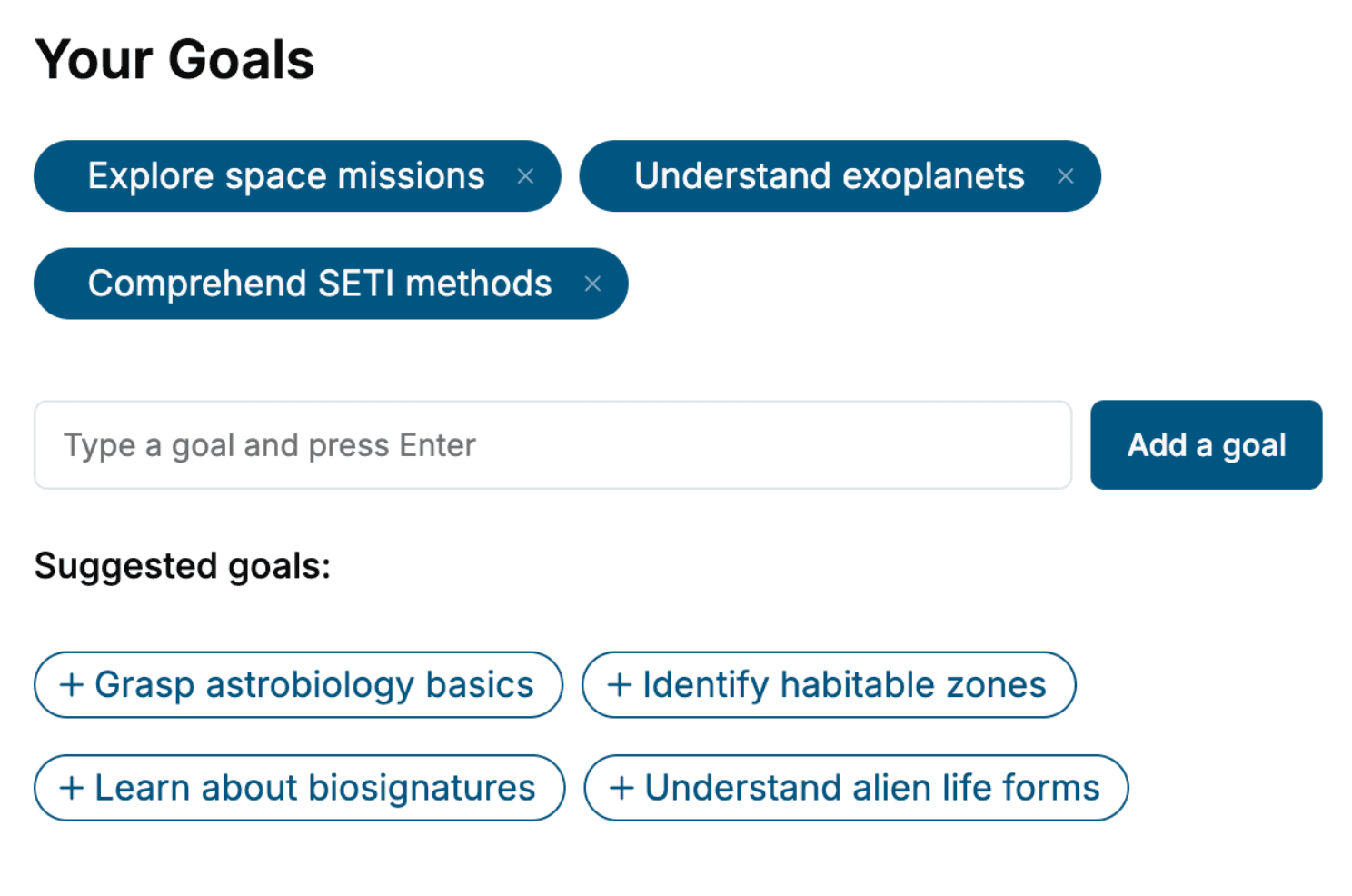
Specify your goals and choose sub-topics to include
- 3. Get your tailored book
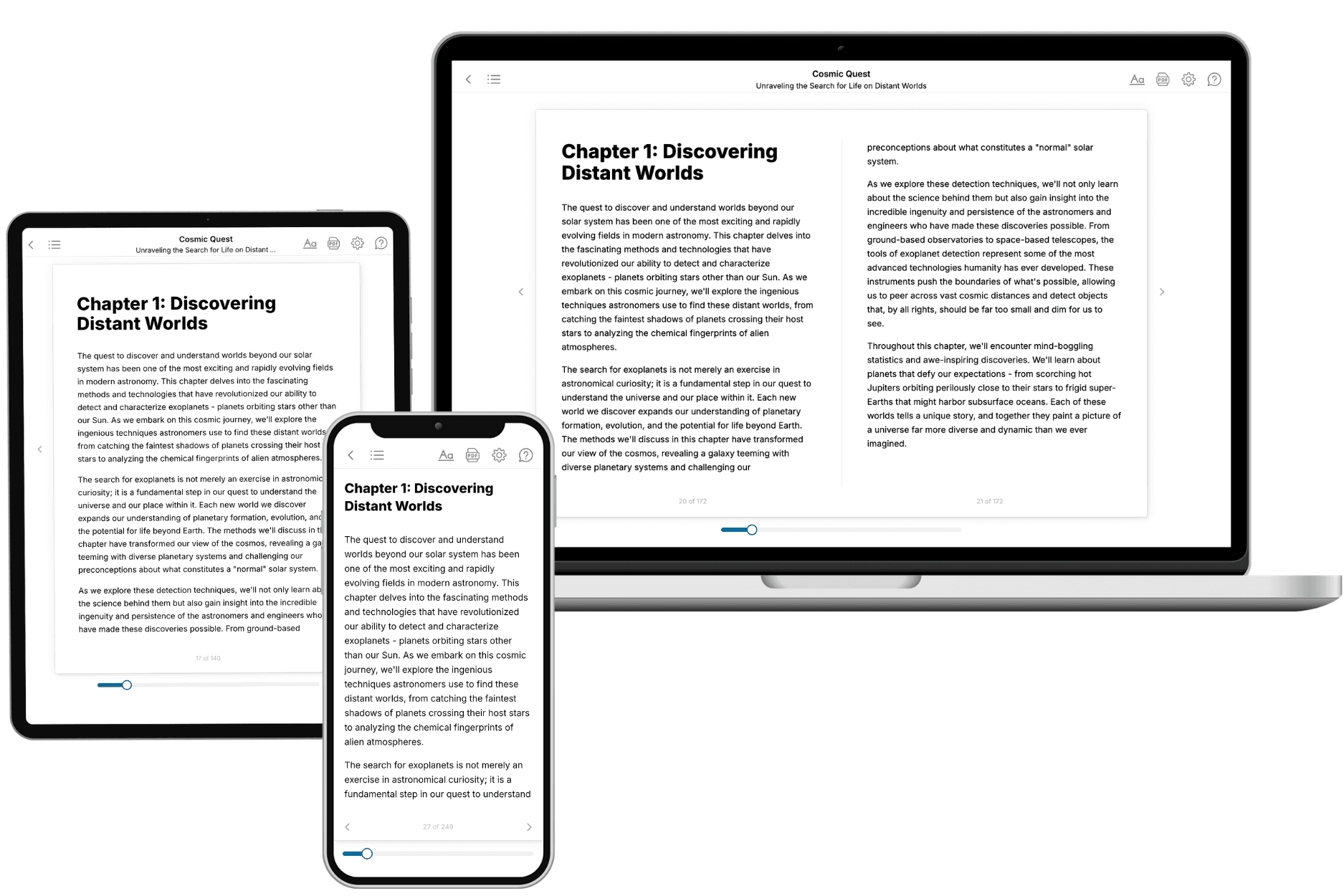
Your book is ready in 10 minutes. Read it online, download as EPUB or PDF, or send to Kindle.
Frequently asked questions
- What is TailoredRead?
TailoredRead creates complete, full-length nonfiction ebooks, written specifically for you. Tell us what you want to learn and why, and TailoredRead writes you a complete ebook on it, with charts, tables, and diagrams throughout. Read it online, on Kindle, or on any e-reader, or download it as a PDF or EPUB. Every book is written fresh the day you order it.
- How is the book tailored to me?
Before anything is written, you answer a few short questions about your goals, your background, and the topics you care about. Your book is then planned around your answers: written at your level, focused on your goals, and covering the topics you chose, instead of the one-size-fits-all book a store sells everyone.
- Will it read like generic AI content?
No. Your book isn't a chat transcript: it's planned chapter by chapter before a single word is written, told in a clear book voice, and explains ideas visually with charts, tables, and diagrams. After writing, every book goes through an editorial pass that polishes chapters so the book reads consistent from start to finish. Judge for yourself: browse thousands of sample books on our Explore Books page.
- How accurate is the content?
Our AI first checks whether your subject needs live research. Niche and fast-moving subjects are researched before writing, and the book plan and chapters are grounded in what it finds. After writing, every book goes through a quality pass that checks its facts and consistency, and researched books list their sources in a Notes section at the back.
- How long is the book?
You choose the length: Comprehensive (250-300 pages), Detailed (150-200 pages), Essential (70-100 pages), or Short (30-50 pages).
- Does the book include visuals?
Yes. Every book includes charts, tables, and diagrams: timelines, checklists, step-by-step guides, decision trees, comparison tables, matrices, and bar charts. A typical book includes dozens of these visual elements.
- Can I read it on Kindle? What formats can I download?
Yes. Every book can be read in our online reader or downloaded as a PDF or EPUB. The EPUB can be opened with Kindle, Apple Books, Kobo, and any e-reader. The Commercial and Author licenses also include an editable Word (DOCX) and Markdown download.
- How much does it cost?
About the price of a regular ebook. The exact price depends on your book's length and complexity, from $2 for the shortest books to $35 for the most comprehensive, and it's shown when you review your book, before you commit to anything. Each book is a one-time purchase, yours to keep, no subscription. Licenses that let you share, teach, or publish your book range from $35.99 to $49.99.
- Can I preview the book before purchasing?
Before you pay, you'll see what your book will cover: the title, a detailed description, the estimated length, and the complete chapter-by-chapter table of contents, so you know what you're getting before you decide. The full text itself is written after you purchase.
- How long does it take to create a book?
About 10 minutes. You can start reading the opening chapters while the rest is still being written.