Building Your First iOS App with Xcode
A Practical Guide to Swift, UI Design, and Creating Your Vinyl Collection App
Many people assume building an iOS app requires years of programming experience or expensive courses.
207 pages9 chaptersApr 29, 2026iOS Development
About this book
The truth is simpler: with the right guidance and a practical project to work on, anyone can create a functional, polished app. This book walks you through building your first iOS application—a vinyl collection database—while teaching you Xcode, Swift, and mobile UI design principles along the way. You'll start by mastering Xcode's interface and setting up your first project, then progress through Swift fundamentals like variables and data types. As your confidence grows, you'll learn to design intuitive user interfaces, implement navigation patterns that feel natural, and integrate music metadata APIs to make your app genuinely useful. Whether you're retired and exploring a new skill, or simply want to bring a personal project to life, this guide provides the practical knowledge and real-world examples you need to succeed.
Table of contents
- IntroductionWhy Build an iOS App?, What You'll Learn in This Book, How to Use This Guide, Your Vinyl Collection ProjectRead below
- Module 1: Getting Started with XcodeInstalling Xcode and Setting Up Your Environment, Understanding the Xcode Workspace, Creating Your First Project
- Module 2: Swift Variables and Data TypesWorking with Variables and Constants, Understanding Swift Data Types, Mastering Strings and Numbers, Using Arrays and Dictionaries
- Module 3: Xcode Project Setup GuideOrganizing Your Project Structure, Managing Assets and Resources, Configuring Build Settings
- Module 4: Designing Mobile User InterfacesCore UI Design Principles for iOS, Building Interfaces with Storyboards and SwiftUI, Mastering Layout and Constraints, Designing Your Vinyl App Interface
- Module 5: iOS Navigation PatternsUnderstanding Navigation Controllers, Implementing Tab-Based Navigation, Creating Segues and Screen Transitions
- Module 6: Vinyl Collection Database DesignDesigning Your Data Model, Introduction to Core Data, Implementing Create, Read, Update, Delete Operations, Building Your Vinyl Record Schema
- Module 7: Music Metadata API IntegrationUnderstanding REST APIs and HTTP Requests, Choosing and Using Music Metadata APIs, Fetching and Parsing JSON Data, Handling API Errors Gracefully
- Module 8: Building Your Complete Vinyl AppPlanning Your App Architecture, Implementing Core Features, Testing and Debugging Your App
- Module 9: Next Steps and BeyondEnhancing Your App with Advanced Features, Preparing Your App for the App Store, Continuing Your iOS Development Journey
- ConclusionWhat You've Accomplished, Keep Building and Experimenting
- Glossary of Terms
- Additional Resources and References
Introduction
Building an iOS app can feel like standing at the base of a mountain and looking up. The summit seems far away, the path isn't obvious, and it's easy to wonder whether you have what it takes to make the climb. But here's the thing: thousands of people with no formal programming background have built real, working iOS apps. Not because they were naturally gifted coders, but because they had a clear project to work on, practical guidance to follow, and the patience to take it one step at a time. That's exactly what this book gives you.
This guide is built around a single, concrete project: a vinyl record collection app. Instead of learning Swift and Xcode through abstract exercises that feel disconnected from anything real, you'll apply every concept directly to something you can actually use. You'll design screens, write code, store data, and even pull in album artwork and track listings from the internet. By the time you finish, you won't just understand iOS development in theory. You'll have a working app on your phone to prove it.
The approach here is deliberately practical. Each chapter introduces new concepts and immediately shows you how to apply them. There's no assumption that you've built software before, but there's also no hand-holding that slows you down unnecessarily. If you're comfortable using a Mac, willing to read carefully, and ready to experiment, you have everything you need to get started.
Module Outcomes: By the time you finish this introduction, you will be able to:
- Understand why iOS development is a worthwhile and achievable skill for beginners
- Know exactly what topics and tools this book covers, and in what order
- Use this guide effectively as a learning resource throughout your project
- Understand the vinyl collection app you'll be building and why it's an ideal learning project
When to use this module: Read this introduction before you open Xcode or write a single line of code. It gives you the mental map you need to navigate everything that follows. If you ever feel lost mid-book, come back here to reorient yourself. Understanding the "why" behind what you're learning makes the "how" much easier to absorb.
Why Build an iOS App?
After this lesson, you will be able to:
- Articulate the personal and practical benefits of learning iOS development
- Understand why building a real project is more effective than following abstract tutorials
- Feel confident that iOS development is achievable without a computer science degree
There are roughly 1.5 billion active Apple devices in use around the world.[1] Every one of those devices runs apps, and every app was built by someone who, at some point, had never written a line of Swift code. The iOS ecosystem is enormous, and the barrier to entry is lower than most people assume. You don't need a computer science degree. You don't need to have worked in tech. You need a Mac, a free developer account, and the willingness to learn by doing.
Learning to build apps is also one of the most satisfying creative skills you can develop later in life. Unlike many hobbies, the output is immediately tangible. You write some code, press a button, and something appears on a screen. You tap a button in your app and a new screen slides into view. That feedback loop is genuinely exciting, and it keeps you motivated through the harder parts of learning. Many people who start building apps describe it as the closest thing to magic they've encountered in everyday technology.
There's also a deeply practical side to this. When you build your own app, you solve your own problems. Maybe you've tried every vinyl cataloguing app on the App Store and none of them work quite the way you want. Maybe you want to track condition grades, note where you bought each record, or organize your collection by genre and decade. A custom app does exactly what you need it to do, because you built it. That kind of ownership over your tools is rare and genuinely valuable.
It's worth being honest about the learning curve, though. iOS development involves several layers: the Xcode environment, the Swift programming language, Apple's UI frameworks, and the conventions that make apps feel native to the platform. None of these are impossibly complex, but each one takes time to absorb. The good news is that they reinforce each other. Once you understand how Swift handles data, designing a UI to display that data becomes much more intuitive. Once you understand how navigation works, building multi-screen apps feels natural rather than mysterious.
The most important thing you can do as a beginner is resist the urge to learn everything before you start building. That approach leads to tutorial paralysis, where you watch video after video and read chapter after chapter but never actually create anything. This book takes the opposite approach. You'll start building almost immediately, and the concepts you need will be introduced exactly when you need them. That's how real developers learn, and it's how you'll learn too.
Example: Consider someone who spent 30 years as a music teacher before retiring. With no programming background, they built a simple iOS app to track their personal record collection over the course of a few months. They didn't take a computer science course first. They picked a project they cared about, found a practical guide, and worked through it step by step. The app wasn't perfect, but it worked, and it was entirely their own creation. That's the kind of outcome this book is designed to help you achieve.
Practice Tasks:
- Write down three specific things you wish an existing vinyl app did differently. These will become features to consider adding to your own app later.
- Think about one other app idea you've had in the past. Keep it in mind as a future project once you finish this book.
- Set a realistic timeline for yourself. How many hours per week can you dedicate to working through this material? Write it down somewhere visible.
Key Takeaways:
- iOS development is accessible to beginners without a technical background
- Building a real project you care about is far more effective than abstract tutorials
- The learning curve is real but manageable when concepts are introduced in context
- Custom apps solve personal problems in ways that off-the-shelf apps never can
- Starting to build early, rather than waiting until you feel "ready," is the fastest path to competence
What You'll Learn in This Book
After this lesson, you will be able to:
- Identify the major topics covered in this book and how they connect to each other
- Understand the progression from beginner concepts to a complete, functional app
- Know which chapters to prioritize if you have specific gaps in your knowledge
This book covers everything you need to go from zero to a working iOS app. The journey is structured deliberately, starting with the tools and environment, moving through the programming language, and then building up to a complete, feature-rich application. Each chapter builds on the previous one, so reading in order is strongly recommended, especially for the first few chapters. That said, the later chapters are written to be reasonably self-contained, so you can revisit specific topics as needed.
The first major area is Xcode, Apple's development environment. You'll learn how to install it, navigate its interface, and understand what all the different panels and buttons actually do. Xcode can look overwhelming at first glance, with its multiple sidebars, editors, and toolbars. But once you understand the logic behind the layout, it becomes a genuinely powerful workspace. You'll also create your first project and understand how Xcode organizes files and settings.
From there, the book moves into Swift fundamentals. Swift is Apple's programming language, and it's one of the most beginner-friendly languages available today. You'll learn about variables and constants, the different types of data Swift works with, how to manipulate text and numbers, and how to organize data using arrays and dictionaries. These concepts are the building blocks of everything else in the book, and they're introduced with examples drawn directly from the vinyl app you'll be building.
The middle section of the book covers project structure, UI design, and navigation. You'll learn how to organize your Xcode project so it stays manageable as it grows. You'll design screens using both Storyboards and SwiftUI, Apple's two main approaches to building interfaces. You'll master layout constraints so your app looks good on different screen sizes. And you'll implement the navigation patterns that make iOS apps feel familiar and intuitive to users.
The final section brings everything together. You'll design a data model for your vinyl collection, implement it using Core Data (Apple's built-in database framework), and build the full set of create, read, update, and delete operations that make a database app functional. You'll then integrate a music metadata API so your app can automatically fetch album artwork, track listings, and release information. The book closes with guidance on testing, debugging, and the steps involved in preparing an app for the App Store if you ever want to share your creation.
Here's a quick overview of what each chapter covers:
- Chapter 1: Installing Xcode and understanding the workspace
- Chapter 2: Swift variables, data types, strings, numbers, arrays, and dictionaries
- Chapter 3: Organizing your Xcode project, managing assets, and configuring build settings
- Chapter 4: iOS UI design principles, Storyboards, SwiftUI, and layout constraints
- Chapter 5: Navigation controllers, tab-based navigation, and screen transitions
- Chapter 6: Data modeling, Core Data, and CRUD operations for your vinyl database
- Chapter 7: REST APIs, music metadata services, and parsing JSON data
- Chapter 8: Building the complete vinyl app, testing, and debugging
- Chapter 9: Advanced features, App Store preparation, and continuing your learning
One thing worth noting is that this book doesn't try to cover every feature of Swift or every capability of Xcode. That would take several volumes and would bury the practical knowledge you actually need. Instead, the focus is on the subset of tools and concepts that are directly relevant to building a real app. Once you've finished this book, you'll have a solid foundation that makes it much easier to explore more advanced topics on your own.
Practice Tasks:
- Skim the table of contents and identify two or three chapters that feel most unfamiliar or intimidating. Make a note of them so you can give those sections extra attention.
- Think about which features of your vinyl app matter most to you. Jot down a rough wish list. You'll refine this into a proper feature plan in Chapter 8.
- If you've tried learning programming before and stopped, write down where you got stuck. Knowing your past sticking points helps you approach them more deliberately this time.
Key Takeaways:
- The book progresses logically from tools and language basics to a complete, working app
- Swift is beginner-friendly and is introduced with examples tied directly to the vinyl project
- UI design, navigation, data storage, and API integration are all covered in practical depth
- The book focuses on what you need to build this app, not on exhaustive coverage of every Swift feature
- Reading in order is recommended, but later chapters can be revisited independently
How to Use This Guide
After this lesson, you will be able to:
- Adopt a reading and practice strategy that maximizes your learning
- Understand how to handle the moments when you get stuck or confused
- Know how to use the book's examples, exercises, and code samples effectively
The single most important habit you can develop while working through this book is typing out the code yourself rather than copying and pasting it. This might sound like unnecessary extra work, but there's strong evidence that the physical act of typing code helps you internalize syntax and structure far more effectively than reading or copying.[2] When you type a line of code, you're forced to pay attention to every character. You'll make typos, Xcode will flag them, and you'll fix them. That process of noticing and correcting errors is one of the most valuable parts of learning to code.
Each chapter follows a consistent structure. It opens with an explanation of the concepts being introduced, moves into practical examples tied to the vinyl app, and closes with exercises and key takeaways. The exercises aren't optional extras. They're where the real learning happens. Reading about how arrays work in Swift is useful. Writing code that stores a list of album titles in an array and then retrieves them is what actually builds the skill. Try to complete the exercises before moving on to the next chapter.
When you encounter code samples in the book, pay attention to the comments. Comments are lines of text in the code that start with // and are ignored by Swift. They're used throughout this book to explain what each section of code is doing. Reading the comments carefully will help you understand not just what the code does, but why it's written that way. Over time, you'll develop the habit of writing your own comments, which makes your code much easier to revisit and modify later.
Getting stuck is a normal and expected part of learning to code. When it happens, the first step is to re-read the relevant section carefully. Many apparent mysteries resolve themselves on a second reading. If you're still stuck, the next step is to search for the specific error message or concept online. Apple's official developer documentation at developer.apple.com is comprehensive and well-written. Stack Overflow is another excellent resource, with answers to an enormous range of Swift and Xcode questions. The iOS developer community is generally welcoming to beginners.
It's also worth setting up a simple note-taking system as you work through the book. When you learn something that surprises you, or when you solve a problem that took you a while to figure out, write it down. A plain text file, a notebook, or a notes app all work fine. These personal notes become an invaluable reference as your project grows. You'll be surprised how often you need to look back at something you figured out two chapters ago.
Practical tip: Set aside dedicated time for this book rather than dipping in and out whenever you have a spare moment. Even 45 minutes of focused work three times a week will produce far better results than occasional hour-long sessions with long gaps in between. Consistency matters more than total hours when you're building a new technical skill.
Finally, don't be discouraged if your app doesn't look perfect or work flawlessly at first. Every developer, at every level, ships code with bugs and design imperfections. The goal at this stage isn't perfection. It's understanding. A working app that you built yourself and understand completely is worth far more than a polished app you copied from a tutorial without knowing how it works. Embrace the messiness of the learning process. It's a feature, not a bug.
Practice Tasks:
- Set up a dedicated folder on your Mac for this project. Inside it, create a subfolder called "Notes" where you'll keep your personal learning notes as you work through the book.
- Bookmark Apple's developer documentation (developer.apple.com/documentation) and the Swift language reference (docs.swift.org) in your browser now, before you need them.
- Decide on a regular schedule for working through this book. Write it down as a recurring calendar event so it becomes a habit rather than something you fit in when convenient.
- If you've never used Xcode before, download it from the Mac App Store now so it's ready when you reach Chapter 1. It's a large download and can take a while.
Key Takeaways:
- Always type code yourself rather than copying and pasting it
- Complete the exercises at the end of each chapter before moving on
- Read code comments carefully; they explain the "why" behind the code
- Getting stuck is normal; re-reading, Apple's documentation, and Stack Overflow are your best resources
- Keep personal notes as you learn; they become a valuable reference later
- Consistency beats intensity; regular short sessions outperform occasional long ones
Your Vinyl Collection Project
After this lesson, you will be able to:
- Understand the full scope of the vinyl collection app you'll be building
- Identify the core features the app will include and why each one is included
- See how the app connects to every major topic covered in the book
- Feel genuinely excited about the project ahead
The vinyl collection app is the thread that runs through this entire book. Every concept you learn, every line of code you write, and every design decision you make will be in service of building this one application. That focus is intentional. Learning iOS development through a single, coherent project is dramatically more effective than jumping between disconnected examples. By the end of the book, you'll have a real app that does real things, and you'll understand every part of it because you built it yourself.
So what will the app actually do? At its core, it's a personal database for your vinyl record collection. You'll be able to add records to your collection, view them in a browsable list, tap on any record to see its full details, edit entries, and delete records you no longer own. These four operations (create, read, update, delete) are the foundation of almost every data-driven app ever built, and mastering them here will serve you well in any future project you take on.
Beyond the basics, the app will include some genuinely useful features. Here's what you'll build:
- Collection browser: A scrollable list of all your records, showing album artwork, artist name, and title at a glance
- Record detail view: A full-screen view of each record with all its stored information, including tracklist, release year, label, and condition
- Add/Edit screen: A form for entering or updating record details, with fields for all the information you want to track
- Search functionality: The ability to search your collection by artist, album title, or genre
- API integration: A feature that lets you search for an album by name and automatically populate its details from a music metadata service, saving you from typing everything manually
- Tab navigation: A tab bar at the bottom of the screen that separates your collection from a wishlist or statistics view
Each of these features maps directly to a chapter in the book. The collection browser and detail view are built in the UI design and navigation chapters. The add/edit screen and data storage are covered in the Core Data chapter. The search feature comes together as you learn about filtering data. The API integration is the focus of Chapter 7. This alignment between features and chapters means you'll always know why you're learning what you're learning. Every new concept has an immediate, visible application in your app.
The data model for the app is worth thinking about early. Each record in your collection will be represented as a structured piece of data with multiple fields. A typical record entry might look something like this:
- Artist: The band or musician (e.g., "Miles Davis")
- Title: The album name (e.g., "Kind of Blue")
- Year: The release year (e.g., 1959)
- Label: The record label (e.g., "Columbia")
- Genre: Musical genre (e.g., "Jazz")
- Condition: The physical condition of the record (e.g., "VG+", "Mint")
- Notes: Any personal notes you want to add
- Artwork: Album cover image, fetched from the API or added manually
You'll have the opportunity to customize this data model as you build. If you want to track where you bought each record, or how much you paid for it, or whether it's an original pressing or a reissue, you can add those fields. The book teaches you the principles, and the vinyl app is your canvas. The goal is to end up with an app that genuinely fits the way you think about and organize your collection.
It's also worth noting why vinyl records make such a good subject for a learning project. A record collection has just the right level of complexity. Each record has multiple pieces of information associated with it, which makes the data modeling interesting without being overwhelming. There's a natural visual element (album artwork) that makes the UI design engaging. And there's a real-world API (Discogs, MusicBrainz, and others) that provides rich metadata, making the API integration chapter feel genuinely useful rather than contrived.[3] If your collection runs to hundreds of records, you'll actually want to use this app when it's done.
One final thought before you dive in: the vinyl app is a starting point, not an endpoint. Once you've built it, you'll have the skills to extend it in any direction you choose. You could add a barcode scanner that identifies records automatically. You could build a sharing feature that lets you export your collection as a spreadsheet. You could add a statistics screen that shows your collection broken down by decade or genre. The skills you develop building this app are the same skills you'd use to build any of those features. Think of this book as the foundation, and the vinyl app as the first floor of a building you can keep adding to for as long as you enjoy it.
Practice Tasks:
- Pull out five records from your collection (or think of five albums you own) and write down all the information you'd want to store about each one. This will help you think concretely about your data model before you start building it.
- Sketch a rough layout of what you'd like the main collection screen to look like. It doesn't need to be detailed; a simple pencil sketch on paper is fine. This gives you a visual target to work toward.
- Look up the Discogs API at discogs.com/developers and browse the documentation briefly. Don't worry about understanding it yet. Just get a sense of what kind of data it provides. You'll use it properly in Chapter 7.
- Think about one feature you'd love to add to the app that isn't listed in this chapter. Write it down. It might become a project for after you finish the book.
Key Takeaways:
- The vinyl collection app is the central project that connects every chapter in the book
- The app includes a collection browser, detail views, add/edit screens, search, API integration, and tab navigation
- Each app feature maps directly to a specific chapter, so every concept has an immediate practical application
- The data model stores artist, title, year, label, genre, condition, notes, and artwork for each record
- You can and should customize the app to fit your personal collection habits
- The skills you build here extend far beyond this one app and form the foundation for any future iOS project
Notes
Introduction
This is the end of the free sample. The full book has 9 chapters.
Want this book written for you?
Tell us your goals and background, and get your own version of this book, tailored by AI to you.


Benefits of AI-tailored books
- Read one book, not ten:
- all the iOS Development knowledge you need, gathered into a single book.
- Save days of learning:
- tell us your goals, choose your topics, and the whole book is built around them.
- Learn effortlessly:
- iOS Development book written for your specific background and expertise.
- Understand at a glance:
- includes charts, tables, timelines, checklists, decision trees, and more.
- Stay current:
- written the day you order it, not years ago.
- Trust what you read:
- every book is checked for accuracy, with real research when your subject needs it.
Create your unique book in 3 steps
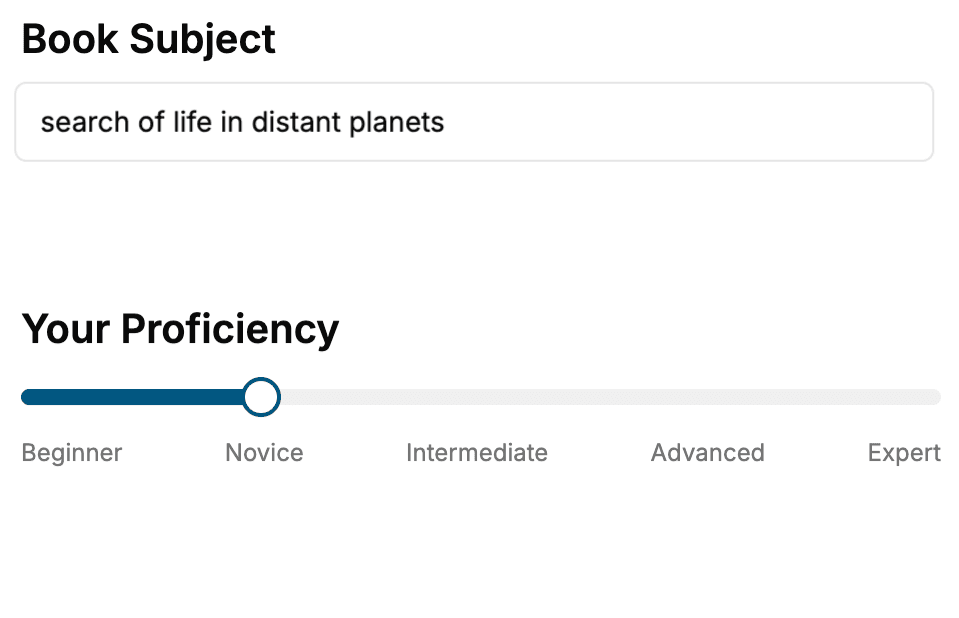
- 1. Select your focus
Select the focus of your iOS Development book and share your background
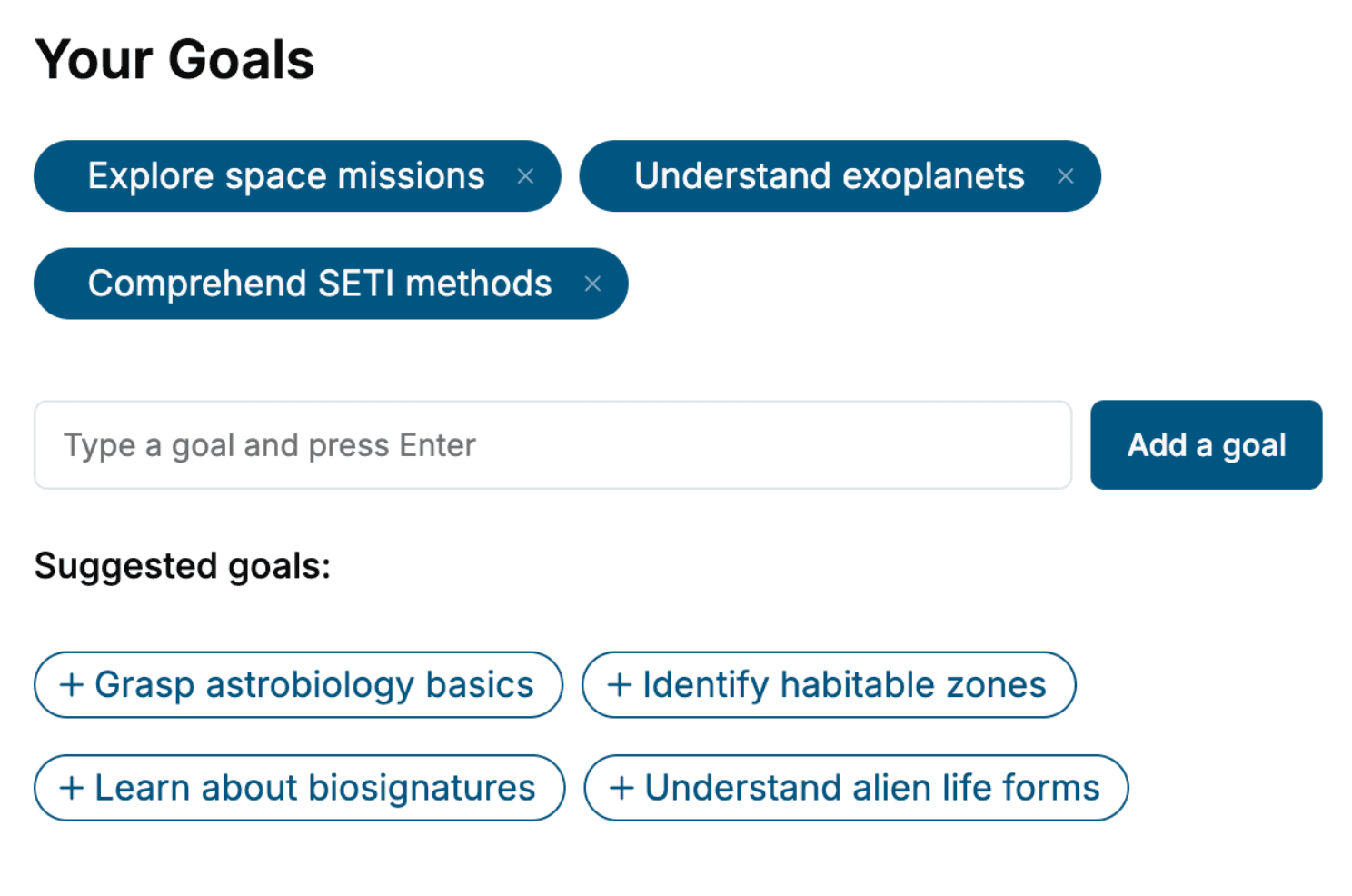
- 2. Personalize your book
Specify your goals and choose sub-topics to include
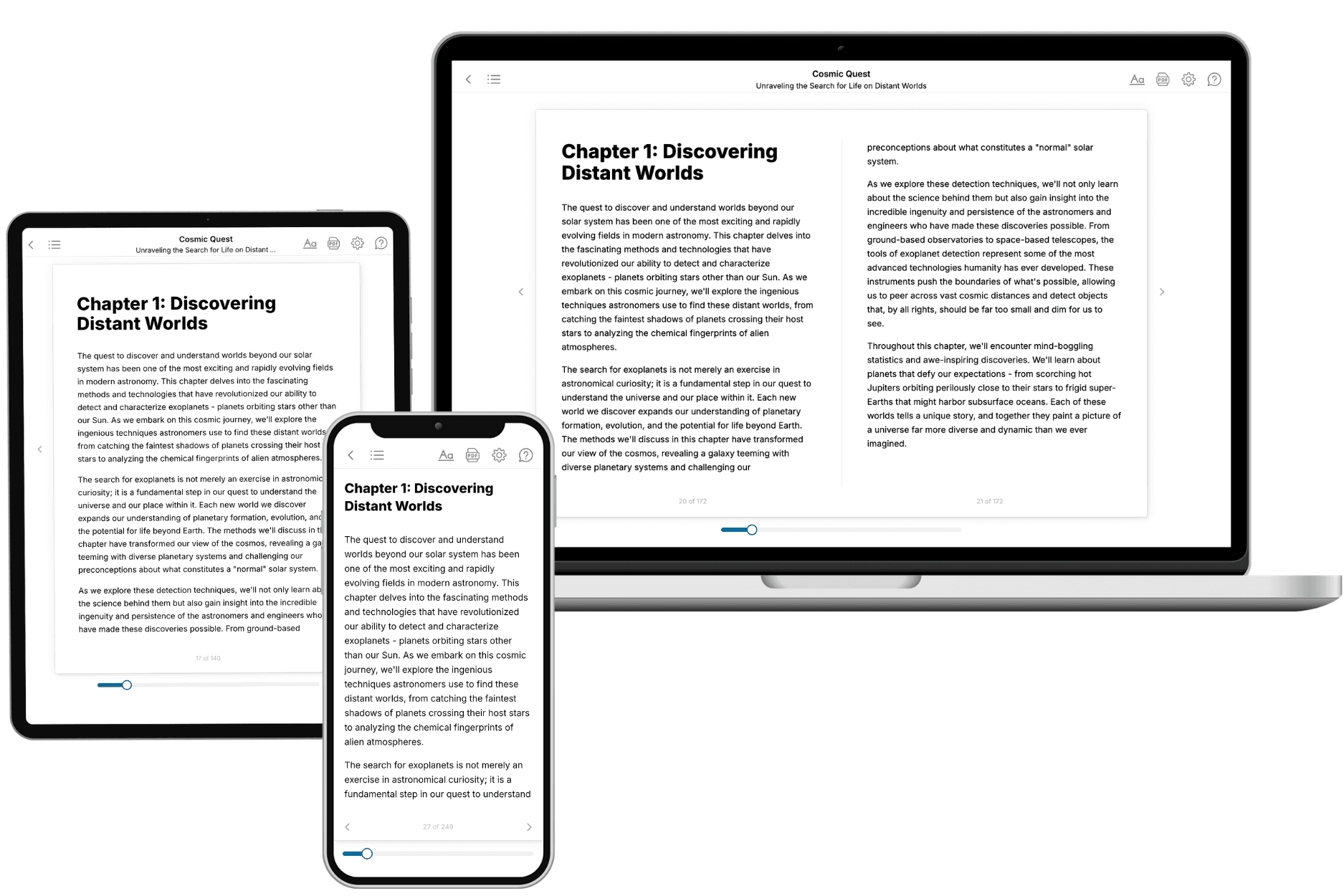
- 3. Get your tailored book
Your book is ready in 10 minutes. Read it online, download as EPUB or PDF, or send to Kindle.
Frequently asked questions
- What is TailoredRead?
TailoredRead creates complete, full-length nonfiction ebooks, written specifically for you. Tell us what you want to learn and why, and TailoredRead writes you a complete ebook on it, with charts, tables, and diagrams throughout. Read it online, on Kindle, or on any e-reader, or download it as a PDF or EPUB. Every book is written fresh the day you order it.
- How is the book tailored to me?
Before anything is written, you answer a few short questions about your goals, your background, and the topics you care about. Your book is then planned around your answers: written at your level, focused on your goals, and covering the topics you chose, instead of the one-size-fits-all book a store sells everyone.
- Will it read like generic AI content?
No. Your book isn't a chat transcript: it's planned chapter by chapter before a single word is written, told in a clear book voice, and explains ideas visually with charts, tables, and diagrams. After writing, every book goes through an editorial pass that polishes chapters so the book reads consistent from start to finish. Judge for yourself: browse thousands of sample books on our Explore Books page.
- How accurate is the content?
Our AI first checks whether your subject needs live research. Niche and fast-moving subjects are researched before writing, and the book plan and chapters are grounded in what it finds. After writing, every book goes through a quality pass that checks its facts and consistency, and researched books list their sources in a Notes section at the back.
- How long is the book?
You choose the length: Comprehensive (250-300 pages), Detailed (150-200 pages), Essential (70-100 pages), or Short (30-50 pages).
- Does the book include visuals?
Yes. Every book includes charts, tables, and diagrams: timelines, checklists, step-by-step guides, decision trees, comparison tables, matrices, and bar charts. A typical book includes dozens of these visual elements.
- Can I read it on Kindle? What formats can I download?
Yes. Every book can be read in our online reader or downloaded as a PDF or EPUB. The EPUB can be opened with Kindle, Apple Books, Kobo, and any e-reader. The Commercial and Author licenses also include an editable Word (DOCX) and Markdown download.
- How much does it cost?
About the price of a regular ebook. The exact price depends on your book's length and complexity, from $2 for the shortest books to $35 for the most comprehensive, and it's shown when you review your book, before you commit to anything. Each book is a one-time purchase, yours to keep, no subscription. Licenses that let you share, teach, or publish your book range from $35.99 to $49.99.
- Can I preview the book before purchasing?
Before you pay, you'll see what your book will cover: the title, a detailed description, the estimated length, and the complete chapter-by-chapter table of contents, so you know what you're getting before you decide. The full text itself is written after you purchase.
- How long does it take to create a book?
About 10 minutes. You can start reading the opening chapters while the rest is still being written.