Code Quest
Your Step-by-Step Guide to Programming Confidence and Game Development
Feeling stuck before you even start?
253 pages13 chaptersJun 15, 2026Programming
About this book
Many beginners think programming is only for math geniuses or people with special talent—but that's not true. The real barrier isn't intelligence; it's having a clear, step-by-step path that doesn't overwhelm you. This book gives you exactly that: a personalized guide that meets you where you are and takes you exactly where you want to go. You'll start with the absolute fundamentals—what variables are, how to write your first lines of code, and why syntax matters. Then you'll gradually build toward your real goal: creating games. Along the way, you'll master debugging techniques that turn frustrating errors into "aha!" moments, learn how to organize your code so it actually makes sense, and develop the problem-solving mindset that separates confident programmers from those who give up. Whether you're interested in Roblox scripting or other game engines, this book shows you how all the pieces fit together. Most importantly, you'll learn at your own pace, with real examples you can try immediately.
Table of contents
- IntroductionWhy Learning to Code Matters Right Now, How to Use This Book for Maximum Success, Your Personalized Learning PathRead below
- Chapter 1: Programming Fundamentals: What You Need to Know FirstWhat Is Programming and Why Does It Matter?, How Computers Think: Instructions and Logic, Your First Program: Making the Computer Talk
- Chapter 2: Variables and Memory: Storing Information Your Code NeedsWhat Are Variables and Why Do You Need Them?, Data Types: Numbers, Text, and True/False Values, Naming Variables: Making Your Code Readable
- Chapter 3: Syntax Essentials: Speaking the Language Computers UnderstandSyntax Basics: Rules That Make Code Work, Code Comments: Explaining Your Thinking to Future You, Common Syntax Mistakes and How to Spot Them
- Chapter 4: Conditional Logic: Making Your Code Make DecisionsIf Statements: The Foundation of Decision-Making, Logical Operators: AND, OR, and NOT, Building Complex Conditions That Actually Work
- Chapter 5: Loops and Iteration: Repeating Actions AutomaticallyLoop Fundamentals: Why Repetition Matters, For Loops and While Loops: When to Use Each, Controlling Loops: Break and Continue
- Chapter 6: Functions: Organizing Code Into Reusable PiecesFunction Basics: Creating Your Own Commands, Parameters and Return Values: Making Functions Flexible, Modular Code Architecture: Building Bigger Projects
- Chapter 7: String Manipulation: Working With Text in Your CodeString Basics: Creating and Using Text, String Operations: Combining and Changing Text, Using Strings in Games: Messages and Feedback
- Chapter 8: Debugging: Turning Errors Into Learning OpportunitiesReading Error Messages: What They're Really Telling You, Debugging With Print Statements: Your Best Friend, Systematic Debugging: Finding and Fixing Problems
- Chapter 9: Problem Solving and Algorithm Design: Thinking Like a ProgrammerBreaking Down Complex Tasks Into Steps, Algorithm Design Thinking: Planning Before Coding, Testing Your Own Code: Catching Bugs Before They Spread
- Chapter 10: Game Development Fundamentals: Building Your First GameGame Loop Fundamentals: How Games Actually Work, Sprites and Objects: The Building Blocks of Games, Game State Management: Keeping Track of Everything
- Chapter 11: Game Mechanics: Collision Detection and Event HandlingCollision Detection Concepts: When Objects Touch, Event Handling in Games: Responding to Player Actions, Combining Mechanics: Making Games Feel Real
- Chapter 12: Roblox Scripting Essentials: Bringing Your Games to LifeRoblox Scripting Basics: Getting Started, Lua Programming Basics: The Language of Roblox, Creating Your First Roblox Game: Putting It All Together
- Chapter 13: Building Confidence and Overcoming ObstaclesOvercoming Coding Frustration: It's Normal and Fixable, Building a Learning Schedule That Works for You, Confidence Building: Celebrating Your Progress
- Conclusion: Your Next Steps as a ProgrammerWhat You've Accomplished, Continuing Your Programming Journey
- Appendix: Quick Reference GuideSyntax Quick Reference, Common Error Messages and Solutions, Resources for Further Learning
Introduction
There's a moment that almost every beginner programmer experiences. You sit down, open a code editor, stare at a blank screen, and suddenly feel like everyone else already knows something you don't. Maybe you've tried watching a tutorial online and felt lost by minute three. Maybe a friend mentioned something about "variables" or "loops" and you nodded along while having absolutely no idea what they meant. That feeling is completely normal, and it doesn't mean you're not cut out for this. It just means you haven't found the right starting point yet.
This book is that starting point. Code Quest was built specifically for people who are new to programming and want a clear, step-by-step path that doesn't skip over the basics or assume you already know things you don't. Every concept is explained from scratch. Every example is something you can actually try. And every chapter builds on the one before it, so by the time you reach the game development sections near the end, you'll have a solid foundation underneath you rather than a shaky guess.
The goal here isn't just to teach you syntax or memorize commands. The real goal is to help you think like a programmer. That means learning how to break big problems into smaller pieces, how to read an error message without panicking, and how to keep going when something doesn't work the first time. These are skills that will serve you far beyond any single programming language or game engine. They're the habits that separate people who give up after one frustrating afternoon from people who eventually build things they're genuinely proud of.
By the end of this book, you'll understand the core building blocks of programming, including variables, loops, functions, and conditionals. You'll know how to debug your own code. You'll have a working understanding of how games are built, and you'll have taken your first real steps into Roblox scripting. Most importantly, you'll have the confidence to keep learning on your own, because you'll understand how the pieces fit together instead of just copying code you don't understand.
Why Learning to Code Matters Right Now
Coding used to feel like something only computer science majors or professional software engineers needed to know. That's no longer true. Today, programming skills show up in fields as different as music production, sports analytics, graphic design, and medical research. Learning to code doesn't lock you into one career path. It opens up dozens of them, because almost every industry now relies on software in some way.
For middle schoolers specifically, right now is one of the best possible times to start. Your brain is genuinely wired for learning new systems and languages at this stage of life.[1] The habits you build now, like breaking problems into steps, testing your ideas, and learning from mistakes, will compound over years. Someone who starts coding at 12 and sticks with it even casually will have a massive head start by the time they're applying for internships or building their own projects in high school.
There's also a more immediate reason: games. If you've ever played Roblox, Minecraft, or any other game and thought I wonder how they made that
, you're already thinking like a programmer. Games are one of the most exciting and motivating ways to learn coding because the feedback is instant and visual. You write a line of code, run it, and something actually happens on screen. That connection between what you write and what you see is incredibly powerful for learning.
Beyond games, coding teaches a kind of logical thinking that helps in everyday life. When you learn to write an if statement, you're practicing the same kind of structured reasoning you use when you plan out a project, solve a math problem, or figure out why something went wrong. Programming is essentially applied problem-solving, and problem-solving is useful everywhere.
The job market also tells a clear story. According to the U.S. Bureau of Labor Statistics, software development roles are projected to grow significantly faster than average over the next decade.[2] But even if you never become a professional developer, understanding how software works makes you a more capable, informed person in a world that runs on code. You'll understand how apps are built, why websites behave the way they do, and how to think critically about the technology around you.
Most importantly, coding is something you can actually do. It doesn't require special equipment, a genius-level IQ, or years of math classes. It requires curiosity, patience, and a willingness to try things and learn from what goes wrong. If you have those three things, you have everything you need to get started.
The real barrier to learning programming isn't intelligence. It's not having a clear path forward. This book gives you that path, one step at a time.
One more thing worth saying clearly: you don't have to be good at math to learn programming. Basic arithmetic helps, and some advanced topics do involve math, but the fundamentals of coding are about logic and structure, not equations. Many of the best programmers in the world describe themselves as average math students. What they had was persistence and a love of figuring things out. That's what matters most here.
How to Use This Book for Maximum Success
This book is designed to be read in order, at least the first time through. Each chapter builds on concepts introduced in earlier chapters, so jumping ahead can leave you confused about why something works the way it does. That said, once you've read through everything once, this book also works as a reference. If you forget how loops work or need a reminder about function syntax, you can flip back to the relevant chapter without rereading everything from the start.
The single most important thing you can do while reading this book is actually type out the code examples. Don't just read them. Don't copy and paste them. Type them yourself, character by character. This might feel slow and unnecessary, but it builds muscle memory and forces you to pay attention to every detail. Programmers who type out examples catch their own mistakes and understand the code much more deeply than those who just skim over it.
Here's a simple approach that works well for each chapter:
- Read the full chapter once without stopping to code, just to get the big picture.
- Go back to the beginning and work through each example by typing it out yourself.
- Try changing something in the example to see what happens. Break it on purpose. Then fix it.
- Before moving to the next chapter, try to explain the main concept in your own words, even just out loud to yourself.
That last step, explaining things in your own words, is more powerful than it sounds. It's called the Feynman Technique, named after physicist Richard Feynman, who believed that if you can't explain something simply, you don't fully understand it yet.[3] When you try to explain a concept and get stuck, that's actually useful information. It tells you exactly what to reread.
You'll also notice that this book uses a consistent programming style throughout the examples. The code is written to be readable and clear, not to show off clever tricks. When you're starting out, readable code is always better than clever code. You'll have plenty of time to learn advanced techniques later. Right now, the goal is understanding.
Don't skip the debugging chapter (Chapter 8). Many beginners treat debugging as something to deal with when things go wrong, but it's actually one of the most important skills in all of programming. Professional developers spend a significant portion of their time debugging. Learning to do it well early on will save you enormous amounts of frustration later.
If you get stuck on something, here's what to do:
- Reread the section where the concept was introduced.
- Check whether you've made a typo or missed a character in your code.
- Try searching for the error message online. Copying an error message into a search engine is one of the most common things professional programmers do.
- Take a short break. Seriously. Coming back to a problem after 10 minutes often makes the solution obvious.
- Move on temporarily and come back. Sometimes a later chapter will explain something that makes an earlier concept click.
Finally, try to enjoy the process. There will be moments of frustration, but there will also be moments where something suddenly works and you feel genuinely proud of what you built. Those moments are worth chasing. They're what keep programmers coming back to their keyboards day after day.
Your Personalized Learning Path
This book is organized as a progressive journey. Think of it like a video game with levels. You start with the basics, build up your skills, and eventually reach the point where you're creating actual games. Each "level" prepares you for the next one, and nothing is introduced before you have the tools to understand it. Here's a quick map of where you're headed.
Chapters 1 through 3 cover the absolute fundamentals. You'll learn what programming actually is, how computers process instructions, and how to write your very first lines of code. You'll also learn about syntax, which is the set of rules that makes code work, and why getting those rules right matters so much. These chapters are the foundation everything else is built on.
Chapters 4 through 6 introduce the core logic structures that make programs actually do interesting things. Conditionals let your code make decisions. Loops let it repeat actions automatically. Functions let you organize your code into reusable pieces. By the end of Chapter 6, you'll be able to write programs that respond to different situations, repeat tasks without copying code over and over, and stay organized even as they grow more complex.
Chapters 7 through 9 focus on practical skills that every programmer needs. You'll learn how to work with text in your code, how to debug problems systematically, and how to approach complex problems by breaking them into smaller steps. These chapters are where a lot of the "thinking like a programmer" development happens. They're also where many beginners start to feel a real shift in their confidence.
Chapters 10 through 12 are where everything comes together in game development. You'll learn how game loops work, how objects and sprites are managed, how collision detection is handled, and how to respond to player input. Chapter 12 specifically focuses on Roblox scripting using Lua, the programming language Roblox uses. By this point, you'll have enough foundational knowledge that the game-specific concepts will make sense rather than feeling like magic.
Chapter 13 addresses something that most programming books skip entirely: the mental and emotional side of learning to code. Frustration is real. Imposter syndrome is real. Knowing how to manage those feelings, build a consistent learning schedule, and celebrate your progress is just as important as knowing how to write a loop. This chapter gives you practical strategies for staying motivated and keeping momentum.
Here's a rough timeline to give you a sense of pacing:
- Week 1-2: Chapters 1-3 (Fundamentals and syntax)
- Week 3-4: Chapters 4-6 (Logic, loops, and functions)
- Week 5-6: Chapters 7-9 (Text, debugging, and problem-solving)
- Week 7-8: Chapters 10-12 (Game development and Roblox)
- Week 9: Chapter 13 and review (Confidence and next steps)
This timeline assumes you're spending roughly 30 to 45 minutes per day on the material. That's not a lot of time, but it's enough to make real progress if you're consistent. You don't need to rush. Going slower and actually understanding each concept is far more valuable than racing through chapters and feeling confused. If a chapter takes you twice as long as expected, that's completely fine. The goal is understanding, not speed.
It's also worth knowing that you don't have to use any specific tool or platform to follow along with this book. The core concepts apply across many programming languages and environments. That said, the examples in the early chapters use Python-style pseudocode that's easy to read and understand, and the later chapters use Lua for the Roblox-specific content. Both are beginner-friendly languages with clear, readable syntax.
One thing to keep in mind as you work through this book: every programmer you admire started exactly where you are right now. They didn't know what a variable was. They got confused by error messages. They wrote code that didn't work and had to figure out why. The difference between them and someone who gave up isn't talent. It's that they kept going. This book is designed to help you keep going, one clear step at a time.
Programming is not about being the smartest person in the room. It's about being willing to try, fail, learn, and try again. That cycle, repeated enough times, is how every great programmer got where they are.
So take a breath, open your code editor, and let's get started. Your first line of code is closer than you think, and everything after that is just building on what you already know. The quest begins here.
This is the end of the free sample. The full book has 13 chapters.
Want this book written for you?
Tell us your goals and background, and get your own version of this book, tailored by AI to you.


Benefits of AI-tailored books
- Read one book, not ten:
- all the Programming knowledge you need, gathered into a single book.
- Save days of learning:
- tell us your goals, choose your topics, and the whole book is built around them.
- Learn effortlessly:
- Programming book written for your specific background and expertise.
- Understand at a glance:
- includes charts, tables, timelines, checklists, decision trees, and more.
- Stay current:
- written the day you order it, not years ago.
- Trust what you read:
- every book is checked for accuracy, with real research when your subject needs it.
Create your unique book in 3 steps
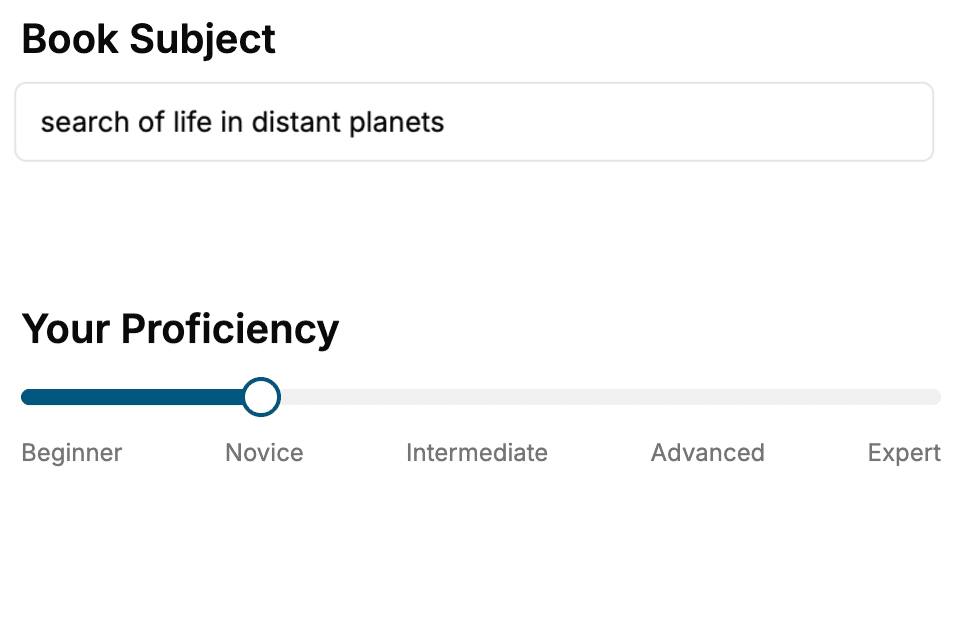
- 1. Select your focus
Select the focus of your Programming book and share your background
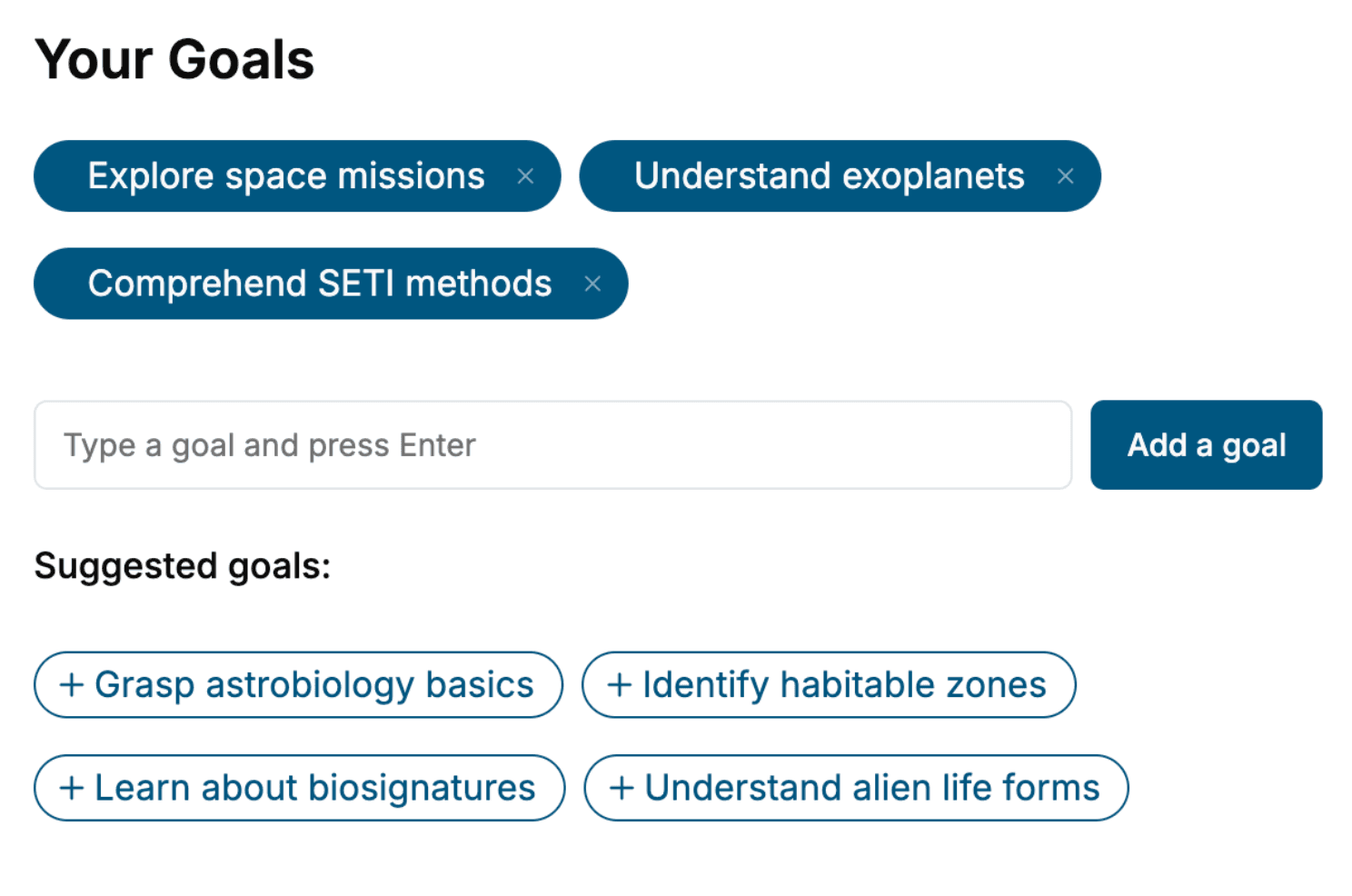
- 2. Personalize your book
Specify your goals and choose sub-topics to include
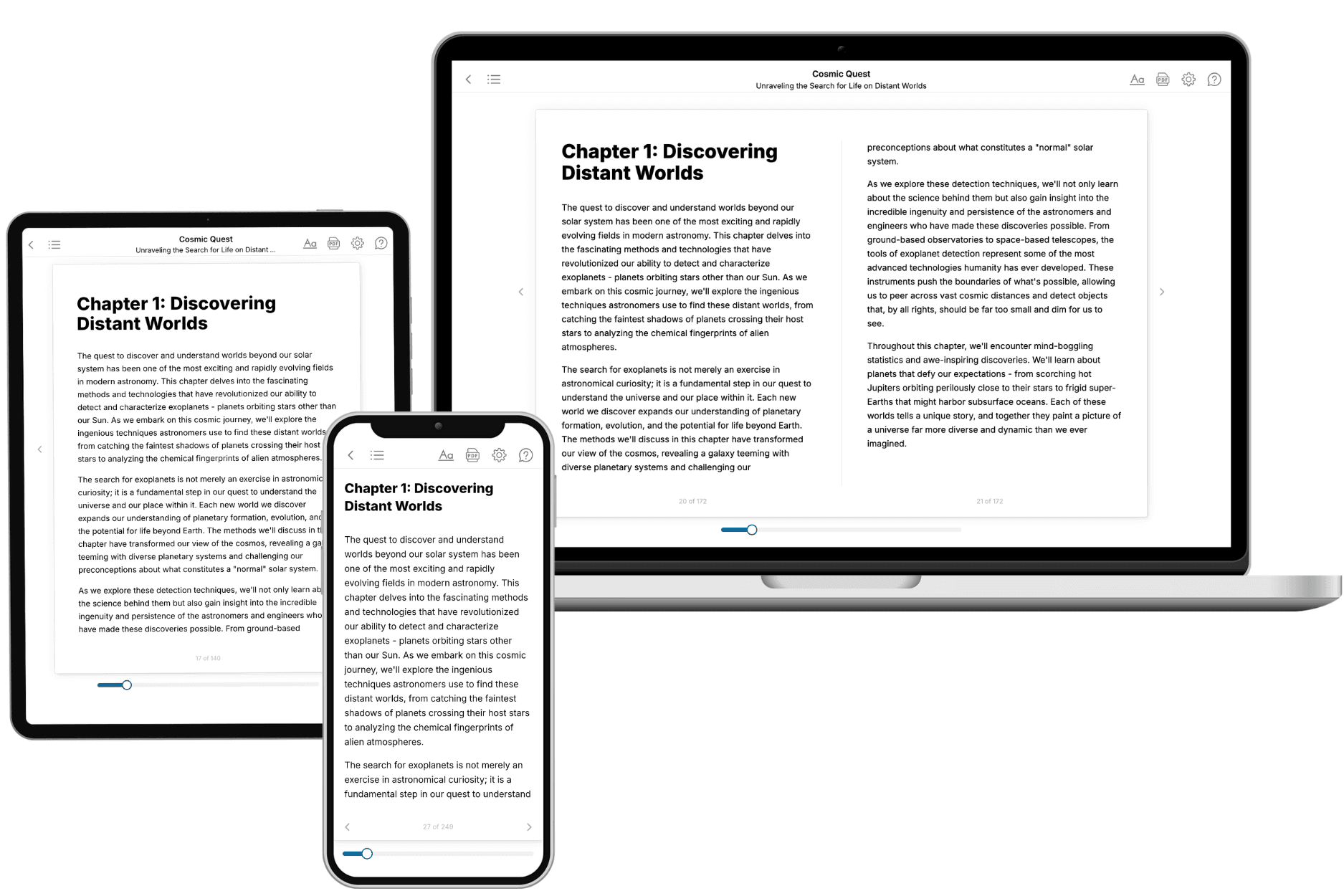
- 3. Get your tailored book
Your book is ready in 10 minutes. Read it online, download as EPUB or PDF, or send to Kindle.
Frequently asked questions
- What is TailoredRead?
TailoredRead creates complete, full-length nonfiction ebooks, written specifically for you. Tell us what you want to learn and why, and TailoredRead writes you a complete ebook on it, with charts, tables, and diagrams throughout. Read it online, on Kindle, or on any e-reader, or download it as a PDF or EPUB. Every book is written fresh the day you order it.
- How is the book tailored to me?
Before anything is written, you answer a few short questions about your goals, your background, and the topics you care about. Your book is then planned around your answers: written at your level, focused on your goals, and covering the topics you chose, instead of the one-size-fits-all book a store sells everyone.
- Will it read like generic AI content?
No. Your book isn't a chat transcript: it's planned chapter by chapter before a single word is written, told in a clear book voice, and explains ideas visually with charts, tables, and diagrams. After writing, every book goes through an editorial pass that polishes chapters so the book reads consistent from start to finish. Judge for yourself: browse thousands of sample books on our Explore Books page.
- How accurate is the content?
Our AI first checks whether your subject needs live research. Niche and fast-moving subjects are researched before writing, and the book plan and chapters are grounded in what it finds. After writing, every book goes through a quality pass that checks its facts and consistency, and researched books list their sources in a Notes section at the back.
- How long is the book?
You choose the length: Comprehensive (250-300 pages), Detailed (150-200 pages), Essential (70-100 pages), or Short (30-50 pages).
- Does the book include visuals?
Yes. Every book includes charts, tables, and diagrams: timelines, checklists, step-by-step guides, decision trees, comparison tables, matrices, and bar charts. A typical book includes dozens of these visual elements.
- Can I read it on Kindle? What formats can I download?
Yes. Every book can be read in our online reader or downloaded as a PDF or EPUB. The EPUB can be opened with Kindle, Apple Books, Kobo, and any e-reader. The Commercial and Author licenses also include an editable Word (DOCX) and Markdown download.
- How much does it cost?
About the price of a regular ebook. The exact price depends on your book's length and complexity, from $2 for the shortest books to $35 for the most comprehensive, and it's shown when you review your book, before you commit to anything. Each book is a one-time purchase, yours to keep, no subscription. Licenses that let you share, teach, or publish your book range from $35.99 to $49.99.
- Can I preview the book before purchasing?
Before you pay, you'll see what your book will cover: the title, a detailed description, the estimated length, and the complete chapter-by-chapter table of contents, so you know what you're getting before you decide. The full text itself is written after you purchase.
- How long does it take to create a book?
About 10 minutes. You can start reading the opening chapters while the rest is still being written.