Console UI Mastery
Design Interfaces That Players Love on Gaming Consoles and Gadgets
Create gaming interfaces that players instinctively understand and love.
207 pages10 chaptersFeb 28, 2026User Interfaces
About this book
This comprehensive guide teaches you how to design console and gadget UIs that work seamlessly with controller input, respect screen distances, and enhance rather than interrupt gameplay. You'll learn the specific constraints and opportunities of console design—from navigation patterns optimized for button presses to visual hierarchies that communicate instantly. Discover how to implement accessibility features that expand your audience, integrate haptic and audio feedback that makes interfaces feel responsive, and maintain consistency that builds player trust. Through practical frameworks, real-world examples, and proven testing methodologies, you'll develop the skills to create interfaces that feel intuitive, look polished, and perform flawlessly. Whether you're designing menus, settings, HUDs, or companion apps, this book provides the knowledge to make every interaction count.
Table of contents
- IntroductionWhy Console UI Design Matters, The Unique Challenges of Console Interfaces, What You'll Learn in This BookRead below
- Chapter 1: Fundamentals of Console UI DesignConsole UI vs. Desktop and Mobile Design, Understanding Hardware Constraints and Capabilities, The Player Context: Distance, Input, and Immersion
- Chapter 2: Controller Input and Navigation DesignIntuitive Button Mapping and Input Patterns, Building Efficient Navigation Hierarchies, Cursor Movement and Selection Feedback
- Chapter 3: Visual Design for Console ScreensTypography and Readability at Distance, Color, Contrast, and Visual Hierarchy, Layout Composition and Safe Areas
- Chapter 4: Animation and Feedback SystemsAnimation Principles for UI Clarity, Haptic Feedback and Tactile Response, Audio Design and Sonic Feedback
- Chapter 5: Menu Systems and Information ArchitectureDesigning Logical Menu Structures, Organizing Settings and Options Effectively, Breadcrumbs and Contextual Navigation
- Chapter 6: In-Game HUD and Overlay DesignHUD Design Principles and Best Practices, Managing Information Density and Clutter, Dynamic HUDs That Adapt to Gameplay
- Chapter 7: Accessibility and Inclusive DesignColorblind Modes and Visual Accessibility, Text Size, Subtitles, and Audio Descriptions, Control Remapping and Adaptive Input
- Chapter 8: Performance Optimization and Technical ConsiderationsMinimizing Load Times and Latency, Memory Efficiency and Asset Management, Maintaining Frame Rate Stability in UI
- Chapter 9: Testing, Iteration, and PlaytestingConducting Effective Usability Tests, Playtesting Methods and Player Feedback, The Iteration Process and Data-Driven Decisions
- Chapter 10: Case Studies and Real-World ExamplesAnalyzing Successful Console Interfaces, Lessons from UI Failures and Redesigns, Emerging Trends in Console UI Design
- ConclusionBuilding Your Design Philosophy, Next Steps in Your Design Journey
- Glossary
Introduction
Think about the last time a game's menu frustrated you. Maybe you pressed the wrong button and backed out of a screen you spent thirty seconds navigating to. Maybe the text was too small to read from your couch, or the options you needed were buried three levels deep in a settings menu. Now think about the opposite experience: a UI so smooth and intuitive that you barely noticed it was there, letting you focus entirely on the game itself. That gap between frustrating and invisible is exactly what console UI design is about, and it's a gap that matters more than most developers realize.
Console UI design sits at a fascinating intersection of visual design, interaction design, psychology, and engineering. It's not simply about making things look good on a television screen. It's about understanding how players hold a controller, how far they sit from the display, how quickly they need to process information during high-stakes moments, and how to make every button press feel satisfying and purposeful. These constraints are real, they're specific to the console environment, and they demand a fundamentally different approach than designing for a mouse-and-keyboard setup or a touchscreen.
This book exists because console UI design is often treated as an afterthought. Development teams pour enormous resources into gameplay mechanics, graphics, and audio, then scramble to build menus and HUDs in the final weeks before launch. The results are predictable: interfaces that work technically but feel clunky, confusing, or disconnected from the rest of the experience. The goal here is to change that pattern by giving you a structured, practical framework for thinking about console UI from the very beginning of a project, not the end.
Whether you're a game developer building your first console title, a UI/UX designer transitioning from web or mobile work, or a seasoned professional looking to sharpen your approach, this book is designed to meet you where you are. The concepts build progressively, starting with foundational principles and moving through increasingly specific topics like haptic feedback, accessibility, performance optimization, and real-world testing. By the end, you'll have both the conceptual vocabulary and the practical tools to design interfaces that players genuinely enjoy using.
Why Console UI Design Matters
A game's user interface is the layer through which players experience everything else. It's how they manage their inventory, track their progress, adjust settings to suit their preferences, and understand what's happening on screen during gameplay. When the UI works well, players don't think about it at all. When it doesn't, it becomes a constant source of friction that chips away at immersion and enjoyment. Research consistently shows that poor usability is one of the top reasons players abandon games early, often before they've experienced the content developers worked hardest to create.[1]
The stakes are particularly high in the console market. Console players have high expectations shaped by decades of polished first-party titles from Sony, Microsoft, and Nintendo. When a player picks up a PlayStation or Xbox controller, they carry mental models built from hundreds of hours of interaction with carefully designed system-level UIs. Your game's interface needs to feel at home in that ecosystem. It needs to respect the conventions players already know while expressing the unique personality of your game. That's a delicate balance, and getting it right requires deliberate, informed design decisions.
Beyond player satisfaction, UI quality has direct business implications. Games with poor interfaces receive lower review scores, generate more support tickets, and see higher refund rates. Conversely, games praised for their UI often see that mentioned explicitly in reviews, which drives sales. The God of War series, for example, has been consistently celebrated not just for its gameplay but for its seamless, diegetic UI design that keeps players immersed in the world. That reputation contributes meaningfully to the franchise's commercial success.
Accessibility is another dimension where UI design directly affects business outcomes. Approximately 15% of the global population lives with some form of disability, and a significant portion of that group plays video games.[2] When a game includes robust accessibility features like colorblind modes, adjustable text sizes, and remappable controls, it opens the door to a larger audience. Studios that have invested in accessibility, like Naughty Dog with The Last of Us Part II, have seen both critical acclaim and strong sales as a result. Good UI design and inclusive design are not competing priorities. They reinforce each other.
There's also a craft argument for taking console UI seriously. Designing for the constraints of a controller and a television screen is genuinely challenging in ways that push designers to think more carefully about hierarchy, clarity, and efficiency. Every pixel of screen space matters. Every button press needs to be justified. Those constraints breed creativity and discipline that make you a better designer across every platform you work on. The skills developed through console UI work transfer broadly and deeply.
Finally, consider the emotional dimension. A well-designed UI communicates that the development team cares about the player's time and experience. It signals professionalism and attention to detail. Players notice this, even if they can't always articulate why a game feels polished versus rough. That feeling of being respected as a player builds loyalty, encourages word-of-mouth recommendations, and creates the kind of lasting relationship between players and studios that sustains franchises over years and decades.
A useful way to think about it: The UI is the handshake between your game and your player. A firm, confident handshake builds trust immediately. A limp or awkward one creates doubt that's hard to shake, no matter how good the conversation that follows.
Understanding why console UI matters is the first step. The next is understanding what makes it genuinely different from other design disciplines, because the differences are more significant than they might initially appear.
The Unique Challenges of Console Interfaces
Console UI design operates under a specific set of constraints that don't exist in the same combination anywhere else. Understanding these constraints isn't about accepting limitations. It's about designing intelligently within them. Each challenge, when addressed thoughtfully, becomes an opportunity to create something that feels native to the console experience rather than ported from another platform.
The most fundamental challenge is input method. A controller has a fixed set of buttons, triggers, and analog sticks. There's no cursor that can land precisely anywhere on screen, no keyboard for text entry, and no touch surface for direct manipulation. Every interaction must be designed around a limited, indirect input device. This means navigation must be structured, not freeform. Players move through menus in defined directions, select from discrete options, and rely on button assignments that need to be consistent and learnable. Designing for this kind of input requires a completely different mental model than designing for a mouse or touchscreen.
The viewing distance challenge is equally significant. Console players typically sit six to ten feet from their television screen, compared to the eighteen to twenty-four inches typical of desktop use.[3] At that distance, text that looks perfectly readable in a design tool becomes a blurry smear. UI elements that seem generously sized on a monitor become tiny targets on a 55-inch TV viewed from across the room. This forces designers to think carefully about minimum font sizes, element spacing, and the overall density of information on screen. The rule of thumb used by many console developers is to test all UI at actual viewing distance on actual hardware, not on a monitor at arm's length.
Consider the specific challenges this creates:
- Minimum readable font size on a standard 1080p television at ten feet is generally considered to be around 24 points, significantly larger than web or mobile standards.
- Safe zones must be respected, as older televisions and some modern displays crop the edges of the image, meaning UI elements placed near screen edges may be cut off.
- Color contrast needs to be higher than on a calibrated monitor, because television displays vary enormously in brightness, gamma, and color accuracy across different models and settings.
- Animation speed must account for the fact that players are processing information from a distance, often while also managing a controller in their hands.
The context of play adds another layer of complexity. Console gaming often happens in shared living spaces, with other people present, ambient lighting that changes throughout the day, and frequent interruptions. Players might be playing on a couch with a snack in one hand, or in a dark room late at night, or with children nearby who might wander in front of the screen. The UI needs to be legible and functional across all of these scenarios. This is very different from the controlled, focused environment of desktop use, and it has real implications for contrast ratios, audio design, and the ability to pause and resume interactions gracefully.
There's also the challenge of cognitive load during gameplay. In-game UI elements like health bars, minimaps, ammo counters, and objective markers need to communicate critical information instantly without pulling the player's attention away from the action. A player in the middle of a firefight cannot afford to spend two seconds reading a tooltip. The information hierarchy must be so clear and well-practiced that players absorb it peripherally, almost without conscious effort. Achieving that level of clarity requires deep understanding of visual attention, information design, and the specific demands of the game's genre and pacing.
Platform-specific conventions present a different kind of challenge. Each major console platform has its own design language, button labeling conventions, and system-level UI patterns. On PlayStation, the circle button has historically been used to cancel or go back in Japanese releases, while the cross button serves that function in Western releases. On Xbox, the B button typically cancels. On Nintendo Switch, the conventions shift again depending on the game and region. Navigating these platform differences while maintaining a consistent internal logic within your own game requires careful planning and thorough platform certification knowledge.
Finally, there's the challenge of performance. Console hardware is powerful but fixed. Unlike a PC where players can upgrade components, a console game must run well on the exact hardware it ships for. UI elements that are poorly optimized can cause frame rate drops, input lag, or loading delays that break immersion at exactly the wrong moments. A menu that takes two seconds to open after pressing a button feels broken, even if the game itself runs at a locked 60 frames per second. Performance is a UI design concern, not just an engineering one, and the two disciplines need to work together from the start.
A practical example: During the development of a major open-world RPG, a studio discovered in late-stage testing that their inventory menu caused a noticeable frame rate dip every time it opened. The menu had been designed with high-resolution item thumbnails that were loaded dynamically. The fix required redesigning the asset pipeline and simplifying the visual presentation of items, which in turn required revisiting the layout and hierarchy of the entire inventory system. The lesson: performance constraints and visual design decisions are deeply interconnected, and separating them until late in development creates expensive problems.
Each of these challenges is addressed in depth throughout this book. The goal isn't to make them feel overwhelming but to make them feel manageable, because they are. Thousands of games have navigated these constraints successfully, and the principles that made those UIs work are learnable, repeatable, and adaptable to your specific project.
What You'll Learn in This Book
This book is organized to take you from foundational principles to advanced implementation, with practical examples and actionable frameworks at every stage. Each chapter builds on the ones before it, but the structure also allows you to jump to specific topics when you need focused guidance on a particular problem. Here's a clear picture of what each part of the book covers and what you'll be able to do with that knowledge.
Chapter 1: Fundamentals of Console UI Design establishes the conceptual foundation. You'll learn how console UI differs from desktop and mobile design at a structural level, what hardware constraints and capabilities you need to account for, and how to think about the player's physical and mental context during play. This chapter gives you the vocabulary and mental models that everything else in the book builds on.
Chapter 2: Controller Input and Navigation Design dives into the mechanics of designing for a gamepad. You'll learn how to map buttons intuitively, how to build navigation hierarchies that minimize the number of presses required to reach any function, and how to design cursor movement and selection feedback that feels responsive and satisfying. This chapter includes specific patterns and anti-patterns drawn from successful and unsuccessful console UIs.
Chapter 3: Visual Design for Console Screens covers the visual layer in depth. Typography choices that remain readable at distance, color and contrast principles calibrated for television displays, and layout composition techniques that respect safe areas and guide player attention are all covered here. You'll come away with specific, testable guidelines rather than vague principles.
Chapter 4: Animation and Feedback Systems explores how motion, haptics, and audio work together to make interfaces feel alive. You'll learn the animation principles that serve clarity rather than decoration, how to use haptic feedback on modern controllers like the PlayStation 5's DualSense to communicate information through touch, and how to design audio cues that reinforce visual feedback without becoming annoying or intrusive.
Chapter 5: Menu Systems and Information Architecture addresses the structural design of menus and settings. You'll learn how to organize information logically, how to design settings screens that players can navigate confidently, and how to use breadcrumbs and contextual navigation to keep players oriented within complex menu systems. This chapter includes a practical framework for auditing and restructuring existing menu systems.
Chapter 6: In-Game HUD and Overlay Design focuses on the UI elements that appear during active gameplay. You'll learn the principles that distinguish effective HUDs from cluttered ones, how to manage information density so players always have what they need without being overwhelmed, and how to design dynamic HUDs that adapt to gameplay context, showing more information during calm moments and less during intense action.
Chapter 7: Accessibility and Inclusive Design makes the case that accessibility is not optional and provides the tools to implement it well. Colorblind modes, text size options, subtitle design, audio descriptions, and control remapping are all covered with specific implementation guidance. This chapter also addresses the broader principle that designing for accessibility improves the experience for all players, not just those with specific needs.
The remaining chapters cover the technical and process dimensions of console UI work:
- Chapter 8 addresses performance optimization, covering load times, memory efficiency, and frame rate stability as they relate specifically to UI systems.
- Chapter 9 provides a complete framework for testing and iteration, including how to run effective usability tests with controllers, how to structure playtesting sessions, and how to use data to drive design decisions.
- Chapter 10 analyzes real-world case studies, examining both successful console interfaces and instructive failures to extract lessons you can apply directly to your own work.
Throughout the book, you'll find several recurring elements designed to make the content immediately useful. Practical frameworks give you structured approaches to common design problems. Concrete examples drawn from real games illustrate how principles play out in practice. Common pitfalls highlight the mistakes that appear most frequently in console UI work and explain how to avoid them. And actionable checklists at key points give you tools you can use directly in your own projects.
One thing this book deliberately avoids is false universality. Console UI design involves real trade-offs, and the right answer often depends on your specific game, your target platform, your audience, and your team's constraints. Rather than prescribing a single correct approach, the goal is to give you the knowledge and judgment to make good decisions in your specific context. The best console UI designers aren't the ones who follow rules most faithfully. They're the ones who understand the principles deeply enough to know when and how to adapt them.
By the time you finish this book, you'll be able to approach a console UI project with confidence. You'll know how to evaluate a design against the specific demands of controller input and television display. You'll have frameworks for organizing information, structuring navigation, and designing feedback systems. You'll understand how to build accessibility into your process from the start rather than bolting it on at the end. And you'll know how to test your work with real players using real controllers to find and fix problems before they reach your audience.
A note on scope: This book focuses primarily on traditional gaming consoles (PlayStation, Xbox, Nintendo Switch) and gaming gadgets with similar input and display characteristics. Many principles apply broadly to handheld gaming devices, smart TVs, and streaming platforms, and those connections are noted where relevant. However, the core examples and frameworks are grounded in the console context where the constraints and conventions are most clearly defined.
Console UI design is a discipline that rewards both careful study and hands-on practice. Reading this book will give you the knowledge. Applying it to real projects, testing with real players, and iterating based on what you learn will build the skill. The two go together, and the chapters ahead are designed to support both. Let's get started.
This is the end of the free sample. The full book has 10 chapters.
Want this book written for you?
Tell us your goals and background, and get your own version of this book, tailored by AI to you.






Benefits of AI-tailored books
- Read one book, not ten:
- all the User Interfaces knowledge you need, gathered into a single book.
- Save days of learning:
- tell us your goals, choose your topics, and the whole book is built around them.
- Learn effortlessly:
- User Interfaces book written for your specific background and expertise.
- Understand at a glance:
- includes charts, tables, timelines, checklists, decision trees, and more.
- Stay current:
- written the day you order it, not years ago.
- Trust what you read:
- every book is checked for accuracy, with real research when your subject needs it.
Create your unique book in 3 steps
- 1. Select your focus
Select the focus of your User Interfaces book and share your background
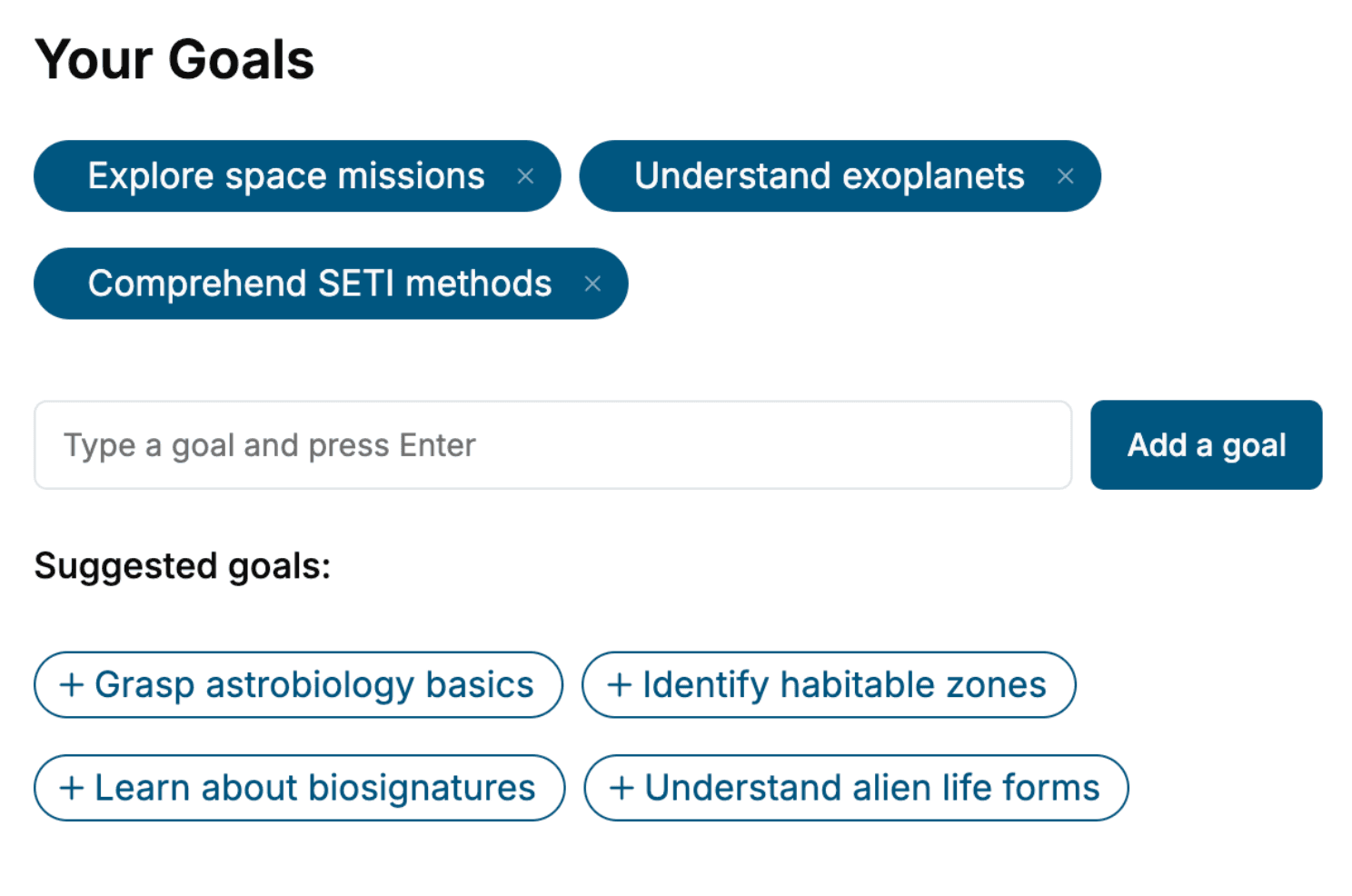
- 2. Personalize your book
Specify your goals and choose sub-topics to include
- 3. Get your tailored book
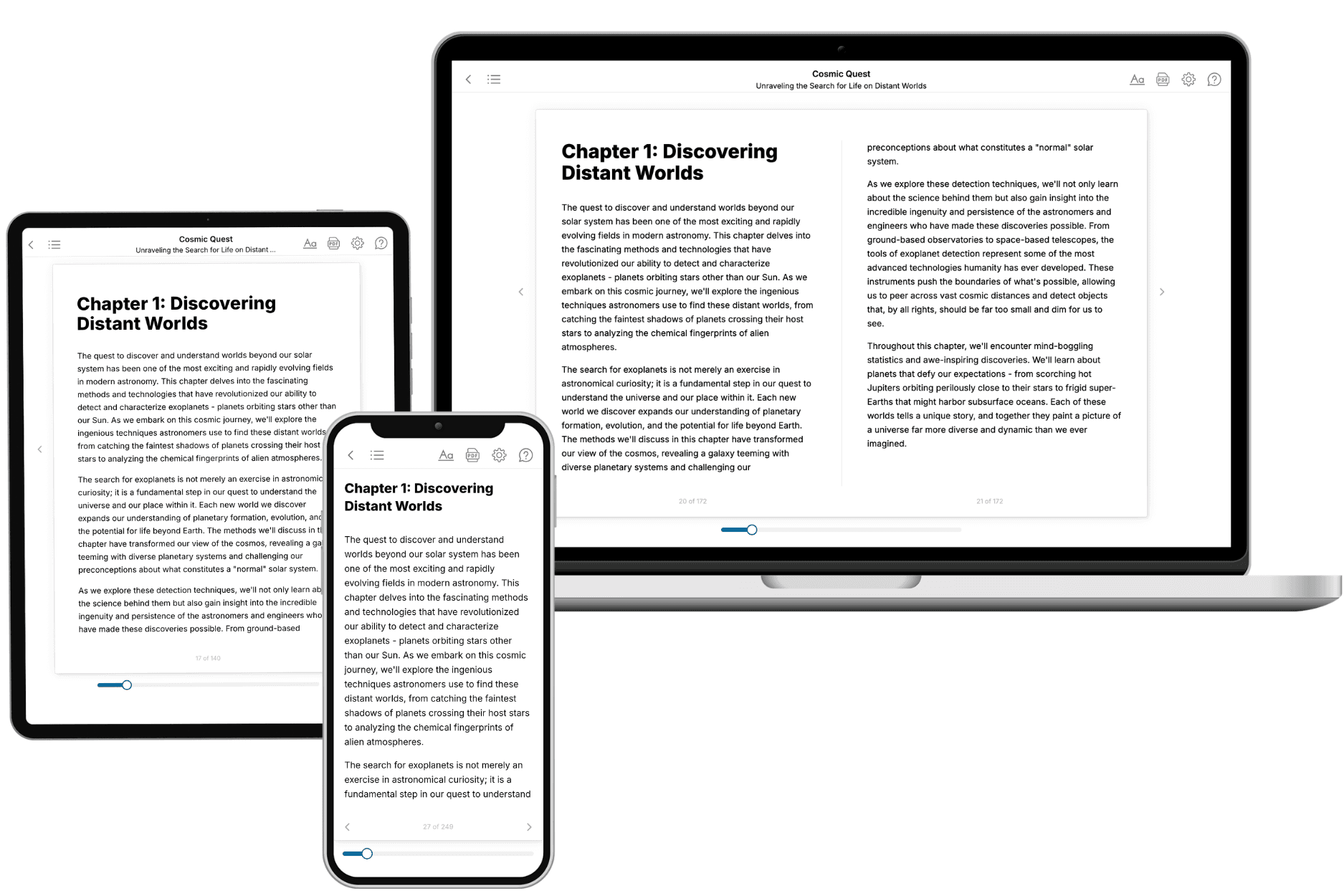
Your book is ready in 10 minutes. Read it online, download as EPUB or PDF, or send to Kindle.

Frequently asked questions
- What is TailoredRead?
TailoredRead creates complete, full-length nonfiction ebooks, written specifically for you. Tell us what you want to learn and why, and TailoredRead writes you a complete ebook on it, with charts, tables, and diagrams throughout. Read it online, on Kindle, or on any e-reader, or download it as a PDF or EPUB. Every book is written fresh the day you order it.
- How is the book tailored to me?
Before anything is written, you answer a few short questions about your goals, your background, and the topics you care about. Your book is then planned around your answers: written at your level, focused on your goals, and covering the topics you chose, instead of the one-size-fits-all book a store sells everyone.
- Will it read like generic AI content?
No. Your book isn't a chat transcript: it's planned chapter by chapter before a single word is written, told in a clear book voice, and explains ideas visually with charts, tables, and diagrams. After writing, every book goes through an editorial pass that polishes chapters so the book reads consistent from start to finish. Judge for yourself: browse thousands of sample books on our Explore Books page.
- How accurate is the content?
Our AI first checks whether your subject needs live research. Niche and fast-moving subjects are researched before writing, and the book plan and chapters are grounded in what it finds. After writing, every book goes through a quality pass that checks its facts and consistency, and researched books list their sources in a Notes section at the back.
- How long is the book?
You choose the length: Comprehensive (250-300 pages), Detailed (150-200 pages), Essential (70-100 pages), or Short (30-50 pages).
- Does the book include visuals?
Yes. Every book includes charts, tables, and diagrams: timelines, checklists, step-by-step guides, decision trees, comparison tables, matrices, and bar charts. A typical book includes dozens of these visual elements.
- Can I read it on Kindle? What formats can I download?
Yes. Every book can be read in our online reader or downloaded as a PDF or EPUB. The EPUB can be opened with Kindle, Apple Books, Kobo, and any e-reader. The Commercial and Author licenses also include an editable Word (DOCX) and Markdown download.
- How much does it cost?
About the price of a regular ebook. The exact price depends on your book's length and complexity, from $2 for the shortest books to $35 for the most comprehensive, and it's shown when you review your book, before you commit to anything. Each book is a one-time purchase, yours to keep, no subscription. Licenses that let you share, teach, or publish your book range from $35.99 to $49.99.
- Can I preview the book before purchasing?
Before you pay, you'll see what your book will cover: the title, a detailed description, the estimated length, and the complete chapter-by-chapter table of contents, so you know what you're getting before you decide. The full text itself is written after you purchase.
- How long does it take to create a book?
About 10 minutes. You can start reading the opening chapters while the rest is still being written.