CSS Accordions Mastery
Build Interactive, Accessible Collapsible Components from Scratch
Imagine building accordion components that work flawlessly across every device, load instantly, and feel natural to every user—including those using screen readers or keyboard navigation.
222 pages11 chaptersApr 22, 2026CSS
About this book
This comprehensive guide takes you from accordion fundamentals to production-ready implementations that your users will love. You'll master the CSS techniques that make accordions responsive and performant, discover how to build accessibility into every layer of your component, and learn when and how to integrate JavaScript for enhanced functionality. Through practical examples and real-world scenarios, you'll understand the decisions behind each implementation choice and how to adapt accordions for your specific needs. Whether you're building a FAQ section, product specifications panel, or complex nested accordion system, this book provides the knowledge and patterns you need to create components that are beautiful, fast, and inclusive. Move beyond basic implementations to become confident in designing accordion solutions that scale across projects and teams.
Table of contents
- IntroductionWhy Accordions Matter in Modern Web Design, What You'll Learn in This Book, How to Use This Guide, Prerequisites and SetupRead below
- Chapter 1: Accordion FundamentalsWhat Is an Accordion Component?, Common Use Cases and Patterns, Anatomy of an Accordion: Headers, Panels, and States
- Chapter 2: Building Semantic HTML StructureHTML Markup Basics for Accordions, Choosing the Right Semantic Elements, Using Data Attributes for State Management
- Chapter 3: CSS Styling FoundationsLayout with Flexbox and Grid, Styling Headers and Panels, Styling Active and Inactive States
- Chapter 4: Responsive Accordion DesignMobile-First Accordion Design, Media Queries and Breakpoints, Touch-Friendly Interactions and Spacing
- Chapter 5: Accessibility EssentialsARIA Attributes and Roles, Keyboard Navigation and Focus Management, Testing with Screen Readers
- Chapter 6: Animations and TransitionsCSS Transitions for Smooth Interactions, CSS Animations and Keyframes, Respecting User Preferences with prefers-reduced-motion
- Chapter 7: JavaScript Integration and EnhancementProgressive Enhancement Principles, Managing Accordion State with JavaScript, Event Handling and User Interactions
- Chapter 8: Advanced Accordion PatternsBuilding Nested Accordions, Multi-Select vs. Single-Select Accordions, Custom Animation Techniques
- Chapter 9: Performance OptimizationCSS Performance Best Practices, Optimizing Rendering and Repaints, Minimizing Bundle Size and Load Times
- Chapter 10: Testing and Debugging AccordionsCross-Browser Compatibility Testing, Automated and Manual Accessibility Testing, Debugging Common Accordion Issues
- Chapter 11: Real-World Implementation ExamplesBuilding a FAQ Accordion Section, Product Specifications and Details Accordion, Accordion-Based Navigation Menu
- ConclusionKey Takeaways and Next Steps, Continuing Your Learning Journey
- Appendix: Quick Reference Guide
Introduction
Every web developer eventually faces the same challenge: too much content, not enough screen space. Users want information at their fingertips, but they also want clean, uncluttered interfaces that don't overwhelm them the moment a page loads. The accordion component sits right at the intersection of these competing needs. It hides complexity behind a simple click, reveals detail on demand, and keeps layouts organized without sacrificing depth. It sounds simple, but building one well is a different story entirely.
The gap between a basic accordion and a production-ready one is wider than most developers expect. A basic accordion opens and closes. A production-ready accordion opens and closes smoothly, works with a keyboard, announces its state to screen readers, adapts to any screen size, loads without performance hiccups, and degrades gracefully when JavaScript fails. That gap is filled with decisions about HTML structure, CSS techniques, ARIA attributes, animation strategies, and JavaScript patterns. This book walks you through every one of those decisions.
This guide is built around a core belief: the best accordion components are not clever hacks. They are the result of understanding how browsers render content, how assistive technologies interpret markup, and how users actually interact with interfaces. When you understand the why behind each technique, you stop copying patterns blindly and start making confident, informed choices. That shift from copying to understanding is what separates a developer who can build an accordion from one who can build the right accordion for any situation.
Throughout these chapters, you will find practical code examples, real-world scenarios, and specific guidance you can apply immediately. The goal is not to give you a single accordion template to copy and paste. The goal is to give you a deep enough understanding that you can design and build accordion solutions tailored to your specific project, your users, and your team's needs. By the time you reach the final chapter, you will have the knowledge and confidence to handle any accordion challenge that comes your way.
Why Accordions Matter in Modern Web Design
Accordions are one of the most widely used UI patterns on the web, and for good reason. They solve a fundamental problem in information architecture: how do you present a large amount of content without forcing users to scroll endlessly or navigate away from the page? By collapsing content into labeled sections that expand on demand, accordions give users control over what they see and when they see it. That sense of control directly improves the user experience.
The numbers back this up. Research from the Nielsen Norman Group consistently shows that users prefer progressive disclosure, the design principle of revealing information gradually rather than all at once, because it reduces cognitive load and helps people focus on what matters to them.[1] Accordions are one of the most practical implementations of progressive disclosure available to front-end developers. They are not just a visual preference; they are a cognitive aid.
Consider how often you encounter accordions in everyday browsing. FAQ sections on support pages, product detail panels on e-commerce sites, settings menus in web applications, navigation drawers on mobile interfaces, and documentation sidebars all rely on accordion patterns. These are not niche use cases. They represent some of the most trafficked and business-critical parts of modern websites. Getting them right has real consequences for user satisfaction and conversion rates.
Mobile usage has made accordions even more important. As of 2024, mobile devices account for more than 60% of global web traffic.[2] On small screens, vertical space is precious. Accordions allow designers and developers to pack rich content into compact layouts without sacrificing usability. A well-built accordion on mobile feels natural and efficient. A poorly built one feels frustrating and broken.
Beyond usability, accordions carry accessibility implications that make them a serious engineering concern. When built incorrectly, they can be completely invisible to screen reader users or impossible to navigate with a keyboard. When built correctly, they become a model of inclusive design. The Web Content Accessibility Guidelines (WCAG) provide clear standards for interactive components, and accordions that meet those standards serve a broader audience, including the estimated 1.3 billion people worldwide who live with some form of disability.[3]
Finally, accordions matter because they are a proving ground for broader front-end skills. Building one well requires you to think about semantic HTML, CSS layout, state management, animation performance, and JavaScript event handling all at once. Mastering the accordion is not just about mastering one component. It is about developing the kind of holistic, systems-level thinking that makes you a stronger developer across every project you touch.
An accordion is not just a UI widget. It is a test of how well you understand the relationship between structure, style, behavior, and accessibility in a single, focused component.
What You'll Learn in This Book
This book covers accordion development from the ground up, moving from foundational concepts to advanced patterns and real-world implementations. Each chapter builds on the previous one, so by the time you reach the more complex topics, you will have the context needed to understand them fully. Here is a clear picture of what each part of the book covers and what you will be able to do after reading it.
The early chapters focus on fundamentals. You will learn what an accordion component actually is at a structural level, explore the most common use cases and patterns, and understand the anatomy of a well-formed accordion. From there, you will move into HTML structure, learning how to write semantic markup that communicates meaning to both browsers and assistive technologies. This foundation is non-negotiable. Everything else in the book depends on getting the HTML right first.
The middle chapters cover CSS in depth. You will learn how to use Flexbox and CSS Grid to build accordion layouts, how to style headers and panels for different visual contexts, and how to manage active and inactive states cleanly. Responsive design gets its own dedicated chapter, covering mobile-first strategies, media query patterns, and touch-friendly interaction design. These are the techniques that make accordions feel polished and professional across every device.
Accessibility is treated as a first-class concern throughout the book, and it gets dedicated coverage in its own chapter. You will learn which ARIA attributes to use and why, how to implement keyboard navigation and focus management correctly, and how to test your accordion with real screen readers. This is the area where many developers cut corners, and it is also the area where the gap between a good accordion and a great one is most visible.
The later chapters move into animation, JavaScript integration, and advanced patterns. Specifically, you will cover:
- CSS transitions and keyframe animations for smooth open and close effects
- The
prefers-reduced-motionmedia query for respecting user accessibility preferences - Progressive enhancement principles for JavaScript-powered accordions
- State management and event handling patterns
- Nested accordions and multi-select vs. single-select behavior
- Performance optimization for CSS and rendering
- Cross-browser and accessibility testing strategies
The final chapter brings everything together with three complete, real-world implementation examples: a FAQ section, a product specifications panel, and an accordion-based navigation menu. These examples are not simplified toy projects. They are production-quality implementations that demonstrate how all the concepts in the book work together in realistic contexts.
By the end of this book, you will be able to build accordion components that are semantically correct, visually polished, fully accessible, smoothly animated, and optimized for performance. More importantly, you will understand the reasoning behind every decision, which means you will be able to adapt these patterns to any project or design system you work with.
How to Use This Guide
This book is designed to be read sequentially, especially if you are new to building accordion components from scratch. Each chapter introduces concepts that later chapters build upon. If you skip ahead to the animation chapter without reading the CSS foundations chapter first, some of the techniques will feel disconnected from their context. The linear path is the most efficient one for building a complete mental model.
That said, if you already have experience with specific areas, feel free to move through those sections more quickly or use them as reference material. The chapter on accessibility, for example, stands well on its own if you need a focused refresher on ARIA attributes and keyboard navigation. The real-world examples in the final chapter can also be used as standalone references once you have read the foundational material.
Every code example in this book is meant to be typed out and tested, not just read. There is a significant difference between understanding code intellectually and understanding it through your hands. When you type an example, run it in a browser, and then modify it to see what changes, you build a much deeper understanding than passive reading provides. Treat the examples as experiments, not just illustrations.
Here is a suggested approach for getting the most out of each chapter:
- Read the chapter once through without stopping to code, to get the big picture.
- Go back and work through each code example in your editor, running it in a browser as you go.
- Modify the examples intentionally. Break things, fix them, and try variations.
- Apply the concepts to a small personal project or sandbox environment before moving on.
The book uses a consistent set of conventions to make the code examples easy to follow. HTML, CSS, and JavaScript are all presented in clearly labeled code blocks. When a concept builds on a previous example, the new or changed lines are highlighted with comments so you can see exactly what changed and why. Pay attention to those comments. They often contain the reasoning behind a decision, not just the decision itself.
You will also find callout blocks throughout the chapters. These highlight common mistakes, performance considerations, accessibility warnings, and browser compatibility notes. Do not skip these. They represent the kind of hard-won knowledge that usually only comes from debugging production issues or reading through long specification documents. They are placed exactly where they are most relevant to the concept being discussed.
Finally, treat this book as a starting point, not a final destination. The web platform evolves constantly. New CSS features ship regularly, browser support tables change, and best practices get refined as the community learns more. The principles in this book are durable, but the specific techniques will continue to evolve. Build the habit of checking current browser support data on resources like MDN Web Docs and Can I Use as you apply what you learn here.
Prerequisites and Setup
This book assumes you already have a working foundation in HTML and CSS. You do not need to be an expert, but you should be comfortable writing HTML markup, understanding the box model, working with selectors and specificity, and applying basic CSS properties like display, position, margin, and padding. If those concepts feel unfamiliar, spending a few hours reviewing them before starting this book will make the material much easier to follow.
Some familiarity with JavaScript is helpful but not strictly required for the early chapters. The first half of the book focuses almost entirely on HTML and CSS. JavaScript enters the picture in Chapter 7, and even there, the examples use straightforward, modern JavaScript without any frameworks or build tools. If you can read a basic event listener and understand what classList.toggle() does, you have enough JavaScript knowledge to follow along.
Here is a clear summary of what you should know before starting:
- HTML: Writing valid markup, understanding semantic elements like
<section>,<button>, and<details>, and working with attributes - CSS: Selectors, the cascade, the box model, basic Flexbox, and CSS custom properties (variables)
- JavaScript: Basic DOM manipulation, event listeners, and working with
classList(needed from Chapter 7 onward) - Browser DevTools: Opening the inspector, viewing computed styles, and reading the console
For your development environment, the setup is intentionally minimal. You do not need a build tool, a bundler, or a framework to follow this book. All examples run directly in the browser using plain HTML, CSS, and JavaScript files. A modern code editor and a browser with developer tools are all you need. Visual Studio Code is a popular choice and works well for this kind of work, but any editor you are already comfortable with will do the job.
Browser choice matters for testing, and you should have at least two or three browsers installed. Chrome and Firefox are the most common choices for development, and both have excellent developer tools. Safari is important for testing on macOS and iOS, since it uses a different rendering engine. Edge is worth including for Windows-specific testing. For accessibility testing, you will also want access to at least one screen reader. NVDA is free and widely used on Windows. VoiceOver is built into macOS and iOS. Chapter 10 covers the testing setup in more detail, but it is worth knowing upfront that accessibility testing requires real assistive technology, not just automated tools.
If you want to follow along with a live coding environment rather than local files, tools like CodePen, JSFiddle, or StackBlitz work well for the examples in this book. They let you see results instantly without any file management overhead. However, for the more complex multi-file examples in the later chapters, a local setup will be more practical. Either way, the important thing is that you have an environment where you can write code, run it in a browser, and inspect the results quickly.
One final note on browser support: this book uses modern CSS features including CSS custom properties, :is() and :where() selectors, and the prefers-reduced-motion media query. All of these have strong support in current browsers as of 2024. Where a feature has meaningful compatibility considerations, the book notes them explicitly. The goal is to teach you techniques that work in production today, not experimental features that require polyfills or workarounds for most of your users.
Quick setup checklist before you begin:
- A code editor installed and configured (VS Code recommended)
- Chrome or Firefox as your primary development browser
- Safari and/or Edge for cross-browser testing
- A screen reader installed (NVDA for Windows, VoiceOver on macOS/iOS)
- A folder on your machine for saving chapter examples
- Optional: a CodePen or StackBlitz account for quick experiments
With your environment ready and your foundational knowledge in place, you are set to get the most out of every chapter that follows. The first chapter starts with the fundamentals: what an accordion actually is, where it fits in the broader landscape of UI patterns, and how to think about its structure before writing a single line of code. That conceptual grounding will pay dividends throughout the rest of the book.
This is the end of the free sample. The full book has 11 chapters.
Want this book written for you?
Tell us your goals and background, and get your own version of this book, tailored by AI to you.


Benefits of AI-tailored books
- Read one book, not ten:
- all the CSS knowledge you need, gathered into a single book.
- Save days of learning:
- tell us your goals, choose your topics, and the whole book is built around them.
- Learn effortlessly:
- CSS book written for your specific background and expertise.
- Understand at a glance:
- includes charts, tables, timelines, checklists, decision trees, and more.
- Stay current:
- written the day you order it, not years ago.
- Trust what you read:
- every book is checked for accuracy, with real research when your subject needs it.
Create your unique book in 3 steps
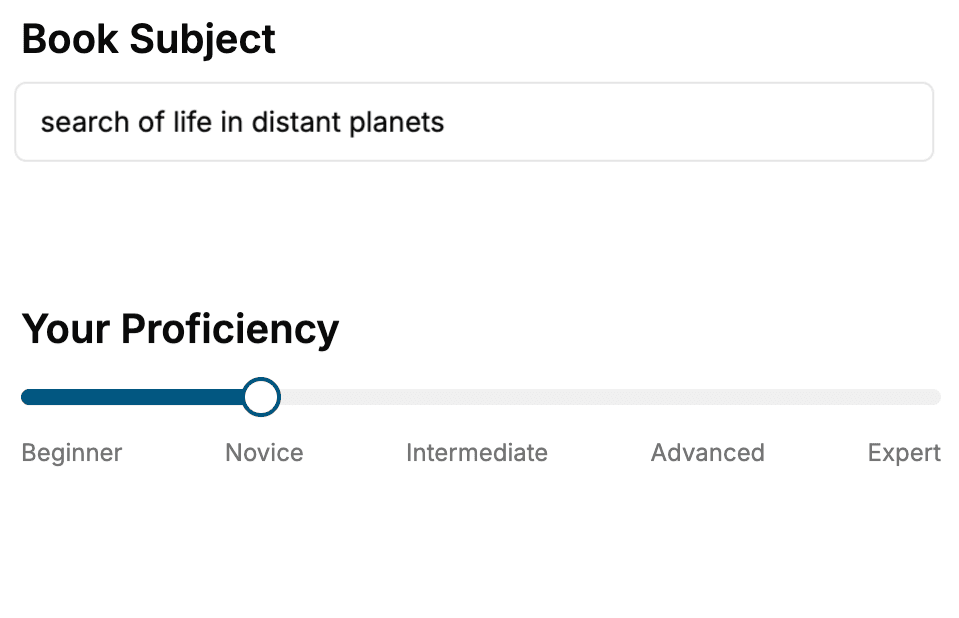
- 1. Select your focus
Select the focus of your CSS book and share your background
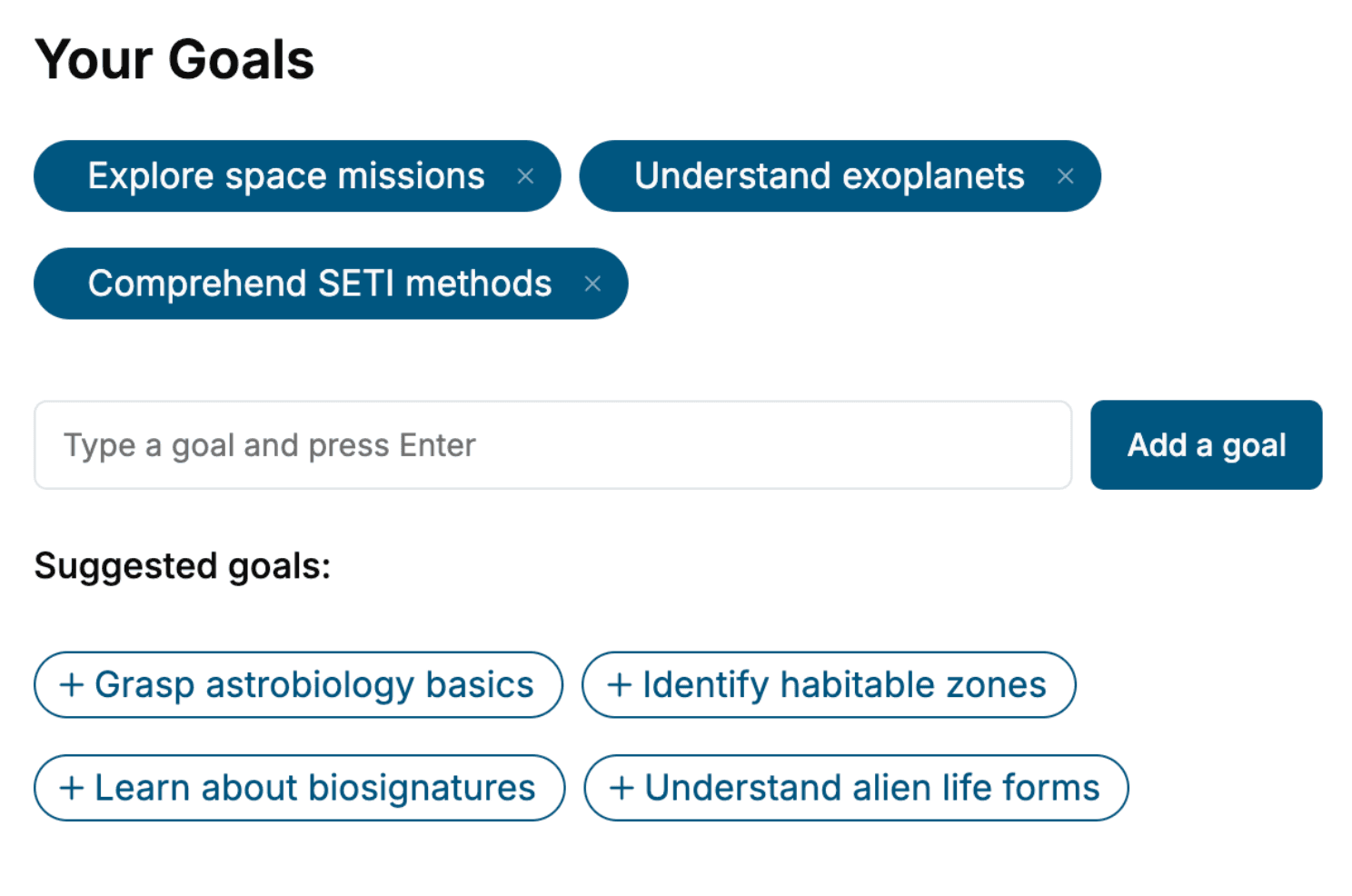
- 2. Personalize your book
Specify your goals and choose sub-topics to include
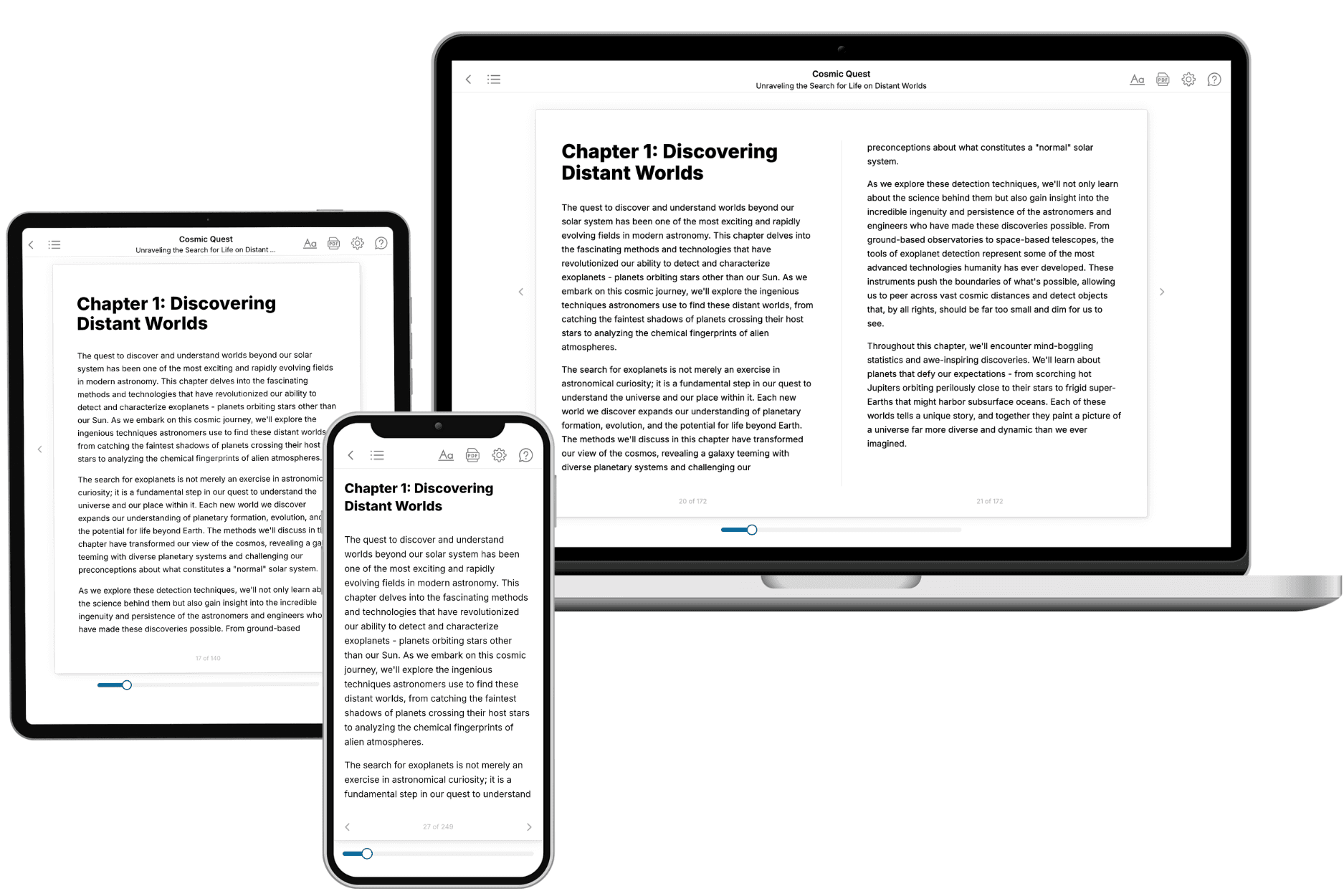
- 3. Get your tailored book
Your book is ready in 10 minutes. Read it online, download as EPUB or PDF, or send to Kindle.
Frequently asked questions
- What is TailoredRead?
TailoredRead creates complete, full-length nonfiction ebooks, written specifically for you. Tell us what you want to learn and why, and TailoredRead writes you a complete ebook on it, with charts, tables, and diagrams throughout. Read it online, on Kindle, or on any e-reader, or download it as a PDF or EPUB. Every book is written fresh the day you order it.
- How is the book tailored to me?
Before anything is written, you answer a few short questions about your goals, your background, and the topics you care about. Your book is then planned around your answers: written at your level, focused on your goals, and covering the topics you chose, instead of the one-size-fits-all book a store sells everyone.
- Will it read like generic AI content?
No. Your book isn't a chat transcript: it's planned chapter by chapter before a single word is written, told in a clear book voice, and explains ideas visually with charts, tables, and diagrams. After writing, every book goes through an editorial pass that polishes chapters so the book reads consistent from start to finish. Judge for yourself: browse thousands of sample books on our Explore Books page.
- How accurate is the content?
Our AI first checks whether your subject needs live research. Niche and fast-moving subjects are researched before writing, and the book plan and chapters are grounded in what it finds. After writing, every book goes through a quality pass that checks its facts and consistency, and researched books list their sources in a Notes section at the back.
- How long is the book?
You choose the length: Comprehensive (250-300 pages), Detailed (150-200 pages), Essential (70-100 pages), or Short (30-50 pages).
- Does the book include visuals?
Yes. Every book includes charts, tables, and diagrams: timelines, checklists, step-by-step guides, decision trees, comparison tables, matrices, and bar charts. A typical book includes dozens of these visual elements.
- Can I read it on Kindle? What formats can I download?
Yes. Every book can be read in our online reader or downloaded as a PDF or EPUB. The EPUB can be opened with Kindle, Apple Books, Kobo, and any e-reader. The Commercial and Author licenses also include an editable Word (DOCX) and Markdown download.
- How much does it cost?
About the price of a regular ebook. The exact price depends on your book's length and complexity, from $2 for the shortest books to $35 for the most comprehensive, and it's shown when you review your book, before you commit to anything. Each book is a one-time purchase, yours to keep, no subscription. Licenses that let you share, teach, or publish your book range from $35.99 to $49.99.
- Can I preview the book before purchasing?
Before you pay, you'll see what your book will cover: the title, a detailed description, the estimated length, and the complete chapter-by-chapter table of contents, so you know what you're getting before you decide. The full text itself is written after you purchase.
- How long does it take to create a book?
About 10 minutes. You can start reading the opening chapters while the rest is still being written.