CSS Attribute Selectors Mastery
Advanced Techniques for Precise Element Selection and Modern Web Styling
Are you writing the same CSS selectors over and over, struggling to target specific elements without cluttering your HTML with extra classes?
207 pages11 chaptersNov 17, 2025CSS
About this book
CSS attribute selectors are one of the most underutilized tools in modern web development, yet they can dramatically simplify your styling workflow and make your code more maintainable. This book reveals how to harness the full power of attribute selectors—from basic syntax to advanced substring matching patterns—to write more precise, efficient CSS. You'll discover practical techniques for form validation styling, data-driven element targeting, and building responsive components that adapt without JavaScript. Whether you're working with dynamic content, managing complex design systems, or simply looking to write cleaner code, this guide provides the strategies and real-world examples you need to master attribute selectors and elevate your CSS skills to the next level.
Table of contents
- IntroductionWhy Attribute Selectors Matter in Modern CSS, What You'll Learn in This Book, How to Use This GuideRead below
- Chapter 1: Fundamentals of CSS Attribute SelectorsUnderstanding Selector Basics and Specificity, Attribute Selector Syntax and Structure, Simple Examples and Common Use Cases
- Chapter 2: Exact Attribute MatchingThe Exact Match Operator [attr=value], Practical Applications in Real Projects, Combining Exact Matches with Other Selectors
- Chapter 3: Substring Matching PatternsPrefix Matching with the ^= Operator, Suffix Matching with the $= Operator, Contains Matching with the *= Operator, Word Matching with the ~= Operator
- Chapter 4: Advanced Attribute PatternsHyphen-Separated Matching with the |= Operator, Case Sensitivity and the i Flag, Combining Multiple Attribute Selectors
- Chapter 5: Form Styling with Attribute SelectorsTargeting Specific Input Types, Styling Validation States Without JavaScript, Building Reusable Form Patterns
- Chapter 6: Working with Data AttributesUnderstanding Data Attributes and Their Purpose, Styling Data-Driven Content, Common Data Attribute Patterns and Best Practices
- Chapter 7: Accessibility and Semantic HTMLTargeting ARIA Attributes for Accessible Components, Using Attribute Selectors for Semantic Markup, Building Inclusive Designs with Attribute Selectors
- Chapter 8: Performance and OptimizationUnderstanding Specificity and Rendering Impact, Writing Efficient Attribute Selectors, How Browsers Parse and Apply Attribute Selectors
- Chapter 9: Real-World Project ExamplesBuilding Responsive Components, Implementing Attribute Selectors in Design Systems, Case Studies: From Concept to Implementation
- Chapter 10: Browser Compatibility and FallbacksCurrent Browser Support for Attribute Selectors, Progressive Enhancement Strategies, Testing and Debugging Across Browsers
- Chapter 11: Advanced Techniques and CombinationsCombining with Pseudo-Classes and Pseudo-Elements, Integrating with CSS Custom Properties, Using Attribute Selectors with Modern Layout Techniques
- ConclusionKey Takeaways and Next Steps, Continued Learning and Resources
Introduction
CSS has evolved dramatically since its inception, yet many developers still rely on the same basic selectors they learned years ago. Classes and IDs dominate most stylesheets, while powerful alternatives remain underutilized and misunderstood. Among these overlooked tools, attribute selectors stand out as one of the most versatile and practical features available in modern CSS. They offer precise targeting capabilities that can reduce markup clutter, improve code maintainability, and solve complex styling challenges without requiring JavaScript intervention. Despite their widespread browser support and practical benefits, attribute selectors remain a mystery to many intermediate developers who could benefit most from their capabilities.
The gap between knowing CSS basics and mastering advanced techniques often comes down to understanding the full selector toolkit at your disposal. When you limit yourself to classes and IDs, you inevitably create more HTML attributes, more naming conventions to remember, and more opportunities for inconsistency across your codebase. Attribute selectors provide an elegant alternative that leverages the semantic information already present in your HTML. Whether you're targeting form inputs by type, styling links based on their destinations, or creating data-driven components, attribute selectors enable you to write more expressive and maintainable CSS that adapts naturally to your content structure.
This book bridges the knowledge gap between foundational CSS understanding and advanced selector mastery. You already know how to write basic selectors and understand the cascade, but you're ready to elevate your skills with techniques that professional developers use to build scalable design systems and maintainable codebases. Throughout these chapters, you'll discover practical patterns and real-world applications that demonstrate why attribute selectors deserve a prominent place in your CSS toolkit. By the end of this guide, you'll approach styling challenges with a broader perspective, recognizing opportunities to simplify your code and improve your development workflow through strategic selector choices.
Why Attribute Selectors Matter in Modern CSS
Modern web development demands cleaner, more maintainable code as projects grow in complexity and team size. Every additional class name you add to your HTML represents a decision point, a potential source of inconsistency, and a maintenance burden for future developers. Attribute selectors reduce this overhead by targeting elements based on characteristics they already possess. Consider a simple scenario: styling all external links differently from internal ones. The traditional approach requires adding a class to every external link, remembering to apply it consistently, and maintaining that pattern across your entire site. With attribute selectors, you can target all links starting with http or https in a single rule, automatically covering existing and future external links without touching your HTML.
The benefits extend far beyond convenience. Attribute selectors fundamentally change how you think about the relationship between HTML and CSS. Instead of treating your markup as a canvas that needs styling hooks everywhere, you begin to recognize that semantic HTML already contains rich information about element purpose, state, and behavior. Form inputs declare their types, links reveal their destinations, and data attributes communicate application state. When you leverage these existing attributes, your CSS becomes more declarative and self-documenting. A selector like input[type="email"]:invalid clearly communicates its purpose without requiring comments or documentation, while a class name like .error-state-email-field requires additional context to understand fully.
Performance considerations also favor attribute selectors in many scenarios. While the conventional wisdom suggests that class selectors are always faster, modern browser rendering engines have optimized attribute selector performance significantly. The real performance bottleneck in most applications comes from excessive DOM manipulation and layout thrashing, not selector matching speed. More importantly, attribute selectors can actually improve overall performance by reducing the number of class attributes in your HTML, resulting in smaller document sizes and faster parsing times. When you eliminate dozens or hundreds of utility classes in favor of targeted attribute selectors, the cumulative effect on page weight and rendering speed can be measurable.
Attribute selectors shine particularly bright in component-based architectures and design systems. Modern frameworks like React, Vue, and Angular encourage component thinking, where each UI element encapsulates its own logic and styling. Within this paradigm, attribute selectors provide a clean way to style component variations without prop drilling or complex class name generation. You can target components based on their data attributes, state attributes, or even custom attributes specific to your application. This approach creates a clear separation between structural classes (which define component identity) and styling hooks (which modify appearance based on state or configuration).
The accessibility benefits of attribute selectors deserve special attention. ARIA attributes provide semantic information about interactive elements, their states, and their relationships to other elements. By styling based on ARIA attributes like aria-expanded, aria-selected, or aria-disabled, you ensure visual presentation stays synchronized with semantic meaning. This creates a more robust and accessible user experience where visual states automatically reflect the underlying accessibility tree. When a screen reader announces that a menu is expanded, sighted users see the same state reflected visually through CSS that targets [aria-expanded="true"]. This tight coupling between semantics and presentation reduces bugs and improves consistency across different interaction modes.
Form handling represents one of the most compelling use cases for attribute selectors. HTML5 introduced numerous input types, validation attributes, and state pseudo-classes that work together to create rich form experiences. Attribute selectors let you target specific input types, required fields, fields with patterns, and fields in various validation states. You can style email inputs differently from text inputs, highlight required fields automatically, and provide visual feedback for validation errors—all without adding a single class to your HTML. This approach scales beautifully as forms grow more complex, since the styling logic remains centralized in your CSS rather than scattered across your markup.
Real-world projects demonstrate the practical impact of attribute selector mastery. Consider a large e-commerce site with thousands of product links, each needing different styling based on product availability, sale status, or category. Traditional approaches might involve generating complex class names server-side or using JavaScript to add styling hooks. Attribute selectors enable a simpler solution: add data attributes for product state, then target them with CSS. The result is cleaner HTML, more maintainable stylesheets, and better separation of concerns between data and presentation layers. Teams report significant reductions in CSS file size and complexity when they adopt attribute selector patterns strategically, particularly in applications with dynamic content or user-generated data.
The learning curve for attribute selectors is surprisingly gentle, especially for developers who already understand basic CSS selectors. The syntax follows logical patterns, and the concepts build naturally on existing knowledge. What makes attribute selectors challenging isn't the syntax itself, but recognizing opportunities to apply them effectively. This book addresses that challenge by presenting practical patterns, real-world examples, and decision-making frameworks that help you identify when attribute selectors offer the best solution. You'll develop an intuition for selector choice that goes beyond memorizing syntax, enabling you to write more elegant and maintainable CSS across all your projects.
What You'll Learn in This Book
This book provides a comprehensive journey through attribute selector capabilities, starting with fundamental concepts and progressing to advanced techniques used in production applications. You'll begin by understanding how attribute selectors fit within the broader CSS selector system, including their specificity weights and how they interact with other selector types. The early chapters establish a solid foundation by covering exact matching syntax, demonstrating how to target elements with specific attribute values. These fundamentals prepare you for more sophisticated patterns while ensuring you understand the underlying mechanics that make attribute selectors work.
Substring matching patterns form the core of advanced attribute selector usage, and you'll explore each operator in depth with practical examples. The prefix operator (^=) enables targeting elements whose attributes start with specific strings, perfect for styling external links or protocol-specific resources. The suffix operator ($=) matches attribute endings, useful for file type detection or domain-specific styling. The contains operator (*=) finds substrings anywhere in attribute values, while the word operator (~=) matches complete words within space-separated lists. Each pattern receives dedicated coverage with real-world scenarios that demonstrate when and why you'd choose one approach over another.
Form styling receives extensive treatment because it represents one of the most practical applications of attribute selectors. You'll learn to target specific input types, style validation states without JavaScript, and build reusable form patterns that adapt automatically to HTML structure. The chapters on form styling include complete examples of common patterns like floating labels, inline validation feedback, and accessible error messaging. You'll see how combining attribute selectors with pseudo-classes like :focus, :valid, and :invalid creates sophisticated form experiences that require minimal markup and no JavaScript for basic functionality.
Data attributes unlock powerful possibilities for styling dynamic content, and dedicated chapters explore this intersection between HTML data storage and CSS presentation. You'll discover how to use data attributes as styling hooks without polluting your HTML with presentational classes. The book covers common patterns like state management, configuration options, and content categorization through data attributes. You'll learn best practices for naming data attributes, when to use them versus classes, and how to structure data attribute systems that scale across large applications. Real-world examples demonstrate data-driven theming, component variations, and responsive behavior controlled entirely through data attributes and CSS.
Accessibility considerations thread throughout the book, with a dedicated chapter on using attribute selectors to enhance inclusive design. You'll learn to target ARIA attributes for styling interactive components, ensuring visual presentation aligns with semantic meaning. The accessibility chapter covers practical patterns for styling focus states, disabled elements, expanded/collapsed regions, and selected items using ARIA attributes. You'll understand how this approach creates more robust components that maintain consistency between visual appearance and assistive technology announcements. The chapter includes specific examples of accessible dropdown menus, tab panels, and modal dialogs styled primarily through attribute selectors.
Performance and optimization receive careful attention because selector efficiency matters in large-scale applications. You'll learn how browsers parse and apply attribute selectors, understanding the rendering pipeline and where potential bottlenecks occur. The performance chapter provides concrete guidance on writing efficient selectors, measuring their impact, and making informed trade-offs between elegance and speed. You'll discover that attribute selector performance concerns are often overstated, but you'll also learn the specific scenarios where alternative approaches might be preferable. This balanced perspective helps you make pragmatic decisions based on actual project requirements rather than outdated assumptions.
Real-world project examples bring all the concepts together, demonstrating how attribute selectors integrate into complete design systems and component libraries. You'll see case studies from responsive component development, design system implementation, and complex application interfaces. These examples show not just the CSS code, but the decision-making process behind selector choices and the trade-offs involved in different approaches. You'll learn to recognize patterns in your own projects where attribute selectors offer the cleanest solution, developing an intuition for selector strategy that extends beyond the specific examples presented.
Advanced techniques in the later chapters explore combinations with pseudo-classes, pseudo-elements, CSS custom properties, and modern layout systems. You'll discover how attribute selectors enhance CSS Grid and Flexbox layouts, enable dynamic theming through custom properties, and create sophisticated visual effects when combined with pseudo-elements. The advanced chapters assume you've mastered the fundamentals and are ready to push attribute selectors to their limits. You'll see techniques used in cutting-edge web applications, learning approaches that might not be necessary for every project but expand your understanding of what's possible. By the book's conclusion, you'll have a complete mental model of attribute selectors and their role in modern CSS architecture.
How to Use This Guide
This book is structured to support both sequential reading and targeted reference use, depending on your learning style and immediate needs. If you're new to attribute selectors or want comprehensive understanding, reading chapters in order provides the most effective learning path. Each chapter builds on concepts introduced previously, with complexity increasing gradually as you progress. The early chapters establish foundational knowledge that later chapters assume you possess. However, if you're already familiar with basic attribute selector syntax and need specific information about substring matching or form styling, you can jump directly to relevant chapters. Each chapter includes enough context to stand alone, with references to related sections when deeper background would be helpful.
The code examples throughout this book are designed for immediate practical application. Every example uses realistic HTML structures and addresses actual styling challenges you'll encounter in web development projects. Rather than contrived demonstrations, you'll find patterns taken from real applications, design systems, and component libraries. You're encouraged to type out examples yourself, experiment with variations, and test them in your browser's developer tools. The muscle memory developed through hands-on practice reinforces conceptual understanding more effectively than passive reading. Consider creating a practice project where you implement examples from each chapter, building a personal reference library of attribute selector patterns you can return to when facing similar challenges in production work.
Each chapter includes multiple examples demonstrating both what to do and what to avoid. The "what not to do" examples are particularly valuable because they illustrate common mistakes and misconceptions that trip up developers learning attribute selectors. When you see an anti-pattern explained, take time to understand why it's problematic and what makes the alternative approach superior. These comparisons develop your judgment about selector choice, helping you recognize code smells and refactoring opportunities in existing projects. The goal isn't to memorize rules, but to internalize principles that guide decision-making across diverse situations.
Browser compatibility information appears throughout the book, but a dedicated chapter provides comprehensive coverage of support levels and fallback strategies. Modern attribute selectors enjoy excellent browser support, with even advanced features like the case-insensitivity flag working in all current browsers. However, if you're supporting older browsers or working in environments with specific compatibility requirements, the browser compatibility chapter offers strategies for progressive enhancement and graceful degradation. You'll learn to use feature detection, provide fallbacks, and test across different browser engines. This information helps you make informed decisions about which techniques are appropriate for your specific project constraints.
The performance chapter deserves special attention regardless of your experience level. Many developers carry outdated assumptions about selector performance based on advice from the early 2000s when browser rendering engines worked very differently. Modern browsers have optimized selector matching significantly, changing the performance calculus for attribute selectors. Read the performance chapter with an open mind, and consider testing selector performance in your own projects using browser developer tools. You'll likely discover that attribute selectors perform better than you expected, and that other factors have much larger impacts on overall application performance. This evidence-based understanding helps you write better CSS without premature optimization or unnecessary constraints.
Throughout the book, you'll encounter references to design systems, component libraries, and modern CSS architecture patterns. These references assume familiarity with contemporary web development practices but don't require expertise in any specific framework or methodology. If you encounter unfamiliar terms or concepts, brief explanations provide sufficient context to understand the example. The book focuses on CSS techniques rather than framework-specific implementations, ensuring the knowledge remains relevant regardless of which tools or libraries you use. However, the examples often reference common patterns from popular frameworks to demonstrate how attribute selectors integrate into real-world development workflows.
Consider maintaining a personal reference document as you progress through the book. When you encounter a particularly useful pattern or technique, add it to your reference with notes about when you might apply it. Include code snippets, links to relevant chapters, and observations about trade-offs or limitations. This personalized reference becomes increasingly valuable as you work through more chapters, creating a curated collection of techniques most relevant to your specific work. Many developers find that creating these summaries reinforces learning more effectively than highlighting or note-taking alone, since the act of synthesizing information into your own words deepens understanding and retention.
The book's progression from fundamentals to advanced techniques mirrors the learning journey most developers experience with attribute selectors. Early chapters might feel straightforward if you've experimented with attribute selectors before, but resist the temptation to skip ahead too quickly. The foundational chapters establish terminology, explain specificity implications, and introduce thinking patterns that become increasingly important in later chapters. Even experienced developers often discover gaps in their understanding when revisiting fundamentals with fresh perspective. The time invested in thorough foundation-building pays dividends when you encounter complex scenarios in advanced chapters, where multiple concepts combine to solve sophisticated styling challenges.
Finally, remember that mastery comes through application, not just comprehension. After completing each chapter, identify opportunities in your current projects where you could apply the techniques you've learned. Start with low-risk refactoring of existing CSS, replacing class-based selectors with attribute selectors where appropriate. As you gain confidence, begin incorporating attribute selectors into new features and components. Track the impact on your code quality, noting improvements in maintainability, reductions in CSS file size, or simplifications in HTML structure. This practical application transforms theoretical knowledge into intuitive skill, making attribute selectors a natural part of your CSS toolkit rather than an advanced technique you need to consciously remember to use.
This is the end of the free sample. The full book has 11 chapters.
Want this book written for you?
Tell us your goals and background, and get your own version of this book, tailored by AI to you.






Benefits of AI-tailored books
- Read one book, not ten:
- all the CSS knowledge you need, gathered into a single book.
- Save days of learning:
- tell us your goals, choose your topics, and the whole book is built around them.
- Learn effortlessly:
- CSS book written for your specific background and expertise.
- Understand at a glance:
- includes charts, tables, timelines, checklists, decision trees, and more.
- Stay current:
- written the day you order it, not years ago.
- Trust what you read:
- every book is checked for accuracy, with real research when your subject needs it.
Create your unique book in 3 steps
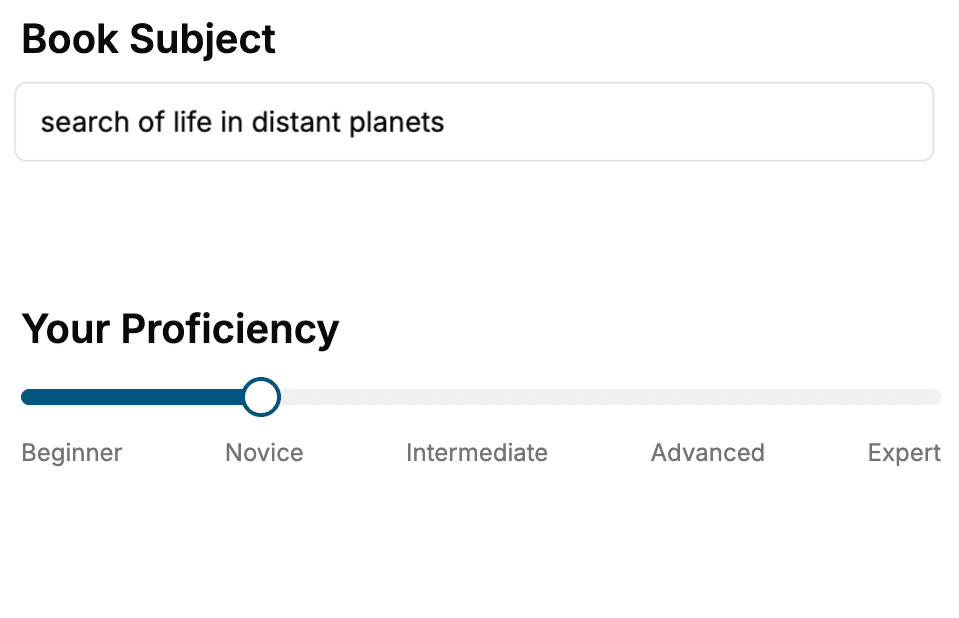
- 1. Select your focus
Select the focus of your CSS book and share your background
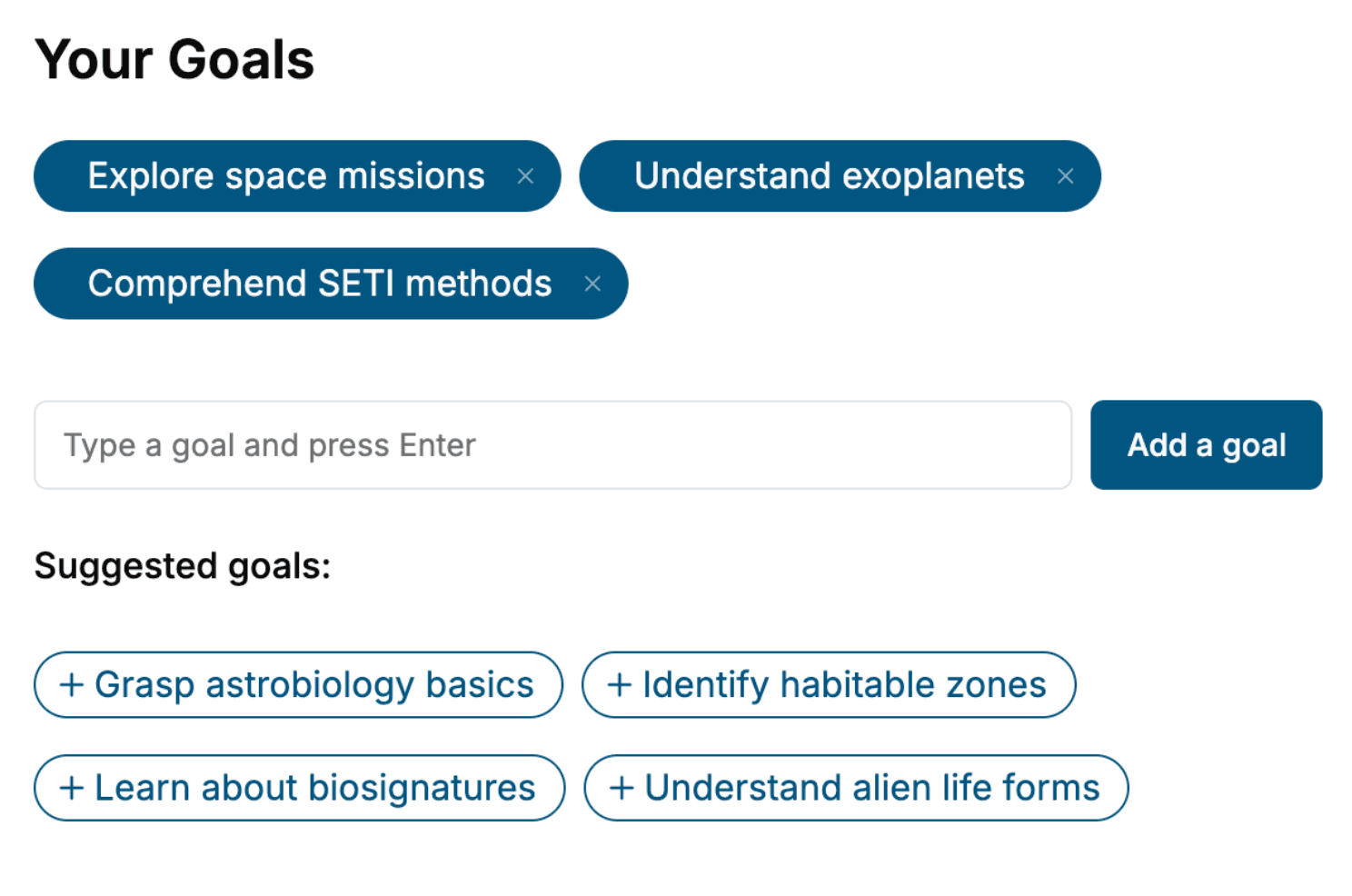
- 2. Personalize your book
Specify your goals and choose sub-topics to include
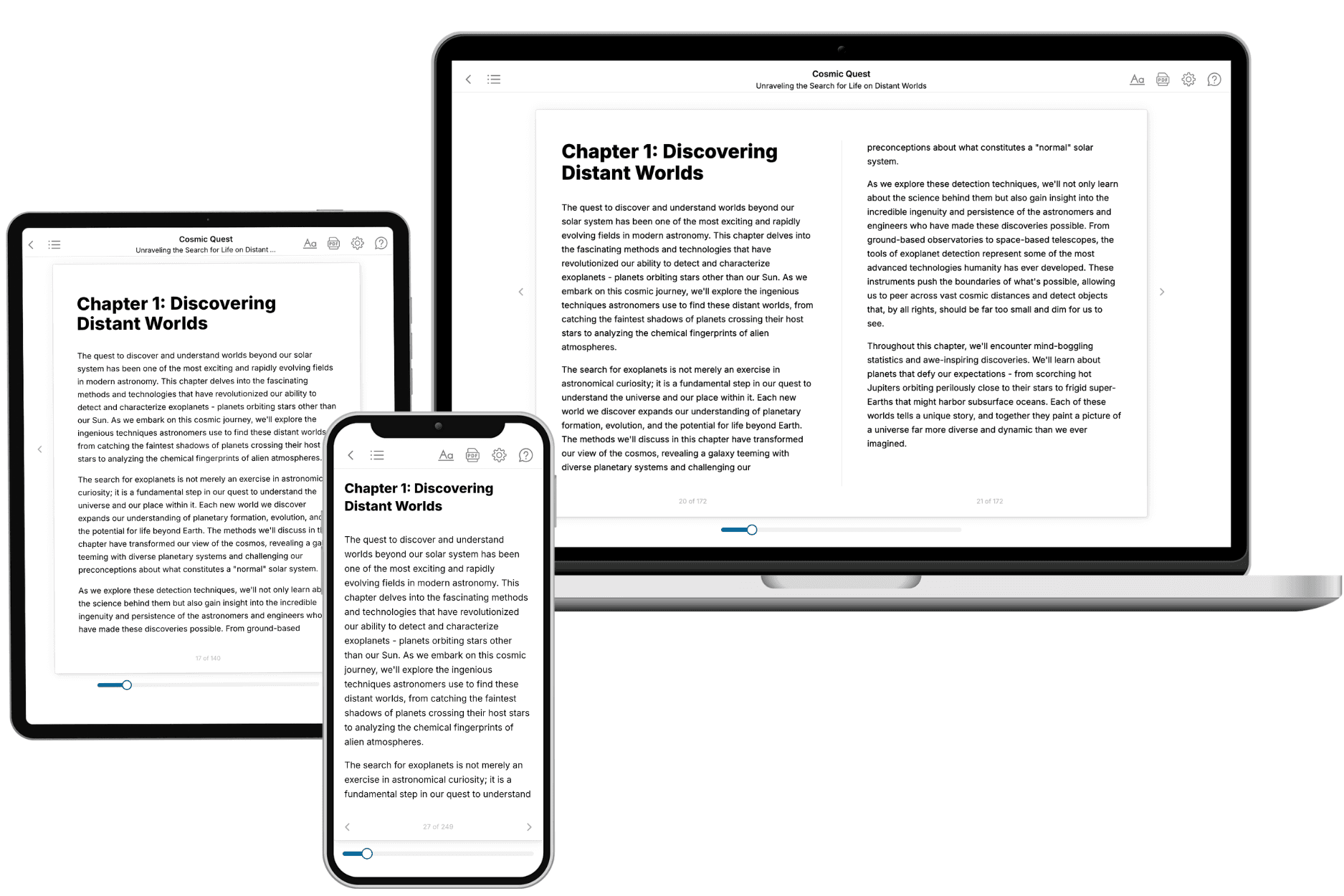
- 3. Get your tailored book
Your book is ready in 10 minutes. Read it online, download as EPUB or PDF, or send to Kindle.
Frequently asked questions
- What is TailoredRead?
TailoredRead creates complete, full-length nonfiction ebooks, written specifically for you. Tell us what you want to learn and why, and TailoredRead writes you a complete ebook on it, with charts, tables, and diagrams throughout. Read it online, on Kindle, or on any e-reader, or download it as a PDF or EPUB. Every book is written fresh the day you order it.
- How is the book tailored to me?
Before anything is written, you answer a few short questions about your goals, your background, and the topics you care about. Your book is then planned around your answers: written at your level, focused on your goals, and covering the topics you chose, instead of the one-size-fits-all book a store sells everyone.
- Will it read like generic AI content?
No. Your book isn't a chat transcript: it's planned chapter by chapter before a single word is written, told in a clear book voice, and explains ideas visually with charts, tables, and diagrams. After writing, every book goes through an editorial pass that polishes chapters so the book reads consistent from start to finish. Judge for yourself: browse thousands of sample books on our Explore Books page.
- How accurate is the content?
Our AI first checks whether your subject needs live research. Niche and fast-moving subjects are researched before writing, and the book plan and chapters are grounded in what it finds. After writing, every book goes through a quality pass that checks its facts and consistency, and researched books list their sources in a Notes section at the back.
- How long is the book?
You choose the length: Comprehensive (250-300 pages), Detailed (150-200 pages), Essential (70-100 pages), or Short (30-50 pages).
- Does the book include visuals?
Yes. Every book includes charts, tables, and diagrams: timelines, checklists, step-by-step guides, decision trees, comparison tables, matrices, and bar charts. A typical book includes dozens of these visual elements.
- Can I read it on Kindle? What formats can I download?
Yes. Every book can be read in our online reader or downloaded as a PDF or EPUB. The EPUB can be opened with Kindle, Apple Books, Kobo, and any e-reader. The Commercial and Author licenses also include an editable Word (DOCX) and Markdown download.
- How much does it cost?
About the price of a regular ebook. The exact price depends on your book's length and complexity, from $2 for the shortest books to $35 for the most comprehensive, and it's shown when you review your book, before you commit to anything. Each book is a one-time purchase, yours to keep, no subscription. Licenses that let you share, teach, or publish your book range from $35.99 to $49.99.
- Can I preview the book before purchasing?
Before you pay, you'll see what your book will cover: the title, a detailed description, the estimated length, and the complete chapter-by-chapter table of contents, so you know what you're getting before you decide. The full text itself is written after you purchase.
- How long does it take to create a book?
About 10 minutes. You can start reading the opening chapters while the rest is still being written.