CSS Functions Mastery
Build Responsive, Dynamic Layouts with Modern CSS3 Techniques
Many developers treat CSS functions as optional extras, relying instead on JavaScript or rigid media queries to handle responsive design.
207 pages9 chaptersJul 25, 2026CSS
About this book
This approach creates bloated stylesheets, maintenance headaches, and unnecessary complexity. CSS functions are actually the foundation of modern, efficient web design—they enable you to build layouts that respond fluidly to any screen size, create maintainable design systems, and eliminate redundant code. This book teaches you how to harness the full power of CSS3 functions, from calc() and clamp() for responsive calculations to gradient functions for stunning visual effects. You'll learn how CSS custom properties work with functions to create scalable design systems, understand the latest color specifications, and discover practical patterns used by professional developers. Whether you're building a component library, optimizing an existing codebase, or starting a new project, these techniques will make your CSS more powerful, readable, and maintainable.
Table of contents
- IntroductionWhy CSS Functions Matter in Modern Web Development, What You'll Learn in This Book, How to Use This Book EffectivelyRead below
- Chapter 1: Understanding CSS Functions FundamentalsWhat Are CSS Functions and How Do They Work?, CSS Function Syntax and Return Values, Browser Support and Compatibility Considerations
- Chapter 2: The calc() Function: Mathematical Expressions in CSScalc() Basics: Combining Units and Operations, Building Responsive Layouts with calc(), Advanced calc() Patterns and Nested Expressions
- Chapter 3: CSS Custom Properties: Variables and Dynamic ValuesIntroduction to CSS Custom Properties (var()), Scope, Inheritance, and Fallback Values, Building Design Systems with Custom Properties
- Chapter 4: Gradient Functions: Creating Visual Effectslinear-gradient(): Color Transitions Along Lines, radial-gradient(): Circular and Elliptical Gradients, conic-gradient(): Circular Color Transitions, Advanced Gradient Techniques and Combinations
- Chapter 5: The clamp() Function: Responsive Constraintsclamp() Fundamentals: Min, Preferred, and Max Values, Fluid Typography and Spacing with clamp(), Real-World clamp() Applications and Patterns
- Chapter 6: Color Functions and the CSS Color ModuleOverview of Modern Color Functions, CSS Color Module Level 4: New Color Spaces and Functions, Color Functions for Accessibility and Contrast
- Chapter 7: Combining Functions: Synergistic PatternsCombining calc() and var() for Flexible Systems, Using clamp() with Custom Properties, Complex Patterns Using Multiple Functions Together
- Chapter 8: Practical Projects: Building Real-World SolutionsBuilding a Responsive Grid System with Functions, Implementing Fluid Typography Scales, Creating a Themeable Component Library
- Chapter 9: Performance, Debugging, and Best PracticesPerformance Implications of CSS Functions, Debugging and Testing CSS Functions, Best Practices and Common Pitfalls to Avoid
- ConclusionRecap of Key Learnings, Your Next Steps in CSS Mastery
- Glossary of CSS Function Terms
- Further Reading and Resources
Introduction
A stylesheet that uses width: calc(100% - 2rem) is doing something fundamentally different from one that uses width: 90%. The first one is computing a value at render time, mixing units that would otherwise be incompatible, and expressing a relationship between the container and a fixed offset. The second one is just a number. That difference, small as it looks in a code editor, is the gap between CSS that bends to its context and CSS that merely sits in it. CSS functions are what make that bending possible.
For a long time, many developers treated CSS as a static language. You wrote values, the browser painted them, and anything dynamic required JavaScript. That assumption has aged poorly. The CSS specification has grown into a rich collection of functional tools that handle calculations, color transformations, gradient generation, and responsive scaling directly in the stylesheet. These are not workarounds or hacks. They are first-class features, supported across modern browsers, and designed to solve exactly the kinds of problems that used to require scripting or preprocessor tricks.
This book is for developers who already know CSS well enough to build a page but want to understand the functional layer that sits on top of raw property values. You know what margin and flex do. Now the goal is to understand what calc(), clamp(), var(), and the gradient family can do when used deliberately and in combination. The chapters ahead move from fundamentals to real-world application, building a complete picture of how CSS functions work and why they matter for production code.
Each chapter focuses on a specific function or family of functions, then the later chapters show how those pieces fit together. By the end, the goal is not just familiarity with individual functions but a shift in how you think about writing CSS. Instead of reaching for a media query every time a layout needs to adapt, or adding a JavaScript listener to update a style, you will have a set of native CSS tools that handle those problems more cleanly and with less code.
Why CSS Functions Matter in Modern Web Development
Web layouts have to work across an enormous range of screen sizes, from small phones to wide desktop monitors, and increasingly on foldable devices and embedded displays. The traditional approach to this problem was breakpoints: write a set of styles for small screens, override them for medium screens, override again for large. This works, but it produces stylesheets that are hard to read, harder to maintain, and full of duplicated values. CSS functions offer a different model, one where values adapt continuously rather than jumping between fixed states.
Consider a heading that should be readable on a phone but not overwhelming on a wide monitor. The breakpoint approach might look like this:
h1 { font-size: 1.5rem; }

@media (min-width: 768px) {
  h1 { font-size: 2rem; }
}

@media (min-width: 1200px) {
  h1 { font-size: 2.5rem; }
}
Three rules, three breakpoints, and the heading still snaps between sizes rather than scaling smoothly. With clamp(), the same constraint becomes a single declaration: font-size: clamp(1.5rem, 4vw, 2.5rem). The browser handles the scaling continuously, and there is nothing to override. The chapter on fluid typography covers this pattern in depth, but the point here is simpler: CSS functions reduce the amount of code you need to write and make that code easier to reason about.
Beyond layout, CSS functions change how design systems are built. A design system needs consistent spacing, color, and typography across dozens or hundreds of components. Without functions, that consistency depends on discipline: developers have to remember to use the right values and update them in every place they appear when something changes. With CSS custom properties and the var() function, values are defined once and referenced everywhere. Change the definition, and every component that uses it updates automatically. This is not a minor convenience. On a large project, it is the difference between a maintainable codebase and one that slowly drifts out of sync with itself.
Color is another area where functions have changed what is possible. The older approach to color in CSS was limited to a handful of color models, mostly rgb() and hsl(), which work well for screen colors but cannot represent the full range of colors that modern displays can show. The CSS Color Module Level 4 specification introduced new color spaces and functions that give developers access to a much wider gamut, along with better tools for calculating contrast and accessibility. The chapter on color functions explains what this means in practice and how to use these newer tools without breaking support for older browsers.
There is also a performance argument for CSS functions. When layout calculations happen in CSS rather than JavaScript, the browser can handle them during its normal style and layout passes without waiting for script execution. JavaScript-driven layout adjustments often cause reflows and repaints that hurt performance, especially on lower-powered devices. Moving those calculations into CSS functions keeps them in the rendering pipeline where they belong. The chapter on performance and best practices covers this in more detail, including how to avoid the cases where CSS functions can themselves become a source of unnecessary recalculation.
The practical impact of all this is that CSS functions are not an advanced topic you can defer until later. They are the foundation of how modern, professional CSS is written. Developers who skip them end up writing more code, maintaining it with more effort, and producing layouts that are less fluid and less accessible than they could be. Understanding these tools is not optional for anyone who wants to write CSS at a professional level.
CSS functions return computed values. They do not just store a number; they express a relationship. That distinction is what makes them so useful for responsive, maintainable design.
The W3C CSS Working Group, which maintains the CSS specification, has continued to expand the set of available functions over time. Browser vendors have followed closely, and support across modern browsers is now strong enough that most CSS functions can be used in production without significant compatibility concerns. The chapter on browser support and compatibility covers the specific cases where caution is still warranted, but the overall picture is one of a mature, reliable feature set.
What You'll Learn in This Book
The book is organized to build understanding progressively. The early chapters establish the conceptual foundation. The middle chapters go deep on specific functions and function families. The later chapters show how everything fits together in real projects. Here is a map of what each part covers and why it is sequenced the way it is.
The first chapter covers CSS function fundamentals: what a CSS function actually is, how the syntax works, what kinds of values functions return, and how browser support is evaluated. This chapter is the conceptual anchor for everything that follows. If you have used calc() before but never thought carefully about why it works the way it does, this chapter will fill in the gaps.
The second chapter goes deep on calc(). This is the most widely used CSS function and the one that most developers encounter first. The chapter covers the basics of combining units and arithmetic operators, then moves into responsive layout patterns and more advanced nested expressions. By the end, you will understand not just how to write calc() expressions but how to use them to solve real layout problems.
The third chapter covers CSS custom properties and the var() function. Custom properties are the mechanism that makes design systems possible in native CSS. The chapter explains how scope and inheritance work, how to set fallback values, and how to structure a token-based design system using custom properties as the foundation. This is one of the most practically impactful chapters in the book for anyone working on a component library or a large-scale project.
The fourth chapter covers gradient functions. Many developers use gradients for simple background effects and stop there. This chapter goes further, covering linear-gradient(), radial-gradient(), and conic-gradient() in detail, including the repeating variants. Gradients in CSS return a <gradient> data type, which is a subtype of <image>, and understanding that distinction opens up a range of uses that go well beyond simple color transitions.
The fifth chapter covers clamp() and its role in fluid typography and fluid spacing. This function is one of the most elegant additions to modern CSS. Its three-argument model (minimum, preferred, maximum) maps directly onto the way designers think about responsive constraints, and it eliminates entire categories of media query boilerplate. The chapter includes real-world patterns and explains how to calculate the preferred value to achieve a specific scaling behavior.
The sixth chapter covers color functions and the CSS Color Module. This is a rapidly evolving area of the specification. The chapter explains what changed with CSS Color Module Level 4, what new color spaces are available, and how to use color functions to improve accessibility and contrast. It also addresses how to handle the transition from older color models to newer ones without breaking existing designs.
The seventh chapter is about combining functions. Individual functions are useful, but the real power comes from composing them. Patterns like calc(var(--spacing) * 2) or clamp(var(--size-min), 4vw, var(--size-max)) are where CSS functions become a genuine system rather than a collection of isolated tools. This chapter covers the most useful multi-function patterns and explains the reasoning behind each one.
The eighth chapter applies everything to three complete projects:
- A responsive grid system built entirely with CSS functions, without relying on a framework
- A fluid type scale that scales smoothly across viewport sizes using
clamp()and custom properties - A themeable component library that uses custom properties and
var()to support multiple themes with minimal code duplication
These projects are not toy examples. They are patterns that appear in real production codebases, and working through them will give you templates you can adapt immediately.
The ninth chapter covers performance, debugging, and best practices. CSS functions are not free from tradeoffs. Some patterns can cause unnecessary recalculation if used carelessly. Debugging a complex calc() expression or a broken custom property chain requires specific techniques. This chapter covers both the pitfalls and the tools for avoiding and diagnosing them.
How to Use This Book Effectively
This book is designed to be read in order, but it is also structured so that individual chapters stand on their own as references. If you are already comfortable with calc() and want to jump straight to the chapter on combining functions, you can do that. The cross-references throughout the text will point you back to earlier material if something needs more context.
The most effective way to use this book is to read a chapter and then immediately apply what it covers to something you are actually building. CSS functions are not concepts that stick through reading alone. They become intuitive through use. After reading the chapter on clamp(), open a project you are working on and find one place where a media query is controlling a font size or a spacing value. Replace it with a clamp() expression. See how it behaves. Adjust the values. That kind of hands-on practice will do more for your understanding than re-reading the chapter.
Each chapter includes code examples that are meant to be typed out, not just read. There is a meaningful difference between reading a calc() expression and writing one yourself. When you type it, you notice things: where spaces are required, what happens when you get the operator order wrong, how the browser reports errors in DevTools. These small frictions are where real learning happens, and skipping them by just reading the examples means missing part of the point.
For the project chapters, the recommendation is to build the projects from scratch rather than copying the finished code. Use the book as a guide, but make decisions yourself about naming, structure, and values. The goal is not to reproduce the examples exactly but to internalize the patterns well enough to apply them in different contexts. A responsive grid you built yourself, even imperfectly, is more useful than a perfect one you copied.
A few practical setup notes before you start:
- Use a modern browser with good DevTools support. Chrome, Firefox, and Edge all have strong CSS inspection tools that show computed values for functions, which is essential for debugging.
- Keep the MDN Web Docs open as a reference. The documentation there is accurate, well-maintained, and includes browser compatibility tables that are more current than any printed book can be.
- If you are working on a real project while reading, create a separate branch or sandbox file for experiments. CSS functions can interact with existing styles in unexpected ways, and having a safe space to test is worth the small overhead.
- Pay attention to the browser DevTools computed styles panel. When a CSS function resolves to a value, DevTools shows you what that value is. This is the fastest way to understand what a function is actually doing at runtime.
One thing to keep in mind as you work through the material: CSS functions are not a replacement for understanding the rest of CSS. They work on top of the box model, the cascade, specificity, and all the other fundamentals. If a calc() expression is not behaving as expected, the problem is often not the function itself but something about how the containing block is sized or how inheritance is working. The functions are tools; the rest of CSS is the context in which those tools operate.
The glossary at the back of the book defines all the key terms used throughout. If you encounter a term that is not immediately clear, the glossary is the fastest place to check. The further reading section points to specification documents, MDN articles, and other resources for going deeper on specific topics after finishing the book.
Finally, approach the material with a specific problem in mind. The developers who get the most out of a technical book are usually the ones who come to it with a real challenge they are trying to solve. Maybe you are building a design system and struggling with consistency. Maybe you have a layout that breaks at certain viewport sizes and you are tired of adding breakpoints. Maybe you want to understand color accessibility better. Whatever the problem is, keep it in mind as you read. The chapters will feel more relevant, and the patterns will be easier to remember when you can connect them to something concrete you are trying to accomplish.
CSS functions are one of those topics where the gap between knowing about them and actually using them fluently is bridged almost entirely by practice. The chapters ahead provide the knowledge. The practice is up to you, and the payoff, in cleaner code, more maintainable stylesheets, and layouts that actually behave the way you intend, is substantial.
This is the end of the free sample. The full book has 9 chapters.
Want this book written for you?
Tell us your goals and background, and get your own version of this book, tailored by AI to you.


Benefits of AI-tailored books
- Read one book, not ten:
- all the CSS knowledge you need, gathered into a single book.
- Save days of learning:
- tell us your goals, choose your topics, and the whole book is built around them.
- Learn effortlessly:
- CSS book written for your specific background and expertise.
- Understand at a glance:
- includes charts, tables, timelines, checklists, decision trees, and more.
- Stay current:
- written the day you order it, not years ago.
- Trust what you read:
- every book is checked for accuracy, with real research when your subject needs it.
Create your unique book in 3 steps
- 1. Select your focus
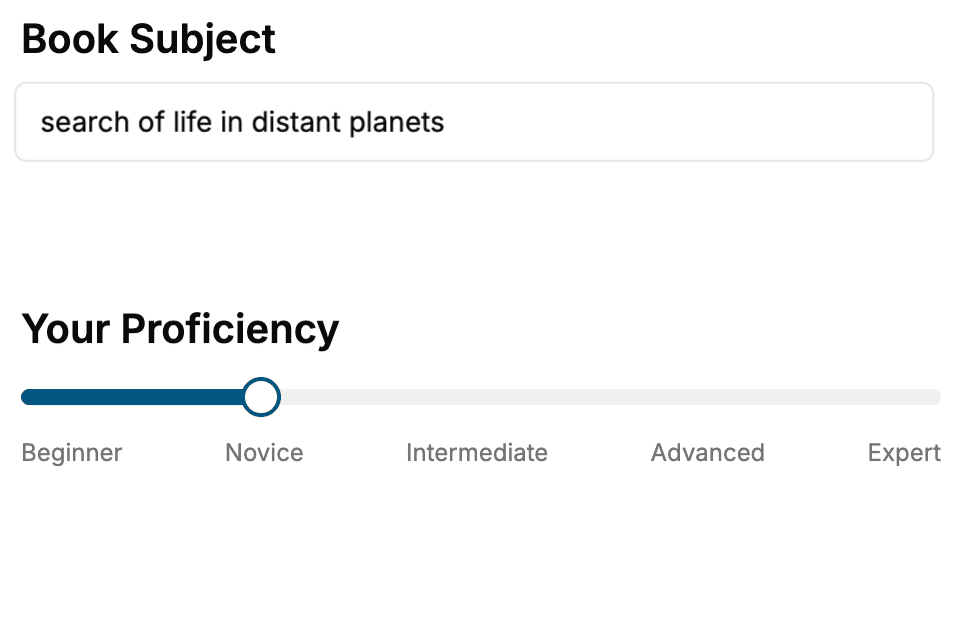
Select the focus of your CSS book and share your background
- 2. Personalize your book
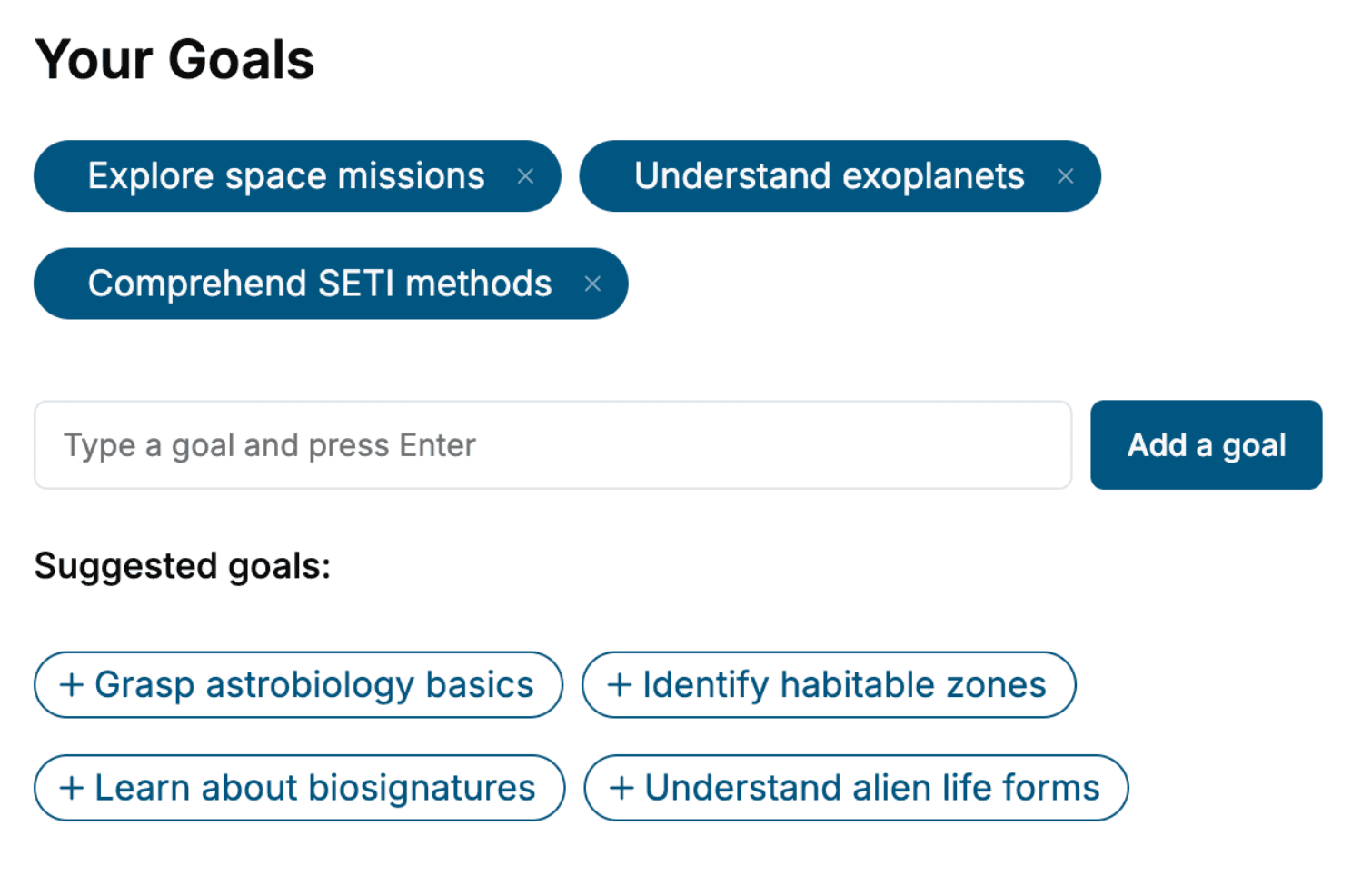
Specify your goals and choose sub-topics to include
- 3. Get your tailored book
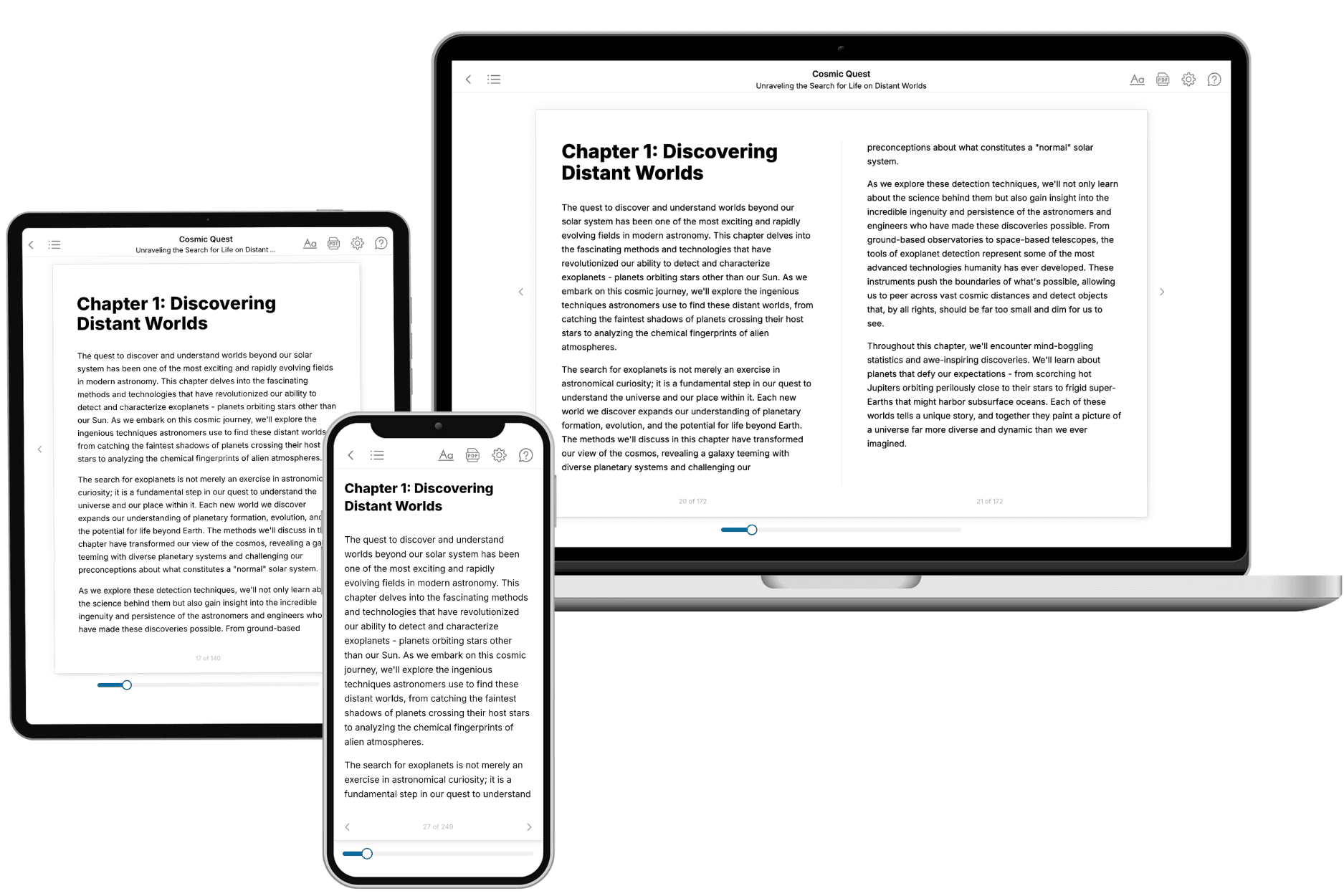
Your book is ready in 10 minutes. Read it online, download as EPUB or PDF, or send to Kindle.
Frequently asked questions
- What is TailoredRead?
TailoredRead creates complete, full-length nonfiction ebooks, written specifically for you. Tell us what you want to learn and why, and TailoredRead writes you a complete ebook on it, with charts, tables, and diagrams throughout. Read it online, on Kindle, or on any e-reader, or download it as a PDF or EPUB. Every book is written fresh the day you order it.
- How is the book tailored to me?
Before anything is written, you answer a few short questions about your goals, your background, and the topics you care about. Your book is then planned around your answers: written at your level, focused on your goals, and covering the topics you chose, instead of the one-size-fits-all book a store sells everyone.
- Will it read like generic AI content?
No. Your book isn't a chat transcript: it's planned chapter by chapter before a single word is written, told in a clear book voice, and explains ideas visually with charts, tables, and diagrams. After writing, every book goes through an editorial pass that polishes chapters so the book reads consistent from start to finish. Judge for yourself: browse thousands of sample books on our Explore Books page.
- How accurate is the content?
Our AI first checks whether your subject needs live research. Niche and fast-moving subjects are researched before writing, and the book plan and chapters are grounded in what it finds. After writing, every book goes through a quality pass that checks its facts and consistency, and researched books list their sources in a Notes section at the back.
- How long is the book?
You choose the length: Comprehensive (250-300 pages), Detailed (150-200 pages), Essential (70-100 pages), or Short (30-50 pages).
- Does the book include visuals?
Yes. Every book includes charts, tables, and diagrams: timelines, checklists, step-by-step guides, decision trees, comparison tables, matrices, and bar charts. A typical book includes dozens of these visual elements.
- Can I read it on Kindle? What formats can I download?
Yes. Every book can be read in our online reader or downloaded as a PDF or EPUB. The EPUB can be opened with Kindle, Apple Books, Kobo, and any e-reader. The Commercial and Author licenses also include an editable Word (DOCX) and Markdown download.
- How much does it cost?
About the price of a regular ebook. The exact price depends on your book's length and complexity, from $2 for the shortest books to $35 for the most comprehensive, and it's shown when you review your book, before you commit to anything. Each book is a one-time purchase, yours to keep, no subscription. Licenses that let you share, teach, or publish your book range from $35.99 to $49.99.
- Can I preview the book before purchasing?
Before you pay, you'll see what your book will cover: the title, a detailed description, the estimated length, and the complete chapter-by-chapter table of contents, so you know what you're getting before you decide. The full text itself is written after you purchase.
- How long does it take to create a book?
About 10 minutes. You can start reading the opening chapters while the rest is still being written.