CSS Grid Mastery
Build Responsive, Modern Layouts with Confidence
Many developers struggle with CSS Grid because they approach it like an advanced version of older layout methods—but Grid is fundamentally different.
222 pages11 chaptersFeb 11, 2026CSS
About this book
This book cuts through the confusion by teaching you how Grid actually works, not just what properties to use. You'll start with core concepts like grid lines, tracks, and areas, then progress to real-world applications: building responsive dashboards, card layouts, and complex page structures. Each chapter includes practical examples you can implement immediately, with clear explanations of why certain approaches work better than others. You'll learn when to use Grid alone, when to combine it with Flexbox, and how to optimize for performance and accessibility. Whether you're building a portfolio site, a web application, or a design system, this book gives you the mental models and practical skills to create layouts that are both beautiful and maintainable.
Table of contents
- IntroductionWhy CSS Grid Matters Today, How Grid Differs from Floats and Flexbox, What You'll Master in This Book, How to Get the Most from This BookRead below
- Chapter 1: Grid Fundamentals: The Mental ModelGrid Containers and Grid Items, Understanding Grid Lines and Tracks, Grid Cells and Grid Areas, Explicit vs. Implicit Grids
- Chapter 2: Defining Your Grid StructureCreating Columns with grid-template-columns, Creating Rows with grid-template-rows, Managing Space with Grid Gap and Margins, Mastering Flexible Sizing with FR Units
- Chapter 3: Placing Items on the GridPositioning with grid-column and grid-row, Using Placement Shorthand Properties, Leveraging Auto-Placement Behavior, Spanning Multiple Columns and Rows
- Chapter 4: Grid Template Areas: Visual Layout DesignCreating Semantic Layouts with Template Areas, Naming and Organizing Grid Areas, Making Template Areas Responsive, Best Practices for Template Area Design
- Chapter 5: Responsive Design with CSS GridBuilding Mobile-First Grid Layouts, Using Media Queries with Grid, Dynamic Layouts with auto-fit and auto-fill, Flexible Sizing with minmax() and clamp()
- Chapter 6: Alignment and DistributionAligning Content with justify-content and align-content, Aligning Items with justify-items and align-items, Individual Item Alignment with Self Properties, Shorthand Place Properties for Efficiency
- Chapter 7: Grid and Flexbox: A Powerful CombinationChoosing Between Grid and Flexbox, Building Hybrid Layouts with Both Systems, Using Flexbox Inside Grid Items, Strategic Nesting for Complex Designs
- Chapter 8: Real-World Layout PatternsBuilding Dashboard and Admin Interfaces, Creating Responsive Card Grid Systems, Designing Magazine and Article Layouts, Common Header, Footer, and Sidebar Patterns
- Chapter 9: Advanced Grid TechniquesMastering Subgrid for Nested Layouts, Controlling Flow with grid-auto-flow, Using Named Grid Lines for Clarity, Reordering Content with Order Property
- Chapter 10: Performance and OptimizationUnderstanding Grid Rendering Performance, Common Performance Pitfalls and Solutions, Browser Support and Fallback Strategies, Debugging Grid Layouts with Developer Tools
- Chapter 11: Accessibility and Semantic HTMLWhy Source Order Matters for Accessibility, Ensuring Logical Keyboard Navigation, Making Grids Work with Screen Readers
- ConclusionYour Path to Grid Mastery, Next Steps and Continued Learning
- Appendix: Quick Reference GuideCSS Grid Properties Reference, Grid Functions and Values Reference
Introduction
Web layout has evolved dramatically over the past two decades. What once required complex workarounds, nested tables, and fragile float-based systems can now be accomplished with elegant, maintainable code. CSS Grid represents the culmination of this evolution—a purpose-built layout system designed specifically for two-dimensional page design. Yet despite its power and widespread browser support, many developers still approach Grid with uncertainty, treating it as just another tool in an already crowded toolbox rather than the fundamental shift it represents.
This book exists because CSS Grid deserves better than superficial understanding. Too many tutorials teach you what properties to use without explaining why Grid works the way it does. They show you code snippets without building the mental models you need to solve novel layout challenges. The result is developers who can copy examples but struggle when faced with real-world design requirements. Grid isn't complicated, but it is different—and that difference requires a new way of thinking about layout structure, content flow, and responsive design.
You're reading this book because you want more than basic competence. You want mastery. You want to understand Grid deeply enough that you can approach any layout challenge with confidence, knowing exactly which techniques to apply and why. You want to write CSS that's not just functional but elegant, maintainable, and performant. Whether you're building a personal portfolio, a complex web application, or a design system for an entire organization, the skills you'll develop here will transform how you approach layout design. This introduction sets the foundation for that transformation by clarifying what makes Grid essential, how it differs from previous layout methods, and what you'll accomplish by the time you finish this book.
Why CSS Grid Matters Today
CSS Grid achieved full support across all major browsers in 2017, marking a watershed moment in web development history. For the first time, developers had a native, standardized way to create two-dimensional layouts without hacks, frameworks, or JavaScript. Yet the significance of Grid extends far beyond convenience. It fundamentally changes the relationship between HTML structure and visual presentation, allowing you to separate content order from display order in ways that were previously impossible. This separation enables more semantic HTML, better accessibility, and dramatically simplified responsive design workflows.
Consider the traditional approach to building a dashboard layout with a header, sidebar, main content area, and footer. Before Grid, you might have used floats with clearfix hacks, absolute positioning with calculated offsets, or a combination of flexbox containers with complex nesting. Each approach came with trade-offs: floats required careful management of document flow, absolute positioning removed elements from normal flow entirely, and flexbox required multiple nested containers to achieve two-dimensional control. Grid solves this with a single container and a few lines of CSS, defining both columns and rows simultaneously while maintaining document flow and accessibility.
The business case for Grid mastery is equally compelling. Modern web applications demand increasingly sophisticated layouts that adapt seamlessly across devices. Users expect interfaces that feel native to their device, whether they're on a phone, tablet, or desktop. Designers create mockups with complex, asymmetric layouts that push beyond traditional grid systems. Product managers want rapid iteration without extensive refactoring. Grid delivers on all these requirements while reducing code complexity and maintenance burden. A layout that might require hundreds of lines of CSS with older methods can often be accomplished with fewer than fifty lines of Grid code.
Grid also represents a maturation of CSS as a layout language. Earlier layout methods were repurposed from properties designed for other purposes: floats were originally for wrapping text around images, positioning was for layering elements, and even flexbox was designed primarily for one-dimensional layouts. Grid is the first CSS feature built specifically for page layout from the ground up. This purpose-built design shows in its API: properties are intuitive, behaviors are predictable, and the mental model aligns with how designers actually think about layout structure.
Performance considerations make Grid even more relevant today. Modern browsers optimize Grid rendering at the engine level, often outperforming equivalent layouts built with older techniques. Grid's declarative nature allows browsers to calculate layouts more efficiently than imperative approaches that require multiple reflows. For applications with dynamic content or frequent layout changes, this performance advantage becomes significant. Grid also reduces the need for JavaScript-based layout solutions, eliminating an entire category of potential performance bottlenecks and simplifying your application architecture.
Perhaps most importantly, Grid future-proofs your skills. As web platforms continue evolving, Grid serves as the foundation for emerging layout features like subgrid, container queries, and advanced responsive design patterns. Understanding Grid deeply means you're positioned to adopt these new capabilities as they become available. You're not just learning a current technology—you're building expertise in the layout paradigm that will define web development for years to come. The investment you make in mastering Grid today will compound as the platform evolves.
The accessibility implications of Grid cannot be overstated. By separating visual layout from source order, Grid enables you to structure your HTML semantically for screen readers and keyboard navigation while still achieving complex visual designs. This was extremely difficult with previous layout methods, often forcing developers to choose between visual design goals and accessibility requirements. Grid eliminates this false choice, allowing you to optimize for both simultaneously. This matters not just for compliance with accessibility standards but for creating genuinely inclusive experiences that work for all users.
How Grid Differs from Floats and Flexbox
Understanding Grid requires unlearning some assumptions from previous layout methods. Floats, the dominant layout technique for over a decade, work by removing elements from normal document flow and allowing content to wrap around them. This wrapping behavior made floats useful for magazine-style layouts but created numerous challenges: collapsed parent containers, clearfix hacks, and unpredictable behavior when float heights varied. Grid operates entirely differently—elements remain in document flow, and the container explicitly defines a two-dimensional structure that items occupy. There's no wrapping, no collapsing, and no need for clearfix workarounds.
Flexbox represents a significant improvement over floats, introducing a proper layout system with intuitive alignment properties and flexible sizing. However, flexbox is fundamentally one-dimensional: it arranges items along either a row or a column, not both simultaneously. You can create two-dimensional layouts with flexbox by nesting flex containers, but this approach quickly becomes complex and difficult to maintain. Grid, by contrast, is inherently two-dimensional. You define both rows and columns on a single container, then place items into the resulting grid structure. This eliminates nesting complexity and makes your layout intentions explicit in the code.
The mental model shift from flexbox to Grid is subtle but crucial. Flexbox thinks in terms of content flow—items flow along an axis, wrapping to new lines as needed, with sizing determined by content and available space. Grid thinks in terms of layout structure—you define a grid, then place items into specific areas of that grid. Consider a card layout: with flexbox, you specify that cards should be a certain width and let them wrap naturally. With Grid, you define how many columns you want and let Grid calculate card sizes to fit. Both approaches work, but they represent fundamentally different ways of thinking about layout.
Here's a concrete example that illustrates the difference. Imagine you need to create a layout where the main content area spans two-thirds of the width and a sidebar spans one-third, with a header above and footer below. With floats, you might write:
.header, .footer { clear: both; }
.main { float: left; width: 66.666%; }
.sidebar { float: right; width: 33.333%; }
.clearfix::after { content: ""; display: table; clear: both; }.container { display: flex; flex-direction: column; }
.content-wrapper { display: flex; }
.main { flex: 2; }
.sidebar { flex: 1; }.container {
display: grid;
grid-template-columns: 2fr 1fr;
grid-template-rows: auto 1fr auto;
}Another critical difference lies in how these systems handle responsive design. Float-based layouts typically require extensive media queries that recalculate widths and adjust float directions at different breakpoints. Flexbox improves this with flexible sizing but still often needs media queries to change flex-direction or adjust flex values. Grid introduces powerful responsive features like auto-fit, auto-fill, and minmax() that create responsive layouts without any media queries at all. A grid that automatically adjusts from one column on mobile to four columns on desktop can be accomplished with a single line of CSS.
The relationship between parent and child elements also differs fundamentally. With floats and flexbox, children have significant control over their own sizing and positioning through properties like width, margin, and flex-grow. Grid inverts this relationship: the parent container has primary control over layout structure, and children primarily specify which grid areas they occupy. This parent-controlled model makes layouts more predictable and easier to reason about, especially in complex applications where multiple developers work on the same codebase. You can understand the entire layout structure by examining the parent container, rather than piecing together behavior from properties scattered across multiple child elements.
It's important to note that Grid doesn't replace flexbox—they're complementary tools that excel at different tasks. Flexbox remains ideal for component-level layouts where you're arranging items along a single axis: navigation menus, button groups, form controls, and card content. Grid excels at page-level layouts where you need two-dimensional control: overall page structure, dashboard layouts, and complex content arrangements. The most effective modern layouts often combine both: Grid for the overall page structure, flexbox for individual components within grid items. Understanding when to use each system is a key skill you'll develop throughout this book.
What You'll Master in This Book
This book takes you on a carefully structured journey from Grid fundamentals to advanced techniques. You'll start by building a solid mental model of how Grid actually works—understanding grid lines, tracks, cells, and areas at a conceptual level before diving into specific properties. This foundation is crucial because Grid's power comes from understanding the system as a whole, not just memorizing individual properties. By the end of Chapter 1, you'll be able to visualize grid structures in your mind and predict how different property combinations will behave.
Chapters 2 through 4 cover the core Grid API in depth. You'll learn how to define grid structures using grid-template-columns and grid-template-rows, master flexible sizing with FR units, and understand the difference between explicit and implicit grids. You'll discover how to place items precisely using line-based positioning and how to leverage auto-placement for efficient layouts. Most importantly, you'll learn grid template areas—a powerful feature that lets you define layouts using named regions, making your CSS dramatically more readable and maintainable. Each chapter includes multiple practical examples that you can implement immediately in your own projects.
Responsive design receives dedicated attention in Chapter 5, where you'll learn strategies that go far beyond simple media queries. You'll discover how to use auto-fit and auto-fill to create grids that automatically adjust to available space, how minmax() enables flexible sizing with constraints, and how to combine these features for truly fluid layouts. You'll also learn mobile-first Grid design patterns and how to restructure layouts at different breakpoints using grid template areas. The techniques in this chapter will transform how you approach responsive design, reducing the amount of CSS you write while increasing layout flexibility.
Chapter 6 tackles alignment and distribution—often a source of confusion for developers new to Grid. You'll learn the complete alignment system, including the differences between content alignment, item alignment, and self-alignment. You'll understand when to use justify-content versus align-content, how to center items both horizontally and vertically, and how to distribute space evenly across grid tracks. The chapter includes visual diagrams and practical examples that clarify these concepts, giving you complete control over how content is positioned within your grids.
The relationship between Grid and Flexbox is explored thoroughly in Chapter 7. You'll learn decision frameworks for choosing between the two systems, discover patterns for combining them effectively, and see real-world examples of hybrid layouts that leverage the strengths of both. This chapter addresses a common point of confusion: many developers wonder whether they should use Grid or Flexbox for a given layout. The answer is often "both," and this chapter shows you exactly how to make that work in practice.
Chapters 8 and 9 move into advanced territory with real-world layout patterns and sophisticated techniques. You'll build complete dashboard interfaces, responsive card systems, magazine-style layouts, and common header-sidebar-footer patterns. You'll learn about subgrid for aligning nested grids with parent grids, master grid-auto-flow for controlling how items fill the grid, and discover how to use named grid lines for more semantic code. These chapters include complete, production-ready examples that you can adapt for your own projects, along with explanations of the design decisions behind each pattern.
Performance and accessibility—often treated as afterthoughts—receive dedicated chapters that integrate these concerns into your Grid workflow from the start. Chapter 10 covers Grid rendering performance, common pitfalls that cause layout thrashing, browser support strategies, and debugging techniques using modern developer tools. Chapter 11 addresses accessibility comprehensively: why source order matters, how to ensure logical keyboard navigation, and how to make Grid layouts work seamlessly with screen readers. These chapters ensure that the layouts you build are not just visually impressive but also fast, accessible, and maintainable.
Throughout the book, you'll encounter practical examples drawn from real-world projects. Rather than abstract demonstrations, you'll see how Grid solves actual design challenges: creating a responsive pricing table that works on mobile, building a dashboard that adapts from one column to a complex multi-region layout, designing a blog layout that handles variable-length content gracefully. Each example includes complete code, explanations of why certain approaches were chosen, and variations that show alternative solutions. By the end of the book, you'll have a library of patterns and techniques that you can apply immediately to your own work.
How to Get the Most from This Book
This book is designed for intermediate developers who already understand CSS fundamentals. You should be comfortable with selectors, the box model, basic positioning, and how CSS inheritance and specificity work. You don't need prior Grid experience—the book assumes you're starting from scratch with Grid itself—but you should have enough CSS background to focus on Grid concepts rather than basic CSS mechanics. If you've built layouts with floats or flexbox, you're well-prepared for this material. If CSS is entirely new to you, consider working through a CSS fundamentals course before tackling this book.
The chapters are structured to build on each other progressively, so reading sequentially is recommended for your first pass through the material. Each chapter assumes knowledge from previous chapters, and concepts introduced early become building blocks for more advanced techniques later. That said, the book is also designed as a reference you can return to when facing specific challenges. Once you've read through completely, you can jump directly to the chapter on responsive design when building a mobile-first layout, or reference the alignment chapter when you need to center content in a specific way.
Active learning is essential for mastering Grid. Don't just read the examples—type them out yourself, experiment with variations, and break things intentionally to see what happens. Set up a simple HTML file with a basic grid container and try modifying properties to observe their effects. Use your browser's developer tools to inspect grid structures and visualize grid lines. Modern browsers include excellent Grid debugging tools that overlay grid lines and area names directly on the page. Learning to use these tools effectively will accelerate your understanding and make debugging layouts much easier.
Each chapter includes multiple code examples that you should implement in your own development environment. Create a practice project specifically for working through this book—a simple HTML file with CSS that you can modify as you progress through chapters. When you encounter a new concept, implement it in your practice project before moving on. This hands-on practice is crucial for developing the intuition you need to use Grid effectively. Reading about Grid creates intellectual understanding; building with Grid creates practical mastery.
Pay special attention to the "why" behind each technique, not just the "how." Understanding why Grid behaves a certain way will help you troubleshoot problems and adapt techniques to new situations. When an example explains that FR units distribute available space after fixed-size tracks are calculated, don't just memorize that fact—experiment with different combinations of FR units and fixed sizes to see how they interact. When you understand the underlying principles, you can solve problems you've never encountered before rather than just applying memorized patterns.
The book includes numerous practical examples, but your learning will deepen significantly if you apply these techniques to your own projects. As you progress through chapters, identify opportunities to use Grid in your current work. Start small: replace a simple float-based layout with Grid, or rebuild a flexbox layout using Grid to compare approaches. As your confidence grows, tackle more ambitious projects. Building real layouts for real projects—even personal projects—provides context and motivation that accelerates learning far beyond what's possible with practice exercises alone.
Don't skip the chapters on performance and accessibility, even if they seem less immediately exciting than learning new layout techniques. These chapters contain crucial information that separates professional-grade work from amateur implementations. A beautiful layout that performs poorly or excludes users with disabilities is fundamentally flawed, regardless of how sophisticated the Grid code might be. Integrating performance and accessibility considerations into your workflow from the beginning is far easier than retrofitting them later. These chapters will make you a better developer, not just a better Grid user.
Finally, remember that mastery takes time. You won't become a Grid expert by reading this book once—you'll become a Grid expert by reading this book, implementing the techniques repeatedly, encountering problems, solving them, and gradually building intuition through experience. Be patient with yourself when concepts don't click immediately. Grid represents a different way of thinking about layout, and that mental shift takes time. Keep experimenting, keep building, and trust that understanding will deepen with practice. By the time you finish this book and apply its lessons to several real projects, you'll have the confidence and skills to tackle any layout challenge that comes your way.
This is the end of the free sample. The full book has 11 chapters.
Want this book written for you?
Tell us your goals and background, and get your own version of this book, tailored by AI to you.






Benefits of AI-tailored books
- Read one book, not ten:
- all the CSS knowledge you need, gathered into a single book.
- Save days of learning:
- tell us your goals, choose your topics, and the whole book is built around them.
- Learn effortlessly:
- CSS book written for your specific background and expertise.
- Understand at a glance:
- includes charts, tables, timelines, checklists, decision trees, and more.
- Stay current:
- written the day you order it, not years ago.
- Trust what you read:
- every book is checked for accuracy, with real research when your subject needs it.
Create your unique book in 3 steps
- 1. Select your focus
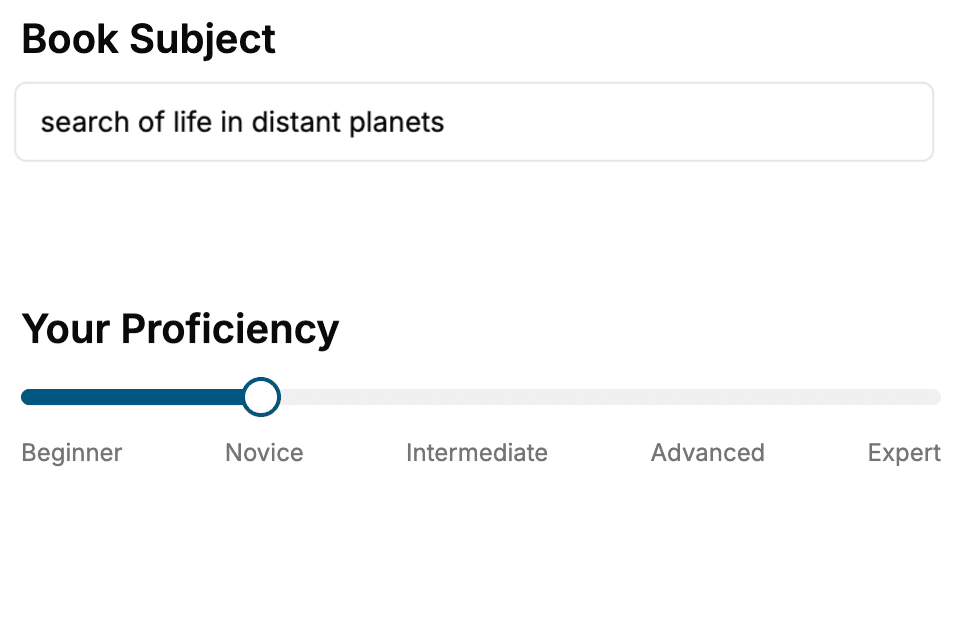
Select the focus of your CSS book and share your background
- 2. Personalize your book
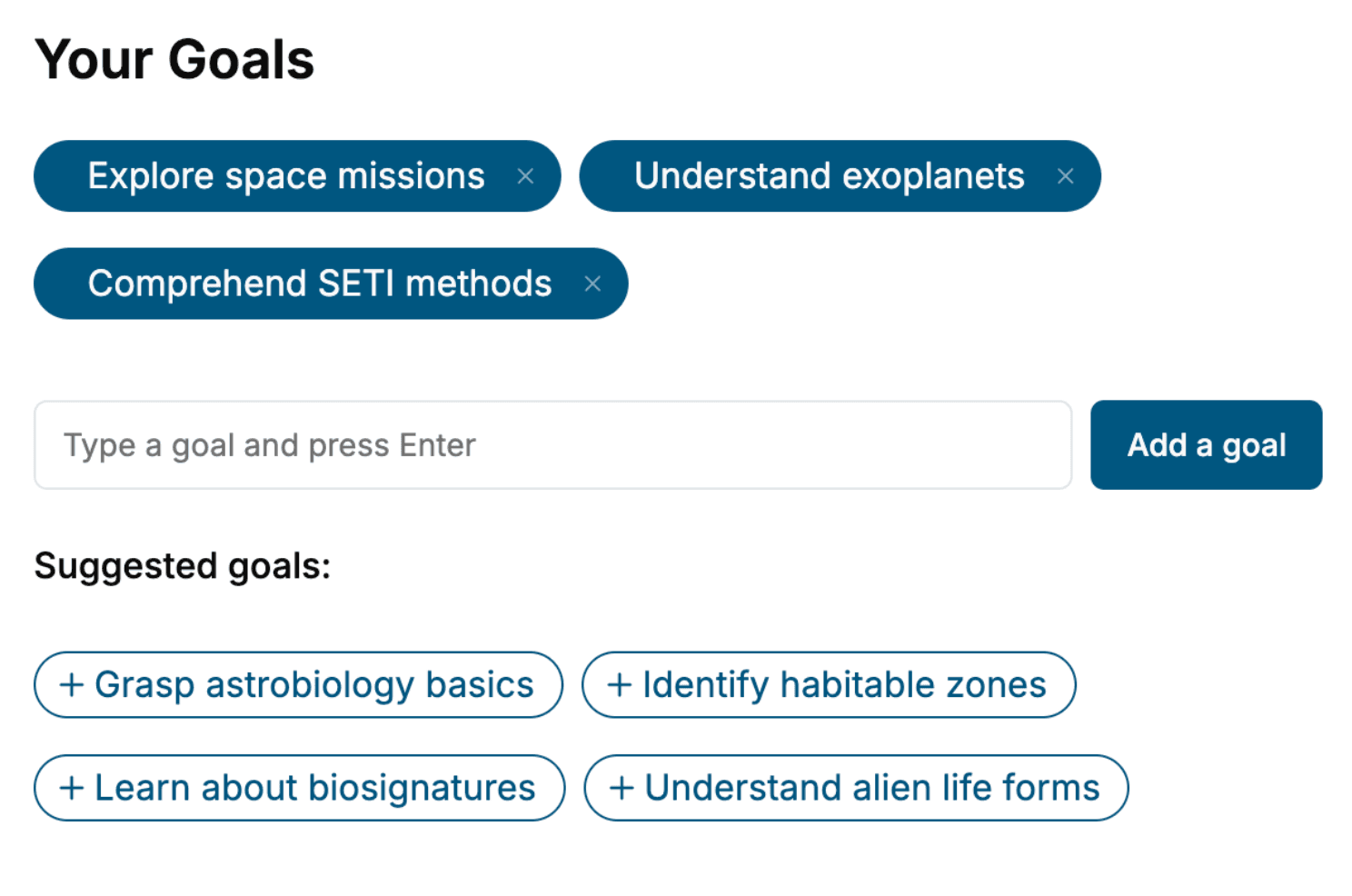
Specify your goals and choose sub-topics to include
- 3. Get your tailored book
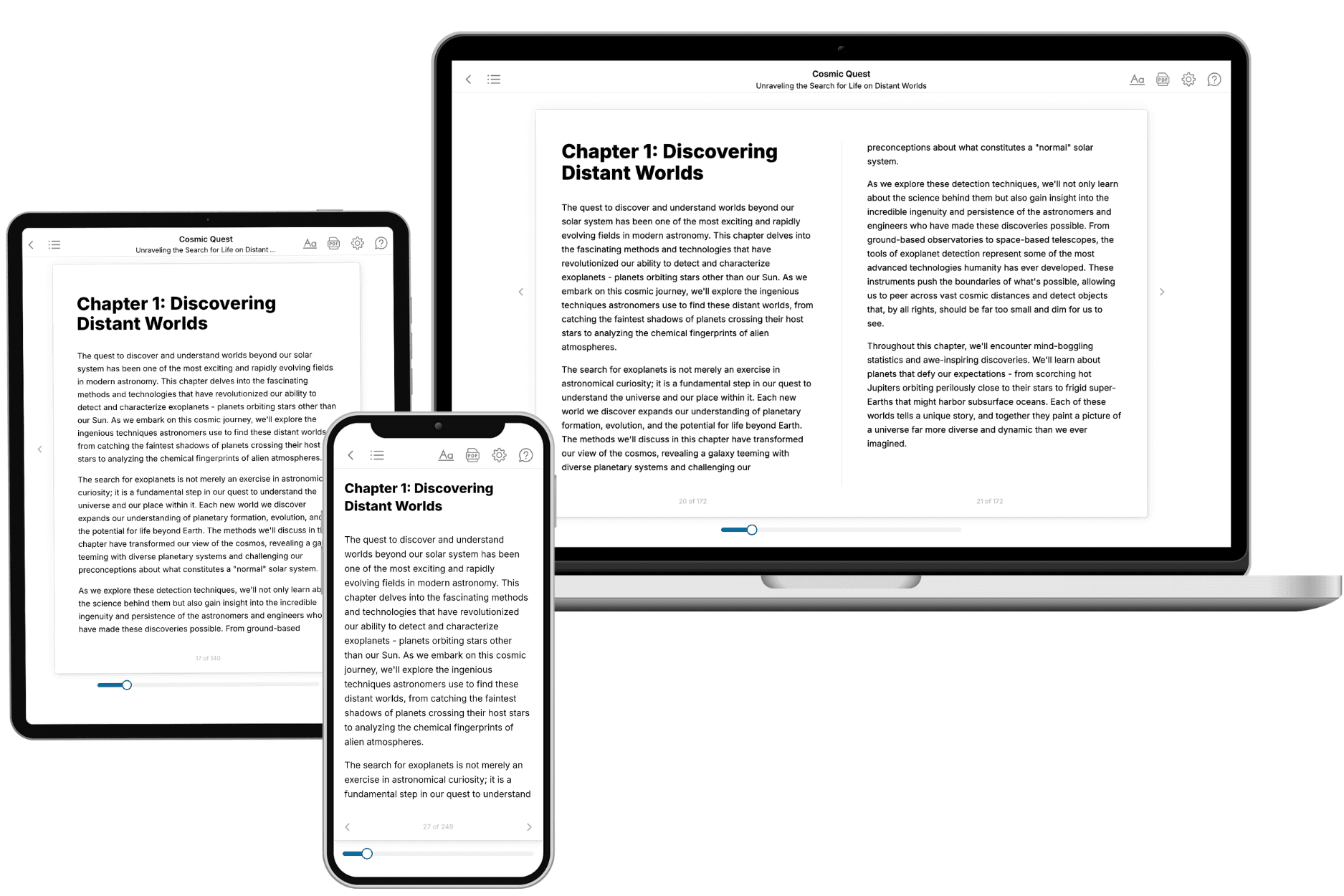
Your book is ready in 10 minutes. Read it online, download as EPUB or PDF, or send to Kindle.
Frequently asked questions
- What is TailoredRead?
TailoredRead creates complete, full-length nonfiction ebooks, written specifically for you. Tell us what you want to learn and why, and TailoredRead writes you a complete ebook on it, with charts, tables, and diagrams throughout. Read it online, on Kindle, or on any e-reader, or download it as a PDF or EPUB. Every book is written fresh the day you order it.
- How is the book tailored to me?
Before anything is written, you answer a few short questions about your goals, your background, and the topics you care about. Your book is then planned around your answers: written at your level, focused on your goals, and covering the topics you chose, instead of the one-size-fits-all book a store sells everyone.
- Will it read like generic AI content?
No. Your book isn't a chat transcript: it's planned chapter by chapter before a single word is written, told in a clear book voice, and explains ideas visually with charts, tables, and diagrams. After writing, every book goes through an editorial pass that polishes chapters so the book reads consistent from start to finish. Judge for yourself: browse thousands of sample books on our Explore Books page.
- How accurate is the content?
Our AI first checks whether your subject needs live research. Niche and fast-moving subjects are researched before writing, and the book plan and chapters are grounded in what it finds. After writing, every book goes through a quality pass that checks its facts and consistency, and researched books list their sources in a Notes section at the back.
- How long is the book?
You choose the length: Comprehensive (250-300 pages), Detailed (150-200 pages), Essential (70-100 pages), or Short (30-50 pages).
- Does the book include visuals?
Yes. Every book includes charts, tables, and diagrams: timelines, checklists, step-by-step guides, decision trees, comparison tables, matrices, and bar charts. A typical book includes dozens of these visual elements.
- Can I read it on Kindle? What formats can I download?
Yes. Every book can be read in our online reader or downloaded as a PDF or EPUB. The EPUB can be opened with Kindle, Apple Books, Kobo, and any e-reader. The Commercial and Author licenses also include an editable Word (DOCX) and Markdown download.
- How much does it cost?
About the price of a regular ebook. The exact price depends on your book's length and complexity, from $2 for the shortest books to $35 for the most comprehensive, and it's shown when you review your book, before you commit to anything. Each book is a one-time purchase, yours to keep, no subscription. Licenses that let you share, teach, or publish your book range from $35.99 to $49.99.
- Can I preview the book before purchasing?
Before you pay, you'll see what your book will cover: the title, a detailed description, the estimated length, and the complete chapter-by-chapter table of contents, so you know what you're getting before you decide. The full text itself is written after you purchase.
- How long does it take to create a book?
About 10 minutes. You can start reading the opening chapters while the rest is still being written.