CSS Inheritance Mastery
Build Cleaner, More Maintainable Designs by Mastering How Styles Flow Through Your Code
Why do some CSS properties automatically apply to child elements while others stubbornly refuse to inherit?
207 pages10 chaptersFeb 17, 2026CSS
About this book
Understanding CSS inheritance isn't just about knowing the rules—it's about leveraging one of CSS's most powerful features to build designs that scale effortlessly. This book reveals how inheritance works beneath the surface, showing you exactly which properties inherit, why they do, and how to use this knowledge to write cleaner, more maintainable stylesheets. You'll discover how inheritance interacts with the cascade and specificity, learn to use inheritance keywords strategically, and explore real-world patterns that eliminate code duplication. Whether you're building a design system, refactoring legacy CSS, or simply want to write more efficient code, mastering inheritance transforms how you approach styling. Move beyond trial-and-error CSS and develop a deep, practical understanding of how styles flow through your designs.
Table of contents
- IntroductionWhy CSS Inheritance Matters More Than You Think, What You'll Learn in This Book, How to Use This GuideRead below
- Chapter 1: Foundations of CSS InheritanceWhat Is CSS Inheritance?, Inherited vs. Non-Inherited Properties, How the DOM Tree Enables Inheritance
- Chapter 2: Inherited Properties: A Complete ReferenceText and Font Properties That Inherit, Color and Visibility Properties, List and Table-Related Inheritance, Why Some Properties Don't Inherit
- Chapter 3: The Cascade, Specificity, and InheritanceUnderstanding the Cascade, How Specificity Interacts with Inheritance, Source Order's Role in Inheritance
- Chapter 4: Controlling Inheritance with KeywordsThe inherit Keyword: Forcing Inheritance, The initial Keyword: Resetting to Defaults, The unset Keyword: Smart Resets, The revert Keyword: Browser Defaults
- Chapter 5: CSS Custom Properties and InheritanceIntroduction to CSS Custom Properties, How Custom Properties Inherit, Building Scalable Design Systems with Variables
- Chapter 6: Inheritance in Modern Layout MethodsInheritance Patterns in Flexbox, Inheritance Patterns in CSS Grid, Inheritance with Positioning and Floats
- Chapter 7: Practical Inheritance Patterns and StrategiesTypography Inheritance Strategy, Color Theming with Inheritance, Spacing and Sizing Inheritance Patterns, Component-Based Inheritance Design
- Chapter 8: Debugging and Troubleshooting InheritanceCommon Inheritance Mistakes and How to Avoid Them, Using Browser DevTools to Trace Inheritance, Solving Unexpected Inheritance Problems
- Chapter 9: Advanced Inheritance TechniquesInheritance with Pseudo-Elements, Inheritance and Responsive Design, Inheritance in Animations and Transitions
- Chapter 10: Real-World Case StudiesBuilding a Scalable Design System, Refactoring Legacy CSS with Inheritance, Optimizing Performance Through Inheritance
- ConclusionKey Takeaways, Your Next Steps
- Further Reading and Resources
Introduction
Every web developer has experienced that moment of frustration when styles don't behave as expected. You set a font family on the body element, and it magically applies to every paragraph and heading. Yet you define a border on that same body element, and nothing happens to the children. This inconsistency isn't a bug or a quirk—it's CSS inheritance working exactly as designed. Understanding why some properties flow naturally through your HTML structure while others remain stubbornly isolated is the key to writing CSS that's predictable, maintainable, and efficient.
CSS inheritance is one of the language's most powerful features, yet it remains one of the least understood. Many developers learn CSS through trial and error, memorizing which properties seem to "work" on parent elements and which require explicit declarations on every child. This approach leads to bloated stylesheets filled with repetitive rules, specificity battles that spiral out of control, and designs that become increasingly difficult to maintain as projects grow. The alternative is to develop a deep, systematic understanding of how inheritance actually works—not just which properties inherit, but why they do, how inheritance interacts with the cascade and specificity, and how you can leverage these mechanisms strategically.
This book takes you beyond surface-level knowledge into the mechanics of CSS inheritance. You'll discover the logic behind which properties inherit by default, learn to control inheritance explicitly using keywords like inherit, initial, and unset, and explore how modern features like CSS custom properties amplify inheritance's power. More importantly, you'll develop practical patterns and strategies that reduce code duplication, improve consistency, and make your stylesheets dramatically easier to update and maintain. Whether you're building a comprehensive design system, refactoring legacy code, or simply want to write more efficient CSS, mastering inheritance transforms your approach to styling from reactive problem-solving to proactive design.
Why CSS Inheritance Matters More Than You Think
Inheritance is the mechanism that allows CSS properties to flow from parent elements to their descendants automatically. When you set color: #333 on your body element, every paragraph, heading, and list item inherits that color without requiring individual declarations. This automatic propagation isn't just convenient—it's fundamental to how CSS was designed to work. The language's creators understood that many styling decisions apply broadly across a document, and forcing developers to repeat those declarations on every element would be inefficient and error-prone. Inheritance provides a natural way to establish baseline styles that cascade through your entire design.
The efficiency gains from proper inheritance use are substantial and measurable. Consider a typical website with hundreds of text elements across dozens of pages. Without inheritance, you'd need to explicitly declare font properties, colors, and text styling on every single element. A stylesheet that leverages inheritance might define these properties once on the body or html element, reducing file size by thousands of bytes. This isn't just about smaller files—it's about maintainability. When you need to update your brand's primary font, you change one declaration instead of hunting through hundreds of selectors. When you need to adjust line height for better readability, you modify a single inherited value rather than updating dozens of component-specific rules.
Beyond efficiency, inheritance creates visual consistency automatically. When text properties inherit from a common ancestor, your design naturally maintains typographic harmony. Headings, paragraphs, list items, and table cells all share the same baseline characteristics unless you explicitly override them. This consistency extends to color schemes, where inherited color values ensure that text maintains appropriate contrast and brand alignment throughout your interface. The alternative—manually declaring these properties on every element—inevitably leads to inconsistencies as some declarations drift out of sync during updates and maintenance.
Inheritance also reveals the semantic structure of your HTML. Elements that share visual characteristics often share semantic relationships, and inheritance makes these relationships explicit in your CSS. When you style a <article> element and its descendants inherit those styles, you're reinforcing the semantic grouping that already exists in your markup. This alignment between structure and presentation makes your code more intuitive and easier to reason about. Developers can look at the HTML hierarchy and immediately understand which styles will apply where, without needing to trace through complex selector chains.
The interaction between inheritance and modern CSS features amplifies its importance. CSS custom properties (variables) inherit by default, making them perfect for building themeable design systems. You can define color schemes, spacing scales, and typographic systems at the root level, then reference those variables throughout your components. When you need to create a dark mode or adjust spacing for different screen sizes, you update the inherited variables rather than overriding hundreds of individual properties. This pattern has become foundational to scalable CSS architecture in large applications.
Performance considerations make inheritance even more valuable. Browsers optimize inherited property lookups, making them faster than repeatedly parsing and applying the same declarations across multiple elements. When properties inherit, the browser computes the value once and reuses it for descendants, reducing the computational cost of style resolution. In complex applications with thousands of DOM nodes, this optimization becomes significant. Additionally, smaller stylesheets that leverage inheritance load faster, parse faster, and consume less memory—benefits that compound across millions of page views.
Perhaps most importantly, understanding inheritance changes how you approach CSS architecture. Instead of thinking element-by-element, you begin thinking in terms of style hierarchies and inheritance chains. You establish foundational styles at appropriate levels in your document tree, then selectively override them where needed. This approach naturally leads to more organized, maintainable code. You stop fighting against inheritance and start working with it, using the language as it was designed to be used. The result is CSS that's not just more efficient, but more elegant and easier to understand.
What You'll Learn in This Book
This book provides a comprehensive, practical guide to CSS inheritance, starting with fundamental concepts and progressing to advanced techniques and real-world applications. You'll begin by understanding exactly what inheritance is and how it works at a mechanical level. The opening chapters explain which properties inherit by default and why, exploring the logic behind these decisions. You'll learn to distinguish between inherited properties like color and font-family, and non-inherited properties like border and margin. More importantly, you'll understand the reasoning behind these distinctions, giving you intuition about how unfamiliar properties will behave.
The book thoroughly examines how inheritance interacts with other CSS mechanisms, particularly the cascade and specificity. These three concepts—cascade, specificity, and inheritance—work together to determine which styles ultimately apply to each element. You'll learn the precise order in which browsers evaluate these mechanisms, understand how specificity can override inherited values, and discover how source order affects inheritance chains. This knowledge eliminates the guesswork from CSS debugging, allowing you to predict exactly which styles will apply in complex scenarios with multiple competing declarations.
You'll master the inheritance control keywords that give you explicit control over how properties flow through your document tree:
- inherit: Forces a property to inherit from its parent, even if it normally wouldn't
- initial: Resets a property to its default CSS specification value
- unset: Acts as inherit for inherited properties and initial for non-inherited ones
- revert: Rolls back to the browser's default stylesheet value
A substantial portion of the book focuses on CSS custom properties and their relationship with inheritance. Custom properties inherit by default, making them ideal for building scalable design systems. You'll learn to create inheritance-based theming systems where color schemes, typography scales, and spacing values flow naturally through your components. The book demonstrates how to structure custom properties for maximum reusability, how to scope them appropriately, and how to use them to eliminate repetitive declarations. You'll see complete examples of design systems built on inherited custom properties, with patterns you can adapt to your own projects.
The book explores how inheritance behaves in modern layout contexts, including Flexbox and CSS Grid. While layout properties themselves don't inherit, understanding how inherited properties interact with these layout methods is crucial for building consistent designs. You'll learn which properties affect flex items and grid children, how to use inheritance to maintain visual consistency across complex layouts, and how to avoid common pitfalls where inherited values produce unexpected results. These chapters include specific examples of layout patterns that leverage inheritance effectively.
Practical inheritance patterns form the core of the book's middle chapters. You'll discover proven strategies for typography inheritance that establish consistent text styling across your entire site with minimal code. You'll learn color theming patterns that use inheritance to create cohesive color schemes, including techniques for building dark modes and alternative themes. The book presents spacing and sizing inheritance patterns that maintain consistent rhythm and proportion throughout your designs. Each pattern includes complete code examples, explanations of why the pattern works, and guidance on when to apply it.
Debugging and troubleshooting receive dedicated coverage, because understanding inheritance is as much about solving problems as preventing them. You'll learn to use browser DevTools to trace inheritance chains, identifying exactly where styles originate and how they propagate through your document. The book catalogs common inheritance mistakes—like assuming all properties inherit or forgetting that specificity overrides inheritance—and shows you how to recognize and fix them quickly. You'll develop systematic approaches to debugging inheritance issues, reducing the time spent on frustrating style conflicts.
Advanced chapters cover inheritance in specialized contexts: pseudo-elements, responsive design, and animations. You'll learn how pseudo-elements like ::before and ::after inherit from their parent elements, how to use inheritance strategically in media queries to reduce responsive code duplication, and how inherited properties affect transitions and animations. These advanced techniques build on the foundational knowledge from earlier chapters, showing you how inheritance principles apply across the full spectrum of CSS features.
The book concludes with real-world case studies that demonstrate inheritance principles in action. You'll see how inheritance enables scalable design systems that serve thousands of components, how to refactor legacy CSS by introducing inheritance patterns that eliminate redundancy, and how inheritance-based architectures improve performance in large applications. These case studies include before-and-after code comparisons, performance measurements, and lessons learned from actual projects. By the end of the book, you'll have both deep theoretical understanding and practical experience applying inheritance to solve real design challenges.
How to Use This Guide
This book is structured to build your understanding progressively, starting with fundamental concepts and advancing to sophisticated techniques. If you're new to thinking deeply about inheritance, reading the chapters in order provides the most coherent learning path. Each chapter builds on concepts introduced in previous ones, and the examples grow increasingly complex as your knowledge deepens. The early chapters establish the mental models you'll need to understand later material, so even if you're tempted to skip ahead to advanced topics, the foundational chapters will make those techniques more accessible and intuitive.
However, the book is also designed to serve as a reference for experienced developers who need specific information. Each chapter stands alone sufficiently that you can jump directly to topics relevant to your current work. If you're debugging an inheritance issue right now, start with Chapter 8 on debugging and troubleshooting. If you're building a design system with custom properties, Chapter 5 provides comprehensive coverage of that topic. The table of contents and chapter introductions help you locate specific information quickly, and cross-references throughout the text point you to related concepts in other chapters.
The code examples throughout the book are practical and ready to use. Rather than abstract demonstrations, the examples reflect real-world scenarios you'll encounter in actual projects. Each example includes complete HTML and CSS, not just fragments, so you can see exactly how the code fits together. You're encouraged to experiment with these examples in your own development environment. Try modifying the values, adding elements, or combining patterns from different chapters. Hands-on experimentation reinforces the concepts and helps you develop intuition about how inheritance behaves in different contexts.
Pay special attention to the blockquoted examples and case studies throughout the book. These sections highlight particularly important concepts or demonstrate complete implementations of the patterns discussed. When you see a blockquote, it's worth pausing to fully understand the example before continuing. Many of these examples include subtle details that illustrate important principles, and rushing through them means missing valuable insights. The case studies in particular deserve careful reading, as they show how multiple inheritance concepts work together in realistic scenarios.
The book uses specific terminology consistently, and understanding these terms is important for following the explanations. When you encounter a term like inherited property, computed value, or inheritance chain, the text defines it clearly on first use. If you encounter an unfamiliar term later in the book, the index can help you locate its definition. Building a precise vocabulary for discussing inheritance makes it easier to reason about CSS behavior and communicate with other developers about styling decisions.
As you read, consider how the concepts apply to your own projects. The book includes reflection points and questions designed to help you connect the material to your work. When you read about typography inheritance patterns, think about how your current projects handle font styling. When you learn about custom property inheritance, consider whether your design system could benefit from these techniques. This active engagement with the material accelerates learning and helps you identify opportunities to apply inheritance principles immediately.
The book assumes you have foundational CSS knowledge—you should be comfortable with selectors, basic properties, and the box model. You don't need to be a CSS expert, but you should have written enough CSS to have encountered inheritance behavior, even if you didn't fully understand it. If you're completely new to CSS, consider working through a basic CSS tutorial first, then returning to this book when you're ready to deepen your understanding. The book doesn't rehash fundamental CSS concepts; it focuses specifically on inheritance and assumes you're familiar with basic styling techniques.
Finally, remember that mastering inheritance is a process, not a destination. Even after reading this book, you'll continue discovering new applications and nuances as you work on different projects. The goal isn't to memorize every detail, but to develop strong mental models that guide your thinking about CSS architecture. When you encounter an inheritance question in your work, you should be able to reason through it systematically, predict how the browser will behave, and choose the most appropriate solution. That kind of deep understanding comes from combining the knowledge in this book with hands-on practice and reflection on your own projects.
This is the end of the free sample. The full book has 10 chapters.
Want this book written for you?
Tell us your goals and background, and get your own version of this book, tailored by AI to you.


Benefits of AI-tailored books
- Read one book, not ten:
- all the CSS knowledge you need, gathered into a single book.
- Save days of learning:
- tell us your goals, choose your topics, and the whole book is built around them.
- Learn effortlessly:
- CSS book written for your specific background and expertise.
- Understand at a glance:
- includes charts, tables, timelines, checklists, decision trees, and more.
- Stay current:
- written the day you order it, not years ago.
- Trust what you read:
- every book is checked for accuracy, with real research when your subject needs it.
Create your unique book in 3 steps
- 1. Select your focus
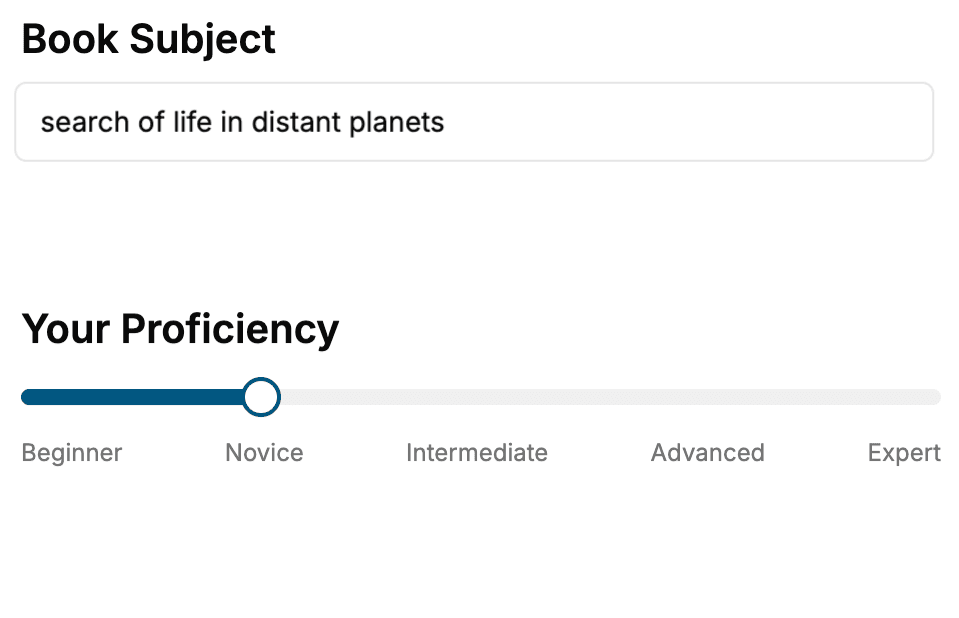
Select the focus of your CSS book and share your background
- 2. Personalize your book
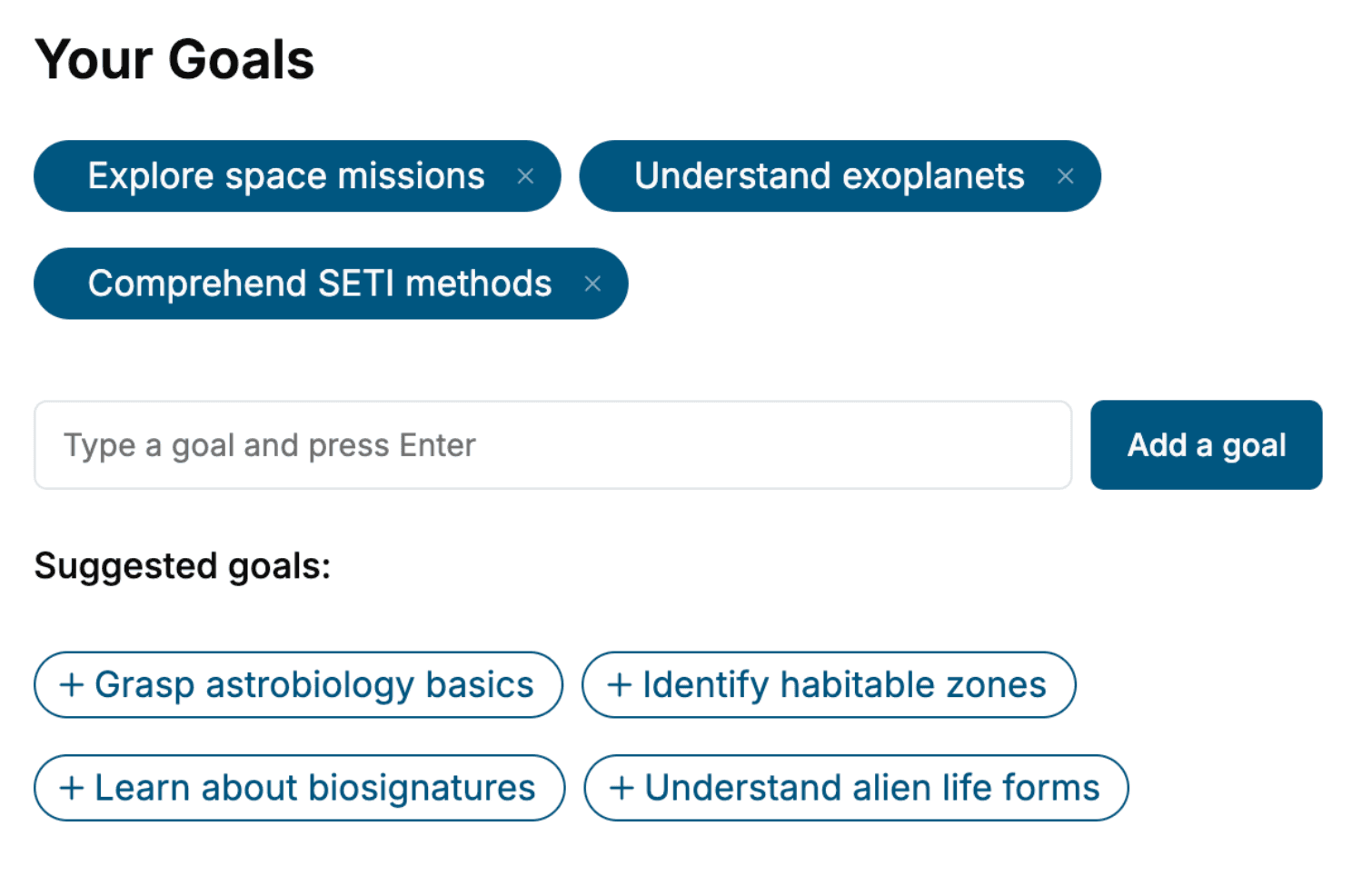
Specify your goals and choose sub-topics to include
- 3. Get your tailored book
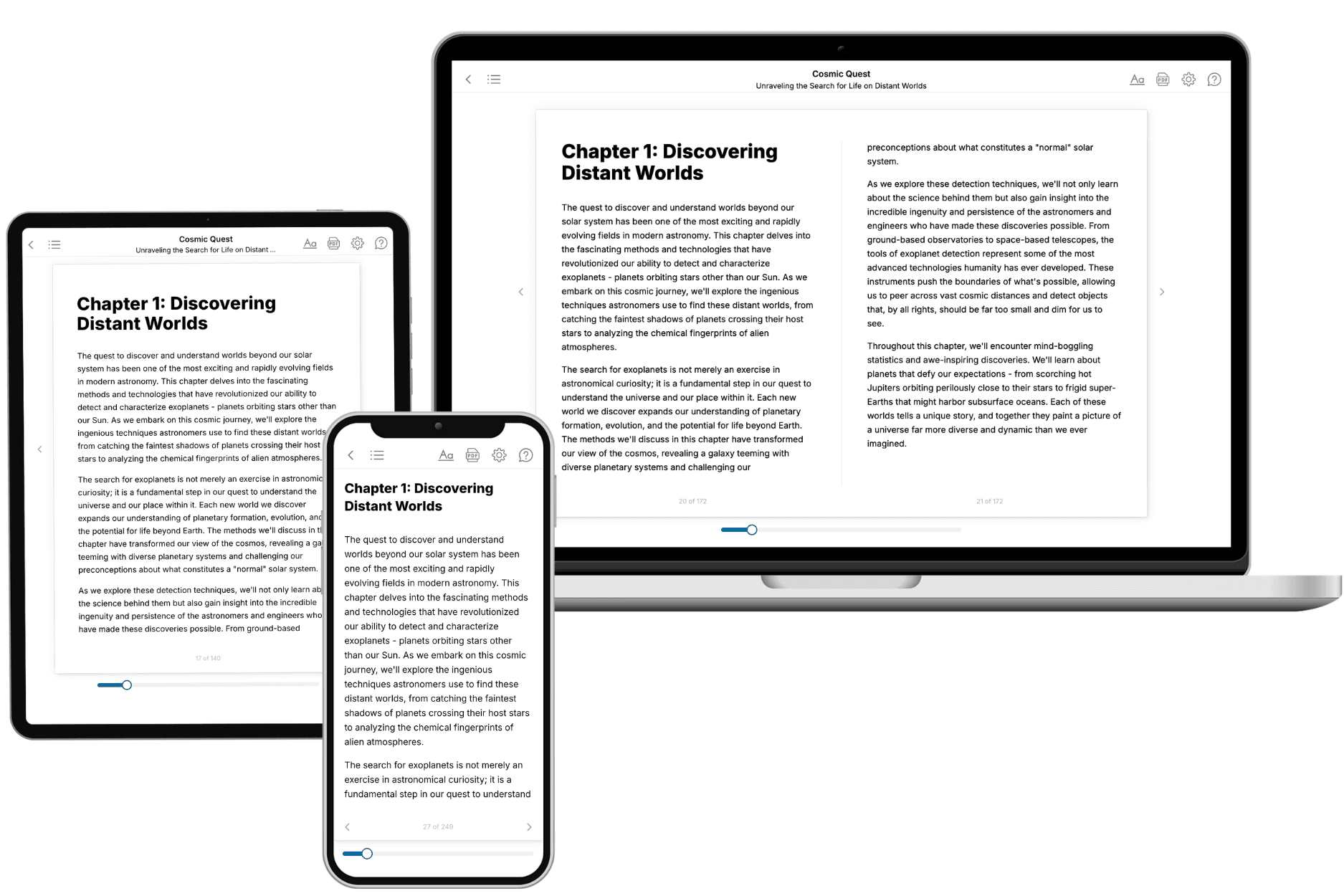
Your book is ready in 10 minutes. Read it online, download as EPUB or PDF, or send to Kindle.
Frequently asked questions
- What is TailoredRead?
TailoredRead creates complete, full-length nonfiction ebooks, written specifically for you. Tell us what you want to learn and why, and TailoredRead writes you a complete ebook on it, with charts, tables, and diagrams throughout. Read it online, on Kindle, or on any e-reader, or download it as a PDF or EPUB. Every book is written fresh the day you order it.
- How is the book tailored to me?
Before anything is written, you answer a few short questions about your goals, your background, and the topics you care about. Your book is then planned around your answers: written at your level, focused on your goals, and covering the topics you chose, instead of the one-size-fits-all book a store sells everyone.
- Will it read like generic AI content?
No. Your book isn't a chat transcript: it's planned chapter by chapter before a single word is written, told in a clear book voice, and explains ideas visually with charts, tables, and diagrams. After writing, every book goes through an editorial pass that polishes chapters so the book reads consistent from start to finish. Judge for yourself: browse thousands of sample books on our Explore Books page.
- How accurate is the content?
Our AI first checks whether your subject needs live research. Niche and fast-moving subjects are researched before writing, and the book plan and chapters are grounded in what it finds. After writing, every book goes through a quality pass that checks its facts and consistency, and researched books list their sources in a Notes section at the back.
- How long is the book?
You choose the length: Comprehensive (250-300 pages), Detailed (150-200 pages), Essential (70-100 pages), or Short (30-50 pages).
- Does the book include visuals?
Yes. Every book includes charts, tables, and diagrams: timelines, checklists, step-by-step guides, decision trees, comparison tables, matrices, and bar charts. A typical book includes dozens of these visual elements.
- Can I read it on Kindle? What formats can I download?
Yes. Every book can be read in our online reader or downloaded as a PDF or EPUB. The EPUB can be opened with Kindle, Apple Books, Kobo, and any e-reader. The Commercial and Author licenses also include an editable Word (DOCX) and Markdown download.
- How much does it cost?
About the price of a regular ebook. The exact price depends on your book's length and complexity, from $2 for the shortest books to $35 for the most comprehensive, and it's shown when you review your book, before you commit to anything. Each book is a one-time purchase, yours to keep, no subscription. Licenses that let you share, teach, or publish your book range from $35.99 to $49.99.
- Can I preview the book before purchasing?
Before you pay, you'll see what your book will cover: the title, a detailed description, the estimated length, and the complete chapter-by-chapter table of contents, so you know what you're getting before you decide. The full text itself is written after you purchase.
- How long does it take to create a book?
About 10 minutes. You can start reading the opening chapters while the rest is still being written.