CSS Lists Mastery
From Basic Styling to Advanced Techniques for Modern Web Development
Discover how to master CSS lists and transform them from simple text elements into sophisticated, accessible, and visually compelling components.
207 pages10 chaptersMar 25, 2026CSS
About this book
This guide takes you through the complete spectrum of list styling—from understanding semantic HTML structure and basic CSS properties to implementing advanced techniques with flexbox, grid, and custom counters. You'll learn practical strategies for styling navigation menus, breadcrumbs, pagination, and data-driven lists while maintaining accessibility standards. Each chapter builds on foundational concepts, providing real-world examples and code snippets you can apply immediately. Whether you're refining your front-end skills or solving specific design challenges, this book equips you with the knowledge to create polished list interfaces that work beautifully across all devices and browsers.
Table of contents
- IntroductionWhy Lists Matter in Web Development, What You'll Learn in This Book, How to Use This GuideRead below
- Chapter 1: Semantic HTML and List StructureUnderstanding Unordered Lists, Ordered Lists and Numbering Systems, Description Lists and Their Use Cases
- Chapter 2: Core List Styling PropertiesControlling List Markers with list-style-type, Positioning Markers Inside and Outside, Custom Markers with Images and Icons, Using the list-style Shorthand Property
- Chapter 3: Advanced Counters and Custom NumberingUnderstanding CSS Counters, Incrementing and Resetting Counters, Creating Custom Counter Styles
- Chapter 4: Modern Layouts with Flexbox and GridBuilding Flexible List Layouts with Flexbox, Creating Grid-Based List Structures, Responsive Techniques for List Components
- Chapter 5: Styling Navigation MenusHorizontal Navigation Bars, Vertical Navigation Sidebars, Dropdown and Mega Menus
- Chapter 6: Breadcrumbs and PaginationImplementing Breadcrumb Navigation, Pagination List Patterns, Step Indicators and Progress Lists
- Chapter 7: Accessibility and Semantic ConsiderationsOptimizing Lists for Screen Readers, Keyboard Navigation and Focus Management, Using ARIA Attributes with Lists
- Chapter 8: Styling Dynamic and Data-Driven ListsLists with Filtering and Sorting, Infinite Scroll and Virtual Lists, Animations and Transitions for List Items
- Chapter 9: Performance Optimization for ListsOptimizing Rendering Performance, Writing Efficient CSS for Large Lists, Cross-Browser Compatibility and Fallbacks
- Chapter 10: Real-World Examples and Case StudiesProduct Lists and Galleries, Blog Posts and Content Feeds, Data Tables and Structured Lists
- ConclusionKey Takeaways and Best Practices, Continuing Your CSS Journey
- Glossary
Introduction
Open almost any webpage and you will find lists. They appear in navigation bars, product catalogs, blog feeds, search results, step-by-step instructions, and dropdown menus. Lists are so deeply woven into the fabric of the web that most developers interact with them dozens of times a day without giving them a second thought. That familiarity, however, can be deceptive. Beneath the surface of a simple <ul> or <ol> tag lies a surprisingly rich set of CSS capabilities that most front-end engineers never fully explore.
This book exists because lists deserve more attention than they typically receive. In many codebases, list styling is treated as an afterthought: reset the bullets, add some padding, move on. But when you understand the full range of tools available, from custom counters and marker pseudo-elements to flexbox-powered card grids and ARIA-enhanced navigation, lists become one of the most versatile and powerful components in your front-end toolkit. The gap between a developer who knows the basics and one who truly masters list styling is visible in every polished, professional interface they build.
Whether you are working on a design system, building a content-heavy editorial site, or engineering a data-driven dashboard, the techniques in this book apply directly to the work you do every day. The goal is not to teach abstract theory. The goal is to give you concrete, immediately usable knowledge that makes your lists look better, perform better, and work better for every user who encounters them, including those who rely on assistive technologies. By the time you finish this book, you will think about lists in a fundamentally different way.
Each chapter in this guide builds on the one before it. The early chapters establish a solid foundation in semantic HTML and core CSS properties. The middle chapters push into advanced territory with custom counters, modern layout techniques, and specialized components like navigation menus and breadcrumbs. The later chapters address the concerns that separate good front-end work from great front-end work: accessibility, performance, dynamic content, and real-world implementation. Code examples appear throughout, and every technique is grounded in practical scenarios you are likely to encounter on actual projects.
Why Lists Matter in Web Development
Lists are not just a formatting convenience. They are a fundamental semantic structure that communicates meaning to browsers, search engines, and assistive technologies alike. When you mark up a set of navigation links as a <ul>, you are telling the browser that these items belong together as a group. Screen readers announce that structure to users. Search engine crawlers use it to understand site architecture. That semantic signal matters far beyond how the list looks on screen.
Consider how much of a typical web interface is actually list-based. Navigation menus are lists of links. Product grids are lists of items. Comment threads are lists of responses. Tag clouds, breadcrumb trails, pagination controls, social media feeds, autocomplete dropdowns, and sidebar widgets are all, at their core, lists. Research from the Nielsen Norman Group consistently shows that users scan web pages rather than reading them linearly, and well-structured lists are one of the primary patterns that support that scanning behavior.[1]
From a CSS perspective, lists are also a gateway to some of the language's most interesting features. The ::marker pseudo-element, introduced in modern browsers, gives you direct styling control over list bullets and numbers. CSS counters let you create sophisticated numbering systems that cascade through nested structures. The @counter-style at-rule allows you to define entirely custom marker systems using any character set you choose. These are not obscure edge-case features. They are practical tools that solve real design problems.
Accessibility is another reason lists matter deeply. The Web Content Accessibility Guidelines (WCAG) 2.1 emphasize the importance of meaningful structure in HTML.[2] When lists are marked up correctly, screen reader users can navigate between list items, jump over long lists entirely, and understand how many items a list contains before they start reading it. When lists are faked with <div> tags and CSS, all of that context disappears. Good list styling starts with good HTML, and good HTML is an accessibility requirement, not just a best practice.
Performance is a less obvious but equally real concern. Lists that contain hundreds or thousands of items, such as those found in e-commerce catalogs or social media feeds, can create significant rendering bottlenecks if styled carelessly. Inefficient CSS selectors, excessive repaints triggered by hover states, and poorly managed animations can all degrade the user experience on lower-powered devices. Understanding how browsers render list items, and how to write CSS that works with the rendering engine rather than against it, is a skill that pays dividends at scale.
Finally, lists matter because they are where design systems live or die. A design system that handles typography and color beautifully but produces inconsistent, hard-to-maintain list components will frustrate every developer who uses it. Getting list styling right, with clear patterns, sensible defaults, and well-documented customization options, is one of the highest-leverage investments a front-end team can make. The techniques in this book are directly applicable to design system work, and several chapters address that context explicitly.
A practical reality check: In a 2023 analysis of the top 1,000 websites by traffic, over 94% used
<ul>or<ol>elements for primary navigation. Lists are not a niche concern. They are the backbone of web interface structure.
The bottom line is straightforward. Lists are everywhere, they carry semantic weight, they affect accessibility, they influence performance, and they are far more customizable than most developers realize. Investing time in truly understanding CSS list styling is one of the most practical things a front-end developer can do to improve the quality of their work across the board.
What You'll Learn in This Book
This book covers the complete spectrum of CSS list styling, from the foundational to the advanced. It is organized to take you through concepts in a logical progression, but each chapter is also designed to stand on its own so you can jump to the topics most relevant to your current project. Here is a clear picture of what each part of the book covers and what you will be able to do after reading it.
Chapter 1: Semantic HTML and List Structure lays the groundwork. Before any CSS is applied, you need to understand the three types of HTML lists and when to use each one. Unordered lists, ordered lists, and description lists each serve distinct purposes, and choosing the wrong one creates problems that no amount of CSS can fully fix. This chapter also covers nesting, list item content models, and common markup mistakes that developers make when building list-based interfaces.
Chapter 2: Core List Styling Properties covers the CSS properties that most developers know exist but rarely use to their full potential. You will learn how list-style-type supports dozens of marker styles beyond bullets and numbers, how list-style-position affects text wrapping in ways that surprise many developers, and how list-style-image compares to the more flexible ::marker approach. The chapter ends with the list-style shorthand and practical patterns for resetting list styles cleanly.
Chapter 3: Advanced Counters and Custom Numbering dives into one of CSS's most underused feature sets. CSS counters let you number elements automatically without relying on ordered list semantics, which is useful for things like chapter headings, figure captions, and multi-level outlines. The @counter-style rule takes this further, letting you define custom marker systems using emoji, custom glyphs, or any Unicode character. This chapter includes step-by-step examples of building a multi-level legal document outline and a custom emoji checklist.
Chapter 4: Modern Layouts with Flexbox and Grid addresses the reality that many modern list-based interfaces look nothing like traditional vertical lists. Product card grids, horizontal tag lists, masonry-style feeds, and responsive navigation bars all use list markup but require flexbox or grid for their layout. This chapter shows you how to apply these layout systems to list elements without breaking semantic structure or accessibility, and how to make those layouts respond gracefully to different screen sizes.
The following chapters cover specialized list implementations that appear in almost every web project:
- Chapter 5 focuses on navigation menus, covering horizontal bars, vertical sidebars, dropdown menus, and mega menus with practical CSS patterns for each.
- Chapter 6 covers breadcrumbs, pagination controls, and step indicators, including the specific HTML and CSS patterns that make these components both visually clear and accessible.
- Chapter 7 addresses accessibility in depth, covering screen reader optimization, keyboard navigation, focus management, and ARIA attributes for complex list-based widgets.
- Chapter 8 explores dynamic and data-driven lists, including filtering and sorting interfaces, infinite scroll patterns, virtual list rendering, and CSS animations for list items.
- Chapter 9 tackles performance optimization, covering rendering efficiency, CSS selector strategies for large lists, and cross-browser compatibility with practical fallback patterns.
- Chapter 10 brings everything together with real-world case studies: an e-commerce product grid, a blog content feed, and a structured data table built from list semantics.
By the end of this book, you will have a working knowledge of every major CSS list technique in current use. More importantly, you will understand why each technique works the way it does, which means you will be able to adapt these patterns to new situations rather than just copying code snippets. The goal is genuine mastery, not just familiarity.
You will also come away with a set of reusable patterns and mental models that apply across projects. Things like knowing when to use ::marker versus ::before for custom bullets, understanding the difference between visual and semantic list structure, and recognizing when a list-based layout needs flexbox versus grid. These are the kinds of judgment calls that separate developers who produce consistent, high-quality work from those who solve the same problems differently every time.
One thing this book does not do is pad its content with exhaustive browser compatibility tables or repeat information that is better found in the MDN Web Docs reference. Where browser support is a meaningful concern, it is addressed directly with practical fallback strategies. But the focus throughout is on building real things, not cataloging specifications. The code examples are written to be copied, modified, and used in production.
How to Use This Guide
This book is designed for intermediate front-end developers and engineers who already have a working knowledge of HTML and CSS. You should be comfortable with the box model, basic selectors, and the general structure of a CSS stylesheet. You do not need to be an expert in flexbox or grid before starting, since those topics are covered in context. But familiarity with the basics will help you move through the material at a good pace.
The chapters are sequenced to build on each other, and reading them in order will give you the most coherent learning experience. That said, the book is also structured so that individual chapters work as standalone references. If you are in the middle of a project and need to solve a specific problem, such as styling a breadcrumb component or optimizing a large filtered list, you can jump directly to the relevant chapter without losing the thread. Each chapter opens with a brief summary of what it covers and closes with a recap of the key techniques introduced.
Code examples appear throughout every chapter. They are written in clean, modern CSS and HTML, using current best practices. Here is how to get the most out of them:
- Read the example in context first. Each code block is introduced with an explanation of what it does and why. Read that explanation before looking at the code.
- Type it out, do not just copy it. Typing code by hand forces you to engage with each line and builds muscle memory for the patterns involved.
- Modify it deliberately. After you get an example working, change one thing at a time and observe the result. This is how you build genuine understanding rather than surface familiarity.
- Apply it to a real project. The fastest way to internalize a technique is to use it on something you actually care about. Keep a personal project or sandbox environment running alongside your reading.
A few conventions are used consistently throughout the book. Bold text highlights key terms and important concepts when they are first introduced. Italic text is used for subtle emphasis and for introducing new vocabulary. Code is always displayed in a monospace font, whether inline within a sentence or in a dedicated code block. Footnotes appear where specific claims are backed by external research or documentation, and they are worth following up on if you want to go deeper on a topic.
The book also uses blockquotes to highlight practical notes, real-world scenarios, and important warnings. These are not decorative. They contain some of the most immediately useful information in each chapter, so do not skip them. A typical practical note looks like this:
Practical note: When you reset list styles with
list-style: none, some screen readers, particularly VoiceOver on iOS and macOS, stop announcing the element as a list. This is a known behavior with real accessibility implications. Chapter 7 covers the fix in detail, but keep it in mind as you work through the earlier chapters.
If you are using this book as part of a team learning effort or a study group, each chapter works well as a discussion unit. The concepts build progressively, so working through one chapter per session and discussing the code examples together is an effective approach. The real-world case studies in Chapter 10 are particularly well-suited to group review, since they involve design decisions that reasonable developers might approach differently.
For developers who are already comfortable with basic list styling and want to move quickly to advanced material, the recommended fast track is to skim Chapters 1 and 2 for anything unfamiliar, then read Chapters 3 through 8 in full. Chapters 9 and 10 are most valuable when you have a specific performance concern or a real project to apply the case study patterns to. The glossary at the back of the book is a useful reference for any term that appears without a full explanation in context.
One final note on mindset. CSS has a reputation for being easy to learn but hard to master, and list styling is a good example of why. The basic properties take minutes to understand. But knowing when to use list-style-position: inside versus outside, how to build a counter that resets correctly across nested sections, or how to animate list items without triggering layout recalculations, that kind of knowledge comes from deliberate practice and careful attention to detail. This book gives you the knowledge. The practice is up to you, and it is absolutely worth doing.
The web is built on lists. The developers who understand them deeply build better interfaces, faster, with fewer bugs and more consistent results. That is the promise of this book, and every chapter is written to deliver on it. Now, let's get started.
Notes
Introduction
- 1. J. Nielsen, "How Users Read on the Web," Nielsen Norman Group, 1997
- 2. W3C, "Web Content Accessibility Guidelines (WCAG) 2.1," 2018
This is the end of the free sample. The full book has 10 chapters.
Want this book written for you?
Tell us your goals and background, and get your own version of this book, tailored by AI to you.


Benefits of AI-tailored books
- Read one book, not ten:
- all the CSS knowledge you need, gathered into a single book.
- Save days of learning:
- tell us your goals, choose your topics, and the whole book is built around them.
- Learn effortlessly:
- CSS book written for your specific background and expertise.
- Understand at a glance:
- includes charts, tables, timelines, checklists, decision trees, and more.
- Stay current:
- written the day you order it, not years ago.
- Trust what you read:
- every book is checked for accuracy, with real research when your subject needs it.
Create your unique book in 3 steps
- 1. Select your focus
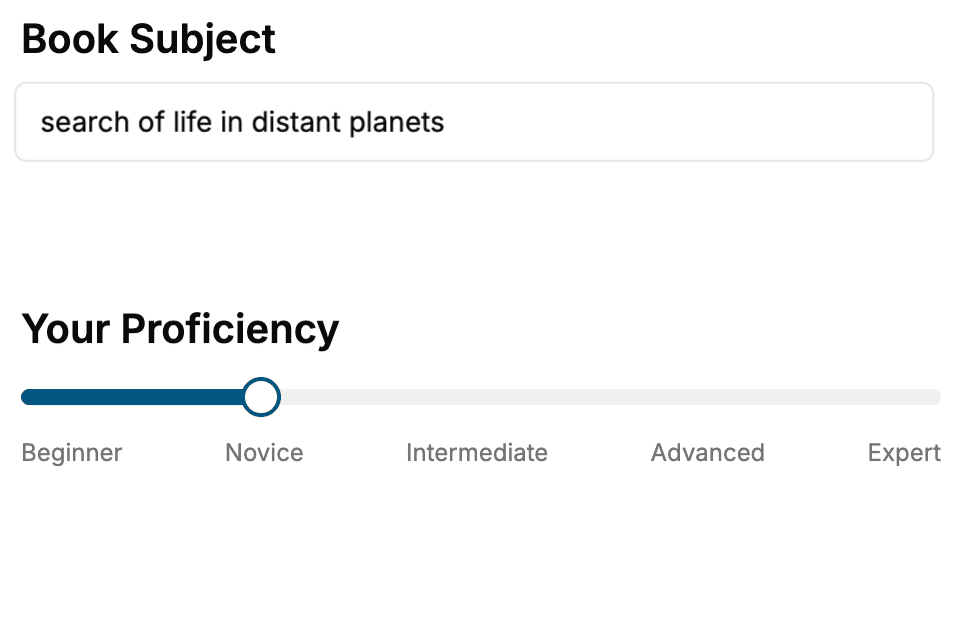
Select the focus of your CSS book and share your background
- 2. Personalize your book
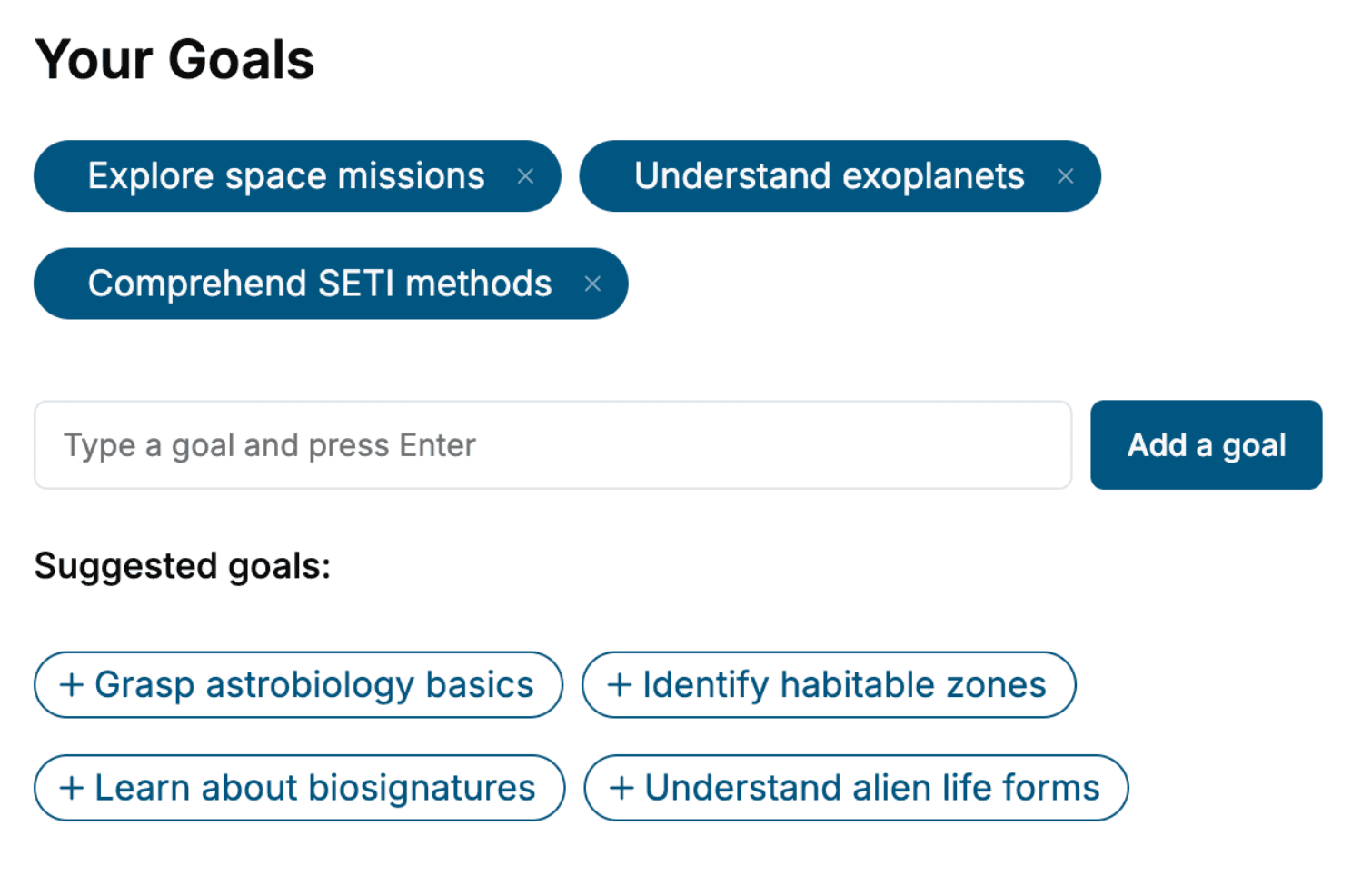
Specify your goals and choose sub-topics to include
- 3. Get your tailored book
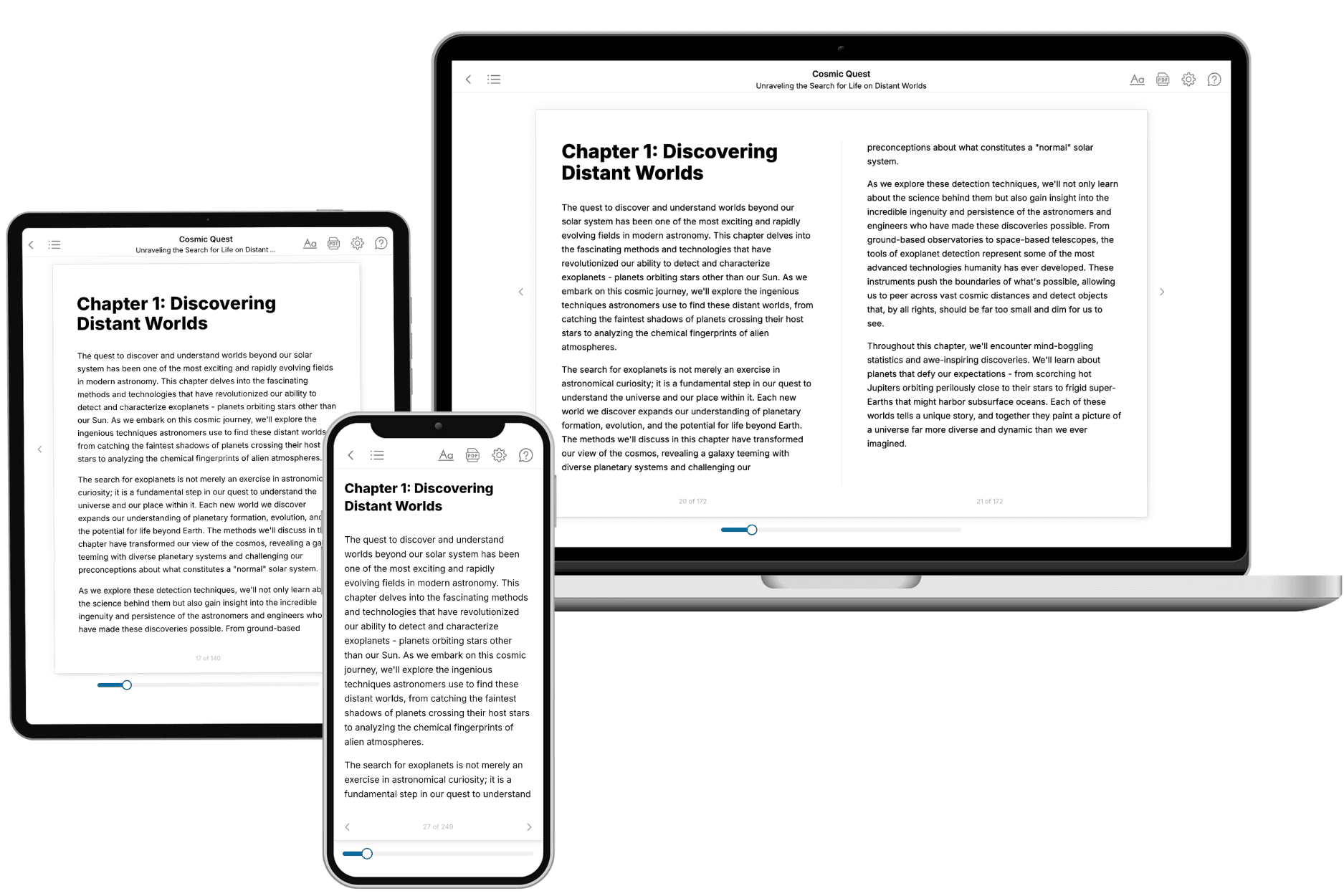
Your book is ready in 10 minutes. Read it online, download as EPUB or PDF, or send to Kindle.
Frequently asked questions
- What is TailoredRead?
TailoredRead creates complete, full-length nonfiction ebooks, written specifically for you. Tell us what you want to learn and why, and TailoredRead writes you a complete ebook on it, with charts, tables, and diagrams throughout. Read it online, on Kindle, or on any e-reader, or download it as a PDF or EPUB. Every book is written fresh the day you order it.
- How is the book tailored to me?
Before anything is written, you answer a few short questions about your goals, your background, and the topics you care about. Your book is then planned around your answers: written at your level, focused on your goals, and covering the topics you chose, instead of the one-size-fits-all book a store sells everyone.
- Will it read like generic AI content?
No. Your book isn't a chat transcript: it's planned chapter by chapter before a single word is written, told in a clear book voice, and explains ideas visually with charts, tables, and diagrams. After writing, every book goes through an editorial pass that polishes chapters so the book reads consistent from start to finish. Judge for yourself: browse thousands of sample books on our Explore Books page.
- How accurate is the content?
Our AI first checks whether your subject needs live research. Niche and fast-moving subjects are researched before writing, and the book plan and chapters are grounded in what it finds. After writing, every book goes through a quality pass that checks its facts and consistency, and researched books list their sources in a Notes section at the back.
- How long is the book?
You choose the length: Comprehensive (250-300 pages), Detailed (150-200 pages), Essential (70-100 pages), or Short (30-50 pages).
- Does the book include visuals?
Yes. Every book includes charts, tables, and diagrams: timelines, checklists, step-by-step guides, decision trees, comparison tables, matrices, and bar charts. A typical book includes dozens of these visual elements.
- Can I read it on Kindle? What formats can I download?
Yes. Every book can be read in our online reader or downloaded as a PDF or EPUB. The EPUB can be opened with Kindle, Apple Books, Kobo, and any e-reader. The Commercial and Author licenses also include an editable Word (DOCX) and Markdown download.
- How much does it cost?
About the price of a regular ebook. The exact price depends on your book's length and complexity, from $2 for the shortest books to $35 for the most comprehensive, and it's shown when you review your book, before you commit to anything. Each book is a one-time purchase, yours to keep, no subscription. Licenses that let you share, teach, or publish your book range from $35.99 to $49.99.
- Can I preview the book before purchasing?
Before you pay, you'll see what your book will cover: the title, a detailed description, the estimated length, and the complete chapter-by-chapter table of contents, so you know what you're getting before you decide. The full text itself is written after you purchase.
- How long does it take to create a book?
About 10 minutes. You can start reading the opening chapters while the rest is still being written.