CSS Patterns
Proven Design Solutions for Modern Web Interfaces
Many designers struggle with CSS, treating it as a collection of disconnected properties rather than a system of interconnected patterns.
191 pages10 chaptersJul 18, 2026CSS
About this book
This leads to inconsistent designs, bloated stylesheets, and interfaces that feel disjointed. CSS Patterns changes this by teaching you how to recognize, understand, and apply proven design solutions that work across projects. You'll discover how successful designers use repeatable patterns for layout, typography, spacing, color, and interaction—then adapt these patterns to their unique needs. This book moves beyond isolated techniques to show you how patterns work together as a cohesive system. Whether you're building a design system, improving an existing codebase, or simply wanting to design more efficiently, you'll learn practical patterns you can implement immediately while understanding the principles that make them effective.
Table of contents
- IntroductionWhat Are CSS Patterns and Why They Matter, Thinking in Patterns: A New Approach to Design, How to Use This BookRead below
- Chapter 1: Foundations of Pattern-Based DesignDesign Systems and Pattern Libraries, Anatomy of a CSS Pattern, Core Principles Behind Effective Patterns
- Chapter 2: Layout Patterns: Grid and Flexbox MasteryGrid Patterns for Complex Layouts, Flexbox Patterns for Flexible Components, Combining Grid and Flexbox Effectively
- Chapter 3: Spacing and Rhythm PatternsCreating Consistent Spacing Systems, Establishing Visual Rhythm and Flow, Whitespace Patterns for Clarity
- Chapter 4: Typography PatternsType Hierarchy and Scale Patterns, Readability and Line Length Patterns, Font Pairing and Weight Patterns
- Chapter 5: Color and Contrast PatternsBuilding Color Systems and Palettes, Contrast Patterns for Accessibility, Color Psychology in Pattern Application
- Chapter 6: Component PatternsButton and Call-to-Action Patterns, Card and Container Patterns, Form and Input Patterns
- Chapter 7: Navigation and Menu PatternsNavigation Structure Patterns, Responsive Navigation Patterns, Breadcrumb and Wayfinding Patterns
- Chapter 8: Responsive Design PatternsMobile-First Pattern Approach, Breakpoint and Media Query Patterns, Fluid and Scalable Patterns
- Chapter 9: Animation and Interaction PatternsTransition and Timing Patterns, Hover and Interactive State Patterns, Animation Principles and Best Practices
- Chapter 10: Building and Maintaining Pattern LibrariesDocumenting Your Patterns, Naming Conventions and Organization, Evolving and Maintaining Patterns Over Time
- ConclusionFrom Learning to Mastery, Your Next Steps
Introduction
Open any large-scale web project's stylesheet and you'll likely find the same problem repeated in different forms: a button defined one way on the homepage, slightly differently on the checkout page, and yet again on the contact form. Three implementations of the same idea, none of them talking to each other. This is what CSS looks like when it grows without a system behind it. The code works, technically, but the interface feels slightly off in ways that are hard to name and even harder to fix.
The gap between CSS that works and CSS that scales comes down to one thing: whether you're writing isolated rules or building reusable patterns. A CSS Pattern is a named, repeatable solution to a recurring design problem. It's not just a snippet of code you copy and paste. It's a decision about how a visual problem should be solved, documented well enough that you or anyone on your team can apply it consistently across an entire project. Patterns are how experienced designers stop reinventing the wheel on every new page they build.
This book is built around that idea. Rather than walking through CSS properties in isolation, it organizes design knowledge into patterns you can recognize, understand, and adapt. Layout patterns, spacing patterns, typography patterns, color patterns, component patterns, and more. Each one addresses a real problem that comes up repeatedly in web design. Together, they form a vocabulary for thinking about interfaces in a more structured, efficient, and intentional way. The goal isn't to hand you a library of code to copy. It's to change how you see design problems so you can solve them faster and more consistently, whatever the project.
What Are CSS Patterns and Why They Matter
The concept of design patterns didn't originate in software. Architect Christopher Alexander introduced the idea in his 1977 book A Pattern Language, where he described recurring solutions to recurring problems in architecture and urban planning. The idea crossed into software engineering in 1994 with the publication of Design Patterns by the "Gang of Four," which catalogued reusable solutions to common programming problems. CSS patterns follow the same logic, applied to the visual layer of the web.
A CSS Pattern has three essential qualities. First, it solves a specific, recurring problem. Second, it can be applied in multiple contexts without being rewritten from scratch each time. Third, it carries enough structure that other people can understand and use it without needing to reverse-engineer your thinking. A centered hero layout, a card grid, a sticky navigation bar, a responsive type scale: these are all patterns. They show up in project after project because the problems they solve show up in project after project.
The practical value of patterns becomes clear when you compare two approaches to building a design. Without patterns, every new component is a fresh decision. You choose spacing, font sizes, colors, and layout rules from scratch each time, often making slightly different choices each time. With patterns, those decisions are made once, encoded into a reusable structure, and applied consistently. The result is a design that feels coherent because it actually is coherent, built from the same underlying decisions repeated deliberately.
Patterns also make CSS more maintainable. When a spacing rule is defined in one place and referenced everywhere, changing it means changing one value. When spacing is defined ad hoc across dozens of selectors, changing it means hunting through the entire codebase. This is the difference between a Spacing System and a collection of arbitrary margin values. The system is a pattern. The arbitrary values are technical debt.
Consider a real example. A common problem in web design is creating a card layout that adapts gracefully from a single column on mobile to a multi-column grid on wider screens. Without a pattern, this gets solved differently every time: sometimes with floats, sometimes with flexbox, sometimes with grid, sometimes with a mix of all three. With a Card Pattern built on CSS Grid, the solution is defined once. It handles the responsive behavior, the spacing between cards, the alignment of card content, and the visual treatment of the card container. Every card in the project uses the same pattern, and the design stays consistent.
Patterns matter beyond individual projects, too. When you join a team or hand off a project, patterns give other developers a shared language. Instead of explaining every layout decision from scratch, you can say "this uses the standard Card Pattern" and the structure is immediately understood. This is why large organizations invest in Design Systems and Pattern Libraries: they're not just about saving time on one project. They're about building institutional knowledge that scales across teams and products.
One important clarification: patterns are not rigid templates. They're starting points with understood principles behind them. A good pattern is flexible enough to adapt to different contexts while still solving the same core problem. Understanding why a pattern works is just as important as knowing how to implement it. That understanding is what lets you adapt a pattern intelligently rather than just copying it blindly and wondering why it breaks in a new context.
A pattern is not a finished design. It's a description of a problem that occurs over and over again in a given context, along with the core of a solution to that problem. The solution can be used a million times over without ever doing it the same way twice.
This distinction between copying and understanding runs through the entire book. Every pattern covered here comes with an explanation of the problem it solves and the principles that make it work. That context is what transforms a code snippet into a genuine design tool.
Thinking in Patterns: A New Approach to Design
Most people learn CSS by learning properties. You learn display: flex, then justify-content, then align-items. You learn grid-template-columns and gap. You learn font-size and line-height. This property-by-property approach is a necessary starting point, but it has a ceiling. Knowing every CSS property doesn't automatically tell you how to combine them into designs that are consistent, scalable, and visually coherent. That requires a different kind of thinking.
Pattern thinking starts with the problem, not the property. Instead of asking "what does grid-template-areas do?", you ask "what's the best way to structure a page with a fixed sidebar and a flexible main content area?" The answer might involve Grid Template Areas, but the starting point is the design problem. This shift in perspective changes how you approach every new design challenge. You stop looking for properties to apply and start looking for patterns to recognize.
Recognizing patterns in existing designs is a skill worth developing deliberately. When you look at a well-designed website, try to identify the repeating structures. Notice how the spacing between sections follows a consistent rhythm. Notice how the typography uses a limited set of sizes that relate to each other proportionally. Notice how the navigation behaves at different screen widths. These aren't accidents. They're patterns, and once you can see them, you can start building them intentionally in your own work.
Here's a practical exercise for developing pattern recognition:
- Pick a website you admire and open its CSS in the browser's developer tools.
- Look for repeated class names or custom property definitions that suggest a system.
- Identify the spacing values used most frequently. Are they multiples of a base unit?
- Count the number of distinct font sizes. Is there a clear scale?
- Look at how layout is handled. Is it primarily Grid, Flexbox, or a combination?
- Notice how components like buttons and cards are structured. Do they share common properties?
This kind of analysis builds a mental library of patterns that you can draw on when designing your own projects.
Pattern thinking also changes how you handle design decisions under pressure. When you're working quickly and need to add a new component to a project, the instinct without patterns is to write new CSS from scratch. With patterns, the instinct is to ask: "does an existing pattern solve this problem?" If yes, you apply it. If not, you create a new pattern that fits the existing system. This keeps the codebase coherent even as it grows.
One of the most common mistakes in CSS is treating every design problem as unique when it isn't. A developer who writes custom spacing values for every component is solving the same problem dozens of times. A developer who builds a Spacing System solves it once and applies the solution everywhere. The second approach isn't just faster. It produces better design, because consistent spacing creates visual rhythm that makes interfaces feel polished and intentional.
Pattern thinking also helps with accessibility. Many accessibility requirements, like sufficient Contrast Ratio for text or adequate touch target sizes for interactive elements, are problems that recur across every project. Building them into your patterns means they're handled automatically rather than checked as an afterthought. A Button Pattern that includes proper contrast, focus states, and minimum sizing solves the accessibility problem once, for every button in the project.
The shift to pattern thinking doesn't happen overnight. It develops through practice, through building projects, through reviewing your own code and noticing where you've solved the same problem multiple times. The chapters ahead are structured to accelerate that development by giving you a set of well-defined patterns to work with, along with the principles that explain why they work. Over time, those patterns become internalized, and the thinking becomes natural.
A useful mental model is to think of patterns as vocabulary. A writer with a large vocabulary can express ideas more precisely and efficiently than one with a small vocabulary. A designer with a large pattern vocabulary can solve design problems more precisely and efficiently than one who approaches every problem from scratch. Building that vocabulary is what this book is about.
How to Use This Book
This book is organized to build your pattern vocabulary progressively, starting with foundational concepts and moving toward more complex applications. The first chapter establishes the conceptual framework: what a Design System is, how a Pattern Library works, and what makes a CSS pattern effective. If you've worked with design systems before, some of this will be familiar. Read it anyway. The framework it establishes shapes how every subsequent chapter is structured.
From there, the book moves through the major categories of CSS patterns in a deliberate order:
- Layout patterns come first because they form the structural foundation of any interface. Understanding CSS Grid and Flexbox as pattern tools, not just layout properties, changes how you approach every design problem that follows.
- Spacing and rhythm patterns build on layout by addressing how elements relate to each other visually. A solid Spacing System makes every other pattern more effective.
- Typography patterns cover Type Scale, Type Hierarchy, Measure, and Font Pairing. These patterns govern readability and visual hierarchy across the entire interface.
- Color patterns address Color Systems, Color Tokens, and contrast, including how to meet WCAG Contrast requirements without sacrificing visual interest.
- Component patterns apply everything from the earlier chapters to specific UI elements: buttons, cards, and forms. These are the patterns you'll use most frequently in day-to-day work.
- Navigation patterns cover structure, responsive behavior, and wayfinding, including Breadcrumb Patterns and Responsive Navigation approaches.
- Responsive design patterns address Mobile-First thinking, Breakpoint strategies, Fluid Layout techniques, and Container Queries.
- Animation and interaction patterns cover Transition Patterns, Easing, Hover State Patterns, and the Reduced Motion consideration that's often overlooked.
- Pattern library management closes the book with Pattern Documentation, Naming Conventions, Pattern Governance, and Pattern Versioning.
Each chapter is self-contained enough that you can jump to a specific topic if you have an immediate need. If you're in the middle of a project and need to solve a navigation problem right now, go to the navigation chapter. If you're building a color system from scratch, go to the color chapter. The cross-references throughout the book will point you to related patterns in other chapters when they're relevant.
That said, reading the book in order the first time through is worth the investment. The patterns in later chapters build on concepts introduced in earlier ones. The spacing system introduced in the spacing chapter shows up again in the component patterns chapter. The color tokens defined in the color chapter are referenced in the accessibility discussion in the contrast section. Reading in order gives you the full picture of how these patterns connect into a coherent system.
Every chapter includes concrete code examples. These aren't abstract illustrations. They're working patterns you can take directly into a project and adapt to your needs. The examples are written to be readable and clear, with comments explaining the key decisions. When you see a pattern you want to use, the code is a starting point, not a finished solution. Adapt it to your project's specific requirements, naming conventions, and design constraints.
A few things to keep in mind as you work through the material. First, resist the urge to implement every pattern at once. Start with the patterns most relevant to your current work and build from there. A Spacing System and a basic Type Scale will immediately improve almost any project. More complex patterns like Container Queries or advanced animation systems can wait until you have a solid foundation in place.
Second, the best way to learn patterns is to use them. Reading about a Card Pattern is useful. Building a card grid with it, breaking it, fixing it, and adapting it to a real design problem is where the learning actually happens. Treat the examples in this book as starting points for hands-on experimentation, not finished answers to memorize.
Third, pay attention to the "why" behind each pattern, not just the "how." The code for a sticky navigation bar is straightforward. Understanding why it uses position: sticky instead of position: fixed, and what that means for layout flow and scroll behavior, is what lets you adapt the pattern when the standard implementation doesn't quite fit your situation. The principles behind a pattern are more durable than any specific implementation.
The goal of this book is not to give you a collection of CSS snippets. It's to give you a way of thinking about design problems that makes you faster, more consistent, and more capable of building interfaces that hold together as systems rather than collections of disconnected parts.
Finally, the last chapter on building and maintaining a Pattern Library is worth reading even if you're working solo. The habits of Pattern Documentation, consistent Naming Conventions, and thoughtful Pattern Governance pay off even on small projects. They make your own code easier to return to after time away, and they prepare you to collaborate effectively when the project grows or a team gets involved.
The patterns in this book have been tested across real projects and real design problems. They're not theoretical constructs. They're solutions that work, refined through the kind of practical experience that comes from building things, breaking them, and figuring out why. Bring that same spirit of practical experimentation to your reading, and the patterns will become genuinely useful tools rather than abstract concepts.
This is the end of the free sample. The full book has 10 chapters.
Want this book written for you?
Tell us your goals and background, and get your own version of this book, tailored by AI to you.






Benefits of AI-tailored books
- Read one book, not ten:
- all the CSS knowledge you need, gathered into a single book.
- Save days of learning:
- tell us your goals, choose your topics, and the whole book is built around them.
- Learn effortlessly:
- CSS book written for your specific background and expertise.
- Understand at a glance:
- includes charts, tables, timelines, checklists, decision trees, and more.
- Stay current:
- written the day you order it, not years ago.
- Trust what you read:
- every book is checked for accuracy, with real research when your subject needs it.
Create your unique book in 3 steps
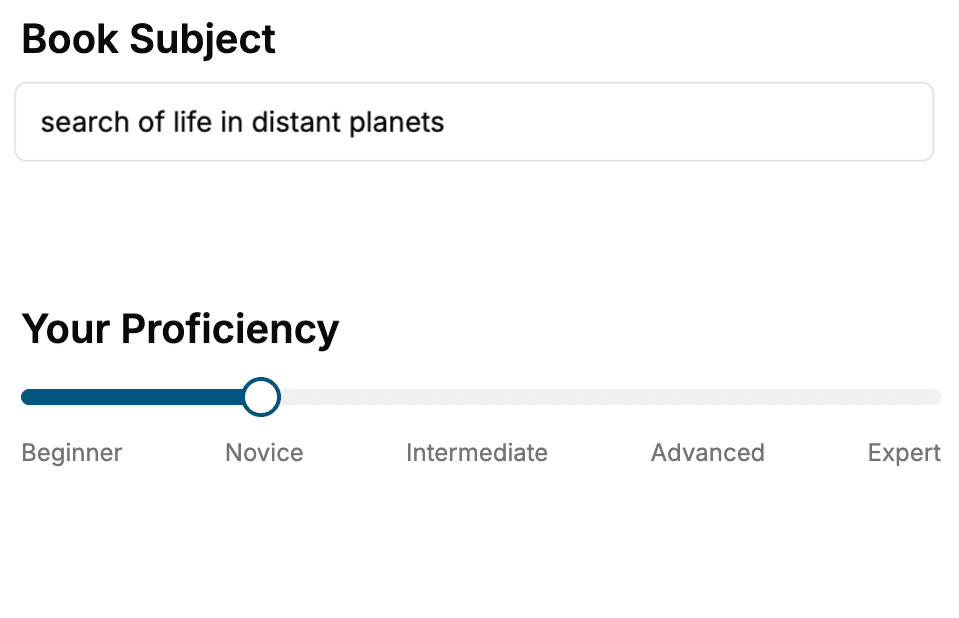
- 1. Select your focus
Select the focus of your CSS book and share your background
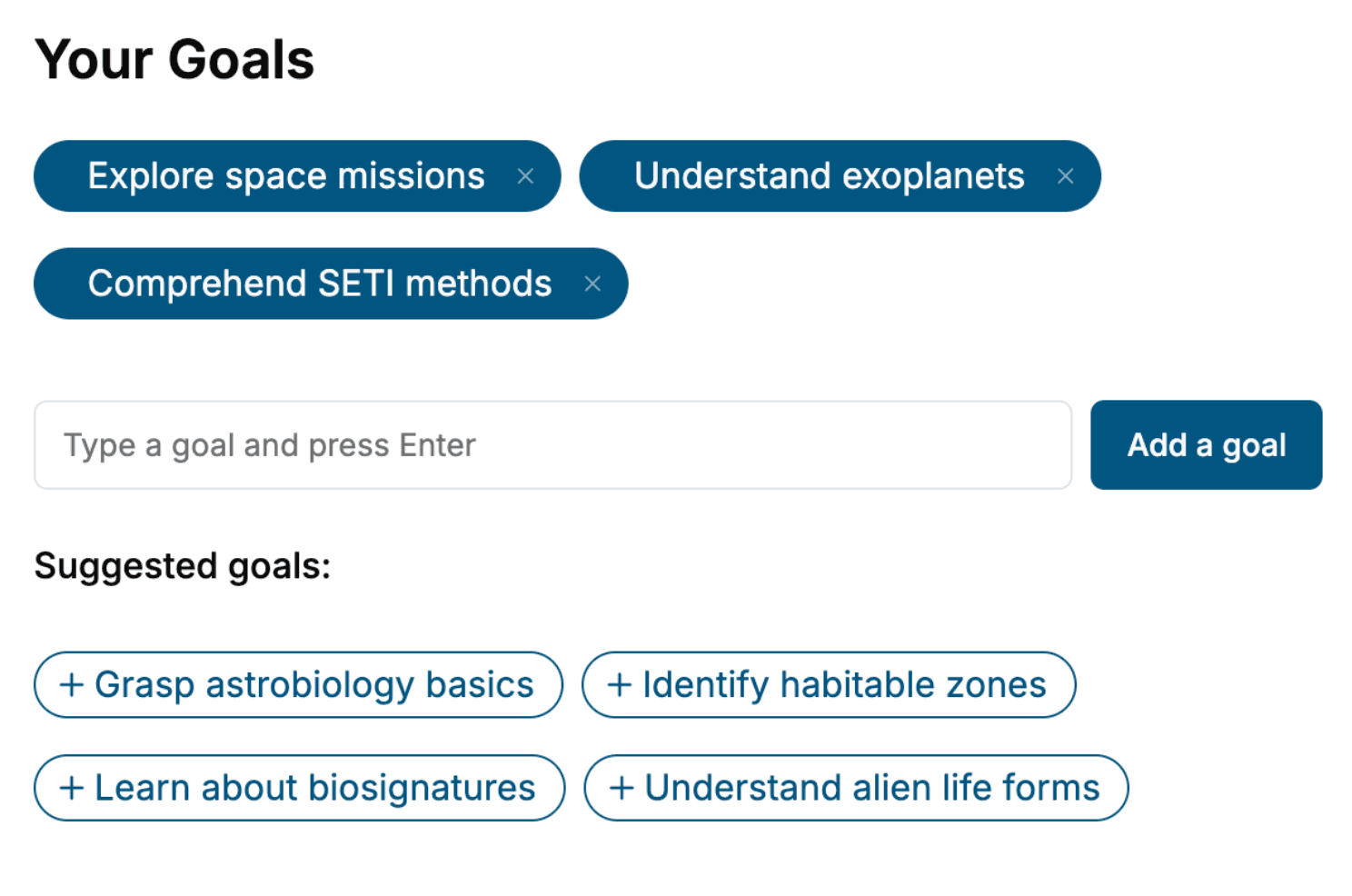
- 2. Personalize your book
Specify your goals and choose sub-topics to include
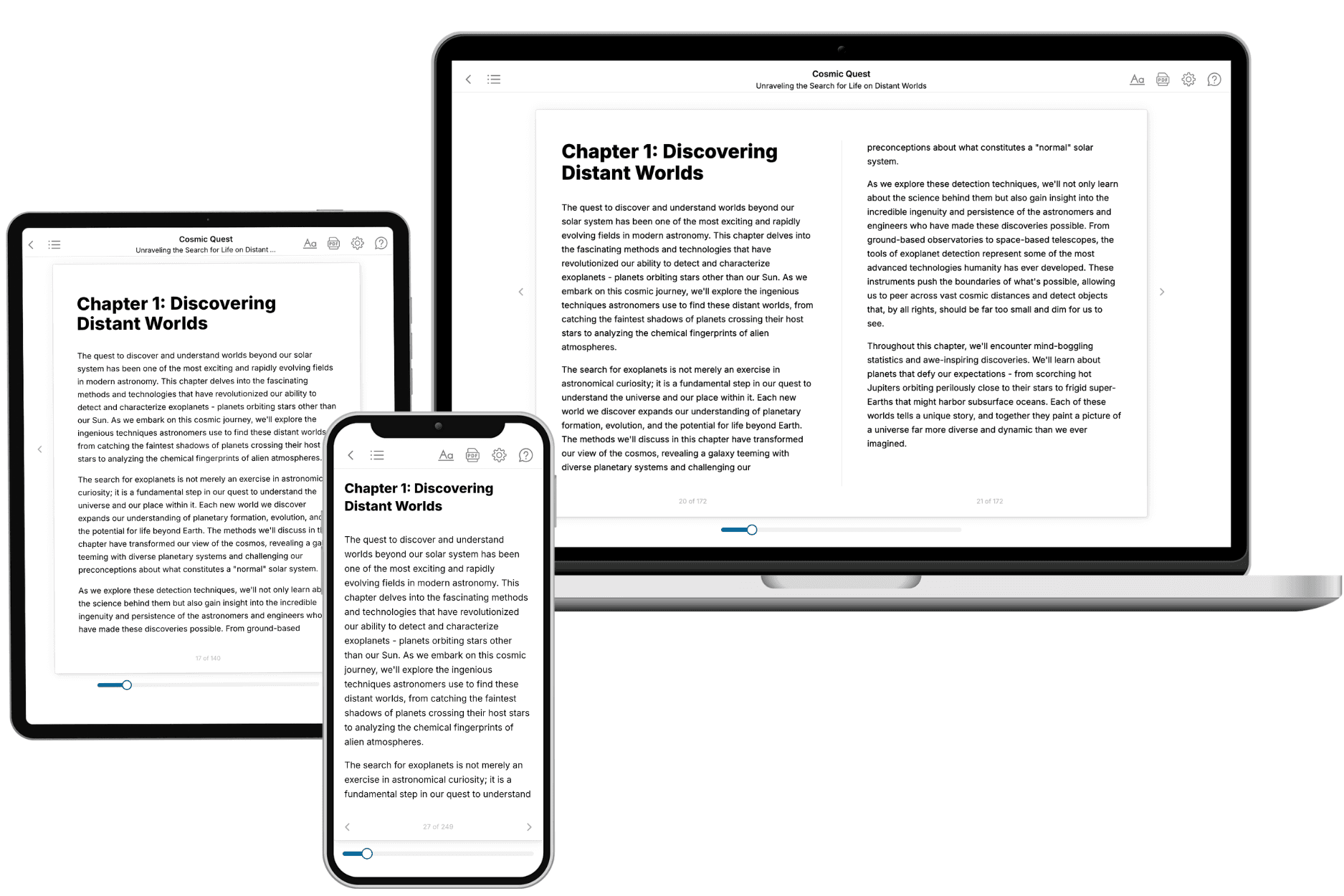
- 3. Get your tailored book
Your book is ready in 10 minutes. Read it online, download as EPUB or PDF, or send to Kindle.
Frequently asked questions
- What is TailoredRead?
TailoredRead creates complete, full-length nonfiction ebooks, written specifically for you. Tell us what you want to learn and why, and TailoredRead writes you a complete ebook on it, with charts, tables, and diagrams throughout. Read it online, on Kindle, or on any e-reader, or download it as a PDF or EPUB. Every book is written fresh the day you order it.
- How is the book tailored to me?
Before anything is written, you answer a few short questions about your goals, your background, and the topics you care about. Your book is then planned around your answers: written at your level, focused on your goals, and covering the topics you chose, instead of the one-size-fits-all book a store sells everyone.
- Will it read like generic AI content?
No. Your book isn't a chat transcript: it's planned chapter by chapter before a single word is written, told in a clear book voice, and explains ideas visually with charts, tables, and diagrams. After writing, every book goes through an editorial pass that polishes chapters so the book reads consistent from start to finish. Judge for yourself: browse thousands of sample books on our Explore Books page.
- How accurate is the content?
Our AI first checks whether your subject needs live research. Niche and fast-moving subjects are researched before writing, and the book plan and chapters are grounded in what it finds. After writing, every book goes through a quality pass that checks its facts and consistency, and researched books list their sources in a Notes section at the back.
- How long is the book?
You choose the length: Comprehensive (250-300 pages), Detailed (150-200 pages), Essential (70-100 pages), or Short (30-50 pages).
- Does the book include visuals?
Yes. Every book includes charts, tables, and diagrams: timelines, checklists, step-by-step guides, decision trees, comparison tables, matrices, and bar charts. A typical book includes dozens of these visual elements.
- Can I read it on Kindle? What formats can I download?
Yes. Every book can be read in our online reader or downloaded as a PDF or EPUB. The EPUB can be opened with Kindle, Apple Books, Kobo, and any e-reader. The Commercial and Author licenses also include an editable Word (DOCX) and Markdown download.
- How much does it cost?
About the price of a regular ebook. The exact price depends on your book's length and complexity, from $2 for the shortest books to $35 for the most comprehensive, and it's shown when you review your book, before you commit to anything. Each book is a one-time purchase, yours to keep, no subscription. Licenses that let you share, teach, or publish your book range from $35.99 to $49.99.
- Can I preview the book before purchasing?
Before you pay, you'll see what your book will cover: the title, a detailed description, the estimated length, and the complete chapter-by-chapter table of contents, so you know what you're getting before you decide. The full text itself is written after you purchase.
- How long does it take to create a book?
About 10 minutes. You can start reading the opening chapters while the rest is still being written.