The Dashboard Design Playbook
Create Data Visualizations That Drive Decisions and Engagement
Create dashboards that people actually use and that drive real business decisions.
191 pages9 chaptersJun 26, 2026Data Visualization
About this book
This practical guide teaches you how to design data visualization interfaces that cut through complexity and communicate insights with clarity and impact. You'll learn to understand your users' needs, structure information hierarchically, choose the right visualizations for different data types, and implement interactive features that enhance rather than distract. Whether you're designing executive scorecards, operational monitoring systems, or analytical tools, this book provides frameworks, best practices, and real-world examples to help you move beyond aesthetics to create dashboards that inform decisions and deliver measurable value. Discover how to balance visual design with functional usability, test your designs with actual users, and continuously improve based on feedback and usage patterns.
Table of contents
- IntroductionWhy Dashboards Matter in Modern Business, Dashboards vs. Reports: Understanding the Difference, What You'll Learn in This BookRead below
- Chapter 1: Foundations of Dashboard DesignDefining Your Dashboard's Core Purpose, Types of Dashboards: Strategic, Operational, and Analytical, Functional Design Principles for Dashboards
- Chapter 2: Understanding Your Users and Their NeedsConducting User Research and Stakeholder Interviews, Creating User Personas for Dashboard Design, Mapping User Workflows and Decision-Making Contexts, Accessibility and Inclusive Design for All Users
- Chapter 3: Information Architecture and LayoutCreating Effective Information Hierarchies, Common Layout Patterns and Grid Systems, Progressive Disclosure and Drill-Down Navigation
- Chapter 4: Choosing the Right VisualizationsCommon Chart Types and When to Use Them, Mapping Data Dimensions to Visual Encodings, Common Visualization Mistakes and How to Avoid Them, When and How to Use Custom Visualizations
- Chapter 5: Visual Design and AestheticsColor Theory and Effective Color Palettes, Typography, Spacing, and Visual Balance, Maintaining Brand Consistency While Prioritizing Function
- Chapter 6: Interactivity and Real-Time DataDesigning Effective Interaction Patterns, Filtering, Sorting, and Drill-Down Interactions, Implementing Real-Time Data Updates Responsibly, Performance Optimization for Interactive Dashboards
- Chapter 7: Metrics, KPIs, and Data StorytellingDefining Meaningful Metrics and KPIs, Using Data Storytelling to Guide User Insights, Adding Context: Benchmarks, Targets, and Trends
- Chapter 8: Testing and ValidationConducting Usability Testing with Real Users, Monitoring Dashboard Usage and Analytics, Iterating Based on Feedback and Usage Data
- Chapter 9: Case Studies and Real-World ExamplesCase Study: Executive Performance Dashboard, Case Study: Operational Monitoring Dashboard, Case Study: Analytical Exploration Dashboard
- ConclusionKey Takeaways and Next Steps, Continuing Your Dashboard Design Journey
- Appendix: Tools and ResourcesPopular Dashboard Design and Visualization Tools, Dashboard Design Templates and Frameworks
Introduction
Every organization today is swimming in data. Sales figures, user behavior metrics, operational costs, customer satisfaction scores, website traffic, inventory levels — the list goes on. The challenge is no longer collecting data. The challenge is making sense of it fast enough to act on it. That's exactly where dashboards come in. A well-designed dashboard transforms raw numbers into a clear picture of what's happening, what matters, and what needs attention right now.
But here's the uncomfortable truth: most dashboards fail. They get built with good intentions, launched with fanfare, and then quietly ignored within a few weeks. Teams go back to spreadsheets, email threads, and gut instinct. The dashboard sits there, technically functional, practically useless. This happens not because the data is wrong or the technology is broken, but because the design doesn't match how real people think, work, and make decisions. A dashboard that nobody uses is just an expensive decoration.
This book exists to change that pattern. It's a practical guide to designing dashboards that people actually open, trust, and rely on to do their jobs better. The principles here apply whether you're building an executive scorecard for a C-suite audience, an operational monitoring screen for a logistics team, or an analytical exploration tool for data analysts. The context changes, but the core challenge stays the same: translate complex data into clear, actionable insight for a specific group of people with specific needs.
The approach throughout this book is deliberately hands-on. You'll find frameworks you can apply immediately, examples drawn from realistic scenarios, and honest discussion of the mistakes that even experienced designers make. The goal isn't to make you a better chart-picker. It's to make you a better communicator of information, someone who understands that every design decision either helps or hinders the person trying to understand their world through your interface.
Why Dashboards Matter in Modern Business
The volume of data that organizations generate has grown at a staggering pace. According to IDC, the global datasphere — the total amount of data created, captured, and consumed worldwide — is expected to reach 175 zettabytes by 2025, up from just 33 zettabytes in 2018.[1] For businesses, this explosion of data is both an opportunity and a burden. The opportunity is better decisions, faster. The burden is figuring out which data actually matters and how to surface it at the right moment.
Dashboards sit at the intersection of data and decision-making. They act as a control panel for a business, a team, or a process, giving the people responsible for outcomes a real-time or near-real-time view of how things are going. Think of a pilot's cockpit. A pilot doesn't need to know every technical detail of the aircraft's systems at every moment. They need to know altitude, speed, fuel level, and whether anything is outside normal range. The cockpit is designed to surface exactly that information, clearly and instantly. A good business dashboard works the same way.
The business case for effective dashboards is concrete. When decision-makers have clear, accurate, and timely information, they make better calls. A retail operations manager who can see inventory levels, sales velocity, and supplier lead times on a single screen can reorder stock before a shortage happens, not after. A marketing team that can see campaign performance in real time can shift budget away from underperforming channels before the month ends. These aren't hypothetical benefits. They're the kind of outcomes that justify the investment in good dashboard design.
Beyond individual decisions, dashboards also shape organizational culture. When a team shares a common view of performance data, conversations shift from opinion-based to evidence-based. Instead of debating whether customer satisfaction is improving, the team looks at the number together and discusses what's driving it. This shared visibility creates accountability, alignment, and a common language around performance. Organizations that use data effectively at every level tend to outperform those that don't, and dashboards are one of the primary tools that make that possible.[2]
It's also worth noting that dashboards have moved well beyond the executive suite. They now appear in customer-facing products, embedded in SaaS platforms, integrated into mobile apps, and displayed on screens in warehouses and call centers. The audience for dashboard design has expanded dramatically, and so has the range of contexts in which dashboards need to perform. A dashboard embedded in a fitness app needs to motivate and inform a casual user. A dashboard on a hospital floor needs to alert clinical staff to critical changes without causing alarm fatigue. The stakes and the design requirements vary enormously.
Understanding why dashboards matter is the first step toward designing them well. When you internalize the fact that a dashboard is a decision-support tool, not just a data display, your design priorities shift. You stop asking "how do I show all this data?" and start asking "what does this person need to know, and how quickly do they need to know it?" That shift in perspective is the foundation of everything that follows in this book.
A dashboard is not a data dump. It's a curated view of reality, designed to help a specific person make a specific kind of decision faster and with more confidence.
The most effective dashboards are built by designers who understand this distinction deeply. They treat every chart, every metric, and every layout choice as a communication decision, not just a technical one. That mindset is what separates dashboards that drive real business value from dashboards that simply exist.
Dashboards vs. Reports: Understanding the Difference
One of the most common sources of confusion in data communication is the difference between a dashboard and a report. The two terms get used interchangeably all the time, but they serve fundamentally different purposes. Mixing them up leads to designs that try to do both jobs and end up doing neither well. Getting clear on the distinction will help you make better design decisions from the very start of any project.
A report is a structured document that presents data about a specific period or topic in detail. Reports are typically generated on a schedule — weekly, monthly, quarterly — and are designed to be read from beginning to end. They provide comprehensive coverage of a subject, often including narrative explanation, tables of raw data, and multiple levels of detail. A monthly financial report, a quarterly business review, or an annual marketing performance summary are all examples. Reports answer the question: what happened?
A dashboard, by contrast, is a real-time or near-real-time interface designed for ongoing monitoring and quick decision-making. It's not meant to be read linearly. It's meant to be scanned. A dashboard answers the question: what is happening right now, and do I need to act? The key design implication is that dashboards must communicate their most important information within seconds of being opened. If a user has to spend five minutes studying a dashboard to understand the current state of things, the design has failed.
Here's a practical way to think about the difference:
- Reports are retrospective. They look back at what happened over a defined period.
- Dashboards are present-tense. They show what's happening now, or as close to now as the data allows.
- Reports are comprehensive. They aim to cover a topic thoroughly.
- Dashboards are selective. They surface only the most critical information for a specific audience.
- Reports are consumed once, then archived. They're reference documents.
- Dashboards are visited repeatedly, often daily or even hourly. They're living interfaces.
This distinction has direct consequences for design. Because reports are read linearly and in detail, they can accommodate dense tables, long explanatory text, and complex multi-page layouts. Because dashboards are scanned quickly and repeatedly, they need strong visual hierarchy, minimal text, and immediate clarity. A dashboard that looks like a report — packed with tables, footnotes, and narrative paragraphs — will overwhelm users and slow down the very decisions it's supposed to support.
Consider a concrete example. A sales team might receive a monthly report that breaks down revenue by product line, region, sales rep, and customer segment, with year-over-year comparisons and detailed commentary. That report is valuable for strategic planning and performance reviews. But the same sales team also needs a daily dashboard that shows today's pipeline, this week's closed deals, and whether the team is on track to hit the monthly target. The dashboard doesn't replace the report. It complements it by providing the ongoing visibility that keeps the team aligned between reporting cycles.
There's also a hybrid category worth acknowledging: analytical dashboards. These sit somewhere between a traditional dashboard and a report. They're interactive, allowing users to explore data by filtering, drilling down, and changing time ranges. They're not purely real-time monitoring tools, but they're also not static documents. Analytical dashboards are designed for users who need to investigate data, find patterns, and answer their own questions. You'll encounter all three types throughout this book, and each requires a somewhat different design approach.
One practical test you can apply to any design you're working on: ask whether the user needs to monitor or investigate. Monitoring means checking in regularly to confirm things are on track or to catch problems early. Investigation means digging into data to understand why something happened or to find a specific answer. Monitoring calls for a dashboard. Investigation calls for an analytical tool or a report. Many projects need both, which is why understanding the difference helps you design the right tool for each job rather than one confused hybrid that serves neither purpose well.
Getting this distinction right early in a project saves enormous amounts of time and rework. When stakeholders ask for a dashboard, it's worth spending ten minutes clarifying what they actually need. Sometimes what they describe as a "dashboard" is really a report they want to look at more often. Sometimes what they call a "report" is actually a monitoring tool they want to check every morning. The label matters less than the underlying need, and your job as a designer is to identify that need clearly before you start building anything.
What You'll Learn in This Book
This book is organized to take you through the full arc of dashboard design, from foundational principles to real-world application. Each chapter builds on the previous one, but the structure also allows you to jump to specific topics if you're working on a particular challenge right now. Whether you're starting a new dashboard project from scratch or trying to improve an existing one that isn't performing, you'll find relevant, actionable guidance throughout.
Here's a brief map of what each part of the book covers:
- Chapter 1: Foundations of Dashboard Design — Establishes the core principles that underpin all effective dashboard design. You'll learn how to define a dashboard's purpose clearly, understand the three main types of dashboards, and apply functional design principles that prioritize user needs over visual complexity.
- Chapter 2: Understanding Your Users and Their Needs — Covers the research and discovery work that makes the difference between a dashboard that gets used and one that gets ignored. You'll learn how to conduct user research, build personas, map decision-making workflows, and design for accessibility.
- Chapter 3: Information Architecture and Layout — Explores how to structure information so users can find what they need instantly. Topics include information hierarchy, layout patterns, grid systems, and progressive disclosure techniques.
- Chapter 4: Choosing the Right Visualizations — Provides a practical guide to selecting chart types, mapping data to visual encodings, avoiding common visualization mistakes, and knowing when a custom visualization is worth the investment.
- Chapter 5: Visual Design and Aesthetics — Addresses color theory, typography, spacing, and brand consistency, with a clear focus on how visual design choices affect comprehension and usability, not just appearance.
- Chapter 6: Interactivity and Real-Time Data — Covers the design of interactive features including filters, drill-downs, and real-time updates, along with performance considerations that affect how dashboards feel to use.
- Chapter 7: Metrics, KPIs, and Data Storytelling — Teaches you how to define meaningful metrics, use data storytelling techniques to guide user insight, and add context through benchmarks, targets, and trend indicators.
- Chapter 8: Testing and Validation — Provides a practical framework for usability testing, monitoring dashboard usage, and iterating based on real feedback and behavioral data.
- Chapter 9: Case Studies and Real-World Examples — Walks through three detailed case studies covering an executive performance dashboard, an operational monitoring dashboard, and an analytical exploration dashboard, showing how the principles from earlier chapters apply in practice.
Throughout the book, you'll also find specific tools and techniques you can apply immediately. These include frameworks for defining dashboard purpose, templates for user research, checklists for evaluating visualization choices, and guidelines for testing designs with real users. The goal is to give you not just knowledge but a working toolkit you can reach for on your next project.
A few things this book assumes about where you're starting from. It assumes you have some familiarity with design fundamentals and data concepts. You don't need to be a data scientist or a senior UX researcher, but you should be comfortable with basic design tools and have some experience working with data in a professional context. If you're a product designer who has worked on data-heavy features, a UX professional who wants to specialize in data visualization, or a business analyst who wants to improve the dashboards you build and present, this book is written for you.
What this book deliberately avoids is tool-specific instruction. The principles here apply whether you're designing in Figma, building in Tableau, coding in D3.js, or working with Power BI. Tools change. Principles don't. The appendix includes a curated list of popular tools and resources if you're looking for guidance on specific platforms, but the main content focuses on the thinking and decision-making that produces great dashboards regardless of the technology stack.
One more thing worth saying upfront: dashboard design is not a one-time event. The best dashboards evolve. They get refined based on how people actually use them, updated as business needs change, and improved as new data becomes available. This book will help you build dashboards that are worth maintaining, because they deliver real value to real people. That's the standard everything in these pages is aimed at.
The best dashboard you can build is the one that makes someone's job meaningfully easier, not the one that looks most impressive in a portfolio screenshot.
By the time you finish this book, you'll have a clear, repeatable process for designing dashboards that earn their place in people's daily workflows. You'll know how to ask the right questions before you design anything, how to make smart choices about layout and visualization, how to test your assumptions with real users, and how to keep improving over time. That's the full picture of what effective dashboard design looks like in practice, and it's what this book is here to teach.
This is the end of the free sample. The full book has 9 chapters.
Want this book written for you?
Tell us your goals and background, and get your own version of this book, tailored by AI to you.






Benefits of AI-tailored books
- Read one book, not ten:
- all the Data Visualization knowledge you need, gathered into a single book.
- Save days of learning:
- tell us your goals, choose your topics, and the whole book is built around them.
- Learn effortlessly:
- Data Visualization book written for your specific background and expertise.
- Understand at a glance:
- includes charts, tables, timelines, checklists, decision trees, and more.
- Stay current:
- written the day you order it, not years ago.
- Trust what you read:
- every book is checked for accuracy, with real research when your subject needs it.
Create your unique book in 3 steps
- 1. Select your focus
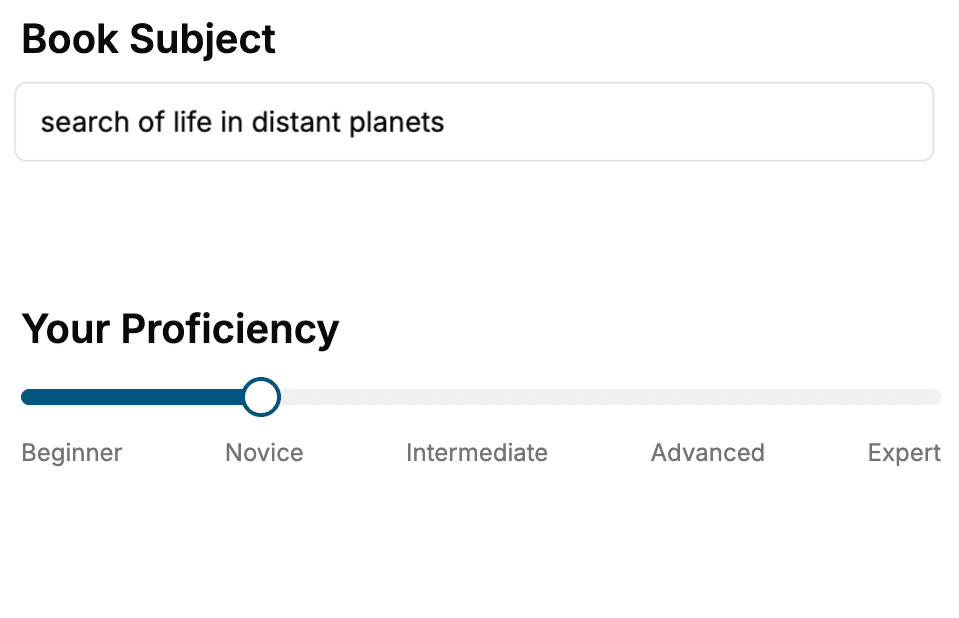
Select the focus of your Data Visualization book and share your background
- 2. Personalize your book
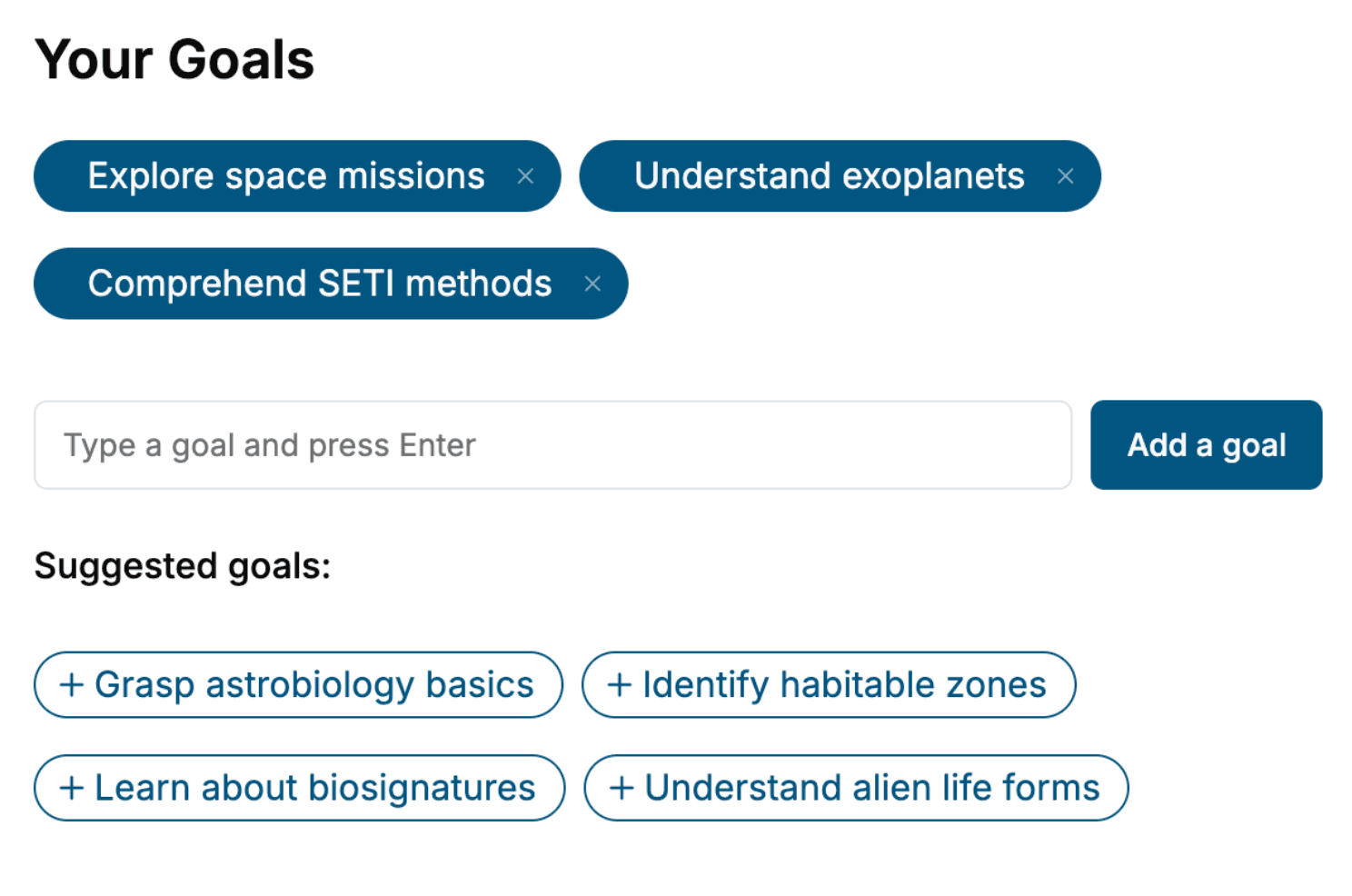
Specify your goals and choose sub-topics to include
- 3. Get your tailored book
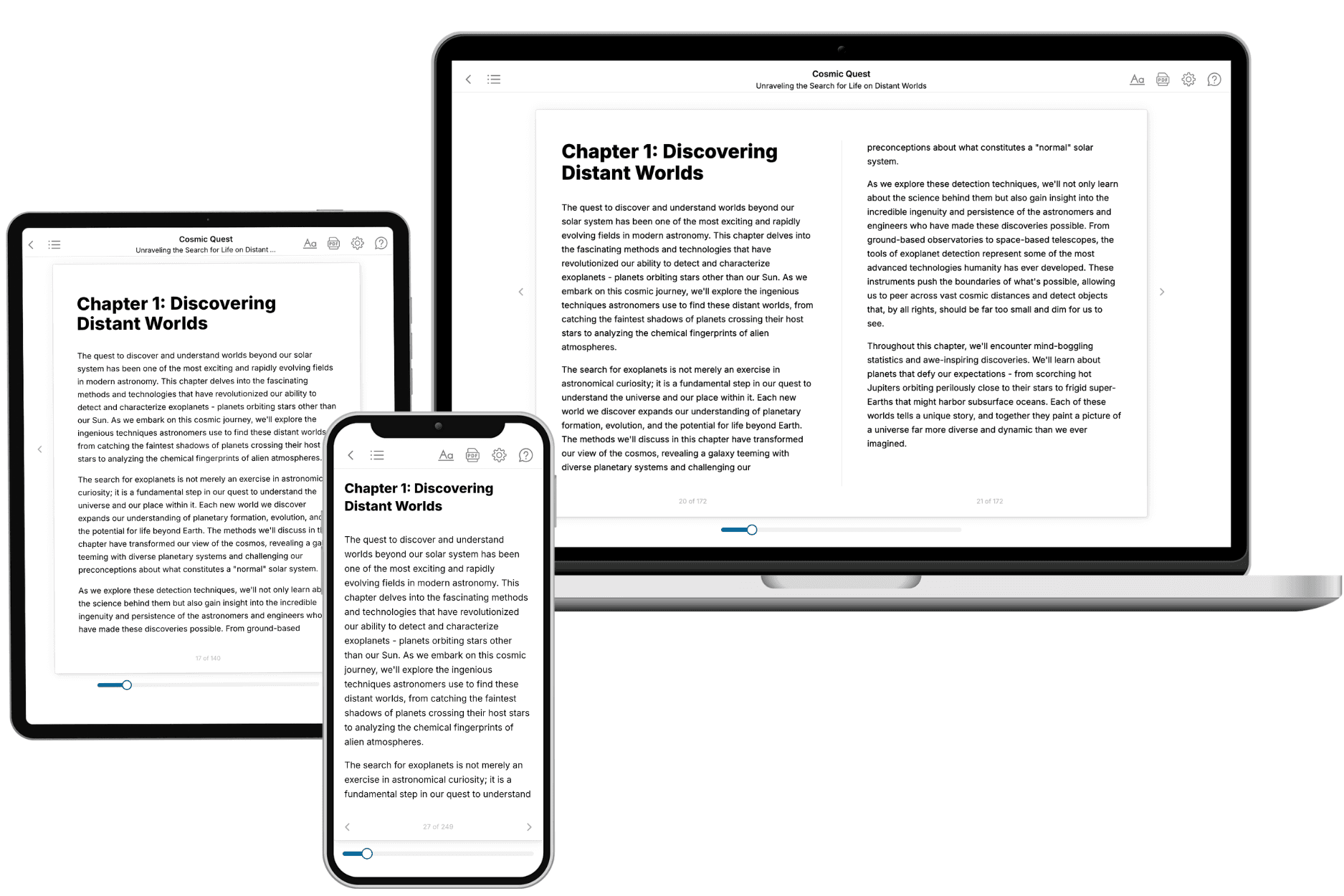
Your book is ready in 10 minutes. Read it online, download as EPUB or PDF, or send to Kindle.
Frequently asked questions
- What is TailoredRead?
TailoredRead creates complete, full-length nonfiction ebooks, written specifically for you. Tell us what you want to learn and why, and TailoredRead writes you a complete ebook on it, with charts, tables, and diagrams throughout. Read it online, on Kindle, or on any e-reader, or download it as a PDF or EPUB. Every book is written fresh the day you order it.
- How is the book tailored to me?
Before anything is written, you answer a few short questions about your goals, your background, and the topics you care about. Your book is then planned around your answers: written at your level, focused on your goals, and covering the topics you chose, instead of the one-size-fits-all book a store sells everyone.
- Will it read like generic AI content?
No. Your book isn't a chat transcript: it's planned chapter by chapter before a single word is written, told in a clear book voice, and explains ideas visually with charts, tables, and diagrams. After writing, every book goes through an editorial pass that polishes chapters so the book reads consistent from start to finish. Judge for yourself: browse thousands of sample books on our Explore Books page.
- How accurate is the content?
Our AI first checks whether your subject needs live research. Niche and fast-moving subjects are researched before writing, and the book plan and chapters are grounded in what it finds. After writing, every book goes through a quality pass that checks its facts and consistency, and researched books list their sources in a Notes section at the back.
- How long is the book?
You choose the length: Comprehensive (250-300 pages), Detailed (150-200 pages), Essential (70-100 pages), or Short (30-50 pages).
- Does the book include visuals?
Yes. Every book includes charts, tables, and diagrams: timelines, checklists, step-by-step guides, decision trees, comparison tables, matrices, and bar charts. A typical book includes dozens of these visual elements.
- Can I read it on Kindle? What formats can I download?
Yes. Every book can be read in our online reader or downloaded as a PDF or EPUB. The EPUB can be opened with Kindle, Apple Books, Kobo, and any e-reader. The Commercial and Author licenses also include an editable Word (DOCX) and Markdown download.
- How much does it cost?
About the price of a regular ebook. The exact price depends on your book's length and complexity, from $2 for the shortest books to $35 for the most comprehensive, and it's shown when you review your book, before you commit to anything. Each book is a one-time purchase, yours to keep, no subscription. Licenses that let you share, teach, or publish your book range from $35.99 to $49.99.
- Can I preview the book before purchasing?
Before you pay, you'll see what your book will cover: the title, a detailed description, the estimated length, and the complete chapter-by-chapter table of contents, so you know what you're getting before you decide. The full text itself is written after you purchase.
- How long does it take to create a book?
About 10 minutes. You can start reading the opening chapters while the rest is still being written.