Digital Accessibility Mastery
A Comprehensive Guide for Documentation Specialists and Content Creators
In "Digital Accessibility Mastery," readers will embark on a journey to become experts in creating inclusive digital experiences.
331 pages17 chaptersSep 27, 2024Software DevelopmentCreated by Kerry
About this book
This comprehensive guide is tailored for accessibility documentation specialists and content creators who want to elevate their skills and knowledge in the field of digital accessibility. The book covers a wide range of essential topics, from mastering WCAG guidelines to optimizing content for screen readers and assistive technologies. Readers will learn how to write effective alt text, improve keyboard navigation, enhance video captions, and create accessible PDFs. The guide also delves into the importance of understanding user needs, implementing semantic HTML, and utilizing ARIA roles for improved accessibility. With a focus on practical application, "Digital Accessibility Mastery" provides readers with the tools and knowledge needed to create truly inclusive digital content. Whether you're looking to improve your documentation skills or enhance the accessibility of your digital products, this book will serve as an invaluable resource in your journey towards mastering digital accessibility.
Table of contents
- IntroductionThe Importance of Digital Accessibility, Book Overview and How to Use This Guide, The Current Accessibility Landscape, The Role of Documentation in AccessibilityRead below
- Chapter 1: WCAG FundamentalsIntroduction to WCAG, The Four WCAG Principles, Understanding Conformance Levels, Key Success Criteria
- Chapter 2: Understanding Assistive TechnologiesScreen Readers: Types and Functionality, Magnification Tools and Low Vision Aids, Alternative Input Devices, Speech Recognition Software
- Chapter 3: Screen Reader TestingScreen Reader Testing Basics, Popular Screen Readers and Their Features, Testing Techniques and Best Practices, Interpreting and Documenting Test Results
- Chapter 4: Mastering Alt TextThe Purpose and Importance of Alt Text, Writing Effective Alt Text, Contextual Considerations for Alt Text, Handling Complex Images and Infographics
- Chapter 5: Optimizing Keyboard NavigationThe Importance of Keyboard Accessibility, Focus Management and Visual Indicators, Implementing Skip Navigation Links, Avoiding and Resolving Keyboard Traps
- Chapter 6: Video AccessibilityCaptioning Basics and Standards, Caption Editing Techniques, Creating Effective Audio Descriptions, Accessible Video Players and Controls
- Chapter 7: Understanding User PersonasThe Importance of User Personas in Accessibility, Creating Inclusive User Personas, Applying Personas to Accessibility Testing, Empathy Mapping for Accessibility
- Chapter 8: Mobile Accessibility GuidelinesUnique Challenges in Mobile Accessibility, Designing Accessible Touch Targets, Gestures and Their Alternatives, Responsive Design and Accessibility
- Chapter 9: ARIA Landmarks and RolesIntroduction to ARIA, Using ARIA Landmark Roles, ARIA Widget Roles and States, ARIA Best Practices and Common Pitfalls
- Chapter 10: Semantic HTML5 for AccessibilityThe Importance of Semantic HTML, Using Structural HTML5 Elements, Text-level Semantics and Accessibility, Semantic Forms and Tables
- Chapter 11: Document Structuring for AccessibilityCreating a Proper Heading Hierarchy, Using Lists for Improved Accessibility, Implementing Landmarks and Regions, Logical Reading Order and Tab Order
- Chapter 12: PDF AccessibilityPDF Accessibility Basics, Tagging PDFs for Accessibility, Creating Accessible PDF Forms, Testing and Remediating PDF Accessibility
- Chapter 13: Color and Contrast in AccessibilityThe Importance of Color Contrast, Understanding and Measuring Contrast Ratios, Designing for Color Blindness, Tools and Techniques for Ensuring Sufficient Contrast
- Chapter 14: Inclusive Language in DocumentationThe Importance of Inclusive Language, Writing Bias-Free Content, Person-First vs. Identity-First Language, Writing for a Global Audience
- Chapter 15: Creating Accessibility Style GuidesThe Purpose of Accessibility Style Guides, Key Components of an Accessibility Style Guide, Creating and Maintaining Style Guides, Implementing Style Guides in Documentation
- Chapter 16: Cognitive Accessibility ConsiderationsOverview of Cognitive Accessibility, Writing Clear and Concise Content, Reducing Cognitive and Memory Load, Consistent Layout and Navigation
- Chapter 17: Accessibility Testing ToolsAutomated Accessibility Testing Tools, Manual Testing Techniques and Checklists, Browser Extensions for Accessibility Testing, Interpreting and Reporting Test Results
- ConclusionThe Future of Digital Accessibility, Continuous Learning in Accessibility
- Glossary
- Further Reading and Resources
Introduction
Welcome to "Digital Accessibility Mastery: A Comprehensive Guide for Documentation Specialists and Content Creators." This book is designed to be your go-to resource for understanding, implementing, and excelling in the field of digital accessibility. As our world becomes increasingly digital, the importance of creating inclusive online experiences for all users cannot be overstated. This introduction will set the stage for your journey into the world of digital accessibility, providing you with a solid foundation upon which to build your expertise.
In the following chapters, we will explore a wide range of topics essential to mastering digital accessibility. From understanding and implementing Web Content Accessibility Guidelines (WCAG) to optimizing content for screen readers and assistive technologies, this guide covers the breadth and depth of knowledge required to create truly inclusive digital experiences. Whether you're looking to improve your documentation skills, enhance the accessibility of your digital products, or simply gain a deeper understanding of this critical field, this book will serve as an invaluable resource in your journey towards mastering digital accessibility.
The Importance of Digital Accessibility
Digital accessibility is not just a nice-to-have feature; it's a fundamental aspect of creating inclusive and equitable online experiences. At its core, digital accessibility is about ensuring that all individuals, regardless of their abilities or disabilities, can perceive, understand, navigate, and interact with digital content. This includes websites, mobile applications, documents, and any other form of digital information or interaction.
The importance of digital accessibility extends far beyond mere compliance with laws and regulations. It's about recognizing and respecting the diverse needs of all users, including those with visual, auditory, motor, or cognitive disabilities. By prioritizing accessibility, we create a more inclusive digital world that benefits everyone. According to the World Health Organization, approximately 15% of the world's population lives with some form of disability[1]. This significant portion of the global population deserves equal access to digital information and services.
Implementing digital accessibility practices offers numerous benefits, not only for users with disabilities but for all users and organizations. Accessible design often leads to improved usability for everyone. For instance, clear and well-structured content benefits users with cognitive disabilities, but it also enhances the experience for all users by making information easier to find and understand. Similarly, providing captions for videos not only assists deaf or hard-of-hearing users but also benefits those watching in noisy environments or non-native speakers.
From a business perspective, prioritizing digital accessibility can lead to increased market reach, improved brand reputation, and reduced legal risks. Many countries have enacted laws and regulations requiring digital accessibility, such as the Americans with Disabilities Act (ADA) in the United States and the European Accessibility Act in the European Union. By proactively addressing accessibility, organizations can avoid potential legal issues while demonstrating their commitment to social responsibility.
Moreover, accessible design often aligns with best practices in web development and content creation. Techniques that improve accessibility, such as semantic HTML structure, clear navigation, and proper use of headings, also contribute to better search engine optimization (SEO) and overall user experience. This synergy between accessibility and other digital best practices underscores the holistic benefits of adopting an accessibility-first approach.
As technology continues to evolve, the importance of digital accessibility will only grow. Emerging technologies like virtual and augmented reality, voice interfaces, and artificial intelligence present new challenges and opportunities for accessibility. By staying informed and committed to accessibility principles, we can ensure that these technological advancements benefit all users, regardless of their abilities.
Book Overview and How to Use This Guide
"Digital Accessibility Mastery" is structured to provide a comprehensive and practical approach to understanding and implementing digital accessibility. This guide is designed to cater to accessibility documentation specialists, content creators, and anyone interested in enhancing their knowledge and skills in digital accessibility. Whether you're new to the field or looking to deepen your expertise, this book offers valuable insights and actionable advice to help you excel in creating inclusive digital experiences.
The book is divided into several key sections, each focusing on a crucial aspect of digital accessibility. We begin with the fundamentals, exploring the Web Content Accessibility Guidelines (WCAG) and the principles that underpin accessible design. From there, we delve into more specific topics, including assistive technologies, screen reader testing, alt text creation, keyboard navigation, video accessibility, and much more. Each chapter is designed to build upon the previous ones, creating a cohesive learning experience that gradually expands your understanding and capabilities in digital accessibility.
To make the most of this guide, we recommend approaching it in a way that aligns with your current knowledge level and specific learning goals. If you're new to digital accessibility, you may want to start from the beginning and work your way through each chapter sequentially. This approach will provide you with a solid foundation in accessibility principles and practices. For those with some experience in the field, you might choose to focus on specific chapters that address areas where you want to enhance your skills or knowledge.
Throughout the book, you'll find practical examples, case studies, and hands-on exercises that illustrate key concepts and allow you to apply what you've learned. We encourage you to engage actively with these materials, as practical application is crucial for truly mastering digital accessibility. Don't hesitate to experiment with the techniques and tools discussed in the book, applying them to your own projects or creating sample content to hone your skills.
Each chapter concludes with a summary of key takeaways and a list of additional resources for further exploration. We recommend reviewing these summaries to reinforce your understanding and using the resource lists to dive deeper into topics that particularly interest you or are relevant to your specific work.
Remember that digital accessibility is an evolving field, with standards and best practices continually being refined. While this book provides a comprehensive overview of current accessibility principles and techniques, it's important to stay informed about new developments in the field. We encourage you to engage with the accessibility community, participate in webinars or conferences, and continue your learning journey beyond the pages of this book.
The Current Accessibility Landscape
The digital accessibility landscape is dynamic and constantly evolving, shaped by technological advancements, changing user needs, and evolving legal and regulatory frameworks. Understanding the current state of digital accessibility is crucial for anyone working in this field, as it provides context for the challenges and opportunities we face in creating inclusive digital experiences.
One of the most significant developments in recent years has been the increased awareness and recognition of the importance of digital accessibility. This shift has been driven by a combination of factors, including advocacy from disability rights organizations, legal mandates, and a growing understanding of the business benefits of accessibility. According to a 2019 WebAIM survey of the top one million home pages, 98.1% of home pages had detectable WCAG 2.0 failures[2]. While this statistic highlights the pervasive nature of accessibility issues, it also underscores the significant opportunity for improvement and the growing need for accessibility expertise.
Legal and regulatory frameworks have played a crucial role in shaping the accessibility landscape. In the United States, the Americans with Disabilities Act (ADA) has been increasingly applied to digital spaces, leading to a rise in lawsuits related to web accessibility. In 2020, there were over 3,500 ADA Title III lawsuits filed in federal court for website accessibility[3]. This legal pressure has prompted many organizations to prioritize digital accessibility, creating a growing demand for accessibility professionals and expertise.
Internationally, we've seen the adoption of accessibility laws and standards in many countries. The European Union's Web Accessibility Directive, which came into full effect in 2021, requires public sector websites and mobile applications to meet specific accessibility standards. Similarly, countries like Canada, Australia, and Japan have implemented their own accessibility regulations, contributing to a global push for digital inclusion.
Technological advancements have also significantly impacted the accessibility landscape. The rapid growth of mobile devices and applications has introduced new challenges and considerations for accessibility. As of 2021, mobile devices accounted for approximately 54.8% of global website traffic[4], highlighting the critical importance of mobile accessibility. Emerging technologies such as voice interfaces, augmented and virtual reality, and artificial intelligence are also reshaping the accessibility landscape, presenting both new opportunities for inclusion and potential barriers that need to be addressed.
The role of assistive technologies in digital accessibility continues to evolve. Screen readers, for instance, have become more sophisticated, with improved support for complex web applications and dynamic content. However, this evolution also means that accessibility practitioners need to stay updated on the latest capabilities and limitations of these tools to ensure optimal compatibility.
Another significant trend in the current accessibility landscape is the shift towards a more holistic approach to inclusive design. Rather than treating accessibility as a separate consideration, many organizations are now integrating accessibility principles into their overall design and development processes. This approach, often referred to as "inclusive design" or "universal design," aims to create products and experiences that are usable by the widest possible range of people, without the need for special adaptation or specialized design.
The Role of Documentation in Accessibility
Documentation plays a crucial role in the field of digital accessibility, serving as a bridge between technical implementation and user experience. Effective documentation not only ensures that accessibility features are properly implemented and maintained but also helps users understand and utilize these features effectively. In this section, we'll explore the various aspects of documentation in accessibility and why it's so important for creating truly inclusive digital experiences.
One of the primary functions of accessibility documentation is to provide clear guidelines and standards for implementing accessible features. This includes detailed specifications for developers, designers, and content creators on how to meet accessibility requirements. For example, documentation might outline the proper use of ARIA (Accessible Rich Internet Applications) attributes, explain how to structure headings for optimal screen reader navigation, or provide guidelines for creating descriptive alt text for images. By providing these detailed instructions, documentation helps ensure consistency and quality in accessibility implementation across an organization or project.
Another critical role of documentation in accessibility is to serve as a reference for testing and quality assurance. Comprehensive documentation of accessibility requirements and implementation details allows testers to verify that all necessary features have been correctly implemented. This is particularly important given the complexity of many accessibility requirements and the need for both automated and manual testing. According to a study by the Accessibility Testing Symposium, organizations that maintain detailed accessibility documentation are 37% more likely to catch and fix accessibility issues before product release[5].
Documentation also plays a vital role in educating and raising awareness about accessibility within an organization. By clearly articulating the importance of accessibility and providing practical guidance on how to achieve it, documentation can help foster a culture of inclusivity. This is particularly important as many organizations are still in the process of integrating accessibility into their standard practices. A survey by the International Association of Accessibility Professionals found that 68% of respondents cited lack of awareness or knowledge as a significant barrier to implementing accessibility[6]. Well-crafted documentation can help bridge this knowledge gap.
For users with disabilities, documentation serves as a crucial resource for understanding how to interact with digital products and services. This includes providing information on keyboard shortcuts, explaining how to use specific accessibility features, and offering guidance on navigating complex interfaces with assistive technologies. Clear, user-focused documentation can significantly enhance the user experience for individuals with disabilities, empowering them to use digital products more effectively and independently.
In the context of legal compliance, documentation plays a critical role in demonstrating an organization's commitment to accessibility. In the event of legal challenges or audits, comprehensive documentation of accessibility efforts, including policies, procedures, and implementation details, can serve as evidence of due diligence. This is particularly important given the increasing number of accessibility-related lawsuits in recent years.
The role of documentation extends beyond just internal use within organizations. Public-facing accessibility statements and conformance claims rely on accurate and up-to-date documentation. These documents communicate an organization's commitment to accessibility and provide valuable information to users about the level of accessibility they can expect. According to a study by the Web Accessibility Initiative, websites with clear accessibility statements are perceived as more trustworthy by users with disabilities[7].
As the field of digital accessibility continues to evolve, the role of documentation becomes even more critical. New technologies, updated guidelines, and emerging best practices need to be documented and disseminated to ensure that accessibility efforts remain current and effective. Documentation specialists play a key role in this process, translating complex technical requirements into clear, actionable guidance for a variety of stakeholders.
In conclusion, documentation is an essential component of successful digital accessibility initiatives. It provides the foundation for consistent implementation, supports testing and quality assurance, educates stakeholders, empowers users, and demonstrates compliance. As we delve deeper into specific aspects of digital accessibility in the following chapters, keep in mind the crucial role that documentation plays in each area. By mastering the art of accessibility documentation, you'll be well-equipped to make a significant impact in creating more inclusive digital experiences for all users.
Notes
Introduction
- 1. World Health Organization, Disability and health fact sheet, 2021
- 2. WebAIM, The WebAIM Million: An annual accessibility analysis of the top 1,000,000 home pages, 2019
- 3. Seyfarth Shaw LLP, 2020 ADA Title III Website Accessibility Lawsuit Recap, 2021
- 4. Statista, Percentage of mobile device website traffic worldwide from 1st quarter 2015 to 1st quarter 2021, 2021
- 5. Accessibility Testing Symposium, The Impact of Documentation on Accessibility Testing Efficacy, 2020
- 6. International Association of Accessibility Professionals, State of Accessibility Report, 2019
- 7. Web Accessibility Initiative, The Impact of Accessibility Statements on User Trust and Engagement, 2018
This is the end of the free sample. The full book has 17 chapters.
Want this book written for you?
Tell us your goals and background, and get your own version of this book, tailored by AI to you.


Benefits of AI-tailored books
- Read one book, not ten:
- all the Software Development knowledge you need, gathered into a single book.
- Save days of learning:
- tell us your goals, choose your topics, and the whole book is built around them.
- Learn effortlessly:
- Software Development book written for your specific background and expertise.
- Understand at a glance:
- includes charts, tables, timelines, checklists, decision trees, and more.
- Stay current:
- written the day you order it, not years ago.
- Trust what you read:
- every book is checked for accuracy, with real research when your subject needs it.
Create your unique book in 3 steps
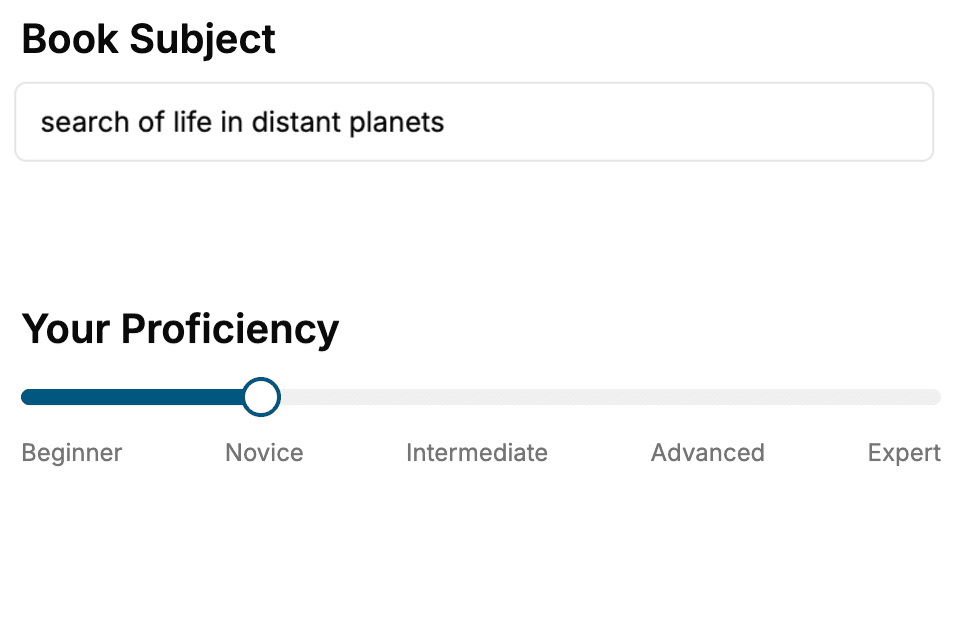
- 1. Select your focus
Select the focus of your Software Development book and share your background
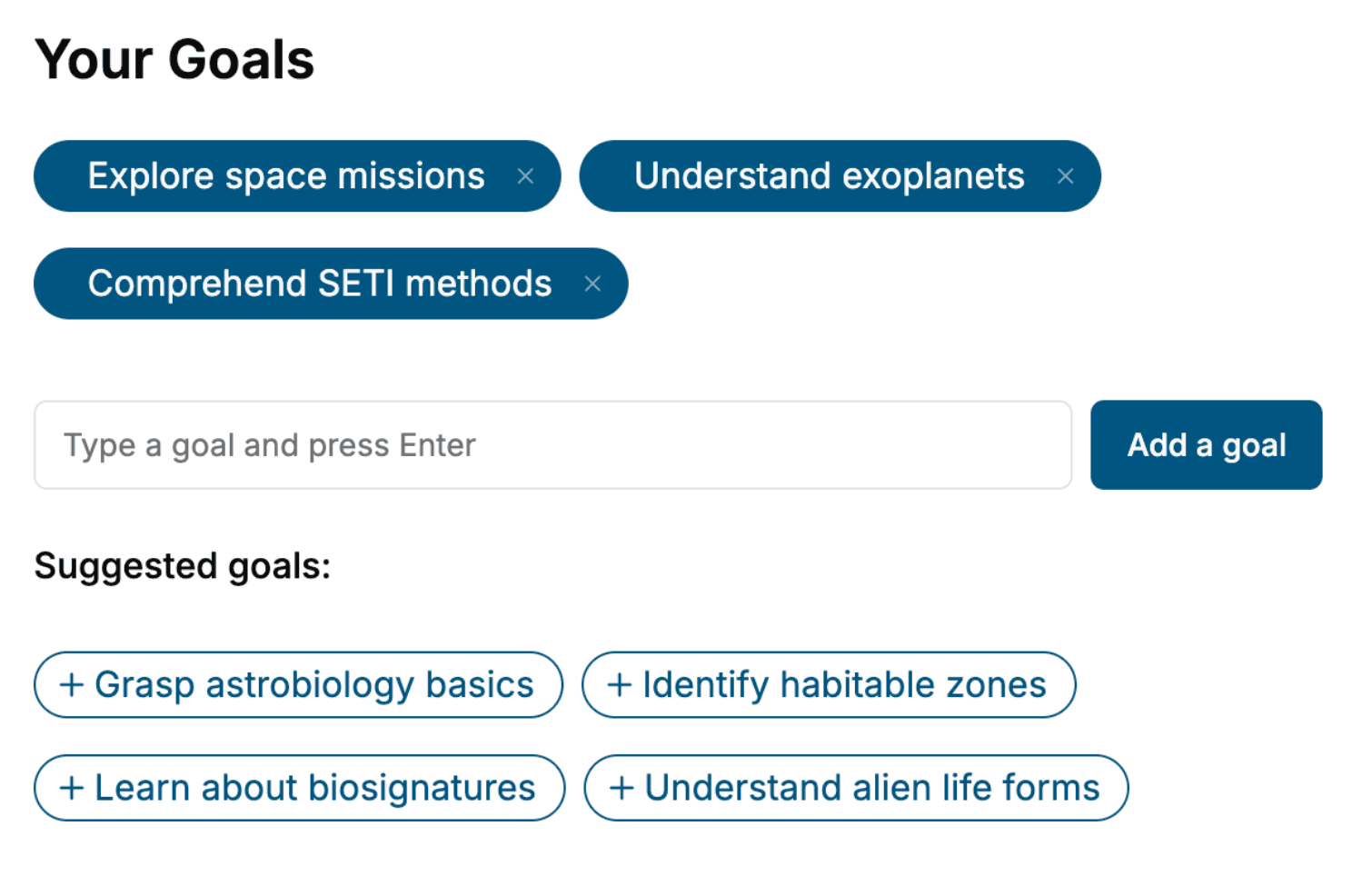
- 2. Personalize your book
Specify your goals and choose sub-topics to include
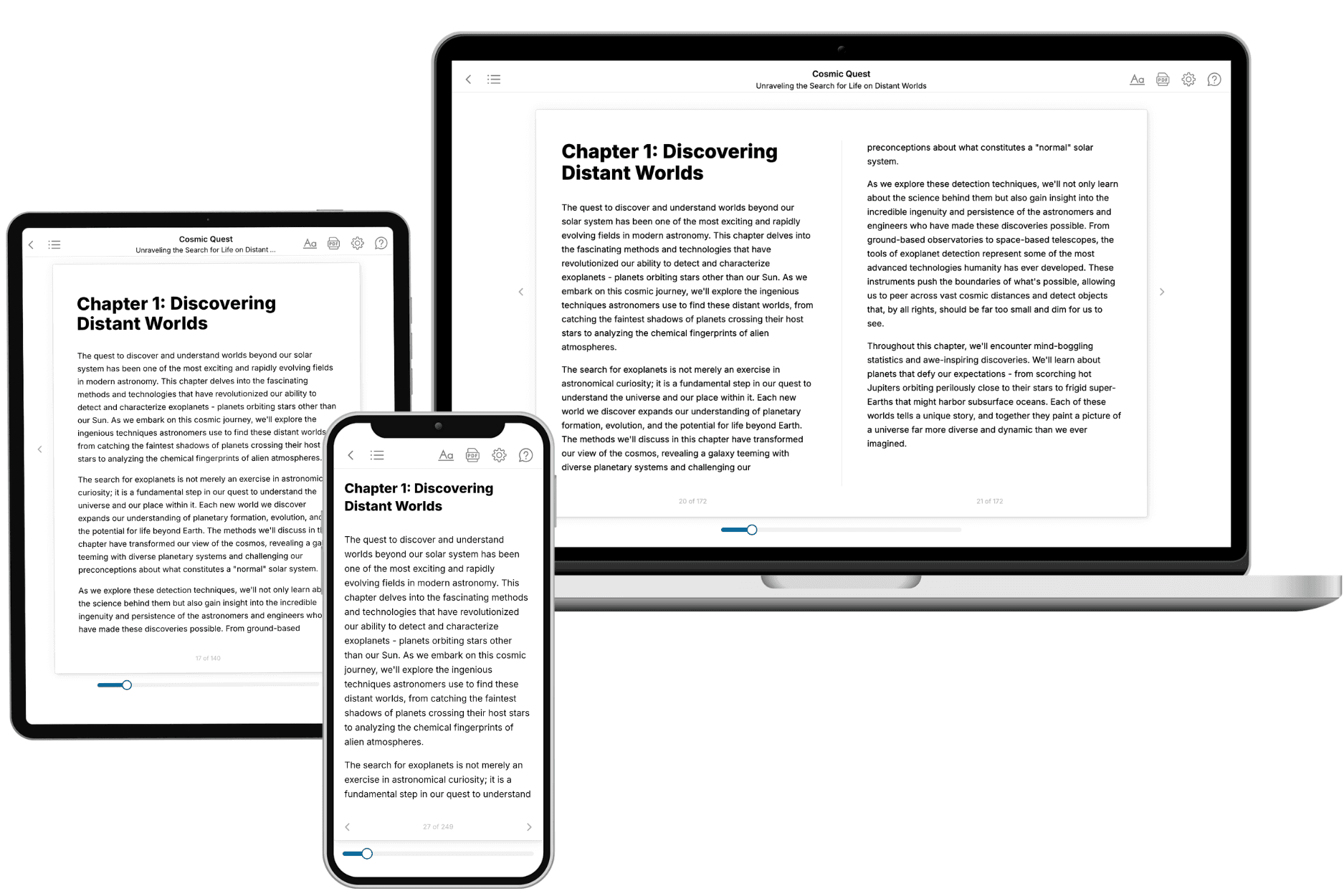
- 3. Get your tailored book
Your book is ready in 10 minutes. Read it online, download as EPUB or PDF, or send to Kindle.
Frequently asked questions
- What is TailoredRead?
TailoredRead creates complete, full-length nonfiction ebooks, written specifically for you. Tell us what you want to learn and why, and TailoredRead writes you a complete ebook on it, with charts, tables, and diagrams throughout. Read it online, on Kindle, or on any e-reader, or download it as a PDF or EPUB. Every book is written fresh the day you order it.
- How is the book tailored to me?
Before anything is written, you answer a few short questions about your goals, your background, and the topics you care about. Your book is then planned around your answers: written at your level, focused on your goals, and covering the topics you chose, instead of the one-size-fits-all book a store sells everyone.
- Will it read like generic AI content?
No. Your book isn't a chat transcript: it's planned chapter by chapter before a single word is written, told in a clear book voice, and explains ideas visually with charts, tables, and diagrams. After writing, every book goes through an editorial pass that polishes chapters so the book reads consistent from start to finish. Judge for yourself: browse thousands of sample books on our Explore Books page.
- How accurate is the content?
Our AI first checks whether your subject needs live research. Niche and fast-moving subjects are researched before writing, and the book plan and chapters are grounded in what it finds. After writing, every book goes through a quality pass that checks its facts and consistency, and researched books list their sources in a Notes section at the back.
- How long is the book?
You choose the length: Comprehensive (250-300 pages), Detailed (150-200 pages), Essential (70-100 pages), or Short (30-50 pages).
- Does the book include visuals?
Yes. Every book includes charts, tables, and diagrams: timelines, checklists, step-by-step guides, decision trees, comparison tables, matrices, and bar charts. A typical book includes dozens of these visual elements.
- Can I read it on Kindle? What formats can I download?
Yes. Every book can be read in our online reader or downloaded as a PDF or EPUB. The EPUB can be opened with Kindle, Apple Books, Kobo, and any e-reader. The Commercial and Author licenses also include an editable Word (DOCX) and Markdown download.
- How much does it cost?
About the price of a regular ebook. The exact price depends on your book's length and complexity, from $2 for the shortest books to $35 for the most comprehensive, and it's shown when you review your book, before you commit to anything. Each book is a one-time purchase, yours to keep, no subscription. Licenses that let you share, teach, or publish your book range from $35.99 to $49.99.
- Can I preview the book before purchasing?
Before you pay, you'll see what your book will cover: the title, a detailed description, the estimated length, and the complete chapter-by-chapter table of contents, so you know what you're getting before you decide. The full text itself is written after you purchase.
- How long does it take to create a book?
About 10 minutes. You can start reading the opening chapters while the rest is still being written.