Embed Video Like a Pro
Master Video Integration in PowerPoint for Engaging Presentations
Discover how to transform your PowerPoint presentations from ordinary to extraordinary by mastering the art and science of video embedding.
191 pages10 chaptersJan 6, 2026Microsoft Powerpoint
About this book
This comprehensive guide walks you through every aspect of integrating video content into your slides—from selecting the right video format and optimizing file sizes to troubleshooting playback issues and ensuring accessibility for all viewers. Whether you're embedding a short promotional clip, a detailed tutorial, or a customer testimonial, you'll learn practical techniques that work across Windows and Mac platforms. Explore multiple embedding methods, understand the technical considerations that affect performance, and discover creative strategies for positioning videos within your narrative. By the end, you'll have the confidence and skills to create presentations that captivate your audience, maintain professional quality, and deliver your message with maximum impact. Perfect for professionals, educators, and presenters who want to leverage video's persuasive power without the technical headaches.
Table of contents
- IntroductionWhy Video Matters in Modern Presentations, What You'll Learn in This Book, How to Use This GuideRead below
- Chapter 1: Video Fundamentals for PowerPointUnderstanding Video Formats and Codecs, File Sizes and Performance Considerations, Platform Compatibility: Windows vs. Mac, Resolution, Frame Rates, and Quality Standards
- Chapter 2: Embedding Methods and TechniquesInserting Video Files from Your Computer, Embedding Videos from Online Sources, Embedding Screen Recordings and Tutorials, Comparing Embedding Methods: Pros and Cons
- Chapter 3: Optimizing Videos for PowerPointCompression Techniques Without Quality Loss, Trimming and Editing Videos in PowerPoint, Managing File Sizes for Easy Distribution, Batch Processing Multiple Videos
- Chapter 4: Mastering Playback Controls and SettingsBasic Playback Options and Settings, Autoplay, Timing, and Synchronization, Customizing Video Controls for Your Audience, Looping, Bookmarking, and Navigation
- Chapter 5: Accessibility and Inclusive Video DesignAdding Captions and Subtitles, Creating Audio Descriptions for Visually Impaired Viewers, Providing Transcripts and Video Summaries
- Chapter 6: Design and Strategic IntegrationStrategic Video Placement and Slide Layout, Maintaining Visual Consistency with Your Theme, Integrating Videos into Your Presentation Narrative, Coordinating Animations and Transitions with Video
- Chapter 7: Troubleshooting and Problem SolvingCommon Playback Issues and Quick Fixes, Codec and Format Compatibility Problems, File Linking vs. Embedding Issues, Performance Optimization and Lag Prevention
- Chapter 8: Advanced Video TechniquesCreating Interactive Video Experiences, Managing Multiple Videos in Complex Presentations, Applying Effects and Visual Enhancements, Building Branching Scenarios with Video
- Chapter 9: Delivery and Distribution StrategiesBest Practices for Live Presentations, Sharing Presentations Online and via Email, Ensuring Compatibility Across Different Devices, Backup Plans and Contingency Strategies
- Chapter 10: Real-World Examples and Case StudiesCorporate Training and Onboarding Videos, Educational and Academic Presentations, Sales Pitches and Marketing Presentations
- ConclusionKey Takeaways and Next Steps, Resources for Continued Learning
Introduction
Presentations have evolved dramatically over the past two decades. What once consisted of bullet points and static images now demands dynamic content that captures attention and maintains engagement. Video has emerged as one of the most powerful tools in a presenter's arsenal, transforming ordinary slide decks into memorable experiences that resonate with audiences long after the presentation ends. Yet despite video's widespread availability and proven effectiveness, many PowerPoint users struggle with the technical and creative challenges of embedding video content properly. Files fail to play during critical moments, videos appear pixelated or distorted, and presentations balloon to unmanageable file sizes that won't transfer via email or load on different computers.
This book addresses those challenges head-on. Whether you're a corporate trainer preparing onboarding materials, an educator creating engaging lectures, or a sales professional crafting persuasive pitches, you need reliable methods for integrating video into your presentations. The difference between amateur and professional presentations often comes down to technical execution—knowing which video format works best for your situation, understanding how to optimize files without sacrificing quality, and mastering the playback controls that give you confidence during live delivery. These skills aren't intuitive, and PowerPoint's interface doesn't always make the best practices obvious. That's where this guide comes in.
You already have moderate PowerPoint experience, which means you understand the basics of slide creation, formatting, and presentation delivery. Now you're ready to elevate your skills by mastering video integration. This introduction sets the stage for your journey by explaining why video matters in modern presentations, outlining exactly what you'll learn throughout this book, and providing a roadmap for how to use this guide most effectively. By the time you finish reading, you'll have the confidence to embed videos that play flawlessly, the knowledge to troubleshoot problems before they derail your presentation, and the creative insight to use video strategically rather than as mere decoration. Let's begin by examining why video has become such an essential component of effective presentations.
Why Video Matters in Modern Presentations
Human brains process visual information sixty thousand times faster than text, and video combines visual imagery with audio narration, music, and motion to create a multisensory experience that engages audiences more effectively than any other medium[1]. When you embed a customer testimonial video in your sales presentation, viewers don't just read about satisfaction—they see genuine emotion, hear authentic voices, and connect with real people. When you include a product demonstration video in your training materials, learners don't just imagine the process—they watch it unfold step-by-step with visual clarity that text descriptions can never match. This emotional and cognitive engagement translates directly into better retention, stronger persuasion, and more memorable presentations.
The statistics supporting video's effectiveness are compelling. Research consistently shows that presentations incorporating video content achieve significantly higher audience retention rates compared to text-only presentations. Viewers retain approximately ninety-five percent of a message when they watch it in video format, compared to just ten percent when reading text[2]. This dramatic difference matters whether you're teaching complex concepts, selling products, or communicating organizational changes. Your audience members are more likely to remember your key messages, understand your instructions, and take the actions you recommend when you deliver those messages through video rather than bullet points alone.
Beyond retention and engagement, video adds credibility and professionalism to your presentations. A well-produced video signals that you've invested time and resources into your message, which audiences interpret as a sign of importance and quality. Consider two scenarios: a presenter describing a manufacturing process through text and diagrams versus a presenter showing actual factory footage with machinery in operation. The second approach immediately establishes authority and authenticity. Video also allows you to bring external voices into your presentation—subject matter experts, satisfied customers, or organizational leaders—without requiring their physical presence. This capability expands your persuasive toolkit considerably.
The modern business and educational landscape increasingly expects video integration. Your audience members consume video content constantly through social media, streaming services, and online learning platforms. They've developed sophisticated expectations for how information should be delivered, and static presentations feel outdated by comparison. When you master video embedding, you meet your audience where they are, speaking their visual language and matching the content quality they encounter daily. This alignment between presentation style and audience expectations creates a smoother, more receptive viewing experience that enhances your credibility as a communicator.
Video also solves practical presentation challenges that text and images cannot address effectively. Complex processes become clear when viewers watch them unfold in real time. Abstract concepts gain concrete meaning through visual metaphors and animations. Emotional appeals resonate more deeply when audiences see facial expressions and hear vocal inflections. Geographic or temporal constraints disappear when you can show footage from distant locations or past events. These capabilities make video not just a nice-to-have enhancement but an essential tool for communicators who want to maximize their impact across diverse presentation contexts.
However, video's power comes with technical responsibilities. A video that fails to play during your presentation doesn't just create an awkward moment—it undermines your credibility and disrupts your narrative flow. A poorly optimized video that causes your presentation file to balloon to hundreds of megabytes creates distribution headaches and compatibility issues. A video placed without strategic thought can distract from your message rather than enhance it. These challenges explain why many presenters avoid video altogether, despite recognizing its potential benefits. This book exists to eliminate those barriers, giving you the technical knowledge and practical skills to harness video's power reliably and professionally.
The investment you make in learning proper video embedding techniques pays dividends across your entire presentation portfolio. Once you understand video formats, optimization methods, and playback controls, you can apply that knowledge to every future presentation you create. The skills transfer across industries, audiences, and presentation contexts. Whether you're presenting to five colleagues in a conference room or five hundred attendees in an auditorium, the principles remain consistent. Your ability to integrate video professionally becomes a competitive advantage that distinguishes your presentations from those of peers who haven't mastered these techniques.
What You'll Learn in This Book
This book provides comprehensive coverage of video embedding in PowerPoint, organized into ten chapters that progress from fundamental concepts to advanced techniques. You'll begin by understanding video fundamentals—the formats, codecs, file sizes, and compatibility considerations that determine whether your videos will play smoothly or cause technical problems. This foundation proves essential because many embedding issues stem from format mismatches or codec incompatibilities that you can prevent by making informed choices at the outset. You'll learn which video formats work best for different scenarios, how to identify codec requirements, and how to ensure your videos play correctly on both Windows and Mac platforms.
The second major section covers embedding methods and techniques, walking you through multiple approaches for getting video content into your presentations. You'll discover how to insert video files stored on your computer, embed videos from online sources like YouTube or Vimeo, and integrate screen recordings you've created yourself. Each method has distinct advantages and limitations, and you'll learn to match the right approach to your specific needs. For example, embedding from online sources keeps file sizes small but requires internet connectivity during presentation, while inserting local files ensures reliability but increases your presentation's overall size. Understanding these trade-offs allows you to make strategic decisions rather than defaulting to whatever method seems easiest.
Video optimization receives dedicated attention because file size management often determines whether your presentation remains practical to distribute and present. You'll learn compression techniques that reduce file sizes by fifty to seventy-five percent without noticeable quality loss, trimming methods that remove unnecessary footage, and batch processing approaches for handling multiple videos efficiently. These skills prove particularly valuable when you need to email presentations, upload them to learning management systems, or ensure they load quickly on older computers. The chapter includes specific tools and step-by-step processes you can implement immediately, with before-and-after examples showing the dramatic file size reductions possible through proper optimization.
Playback controls and settings form another critical knowledge area covered in depth. You'll master basic playback options like autoplay and manual start, advanced timing features that synchronize video with your narration, and custom control configurations that match your presentation style. The book explains how to set up videos that loop continuously for trade show displays, create bookmarks that let you jump to specific video segments during Q&A sessions, and configure playback settings that prevent videos from starting unexpectedly. These capabilities give you precise control over how and when video content appears, ensuring it enhances rather than disrupts your presentation flow.
Accessibility and inclusive design receive dedicated coverage because professional presentations must accommodate diverse audience needs. You'll learn how to add captions and subtitles that make your videos accessible to deaf and hard-of-hearing viewers, create audio descriptions for visually impaired audience members, and provide transcripts that serve multiple accessibility functions. These features aren't just compliance requirements—they improve the experience for all viewers, including those watching in noisy environments, non-native speakers, and anyone who prefers reading along with audio. The chapter provides practical workflows for creating and embedding these accessibility features without requiring expensive specialized software.
Design and strategic integration chapters address the creative aspects of video embedding, teaching you how to position videos effectively within your slide layouts, maintain visual consistency with your presentation theme, and integrate video into your narrative structure. You'll learn principles for determining optimal video length, strategies for introducing and concluding video segments, and techniques for coordinating animations and transitions with video playback. These skills separate amateur video usage—where videos feel tacked on as afterthoughts—from professional integration where video becomes a seamless part of your storytelling. Specific examples demonstrate effective and ineffective video placement, helping you develop an eye for strategic design choices.
Troubleshooting and problem-solving receive extensive treatment because technical issues inevitably arise, and you need reliable solutions. The book catalogs common playback problems like videos that won't start, audio that doesn't sync with visuals, and files that work on one computer but fail on another. For each problem, you'll find diagnostic steps to identify the root cause and specific fixes to resolve the issue. This troubleshooting knowledge proves invaluable during high-stakes presentations when you need to solve problems quickly under pressure. You'll also learn preventive measures that reduce the likelihood of problems occurring in the first place, such as testing protocols and backup strategies.
Advanced techniques chapters explore sophisticated video applications including interactive video experiences where viewers can click to navigate different paths, multi-video presentations that coordinate several video elements across multiple slides, visual effects that enhance video appearance, and branching scenarios that create choose-your-own-adventure style presentations. These advanced capabilities allow you to create presentation experiences that go far beyond traditional linear slide decks. While not every presentation requires these techniques, understanding what's possible expands your creative options and helps you recognize opportunities to apply advanced methods when they would genuinely enhance your message.
Delivery and distribution strategies address the practical realities of presenting with video in different contexts. You'll learn best practices for live presentations including equipment checks and backup plans, methods for sharing video-embedded presentations online and via email, techniques for ensuring compatibility across different devices and operating systems, and contingency strategies for when technology fails. This practical knowledge prevents the embarrassing technical failures that undermine even well-designed presentations. The chapter includes checklists you can use before every presentation to verify that your videos will work as expected, regardless of the presentation environment.
Real-world examples and case studies throughout the book illustrate how professionals across different industries apply video embedding techniques effectively. You'll see examples from corporate training programs, educational lectures, sales presentations, and marketing pitches. These case studies demonstrate not just the technical implementation but the strategic thinking behind video selection, placement, and integration decisions. By examining what works in real contexts, you'll develop better judgment about when and how to use video in your own presentations. The examples span different industries and presentation types, ensuring you'll find relevant models regardless of your specific field.
How to Use This Guide
This book is designed for flexible use depending on your current needs and learning preferences. If you're new to video embedding or want comprehensive understanding, read the chapters sequentially from beginning to end. The content builds progressively, with each chapter assuming knowledge from previous sections. This linear approach ensures you develop a complete mental model of video embedding, from fundamental concepts through advanced techniques. Plan to spend time with each chapter, working through examples and practicing techniques before moving forward. The investment of reading thoroughly pays off in deeper understanding and more reliable skills.
Alternatively, if you face an immediate challenge or need to solve a specific problem, use the table of contents to jump directly to relevant chapters. Each chapter stands alone sufficiently that you can extract value without reading everything that came before. For example, if you're struggling with large file sizes, jump directly to Chapter 3 on video optimization. If videos won't play during your presentation, start with Chapter 7 on troubleshooting. This reference approach works well when you need quick solutions under time pressure. However, consider returning later to read chapters you skipped, as they often contain insights that improve your overall video embedding practice.
The book includes numerous practical elements designed to facilitate learning and implementation. Code examples show exact settings and configurations you should use in PowerPoint. Blockquotes highlight important principles and key takeaways worth remembering. Lists break down complex processes into manageable steps you can follow systematically. Footnotes provide sources for research claims and point you toward additional resources for deeper exploration. These elements aren't decorative—they're functional tools that make the content more accessible and actionable. Pay attention to them as you read, and consider marking particularly useful sections for future reference.
As you work through the book, practice the techniques using your own presentation files rather than just reading passively. Learning video embedding requires hands-on experience because many concepts only become clear when you see them in action. Create a test presentation specifically for experimentation where you can try different embedding methods, playback settings, and optimization techniques without risking important work. This practice environment lets you make mistakes safely and develop confidence before applying techniques to presentations that matter. The muscle memory you build through practice makes the skills automatic, so you can focus on creative decisions rather than technical mechanics during actual presentation development.
Consider your learning goals as you progress through the material. Are you primarily interested in technical reliability—ensuring videos always play correctly? Focus extra attention on Chapters 1, 2, and 7 covering fundamentals, embedding methods, and troubleshooting. Are you more concerned with creative integration and design? Spend additional time with Chapters 6 and 8 on design integration and advanced techniques. Are you creating presentations for diverse audiences with accessibility needs? Chapter 5 on accessibility deserves your careful study. While all chapters provide value, you can customize your learning path by emphasizing content most relevant to your specific presentation contexts and challenges.
The book assumes you have intermediate PowerPoint skills, meaning you're comfortable creating slides, formatting content, and delivering presentations. You don't need video production expertise or technical background in codecs and compression algorithms. The explanations use plain language and avoid unnecessary jargon, defining technical terms when they're essential to understanding. If you encounter concepts that seem unclear, don't skip over them—they're likely foundational to techniques explained later. Instead, reread the section, work through any examples provided, or consult the additional resources mentioned in footnotes. Building solid understanding of fundamentals prevents confusion when you encounter more advanced material.
Pay special attention to the troubleshooting sections even if you haven't experienced problems yet. Prevention is far easier than emergency repair, and understanding what can go wrong helps you make better decisions throughout the video embedding process. Many presenters only learn about codec compatibility issues or file linking problems when they fail during important presentations. By studying these issues proactively, you can avoid them entirely through proper planning and testing. The troubleshooting knowledge also makes you a valuable resource for colleagues who struggle with video embedding, expanding your professional value beyond your own presentations.
Throughout the book, you'll notice emphasis on testing and verification. This isn't paranoia—it's professional practice. Videos that play perfectly on your development computer may fail on the presentation computer due to missing codecs, different PowerPoint versions, or operating system variations. The testing protocols and checklists provided aren't optional extras for perfectionists—they're essential practices that separate reliable presenters from those who experience embarrassing technical failures. Adopt these testing habits from the beginning, making them standard parts of your presentation development workflow. The few minutes spent testing before each presentation prevent the hours of stress and reputation damage that follow technical failures.
Finally, view this book as a reference resource you'll return to repeatedly rather than a one-time read. Video embedding technology evolves as PowerPoint releases new versions and video formats change. Your presentation needs will vary across different projects, requiring different techniques at different times. Keep this guide accessible so you can consult it when facing new challenges or refreshing your memory on techniques you haven't used recently. The comprehensive coverage means you'll likely discover new insights even on second or third readings, as your growing experience helps you recognize nuances you missed initially. Your investment in mastering video embedding will compound over time, making every future presentation stronger and more engaging than it would have been without these skills.
This is the end of the free sample. The full book has 10 chapters.
Want this book written for you?
Tell us your goals and background, and get your own version of this book, tailored by AI to you.


Benefits of AI-tailored books
- Read one book, not ten:
- all the Microsoft Powerpoint knowledge you need, gathered into a single book.
- Save days of learning:
- tell us your goals, choose your topics, and the whole book is built around them.
- Learn effortlessly:
- Microsoft Powerpoint book written for your specific background and expertise.
- Understand at a glance:
- includes charts, tables, timelines, checklists, decision trees, and more.
- Stay current:
- written the day you order it, not years ago.
- Trust what you read:
- every book is checked for accuracy, with real research when your subject needs it.
Create your unique book in 3 steps
- 1. Select your focus
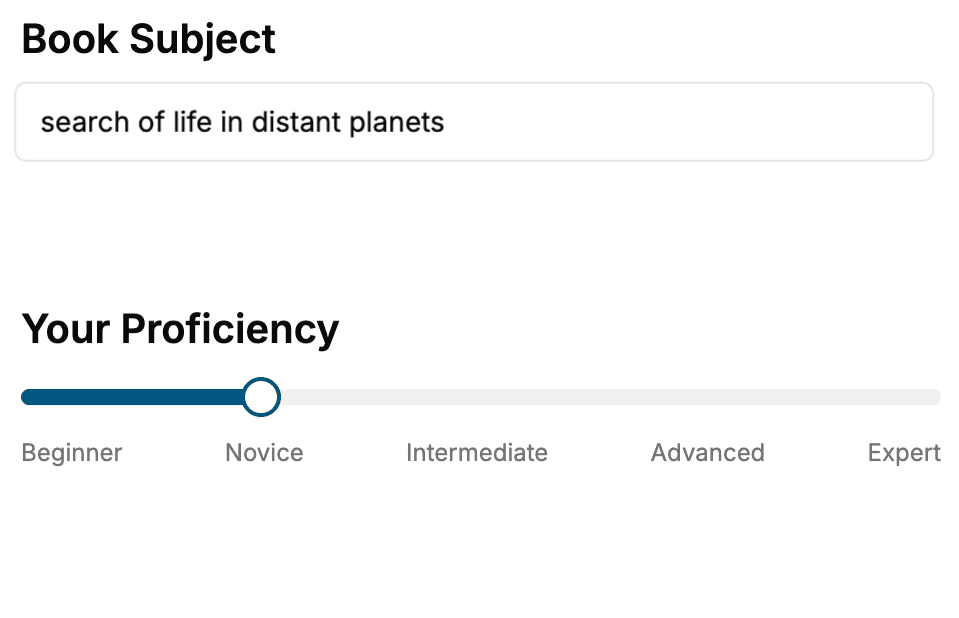
Select the focus of your Microsoft Powerpoint book and share your background
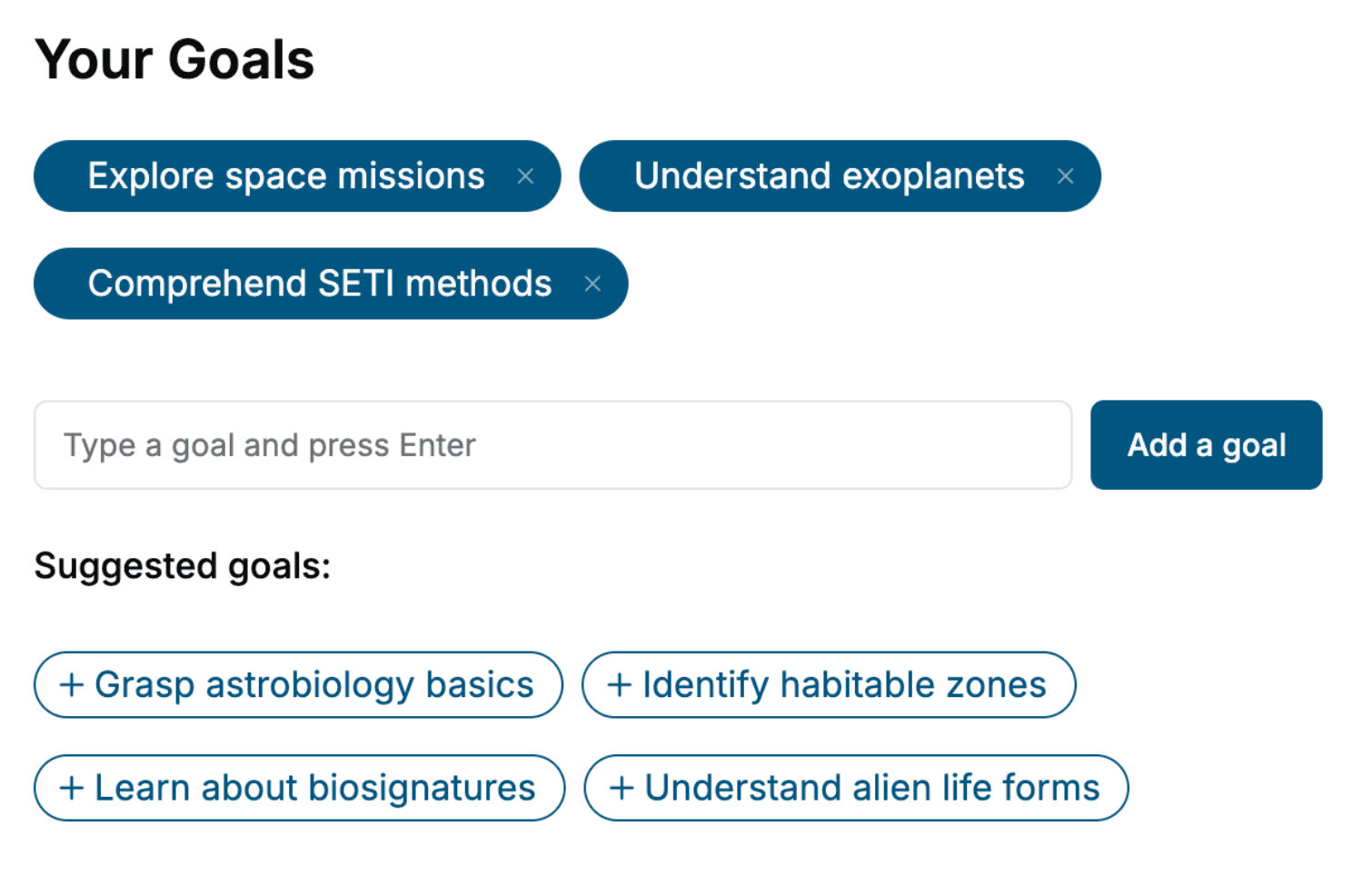
- 2. Personalize your book
Specify your goals and choose sub-topics to include
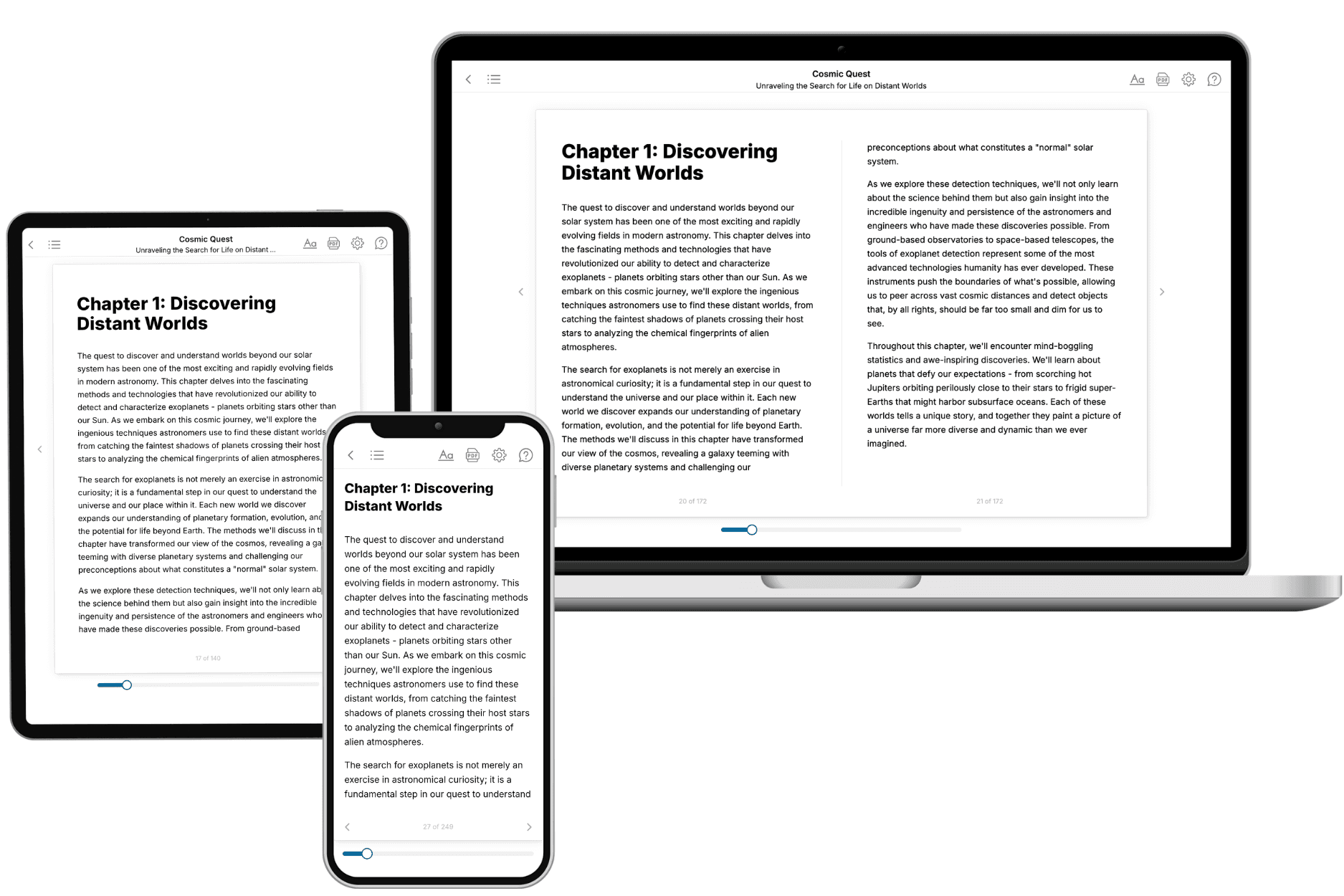
- 3. Get your tailored book
Your book is ready in 10 minutes. Read it online, download as EPUB or PDF, or send to Kindle.
Frequently asked questions
- What is TailoredRead?
TailoredRead creates complete, full-length nonfiction ebooks, written specifically for you. Tell us what you want to learn and why, and TailoredRead writes you a complete ebook on it, with charts, tables, and diagrams throughout. Read it online, on Kindle, or on any e-reader, or download it as a PDF or EPUB. Every book is written fresh the day you order it.
- How is the book tailored to me?
Before anything is written, you answer a few short questions about your goals, your background, and the topics you care about. Your book is then planned around your answers: written at your level, focused on your goals, and covering the topics you chose, instead of the one-size-fits-all book a store sells everyone.
- Will it read like generic AI content?
No. Your book isn't a chat transcript: it's planned chapter by chapter before a single word is written, told in a clear book voice, and explains ideas visually with charts, tables, and diagrams. After writing, every book goes through an editorial pass that polishes chapters so the book reads consistent from start to finish. Judge for yourself: browse thousands of sample books on our Explore Books page.
- How accurate is the content?
Our AI first checks whether your subject needs live research. Niche and fast-moving subjects are researched before writing, and the book plan and chapters are grounded in what it finds. After writing, every book goes through a quality pass that checks its facts and consistency, and researched books list their sources in a Notes section at the back.
- How long is the book?
You choose the length: Comprehensive (250-300 pages), Detailed (150-200 pages), Essential (70-100 pages), or Short (30-50 pages).
- Does the book include visuals?
Yes. Every book includes charts, tables, and diagrams: timelines, checklists, step-by-step guides, decision trees, comparison tables, matrices, and bar charts. A typical book includes dozens of these visual elements.
- Can I read it on Kindle? What formats can I download?
Yes. Every book can be read in our online reader or downloaded as a PDF or EPUB. The EPUB can be opened with Kindle, Apple Books, Kobo, and any e-reader. The Commercial and Author licenses also include an editable Word (DOCX) and Markdown download.
- How much does it cost?
About the price of a regular ebook. The exact price depends on your book's length and complexity, from $2 for the shortest books to $35 for the most comprehensive, and it's shown when you review your book, before you commit to anything. Each book is a one-time purchase, yours to keep, no subscription. Licenses that let you share, teach, or publish your book range from $35.99 to $49.99.
- Can I preview the book before purchasing?
Before you pay, you'll see what your book will cover: the title, a detailed description, the estimated length, and the complete chapter-by-chapter table of contents, so you know what you're getting before you decide. The full text itself is written after you purchase.
- How long does it take to create a book?
About 10 minutes. You can start reading the opening chapters while the rest is still being written.