Ergonomic Design Mastery in IronCAD
Create User-Centered 3D Models That Feel Right and Work Better
Most 3D designers focus on aesthetics and functionality, but overlook a critical factor: whether their products actually feel good to use.
191 pages9 chaptersJun 13, 2026IronCAD
About this book
This gap between design intent and user experience leads to products that frustrate users, cause discomfort, or worse—create safety hazards. This book bridges that gap by teaching you how to embed ergonomic principles directly into your IronCAD workflow. You'll learn to analyze human movement patterns, apply anthropometric data to your models, and use IronCAD's powerful tools to simulate real-world user interactions. From grip design and reach optimization to accessibility considerations, each chapter builds your ability to create products that users genuinely enjoy using. Whether you're designing tools, consumer products, or industrial equipment, these principles will elevate your work from merely functional to genuinely user-centered. Practical examples and step-by-step guidance show you exactly how to implement these concepts in IronCAD, making ergonomic design an integral part of your creative process.
Table of contents
- IntroductionWhy Ergonomics Matters in Product Design, Ergonomics and IronCAD: A Powerful Combination, How to Use This Book, What You'll Learn and AccomplishRead below
- Chapter 1: Ergonomic Design FundamentalsWhat Ergonomics Really Means, Understanding Human Factors and Biomechanics, How Ergonomic Choices Impact User Experience
- Chapter 2: Anthropometry and Human MeasurementsWorking with Anthropometric Data and Percentiles, Designing for Diverse User Populations, Applying Measurements in IronCAD Models, Defining Reach Zones and Interaction Areas
- Chapter 3: Grip Design and Hand InteractionGrip Principles and Hand Anatomy, Different Grip Types and Their Applications, Modeling Ergonomic Grips in IronCAD, Testing and Validating Grip Designs
- Chapter 4: Posture, Positioning, and Force AnalysisAchieving Neutral Posture in Product Use, Analyzing Force Requirements and Muscle Fatigue, Positioning Elements for Optimal User Posture, Preventing Repetitive Strain Injuries Through Design
- Chapter 5: Visual Ergonomics and Display DesignVisual Comfort and Viewing Angles, Positioning Displays and Controls for Visibility, Designing for Contrast and Readability
- Chapter 6: Accessibility and Inclusive DesignPrinciples of Inclusive Design, Meeting Accessibility Standards and Guidelines, Designing for Users with Different Abilities, Universal Design Approaches in IronCAD
- Chapter 7: IronCAD Tools for Ergonomic AnalysisUsing Parametric Modeling for Ergonomic Variations, Simulation and Analysis Tools in IronCAD, Integrating Human Models and Manikins, Rapid Iteration and Testing Workflows
- Chapter 8: Practical Design Workflows and Case StudiesSetting Up Your Ergonomic Design Workflow, Case Study: Designing Ergonomic Hand Tools, Case Study: Consumer Product Ergonomics, Case Study: Industrial Equipment Interfaces
- Chapter 9: Testing, Validation, and User FeedbackValidation Methods and Testing Protocols, Conducting User Testing and Gathering Feedback, Iterative Refinement Based on Real-World Data
- ConclusionKey Takeaways and Next Steps, Continuing Your Ergonomic Design Journey
- Appendix: Resources and ReferencesErgonomic Standards and Guidelines, Further Reading and Learning Resources, IronCAD-Specific Resources and Tutorials
Introduction
Think about the last time you used a product that just felt right. Maybe it was a kitchen knife that balanced perfectly in your hand, a chair that supported your back through a long workday, or a power tool that never seemed to tire your arm. Now think about the opposite experience: a handle that dug into your palm, a control panel that forced you to twist awkwardly, or a device that left your wrist aching after twenty minutes. The difference between those two experiences is rarely about how the product looks. It is almost always about how it was designed to interact with the human body.
That gap between a product that works and a product that truly fits is what ergonomics is designed to close. Ergonomics is the science of designing products, systems, and environments to match the capabilities and limitations of the people who use them. It draws on anatomy, biomechanics, psychology, and engineering to answer one fundamental question: does this design actually work for real human beings? For 3D designers and engineers, that question should be present at every stage of the modeling process, not just at the end when a prototype is already built and problems are expensive to fix.
This book is built around a straightforward premise: ergonomic design should not be a separate discipline that specialists handle after the fact. It should be woven into your daily workflow as a 3D designer using IronCAD. The tools are already in your hands. What this book provides is the knowledge, the frameworks, and the step-by-step guidance to use those tools in a way that puts the user at the center of every decision you make. Whether you are designing a handheld consumer product, an industrial control interface, or a piece of medical equipment, the principles here will help you create something that people genuinely want to use.
The chapters ahead move from foundational theory to hands-on practice. You will explore human anatomy and anthropometric data, learn how to model ergonomic grips and reach zones in IronCAD, analyze posture and force requirements, and work through real-world case studies that show these principles in action. By the time you finish, ergonomic thinking will not feel like an extra step. It will feel like the natural way you approach every new design challenge.
Why Ergonomics Matters in Product Design
Poor ergonomic design has real consequences, and they go far beyond user discomfort. In occupational settings, musculoskeletal disorders caused by poorly designed tools and workstations account for roughly 30% of all workplace injuries in the United States, costing employers an estimated $20 billion annually in direct costs alone.[1] These are not abstract statistics. They represent workers who develop carpal tunnel syndrome from gripping a poorly shaped handle for eight hours a day, or back injuries from reaching repeatedly into a machine designed without considering human reach limits.
Consumer products carry their own risks when ergonomics is ignored. A kitchen peeler with a thin, hard handle transfers force directly to the bones of the hand, causing pain during extended use. A smartphone designed purely for visual appeal may require awkward thumb stretches that strain tendons over time. These issues drive negative reviews, product returns, and in serious cases, product liability claims. The financial and reputational costs of getting ergonomics wrong are significant, and they are almost always avoidable with proper design practice.
On the positive side, products that get ergonomics right tend to outperform their competitors in measurable ways. Research consistently shows that ergonomically designed tools reduce task completion time, lower error rates, and increase user satisfaction.[2] A well-designed grip reduces the force a user needs to apply, which means less fatigue and more precise control. A control panel laid out according to reach zone principles means operators make fewer mistakes because the most critical controls are always within easy, natural reach.
Ergonomics also matters from a regulatory and standards perspective. Many industries require compliance with specific ergonomic guidelines. Medical devices must meet ISO 9241 standards for usability. Industrial equipment often falls under OSHA ergonomic guidelines. Consumer products sold in the European Union must comply with the Machinery Directive, which includes ergonomic requirements. Understanding these standards is not just about avoiding legal trouble. It is about having a structured, evidence-based framework for making design decisions.
There is also a broader ethical dimension worth acknowledging. Designers have a responsibility to the people who will use their products. When a product causes pain, injury, or frustration, that is a design failure, not a user failure. Ergonomic design is fundamentally about respect for the user: recognizing that human bodies have real limits, that people come in different sizes and abilities, and that good design accommodates that diversity rather than ignoring it.
Finally, ergonomics is increasingly a competitive differentiator. As markets mature and products become more technically similar, user experience becomes the deciding factor for many buyers. A power drill that feels balanced and comfortable in the hand will win repeat customers over a technically equivalent drill that causes fatigue. Investing in ergonomic design is investing in the long-term reputation and commercial success of your products.
Ergonomics and IronCAD: A Powerful Combination
IronCAD is not just a 3D modeling tool. It is a parametric design environment that gives you the flexibility to explore, iterate, and validate designs with a speed that traditional CAD workflows cannot match. That flexibility is exactly what ergonomic design demands. Because ergonomics requires testing multiple configurations against different user populations, the ability to quickly adjust a parameter and see the result across an entire model is enormously valuable.
One of IronCAD's most relevant features for ergonomic work is its IRONCAD Catalog and drag-and-drop modeling approach. Unlike constraint-heavy CAD systems where changing one dimension can cascade into hours of rework, IronCAD allows you to modify shapes, positions, and dimensions fluidly. This means you can model a handle at one diameter, test it against a 5th-percentile female hand model, adjust the diameter, and immediately see how it fits a 95th-percentile male hand, all within the same session.
IronCAD also supports the integration of external reference geometry, which is critical for ergonomic work. You can import standardized human manikin models, position them relative to your product design, and visually assess whether reach zones, viewing angles, and interaction points fall within acceptable ergonomic limits. This kind of spatial validation, done digitally before any physical prototype is built, can catch problems that would otherwise only surface during expensive user testing.
The parametric modeling capabilities in IronCAD allow you to create what are sometimes called ergonomic design tables: sets of linked dimensions that represent different user scenarios. For example, you might define a table where handle length, grip diameter, and control placement all scale together based on a user percentile variable. Changing that single variable instantly generates a version of your product optimized for a different user group. This approach transforms ergonomic iteration from a time-consuming manual process into a systematic, repeatable workflow.
IronCAD's assembly modeling environment is particularly useful for analyzing posture and positioning. You can build a full assembly that includes both your product and a human reference model, then animate or manually position the manikin to simulate realistic use scenarios. This lets you check whether a user's wrist stays in a neutral position during operation, whether their line of sight to a display is within the recommended 15-to-30-degree downward angle, or whether a control requires an awkward shoulder elevation to reach.
Example: A design team working on a handheld barcode scanner used IronCAD's parametric tools to model three grip diameter variants simultaneously. By importing a 5th-percentile female hand manikin and a 95th-percentile male hand manikin, they identified that their initial design was comfortable for larger hands but required excessive grip force from smaller hands. Adjusting the grip diameter by just 4mm and adding a subtle finger groove resolved the issue for both populations, a change that took less than two hours to model and validate digitally.
Beyond geometry, IronCAD's rendering and visualization tools help communicate ergonomic intent to stakeholders who may not read technical drawings. A rendered image showing a human figure interacting naturally with a product is far more persuasive in a design review than a table of anthropometric measurements. Good visualization bridges the gap between engineering analysis and human understanding, which is often where ergonomic arguments are won or lost in product development meetings.
It is worth being clear about what IronCAD does not do on its own. It is a modeling and visualization tool, not a dedicated ergonomic analysis platform. For advanced biomechanical simulation, tools like JACK, RAMSIS, or DELMIA are purpose-built for that work. However, for the vast majority of product design scenarios, IronCAD's native capabilities, combined with the ergonomic knowledge you will build through this book, are more than sufficient to produce well-validated, user-centered designs. The goal is not to turn you into a biomechanics researcher. It is to give you the knowledge and workflow to make consistently better ergonomic decisions within the tool you already use every day.
How to Use This Book
This book is structured to build your knowledge progressively, starting with foundational concepts and moving toward practical application. If you are new to ergonomics, reading from beginning to end will give you the most complete understanding. If you already have some background in human factors or ergonomic principles, you may want to skim the early chapters and spend more time on the IronCAD-specific sections and case studies in the later chapters.
Each chapter is designed to stand on its own as a reference. Once you have read the book through once, you can return to specific chapters when you need guidance on a particular design challenge. For example, if you are starting a new grip design project, Chapter 3 on grip design and hand interaction will give you everything you need to get started quickly. If you are working on a product with display elements, Chapter 5 on visual ergonomics is your go-to reference.
Throughout the book, you will find several recurring elements designed to make the content immediately useful:
- Practical examples: Real-world design scenarios that show how ergonomic principles apply to specific product types, with enough detail to adapt the approach to your own projects.
- IronCAD workflows: Step-by-step guidance for implementing ergonomic concepts directly in IronCAD, including which tools to use and how to set up your models for ergonomic analysis.
- Key measurements and data: Anthropometric tables, recommended ranges, and ergonomic standards referenced throughout so you have the numbers you need without hunting through external sources.
- Common mistakes: Callouts that highlight the most frequent ergonomic errors designers make, so you can recognize and avoid them in your own work.
- Checklists and frameworks: Structured tools you can apply directly to your design process to ensure you are covering the key ergonomic considerations at each stage.
The case studies in Chapter 8 are particularly important. They walk through complete design scenarios from initial brief to validated model, showing how all the principles from earlier chapters come together in practice. Even if the specific product type in a case study is not your area of focus, the process and decision-making framework will transfer directly to your own work. Reading these carefully will help you develop the kind of ergonomic design intuition that comes from seeing principles applied in context.
This book assumes you are comfortable with IronCAD's basic modeling tools. It does not teach you how to use IronCAD from scratch. If you are still building your foundational IronCAD skills, it is worth spending time with IronCAD's official tutorials and documentation before diving into the more advanced workflows described here. The ergonomic concepts in this book are tool-agnostic, but the implementation guidance is written specifically for IronCAD users, so familiarity with the interface will help you get the most out of the practical sections.
One important note about the standards and measurements referenced throughout this book: ergonomic guidelines are regularly updated as new research emerges. The values and standards cited here are accurate as of the time of writing, but always verify against the most current version of any standard before applying it to a regulated product. The appendix includes a list of key standards bodies and resources where you can check for updates.
Finally, treat this book as a starting point rather than a complete answer. Ergonomic design is a field where context matters enormously. The principles here will give you a strong foundation, but the best ergonomic designs always incorporate real user feedback. Use the knowledge in this book to make better initial design decisions, then validate those decisions with actual users. The combination of solid ergonomic principles and real-world testing is what separates good designs from great ones.
What You'll Learn and Accomplish
By the time you finish this book, you will have a fundamentally different relationship with the products you design. Ergonomic thinking will become a natural part of how you approach every modeling decision, from the overall form of a product down to the radius of a single edge. That shift in perspective is the most valuable thing this book can give you, and it will improve your work across every project you take on.
More specifically, here is what you will be able to do after working through this material:
- Explain the core principles of ergonomics and human factors, and apply them to real product design decisions with confidence.
- Read and apply anthropometric data correctly, including understanding percentiles and how to design for diverse user populations rather than just the mythical "average user."
- Set up IronCAD models with ergonomic parameters built in from the start, so that design changes propagate correctly and testing different user scenarios takes minutes rather than hours.
- Design grips, handles, and hand-interaction surfaces that minimize force requirements, reduce fatigue, and accommodate a wide range of hand sizes.
- Analyze reach zones and control placement to ensure that users can interact with your product comfortably and without awkward postures.
- Evaluate posture and force requirements using IronCAD's assembly environment, and identify design changes that reduce injury risk.
- Apply visual ergonomics principles to products with displays, indicators, or controls that require visual attention.
- Design with accessibility and inclusive design principles in mind, creating products that work for users with a wider range of abilities.
- Use IronCAD's parametric tools to run rapid ergonomic iterations and document your design rationale in a way that supports design reviews and regulatory submissions.
- Plan and conduct basic user testing sessions, gather meaningful feedback, and translate that feedback into specific model changes.
These skills build on each other. Understanding anthropometry makes grip design more precise. Understanding grip design makes posture analysis more meaningful. Understanding posture analysis makes your reach zone layouts more effective. The knowledge compounds, and each chapter you complete makes the next one more immediately applicable to your work.
It is also worth being honest about what this book will not do. It will not make you a certified ergonomist or a biomechanics specialist. Those are deep professional disciplines that require years of study and practice. What this book will do is give you enough ergonomic knowledge to make significantly better design decisions, to ask the right questions when working with ergonomics specialists, and to avoid the most common and costly ergonomic mistakes that designers make when they treat human factors as an afterthought.
The case studies in Chapter 8 give you a concrete sense of what accomplished ergonomic design looks like in practice. The hand tool case study walks through the design of a professional-grade screwdriver handle, showing how grip diameter, surface texture, and handle length interact to produce a tool that works well across a wide user population. The consumer product case study examines a kitchen appliance where visual ergonomics, grip design, and control placement all had to be balanced against aesthetic constraints. The industrial equipment case study tackles a control panel layout where reach zones, visual hierarchy, and error prevention all played critical roles.
Each of these case studies is grounded in real design challenges that practicing engineers and designers face regularly. The solutions are not presented as the only right answer, because ergonomic design rarely has a single correct solution. Instead, they show a rigorous, evidence-based process for working through the tradeoffs and arriving at a design that genuinely serves its users well.
A note on mindset: The most important shift this book asks you to make is to start every design project by asking, "Who is going to use this, and what does their body need?" That question, asked consistently and answered with real data, is the foundation of everything that follows. It sounds simple, but it represents a genuine change in how most designers approach their work, and it makes an enormous difference in the quality of the products that result.
Ergonomic design mastery is not a destination you reach and then stop. It is an ongoing practice of learning, applying, testing, and refining. The field continues to evolve as new research emerges, as user populations change, and as new product categories create new ergonomic challenges. The conclusion of this book points you toward resources for continuing that learning journey, including key standards organizations, professional communities, and advanced study options for those who want to go deeper into specific areas of human factors.
What you are building here is a foundation: a solid, practical understanding of ergonomic principles and how to apply them in IronCAD that will serve you across your entire career as a designer. Every product you create from this point forward can be better because of what you learn in these pages. That is not a small thing. Products that fit people well, that reduce fatigue and injury, that are genuinely comfortable and intuitive to use, make real differences in people's lives. That is the work this book is here to help you do.
This is the end of the free sample. The full book has 9 chapters.
Want this book written for you?
Tell us your goals and background, and get your own version of this book, tailored by AI to you.


Benefits of AI-tailored books
- Read one book, not ten:
- all the IronCAD knowledge you need, gathered into a single book.
- Save days of learning:
- tell us your goals, choose your topics, and the whole book is built around them.
- Learn effortlessly:
- IronCAD book written for your specific background and expertise.
- Understand at a glance:
- includes charts, tables, timelines, checklists, decision trees, and more.
- Stay current:
- written the day you order it, not years ago.
- Trust what you read:
- every book is checked for accuracy, with real research when your subject needs it.
Create your unique book in 3 steps
- 1. Select your focus
Select the focus of your IronCAD book and share your background
- 2. Personalize your book
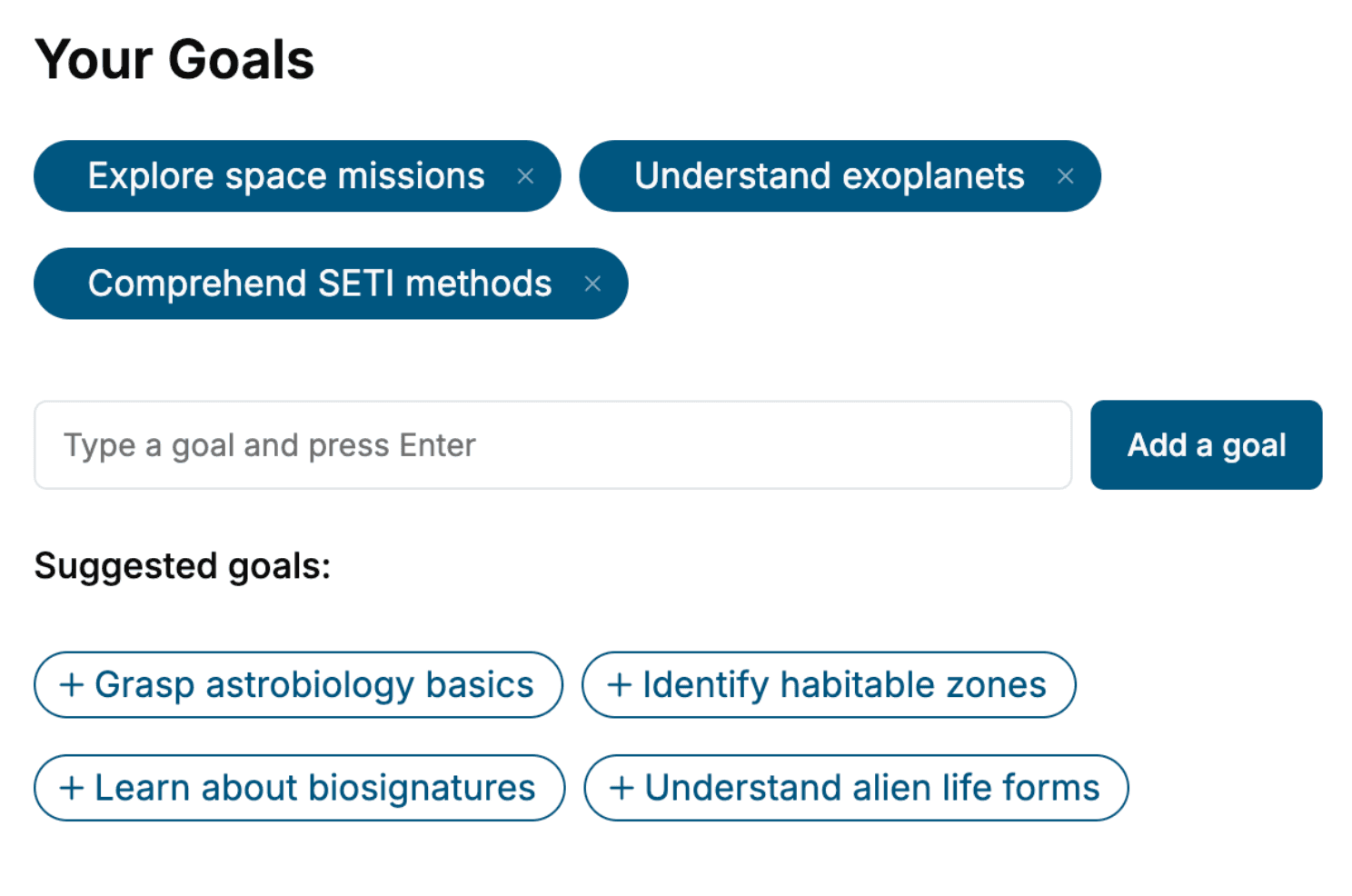
Specify your goals and choose sub-topics to include
- 3. Get your tailored book
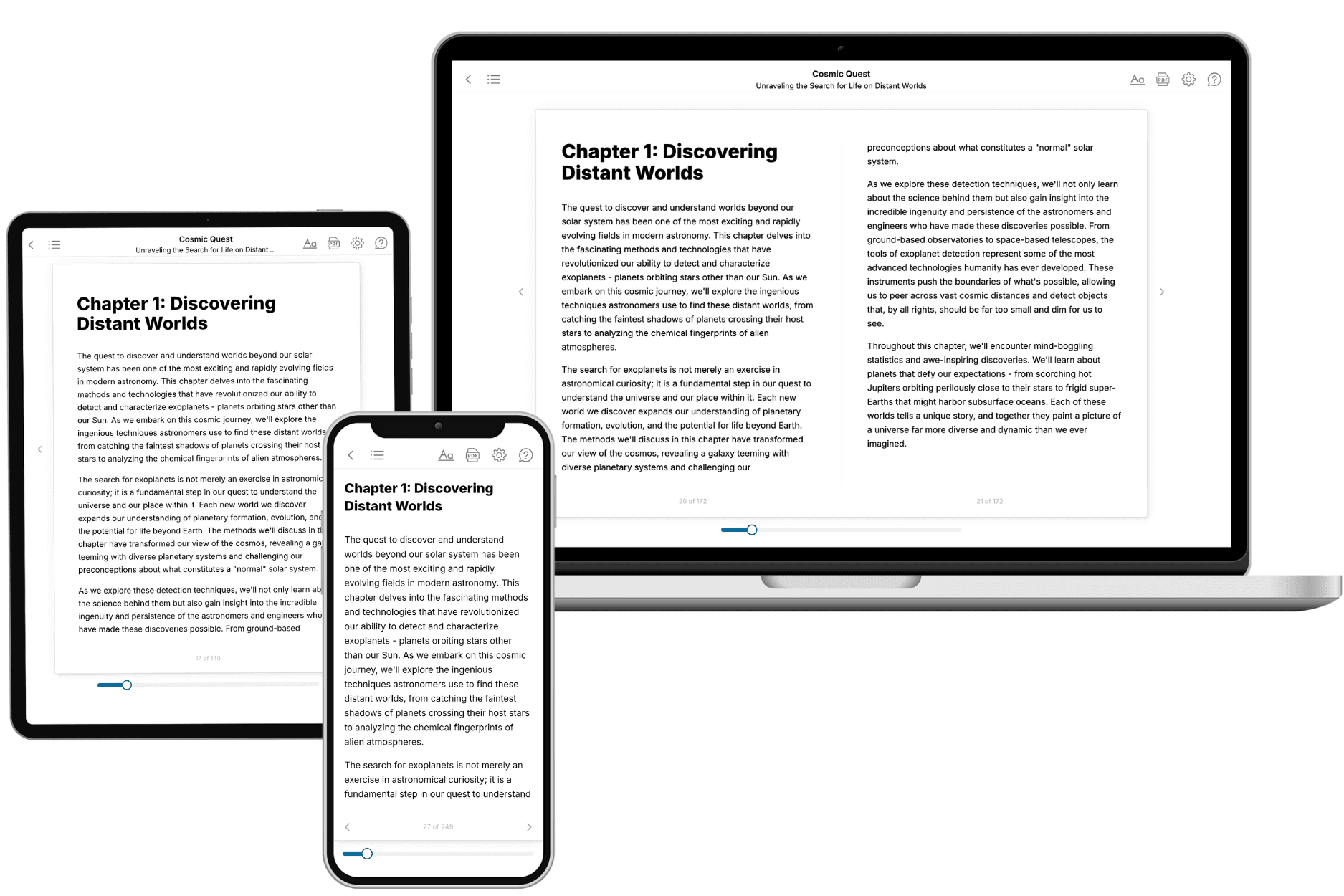
Your book is ready in 10 minutes. Read it online, download as EPUB or PDF, or send to Kindle.

Frequently asked questions
- What is TailoredRead?
TailoredRead creates complete, full-length nonfiction ebooks, written specifically for you. Tell us what you want to learn and why, and TailoredRead writes you a complete ebook on it, with charts, tables, and diagrams throughout. Read it online, on Kindle, or on any e-reader, or download it as a PDF or EPUB. Every book is written fresh the day you order it.
- How is the book tailored to me?
Before anything is written, you answer a few short questions about your goals, your background, and the topics you care about. Your book is then planned around your answers: written at your level, focused on your goals, and covering the topics you chose, instead of the one-size-fits-all book a store sells everyone.
- Will it read like generic AI content?
No. Your book isn't a chat transcript: it's planned chapter by chapter before a single word is written, told in a clear book voice, and explains ideas visually with charts, tables, and diagrams. After writing, every book goes through an editorial pass that polishes chapters so the book reads consistent from start to finish. Judge for yourself: browse thousands of sample books on our Explore Books page.
- How accurate is the content?
Our AI first checks whether your subject needs live research. Niche and fast-moving subjects are researched before writing, and the book plan and chapters are grounded in what it finds. After writing, every book goes through a quality pass that checks its facts and consistency, and researched books list their sources in a Notes section at the back.
- How long is the book?
You choose the length: Comprehensive (250-300 pages), Detailed (150-200 pages), Essential (70-100 pages), or Short (30-50 pages).
- Does the book include visuals?
Yes. Every book includes charts, tables, and diagrams: timelines, checklists, step-by-step guides, decision trees, comparison tables, matrices, and bar charts. A typical book includes dozens of these visual elements.
- Can I read it on Kindle? What formats can I download?
Yes. Every book can be read in our online reader or downloaded as a PDF or EPUB. The EPUB can be opened with Kindle, Apple Books, Kobo, and any e-reader. The Commercial and Author licenses also include an editable Word (DOCX) and Markdown download.
- How much does it cost?
About the price of a regular ebook. The exact price depends on your book's length and complexity, from $2 for the shortest books to $35 for the most comprehensive, and it's shown when you review your book, before you commit to anything. Each book is a one-time purchase, yours to keep, no subscription. Licenses that let you share, teach, or publish your book range from $35.99 to $49.99.
- Can I preview the book before purchasing?
Before you pay, you'll see what your book will cover: the title, a detailed description, the estimated length, and the complete chapter-by-chapter table of contents, so you know what you're getting before you decide. The full text itself is written after you purchase.
- How long does it take to create a book?
About 10 minutes. You can start reading the opening chapters while the rest is still being written.