FreeCAD 1.0 Mastery
A Comprehensive Guide to 3D Modeling for Engineers
Create precise 3D models and technical drawings with ease using FreeCAD 1.0.
207 pages10 chaptersMar 20, 20253D Design
About this book
This comprehensive guide takes you from the basics to advanced techniques, focusing on the powerful Sketcher and Part Design workbenches. You'll learn to harness the full potential of constraint-based design, allowing you to bring your engineering concepts to life with accuracy and efficiency. Dive into practical exercises that build your skills progressively, from simple part creation to complex assemblies. Master the art of parametric modeling, enabling you to make quick design changes and iterations. By the end of this book, you'll be confidently using FreeCAD 1.0 to streamline your workflow and produce high-quality technical documentation for your projects. Whether you're working on mechanical parts, architectural elements, or product prototypes, this guide equips you with the knowledge to leverage FreeCAD 1.0's robust features. Enhance your engineering toolkit and stay ahead in the competitive field of 3D design with this essential resource.
Table of contents
- IntroductionWhat is FreeCAD 1.0?, Why Choose FreeCAD for Engineering Design?, How to Use This Book, Setting Up Your FreeCAD EnvironmentRead below
- Chapter 1: Getting Started with FreeCAD 1.0Understanding the FreeCAD Interface, Navigation and Viewing Tools, Introduction to Workbenches, File Management and Project Organization
- Chapter 2: Sketcher Workbench FundamentalsSketcher Workbench Interface, Creating Basic Geometric Shapes, Understanding Sketch Constraints, Dimensioning in Sketcher
- Chapter 3: Advanced Sketching TechniquesCreating Complex Shapes and Profiles, Constraint Strategies for Flexibility, Using Patterns and Symmetry, Troubleshooting Common Sketch Issues
- Chapter 4: Part Design Workbench BasicsPart Design Workbench Interface, From 2D Sketch to 3D Feature, Basic 3D Modeling Operations, Editing and Modifying Features
- Chapter 5: Advanced Part Design TechniquesCreating Complex 3D Features, Patterning and Mirroring in 3D, Working with Multi-Body Parts, Best Practices for Efficient Part Design
- Chapter 6: Mastering Constraint-Based DesignTypes of Constraints in FreeCAD, How FreeCAD Solves Constraints, Dealing with Over and Under-Constrained Sketches, Designing with Constraints in Mind
- Chapter 7: Parametric Modeling in FreeCADPrinciples of Parametric Design, Using Expressions and Variables, Managing Feature Dependencies, Creating and Using Design Tables
- Chapter 8: Working with AssembliesAssembly Basics in FreeCAD, Positioning and Aligning Parts, Using Assembly Constraints, Kinematic Analysis of Assemblies
- Chapter 9: Creating Technical DrawingsIntroduction to the Drawing Workbench, Creating Views and Projections, Dimensioning and Annotations, Working with Drawing Templates
- Chapter 10: Collaboration and File ExportSupported File Formats in FreeCAD, Best Practices for Exporting Models, Version Control for CAD Projects, Cloud-Based Collaboration Tools
- ConclusionThe Future of FreeCAD, Continuing Your FreeCAD Education
- AppendixKeyboard Shortcuts, Additional Resources and Communities
Introduction
Welcome to the world of FreeCAD 1.0, a powerful open-source 3D modeling software that is revolutionizing the field of engineering design. As you embark on this journey to master FreeCAD, you're taking a significant step towards enhancing your capabilities as an engineer and designer. This introduction will provide you with a comprehensive overview of FreeCAD, its significance in the engineering world, and how this book will guide you through its intricacies. By the end of this chapter, you'll have a solid foundation to begin your exploration of FreeCAD's powerful features and tools.
What is FreeCAD 1.0?
FreeCAD 1.0 represents a milestone in the evolution of open-source computer-aided design (CAD) software. It is a feature-rich, parametric 3D modeler designed primarily for mechanical engineering and product design, but it's versatile enough to find applications in a wide range of fields, including architecture, finite element analysis, and 3D printing. At its core, FreeCAD embodies the principles of precision, flexibility, and accessibility that are crucial for modern engineering workflows.
The '1.0' in FreeCAD 1.0 signifies more than just a version number; it represents a level of maturity and stability that makes this software ready for professional use. This version brings together years of development, community feedback, and refinement, resulting in a robust platform that can stand toe-to-toe with many commercial CAD solutions. FreeCAD's open-source nature means that it's not just a tool, but a platform that grows and evolves with the needs of its user community.
One of the defining features of FreeCAD is its modular architecture, organized around the concept of workbenches. Each workbench is a specialized set of tools designed for specific tasks, such as part design, sketching, or technical drawing creation. This modular approach allows for a clean, uncluttered interface while providing access to a vast array of specialized functions when needed. It's this combination of simplicity and depth that makes FreeCAD both approachable for beginners and powerful enough for experienced professionals.
At the heart of FreeCAD's modeling capabilities is its parametric design system. This approach allows you to create models based on parameters and constraints, rather than just geometric shapes. The power of parametric modeling lies in its flexibility; you can easily modify your designs by adjusting parameters, and the entire model will update accordingly. This capability is particularly valuable in engineering contexts, where design iterations and modifications are a common part of the development process.
FreeCAD 1.0 also boasts a robust set of features for creating technical drawings directly from 3D models. This integration of 2D and 3D workflows streamlines the process of documenting designs and preparing them for manufacturing or presentation. The software supports a wide range of file formats for both import and export, facilitating collaboration with other tools and team members who might be using different software.
As an open-source project, FreeCAD benefits from a vibrant community of developers and users. This community-driven development model ensures that the software remains cutting-edge, with regular updates and improvements. It also means that there's a wealth of resources available online, from tutorials and forums to add-ons and scripts that extend FreeCAD's functionality. This ecosystem of support and extensibility is a significant advantage, especially for engineers looking to tailor their tools to specific needs or workflows.
In essence, FreeCAD 1.0 is more than just a CAD program; it's a comprehensive platform for engineering design that combines powerful modeling capabilities with the flexibility and accessibility of open-source software. As you delve deeper into this book, you'll discover how FreeCAD can become an invaluable asset in your engineering toolkit, enabling you to bring your ideas to life with precision and efficiency.
Why Choose FreeCAD for Engineering Design?
In the competitive landscape of CAD software, FreeCAD 1.0 stands out as a compelling choice for engineers and designers. Its unique combination of powerful features, open-source flexibility, and cost-effectiveness makes it an attractive option for both individual professionals and organizations. Let's explore the key reasons why FreeCAD is increasingly becoming the go-to solution for engineering design tasks.
First and foremost, FreeCAD's open-source nature is a significant advantage. Unlike proprietary software that comes with hefty licensing fees and restrictive terms of use, FreeCAD is freely available and can be used, modified, and distributed without limitations. This openness translates to several benefits for engineers. It allows for greater customization and extensibility, enabling you to tailor the software to your specific needs or integrate it into existing workflows. The open-source model also ensures transparency in the software's development, fostering trust and allowing users to understand and contribute to the underlying code if desired.
The cost factor cannot be overstated, especially for small businesses, startups, or independent engineers. Commercial CAD software often comes with substantial upfront costs and ongoing subscription fees, which can be a significant barrier to entry. FreeCAD eliminates these financial hurdles, allowing you to allocate resources to other aspects of your projects. This accessibility is particularly valuable for those just starting their careers or for organizations looking to equip multiple workstations without breaking the bank.
Despite being free, FreeCAD doesn't compromise on functionality. It offers a robust set of features that rival many commercial alternatives. The software's parametric modeling capabilities are particularly noteworthy, allowing for the creation of complex, constraint-based designs that can be easily modified and iterated upon. This parametric approach is crucial in engineering contexts where designs often evolve through multiple revisions. FreeCAD's ability to handle these changes efficiently can significantly streamline your design process and improve productivity.
FreeCAD's workbench system is another compelling reason for its adoption in engineering design. This modular approach provides specialized tools for different aspects of the design process, from sketching and part design to assembly and technical drawing creation. The workbench system keeps the interface clean and intuitive while offering depth when needed. This organization helps manage complexity in large projects and allows you to focus on specific tasks without being overwhelmed by unnecessary tools.
Interoperability is a crucial factor in modern engineering workflows, and FreeCAD excels in this area. It supports a wide range of file formats for both import and export, including industry standards like STEP, IGES, and STL. This compatibility ensures smooth collaboration with colleagues or clients who might be using different software. It also facilitates integration with other tools in your workflow, such as CAM software or 3D printers.
The active and supportive community surrounding FreeCAD is another significant advantage. This community-driven development model means that the software is constantly evolving, with new features and improvements being added regularly. The community also provides a wealth of resources, including tutorials, forums, and user-created content. This ecosystem of support can be invaluable, especially when tackling complex design challenges or learning new features.
FreeCAD's cross-platform compatibility is worth noting, especially in diverse work environments. Whether you're using Windows, macOS, or Linux, FreeCAD provides a consistent experience across all major operating systems. This flexibility can be particularly beneficial for teams with mixed hardware setups or for individuals who work across different platforms.
For engineers concerned with the longevity and sustainability of their tools, FreeCAD offers peace of mind. Its open-source nature means that it's not dependent on the commercial decisions of a single company. Even if the current development team were to disband, the software's source code would remain available for the community to continue its development. This longevity is crucial when considering long-term projects or archival of designs.
Lastly, choosing FreeCAD aligns with the growing trend towards open-source solutions in various industries. By adopting FreeCAD, you're not just selecting a tool; you're participating in a movement that values collaboration, transparency, and shared knowledge. This ethos resonates with many in the engineering community and can be a factor in attracting like-minded collaborators or clients.
In conclusion, FreeCAD 1.0 offers a compelling package for engineering design: powerful features, cost-effectiveness, flexibility, and a supportive community. As you progress through this book and explore FreeCAD's capabilities, you'll discover how these advantages translate into practical benefits for your design work, potentially transforming your approach to CAD and enhancing your productivity as an engineer.
How to Use This Book
This book is designed to be your comprehensive guide to mastering FreeCAD 1.0, taking you from the basics to advanced techniques with a focus on practical application in engineering design. To get the most out of this resource, it's important to understand its structure and how to approach the content effectively. This section will outline the book's organization and provide strategies for maximizing your learning experience.
The book is structured in a progressive manner, starting with foundational concepts and gradually building towards more complex topics. Each chapter is designed to be both self-contained and part of a larger learning journey. This approach allows you to either work through the book sequentially or jump to specific sections based on your immediate needs or interests. However, for those new to FreeCAD, it's recommended to follow the chapters in order, as later concepts often build upon earlier ones.
Throughout the book, you'll find a mix of theoretical explanations and practical exercises. The theoretical portions provide the necessary background and context for understanding FreeCAD's features and workflows. These sections often include diagrams, screenshots, and examples to illustrate key concepts. Pay close attention to these explanations, as they form the foundation for your understanding of FreeCAD's capabilities and underlying principles.
The practical exercises are where you'll apply what you've learned. These hands-on activities are crucial for reinforcing your understanding and developing muscle memory for FreeCAD's tools and workflows. It's highly recommended that you work through these exercises on your own FreeCAD installation. Don't just read about the steps; actually perform them. This active learning approach will significantly enhance your retention and proficiency with the software.
Each chapter concludes with a summary and a set of key takeaways. These sections distill the most important points and serve as quick reference guides. After completing a chapter, review these summaries to reinforce your learning. They can also be useful for quick refreshers when you need to recall specific concepts later in your FreeCAD journey.
Throughout the book, you'll encounter tips, best practices, and real-world examples. These insights are drawn from experienced FreeCAD users and are designed to help you avoid common pitfalls and optimize your workflow. Pay special attention to these nuggets of wisdom, as they can often save you time and frustration in your own projects.
The book also includes cross-references to related topics in other chapters. These connections help you understand how different aspects of FreeCAD interact and can provide valuable context for the topic at hand. When you encounter these references, consider exploring them if you need more clarity or want to deepen your understanding of a particular concept.
As you progress through the book, you'll notice that the complexity of projects and exercises increases. This gradual progression is intentional, designed to challenge you and expand your skills. Don't be discouraged if you find some later exercises challenging; they're meant to push your boundaries and prepare you for real-world design scenarios.
To get the most out of this book, it's recommended to have FreeCAD 1.0 installed on your computer and to follow along with the exercises in real-time. This hands-on approach will help you internalize the workflows and commands more effectively than simply reading about them. Additionally, don't hesitate to experiment beyond the given exercises. Applying the concepts to your own projects or ideas can significantly enhance your learning and help you discover FreeCAD's capabilities in contexts relevant to your work.
Remember that learning CAD software is an iterative process. You might need to revisit certain chapters or concepts multiple times before they fully click. This is normal and part of the learning process. Use the table of contents and index to easily navigate back to specific topics as needed.
Lastly, don't underestimate the value of the FreeCAD community. While this book provides a comprehensive guide, the FreeCAD forums, documentation, and user groups can be invaluable resources for additional help, inspiration, and advanced techniques. Consider joining these communities as you progress in your FreeCAD journey.
By approaching this book with an active learning mindset, practicing regularly, and leveraging the additional resources available, you'll be well on your way to mastering FreeCAD 1.0 and enhancing your capabilities as an engineer and designer. Remember, the goal is not just to learn the software, but to integrate it effectively into your engineering workflow and unleash your creative potential.
Setting Up Your FreeCAD Environment
Before diving into the intricacies of FreeCAD 1.0, it's crucial to set up your working environment correctly. A well-configured setup will enhance your productivity and ensure a smooth learning experience as you progress through this book. This section will guide you through the process of installing FreeCAD, configuring your workspace, and preparing your system for optimal performance.
The first step in setting up your FreeCAD environment is downloading and installing the software. FreeCAD 1.0 is available for Windows, macOS, and Linux operating systems. Visit the official FreeCAD website (www.freecadweb.org) and navigate to the download section. Choose the appropriate version for your operating system. For Windows users, there's typically an installer available. macOS users can download a disk image (.dmg) file, while Linux users might find package files for their specific distribution or can use their system's package manager.
Once you've downloaded the installer, run it and follow the on-screen instructions. The installation process is straightforward, but pay attention to the installation directory and any additional components offered. It's generally recommended to install any additional libraries or tools suggested during the installation, as these can enhance FreeCAD's functionality. After installation, launch FreeCAD to ensure it runs correctly on your system.
With FreeCAD installed, the next step is configuring your workspace. FreeCAD offers a high degree of customization, allowing you to tailor the interface to your preferences and workflow. Start by exploring the preferences dialog (Edit > Preferences on Windows/Linux, FreeCAD > Preferences on macOS). Here, you can adjust settings related to the user interface, default units, auto-save intervals, and more. Take some time to go through these options and set them according to your needs. For instance, you might want to change the default unit system to match the standards you typically use in your work.
One crucial aspect of setting up your environment is configuring the workbenches. Workbenches in FreeCAD are specialized working environments that group related tools and functionalities. While FreeCAD comes with several pre-installed workbenches, you can customize which ones are visible and even add additional workbenches. To manage your workbenches, use the Workbench Selector in the top toolbar. Consider which workbenches you'll use most frequently based on your typical tasks and ensure they're easily accessible.
FreeCAD's performance can be significantly impacted by your system's hardware, particularly for complex models. While FreeCAD can run on modest hardware, a more powerful system will provide a smoother experience, especially when working with large assemblies or detailed parts. Ensure your computer meets or exceeds the recommended system requirements for FreeCAD 1.0. This typically includes a multi-core processor, a dedicated graphics card, and ample RAM (8GB or more is recommended for serious work).
To optimize FreeCAD's performance on your system, consider adjusting the graphics settings. In the Preferences dialog, under the Display section, you can fine-tune options like anti-aliasing, transparency, and object highlighting. If you experience lag or graphical issues, try reducing some of these settings. Conversely, if you have a powerful system, you might want to enable higher quality settings for a better visual experience.
File management is another crucial aspect of setting up your FreeCAD environment. Create a dedicated folder structure for your FreeCAD projects. This organization will help you manage your files efficiently as you work through the exercises in this book and start your own projects. Consider creating separate folders for different types of projects or for the various chapters of this book. FreeCAD allows you to set a default project folder in the preferences, which can streamline your workflow.
As you become more proficient with FreeCAD, you might want to explore additional tools and add-ons. FreeCAD supports a variety of extensions and macros that can enhance its functionality. The Addon Manager, accessible from the Tools menu, allows you to browse and install official add-ons. However, be cautious about installing too many add-ons initially, as it can complicate your learning process. Focus on mastering the core functionalities first, and then expand your toolkit as needed.
Keyboard shortcuts can significantly speed up your workflow in FreeCAD. While you'll learn many shortcuts throughout this book, consider familiarizing yourself with some basic ones from the start. FreeCAD allows you to customize shortcuts in the preferences dialog under Input > Keyboard. You might want to set up shortcuts for frequently used commands based on your workflow or preferences.
Lastly, consider setting up a backup system for your FreeCAD projects. While FreeCAD has an auto-save feature, it's always good practice to have additional backups. This could be as simple as regularly copying your project folder to an external drive or using cloud storage services. Some users also find version control systems like Git useful for tracking changes in their designs, especially for complex or long-term projects.
By taking the time to properly set up and configure your FreeCAD environment, you're laying the groundwork for a productive and enjoyable learning experience. Remember that your setup may evolve as you become more familiar with the software and develop your own workflows. Don't hesitate to revisit and adjust your configuration as your needs change. With your environment prepared, you're now ready to embark on your journey to mastering FreeCAD 1.0 and enhancing your engineering design capabilities.
This is the end of the free sample. The full book has 10 chapters.
Want this book written for you?
Tell us your goals and background, and get your own version of this book, tailored by AI to you.


Benefits of AI-tailored books
- Read one book, not ten:
- all the 3D Design knowledge you need, gathered into a single book.
- Save days of learning:
- tell us your goals, choose your topics, and the whole book is built around them.
- Learn effortlessly:
- 3D Design book written for your specific background and expertise.
- Understand at a glance:
- includes charts, tables, timelines, checklists, decision trees, and more.
- Stay current:
- written the day you order it, not years ago.
- Trust what you read:
- every book is checked for accuracy, with real research when your subject needs it.
Create your unique book in 3 steps
- 1. Select your focus
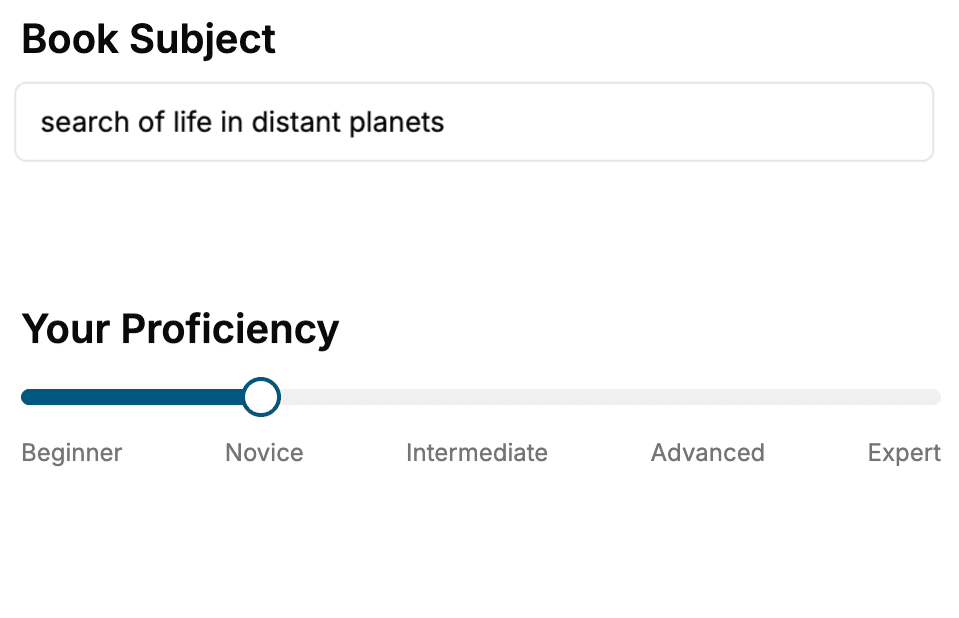
Select the focus of your 3D Design book and share your background
- 2. Personalize your book
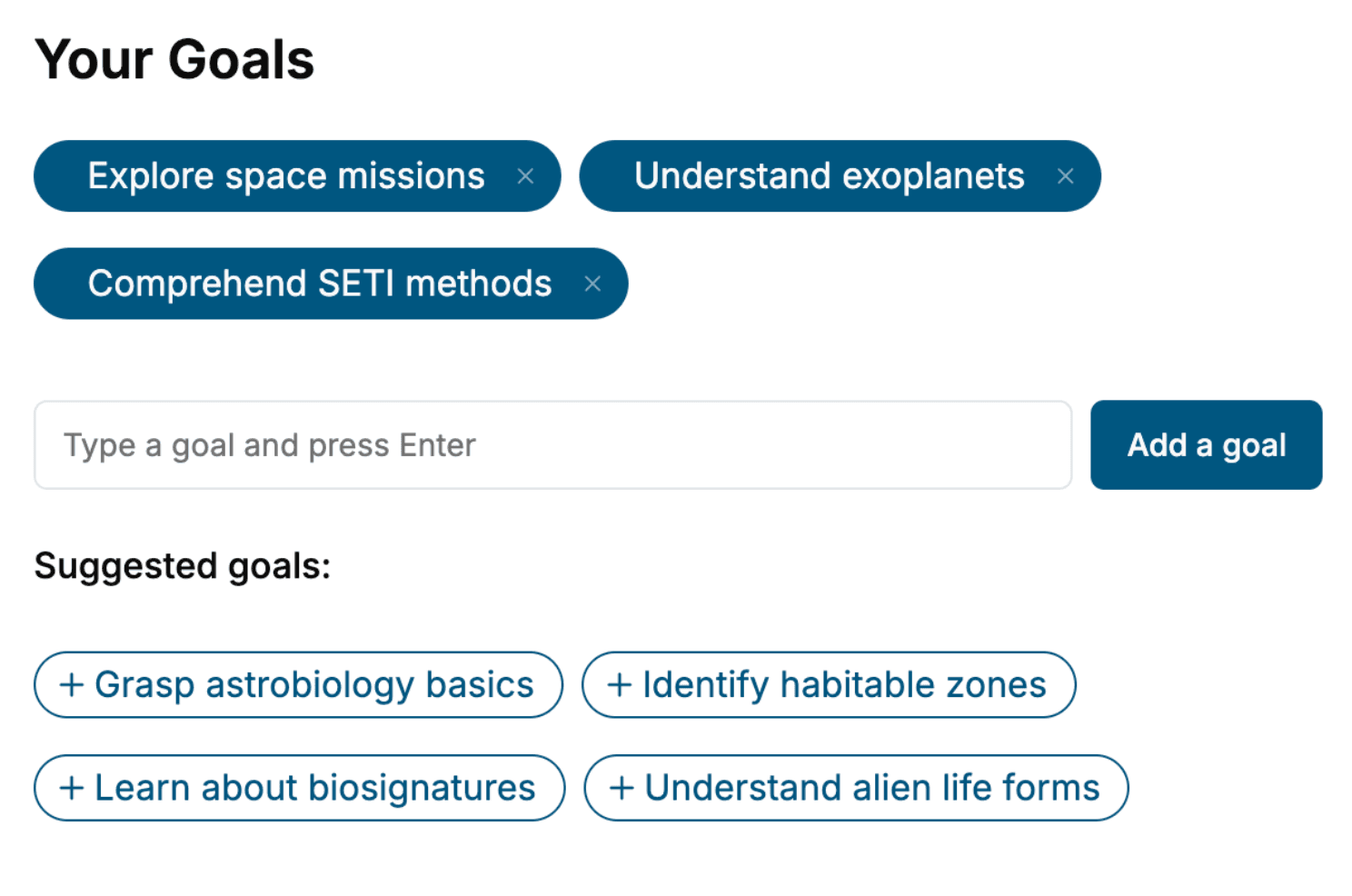
Specify your goals and choose sub-topics to include
- 3. Get your tailored book
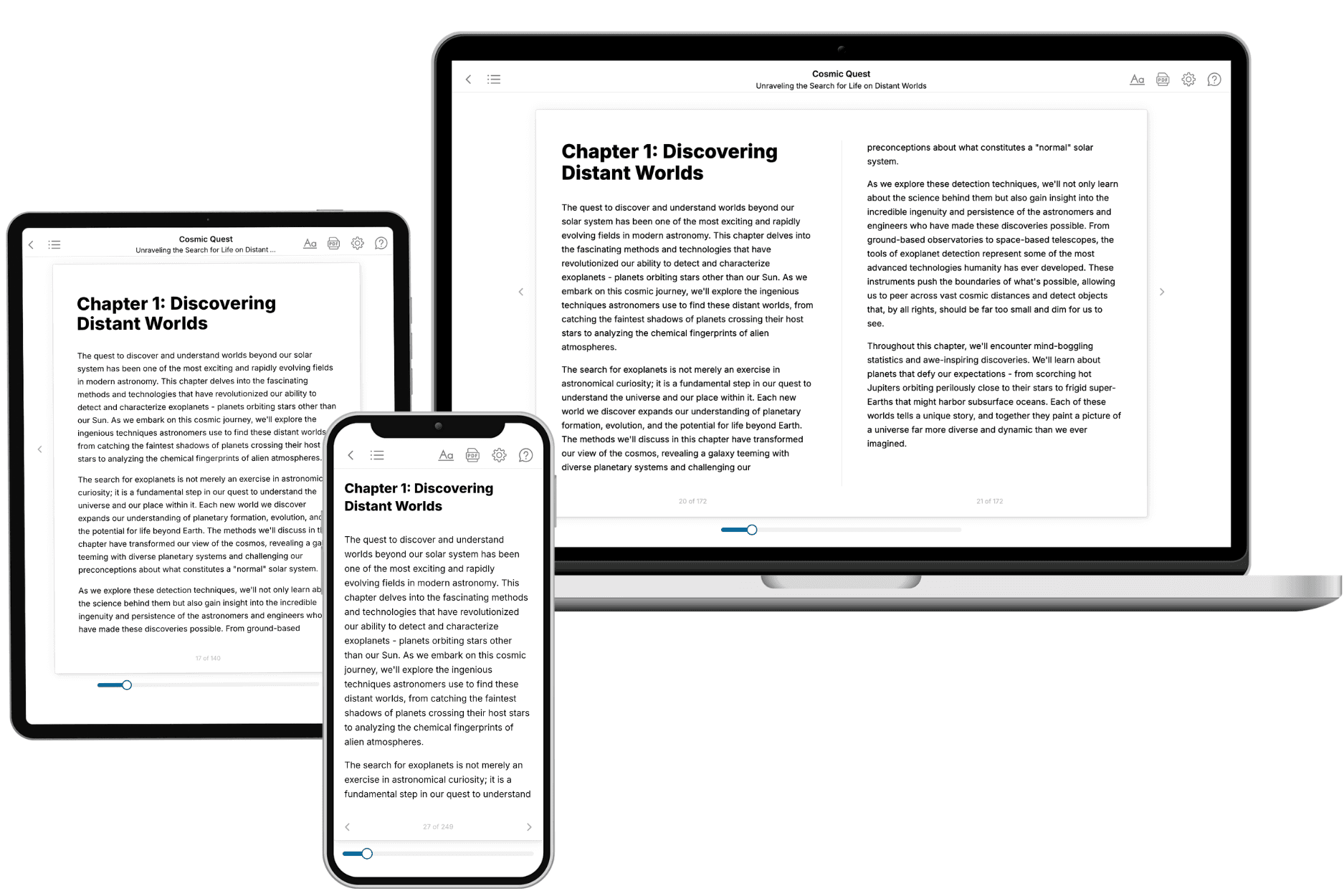
Your book is ready in 10 minutes. Read it online, download as EPUB or PDF, or send to Kindle.
Frequently asked questions
- What is TailoredRead?
TailoredRead creates complete, full-length nonfiction ebooks, written specifically for you. Tell us what you want to learn and why, and TailoredRead writes you a complete ebook on it, with charts, tables, and diagrams throughout. Read it online, on Kindle, or on any e-reader, or download it as a PDF or EPUB. Every book is written fresh the day you order it.
- How is the book tailored to me?
Before anything is written, you answer a few short questions about your goals, your background, and the topics you care about. Your book is then planned around your answers: written at your level, focused on your goals, and covering the topics you chose, instead of the one-size-fits-all book a store sells everyone.
- Will it read like generic AI content?
No. Your book isn't a chat transcript: it's planned chapter by chapter before a single word is written, told in a clear book voice, and explains ideas visually with charts, tables, and diagrams. After writing, every book goes through an editorial pass that polishes chapters so the book reads consistent from start to finish. Judge for yourself: browse thousands of sample books on our Explore Books page.
- How accurate is the content?
Our AI first checks whether your subject needs live research. Niche and fast-moving subjects are researched before writing, and the book plan and chapters are grounded in what it finds. After writing, every book goes through a quality pass that checks its facts and consistency, and researched books list their sources in a Notes section at the back.
- How long is the book?
You choose the length: Comprehensive (250-300 pages), Detailed (150-200 pages), Essential (70-100 pages), or Short (30-50 pages).
- Does the book include visuals?
Yes. Every book includes visual elements such as timelines, checklists, step-by-step guides, decision trees, comparison tables, and matrices, and many include bar charts. A typical book includes dozens of these visual elements.
- Can I read it on Kindle? What formats can I download?
Yes. Every book can be read in our online reader or downloaded as a PDF or EPUB. The EPUB can be opened with Kindle, Apple Books, Kobo, and any e-reader. The Commercial and Author licenses also include an editable Word (DOCX) and Markdown download.
- How much does it cost?
About the price of a regular ebook. The exact price depends on your book's length and complexity, from $2 for the shortest books to $35 for the most comprehensive, and it's shown when you review your book, before you commit to anything. Each book is a one-time purchase, yours to keep, no subscription. Licenses that let you share, teach, or publish your book range from $35.99 to $49.99.
- Can I preview the book before purchasing?
Before you pay, you'll see what your book will cover: the title, a detailed description, the estimated length, and the complete chapter-by-chapter table of contents, so you know what you're getting before you decide. The full text itself is written after you purchase.
- How long does it take to create a book?
10 minutes. You can start reading the opening chapters while the rest is still being written.