FreeCAD 1.0 Mastery
From Novice to Expert: Comprehensive Guide to 3D Modeling and Parametric Design
Are you ready to revolutionize your approach to 3D modeling and design?
284 pages15 chaptersMar 27, 2025Software Development
About this book
FreeCAD 1.0 Mastery is your all-in-one guide to conquering this powerful, open-source CAD software. Whether you're an engineer looking to expand your toolkit or a designer aiming to bring your creations to life, this book will take you from the basics of sketching to the intricacies of parametric design. Dive into a world where your imagination is the only limit. You'll learn how to create complex 3D models with ease, harness the power of parametric constraints, and optimize your designs for real-world applications. From mastering the Part Design workbench to scripting your own time-saving macros, every chapter builds upon the last to solidify your skills and boost your confidence. But this isn't just about software proficiency. As you progress through FreeCAD 1.0 Mastery, you'll develop a new way of thinking about design. You'll learn to approach problems with a parametric mindset, creating flexible models that adapt to changing requirements. By the end of this journey, you'll not only be proficient in FreeCAD but also possess a valuable skill set that will set you apart in the field of engineering and design.
Table of contents
- IntroductionWhat is FreeCAD?, Why Choose FreeCAD for 3D Modeling?, How to Use This Book, Your FreeCAD Learning PathRead below
- Chapter 1: Getting Started with FreeCADInstalling FreeCAD 1.0, Understanding the FreeCAD Interface, Navigating the 3D Space, Introduction to Workbenches
- Chapter 2: Sketcher Workbench FundamentalsEssential Sketcher Tools, Working with Geometric Constraints, Applying Dimensional Constraints, Creating Patterns in Sketches
- Chapter 3: Part Design Workbench EssentialsCreating Sketch-Based Features, Working with Primitive Solids, Editing and Modifying Features, Utilizing Patterns in Part Design
- Chapter 4: Advanced 3D Modeling TechniquesCreating Multi-Body Parts, Mastering Loft and Sweep Operations, Performing Boolean Operations, Applying Fillets and Chamfers
- Chapter 5: Parametric Modeling StrategiesThinking Parametrically, Capturing Design Intent, Organizing the Model Tree, Creating Parametric Patterns
- Chapter 6: Understanding Topological NamingThe Concept of Topological Naming, Common Naming Problems and Solutions, Strategies for Creating Stable Models, Best Practices for Topological Naming
- Chapter 7: Working with AssembliesUnderstanding Assembly Structure, Applying Assembly Constraints, Performing Kinematic Analysis, Using Assembly Features
- Chapter 8: Creating Technical Drawings with TechDrawTechDraw Workbench Basics, Creating Views and Projections, Adding Dimensions and Annotations, Working with Drawing Templates
- Chapter 9: Leveraging the Spreadsheet WorkbenchSpreadsheet Workbench Fundamentals, Creating Parametric Tables, Linking Spreadsheets to 3D Models, Using Design Tables for Variations
- Chapter 10: Introduction to Python Scripting in FreeCADPython Basics for FreeCAD, Exploring the FreeCAD API, Recording and Editing Macros, Creating Custom Tools with Python
- Chapter 11: Advanced Python Scripting TechniquesWriting Parametric Scripts, Generating Complex Geometry, Batch Processing and Automation, Developing a Custom Workbench
- Chapter 12: Design Optimization StrategiesPrinciples of Design Optimization, Introduction to Topology Optimization, Using FEM for Design Analysis, Implementing Iterative Design Processes
- Chapter 13: Designing for 3D Printing3D Printing Design Considerations, Optimizing Models for Support Structures, Slicing and G-code Generation, Designing for Multi-Material Printing
- Chapter 14: CAM Integration and G-code GenerationBasics of Computer-Aided Manufacturing, Generating Toolpaths in FreeCAD, G-code Post-Processing, Simulating and Verifying Toolpaths
- Chapter 15: Version Control in CAD ProjectsBasics of Version Control for CAD, Integrating Git with FreeCAD Workflow, Collaborative Design Practices, Managing Design Changes and Revisions
- ConclusionFuture Trends in CAD and FreeCAD, Continuing Your CAD Education
- AppendixFreeCAD Keyboard Shortcuts, Additional Resources and Communities
Introduction
Welcome to the world of FreeCAD 1.0, a powerful and versatile open-source 3D modeling software that is revolutionizing the way engineers and designers approach their work. As you embark on this journey to master FreeCAD, you're taking a significant step towards enhancing your capabilities in computer-aided design (CAD) and opening up new possibilities for your projects. This introduction will set the stage for your learning adventure, providing you with a comprehensive overview of FreeCAD, its advantages, and how this book will guide you from novice to expert.
In the rapidly evolving field of engineering and design, the ability to create precise, adaptable 3D models is more crucial than ever. FreeCAD 1.0 stands out as a robust solution that not only meets the demands of modern design workflows but also offers the flexibility and extensibility that professionals like you require. Whether you're working on complex mechanical parts, architectural designs, or innovative product concepts, FreeCAD provides the tools and capabilities to bring your ideas to life.
Throughout this book, you'll discover how FreeCAD's parametric modeling approach allows for the creation of intelligent, easily modifiable designs. This methodology is a game-changer in the CAD world, enabling you to respond quickly to design changes and explore multiple iterations with ease. As you progress through the chapters, you'll build a solid foundation in FreeCAD's core functionalities and gradually advance to more sophisticated techniques, including Python scripting for automation and customization.
The journey ahead is both exciting and rewarding. By the time you reach the final pages of this book, you'll have transformed from a FreeCAD novice to a confident power user, equipped with the skills to tackle complex design challenges and optimize your workflow. Let's begin by exploring the fundamental aspects of FreeCAD and why it's becoming the go-to choice for professionals across various industries.
What is FreeCAD?
FreeCAD is an open-source, parametric 3D modeling software that has been gaining significant traction in the engineering and design communities. At its core, FreeCAD is a feature-based parametric modeler with a modular architecture. This means that the software is built around the concept of workbenches, each specializing in a particular set of tools and workflows. This modular approach allows for a high degree of customization and extensibility, making FreeCAD adaptable to a wide range of design tasks and industries.
The term "parametric" is key to understanding FreeCAD's power. In parametric modeling, the dimensions and relationships between different elements of your design are defined by parameters. These parameters can be easily modified, and the entire model will update accordingly. This approach allows for rapid design iterations and the exploration of different design options without starting from scratch each time. For example, if you're designing a gear and need to change its diameter, you can simply adjust the parameter, and all related features will automatically update to maintain the design intent.
FreeCAD's development began in the early 2000s, and it has since evolved into a mature and capable CAD system. Version 1.0, which this book focuses on, represents a significant milestone in the software's development, offering enhanced stability, performance, and a wide array of features that rival many commercial CAD packages. The software is written primarily in Python and C++, which not only contributes to its performance but also allows users to extend its functionality through Python scripting.
One of the most notable aspects of FreeCAD is its commitment to being truly free and open-source. This means that you have access to the entire source code, can modify it to suit your needs, and are free to use the software for any purpose, including commercial projects, without licensing fees. This openness has fostered a vibrant community of users and developers who continuously contribute to improving and expanding FreeCAD's capabilities.
FreeCAD supports a wide range of file formats, including industry standards like STEP and IGES, as well as native formats from other popular CAD software. This interoperability ensures that you can easily collaborate with colleagues or clients who may be using different software packages. Additionally, FreeCAD's ability to import and export various formats makes it an excellent tool for reverse engineering and working with legacy data.
The software's capabilities extend far beyond basic 3D modeling. FreeCAD includes tools for 2D drafting, rendering, finite element analysis (FEA), and even computer-aided manufacturing (CAM). This comprehensive toolset allows you to take your projects from initial concept to final production within a single software environment. Whether you're designing mechanical parts, architectural elements, or even 3D printable objects, FreeCAD provides the necessary tools to bring your ideas to fruition.
As you progress through this book, you'll discover that FreeCAD is not just a tool for creating 3D models, but a platform for thinking about design in a more flexible and dynamic way. The software encourages a methodical approach to design, where relationships between components are clearly defined and easily adjustable. This paradigm shift in how you approach design problems will not only make you more efficient in using FreeCAD but will also enhance your overall capabilities as an engineer or designer.
In the following sections, we'll delve deeper into why FreeCAD is an excellent choice for your 3D modeling needs, how this book is structured to guide your learning, and the path you'll take to become proficient in this powerful software. By the end of this introduction, you'll have a clear understanding of what lies ahead and how mastering FreeCAD can significantly impact your professional capabilities.
Why Choose FreeCAD for 3D Modeling?
In the vast landscape of CAD software, FreeCAD stands out for several compelling reasons. As an engineering professional looking to expand your CAD skills, you'll find that FreeCAD offers a unique combination of power, flexibility, and accessibility that makes it an excellent choice for both learning and professional use. Let's explore the key advantages that make FreeCAD a preferred option for many engineers and designers.
First and foremost, FreeCAD's open-source nature is a significant advantage. Unlike proprietary software that can cost thousands of dollars per license, FreeCAD is completely free to use, modify, and distribute. This not only reduces the financial barrier to entry but also ensures that you'll always have access to the software, regardless of changes in your professional situation or budget constraints. The open-source model also means that the software is continuously improved by a global community of developers and users, leading to rapid innovation and problem-solving.
The parametric modeling capabilities of FreeCAD are another major selling point. This approach to design allows for the creation of highly flexible models that can be easily modified and adapted. In traditional CAD systems, making significant changes to a design often requires rebuilding large portions of the model. With FreeCAD's parametric approach, you can change fundamental aspects of your design by adjusting parameters, and the entire model will update automatically. This not only saves time but also encourages experimentation and iteration, leading to better design outcomes.
FreeCAD's modular architecture, built around the concept of workbenches, provides a versatile and customizable environment. Each workbench is tailored to specific tasks or disciplines, such as part design, sketching, or finite element analysis. This modular approach allows you to focus on the tools relevant to your current task without being overwhelmed by unnecessary options. As your skills grow, you can easily expand into new workbenches and capabilities, making FreeCAD a software that grows with you.
The software's Python scripting capabilities offer powerful opportunities for automation and customization. As an engineer, you'll appreciate the ability to create scripts that can automate repetitive tasks, generate complex geometries, or even create custom tools tailored to your specific needs. This level of extensibility is rarely found in commercial CAD packages and can significantly enhance your productivity and capabilities.
FreeCAD's commitment to industry standards and interoperability is another crucial factor. The software supports a wide range of file formats, including STEP, IGES, STL, and DXF, among others. This ensures that you can easily collaborate with colleagues using different software packages and integrate FreeCAD into existing workflows. The ability to import and export various formats also makes FreeCAD an excellent tool for reverse engineering and working with legacy data.
For those interested in 3D printing and additive manufacturing, FreeCAD offers robust support. The software includes tools for preparing models for 3D printing, checking for potential issues, and even generating G-code for some printers. This integration of design and manufacturing capabilities within a single software environment can streamline your workflow and reduce the need for multiple specialized tools.
The active and supportive FreeCAD community is an invaluable resource that shouldn't be overlooked. Forums, documentation, and user-created content provide a wealth of knowledge and support. This community-driven approach means that help is readily available when you encounter challenges, and you can learn from the experiences of other users tackling similar problems.
FreeCAD's cross-platform compatibility is another significant advantage. Whether you're working on Windows, macOS, or Linux, you can use FreeCAD with consistent functionality across all platforms. This flexibility allows you to work seamlessly across different environments and ensures that your skills and workflows are transferable regardless of the operating system you're using.
The software's focus on parametric design and feature-based modeling aligns well with modern engineering practices. These approaches encourage thoughtful, constraint-based design that captures design intent rather than just geometry. As you become proficient in FreeCAD, you'll find that this methodology enhances your ability to create robust, adaptable designs that can easily accommodate changes and revisions.
Lastly, choosing FreeCAD as your primary CAD tool can have long-term benefits for your career. As more companies and industries recognize the advantages of open-source software, proficiency in tools like FreeCAD is becoming increasingly valuable. By mastering FreeCAD, you're not just learning a specific software package, but developing a skill set that is transferable and highly relevant in the evolving landscape of engineering and design.
In the next section, we'll explore how this book is structured to guide you through your FreeCAD learning journey, ensuring that you can make the most of these advantages and develop your skills efficiently and effectively.
How to Use This Book
This book has been carefully structured to provide you with a comprehensive and logical path to mastering FreeCAD 1.0. Whether you're new to CAD software or looking to transition from other platforms, the content is designed to build your skills progressively, ensuring a solid foundation before moving on to more advanced topics. Here's an overview of how the book is organized and how you can make the most of it in your learning journey.
The book begins with the fundamentals, introducing you to the FreeCAD interface and basic navigation. These early chapters are crucial for building familiarity with the software's environment and workflow. Even if you have experience with other CAD systems, it's recommended to review these sections as FreeCAD's approach may differ from what you're accustomed to. Pay particular attention to the explanations of FreeCAD's workbench concept, as this modular structure is key to efficiently using the software.
As you progress, you'll dive into the core workbenches that form the backbone of most FreeCAD projects. The Sketcher and Part Design workbenches are covered in depth, with each chapter building on the previous one. These sections include numerous exercises and examples that you should work through hands-on. Practical application is essential for internalizing the concepts and developing muscle memory for common operations. Don't hesitate to experiment beyond the provided examples; exploring on your own can lead to valuable insights and discoveries.
Advanced modeling techniques are introduced gradually, allowing you to build confidence with each new skill. The chapters on parametric modeling and topological naming are particularly important, as they underpin FreeCAD's powerful capabilities for creating flexible, easily modifiable designs. Take the time to fully understand these concepts, as they will significantly impact your efficiency and the robustness of your models.
Throughout the book, you'll find "Pro Tip" boxes that offer insider knowledge and best practices. These tips often come from experienced FreeCAD users and can help you avoid common pitfalls or work more efficiently. Similarly, "Caution" notes highlight areas where beginners often encounter difficulties, helping you navigate potential challenges.
The book includes dedicated chapters on specialized topics such as assembly design, technical drawing creation, and integration with 3D printing workflows. These sections are designed to be modular, allowing you to focus on the areas most relevant to your work. However, it's recommended to at least familiarize yourself with all these capabilities, as they may prove useful in future projects.
Python scripting is introduced in the later chapters, opening up powerful possibilities for automation and customization. Even if you have no prior programming experience, these sections are written to be accessible and provide a gentle introduction to scripting in the context of FreeCAD. Don't be intimidated by the coding aspects; start with simple scripts and gradually build your skills.
Each chapter concludes with a summary of key points and a set of review questions. Use these to reinforce your learning and identify any areas that may require further study. Additionally, many chapters include project-based exercises that challenge you to apply multiple skills to solve realistic design problems. These projects are excellent opportunities to consolidate your learning and build confidence in your abilities.
The book's appendices contain valuable reference material, including a comprehensive list of keyboard shortcuts and links to additional resources. Familiarize yourself with these sections early on, as they can significantly enhance your efficiency and provide avenues for further learning beyond the scope of this book.
To get the most out of this book, it's recommended to follow a consistent learning schedule. Set aside regular time for reading, practicing, and working through the exercises. Consistency is key in developing proficiency with any software tool, especially one as comprehensive as FreeCAD. Don't rush through the material; take the time to fully understand each concept before moving on to the next.
Finally, remember that learning FreeCAD is not just about memorizing commands or procedures. It's about developing a new way of thinking about design and problem-solving. As you work through the book, try to relate the concepts to your own projects or areas of interest. Consider how you might apply FreeCAD's capabilities to challenges you face in your professional work. This contextualization will make your learning more meaningful and help you retain information more effectively.
By following this structured approach and engaging actively with the material, you'll find yourself progressing rapidly from FreeCAD novice to confident user. The next section will outline the specific learning path you'll follow throughout the book, giving you a clear roadmap for your journey to FreeCAD mastery.
Your FreeCAD Learning Path
As you embark on your journey to master FreeCAD 1.0, it's helpful to have a clear understanding of the path ahead. This book has been structured to provide a logical progression from basic concepts to advanced techniques, ensuring that you build a solid foundation before tackling more complex topics. Let's outline the learning path you'll follow, highlighting key milestones and skills you'll acquire along the way.
Your journey begins with an introduction to the FreeCAD interface and basic navigation. In these early stages, you'll familiarize yourself with the software's layout, learn how to manipulate the 3D view, and understand the concept of workbenches. This foundational knowledge is crucial for efficient workflow and will serve as the basis for all your future work in FreeCAD. You'll also learn how to set up your workspace, customize the interface to suit your preferences, and utilize basic file management techniques.
Next, you'll dive into the Sketcher workbench, which is the starting point for most 2D and 3D designs in FreeCAD. Here, you'll learn how to create precise 2D sketches using various geometric tools and constraints. Mastering the Sketcher is essential, as these 2D profiles form the basis for many 3D features. You'll practice creating both simple and complex sketches, understanding the importance of fully constrained sketches, and learning how to troubleshoot common sketching issues.
Building on your sketching skills, you'll then explore the Part Design workbench, where 2D sketches are transformed into 3D features. This section covers fundamental 3D modeling techniques such as extrusions, revolutions, and lofts. You'll learn how to combine these operations to create complex parts, understanding the concept of feature-based modeling. This phase of your learning is critical for developing the ability to break down complex shapes into manageable features.
As your skills progress, you'll delve into more advanced modeling techniques. This includes working with multi-body parts, mastering boolean operations, and applying advanced features like fillets, chamfers, and patterns. You'll also learn strategies for creating robust, flexible models that can easily accommodate design changes. This section will significantly enhance your ability to create complex, real-world parts efficiently.
A key milestone in your learning path is mastering parametric modeling. This powerful approach allows you to create models that can be easily modified by changing parameters. You'll learn how to think parametrically, capturing design intent through relationships and constraints rather than fixed dimensions. This shift in design philosophy is transformative and will greatly increase your productivity and the adaptability of your models.
Understanding topological naming is another crucial step in your FreeCAD education. This concept, which underlies FreeCAD's ability to maintain relationships between features even as the model changes, can be challenging for beginners. However, grasping this topic is essential for creating stable, parametric models. You'll learn strategies for avoiding naming problems and best practices for maintaining model integrity.
As you become more comfortable with individual part modeling, you'll move on to working with assemblies. This section covers techniques for bringing multiple parts together, applying constraints to define their relationships, and analyzing the kinematics of moving assemblies. You'll also learn about top-down design approaches and strategies for managing complex assemblies efficiently.
The TechDraw workbench will introduce you to the world of technical documentation. Here, you'll learn how to create detailed 2D drawings from your 3D models, including multiple views, sections, and dimensioning. This skill is crucial for communicating your designs to manufacturers or collaborators who may not have access to 3D modeling software.
As you near the advanced stages of your learning path, you'll explore the power of the Spreadsheet workbench. This tool allows you to create parametric tables that can drive your 3D models, enabling rapid design iterations and the creation of families of parts. You'll learn how to link spreadsheet data to your models and use this capability to automate design variations.
Python scripting represents a significant leap in your FreeCAD capabilities. Starting with basic scripting concepts, you'll progress to creating custom tools and automating complex tasks. This section opens up endless possibilities for extending FreeCAD's functionality and tailoring it to your specific needs. Even if you have no prior programming experience, you'll find that the book's approach makes Python accessible and relevant to your CAD work.
In the final stages of your learning journey, you'll explore advanced topics such as design optimization, preparing models for 3D printing, and integrating FreeCAD with CAM workflows. These sections will help you bridge the gap between design and manufacturing, ensuring that your models are not just aesthetically pleasing but also practical and producible.
Throughout this learning path, you'll be encouraged to apply your skills to real-world projects and exercises. These practical applications will help solidify your understanding and build confidence in your abilities. By the time you reach the end of the book, you'll have transformed from a FreeCAD novice to a proficient user capable of tackling complex design challenges.
Remember, learning FreeCAD is not just about following a linear path but about developing a new way of approaching design problems. As you progress through the book, you'll find yourself thinking more parametrically and seeing design challenges as opportunities for creative problem-solving. Embrace this mindset shift, and you'll find that your capabilities extend far beyond mere software proficiency.
This is the end of the free sample. The full book has 15 chapters.
Want this book written for you?
Tell us your goals and background, and get your own version of this book, tailored by AI to you.


Benefits of AI-tailored books
- Read one book, not ten:
- all the Software Development knowledge you need, gathered into a single book.
- Save days of learning:
- tell us your goals, choose your topics, and the whole book is built around them.
- Learn effortlessly:
- Software Development book written for your specific background and expertise.
- Understand at a glance:
- includes charts, tables, timelines, checklists, decision trees, and more.
- Stay current:
- written the day you order it, not years ago.
- Trust what you read:
- every book is checked for accuracy, with real research when your subject needs it.
Create your unique book in 3 steps
- 1. Select your focus
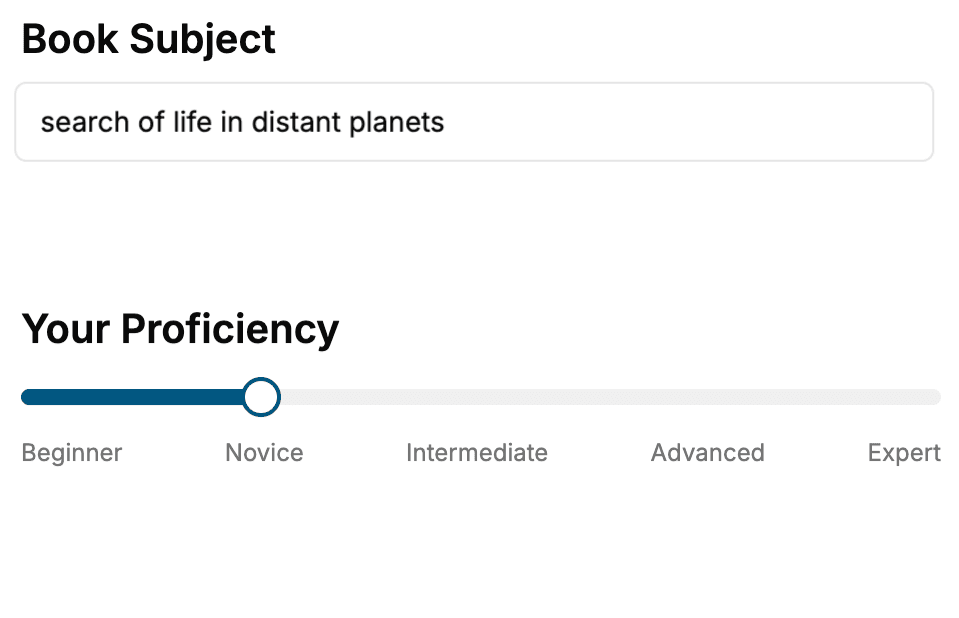
Select the focus of your Software Development book and share your background
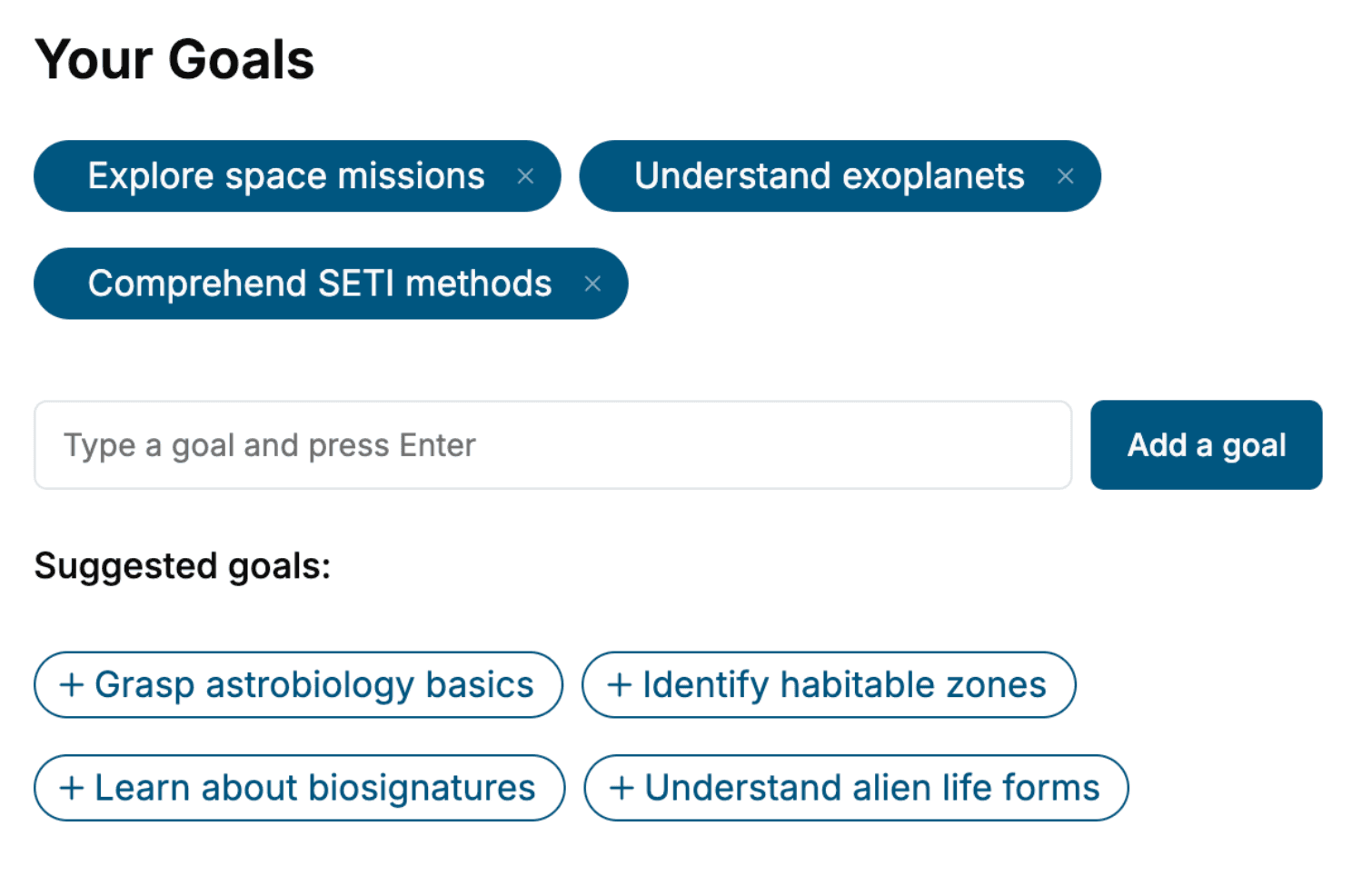
- 2. Personalize your book
Specify your goals and choose sub-topics to include
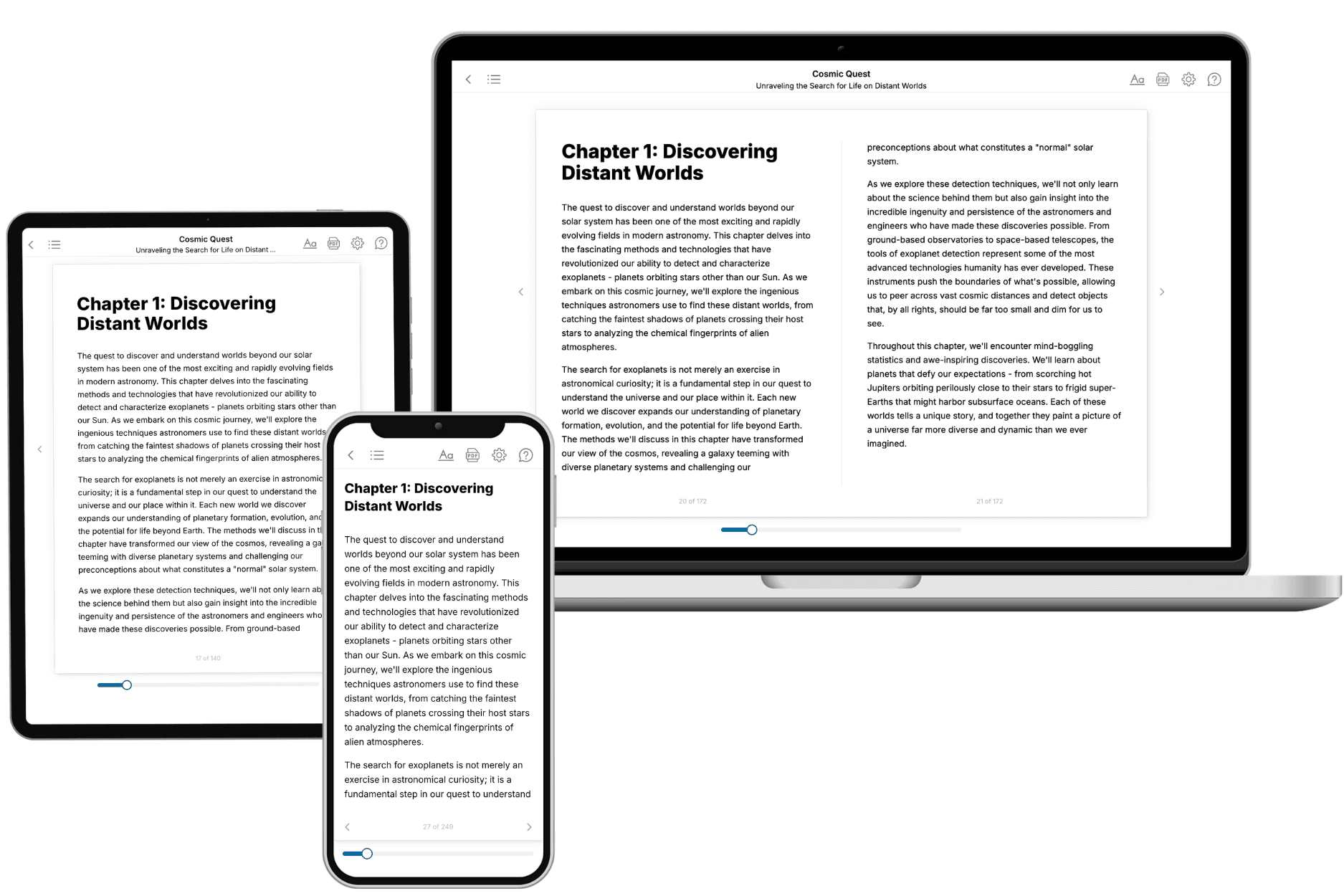
- 3. Get your tailored book
Your book is ready in 10 minutes. Read it online, download as EPUB or PDF, or send to Kindle.
Frequently asked questions
- What is TailoredRead?
TailoredRead creates complete, full-length nonfiction ebooks, written specifically for you. Tell us what you want to learn and why, and TailoredRead writes you a complete ebook on it, with charts, tables, and diagrams throughout. Read it online, on Kindle, or on any e-reader, or download it as a PDF or EPUB. Every book is written fresh the day you order it.
- How is the book tailored to me?
Before anything is written, you answer a few short questions about your goals, your background, and the topics you care about. Your book is then planned around your answers: written at your level, focused on your goals, and covering the topics you chose, instead of the one-size-fits-all book a store sells everyone.
- Will it read like generic AI content?
No. Your book isn't a chat transcript: it's planned chapter by chapter before a single word is written, told in a clear book voice, and explains ideas visually with charts, tables, and diagrams. After writing, every book goes through an editorial pass that polishes chapters so the book reads consistent from start to finish. Judge for yourself: browse thousands of sample books on our Explore Books page.
- How accurate is the content?
Our AI first checks whether your subject needs live research. Niche and fast-moving subjects are researched before writing, and the book plan and chapters are grounded in what it finds. After writing, every book goes through a quality pass that checks its facts and consistency, and researched books list their sources in a Notes section at the back.
- How long is the book?
You choose the length: Comprehensive (250-300 pages), Detailed (150-200 pages), Essential (70-100 pages), or Short (30-50 pages).
- Does the book include visuals?
Yes. Every book includes charts, tables, and diagrams: timelines, checklists, step-by-step guides, decision trees, comparison tables, matrices, and bar charts. A typical book includes dozens of these visual elements.
- Can I read it on Kindle? What formats can I download?
Yes. Every book can be read in our online reader or downloaded as a PDF or EPUB. The EPUB can be opened with Kindle, Apple Books, Kobo, and any e-reader. The Commercial and Author licenses also include an editable Word (DOCX) and Markdown download.
- How much does it cost?
About the price of a regular ebook. The exact price depends on your book's length and complexity, from $2 for the shortest books to $35 for the most comprehensive, and it's shown when you review your book, before you commit to anything. Each book is a one-time purchase, yours to keep, no subscription. Licenses that let you share, teach, or publish your book range from $35.99 to $49.99.
- Can I preview the book before purchasing?
Before you pay, you'll see what your book will cover: the title, a detailed description, the estimated length, and the complete chapter-by-chapter table of contents, so you know what you're getting before you decide. The full text itself is written after you purchase.
- How long does it take to create a book?
About 10 minutes. You can start reading the opening chapters while the rest is still being written.