FreeCAD 1.0 Mastery
Your Comprehensive Guide to 3D Modeling and Parametric Design for Real Estate and Product Innovation
Create stunning 3D visualizations of home renovations and bring your product ideas to life with FreeCAD 1.0.
284 pages15 chaptersJul 9, 2025CAD
About this book
This comprehensive guide takes you from novice to expert, equipping you with the skills to revolutionize your real estate presentations and prototype innovative products. You'll master the art of parametric design, learning to create dynamic 3D models that adapt to changing parameters with ease. Dive into the powerful Arch Workbench to design and modify architectural elements, and explore the Draft Workbench for precise 2D and 3D drafting. By the end of this journey, you'll be crafting professional-quality 3D floor plans, generating virtual home tours that captivate clients, and preparing models for 3D printing to showcase your product concepts. Whether you're optimizing room layouts or bringing your entrepreneurial visions to life, this guide provides the practical knowledge and hands-on experience you need to leverage FreeCAD 1.0 in your professional endeavors.
Table of contents
- IntroductionWhat is FreeCAD and Why It Matters, How This Book Will Transform Your Skills, Setting Up Your FreeCAD EnvironmentRead below
- Chapter 1: Navigating the FreeCAD 1.0 InterfaceUnderstanding the Main Window Layout, Exploring Different Workbenches, Mastering Navigation Tools and Shortcuts, Customizing Your Workspace for Efficiency
- Chapter 2: Sketching Basics in FreeCADIntroduction to the Sketch Workbench, Creating and Manipulating Geometric Primitives, Understanding Geometric Constraints, Adding Dimensions to Your Sketches
- Chapter 3: Parametric Design PrinciplesThe Concept of Parametric Modeling, Advanced Constraint Techniques, Using Equations in Your Designs, Capturing Design Intent Through Parameters
- Chapter 4: 3D Modeling FundamentalsExtruding 2D Sketches into 3D Objects, Creating Solids of Revolution, Combining Shapes with Boolean Operations, Adding Fillets and Chamfers
- Chapter 5: Mastering the Part Design WorkbenchFeature-Based Modeling Techniques, Creating Patterns and Arrays, Working with Multi-Body Parts, Best Practices for Efficient Part Design
- Chapter 6: Leveraging the Draft Workbench2D Drafting Tools and Techniques, Understanding and Using Working Planes, Adding Annotations and Dimensions, Converting Draft Objects to Sketches
- Chapter 7: Architectural Design with the Arch WorkbenchCreating Walls, Windows, and Doors, Designing Structural Elements, Roof Design and Customization, Managing Architectural Object Properties
- Chapter 8: Creating Professional 3D Floor PlansSetting Up Your Floor Plan Project, Designing and Optimizing Room Layouts, Adding and Arranging Furniture, Dimensioning and Annotating Floor Plans
- Chapter 9: Visualizing Home ExteriorsModeling Facade Elements, Basic Landscape Design Techniques, Applying Exterior Materials and Textures, Rendering Exterior Views
- Chapter 10: Generating Virtual Home ToursSetting Up Cameras for Interior Views, Lighting Techniques for Interiors, Assigning Materials for Realism, Exporting and Presenting Virtual Tours
- Chapter 11: Product Prototyping EssentialsFrom Concept Sketch to 3D Model, Designing for Assembly, Creating Simple Mechanisms, Iterating and Refining Prototypes
- Chapter 12: Working with Material LibrariesCreating and Editing Materials, Assigning Materials to Objects, Understanding Material Properties, Building Custom Material Libraries
- Chapter 13: Measurement and Analysis ToolsUsing Dimension Tools Effectively, Calculating Areas and Volumes, Finding Center of Mass and Inertia, Performing Clash Detection
- Chapter 14: Introduction to Rendering in FreeCADOverview of the Render Workbench, Setting Up Lighting for Renders, Camera Positioning and Framing, Adjusting Render Settings for Quality
- Chapter 15: Preparing Models for 3D PrintingDesign Considerations for 3D Printing, Checking and Repairing 3D Models, Introduction to Slicing Software, Adding Support Structures
- ConclusionRecap of Key Skills and Concepts, Continuing Your FreeCAD Journey
- AppendixFreeCAD Keyboard Shortcuts, Additional Resources and Communities
Introduction
Welcome to the world of FreeCAD 1.0, a powerful and versatile 3D modeling software that's about to transform the way you approach real estate visualization and product development. As you embark on this journey through "FreeCAD 1.0 Mastery: Your Comprehensive Guide to 3D Modeling and Parametric Design for Real Estate and Product Innovation," you're taking a significant step towards enhancing your professional toolkit. This book is designed to bridge the gap between your current skills and the vast potential that FreeCAD offers, providing you with the knowledge and practical experience to create stunning 3D visualizations, optimize room layouts, and bring your innovative product ideas to life.
Throughout this guide, you'll discover how to leverage FreeCAD's capabilities to create dynamic 3D models that adapt to changing parameters, design architectural elements with precision, and generate virtual home tours that will captivate your clients. Whether you're looking to revolutionize your real estate presentations or prototype your next groundbreaking product, the skills you'll acquire here will prove invaluable. From mastering the interface to understanding complex parametric design principles, each chapter builds upon the last, ensuring a comprehensive and structured learning experience.
As we delve into the intricacies of FreeCAD 1.0, remember that this software is more than just a tool—it's a gateway to enhancing your professional capabilities and bringing your creative visions to life. The journey ahead is filled with practical exercises, real-world applications, and insights that will help you apply these new skills directly to your work in real estate and product development. So, let's begin this exciting adventure into the world of 3D modeling and parametric design, where your ideas will take shape and your professional horizons will expand.
What is FreeCAD and Why It Matters
FreeCAD is an open-source parametric 3D modeling software that has revolutionized the way professionals approach design and engineering tasks. At its core, FreeCAD is a powerful tool that allows you to create complex 3D models with precision and flexibility. Unlike traditional CAD software that may focus solely on static designs, FreeCAD's parametric nature means that your models are built on relationships and constraints, allowing for easy modifications and adaptations as your project evolves. This dynamic approach to design is particularly valuable in fields like real estate and product development, where iterations and client feedback are constant factors in the creative process.
The significance of FreeCAD in today's professional landscape cannot be overstated. In an era where visual representation and rapid prototyping are increasingly crucial, FreeCAD stands out as a versatile solution that caters to a wide range of needs. For realtors and property developers, it offers the ability to create detailed 3D floor plans, visualize renovations, and generate virtual tours that can significantly enhance property presentations. Entrepreneurs and product designers can leverage FreeCAD to quickly prototype ideas, test different design iterations, and prepare models for 3D printing, all within a single software environment.
One of the most compelling aspects of FreeCAD is its accessibility. As an open-source platform, it's not only free to use but also benefits from a large community of developers and users who continuously contribute to its improvement and expansion. This community-driven development ensures that FreeCAD remains at the cutting edge of CAD technology, with regular updates and new features that address the evolving needs of its users. For professionals looking to enhance their skill set without significant financial investment, FreeCAD presents an unparalleled opportunity to access high-end 3D modeling capabilities.
FreeCAD's workbench concept is another feature that sets it apart from other CAD software. These workbenches are specialized working environments tailored for specific tasks, such as part design, architectural modeling, or drafting. This modular approach allows you to focus on the tools relevant to your current task, streamlining your workflow and reducing the learning curve associated with complex software interfaces. As you progress through this book, you'll become familiar with various workbenches, learning how to leverage each one for specific aspects of your projects.
The software's parametric modeling capabilities are particularly noteworthy. This feature allows you to create models where individual elements are interconnected, and changes to one aspect automatically update related components. For instance, in a building design, adjusting the dimensions of a room could automatically update the floor area, wall lengths, and even furniture placement. This parametric approach not only saves time during the design process but also allows for rapid exploration of design alternatives, a crucial advantage in both real estate visualization and product development.
Furthermore, FreeCAD's compatibility with various file formats enhances its utility in professional settings. You can import and export files in formats used by other popular CAD software, ensuring seamless collaboration with colleagues or clients who may be using different tools. This interoperability extends to 3D printing as well, with FreeCAD capable of exporting models in formats ready for additive manufacturing, bridging the gap between digital design and physical prototyping.
For realtors and property developers, FreeCAD offers tools specifically designed for architectural modeling. The Arch Workbench provides functionality for creating walls, windows, doors, and other structural elements, allowing you to quickly draft building layouts or visualize renovation projects. Combined with its rendering capabilities, FreeCAD enables you to create photorealistic images of properties, giving potential buyers or investors a clear vision of the space before it's even built or renovated.
Entrepreneurs and product designers will find FreeCAD's Part Design Workbench invaluable for creating detailed 3D models of their concepts. The software's precision modeling tools allow for the creation of complex geometries, while its assembly features enable the design of multi-part products. The ability to apply constraints and relationships between parts means you can create functional prototypes, testing mechanisms and fit before moving to physical production.
As you delve deeper into FreeCAD, you'll discover its potential for data analysis and reporting. The software can calculate volumes, surface areas, and centers of mass, providing valuable information for cost estimation, material requirements, or structural analysis. This analytical capability transforms FreeCAD from a mere design tool into a comprehensive solution for project planning and feasibility studies.
In essence, FreeCAD is more than just software; it's a gateway to enhanced professional capabilities. Its combination of powerful features, accessibility, and flexibility makes it an indispensable tool for anyone looking to elevate their work in real estate visualization or product development. As you progress through this book, you'll not only learn how to use FreeCAD but also how to think in terms of parametric design, opening up new possibilities for creativity and efficiency in your professional endeavors.
How This Book Will Transform Your Skills
"FreeCAD 1.0 Mastery" is meticulously structured to take you on a comprehensive journey from the basics of 3D modeling to advanced techniques in parametric design and architectural visualization. This book is not just a manual; it's a transformative guide designed to elevate your skills and expand your professional capabilities. Each chapter builds upon the knowledge gained in the previous ones, ensuring a logical progression that reinforces your learning and gradually increases the complexity of the tasks you can accomplish.
The book begins by introducing you to the FreeCAD interface, ensuring you're comfortable navigating the software and understanding its core concepts. This foundational knowledge is crucial, as it sets the stage for more advanced operations. You'll learn how to customize your workspace for maximum efficiency, a skill that will save you countless hours as you tackle more complex projects. The interface chapter also covers essential navigation tools and shortcuts, empowering you to work swiftly and confidently within the FreeCAD environment.
As you progress, you'll delve into the world of sketching and parametric design. These chapters are pivotal, teaching you how to create flexible, adaptable designs that can easily accommodate changes—a crucial skill in both real estate visualization and product development. You'll learn to think in terms of relationships and constraints, understanding how to create models that update intelligently when modifications are made. This parametric approach is a game-changer, allowing you to quickly iterate designs based on client feedback or changing project requirements.
The book then guides you through 3D modeling fundamentals, equipping you with the skills to create complex shapes and structures. You'll explore various modeling techniques, from basic extrusions to advanced operations like lofts and sweeps. This section is particularly valuable for product designers, as it lays the groundwork for creating detailed prototypes. For those in real estate, these skills will enable you to model custom architectural elements and unique property features that set your visualizations apart.
A significant portion of the book is dedicated to architectural design using FreeCAD's powerful Arch Workbench. Here, you'll learn to create walls, windows, doors, and other structural elements with precision. This section is crucial for realtors and property developers, as it provides the tools to create accurate 3D representations of buildings and interior spaces. You'll discover how to generate floor plans, design roof structures, and even model terrain for comprehensive property visualizations.
The chapters on creating professional 3D floor plans and generating virtual home tours are where your newly acquired skills come together to create stunning visualizations. You'll learn techniques for optimizing room layouts, placing furniture, and adding realistic materials and lighting. These chapters focus on creating presentations that not only accurately represent spaces but also evoke emotional responses from potential buyers or investors. The skills you gain here will dramatically enhance your ability to showcase properties, whether they're existing structures or yet-to-be-built developments.
For entrepreneurs and product designers, the book includes dedicated sections on product prototyping. You'll learn how to take a concept from a simple sketch to a detailed 3D model, ready for presentation or 3D printing. This section covers important aspects like designing for assembly, creating simple mechanisms, and iterating prototypes efficiently. The knowledge gained here will accelerate your product development process, allowing you to validate ideas quickly and communicate concepts effectively to stakeholders or manufacturers.
Throughout the book, you'll find practical exercises and real-world examples that reinforce the concepts being taught. These hands-on activities are designed to simulate actual projects you might encounter in your professional work, ensuring that the skills you're developing are directly applicable to your field. By completing these exercises, you'll build a portfolio of FreeCAD projects that demonstrate your newfound expertise.
The book also covers advanced topics like material management, measurement and analysis tools, and basic rendering techniques. These chapters add depth to your skillset, allowing you to create more realistic visualizations, perform accurate calculations, and present your designs in the best possible light. You'll learn how to create and manage material libraries, essential for maintaining consistency across projects and quickly applying realistic finishes to your models.
In the final chapters, you'll explore the process of preparing models for 3D printing. This knowledge is invaluable for product designers looking to create physical prototypes, but it's also relevant for real estate professionals who might want to create scale models of properties or architectural features. Understanding the considerations and limitations of 3D printing will help you design more effectively, ensuring that your digital models can be successfully translated into physical objects.
By the time you reach the conclusion of this book, you'll have transformed from a FreeCAD novice to a confident user capable of tackling complex projects. You'll possess a comprehensive understanding of 3D modeling, parametric design, architectural visualization, and product prototyping. More importantly, you'll have the skills to apply this knowledge creatively to your specific professional needs, whether that's creating compelling property presentations or bringing innovative product ideas to life.
Remember, the journey doesn't end with the last page of this book. The appendix provides additional resources and information on FreeCAD communities, encouraging you to continue learning and exploring the software's capabilities. The skills you develop through this book will serve as a strong foundation, empowering you to take on more advanced projects and stay at the forefront of 3D modeling technology in your field.
Setting Up Your FreeCAD Environment
Before diving into the exciting world of 3D modeling and parametric design with FreeCAD, it's crucial to set up your working environment correctly. This initial step ensures that you have a smooth and efficient experience as you progress through the book and start working on your projects. The process of setting up FreeCAD is straightforward, but there are several important considerations to keep in mind to optimize your workflow and ensure compatibility with the exercises in this book.
First and foremost, you'll need to download and install FreeCAD 1.0. As an open-source software, FreeCAD is freely available and can be downloaded from the official website (www.freecadweb.org). It's important to note that this book is based on version 1.0, so ensure you're downloading this specific version to follow along seamlessly. FreeCAD is available for multiple operating systems, including Windows, macOS, and Linux. Choose the appropriate version for your system and follow the installation instructions provided on the website. The installation process is typically straightforward, but if you encounter any issues, the FreeCAD community forums are an excellent resource for troubleshooting.
Once FreeCAD is installed, it's time to configure your workspace. Launch the software and take a moment to familiarize yourself with the default interface. FreeCAD's interface is highly customizable, allowing you to tailor it to your specific needs and preferences. Start by exploring the various toolbars and panels. You can rearrange these elements by clicking and dragging them to new positions. Consider which tools you'll be using most frequently based on your professional focus—whether it's architectural design or product prototyping—and ensure these tools are easily accessible.
Next, it's important to set up your units and precision settings. FreeCAD allows you to work in various unit systems, including metric and imperial. To set your preferred unit system, go to Edit > Preferences > General > Units. Here, you can choose your unit schema and set the number of decimal places for different types of measurements. For architectural work, you might prefer to work in meters or feet, while product design might require millimeters or inches. Setting these preferences early will ensure consistency throughout your projects and avoid confusion when working with measurements.
Another crucial aspect of setting up your FreeCAD environment is configuring the grid and snapping options. These features are essential for precise modeling and will greatly enhance your efficiency. Navigate to Edit > Preferences > Draft > Grid and Snapping to access these settings. Here, you can set the grid size, specify snapping behaviors, and define the visual appearance of the grid. Experiment with these settings to find a configuration that suits your working style and the types of projects you'll be undertaking.
FreeCAD's power can be further enhanced through the use of add-ons and external libraries. While the core functionality of FreeCAD is comprehensive, certain specialized tasks may benefit from additional tools. Visit the Addon Manager (Tools > Addon Manager) to explore available add-ons. For this book, we'll primarily focus on the built-in tools, but feel free to explore add-ons that align with your specific professional needs. Be cautious when installing add-ons and ensure they're compatible with FreeCAD 1.0 to avoid any stability issues.
Setting up a consistent file structure and naming convention for your FreeCAD projects is a practice that will pay dividends as you work on more complex models. Create a dedicated folder on your computer for FreeCAD projects, with subfolders for different categories (e.g., "Real Estate Projects," "Product Prototypes"). Within these folders, establish a naming convention for your files that includes relevant information such as project name, date, and version number. This organization will make it easier to manage and locate your files as your portfolio of FreeCAD projects grows.
It's also worth considering your computer's hardware capabilities. While FreeCAD can run on most modern computers, working with complex 3D models and large assemblies can be resource-intensive. If you find that FreeCAD is running slowly, particularly when working on detailed architectural models or intricate product designs, you may need to adjust your computer's performance settings or consider upgrading your hardware. Adequate RAM and a dedicated graphics card can significantly improve FreeCAD's performance, especially when working with large files or using rendering features.
As you set up your FreeCAD environment, take some time to explore the software's documentation and built-in tutorials. FreeCAD comes with extensive documentation accessible through the Help menu. Familiarizing yourself with this resource will provide valuable context and additional information as you work through the chapters of this book. The built-in tutorials offer hands-on exercises that complement the learning path outlined in this guide, providing additional practice and reinforcement of key concepts.
Lastly, consider joining online FreeCAD communities and forums. These platforms are invaluable resources for troubleshooting, sharing ideas, and staying updated on the latest developments in FreeCAD. The official FreeCAD forum (forum.freecadweb.org) is particularly active and welcoming to users of all skill levels. Engaging with these communities can enhance your learning experience, provide inspiration for projects, and connect you with other professionals using FreeCAD in similar fields.
By taking the time to properly set up your FreeCAD environment, you're laying a strong foundation for your journey into 3D modeling and parametric design. This initial investment in configuration and organization will streamline your workflow, allowing you to focus on creativity and problem-solving as you tackle the exercises and projects in the coming chapters. Remember, your FreeCAD setup can evolve as you become more familiar with the software and discover your preferred working methods. Don't hesitate to revisit and refine your setup as you progress through the book and take on more complex projects in your professional work.
This is the end of the free sample. The full book has 15 chapters.
Want this book written for you?
Tell us your goals and background, and get your own version of this book, tailored by AI to you.






Benefits of AI-tailored books
- Read one book, not ten:
- all the CAD knowledge you need, gathered into a single book.
- Save days of learning:
- tell us your goals, choose your topics, and the whole book is built around them.
- Learn effortlessly:
- CAD book written for your specific background and expertise.
- Understand at a glance:
- includes charts, tables, timelines, checklists, decision trees, and more.
- Stay current:
- written the day you order it, not years ago.
- Trust what you read:
- every book is checked for accuracy, with real research when your subject needs it.
Create your unique book in 3 steps
- 1. Select your focus
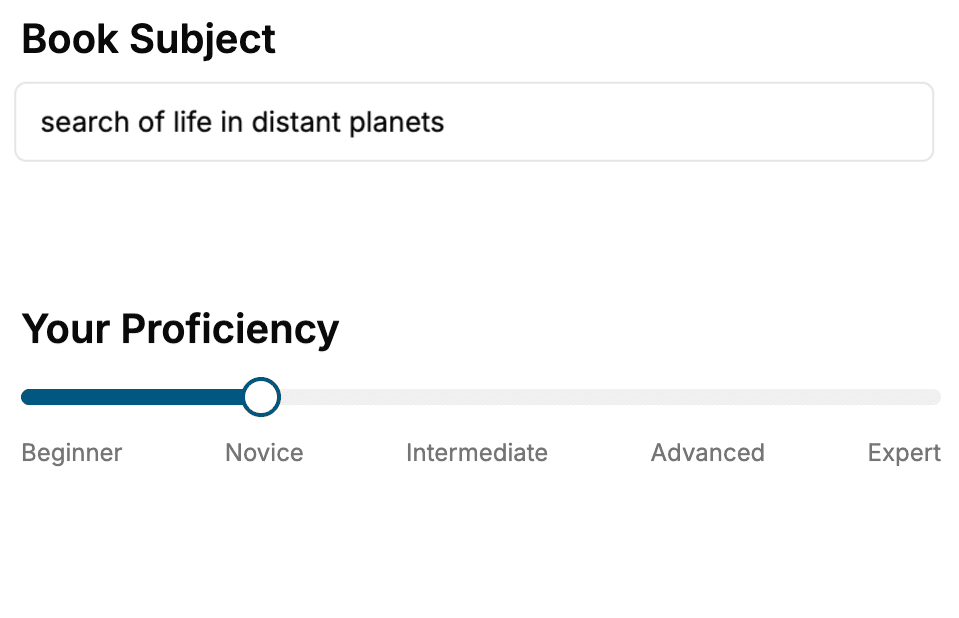
Select the focus of your CAD book and share your background
- 2. Personalize your book
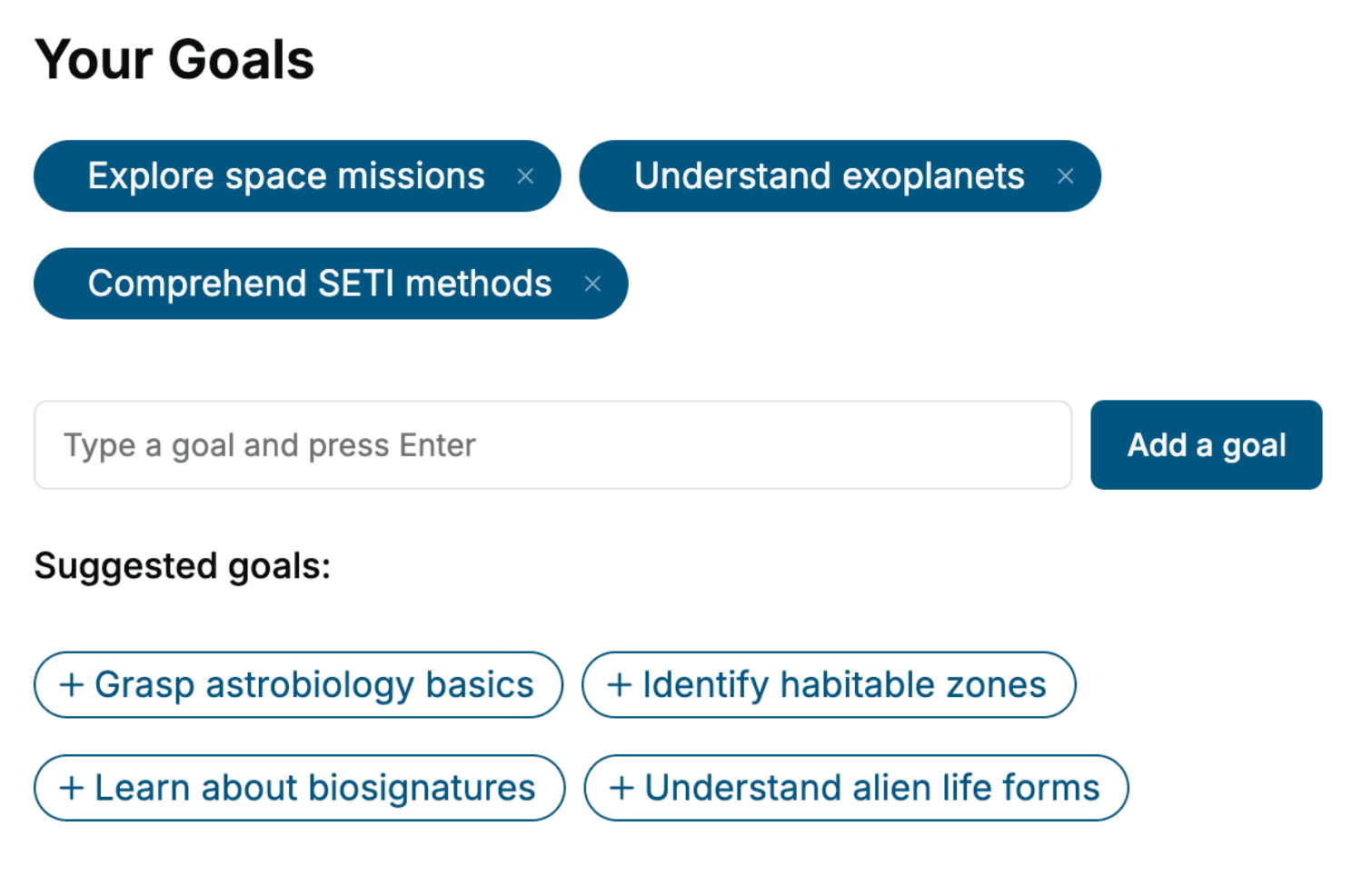
Specify your goals and choose sub-topics to include
- 3. Get your tailored book
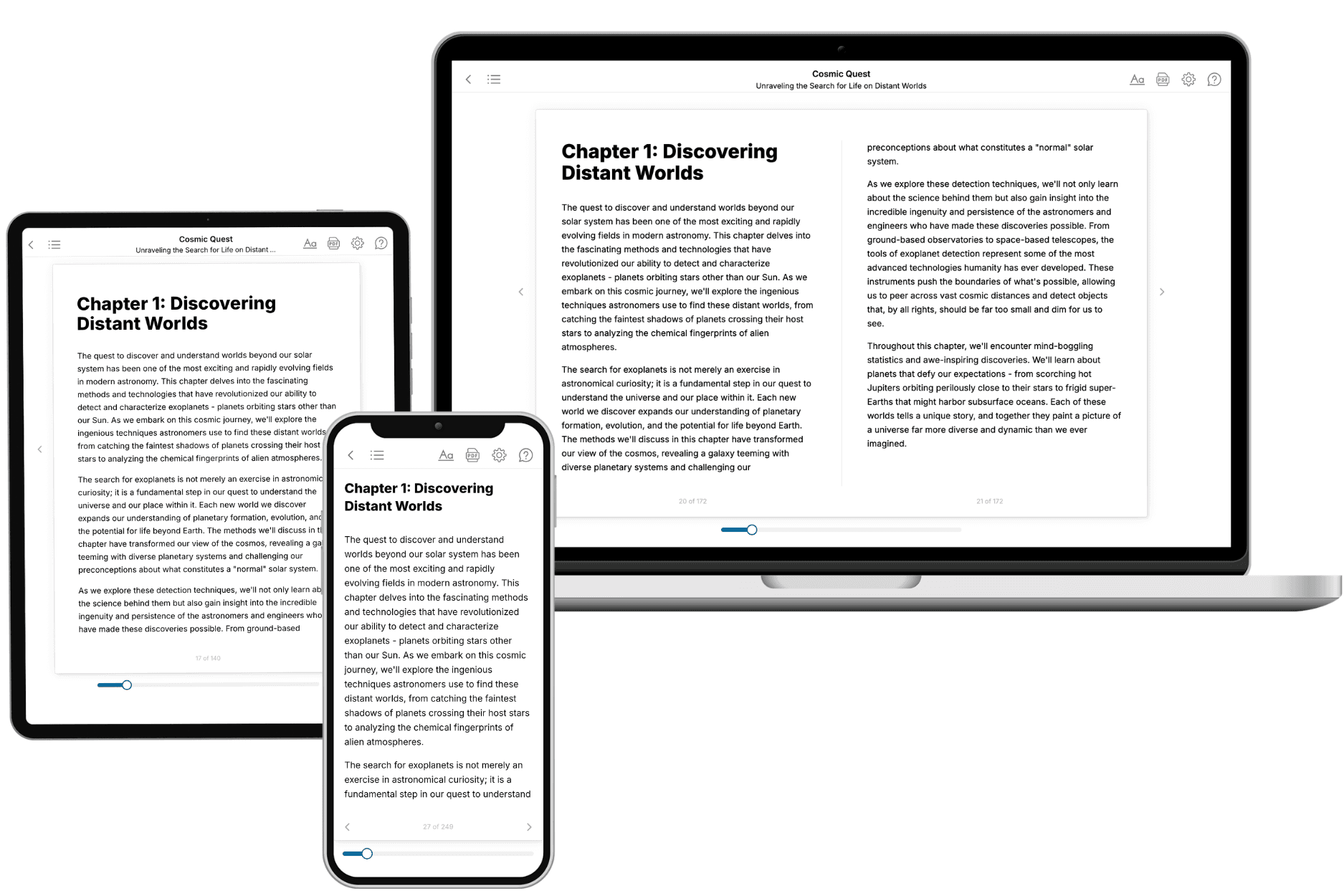
Your book is ready in 10 minutes. Read it online, download as EPUB or PDF, or send to Kindle.
Frequently asked questions
- What is TailoredRead?
TailoredRead creates complete, full-length nonfiction ebooks, written specifically for you. Tell us what you want to learn and why, and TailoredRead writes you a complete ebook on it, with charts, tables, and diagrams throughout. Read it online, on Kindle, or on any e-reader, or download it as a PDF or EPUB. Every book is written fresh the day you order it.
- How is the book tailored to me?
Before anything is written, you answer a few short questions about your goals, your background, and the topics you care about. Your book is then planned around your answers: written at your level, focused on your goals, and covering the topics you chose, instead of the one-size-fits-all book a store sells everyone.
- Will it read like generic AI content?
No. Your book isn't a chat transcript: it's planned chapter by chapter before a single word is written, told in a clear book voice, and explains ideas visually with charts, tables, and diagrams. After writing, every book goes through an editorial pass that polishes chapters so the book reads consistent from start to finish. Judge for yourself: browse thousands of sample books on our Explore Books page.
- How accurate is the content?
Our AI first checks whether your subject needs live research. Niche and fast-moving subjects are researched before writing, and the book plan and chapters are grounded in what it finds. After writing, every book goes through a quality pass that checks its facts and consistency, and researched books list their sources in a Notes section at the back.
- How long is the book?
You choose the length: Comprehensive (250-300 pages), Detailed (150-200 pages), Essential (70-100 pages), or Short (30-50 pages).
- Does the book include visuals?
Yes. Every book includes charts, tables, and diagrams: timelines, checklists, step-by-step guides, decision trees, comparison tables, matrices, and bar charts. A typical book includes dozens of these visual elements.
- Can I read it on Kindle? What formats can I download?
Yes. Every book can be read in our online reader or downloaded as a PDF or EPUB. The EPUB can be opened with Kindle, Apple Books, Kobo, and any e-reader. The Commercial and Author licenses also include an editable Word (DOCX) and Markdown download.
- How much does it cost?
About the price of a regular ebook. The exact price depends on your book's length and complexity, from $2 for the shortest books to $35 for the most comprehensive, and it's shown when you review your book, before you commit to anything. Each book is a one-time purchase, yours to keep, no subscription. Licenses that let you share, teach, or publish your book range from $35.99 to $49.99.
- Can I preview the book before purchasing?
Before you pay, you'll see what your book will cover: the title, a detailed description, the estimated length, and the complete chapter-by-chapter table of contents, so you know what you're getting before you decide. The full text itself is written after you purchase.
- How long does it take to create a book?
About 10 minutes. You can start reading the opening chapters while the rest is still being written.