FreeCAD 1.0 Mastery
Your Comprehensive Guide to 3D Modeling and Parametric Design
Think 3D modeling is too complex for your engineering projects?
346 pages18 chaptersApr 2, 2025CAD
About this book
You're not alone. Many mechanical engineers struggle with traditional CAD software, finding it cumbersome and inflexible. But there's a powerful, free alternative that's revolutionizing the field. FreeCAD 1.0 is the game-changer you've been waiting for. This open-source parametric modeler offers unparalleled flexibility and control, allowing you to bring your most ambitious designs to life with ease. But like any powerful tool, it requires the right guidance to truly master. That's where "FreeCAD 1.0 Mastery" comes in. This comprehensive guide takes you from the basics of the FreeCAD interface to advanced techniques in parametric modeling and custom workbench creation. You'll learn how to leverage FreeCAD's unique constraint-based design approach, create complex 3D models, generate technical drawings, and even prepare your designs for 3D printing. Whether you're looking to streamline your workflow, tackle more complex projects, or simply stay ahead in the ever-evolving world of mechanical engineering, this book is your roadmap to success. With hands-on exercises, real-world examples, and insider tips, you'll quickly gain the confidence to tackle any design challenge that comes your way.
Table of contents
- IntroductionWhat is FreeCAD?, Why Choose FreeCAD for Mechanical Engineering?, How to Use This Book, Setting Up FreeCAD 1.0Read below
- Chapter 1: Getting Started with the FreeCAD InterfaceThe Main Window Layout, Navigation in 3D Space, Introduction to Workbenches, Customizing Your Workspace
- Chapter 2: Mastering the Sketcher WorkbenchEssential Sketcher Tools, Working with Geometric Constraints, Applying Dimensional Constraints, Creating Patterns and Symmetry
- Chapter 3: Exploring the Part Design WorkbenchSketch-Based Features, Working with Primitive Objects, Editing Features and Managing Dependencies, Best Practices in Part Design
- Chapter 4: Fundamentals of Parametric ModelingUnderstanding Parametric Design Concepts, Working with Parameters and Variables, Using Equations and Functions, Capturing Design Intent
- Chapter 5: Advanced Modeling TechniquesBoolean Operations, Fillet and Chamfer Techniques, Advanced Extrude and Revolve Operations, Mastering Loft and Sweep, Creating Multi-Body Parts
- Chapter 6: Working with AssembliesUnderstanding Assembly Structure, Applying Constraints and Mates, Kinematic Analysis in Assemblies, Managing Large Assemblies
- Chapter 7: Creating Technical DrawingsTechDraw Workbench Basics, Creating Views and Projections, Dimensioning and Annotation, Working with Drawing Templates
- Chapter 8: Utilizing the Part WorkbenchCreating and Modifying Part Primitives, Advanced Part Operations, Part Analysis Tools, Exporting Parts for Manufacturing
- Chapter 9: Introduction to the Mesh WorkbenchCreating and Importing Meshes, Analyzing Mesh Quality, Repairing and Optimizing Meshes, Converting Meshes to Solid Objects
- Chapter 10: Basics of FEM Analysis in FreeCADSetting Up an FEM Analysis, Assigning Materials and Properties, Defining Loads and Boundary Conditions, Running Analysis and Interpreting Results
- Chapter 11: Introduction to Python Scripting in FreeCADPython Basics for FreeCAD, Exploring the FreeCAD API, Writing Automation Scripts, Creating Custom Tools with Python
- Chapter 12: Developing Custom WorkbenchesUnderstanding Workbench Structure, Designing the User Interface, Implementing Custom Tools, Packaging and Distributing Your Workbench
- Chapter 13: Preparing Models for 3D PrintingDesign Considerations for 3D Printing, Checking and Repairing Models, Slicing and Print Setup, Post-Processing 3D Printed Parts
- Chapter 14: Reverse Engineering with FreeCADImporting and Processing Scan Data, Surface Reconstruction Techniques, Feature Recognition and Extraction, Converting to Parametric Models
- Chapter 15: Working with Different File FormatsSTEP and IGES Import/Export, Handling Other CAD Formats, Working with Neutral Formats, Ensuring File Compatibility
- Chapter 16: Rendering and Visualization in FreeCADSetting Up Materials and Textures, Working with Lighting and Cameras, Using Different Render Engines, Post-Processing Rendered Images
- Chapter 17: Version Control and CollaborationBasics of Git for CAD Projects, Integrating FreeCAD with Git, Collaborative Workflows in FreeCAD, Managing Versions and Releases
- Chapter 18: Understanding Topological NamingBasics of Topological Naming, Common Naming Problems and Solutions, Creating Stable and Robust Models, Best Practices for Topological Naming
- Conclusion
- Glossary
- Further Reading
Introduction
Welcome to the world of FreeCAD 1.0, a powerful and versatile 3D modeling software that's revolutionizing the field of mechanical engineering. As you embark on this journey to master FreeCAD, you're taking a significant step towards enhancing your design capabilities and streamlining your workflow. This introduction will provide you with a comprehensive overview of FreeCAD, explain why it's an excellent choice for mechanical engineers, guide you on how to use this book effectively, and walk you through the process of setting up FreeCAD 1.0 on your system.
What is FreeCAD?
FreeCAD is an open-source, parametric 3D modeling software that has gained significant popularity among engineers, designers, and makers worldwide. Developed by a dedicated community of volunteers, FreeCAD offers a robust set of tools for creating complex 3D models, assemblies, and technical drawings. At its core, FreeCAD is built on the principles of parametric modeling, which allows for the creation of highly flexible and easily modifiable designs.
The term "parametric" is crucial to understanding the power of FreeCAD. In parametric modeling, every aspect of your design is driven by parameters and constraints. This means that instead of simply drawing shapes, you're defining relationships and rules that govern how those shapes behave. For example, you might specify that a hole should always be centered on a face, or that two edges should always remain parallel. These relationships persist even as you modify your design, ensuring that your model remains consistent and true to your original intent.
FreeCAD's architecture is based on a workbench concept. Each workbench is a specialized set of tools designed for specific tasks. For instance, the Sketcher workbench is used for creating 2D sketches, while the Part Design workbench is used for creating solid 3D features. This modular approach allows you to focus on the tools you need for each stage of your design process, reducing clutter and improving efficiency.
One of the standout features of FreeCAD is its extensibility. Built on a Python foundation, FreeCAD allows users to create custom scripts and macros to automate tasks or extend the software's functionality. This level of customization is particularly valuable for engineers who often work on specialized or repetitive tasks.
FreeCAD also supports a wide range of file formats, making it easy to integrate with other software in your workflow. Whether you're importing legacy CAD files or exporting your designs for 3D printing, FreeCAD has you covered. The software can handle standard formats like STEP and IGES, as well as more specialized formats used in various industries.
As an open-source project, FreeCAD benefits from continuous development and improvement by its community. This means that new features and bug fixes are regularly added, keeping the software up-to-date with the latest trends and technologies in 3D modeling. The open nature of the project also means that you have access to the source code, allowing for a level of transparency and customization that's not possible with proprietary software.
In essence, FreeCAD is more than just a 3D modeling tool; it's a comprehensive platform for mechanical design that grows and evolves with its user base. Its combination of powerful features, flexibility, and community support makes it an invaluable tool for engineers looking to enhance their design capabilities.
Why Choose FreeCAD for Mechanical Engineering?
As a mechanical engineer, your choice of CAD software can significantly impact your productivity, creativity, and the overall quality of your designs. FreeCAD stands out as an excellent choice for several compelling reasons, each of which contributes to its growing popularity in the field of mechanical engineering.
First and foremost, FreeCAD's parametric modeling capabilities are a game-changer for mechanical engineers. This approach to design allows you to create models that are inherently flexible and easy to modify. In the world of mechanical engineering, design iterations are a fact of life. With parametric modeling, you can make changes to your design at any stage of the process, and those changes will propagate throughout your model automatically. This not only saves time but also reduces the likelihood of errors that can occur when manually updating complex designs.
The constraint-based sketching in FreeCAD is another feature that's particularly valuable for mechanical engineers. When creating 2D sketches (which often form the basis for 3D features), you can apply geometric and dimensional constraints to ensure that your sketch behaves exactly as intended. For example, you can specify that two lines should always remain perpendicular, or that a circle should always maintain a specific diameter. These constraints remain in place even as you modify other aspects of your sketch, helping to maintain design intent throughout the modeling process.
FreeCAD's workbench-based interface is well-suited to the varied tasks involved in mechanical engineering. The Part Design workbench, for instance, provides a comprehensive set of tools for creating solid 3D models based on sketches. The Assembly workbench allows you to bring individual parts together into complex assemblies, applying constraints to define how parts interact with each other. The TechDraw workbench enables the creation of detailed technical drawings, essential for communicating your designs to manufacturers or other stakeholders.
For mechanical engineers involved in analysis and simulation, FreeCAD offers built-in Finite Element Analysis (FEA) capabilities through its FEM workbench. While not as comprehensive as dedicated FEA software, this feature allows for basic structural analysis directly within your CAD environment. This integration can significantly streamline the design-analysis-redesign cycle that's so common in mechanical engineering.
The open-source nature of FreeCAD is another significant advantage. In a field where software costs can be substantial, having access to a powerful CAD tool at no cost is a major benefit, especially for small businesses, startups, or individual engineers. Moreover, the open-source model means that you're not locked into a proprietary ecosystem. You have the freedom to modify the software to suit your specific needs, and you can be confident that your designs will remain accessible even if you decide to switch to a different software in the future.
FreeCAD's Python scripting capabilities are particularly valuable for mechanical engineers looking to automate repetitive tasks or create custom tools. Whether you're generating complex geometries based on mathematical formulas or creating a specialized tool for a specific type of analysis, Python scripting in FreeCAD opens up a world of possibilities for customization and efficiency improvements.
The software's compatibility with a wide range of file formats is another key advantage. In the diverse ecosystem of mechanical engineering, you often need to work with files from various sources or export your designs for different purposes. FreeCAD's ability to handle formats like STEP, IGES, STL, and many others ensures that you can seamlessly integrate it into your existing workflow.
Lastly, the strong community support behind FreeCAD is a significant asset. As an open-source project, FreeCAD benefits from contributions from engineers and developers worldwide. This means that the software is constantly evolving, with new features and improvements being added regularly. The active community also provides a wealth of resources, tutorials, and forums where you can seek help or share your own knowledge.
In conclusion, FreeCAD offers a powerful, flexible, and cost-effective solution for mechanical engineering design. Its parametric modeling capabilities, diverse workbenches, analysis tools, and extensibility make it a versatile tool capable of handling a wide range of engineering tasks. By choosing FreeCAD, you're not just selecting a CAD software; you're joining a community of engineers and designers working together to push the boundaries of what's possible in mechanical design.
How to Use This Book
"FreeCAD 1.0 Mastery: Your Comprehensive Guide to 3D Modeling and Parametric Design" is structured to take you on a journey from the basics of FreeCAD to advanced techniques and specialized applications. To get the most out of this book, it's important to understand its structure and how to approach the material effectively.
The book is organized into chapters that follow a logical progression, starting with fundamental concepts and gradually moving towards more complex topics. Each chapter is designed to build upon the knowledge gained in previous sections, so it's recommended to work through the book sequentially, especially if you're new to FreeCAD or parametric modeling in general.
At the beginning of each chapter, you'll find an overview of the topics covered and the key learning objectives. This will help you understand what to expect and how the chapter fits into the broader context of FreeCAD mastery. Pay close attention to these introductions, as they often contain important conceptual information that will frame your understanding of the practical techniques that follow.
Throughout the book, you'll encounter a mix of theoretical explanations and practical exercises. The theoretical sections are crucial for understanding the principles behind FreeCAD's functionality and the concepts of parametric modeling. Don't be tempted to skip these sections, even if you're eager to get to the hands-on parts. A solid grasp of the theory will make the practical exercises more meaningful and will help you apply the techniques more effectively in your own projects.
The practical exercises are where you'll put your knowledge into action. These step-by-step guides are designed to walk you through specific tasks in FreeCAD, from creating basic sketches to designing complex assemblies. It's highly recommended that you follow along with these exercises on your own computer. Learning FreeCAD is very much a hands-on process, and you'll gain much more from the book if you're actively using the software as you read.
Each chapter also includes tips, best practices, and common pitfalls to watch out for. These insights, drawn from real-world experience, can help you avoid common mistakes and develop good habits in your CAD work. Pay special attention to these sections, as they often contain valuable information that can save you time and frustration in your projects.
At the end of each chapter, you'll find a summary of key points and a set of review questions or challenges. Use these to test your understanding of the material. If you find that you're struggling with certain concepts, it's a good idea to review the relevant sections before moving on to the next chapter.
The book also includes more advanced topics in later chapters, such as Python scripting, custom workbench development, and integration with other tools in the engineering workflow. Even if these topics seem beyond your current needs, it's worth familiarizing yourself with them. They'll give you an idea of FreeCAD's full capabilities and may inspire you to explore new ways of using the software in your work.
Remember that learning FreeCAD, like any complex software, is an iterative process. Don't be discouraged if you don't grasp every concept immediately. It's normal to need to revisit topics or practice techniques multiple times before they become second nature. The book is designed to be a reference that you can return to as you develop your skills.
Finally, make use of the additional resources provided in the book. These may include links to online tutorials, community forums, or supplementary materials. The world of CAD is constantly evolving, and these resources can help you stay up-to-date with the latest developments in FreeCAD and parametric modeling.
By approaching this book with patience, persistence, and a willingness to experiment, you'll be well on your way to mastering FreeCAD and enhancing your capabilities as a mechanical engineer. Remember, the goal is not just to learn a software tool, but to expand your ability to bring your design ideas to life efficiently and effectively.
Setting Up FreeCAD 1.0
Before diving into the world of 3D modeling with FreeCAD, it's crucial to properly set up the software on your system. This section will guide you through the process of downloading, installing, and configuring FreeCAD 1.0, ensuring that you have a solid foundation for your learning journey.
First, let's discuss system requirements. FreeCAD 1.0 is compatible with Windows, macOS, and Linux operating systems. For Windows users, FreeCAD supports Windows 7 and later versions. Mac users should be running macOS 10.12 (Sierra) or later. For Linux, most modern distributions are supported, but you may need to check the specific requirements for your distribution. In terms of hardware, FreeCAD benefits from a multi-core processor, at least 4GB of RAM (8GB or more is recommended for complex models), and a dedicated graphics card with OpenGL support.
To download FreeCAD 1.0, visit the official FreeCAD website (www.freecadweb.org). Navigate to the "Download" section, where you'll find links for different operating systems. Choose the appropriate version for your system. It's important to download from the official source to ensure you're getting a genuine, malware-free version of the software. The download file is typically several hundred megabytes in size, so ensure you have a stable internet connection.
Once the download is complete, the installation process varies slightly depending on your operating system. For Windows users, simply run the downloaded .exe file and follow the installation wizard. Mac users will need to open the .dmg file and drag the FreeCAD application to their Applications folder. Linux users may have different installation methods depending on their distribution, but typically it involves using the package manager or running a .AppImage file.
After installation, it's a good idea to launch FreeCAD and check for any available updates. FreeCAD has an built-in update checker that can notify you of new versions. Keeping your software up-to-date ensures you have access to the latest features and bug fixes. To check for updates, go to the "Help" menu and select "Check for updates."
Next, let's configure FreeCAD for optimal performance. Open the "Edit" menu and select "Preferences." Here, you can customize various aspects of the software to suit your needs. In the "General" section, you can set your preferred units of measurement and adjust the auto-save interval. In the "Display" section, you can customize the appearance of the interface, including colors and font sizes. If you have a powerful graphics card, you might want to enable anti-aliasing for smoother rendering of 3D models.
One important setting to consider is in the "OpenGL" section of the preferences. Here, you can adjust the rendering quality to balance between performance and visual fidelity. If you're working on a less powerful machine, you might want to lower some of these settings to improve performance.
FreeCAD uses workbenches to organize its tools, and you can customize which workbenches are visible. In the "Workbenches" section of the preferences, you can select which workbenches you want to have readily available. As a beginner, it's recommended to keep the default selection, but as you become more familiar with FreeCAD, you might want to add or remove workbenches based on your specific needs.
Another useful step in setting up FreeCAD is to familiarize yourself with the file management system. FreeCAD uses a project-based approach, where each project is saved as a .FCStd file. This file contains all the information about your model, including its history and parametric relationships. It's a good practice to create a dedicated folder on your system for FreeCAD projects to keep your work organized.
If you plan to use FreeCAD's Python scripting capabilities, you might want to set up an external text editor. While FreeCAD has a built-in Python console and script editor, many users prefer to use more feature-rich external editors. Popular choices include Visual Studio Code, PyCharm, or Sublime Text. You can configure FreeCAD to use your preferred editor in the "General" section of the preferences.
Lastly, consider setting up version control for your FreeCAD projects. While not strictly necessary, using a version control system like Git can be incredibly helpful for tracking changes in your designs and collaborating with others. FreeCAD's .FCStd files are compatible with version control systems, allowing you to manage your project history effectively.
By taking the time to properly set up and configure FreeCAD 1.0, you're setting yourself up for success in your 3D modeling journey. A well-configured system will make your learning process smoother and more enjoyable, allowing you to focus on developing your skills rather than wrestling with software issues. Remember, the setup process is not set in stone – as you become more familiar with FreeCAD, you may find yourself adjusting these settings to better suit your workflow and preferences.
This is the end of the free sample. The full book has 18 chapters.
Want this book written for you?
Tell us your goals and background, and get your own version of this book, tailored by AI to you.


Benefits of AI-tailored books
- Read one book, not ten:
- all the CAD knowledge you need, gathered into a single book.
- Save days of learning:
- tell us your goals, choose your topics, and the whole book is built around them.
- Learn effortlessly:
- CAD book written for your specific background and expertise.
- Understand at a glance:
- includes charts, tables, timelines, checklists, decision trees, and more.
- Stay current:
- written the day you order it, not years ago.
- Trust what you read:
- every book is checked for accuracy, with real research when your subject needs it.
Create your unique book in 3 steps
- 1. Select your focus
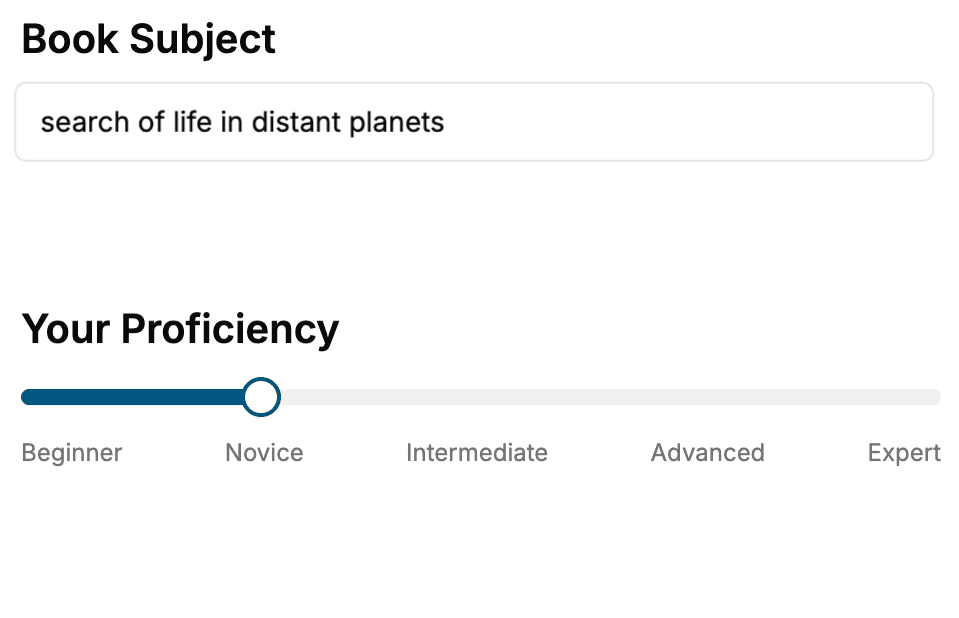
Select the focus of your CAD book and share your background
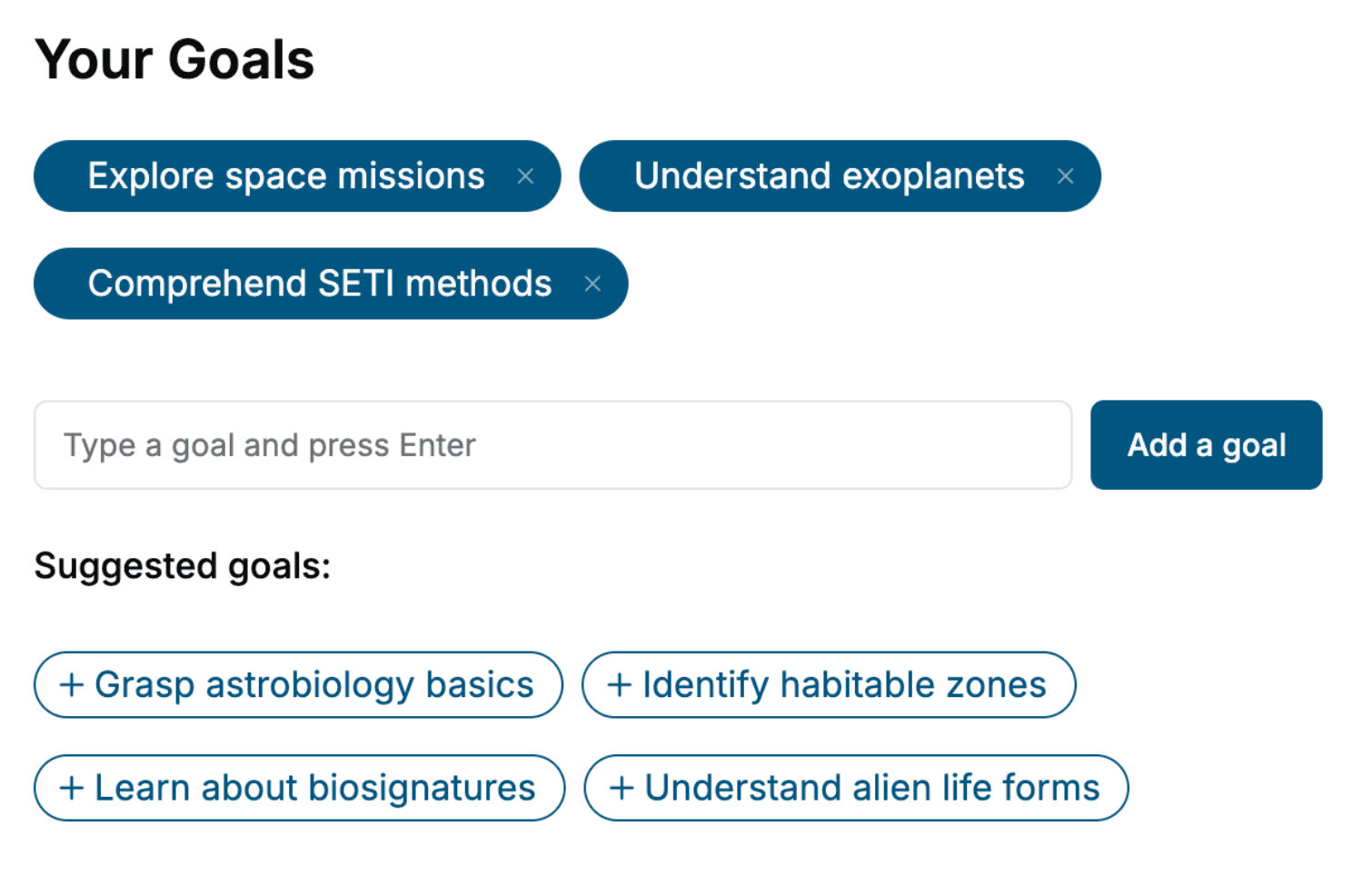
- 2. Personalize your book
Specify your goals and choose sub-topics to include
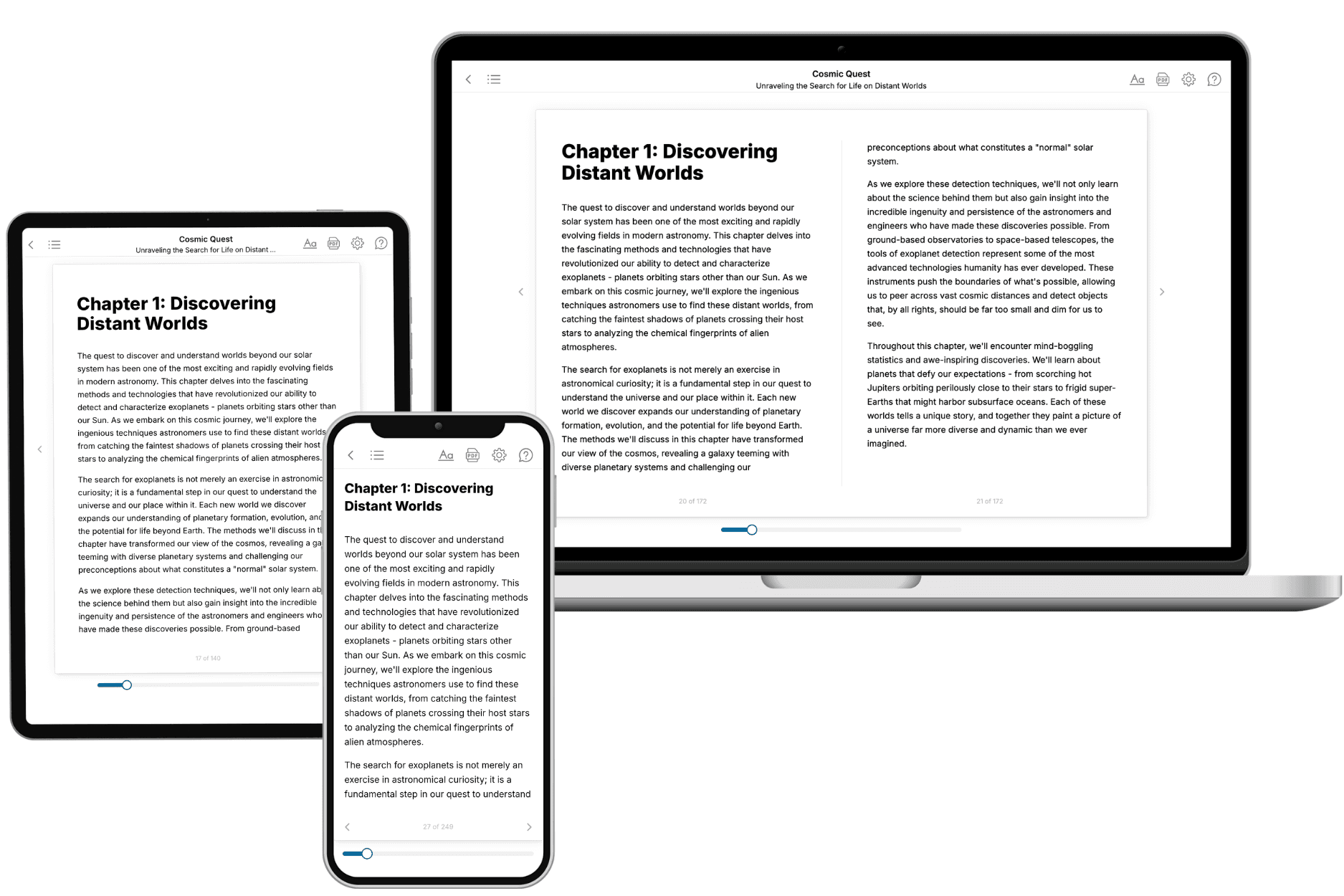
- 3. Get your tailored book
Your book is ready in 10 minutes. Read it online, download as EPUB or PDF, or send to Kindle.
Frequently asked questions
- What is TailoredRead?
TailoredRead creates complete, full-length nonfiction ebooks, written specifically for you. Tell us what you want to learn and why, and TailoredRead writes you a complete ebook on it, with charts, tables, and diagrams throughout. Read it online, on Kindle, or on any e-reader, or download it as a PDF or EPUB. Every book is written fresh the day you order it.
- How is the book tailored to me?
Before anything is written, you answer a few short questions about your goals, your background, and the topics you care about. Your book is then planned around your answers: written at your level, focused on your goals, and covering the topics you chose, instead of the one-size-fits-all book a store sells everyone.
- Will it read like generic AI content?
No. Your book isn't a chat transcript: it's planned chapter by chapter before a single word is written, told in a clear book voice, and explains ideas visually with charts, tables, and diagrams. After writing, every book goes through an editorial pass that polishes chapters so the book reads consistent from start to finish. Judge for yourself: browse thousands of sample books on our Explore Books page.
- How accurate is the content?
Our AI first checks whether your subject needs live research. Niche and fast-moving subjects are researched before writing, and the book plan and chapters are grounded in what it finds. After writing, every book goes through a quality pass that checks its facts and consistency, and researched books list their sources in a Notes section at the back.
- How long is the book?
You choose the length: Comprehensive (250-300 pages), Detailed (150-200 pages), Essential (70-100 pages), or Short (30-50 pages).
- Does the book include visuals?
Yes. Every book includes charts, tables, and diagrams: timelines, checklists, step-by-step guides, decision trees, comparison tables, matrices, and bar charts. A typical book includes dozens of these visual elements.
- Can I read it on Kindle? What formats can I download?
Yes. Every book can be read in our online reader or downloaded as a PDF or EPUB. The EPUB can be opened with Kindle, Apple Books, Kobo, and any e-reader. The Commercial and Author licenses also include an editable Word (DOCX) and Markdown download.
- How much does it cost?
About the price of a regular ebook. The exact price depends on your book's length and complexity, from $2 for the shortest books to $35 for the most comprehensive, and it's shown when you review your book, before you commit to anything. Each book is a one-time purchase, yours to keep, no subscription. Licenses that let you share, teach, or publish your book range from $35.99 to $49.99.
- Can I preview the book before purchasing?
Before you pay, you'll see what your book will cover: the title, a detailed description, the estimated length, and the complete chapter-by-chapter table of contents, so you know what you're getting before you decide. The full text itself is written after you purchase.
- How long does it take to create a book?
About 10 minutes. You can start reading the opening chapters while the rest is still being written.