FreeCAD Mastery
From Novice to Expert: Designing PCB Enclosures and 3D Printable Parts
Struggling to bring your electronic designs to life in 3D?
269 pages14 chaptersDec 31, 20243D DesignCreated by Sang-jin
About this book
You're not alone. Many electronic engineers find themselves hitting a wall when it comes to creating custom enclosures and parts for their projects. But fear not! This comprehensive guide to FreeCAD is here to bridge the gap between your electronic expertise and 3D modeling skills. In "FreeCAD Mastery: From Novice to Expert," you'll embark on a step-by-step journey through the powerful world of FreeCAD. Starting with the basics, you'll quickly progress to advanced techniques specifically tailored for electronic engineering applications. Learn how to design professional-grade PCB enclosures, create custom parts for your projects, and prepare your models for 3D printing - all while mastering the intricacies of parametric modeling and constraint-based design. By the time you finish this book, you'll have the confidence and skills to tackle any 3D modeling challenge in your electronic engineering projects. Say goodbye to off-the-shelf solutions and hello to custom, professional-grade designs that perfectly fit your needs. Get ready to elevate your projects and impress your colleagues with your newfound FreeCAD expertise!
Table of contents
- IntroductionWhat is FreeCAD and Why It Matters for Electronic Engineers, How This Book Will Help You Master FreeCAD, Setting Up Your FreeCAD EnvironmentRead below
- Chapter 1: Getting to Know FreeCADNavigating the FreeCAD Interface, Understanding Workbenches, Basic 3D Navigation Techniques, File Management and Project Organization
- Chapter 2: Sketching FundamentalsIntroduction to the Sketch Workbench, Creating Basic Shapes, Understanding and Applying Sketch Constraints, Using Patterns and Symmetry in Sketches
- Chapter 3: Part Design BasicsIntroduction to the Part Workbench, Basic Extrusion Techniques, Creating Parts with Revolve and Loft, Adding Fillets and Chamfers
- Chapter 4: Mastering Constraint-based ModelingUnderstanding Geometric Constraints, Working with Dimensional Constraints, Solving Common Constraint Issues, Best Practices for Constraint-based Modeling
- Chapter 5: Introduction to Parametric ModelingUnderstanding the Concept of Parametric Design, Using the Spreadsheet Workbench for Parameters, Working with Expressions and Variables, Creating Parametric Patterns
- Chapter 6: Advanced Part Design TechniquesMastering Boolean Operations, Creating Multi-body Parts, Utilizing the Draft Workbench, Best Practices for Efficient Part Design
- Chapter 7: Fundamentals of PCB Enclosure DesignUnderstanding PCB Enclosure Requirements, Designing a Basic PCB Box, Adding PCB Mounting Holes, Incorporating Cable Management Features
- Chapter 8: Advanced PCB Enclosure DesignDesigning Effective Cooling Vents, Creating Custom PCB Mounts, Designing Modular PCB Enclosures, Incorporating EMI/RFI Shielding in Your Design
- Chapter 9: Designing for AssemblyIntroduction to the Assembly Workbench, Techniques for Part Alignment, Incorporating Threaded Fasteners and PCB Standoffs, Working with Assembly Constraints
- Chapter 10: Measurement and Analysis ToolsUsing FreeCAD's Measurement Tools, Calculating Center of Mass and Inertia, Performing Clash Detection, Introduction to the FEM Workbench
- Chapter 11: Rendering and VisualizationWorking with the Material Editor, Introduction to the Raytracing Workbench, Optimizing Render Settings, Basics of Animation in FreeCAD
- Chapter 12: Exporting and Preparing for 3D PrintingExporting to STL Format, Using the Mesh Workbench for 3D Print Preparation, Design Considerations for 3D Printing, Basic Introduction to Slicer Software
- Chapter 13: Integrating with PCB Design SoftwareExporting in Formats Compatible with PCB Software, Integration with KiCad, Working with EAGLE PCB Designs, STEP File Workflow for PCB Integration
- Chapter 14: Version Control and CollaborationBasics of Git for FreeCAD Projects, Setting Up a FreeCAD-Git Workflow, Collaboration Tools and Techniques, Managing Versions and Design Iterations
- ConclusionRecap of Key Skills and Concepts, Suggestions for Further Learning and Practice
- AppendixFreeCAD Keyboard Shortcuts, Common Issues and Troubleshooting
Introduction
Welcome to the world of FreeCAD, a powerful and versatile 3D modeling software that is about to revolutionize the way you approach your electronic engineering projects. As an electronic engineer with beginner-level experience in 3D modeling, you're about to embark on an exciting journey that will elevate your skills and open up new possibilities for creating custom PCB enclosures and parts for 3D printing. This introduction will set the stage for your FreeCAD mastery, providing you with a solid foundation and a clear roadmap for the chapters ahead.
In today's rapidly evolving field of electronic engineering, the ability to design and create custom 3D models is becoming increasingly valuable. Whether you're working on a prototype for a new device, designing an enclosure for a PCB, or creating specialized parts for your projects, FreeCAD offers a comprehensive suite of tools to bring your ideas to life. By mastering FreeCAD, you'll gain the ability to iterate quickly on designs, collaborate more effectively with colleagues, and produce professional-grade 3D models that are ready for manufacturing or 3D printing.
Throughout this book, you'll discover how FreeCAD's powerful features can be applied specifically to electronic engineering tasks. From creating precise PCB enclosures to designing custom components, you'll learn how to leverage FreeCAD's capabilities to enhance your projects and streamline your workflow. The skills you'll acquire will not only make you more efficient in your current role but also open up new opportunities for innovation and problem-solving in your field.
As we dive into the world of FreeCAD, remember that learning a new software tool is a journey. You may encounter challenges along the way, but with persistence and practice, you'll soon find yourself creating complex 3D models with ease. This book is designed to guide you through this learning process, providing clear explanations, practical examples, and hands-on exercises that will help you build your skills progressively.
So, get ready to unleash your creativity, enhance your technical skills, and take your electronic engineering projects to the next level with FreeCAD. Let's begin this exciting journey into the world of 3D modeling and design!
What is FreeCAD and Why It Matters for Electronic Engineers
FreeCAD is a free and open-source 3D parametric modeling software that has gained significant popularity among engineers, designers, and makers across various disciplines. For electronic engineers, FreeCAD represents a powerful tool that bridges the gap between electronic design and mechanical engineering. It offers a comprehensive set of features that are particularly well-suited for creating PCB enclosures, custom parts, and prototypes for electronic projects.
At its core, FreeCAD is built on the concept of parametric modeling. This means that the dimensions and relationships between different elements of your 3D model are defined by parameters. These parameters can be easily modified, allowing for quick iterations and adjustments to your designs. For electronic engineers, this parametric approach is invaluable when designing enclosures or parts that need to fit precisely with PCBs or other electronic components.
One of the key strengths of FreeCAD is its workbench-based interface. Each workbench is tailored for specific tasks, providing specialized tools and workflows. For example, the Part Design workbench is ideal for creating solid 3D parts, while the Draft workbench offers tools for 2D drawing and basic 3D shapes. This modular approach allows you to focus on the tools you need for each stage of your design process, streamlining your workflow and improving efficiency.
FreeCAD's importance for electronic engineers extends beyond just creating 3D models. It serves as a crucial link in the chain of electronic product development. With FreeCAD, you can:
- Design custom enclosures that perfectly fit your PCB layouts
- Create mounting brackets, heat sinks, and other specialized components
- Develop prototypes for testing and validation
- Generate 3D printable models for rapid prototyping
- Produce detailed technical drawings for manufacturing
- Analyze designs for structural integrity and thermal performance
Moreover, FreeCAD's open-source nature means that it benefits from a large and active community of developers and users. This community contributes to the software's continuous improvement and provides a wealth of resources, tutorials, and plugins that extend its functionality. For electronic engineers, this translates to a constantly evolving tool that can adapt to the changing needs of the industry.
The software's ability to import and export various file formats is another crucial feature for electronic engineers. FreeCAD can work with STEP files, which are commonly used in PCB design software, allowing for seamless integration between your electronic and mechanical designs. This interoperability ensures that your 3D models can be easily shared with colleagues, manufacturers, or clients, regardless of the software they use.
FreeCAD's relevance in the field of electronic engineering is further underscored by the increasing trend towards miniaturization and custom form factors in electronic devices. As products become smaller and more specialized, the ability to design custom enclosures and parts becomes not just an advantage, but a necessity. FreeCAD provides the tools to meet these challenges, allowing you to create complex geometries, optimize for space constraints, and design for manufacturability.
Another aspect that makes FreeCAD particularly valuable for electronic engineers is its scripting capabilities. Using Python, you can automate repetitive tasks, create custom tools, and even generate parametric models based on your specific requirements. This level of customization and automation can significantly boost productivity, especially when working on large-scale projects or when dealing with frequent design iterations.
Furthermore, FreeCAD's simulation capabilities, although not as extensive as some commercial CAD software, provide valuable insights for electronic engineers. The Finite Element Analysis (FEA) workbench, for instance, allows you to perform basic structural and thermal analyses on your designs. This can be particularly useful when designing enclosures for high-power electronics or when working on projects with specific thermal management requirements.
In summary, FreeCAD is more than just a 3D modeling tool for electronic engineers. It's a comprehensive platform that enables you to bridge the gap between electronic and mechanical design, streamline your product development process, and bring your innovative ideas to life. By mastering FreeCAD, you'll not only enhance your current capabilities but also position yourself at the forefront of the evolving field of electronic engineering.
How This Book Will Help You Master FreeCAD
This book has been carefully structured to guide you through a comprehensive journey of FreeCAD mastery, with a specific focus on the needs and applications relevant to electronic engineering. The content is organized in a logical progression, starting from the basics and gradually advancing to more complex topics and techniques. This approach ensures that you build a solid foundation of knowledge and skills, allowing you to tackle increasingly challenging projects as you progress through the book.
Each chapter is designed to focus on a specific aspect of FreeCAD or a particular skill set that is crucial for electronic engineers working with 3D modeling. The chapters are interconnected, with each building upon the knowledge gained in previous sections. This cumulative learning approach helps reinforce key concepts and ensures that you can apply your skills in practical, real-world scenarios.
Throughout the book, you'll find a blend of theoretical explanations and practical, hands-on exercises. The theoretical portions provide you with the necessary background and context, explaining not just how to use FreeCAD's features, but why they are important and how they relate to electronic engineering applications. This understanding is crucial for making informed decisions when designing your models and troubleshooting any issues that may arise.
The practical exercises, on the other hand, are designed to give you direct experience with FreeCAD's tools and workflows. These exercises are tailored specifically for electronic engineering projects, focusing on tasks such as designing PCB enclosures, creating custom components, and preparing models for 3D printing. By working through these exercises, you'll gain confidence in your abilities and develop a intuitive understanding of FreeCAD's interface and capabilities.
One of the key features of this book is its emphasis on best practices and efficient workflows. Throughout the chapters, you'll find tips, tricks, and recommendations that have been gleaned from experienced FreeCAD users and electronic engineers. These insights will help you avoid common pitfalls, optimize your designs, and work more efficiently within the software. By incorporating these best practices into your workflow from the beginning, you'll develop good habits that will serve you well as you tackle more complex projects.
The book also includes numerous case studies and real-world examples that demonstrate how FreeCAD can be applied to solve common challenges in electronic engineering. These examples cover a range of applications, from designing simple project enclosures to creating complex, multi-part assemblies for advanced electronic devices. By studying these examples, you'll gain insights into how experienced engineers approach design problems and how FreeCAD's features can be leveraged to create innovative solutions.
To ensure that you can effectively apply your new skills to your own projects, each chapter includes a section on troubleshooting and problem-solving. This section addresses common issues that you might encounter when working with FreeCAD, providing step-by-step guidance on how to diagnose and resolve these problems. By learning how to troubleshoot effectively, you'll be able to overcome obstacles more quickly and maintain your productivity.
The book also places a strong emphasis on the integration of FreeCAD with other tools and software commonly used in electronic engineering. You'll learn how to export your designs in formats compatible with PCB design software, how to prepare models for 3D printing, and how to collaborate with team members who may be using different CAD tools. This focus on integration ensures that your FreeCAD skills will seamlessly fit into your existing workflow and toolchain.
As you progress through the book, you'll find that the chapters become increasingly focused on advanced techniques and specialized applications. These later chapters will challenge you to push the boundaries of your skills and explore the full potential of FreeCAD. Topics such as parametric modeling, advanced assembly design, and even basic simulation and analysis will be covered, providing you with a comprehensive skill set that goes beyond basic 3D modeling.
To reinforce your learning and help you track your progress, each chapter concludes with a summary of key points and a set of review questions. These questions are designed to test your understanding of the material and encourage you to think critically about how you can apply your new knowledge to your own projects. By regularly reviewing these summaries and testing yourself with the questions, you'll ensure that you're retaining the information and building a solid foundation of FreeCAD expertise.
Finally, the book includes a comprehensive appendix that serves as a quick reference guide. This appendix contains useful information such as keyboard shortcuts, a glossary of FreeCAD terms, and a troubleshooting guide for common issues. As you become more proficient with FreeCAD, you'll find this appendix to be an invaluable resource for quickly looking up information or refreshing your memory on specific techniques.
By the time you complete this book, you'll have gained a comprehensive understanding of FreeCAD and how to apply it effectively in your electronic engineering projects. You'll be equipped with the skills to design complex PCB enclosures, create custom parts, and prepare your models for manufacturing or 3D printing. More importantly, you'll have developed a problem-solving mindset and a deep understanding of 3D modeling principles that will allow you to tackle any design challenge that comes your way.
Setting Up Your FreeCAD Environment
Before diving into the exciting world of 3D modeling with FreeCAD, it's crucial to set up your working environment properly. A well-configured FreeCAD setup will enhance your productivity, streamline your workflow, and ensure that you can follow along with the exercises in this book without any technical hitches. This section will guide you through the process of installing FreeCAD, configuring your workspace, and preparing your system for optimal performance.
First and foremost, you'll need to download and install FreeCAD on your computer. FreeCAD is available for Windows, macOS, and Linux, making it accessible regardless of your preferred operating system. To get started, follow these steps:
- Visit the official FreeCAD website (https://www.freecadweb.org/).
- Navigate to the "Download" section.
- Choose the appropriate version for your operating system.
- Download the installer and run it on your computer.
- Follow the installation wizard, accepting the default settings unless you have specific preferences.
Once FreeCAD is installed, it's time to configure your workspace. Launch FreeCAD and take a moment to familiarize yourself with the default interface. You'll see a menu bar at the top, a toolbar below it, and several panels on the sides. The large central area is your 3D viewport, where you'll be creating and manipulating your models. While the default layout is functional, you may want to customize it to suit your preferences and workflow. FreeCAD allows for extensive customization of the interface. Here are some recommendations:
- Adjust the panel layouts by dragging and dropping them to your preferred positions.
- Customize the toolbars by right-clicking on them and selecting which tools you want to display.
- Explore the "View" menu to toggle the visibility of various interface elements.
- Consider setting up multiple workbenches side by side for more efficient workflow.
Next, it's important to configure your system settings to ensure optimal performance. FreeCAD can be resource-intensive, especially when working with complex models. Here are some steps to optimize your system:
- Ensure your graphics drivers are up to date. FreeCAD relies heavily on OpenGL for rendering, so current drivers are crucial for smooth performance.
- Allocate sufficient virtual memory. FreeCAD can use a significant amount of RAM, so increasing your virtual memory can help prevent crashes when working with large models.
- If you're using a laptop, consider plugging it in when using FreeCAD. This can prevent performance throttling that often occurs when running on battery power.
- Close unnecessary background applications to free up system resources for FreeCAD.
Another important aspect of setting up your FreeCAD environment is configuring the software's preferences. Navigate to Edit > Preferences to access the settings dialog. Here are some key areas to focus on:
- General: Set your preferred units of measurement (metric or imperial) and adjust auto-save settings.
- Display: Configure colors, fonts, and other visual elements to your liking.
- Part Design: Adjust settings related to modeling behavior and constraints.
- Shortcuts: Customize keyboard shortcuts to streamline your workflow.
As an electronic engineer, you'll likely be working with PCB designs and other electronic components. To facilitate this, it's recommended to set up a folder structure on your computer dedicated to your FreeCAD projects. Consider creating separate folders for different types of projects, such as "PCB Enclosures," "Custom Components," and "Prototypes." Within these folders, you can further organize your work by project or client. A well-organized file structure will make it easier to manage your designs and collaborate with others.
To enhance your FreeCAD capabilities, especially for electronic engineering applications, you might want to consider installing some additional workbenches. Workbenches in FreeCAD are collections of tools designed for specific tasks. While the default installation includes essential workbenches, there are many community-created workbenches that can extend FreeCAD's functionality. Here are a few that might be particularly useful for electronic engineering:
- PCB Workbench: Provides tools for working with PCB designs and components.
- Fasteners Workbench: Offers a library of standard fasteners, which can be useful for designing enclosures.
- Assembly4 Workbench: Enhances FreeCAD's assembly capabilities, useful for complex multi-part designs.
Lastly, it's crucial to set up a backup and version control system for your FreeCAD projects. While FreeCAD has an auto-save feature, it's always good practice to have a robust backup solution. Consider using cloud storage services or a local network-attached storage (NAS) to keep your files safe. Additionally, learning to use version control systems like Git can be incredibly valuable for managing different iterations of your designs and collaborating with team members.
By taking the time to properly set up your FreeCAD environment, you're laying the foundation for a smooth and productive 3D modeling experience. Remember that as you grow more comfortable with FreeCAD, you may want to revisit and refine your setup. The key is to create an environment that supports your workflow and helps you focus on what matters most: bringing your electronic engineering designs to life in 3D.
This is the end of the free sample. The full book has 14 chapters.
Want this book written for you?
Tell us your goals and background, and get your own version of this book, tailored by AI to you.


Benefits of AI-tailored books
- Read one book, not ten:
- all the 3D Design knowledge you need, gathered into a single book.
- Save days of learning:
- tell us your goals, choose your topics, and the whole book is built around them.
- Learn effortlessly:
- 3D Design book written for your specific background and expertise.
- Understand at a glance:
- includes charts, tables, timelines, checklists, decision trees, and more.
- Stay current:
- written the day you order it, not years ago.
- Trust what you read:
- every book is checked for accuracy, with real research when your subject needs it.
Create your unique book in 3 steps
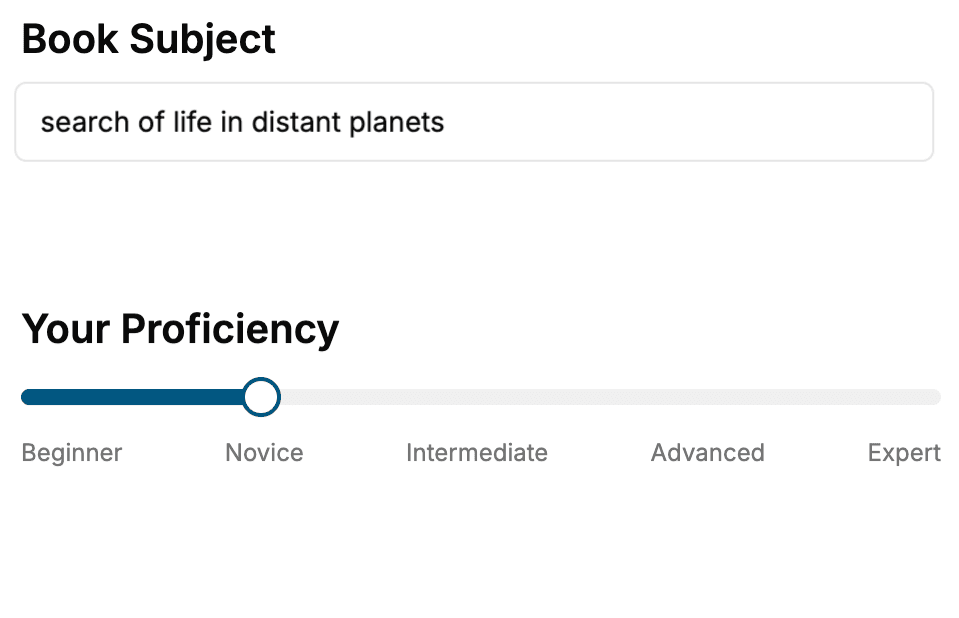
- 1. Select your focus
Select the focus of your 3D Design book and share your background
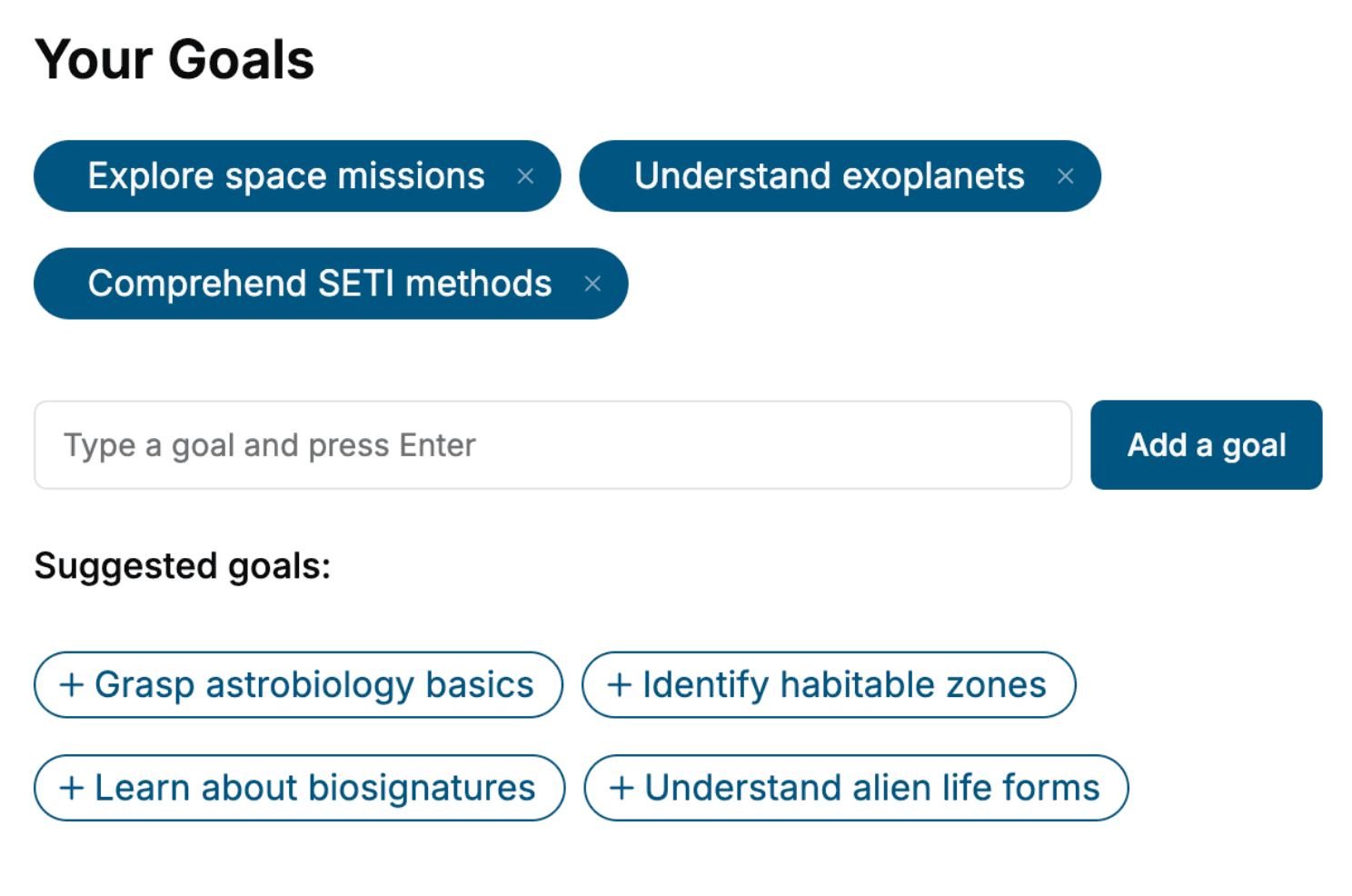
- 2. Personalize your book
Specify your goals and choose sub-topics to include
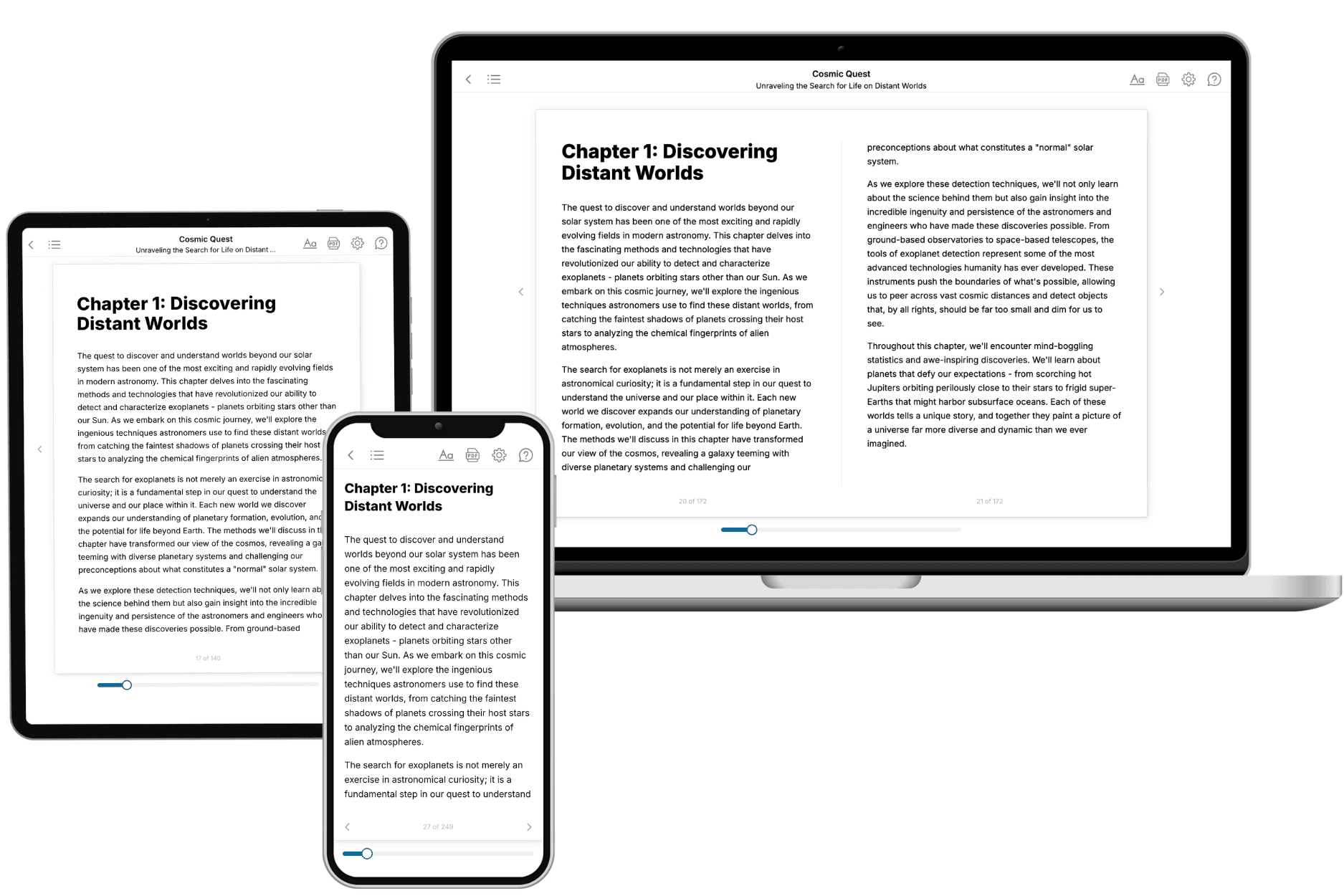
- 3. Get your tailored book
Your book is ready in 10 minutes. Read it online, download as EPUB or PDF, or send to Kindle.
Frequently asked questions
- What is TailoredRead?
TailoredRead creates complete, full-length nonfiction ebooks, written specifically for you. Tell us what you want to learn and why, and TailoredRead writes you a complete ebook on it, with charts, tables, and diagrams throughout. Read it online, on Kindle, or on any e-reader, or download it as a PDF or EPUB. Every book is written fresh the day you order it.
- How is the book tailored to me?
Before anything is written, you answer a few short questions about your goals, your background, and the topics you care about. Your book is then planned around your answers: written at your level, focused on your goals, and covering the topics you chose, instead of the one-size-fits-all book a store sells everyone.
- Will it read like generic AI content?
No. Your book isn't a chat transcript: it's planned chapter by chapter before a single word is written, told in a clear book voice, and explains ideas visually with charts, tables, and diagrams. After writing, every book goes through an editorial pass that polishes chapters so the book reads consistent from start to finish. Judge for yourself: browse thousands of sample books on our Explore Books page.
- How accurate is the content?
Our AI first checks whether your subject needs live research. Niche and fast-moving subjects are researched before writing, and the book plan and chapters are grounded in what it finds. After writing, every book goes through a quality pass that checks its facts and consistency, and researched books list their sources in a Notes section at the back.
- How long is the book?
You choose the length: Comprehensive (250-300 pages), Detailed (150-200 pages), Essential (70-100 pages), or Short (30-50 pages).
- Does the book include visuals?
Yes. Every book includes charts, tables, and diagrams: timelines, checklists, step-by-step guides, decision trees, comparison tables, matrices, and bar charts. A typical book includes dozens of these visual elements.
- Can I read it on Kindle? What formats can I download?
Yes. Every book can be read in our online reader or downloaded as a PDF or EPUB. The EPUB can be opened with Kindle, Apple Books, Kobo, and any e-reader. The Commercial and Author licenses also include an editable Word (DOCX) and Markdown download.
- How much does it cost?
About the price of a regular ebook. The exact price depends on your book's length and complexity, from $2 for the shortest books to $35 for the most comprehensive, and it's shown when you review your book, before you commit to anything. Each book is a one-time purchase, yours to keep, no subscription. Licenses that let you share, teach, or publish your book range from $35.99 to $49.99.
- Can I preview the book before purchasing?
Before you pay, you'll see what your book will cover: the title, a detailed description, the estimated length, and the complete chapter-by-chapter table of contents, so you know what you're getting before you decide. The full text itself is written after you purchase.
- How long does it take to create a book?
About 10 minutes. You can start reading the opening chapters while the rest is still being written.