Getting Help on X
Navigate Customer Support, Resolve Issues, and Get Results on the Platform Formerly Known as Twitter
Get your X account issues resolved without endless frustration.
207 pages9 chaptersAug 7, 2026Twitter
About this book
This practical guide cuts through the complexity of X's digital-first customer support system and shows you exactly how to navigate automated forms, reach human support staff, and resolve common problems—from account suspensions to billing disputes. You'll learn the insider strategies that actually work: which support channels to use for different issues, how to write Help Center forms that get responses, and how to escalate when automated systems fail. Whether you're dealing with a locked account, X Premium billing problems, or verification issues, this book provides step-by-step solutions based on real user experiences and X's current support infrastructure. Stop wasting time on ineffective support requests. Start getting the help you need with proven tactics that work within X's system.
Table of contents
- IntroductionWhy This Book Matters Now, What You'll Learn in These Pages, How to Use This GuideRead below
- Chapter 1: Understanding X's Support LandscapeHow X's Support System Evolved, The Current Digital-First Infrastructure, All Available Support Channels
- Chapter 2: Mastering the Help CenterNavigating help.twitter.com Effectively, Submitting Forms That Get Responses, Tracking Your Support Tickets
- Chapter 3: Using In-App Reporting and EscalationIn-App Reporting Tools and Features, Escalation Pathways Within the Platform, Reaching @XSupport Effectively
- Chapter 4: Resolving Account Suspensions and LocksUnderstanding Why Accounts Get Suspended, The Account Appeal Process, Strategies for Successful Reinstatement
- Chapter 5: Handling X Premium Billing ProblemsX Premium Dedicated Support Channels, Common Billing Issues and Solutions, Resolving Billing Disputes
- Chapter 6: Verification and Authentication ProblemsUnderstanding Verification Requirements, Fixing Verification and Authentication Errors, Resolving Two-Factor Authentication Issues
- Chapter 7: Building Your Documentation StrategyWhat Information to Document, Organizing Evidence for Support Requests, Taking Effective Screenshots and Records
- Chapter 8: Effective Communication with SupportWriting Clear, Compelling Support Requests, Follow-Up Strategies That Work, When and How to Escalate Your Issue
- Chapter 9: Managing Expectations and TimelinesRealistic Response Time Expectations, Understanding Automation Limitations, Persistence Without Becoming a Nuisance
- ConclusionKey Takeaways for Success, Moving Forward with Confidence
- Frequently Asked QuestionsCommon Questions About X Support
- Additional Resources and ReferencesHelpful Links and Contact Information
Introduction
Your account gets locked at the worst possible moment. You submit a support request, wait days, and receive an automated reply that doesn't address your actual problem. You try again. Another automated response. You search for a phone number, find one circulating online, call it, and get redirected to a website. Sound familiar? This is the reality of seeking help on X, and it catches most users completely off guard. The platform's support system is built around digital-first workflows that reward users who know how to navigate them and frustrate everyone else.
X's support infrastructure has shifted significantly over the years. What was once a more accessible system has evolved into a layered structure of automated forms, self-service tools, and limited human touchpoints. The Help Center at help.x.com handles the bulk of user issues through topic-based forms and FAQs. The @XSupport account fields public inquiries on the platform itself. Category-specific email addresses exist for narrow issue types. Beyond those channels, options thin out quickly. There is no live chat, no traditional phone support with a human on the other end, and no guaranteed path to a real person for most account problems.
That gap between what users expect and what actually exists is where most support experiences go wrong. People approach X's system the way they'd approach a bank or an airline, expecting to explain their problem once to a human who can fix it. Instead, they encounter forms, ticket numbers, and automated replies. The good news is that the system does work, but only when you understand its logic. Knowing which channel to use, how to frame your request, what documentation to include, and when to escalate can be the difference between a resolved issue and weeks of silence. This guide exists to give you that knowledge.
Why This Book Matters Now
The frustration around X's customer support is not just anecdotal. User complaint volumes on third-party review platforms reflect a consistent pattern: people feel unheard, confused about where to turn, and unsure whether their requests are even being seen by a human. This isn't unique to X. Many large digital platforms have moved toward automation-heavy support models. But X's particular combination of high-stakes account issues (suspensions, billing problems, verification failures) and limited human access makes the stakes unusually high for individual users.
Account suspensions can cut off access to years of content, professional networks, and audience relationships built over time. A billing dispute on an X Premium subscription can mean recurring charges with no clear path to resolution. A two-factor authentication failure can lock you out of your own account entirely. These aren't minor inconveniences. For journalists, creators, small business owners, and professionals who rely on X as a communication channel, a support failure can have real consequences. The platform's importance makes understanding its support system genuinely urgent.
The landscape has also shifted in ways that make older advice unreliable. Support workflows that worked a few years ago may no longer apply. Contact methods that circulate online are often outdated or simply wrong. The phone number that appears in countless forum posts and YouTube videos does not connect to a live support agent. Executive email addresses change frequently. The Help Center itself has been reorganized. Anyone relying on advice written before these changes risks wasting time on dead ends while their actual problem goes unresolved.
This guide is built around X's current support infrastructure as it actually operates. The goal is not to pretend the system is better than it is, but to show you how to work effectively within it. That means being honest about limitations, clear about what each channel can and cannot do, and specific about the strategies that improve your odds of getting a real response. Understanding the system as it is, rather than as you wish it were, is the first step toward getting results.
There's also a broader skill being developed here. The habits that help you navigate X's support system, such as clear written communication, organized documentation, strategic escalation, and realistic expectation-setting, apply to virtually every digital platform you'll ever need help from. As more services move toward automated support models, the ability to work effectively within those systems becomes increasingly valuable. What you learn here transfers well beyond X.
Finally, the timing matters because X continues to evolve. Policy changes, subscription model updates, and shifts in how the platform handles verification and account status mean that the support landscape is not static. The frameworks in this guide are designed to remain useful even as specific details change, because they focus on principles and processes rather than on information that can become outdated overnight.
What You'll Learn in These Pages
This guide moves through X's support ecosystem in a deliberate sequence, starting with the big picture and narrowing down to specific tactics for specific problems. Each section builds on the last, so by the time you reach the chapters on escalation and communication, you'll already have a solid foundation in how the system works and what documentation you need to support your case.
The opening chapter on X's support landscape gives you the map. Before you can navigate a system, you need to understand its structure: what channels exist, how they relate to each other, and what each one is actually designed to handle. That chapter covers the full range of available support options, from the Help Center and in-app reporting tools to @XSupport and category-specific email addresses, so you can make informed decisions about where to direct your efforts.
From there, the guide goes deep on the Help Center itself. Navigating help.x.com effectively is a skill that most users underestimate. The difference between a form submission that generates a useful response and one that disappears into an automated queue often comes down to how the request is categorized, what information is included, and how the problem is described. The chapter on Help Center mastery covers all of this, including how to track your support tickets once they're submitted.
In-app reporting tools and the @XSupport account get their own dedicated coverage because they operate differently from the Help Center and serve different purposes. Knowing when to use in-app reporting versus a Help Center form versus a public @XSupport mention is not obvious, and using the wrong channel for your issue type can cost you significant time. The escalation pathways within the platform are also mapped out clearly, so you know what options exist when your first attempt doesn't produce results.
The chapters on specific issue types are where the guide gets most practical. Account suspensions and locks, X Premium billing problems, and verification and authentication failures each have their own resolution logic. The appeal process for a suspended account is different from the process for disputing a billing charge, which is different again from recovering access after a two-factor authentication failure. Each of these chapters walks through the specific steps, common pitfalls, and strategies that improve your chances of a successful outcome.
Documentation and communication get serious attention because they are the two variables most within your control. The chapter on building a documentation strategy covers what to capture, how to organize it, and how to take screenshots that actually hold up when you need to reference them in a support dispute. The chapter on effective communication covers how to write support requests that get read, how to follow up without being ignored, and how to escalate at the right moment through the right channel.
The final chapter before the conclusion addresses something most support guides skip entirely: managing your own expectations. Response times on X's support system vary widely, and automation plays a much larger role than most users realize. Understanding what automation can and cannot do, and how to persist effectively without triggering spam filters or burning goodwill with support staff, is genuinely useful knowledge. It won't make the system faster, but it will make your experience of waiting far less frustrating and far more strategic.
How to Use This Guide
This guide is designed to work two ways: as a complete read-through and as a reference you return to when a specific problem comes up. If you're new to X's support system or want to build a solid foundation before you need it, reading from the beginning makes sense. The chapters are sequenced to build on each other, and the context you gain from the earlier sections makes the later, more tactical chapters easier to apply.
If you're already dealing with a specific issue and need help now, go directly to the chapter that covers your problem. Dealing with a suspended account? The chapter on resolving account suspensions and locks is where to start. Facing an unexpected charge on your X Premium subscription? Go straight to the billing disputes chapter. Locked out because of a two-factor authentication failure? The verification and authentication chapter has the steps you need. Each chapter is written to stand on its own, with enough context to be useful even if you haven't read everything before it.
A few practical suggestions for getting the most out of this guide. First, don't skip the documentation chapter even if your issue seems straightforward. The habit of capturing evidence before you need it is one of the highest-leverage things you can do to improve your support outcomes. Many users only think about documentation after their first request fails, at which point some of the most useful evidence may already be gone.
The single most common reason support requests fail is not that the system is broken. It's that the request itself is missing the information needed to act on it. A well-documented, clearly written request submitted through the right channel will almost always outperform a vague request submitted through the wrong one, even if the underlying issue is identical.
Second, pay attention to the channel guidance in each chapter. One of the most consistent patterns in failed support experiences is using the wrong channel for the issue type. Submitting a billing dispute through a general account form, or trying to resolve a suspension through a public @XSupport mention, routes your request into a workflow that isn't designed to handle it. The channel matters as much as the content of your request, and this guide is specific about which channel fits which problem.
Third, treat the communication chapter as a reference you return to every time you write a support request. The principles there, such as clear problem description, specific account details, concise language, and appropriate tone, apply whether you're submitting your first request or your fifth follow-up. Good communication habits don't come naturally in frustrating situations, and having a framework to return to helps you stay effective even when you're annoyed.
The guide also includes a Frequently Asked Questions section and an Additional Resources section at the back. The FAQ covers the questions that come up most often around X's support system, including several that reflect common misconceptions about what channels exist and how they work. The resources section provides current contact information and links organized by issue type, so you can find the right starting point quickly without having to search through the full guide each time.
One honest note about what this guide cannot do: it cannot guarantee outcomes. X's support system has real limitations, and some issues take longer to resolve than they should, regardless of how well you navigate the process. What this guide can do is give you the best possible foundation for getting results. It removes the guesswork, eliminates the dead ends, and puts you in the strongest position to make your case effectively. The rest depends on the system responding as it should, and on your persistence in following through when it doesn't respond immediately.
The chapters ahead are organized around the reality of how X's support system actually works, not how it's marketed or how users wish it worked. That honesty is the foundation of everything that follows. A clear-eyed understanding of the system's structure, limitations, and logic is what separates users who get results from users who spend weeks going in circles. Start with that understanding, and the rest of the process becomes significantly more manageable.
This is the end of the free sample. The full book has 9 chapters.
Want this book written for you?
Tell us your goals and background, and get your own version of this book, tailored by AI to you.






Benefits of AI-tailored books
- Read one book, not ten:
- all the Twitter knowledge you need, gathered into a single book.
- Save days of learning:
- tell us your goals, choose your topics, and the whole book is built around them.
- Learn effortlessly:
- Twitter book written for your specific background and expertise.
- Understand at a glance:
- includes charts, tables, timelines, checklists, decision trees, and more.
- Stay current:
- written the day you order it, not years ago.
- Trust what you read:
- every book is checked for accuracy, with real research when your subject needs it.
Create your unique book in 3 steps
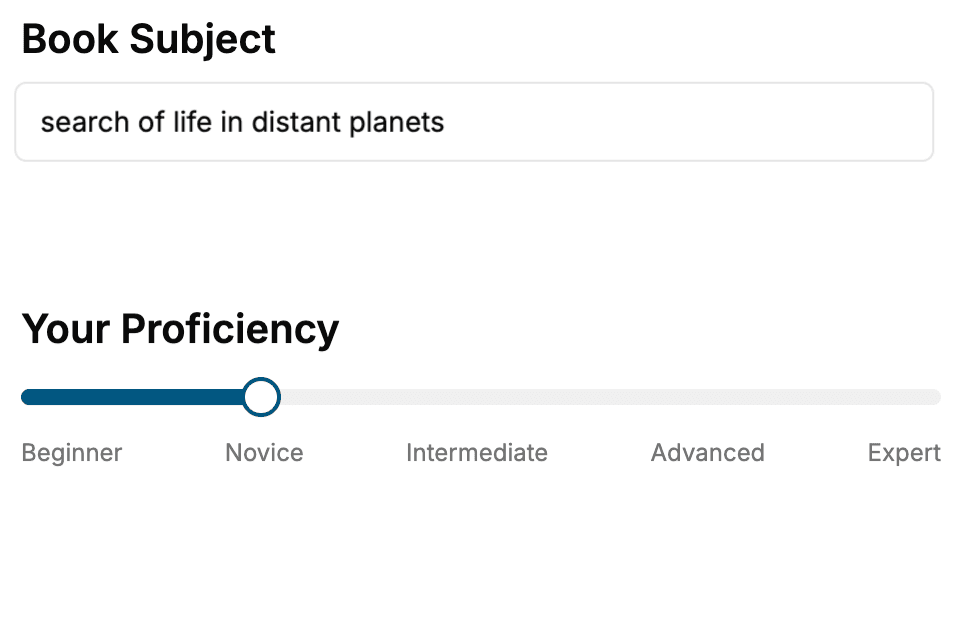
- 1. Select your focus
Select the focus of your Twitter book and share your background
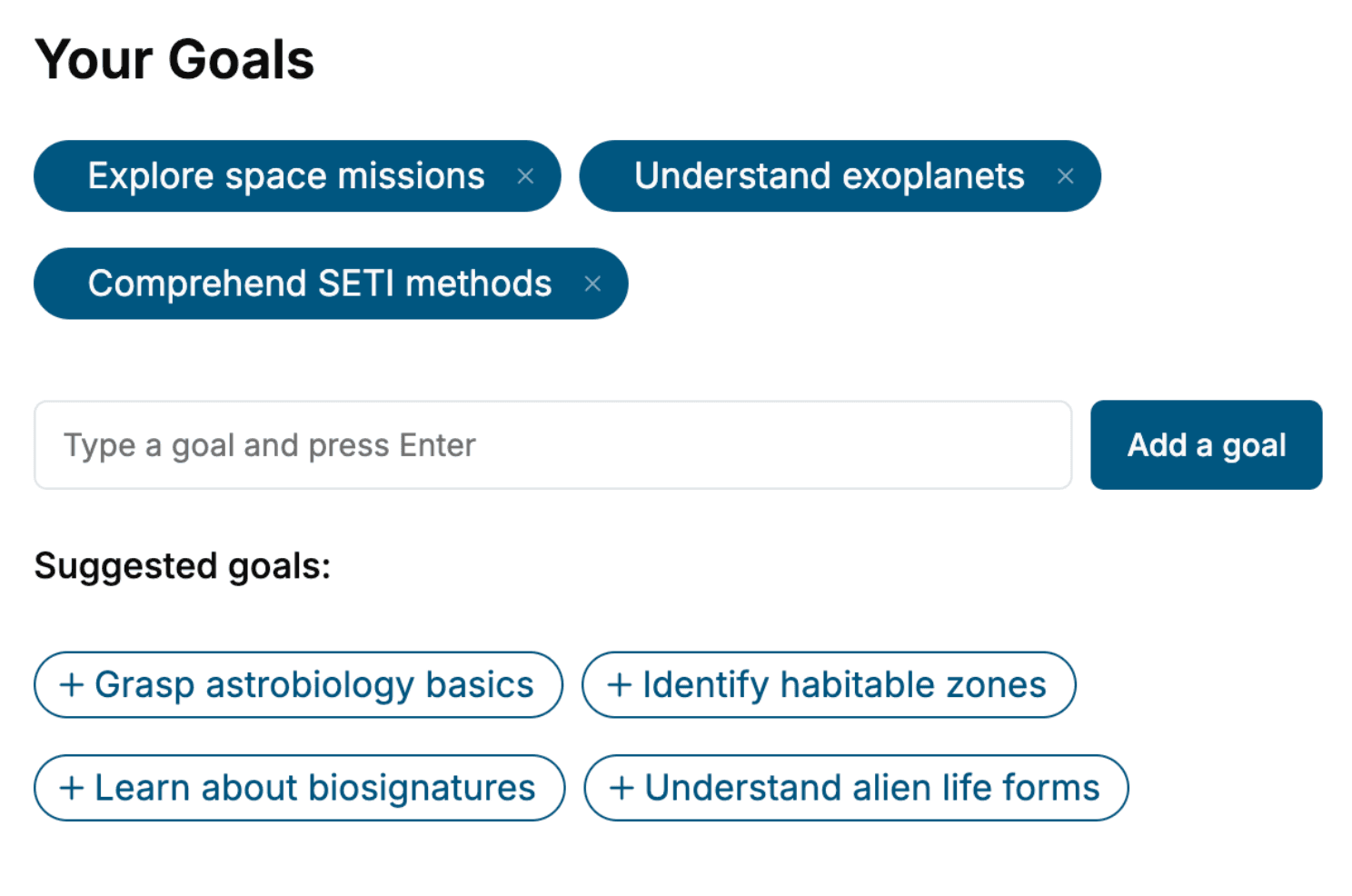
- 2. Personalize your book
Specify your goals and choose sub-topics to include
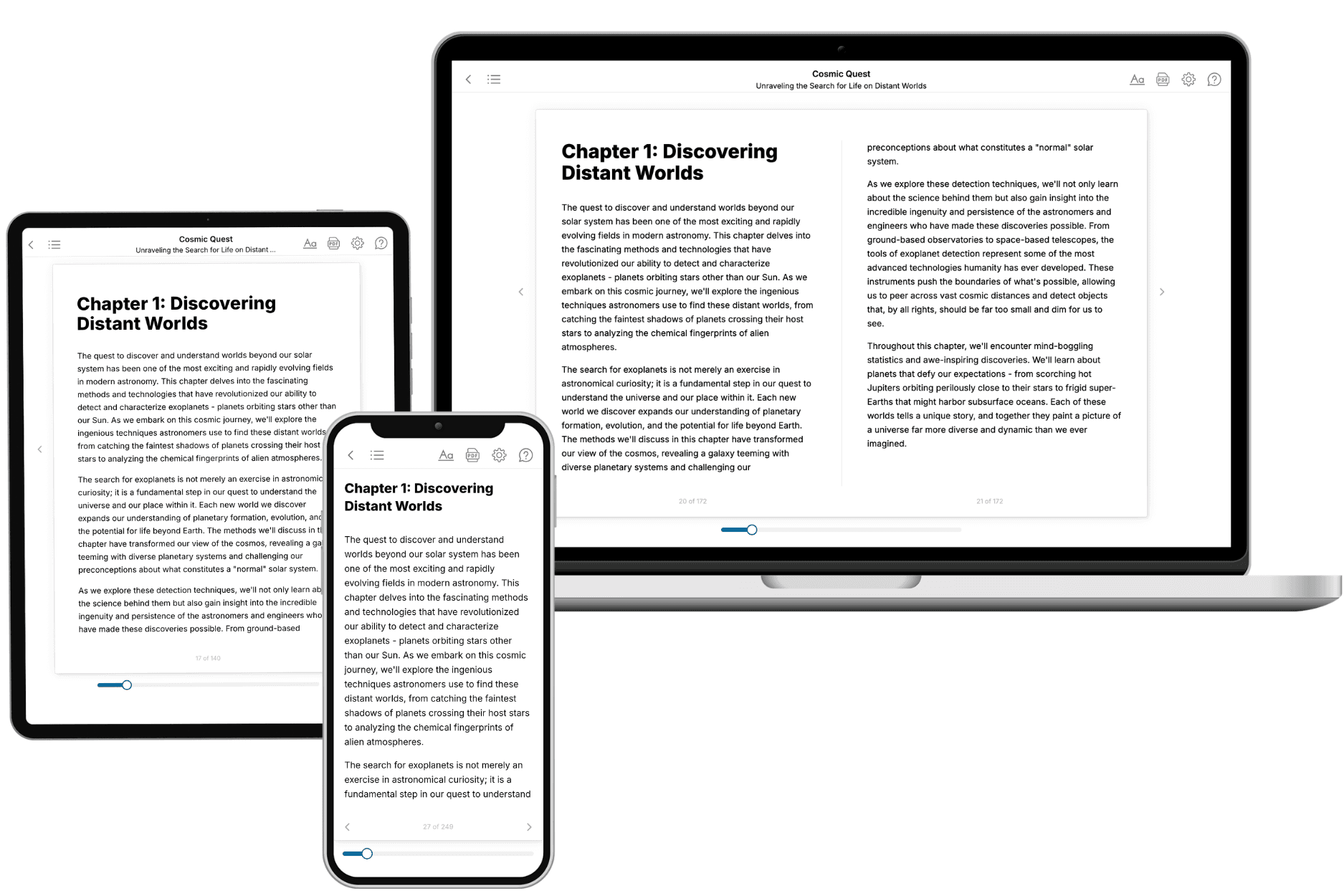
- 3. Get your tailored book
Your book is ready in 10 minutes. Read it online, download as EPUB or PDF, or send to Kindle.
Frequently asked questions
- What is TailoredRead?
TailoredRead creates complete, full-length nonfiction ebooks, written specifically for you. Tell us what you want to learn and why, and TailoredRead writes you a complete ebook on it, with charts, tables, and diagrams throughout. Read it online, on Kindle, or on any e-reader, or download it as a PDF or EPUB. Every book is written fresh the day you order it.
- How is the book tailored to me?
Before anything is written, you answer a few short questions about your goals, your background, and the topics you care about. Your book is then planned around your answers: written at your level, focused on your goals, and covering the topics you chose, instead of the one-size-fits-all book a store sells everyone.
- Will it read like generic AI content?
No. Your book isn't a chat transcript: it's planned chapter by chapter before a single word is written, told in a clear book voice, and explains ideas visually with charts, tables, and diagrams. After writing, every book goes through an editorial pass that polishes chapters so the book reads consistent from start to finish. Judge for yourself: browse thousands of sample books on our Explore Books page.
- How accurate is the content?
Our AI first checks whether your subject needs live research. Niche and fast-moving subjects are researched before writing, and the book plan and chapters are grounded in what it finds. After writing, every book goes through a quality pass that checks its facts and consistency, and researched books list their sources in a Notes section at the back.
- How long is the book?
You choose the length: Comprehensive (250-300 pages), Detailed (150-200 pages), Essential (70-100 pages), or Short (30-50 pages).
- Does the book include visuals?
Yes. Every book includes charts, tables, and diagrams: timelines, checklists, step-by-step guides, decision trees, comparison tables, matrices, and bar charts. A typical book includes dozens of these visual elements.
- Can I read it on Kindle? What formats can I download?
Yes. Every book can be read in our online reader or downloaded as a PDF or EPUB. The EPUB can be opened with Kindle, Apple Books, Kobo, and any e-reader. The Commercial and Author licenses also include an editable Word (DOCX) and Markdown download.
- How much does it cost?
About the price of a regular ebook. The exact price depends on your book's length and complexity, from $2 for the shortest books to $35 for the most comprehensive, and it's shown when you review your book, before you commit to anything. Each book is a one-time purchase, yours to keep, no subscription. Licenses that let you share, teach, or publish your book range from $35.99 to $49.99.
- Can I preview the book before purchasing?
Before you pay, you'll see what your book will cover: the title, a detailed description, the estimated length, and the complete chapter-by-chapter table of contents, so you know what you're getting before you decide. The full text itself is written after you purchase.
- How long does it take to create a book?
About 10 minutes. You can start reading the opening chapters while the rest is still being written.