GitHub Mastery Blueprint
Personalized Strategies for Mastering GitHub Workflows and Collaboration
You're about to discover how to transform your GitHub experience from basic version control into a sophisticated, automated development powerhouse.
222 pages11 chaptersFeb 25, 2026GitHub
About this book
This guide walks you through building a personalized GitHub strategy that aligns with your team's unique needs and development philosophy. You'll master essential workflows, implement battle-tested branching strategies, and harness GitHub Actions to automate everything from testing to deployment. Learn how to establish code review standards that catch issues before they reach production, optimize issue tracking for maximum team clarity, and integrate security practices throughout your entire workflow. By the end, you'll have the knowledge to design custom workflows, leverage the GitHub API for seamless integrations, and build CI/CD pipelines that accelerate your team's delivery velocity. Whether you're managing a small project or coordinating across multiple teams, this book provides the practical frameworks and actionable strategies you need to work smarter, collaborate better, and ship with confidence.
Table of contents
- IntroductionWhy GitHub Mastery Matters in Modern Development, How to Use This Book for Maximum Impact, Your Personalized Learning PathRead below
- Chapter 1: GitHub Fundamentals and Repository EssentialsCore Concepts: Repositories, Commits, and History, Setting Up and Configuring Your Repository, Mastering Local and Remote Repository Synchronization
- Chapter 2: Version Control Mastery and Branching StrategiesGit Workflow Models: Git Flow, GitHub Flow, and Trunk-Based Development, Implementing Branch Protection Rules and Merge Strategies, Advanced Branching Techniques and Conflict Resolution
- Chapter 3: Collaboration Excellence and Code Review StandardsPull Request Mastery: Creating, Reviewing, and Merging, Establishing Code Review Standards and Best Practices, Team Communication Through Discussions and Comments
- Chapter 4: Issue Tracking and Project Management AutomationDesigning Effective Issue Tracking Workflows, Organizing with Labels, Milestones, and Custom Fields, Automating Project Management with GitHub Projects
- Chapter 5: GitHub Actions: Building Your Automation FoundationGitHub Actions Fundamentals and Workflow Structure, Configuring Triggers, Events, and Conditional Logic, Leveraging the GitHub Actions Marketplace and Community Actions
- Chapter 6: Automated Testing Pipelines and Quality AssuranceSetting Up Comprehensive Automated Testing Pipelines, Implementing Automated Code Quality Checks and Linting, Automated Code Coverage Tracking and Reporting
- Chapter 7: CI/CD Pipeline Mastery and Continuous DeliveryDesigning Scalable CI/CD Pipeline Architecture, Automating Builds, Tests, and Deployments, Optimizing Pipeline Performance and Reducing Build Times
- Chapter 8: Security Practices and Vulnerability ManagementManaging Secrets and Sensitive Data Securely, Automated Vulnerability Scanning and Dependency Management, Implementing Security-First Workflows and Access Control
- Chapter 9: Repository Documentation and Automated Documentation GenerationEstablishing Repository Documentation Standards, Automating Documentation Generation and Maintenance, Automating Release Notes and Changelog Generation
- Chapter 10: GitHub API Integration and Custom AutomationGitHub API Fundamentals and Authentication Methods, Building Custom Workflows with GitHub API Integration, Developing Custom GitHub Apps for Advanced Automation
- Chapter 11: Advanced Workflow Optimization and DebuggingDebugging Workflows and Troubleshooting Common Issues, Automated Performance Testing and Monitoring, Optimizing Workflows for Speed, Reliability, and Cost
- ConclusionYour GitHub Mastery Journey: Key Takeaways, Next Steps and Continuous Improvement
- Appendix: Quick Reference and ResourcesQuick Reference Guide for Common Tasks, Additional Resources and Further Learning
Introduction
GitHub started as a place to store code. For millions of developers, it still functions that way: push commits, open a pull request, merge, repeat. But that surface-level view misses something significant. Underneath the familiar interface sits a platform capable of orchestrating your entire development lifecycle, from the moment a developer opens an issue to the second a release ships to production. The gap between using GitHub and mastering GitHub is wider than most engineers realize, and crossing that gap has a measurable impact on how fast teams move and how confidently they ship.
This book exists because intermediate GitHub knowledge has a ceiling. You can clone repositories, resolve merge conflicts, and write a basic GitHub Actions workflow, and still be leaving enormous value on the table. Teams that truly master GitHub don't just version-control their code. They automate their quality gates, enforce security policies at the repository level, generate documentation automatically, and build custom integrations that fit their exact workflow. The difference shows up in deployment frequency, bug escape rates, and the amount of time engineers spend on repetitive manual tasks versus actual problem-solving.
What follows is a practical, structured guide designed specifically for software engineers who already understand the basics and are ready to go deeper. Each chapter builds on the last, moving from foundational repository management through branching strategies, collaboration standards, automation pipelines, security practices, and finally into the GitHub API and custom app development. The goal isn't to cover every GitHub feature in existence. The goal is to give you the frameworks, patterns, and hands-on techniques that translate directly into better outcomes for your projects and your team.
Before diving into the first chapter, it's worth spending a few minutes with this introduction. The three sections here will explain why GitHub mastery matters more than ever in today's engineering landscape, how to get the most out of this book's structure, and how to map your own learning path based on where you are right now and where you want to go. Think of this as your orientation before the real work begins.
Why GitHub Mastery Matters in Modern Development
GitHub is no longer just a version control host. It has evolved into a full-stack development platform used by more than 100 million developers worldwide.[1] Organizations use it to manage code, automate testing, coordinate releases, track security vulnerabilities, and run entire CI/CD pipelines without ever leaving the platform. When a tool becomes this central to how software gets built, the depth of your knowledge with that tool directly affects your professional output.
Consider what separates high-performing engineering teams from average ones. Research from the DORA (DevOps Research and Assessment) program consistently shows that elite teams deploy code significantly more frequently, recover from failures faster, and maintain lower change failure rates.[2] GitHub mastery is a direct enabler of those outcomes. Automated testing pipelines catch bugs before they reach production. Branch protection rules prevent accidental merges to main. Structured code review processes reduce the cognitive load on reviewers and improve the quality of feedback. These aren't abstract benefits. They show up in your team's metrics.
The automation angle deserves particular attention. GitHub Actions has fundamentally changed what's possible without external tooling. Before Actions, teams needed separate CI servers, deployment tools, and notification systems stitched together with custom scripts. Now, a single YAML file can trigger a full pipeline: run tests, check code coverage, scan for vulnerabilities, build a Docker image, push it to a registry, and deploy to a staging environment. Engineers who know how to design and optimize these workflows have a skill that's increasingly rare and increasingly valuable.
Security is another area where GitHub mastery pays dividends. The average cost of a data breach reached $4.45 million in 2023, and a significant portion of breaches trace back to exposed credentials, unpatched dependencies, or misconfigured access controls.[3] GitHub provides tools like Dependabot, secret scanning, and code scanning through CodeQL that can catch these issues automatically. But those tools only work if someone configures them correctly and integrates them into the development workflow. That's a knowledge problem, not a tooling problem.
Collaboration quality also scales with GitHub expertise. Pull request templates, required reviewers, automated status checks, and structured issue workflows all reduce friction and miscommunication on teams. When a new engineer joins a project with well-configured GitHub settings, they can understand the contribution process, find relevant context, and start contributing meaningfully much faster than they could on a poorly organized repository. Good GitHub hygiene is, in a real sense, a form of team documentation.
There's also a career dimension worth acknowledging. Engineers who can design CI/CD pipelines, build GitHub Apps, and architect repository structures for large teams are in high demand. Platform engineering and DevOps roles increasingly expect deep GitHub knowledge. Even for engineers who stay focused on application development, the ability to own your team's automation and workflow infrastructure makes you a more complete and more valuable contributor. Mastery here isn't a niche specialization. It's becoming a baseline expectation at senior levels.
Finally, GitHub mastery compounds over time. The workflows you build, the templates you create, and the automation you implement don't just help your current project. They become reusable assets. A well-designed GitHub Actions workflow for a Node.js project can be adapted for the next project in hours rather than days. A repository template with pre-configured branch protection, issue labels, and documentation standards can be applied across an entire organization. The investment in learning pays returns that multiply as your codebase and team grow.
How to Use This Book for Maximum Impact
This book is structured as a progressive learning journey, but it's also designed to be navigated non-linearly if your needs demand it. Each chapter is self-contained enough that you can jump to a specific topic when a problem arises at work. That said, the chapters do build on each other conceptually, and reading them in order will give you the most coherent understanding of how the pieces fit together.
Here's a quick map of how the book is organized:
- Chapters 1 and 2 cover repository fundamentals and branching strategies. If you're already comfortable with these topics, skim them for gaps rather than reading every word.
- Chapter 3 focuses on collaboration and code review. Even experienced engineers often have room to improve here, so don't skip it.
- Chapter 4 addresses issue tracking and project management automation, which is often underutilized even by experienced teams.
- Chapters 5, 6, and 7 form the automation core of the book, covering GitHub Actions, testing pipelines, and CI/CD architecture. These chapters are the most technically dense and the most immediately impactful.
- Chapter 8 covers security practices, which should be read before you implement any production pipeline.
- Chapters 9, 10, and 11 address documentation, API integration, and advanced workflow optimization. These chapters are where intermediate engineers become advanced practitioners.
Each chapter follows a consistent structure. It opens with the core concepts, moves into practical implementation, and closes with specific techniques or patterns you can apply immediately. Code examples, workflow files, and configuration snippets are included throughout. Don't just read them. Copy them, modify them, and run them in a real repository. The difference between reading about GitHub Actions and actually writing a workflow that runs on your own code is enormous.
One of the most effective ways to use this book is to work through it alongside a real project. If you have an existing repository, use it as your sandbox. Apply the branching strategies from Chapter 2 to your current workflow. Set up the testing pipeline from Chapter 6 for your actual test suite. Configure the security scanning from Chapter 8 on your real dependencies. Learning in context accelerates retention and forces you to confront the specific edge cases that matter for your situation.
Practical tip: Create a dedicated practice repository on GitHub before you start Chapter 1. Name it something like
github-mastery-sandbox. Use it to experiment with every concept in this book without worrying about breaking anything important. Having a safe space to try things dramatically lowers the barrier to experimentation.
Pay attention to the examples marked as anti-patterns or common mistakes. These sections are just as valuable as the positive examples. Many of the most costly GitHub mistakes, like storing secrets in workflow files, using overly permissive branch protection settings, or building monolithic pipelines that take 45 minutes to run, are easy to make and hard to undo once they're embedded in your team's habits. Knowing what not to do is half the battle.
The footnotes throughout the book point to official GitHub documentation, research papers, and external resources. When a concept is particularly important or nuanced, following those references will deepen your understanding beyond what a single chapter can provide. GitHub's documentation is genuinely excellent, and knowing how to navigate it efficiently is itself a useful skill.
Finally, treat this book as a reference you return to, not just a one-time read. As your projects evolve and your team grows, different chapters will become relevant in new ways. The CI/CD architecture patterns in Chapter 7 will mean something different when you're managing a single microservice versus coordinating deployments across ten services. The GitHub API techniques in Chapter 10 will unlock new possibilities once you've built a few standard workflows and started to see their limitations. Come back to these chapters as your context changes.
Your Personalized Learning Path
Not every engineer comes to this book from the same starting point. Some of you have deep experience with Git but limited exposure to GitHub Actions. Others have built CI/CD pipelines but never thought carefully about branching strategy or code review standards. A few of you may be stepping into a platform engineering or DevOps-adjacent role for the first time and need to build a comprehensive picture quickly. The learning path you take through this book should reflect where you are and where you're trying to go.
To help you calibrate, here are four common profiles and the recommended approach for each:
- The Workflow Builder: You're comfortable with Git and basic GitHub features, but your team's automation is minimal or inconsistent. Your priority is Chapters 5, 6, and 7. Start there, then circle back to Chapters 3 and 4 to strengthen your collaboration and project management foundation.
- The Collaboration Optimizer: Your team ships code regularly, but code reviews are inconsistent, issues pile up without resolution, and onboarding new engineers takes too long. Focus on Chapters 3, 4, and 9 first. These chapters will give you the frameworks to standardize how your team works together.
- The Security-Conscious Engineer: You've been asked to improve your team's security posture or you've had a scare with exposed credentials or vulnerable dependencies. Read Chapter 8 immediately, then work through Chapters 5 and 6 to understand how to embed security checks into your automation pipeline.
- The Platform Engineer: You're responsible for the developer experience across multiple teams or repositories. You need the full picture. Read the book in order, paying special attention to Chapters 7, 10, and 11, which cover pipeline architecture, API integration, and advanced optimization.
Regardless of your profile, there are a few concepts that every reader should internalize before moving into the technical chapters. The first is the idea of workflow as code. Everything in GitHub, from branch protection rules to Actions workflows to issue templates, can and should be treated as code. That means it lives in version control, it gets reviewed, and it evolves deliberately rather than accumulating as ad-hoc configuration. This mindset shift is foundational to everything else in the book.
The second foundational concept is progressive automation. You don't need to build a perfect CI/CD pipeline on day one. The most effective approach is to start with the highest-value automation (usually automated testing), get it working reliably, and then layer in additional steps over time. Teams that try to automate everything at once often end up with fragile, unmaintained pipelines that engineers route around rather than rely on. Start small, prove value, and expand.
The third concept is repository as product. Your repository isn't just a place to store code. It's a product that your team uses every day. It should have good documentation, clear contribution guidelines, sensible defaults, and automation that makes the right thing easy and the wrong thing hard. When you start thinking about your repository this way, decisions about configuration, templates, and automation become much clearer.
As you work through the chapters, you'll encounter GitHub features that may be new to you even if you've been using the platform for years. GitHub releases new features frequently, and it's easy to miss capabilities that could significantly improve your workflow. Some of the most powerful features, like required status checks, environment protection rules, reusable workflows, and GitHub Packages, are underused even by experienced teams simply because they weren't prominent when those teams first set up their repositories.
It's also worth setting realistic expectations about the learning curve. Some of the concepts in this book, particularly around GitHub Actions syntax, API authentication, and pipeline optimization, have a steeper learning curve than others. You will hit moments of frustration, especially when a workflow fails for a reason that isn't immediately obvious. That's normal. The debugging chapter (Chapter 11) exists precisely because troubleshooting GitHub Actions is a skill in itself. When you get stuck, that chapter is your first stop.
A note on tooling versions: GitHub evolves quickly. Workflow syntax, API endpoints, and feature availability can change between the time this book was written and the time you're reading it. Always cross-reference with the official GitHub documentation at
docs.github.comwhen something doesn't behave as expected. The concepts and patterns in this book are durable even when specific syntax details shift.
One practical step you can take right now, before reading another page, is to audit your current GitHub setup. Look at a repository you actively work in and ask yourself a few questions:
- Does the repository have branch protection rules on the main branch?
- Are there automated tests that run on every pull request?
- Is there a
CONTRIBUTING.mdfile that explains how to contribute? - Are secrets stored securely, or are any credentials visible in workflow files or commit history?
- Does the team have a consistent process for reviewing and merging pull requests?
If you answered "no" or "I'm not sure" to any of those questions, you've already identified your highest-priority learning areas. Use those gaps to guide which chapters you prioritize. The goal of this book isn't to make you an expert in every GitHub feature. It's to make you effective, deliberate, and confident in how you use the platform to build and ship software. That's a goal worth pursuing, and the chapters ahead will show you exactly how to get there.
Notes
Introduction
- 1. GitHub, "GitHub's State of the Octoverse 2023," GitHub Blog, 2023
- 2. N. Forsgren and others, Accelerate: The Science of Lean Software and DevOps, IT Revolution Press, 2018
- 3. IBM Security, "Cost of a Data Breach Report 2023," IBM, 2023
This is the end of the free sample. The full book has 11 chapters.
Want this book written for you?
Tell us your goals and background, and get your own version of this book, tailored by AI to you.






Benefits of AI-tailored books
- Read one book, not ten:
- all the GitHub knowledge you need, gathered into a single book.
- Save days of learning:
- tell us your goals, choose your topics, and the whole book is built around them.
- Learn effortlessly:
- GitHub book written for your specific background and expertise.
- Understand at a glance:
- includes charts, tables, timelines, checklists, decision trees, and more.
- Stay current:
- written the day you order it, not years ago.
- Trust what you read:
- every book is checked for accuracy, with real research when your subject needs it.
Create your unique book in 3 steps
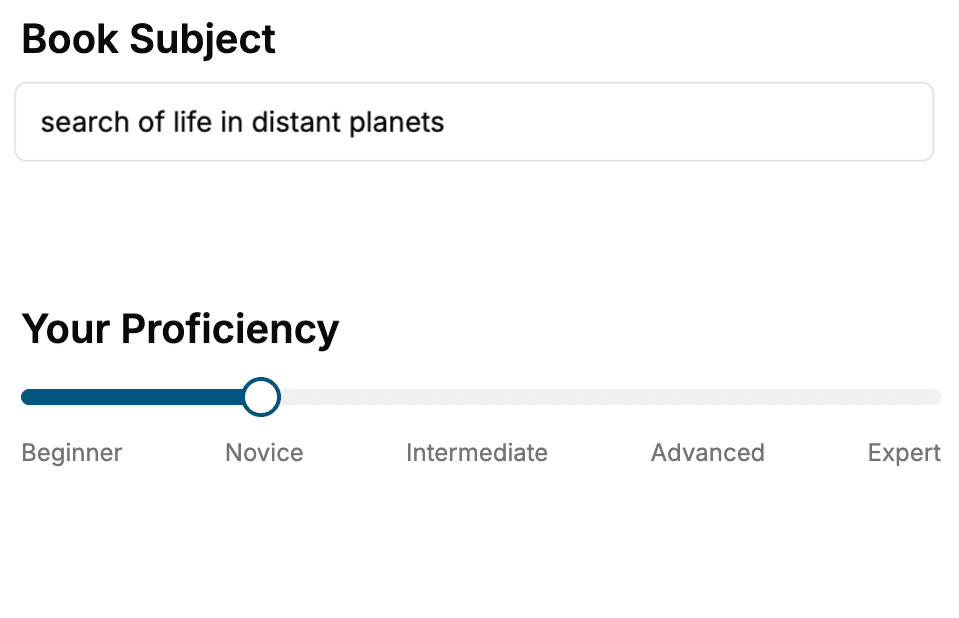
- 1. Select your focus
Select the focus of your GitHub book and share your background
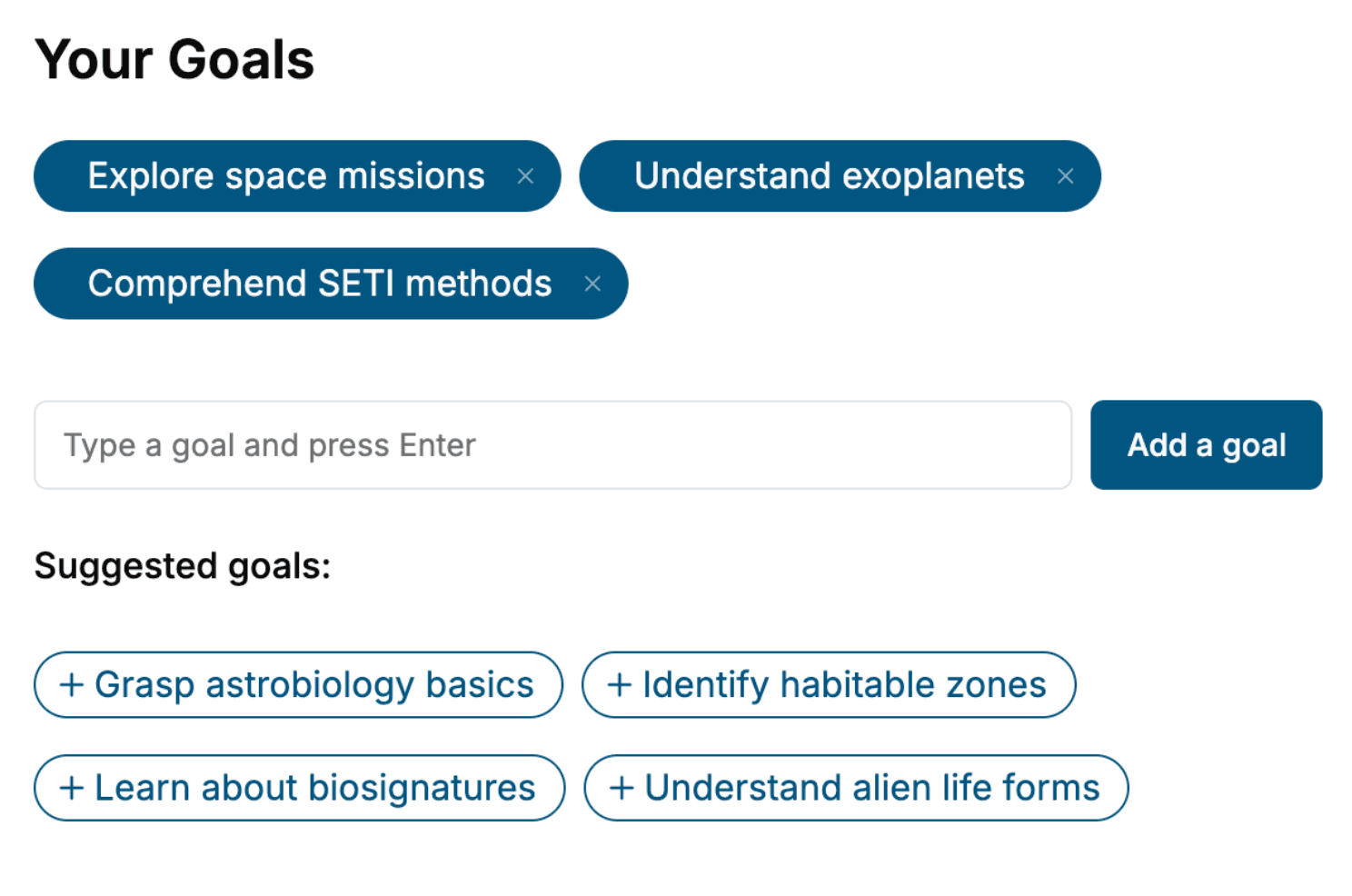
- 2. Personalize your book
Specify your goals and choose sub-topics to include
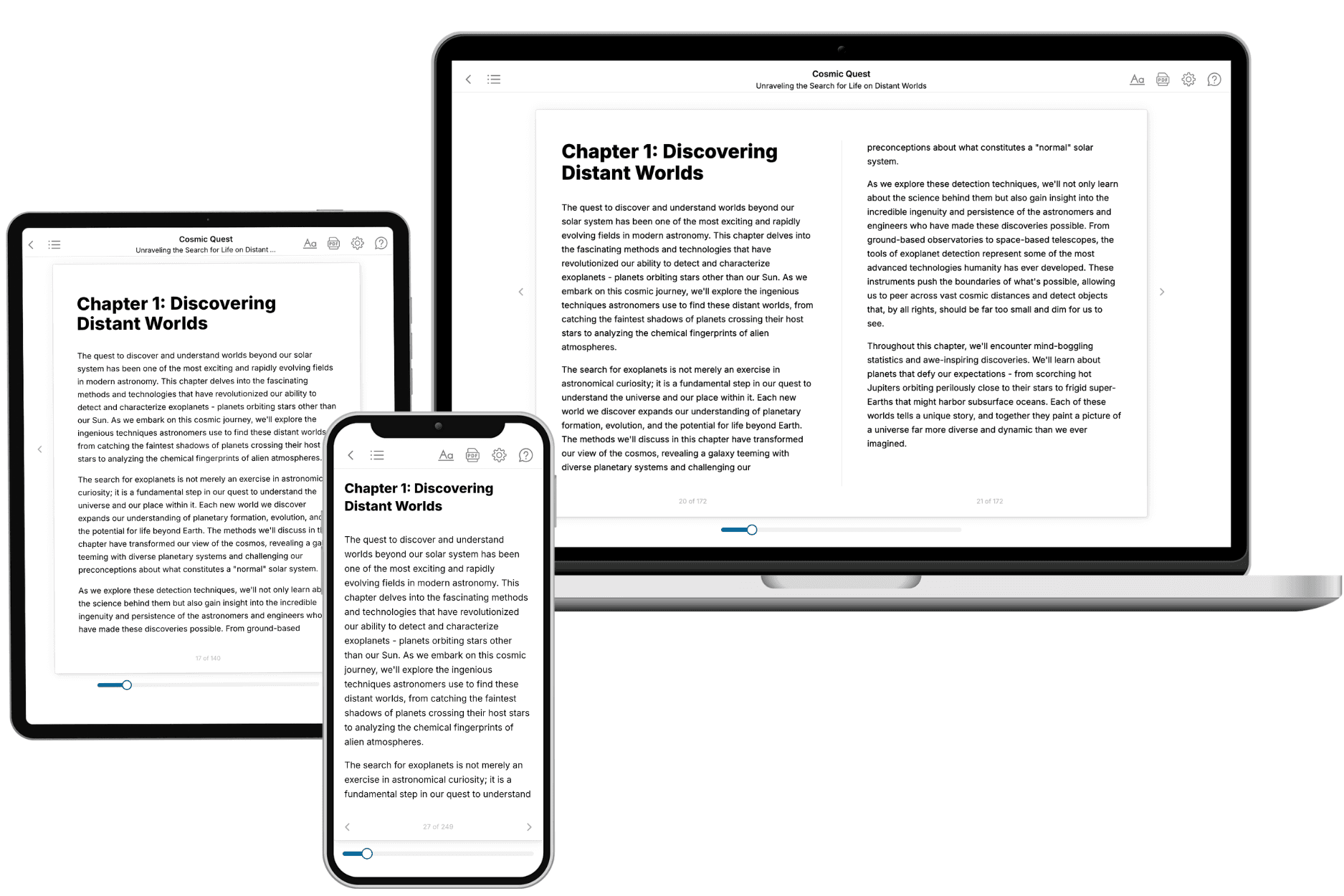
- 3. Get your tailored book
Your book is ready in 10 minutes. Read it online, download as EPUB or PDF, or send to Kindle.
Frequently asked questions
- What is TailoredRead?
TailoredRead creates complete, full-length nonfiction ebooks, written specifically for you. Tell us what you want to learn and why, and TailoredRead writes you a complete ebook on it, with charts, tables, and diagrams throughout. Read it online, on Kindle, or on any e-reader, or download it as a PDF or EPUB. Every book is written fresh the day you order it.
- How is the book tailored to me?
Before anything is written, you answer a few short questions about your goals, your background, and the topics you care about. Your book is then planned around your answers: written at your level, focused on your goals, and covering the topics you chose, instead of the one-size-fits-all book a store sells everyone.
- Will it read like generic AI content?
No. Your book isn't a chat transcript: it's planned chapter by chapter before a single word is written, told in a clear book voice, and explains ideas visually with charts, tables, and diagrams. After writing, every book goes through an editorial pass that polishes chapters so the book reads consistent from start to finish. Judge for yourself: browse thousands of sample books on our Explore Books page.
- How accurate is the content?
Our AI first checks whether your subject needs live research. Niche and fast-moving subjects are researched before writing, and the book plan and chapters are grounded in what it finds. After writing, every book goes through a quality pass that checks its facts and consistency, and researched books list their sources in a Notes section at the back.
- How long is the book?
You choose the length: Comprehensive (250-300 pages), Detailed (150-200 pages), Essential (70-100 pages), or Short (30-50 pages).
- Does the book include visuals?
Yes. Every book includes charts, tables, and diagrams: timelines, checklists, step-by-step guides, decision trees, comparison tables, matrices, and bar charts. A typical book includes dozens of these visual elements.
- Can I read it on Kindle? What formats can I download?
Yes. Every book can be read in our online reader or downloaded as a PDF or EPUB. The EPUB can be opened with Kindle, Apple Books, Kobo, and any e-reader. The Commercial and Author licenses also include an editable Word (DOCX) and Markdown download.
- How much does it cost?
About the price of a regular ebook. The exact price depends on your book's length and complexity, from $2 for the shortest books to $35 for the most comprehensive, and it's shown when you review your book, before you commit to anything. Each book is a one-time purchase, yours to keep, no subscription. Licenses that let you share, teach, or publish your book range from $35.99 to $49.99.
- Can I preview the book before purchasing?
Before you pay, you'll see what your book will cover: the title, a detailed description, the estimated length, and the complete chapter-by-chapter table of contents, so you know what you're getting before you decide. The full text itself is written after you purchase.
- How long does it take to create a book?
About 10 minutes. You can start reading the opening chapters while the rest is still being written.