The Gmail Alias Mastery Guide
Take Control of Your Email Identity, Organize Your Inbox, and Protect Your Privacy
Discover how to transform your Gmail experience by mastering email aliases—a powerful yet underutilized feature that puts you in complete control of your digital identity.
207 pages9 chaptersNov 30, 2025Email
About this book
This guide walks you through practical strategies to create unlimited email variations from your single Gmail account, enabling you to organize messages by category, protect your privacy from data brokers, and manage multiple roles effortlessly. You'll learn how to combine aliases with Gmail's filtering and labeling system to automatically sort incoming mail, reduce spam exposure, and maintain a clutter-free inbox. Whether you're managing work projects, protecting your personal information, testing new services, or simply seeking better email organization, this book provides step-by-step instructions and real-world scenarios that demonstrate how aliases solve common email challenges. By the end, you'll have a personalized alias strategy tailored to your lifestyle, complete with implementation tips and troubleshooting solutions that ensure your system works seamlessly.
Table of contents
- IntroductionWhy Email Aliases Matter in Today's Digital World, What You'll Learn in This Guide, How to Use This Book for Maximum BenefitRead below
- Chapter 1: Understanding Gmail Aliases: The FundamentalsWhat Is a Gmail Alias and How Does It Work?, Aliases vs. Forwarding: Understanding the Difference, Why Gmail Aliases Are Different from Other Email Services
- Chapter 2: The Plus Addressing System: Your First Alias ToolHow Plus Addressing Works: The Basics, Creating Your First Plus Address Aliases, Real-World Use Cases for Plus Addressing, Understanding Plus Addressing Limitations
- Chapter 3: Dot Notation: Multiplying Your Alias PossibilitiesHow Dot Notation Creates Additional Aliases, Combining Dot Notation with Plus Addressing, Strategic Dot Notation Patterns for Organization
- Chapter 4: Privacy Protection Through Email AliasesCommon Privacy Threats Your Primary Email Faces, Using Aliases as a Privacy Shield, Mitigating Data Breach Risks with Alias Segmentation, Preventing Email Tracking and Profiling
- Chapter 5: Organizing Your Inbox with Aliases and FiltersGmail Filters: The Foundation of Organization, Creating Filters Based on Your Alias Patterns, Using Labels to Categorize Alias-Based Messages, Building Automated Workflows with Aliases and Filters
- Chapter 6: Managing Multiple Roles and Projects with AliasesCreating Professional Aliases for Different Roles, Using Aliases to Manage Multiple Projects, Maintaining Client Relationships with Dedicated Aliases
- Chapter 7: Aliases for Testing, Trials, and SubscriptionsTesting New Services Without Cluttering Your Main Email, Managing Free Trials and Subscription Services, Preventing Spam Through Strategic Alias Use, Tracking and Managing Your Subscriptions with Aliases
- Chapter 8: Advanced Alias Strategies and Best PracticesDeveloping Effective Alias Naming Conventions, Documenting Your Alias System for Long-Term Success, Maintaining and Evolving Your Alias Strategy
- Chapter 9: Troubleshooting Common Alias IssuesResolving Email Delivery Issues with Aliases, Fixing Filter and Label Conflicts, Recovering from Alias-Related Mistakes
- Conclusion: Your Path ForwardRecap of Key Takeaways, Your Next Steps to Alias Mastery
- Frequently Asked Questions
- Glossary of Terms
Introduction
Your email address has become one of the most important pieces of your digital identity. It's the gateway to your online banking, social media accounts, shopping profiles, work communications, and countless other services. Yet most people treat their email address as a single, unchangeable identifier—handing it out freely to every website, service, and newsletter that asks for it. This approach creates a chaotic inbox filled with spam, marketing messages, and disorganized communications that make it nearly impossible to find what matters. Even worse, it exposes your primary email to data breaches, tracking, and unwanted attention from marketers who buy and sell your information.
What if you could use dozens or even hundreds of different email addresses, all connected to your single Gmail account, without creating multiple accounts or managing separate inboxes? This isn't a fantasy—it's a built-in feature of Gmail that most users never discover. Email aliases allow you to create unlimited variations of your email address that all deliver messages to the same inbox. These aliases give you unprecedented control over how you share your email, how you organize incoming messages, and how you protect your privacy. Instead of giving everyone the same address, you can create specific aliases for online shopping, work projects, newsletters, social media, and any other category you choose.
The power of Gmail aliases extends far beyond simple organization. When combined with Gmail's filtering and labeling systems, aliases become the foundation of an automated email management system that sorts, categorizes, and prioritizes your messages without any manual effort. You can instantly identify which service sold your email to spammers, block unwanted messages without affecting legitimate communications, and maintain separate digital identities for different aspects of your life—all from a single Gmail account. This guide will show you exactly how to harness this power, step by step, with practical strategies you can implement immediately.
Why Email Aliases Matter in Today's Digital World
The average person receives over 120 emails per day, and that number continues to climb each year[1]. Within this flood of messages, important communications from colleagues, family, and essential services compete for attention alongside promotional emails, newsletters, automated notifications, and outright spam. Traditional email management strategies—manually sorting messages, creating folders, or simply letting everything pile up—fail to address the root problem: you're using the same email address for everything, which means every message arrives with equal priority and no automatic context.
Email aliases solve this problem by allowing you to segment your digital identity before messages even arrive. When you sign up for an online store using yourname+shopping@gmail.com instead of yourname@gmail.com, you've created a trackable identifier that reveals exactly where each message originated. If that store experiences a data breach or sells your information to third parties, you'll know immediately because spam will arrive at that specific alias. You can then create a filter to block that alias entirely, or redirect those messages to a separate folder, without affecting any other communications. This level of granular control is impossible when you use the same email address everywhere.
Privacy concerns make aliases even more critical in today's digital landscape. Data brokers collect and sell email addresses alongside detailed profiles of your interests, purchases, and online behavior. When you use a unique alias for each service, you limit the ability of these brokers to connect your activities across different platforms. A retailer that knows you as yourname+retailer@gmail.com cannot easily correlate that identity with your social media presence, your professional networking, or your personal communications. This compartmentalization doesn't make you invisible, but it significantly raises the difficulty and cost of building comprehensive profiles about you.
Beyond privacy, aliases provide practical organizational benefits that save time and reduce stress. Consider these common scenarios where aliases transform email management:
- Project management: Create a unique alias for each client or project, then filter all related messages into dedicated folders with automatic labels
- Subscription tracking: Use aliases to identify which newsletters you actually read versus which ones clutter your inbox, making unsubscribe decisions obvious
- Service testing: Sign up for free trials and new services with disposable aliases that you can block later without affecting your primary email
- Spam identification: Instantly identify which companies leaked or sold your email address when spam arrives at a specific alias
- Role separation: Maintain distinct communication channels for professional, personal, volunteer, and hobby-related activities within a single account
The financial implications of poor email management are often overlooked. Missed messages about billing issues, subscription renewals, or important deadlines can result in late fees, service interruptions, or lost opportunities. When your inbox contains hundreds of unread messages, critical communications disappear into the noise. Aliases combined with filters ensure that high-priority messages—like those from your bank, employer, or family—always reach you with appropriate visibility, while lower-priority messages are automatically organized for later review. This systematic approach prevents costly oversights without requiring constant manual attention.
Email aliases also future-proof your digital identity against changing circumstances. If you change jobs, move to a new city, or shift your interests, your alias system adapts without requiring you to update your email address across dozens of services. You simply create new aliases for new contexts while maintaining existing ones for established relationships. This flexibility is particularly valuable for freelancers, consultants, and anyone who manages multiple professional identities or transitions between different roles throughout their career.
Perhaps most importantly, aliases restore a sense of control over your digital life. Instead of feeling overwhelmed by an unmanageable inbox and powerless against spam, you become the architect of your email experience. You decide which messages deserve immediate attention, which can wait, and which should be automatically archived or deleted. This psychological shift—from reactive victim to proactive manager—reduces email-related stress and makes your inbox a tool that serves you rather than a source of constant anxiety. The strategies in this guide will help you achieve that transformation.
What You'll Learn in This Guide
This book provides a comprehensive, practical education in Gmail alias mastery, starting with fundamental concepts and progressing to advanced strategies that experienced users employ. You'll begin by understanding exactly what aliases are and how Gmail's unique implementation differs from other email services. Unlike some providers that limit alias creation or charge for additional addresses, Gmail offers unlimited alias variations through two powerful mechanisms: plus addressing and dot notation. You'll learn how both systems work, their technical foundations, and why they're more flexible than traditional email forwarding or multiple account management.
The core of this guide focuses on practical implementation strategies organized by use case. Each chapter addresses specific scenarios where aliases solve real problems:
- Privacy protection: Techniques for shielding your primary email from data breaches, tracking, and unwanted marketing
- Inbox organization: Step-by-step instructions for combining aliases with Gmail filters and labels to create automated sorting systems
- Professional management: Strategies for managing multiple roles, clients, and projects without creating separate email accounts
- Subscription control: Methods for testing services, managing trials, and tracking which subscriptions provide value
- Spam prevention: Approaches for identifying spam sources and blocking unwanted messages without affecting legitimate communications
You'll discover the technical details that make aliases work, including how Gmail processes different address variations, which characters are valid in alias creation, and how email servers interpret these addresses. This technical foundation helps you understand not just what to do, but why it works, enabling you to troubleshoot problems and adapt strategies to your specific needs. For example, you'll learn why some websites reject plus addresses as invalid, how to work around these limitations, and when dot notation provides a more universally accepted alternative.
The guide includes detailed instructions for creating Gmail filters that automatically process messages based on alias patterns. You'll learn how to write filter rules that catch all variations of an alias, how to combine multiple conditions for sophisticated sorting, and how to avoid common mistakes that cause filters to conflict or fail. Each filtering strategy is accompanied by concrete examples showing the exact settings to use, the expected results, and troubleshooting tips for when things don't work as planned. These practical examples eliminate guesswork and help you implement working systems immediately.
Advanced chapters explore naming conventions and documentation strategies that keep your alias system manageable as it grows. Without a systematic approach, you might create dozens of aliases and then forget which ones you used where, defeating the organizational purpose. You'll learn proven naming patterns that make aliases self-documenting, methods for tracking which aliases you've assigned to which services, and strategies for maintaining your system over months and years. These organizational techniques ensure your alias system remains a helpful tool rather than becoming another source of confusion.
Real-world case studies throughout the book demonstrate how different users apply alias strategies to solve specific problems. You'll see examples of freelancers managing client communications, privacy-conscious users protecting their digital identities, busy professionals organizing work and personal messages, and subscription enthusiasts tracking their various services. These case studies provide concrete models you can adapt to your situation, showing not just the technical implementation but also the thought process behind choosing particular alias patterns and filter configurations.
The final chapters address troubleshooting and maintenance, covering common problems like messages not arriving at expected aliases, filters that stop working after Gmail updates, and strategies for recovering when you've lost track of which aliases you've used. You'll learn how to audit your existing alias usage, identify and fix configuration problems, and evolve your system as your needs change. This troubleshooting knowledge ensures you can maintain a working system long-term, even as Gmail's interface and features evolve.
By the end of this guide, you'll have a personalized alias strategy tailored to your specific needs, complete with implemented filters, documented naming conventions, and a clear understanding of how to expand and maintain your system. More importantly, you'll have transformed your relationship with email from reactive and overwhelming to proactive and manageable. Your inbox will work for you, automatically organizing messages, protecting your privacy, and ensuring important communications never get lost in the noise.
How to Use This Book for Maximum Benefit
This guide is structured to support both sequential reading and targeted reference use, depending on your learning style and immediate needs. If you're new to Gmail aliases or want comprehensive understanding, read the chapters in order from beginning to end. Each chapter builds on concepts introduced in previous sections, creating a progressive learning path from basic alias creation through advanced organizational strategies. This sequential approach ensures you understand the foundational principles before attempting complex implementations, reducing frustration and preventing common mistakes that occur when users skip ahead without grasping the basics.
Alternatively, if you're facing a specific problem or want to implement a particular strategy immediately, you can jump directly to relevant chapters. The book is designed with this flexibility in mind—each chapter stands alone with sufficient context to understand and implement its strategies without requiring you to read everything that came before. For example, if your primary concern is privacy protection, you can start with Chapter 4 and immediately begin implementing privacy-focused alias strategies. If inbox organization is your main challenge, Chapter 5 provides complete instructions for creating filters and labels based on aliases, with all necessary background information included.
To get the most value from this guide, approach it as a hands-on workshop rather than passive reading. Keep Gmail open in another window or on a second device while you read, and implement strategies as you learn them. This active learning approach helps concepts stick and allows you to immediately see results, which reinforces understanding and builds confidence. When a chapter describes creating a plus address alias, pause and create one for a real service you use. When you learn about filters, set up an actual filter for one of your aliases. This practical application transforms abstract knowledge into concrete skills.
Each chapter includes specific action items and implementation steps designed for immediate application. Look for these practical elements as you read:
- Step-by-step instructions: Detailed procedures with exact settings and configurations to use
- Example scenarios: Real-world situations showing how to apply concepts to common problems
- Code blocks: Exact filter syntax and alias patterns you can copy and adapt
- Troubleshooting tips: Solutions to common problems and mistakes to avoid
- Best practices: Proven approaches that experienced users have refined over time
Consider creating a personal implementation plan as you read. Keep a document or notebook where you record which aliases you want to create, which services you'll assign them to, and what filters you need to set up. This planning document becomes your roadmap for transforming your email management system. You don't need to implement everything at once—in fact, gradual implementation often works better because it allows you to test and refine each component before adding complexity. Start with three to five high-impact aliases that address your most pressing email challenges, get those working smoothly, then expand your system incrementally.
Pay special attention to the naming convention guidance in Chapter 8, even if you're implementing strategies from earlier chapters first. Establishing consistent naming patterns from the beginning prevents confusion later when you have dozens of aliases in use. If you create aliases haphazardly without a system, you'll eventually forget which alias you used for which service, defeating the organizational purpose. Taking time upfront to design a naming convention that makes sense to you—and documenting it—saves significant frustration down the road.
The book includes numerous examples using placeholder email addresses like yourname@gmail.com and yourname+category@gmail.com. When you see these examples, mentally substitute your actual Gmail address to make the concepts concrete. Better yet, write out the examples using your real email address in your implementation plan. This personalization helps you visualize exactly how aliases will work in your specific situation and makes it easier to remember the patterns when you're actually creating aliases and filters.
Don't skip the troubleshooting sections, even if everything seems to be working perfectly. Understanding what can go wrong and how to fix it prepares you for inevitable issues that arise as you use your alias system over time. Gmail occasionally updates its interface or filtering logic, which can affect how existing filters behave. Websites sometimes change their email validation rules, rejecting aliases that previously worked. Knowing how to diagnose and resolve these problems ensures your system remains functional long-term, rather than breaking down the first time you encounter an unexpected issue.
Finally, remember that email management is personal—what works perfectly for one person might not suit another's workflow or priorities. Use this guide as a foundation and framework, but don't hesitate to adapt strategies to fit your specific needs. If a suggested naming convention doesn't resonate with you, modify it. If a particular organizational approach seems overly complex for your situation, simplify it. The goal is creating a system that serves you effectively, not rigidly following someone else's template. The principles and techniques in this guide are proven and effective, but your implementation should reflect your unique circumstances, preferences, and email challenges.
Notes
Introduction
- 1. Radicati Group, Email Statistics Report, 2023
This is the end of the free sample. The full book has 9 chapters.
Want this book written for you?
Tell us your goals and background, and get your own version of this book, tailored by AI to you.


Benefits of AI-tailored books
- Read one book, not ten:
- all the Email knowledge you need, gathered into a single book.
- Save days of learning:
- tell us your goals, choose your topics, and the whole book is built around them.
- Learn effortlessly:
- Email book written for your specific background and expertise.
- Understand at a glance:
- includes charts, tables, timelines, checklists, decision trees, and more.
- Stay current:
- written the day you order it, not years ago.
- Trust what you read:
- every book is checked for accuracy, with real research when your subject needs it.
Create your unique book in 3 steps
- 1. Select your focus
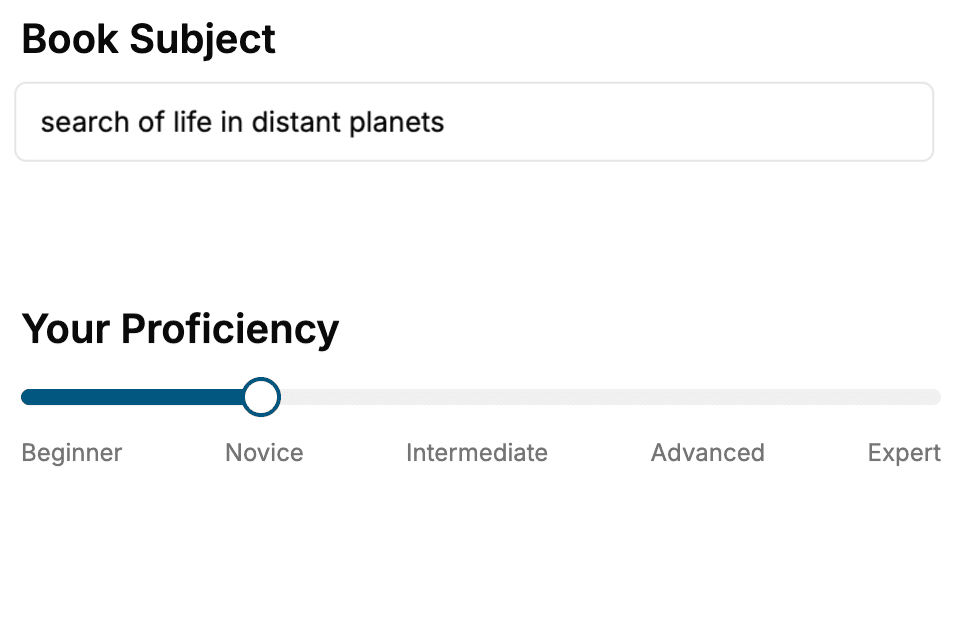
Select the focus of your Email book and share your background
- 2. Personalize your book
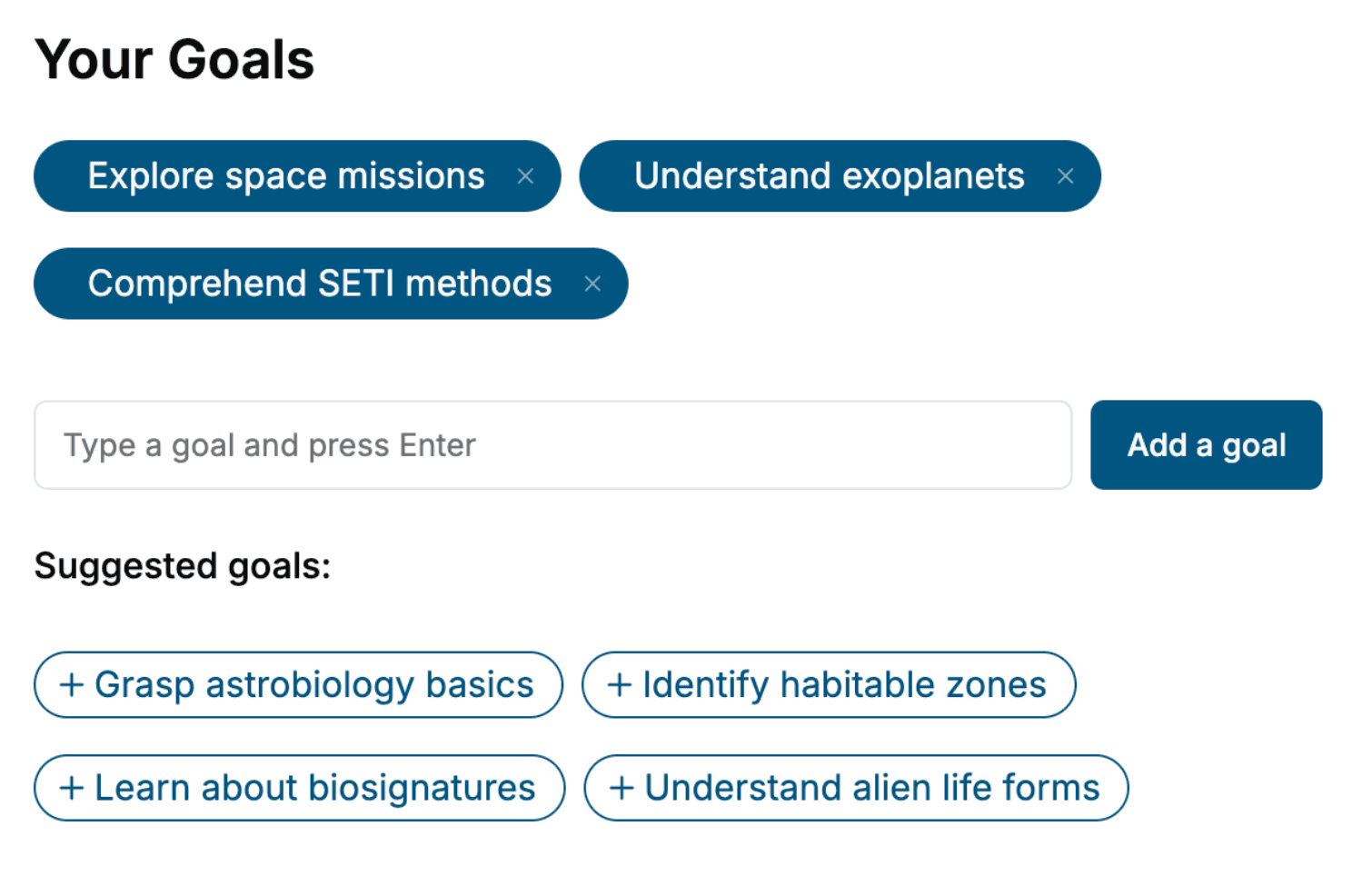
Specify your goals and choose sub-topics to include
- 3. Get your tailored book
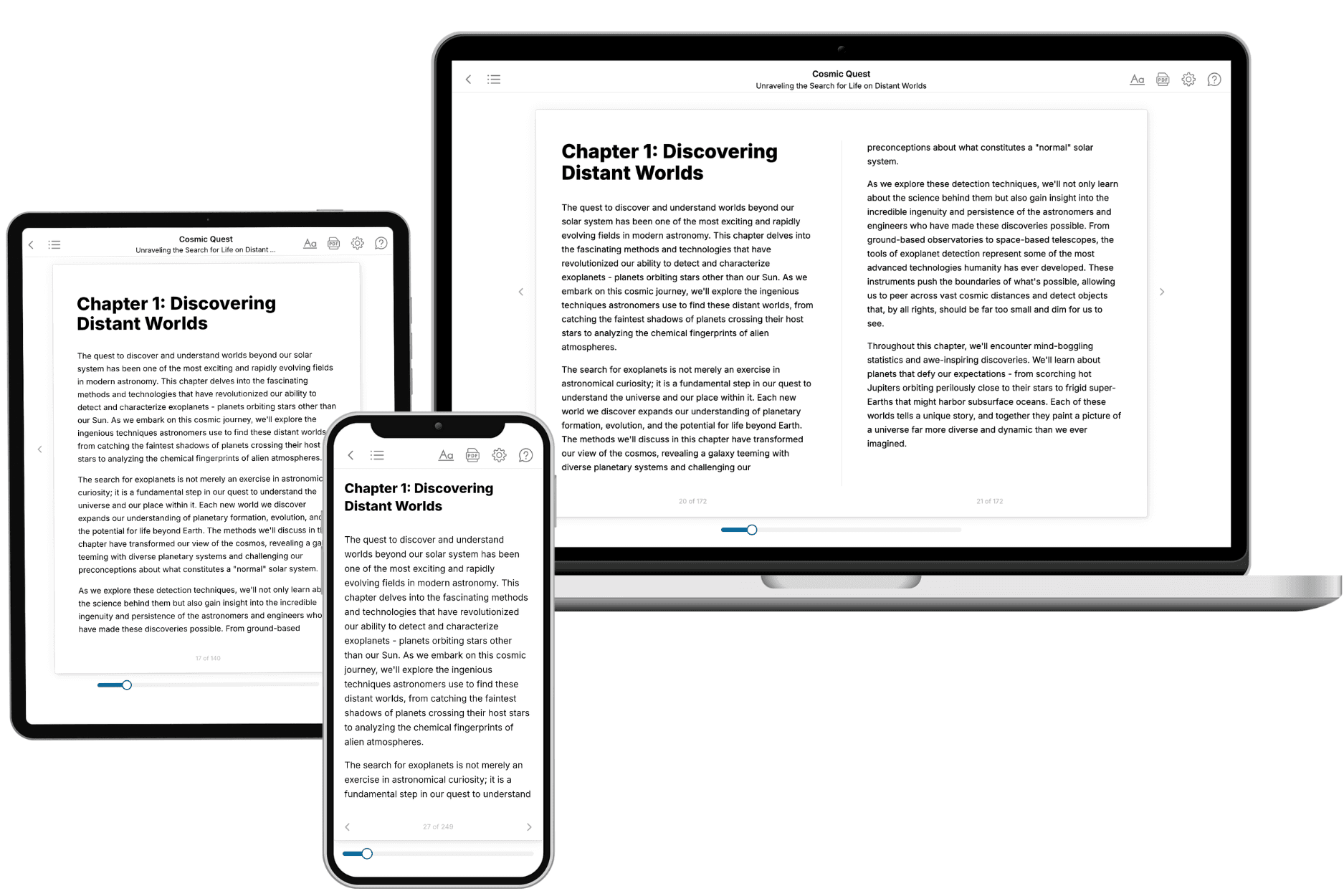
Your book is ready in 10 minutes. Read it online, download as EPUB or PDF, or send to Kindle.
Frequently asked questions
- What is TailoredRead?
TailoredRead creates complete, full-length nonfiction ebooks, written specifically for you. Tell us what you want to learn and why, and TailoredRead writes you a complete ebook on it, with charts, tables, and diagrams throughout. Read it online, on Kindle, or on any e-reader, or download it as a PDF or EPUB. Every book is written fresh the day you order it.
- How is the book tailored to me?
Before anything is written, you answer a few short questions about your goals, your background, and the topics you care about. Your book is then planned around your answers: written at your level, focused on your goals, and covering the topics you chose, instead of the one-size-fits-all book a store sells everyone.
- Will it read like generic AI content?
No. Your book isn't a chat transcript: it's planned chapter by chapter before a single word is written, told in a clear book voice, and explains ideas visually with charts, tables, and diagrams. After writing, every book goes through an editorial pass that polishes chapters so the book reads consistent from start to finish. Judge for yourself: browse thousands of sample books on our Explore Books page.
- How accurate is the content?
Our AI first checks whether your subject needs live research. Niche and fast-moving subjects are researched before writing, and the book plan and chapters are grounded in what it finds. After writing, every book goes through a quality pass that checks its facts and consistency, and researched books list their sources in a Notes section at the back.
- How long is the book?
You choose the length: Comprehensive (250-300 pages), Detailed (150-200 pages), Essential (70-100 pages), or Short (30-50 pages).
- Does the book include visuals?
Yes. Every book includes charts, tables, and diagrams: timelines, checklists, step-by-step guides, decision trees, comparison tables, matrices, and bar charts. A typical book includes dozens of these visual elements.
- Can I read it on Kindle? What formats can I download?
Yes. Every book can be read in our online reader or downloaded as a PDF or EPUB. The EPUB can be opened with Kindle, Apple Books, Kobo, and any e-reader. The Commercial and Author licenses also include an editable Word (DOCX) and Markdown download.
- How much does it cost?
About the price of a regular ebook. The exact price depends on your book's length and complexity, from $2 for the shortest books to $35 for the most comprehensive, and it's shown when you review your book, before you commit to anything. Each book is a one-time purchase, yours to keep, no subscription. Licenses that let you share, teach, or publish your book range from $35.99 to $49.99.
- Can I preview the book before purchasing?
Before you pay, you'll see what your book will cover: the title, a detailed description, the estimated length, and the complete chapter-by-chapter table of contents, so you know what you're getting before you decide. The full text itself is written after you purchase.
- How long does it take to create a book?
About 10 minutes. You can start reading the opening chapters while the rest is still being written.