Gmail Shortcuts Mastery
Supercharge Your Inbox Efficiency in 30 Days
Are you tired of wasting precious minutes every day clicking through your Gmail inbox?
253 pages13 chaptersJan 13, 2025Productivity
About this book
Imagine cutting your email management time in half while simultaneously boosting your productivity. "Gmail Shortcuts Mastery" is your comprehensive guide to unlocking the hidden power of keyboard shortcuts in Gmail. This book takes you on a 30-day journey to transform your email habits. You'll start with the basics and gradually build up to advanced techniques that will have you zipping through your inbox with the precision of a seasoned pro. Each chapter introduces new shortcuts and strategies, complete with practical exercises to reinforce your learning. By the end of this book, you'll be able to compose, read, organize, and search your emails with lightning speed. You'll learn how to customize your Gmail experience to fit your unique workflow, and discover lesser-known tricks that even Gmail power users might have missed. Whether you're a busy professional, a student managing multiple projects, or anyone looking to reclaim time from their inbox, "Gmail Shortcuts Mastery" is your ticket to a more efficient digital life.
Table of contents
- IntroductionWhy Keyboard Shortcuts Matter, How This Book is Structured, The 30-Day Gmail Mastery ChallengeRead below
- Chapter 1: Gmail Basics and SetupUnderstanding the Gmail Interface, Enabling Keyboard Shortcuts, Accessing the Shortcut List, Customizing Gmail Settings for Efficiency
- Chapter 2: Essential Navigation ShortcutsMoving Through Your Inbox, Navigating Conversations, Jumping Between Labels, Sidebar Navigation Tricks
- Chapter 3: Composing Emails Like a ProStarting a New Message, Text Formatting Shortcuts, Adding Attachments Quickly, Scheduling and Sending
- Chapter 4: Efficient Email Reading TechniquesOpening and Closing Emails, Expanding and Collapsing Conversations, Moving to Next and Previous Messages, Marking Emails as Starred or Important
- Chapter 5: Organizing Your InboxArchiving and Deleting, Applying and Managing Labels, Moving Messages Between Labels, Muting and Unmuting Conversations
- Chapter 6: Mastering Gmail SearchUsing Search Operators, Advanced Search Techniques, Keyboard Shortcuts for Search, Creating and Using Saved Searches
- Chapter 7: Action-Based ShortcutsReplying and Forwarding, Undoing Actions, Reporting Spam, Selecting and Deselecting Messages
- Chapter 8: Gmail Chat and Meet ShortcutsNavigating Chat Windows, Formatting Chat Messages, Google Meet Keyboard Controls, Integrating Chat and Meet with Email
- Chapter 9: Advanced Gmail TechniquesManaging Multiple Inboxes, Creating Filters with Shortcuts, Using Canned Responses, Exploring Gmail Labs Features
- Chapter 10: Productivity-Boosting Shortcut CombinationsRapid Email Triage Techniques, Batch Processing Emails, Automating Common Workflows, Creating Your Own Shortcut Combinations
- Chapter 11: Accessibility and Keyboard ShortcutsUsing Gmail with Screen Readers, Shortcuts for Users with Motor Impairments, Cognitive Accessibility Features, Customizing Gmail for Your Accessibility Needs
- Chapter 12: Gmail Shortcuts on Mobile DevicesShortcuts for iOS Devices, Shortcuts for Android Devices, Syncing Your Shortcut Knowledge Across Devices, Maximizing Mobile Email Productivity
- Chapter 13: Troubleshooting and FAQsCommon Shortcut Issues and Solutions, Resolving Shortcut Conflicts, Dealing with Browser Extensions, Staying Updated with Gmail Changes, Frequently Asked Questions
- ConclusionRecapping Your 30-Day Journey, Next Steps in Your Gmail Mastery
- AppendixComplete Gmail Shortcut Cheat Sheet, Additional Resources and Tools
Introduction
Welcome to "Gmail Shortcuts Mastery: Supercharge Your Inbox Efficiency in 30 Days." In this comprehensive guide, you'll embark on a transformative journey to revolutionize your email management skills and reclaim valuable time in your day. As a tech-savvy professional with intermediate knowledge of Gmail, you're already aware of the platform's potential. However, you may not have fully tapped into the powerful world of keyboard shortcuts that can dramatically boost your productivity and efficiency in daily email management.
In today's fast-paced digital landscape, email remains a central hub of communication for professionals across industries. The average office worker spends 28% of their workweek managing emails, which translates to approximately 11.2 hours per week or 582 hours per year[1]. This staggering statistic underscores the critical need for efficient email management techniques. By mastering Gmail keyboard shortcuts, you can significantly reduce this time investment, allowing you to focus on more important tasks and achieve a better work-life balance.
Throughout this book, you'll discover how to harness the full potential of Gmail's keyboard shortcuts, transforming your inbox from a time-consuming chore into a streamlined, efficient workspace. You'll learn not just individual shortcuts, but also how to combine them into powerful workflows that can handle complex email tasks with ease. By the end of your 30-day journey, you'll be navigating your inbox with the speed and precision of a seasoned professional, impressing colleagues and freeing up hours in your week for more productive endeavors.
But this book isn't just about memorizing a list of key combinations. It's about understanding the logic behind Gmail's shortcut system, customizing your Gmail experience to fit your unique workflow, and developing the muscle memory that will make these efficiency-boosting techniques second nature. You'll also explore how these skills can extend beyond Gmail, applying similar principles to other Google services and enhancing your overall digital productivity.
As we delve into the world of Gmail shortcuts, remember that this is a skill that grows with practice. The 30-day structure of this book is designed to guide you through a progressive learning experience, building your capabilities day by day. By the end of this journey, you'll not only have mastered Gmail shortcuts but also developed a new approach to email management that will serve you well throughout your career.
Why Keyboard Shortcuts Matter
In the realm of digital productivity, keyboard shortcuts are often hailed as the secret weapon of efficiency experts. But why exactly do they matter so much, particularly in the context of email management? The answer lies in the significant time savings and improved workflow that shortcuts provide. When you use a keyboard shortcut, you're essentially cutting out the middleman - in this case, your mouse - and communicating your intentions directly to the computer.
Consider this: the average time it takes to move your hand from the keyboard to the mouse, locate the cursor on the screen, move it to the desired button, and click is about 2 seconds[2]. While this may seem negligible for a single action, it adds up quickly when you're performing hundreds of actions per day. If you perform 200 actions in Gmail daily, switching to keyboard shortcuts could save you nearly 7 minutes each day, or about 30 hours per year. That's almost four full workdays reclaimed simply by changing how you interact with your email client!
But the benefits of keyboard shortcuts extend beyond mere time savings. They also contribute to improved focus and reduced cognitive load. When you're proficient with shortcuts, you can execute commands without breaking your train of thought or shifting your gaze from the email you're reading or composing. This seamless interaction allows you to maintain your concentration, leading to higher quality work and fewer errors.
Moreover, consistent use of keyboard shortcuts can have positive effects on your physical health. Repetitive strain injuries (RSIs) are a common concern for office workers who spend long hours at their computers. By reducing your reliance on the mouse and distributing the workload more evenly across your fingers, keyboard shortcuts can help mitigate the risk of developing conditions like carpal tunnel syndrome[3].
In the specific context of Gmail, keyboard shortcuts offer an additional layer of functionality that isn't always immediately apparent through the graphical user interface. Some advanced features and actions are accessible primarily or exclusively through shortcuts, giving power users an edge in managing their inboxes. By mastering these shortcuts, you're not just speeding up common tasks - you're unlocking new capabilities that can transform how you interact with your email.
It's also worth noting that the skills you develop in mastering Gmail shortcuts are often transferable to other applications and platforms. Many software developers follow similar conventions for their keyboard shortcuts, meaning that the muscle memory and shortcut logic you develop here can be applied elsewhere in your digital life. This multiplies the value of the time you invest in learning these skills.
Finally, there's a certain satisfaction and sense of mastery that comes from effortlessly zipping through your inbox using only your keyboard. It's a skill that impresses colleagues and can make you feel more in control of your digital environment. This psychological benefit shouldn't be underestimated - feeling competent and in control can boost your overall job satisfaction and confidence in your technical abilities.
As you progress through this book, keep these benefits in mind. The initial learning curve may feel steep at times, but the long-term payoff in efficiency, health, and satisfaction is well worth the effort. Remember, every expert was once a beginner, and with consistent practice, you'll soon find yourself wondering how you ever managed your inbox without these powerful tools at your fingertips.
How This Book is Structured
"Gmail Shortcuts Mastery" is designed to take you on a structured, 30-day journey from Gmail novice to shortcut expert. The book is carefully organized to build your skills progressively, ensuring that you have a solid foundation before moving on to more advanced techniques. Each chapter focuses on a specific aspect of Gmail functionality, introducing relevant shortcuts and providing practical exercises to reinforce your learning.
The book begins with an overview of Gmail basics and setup, ensuring that even those new to the platform can quickly get up to speed. You'll learn how to enable keyboard shortcuts, access the shortcut list, and customize your Gmail settings for maximum efficiency. This foundational knowledge is crucial for making the most of the shortcuts you'll learn throughout the book.
From there, we dive into essential navigation shortcuts, teaching you how to move through your inbox, navigate conversations, and jump between labels with ease. These fundamental skills will form the backbone of your shortcut repertoire, allowing you to navigate Gmail's interface swiftly and confidently.
As you progress, you'll explore shortcuts for composing emails like a pro, efficient email reading techniques, and powerful organization shortcuts. Each chapter builds on the last, introducing new concepts while reinforcing previously learned skills. You'll learn how to format text, add attachments, schedule emails, mark messages as important, archive and delete efficiently, and much more - all without lifting your hands from the keyboard.
The book also covers advanced topics such as mastering Gmail search, action-based shortcuts, and even shortcuts for Gmail Chat and Meet. These chapters will help you leverage the full power of Gmail's features, turning you into a true email powerhouse.
In the later chapters, we delve into advanced Gmail techniques, productivity-boosting shortcut combinations, and even explore how keyboard shortcuts can enhance accessibility for users with different needs. You'll learn how to manage multiple inboxes, create filters, use canned responses, and customize your own shortcut combinations to suit your unique workflow.
Each chapter is structured to provide clear explanations, practical examples, and hands-on exercises. You'll find:
- Detailed descriptions of each shortcut and its function
- Real-world scenarios demonstrating how and when to use specific shortcuts
- Practice exercises to help you build muscle memory and reinforce your learning
- Tips and tricks from Gmail power users to optimize your workflow
- Troubleshooting advice for common issues you might encounter
To ensure you can easily reference key information, each chapter concludes with a summary of the shortcuts covered and a quick reference guide. The book also includes a comprehensive appendix with a complete Gmail shortcut cheat sheet and additional resources for further learning.
Throughout the book, you'll find callout boxes highlighting important tips, warnings about potential pitfalls, and interesting facts about Gmail and productivity. These are designed to provide additional context and help you get the most out of your learning experience.
The 30-day structure of the book is intentional, allowing you to pace your learning and practice consistently over time. Each day's material is designed to be digestible within about an hour, making it easy to fit into your busy schedule. However, the book is also flexible - if you find yourself with extra time and enthusiasm, you're welcome to progress faster through the material.
Remember, the key to mastering Gmail shortcuts is consistent practice. While reading about the shortcuts is important, the real learning happens when you apply them in your daily email management. To this end, each chapter includes "Daily Challenge" sections that encourage you to use your new skills in real-world scenarios.
By the end of the book, you'll have a comprehensive understanding of Gmail shortcuts, the ability to navigate your inbox with lightning speed, and the knowledge to create custom workflows that perfectly suit your needs. Whether you're looking to save time, reduce stress, or simply impress your colleagues with your email prowess, "Gmail Shortcuts Mastery" will equip you with the skills you need to succeed.
The 30-Day Gmail Mastery Challenge
The 30-Day Gmail Mastery Challenge is the heart of this book, designed to transform your email habits and dramatically boost your productivity. This structured approach takes into account the principles of habit formation and skill acquisition, ensuring that by the end of the 30 days, you'll not only know Gmail shortcuts but will have integrated them seamlessly into your daily workflow.
Research in habit formation suggests that it takes an average of 66 days for a new behavior to become automatic, with a range of 18 to 254 days depending on the complexity of the behavior and individual differences[4]. While 30 days may not be enough to fully automate all Gmail shortcuts, it provides a solid foundation and enough time to see significant improvements in your email management skills.
The challenge is structured to progressively build your skills, starting with the most fundamental shortcuts and gradually introducing more complex techniques. Each day of the challenge focuses on a specific set of shortcuts or a particular aspect of Gmail functionality. Here's a brief overview of what you can expect:
- Days 1-5: Gmail basics and essential navigation shortcuts
- Days 6-10: Composing and reading emails efficiently
- Days 11-15: Organizing your inbox and mastering search
- Days 16-20: Advanced techniques and productivity-boosting combinations
- Days 21-25: Exploring Gmail Chat, Meet, and mobile shortcuts
- Days 26-30: Customization, troubleshooting, and perfecting your personal workflow
Each day of the challenge includes the following components:
- Learning: A brief lesson introducing new shortcuts or concepts
- Practice: Guided exercises to help you apply what you've learned
- Implementation: Suggestions for incorporating the day's shortcuts into your actual email tasks
- Reflection: A moment to consider how the new skills are impacting your productivity
- Preview: A sneak peek at what's coming in the next lesson to build anticipation
To make the most of the 30-Day Gmail Mastery Challenge, consider the following tips:
- Consistency is key: Try to engage with the material every day, even if it's just for a few minutes.
- Apply shortcuts to real emails: Don't just practice in isolation; use the shortcuts while managing your actual inbox.
- Track your progress: Keep a log of the shortcuts you've learned and how often you use them.
- Be patient with yourself: Learning new habits takes time. If you struggle with a particular shortcut, it's okay to spend extra time on it.
- Celebrate small wins: Acknowledge your progress, no matter how small. Each shortcut mastered is a step towards greater efficiency.
To help you stay motivated throughout the challenge, consider setting specific, measurable goals for yourself. For example, you might aim to reduce the time you spend processing emails by 25% by the end of the 30 days, or to handle 50 emails using only keyboard shortcuts by day 15. Tracking your progress towards these goals can provide a tangible sense of achievement and motivation to continue.
Remember, the 30-Day Gmail Mastery Challenge is not just about learning shortcuts; it's about transforming your relationship with email. By the end of the challenge, you should notice significant improvements in your email management speed, a reduction in the time you spend on email overall, and a greater sense of control over your inbox.
As you progress through the challenge, you may find that some days are easier than others. Some shortcuts might click immediately, while others may take more practice to master. This is entirely normal and part of the learning process. The key is to persist, even when faced with difficulties. Each challenge you overcome brings you one step closer to Gmail mastery.
To enhance your learning experience, consider finding an accountability partner or forming a study group with colleagues who are also interested in improving their Gmail skills. Sharing your progress, discussing challenges, and exchanging tips can make the learning process more engaging and help you stay committed to the challenge.
By the end of the 30 days, you'll have a comprehensive toolkit of Gmail shortcuts at your disposal. More importantly, you'll have developed the habit of using these shortcuts in your daily email management. This new skill set will continue to serve you well beyond the 30-day challenge, providing ongoing benefits in terms of time savings and productivity.
As you embark on this 30-day journey, remember that the goal is not perfection, but progress. Every shortcut you learn and implement is a step towards greater efficiency. Embrace the challenge, stay curious, and get ready to transform your Gmail experience. Your future, more productive self will thank you for the effort you're about to invest.
Notes
Introduction
- 1. The Radicati Group and Inc, Email Statistics Report, 2019
- 2. Carpal Tunnel Help, Keyboard Shortcuts Save Time and Prevent Injury, 2021
- 3. A. Hedge and others, "Ergonomic Strategies for Using a Mouse," Proceedings of the Human Factors and Ergonomics Society Annual Meeting, 2018
- 4. P. Lally and others, "How are habits formed," European Journal of Social Psychology, 2010
This is the end of the free sample. The full book has 13 chapters.
Want this book written for you?
Tell us your goals and background, and get your own version of this book, tailored by AI to you.


Benefits of AI-tailored books
- Read one book, not ten:
- all the Productivity knowledge you need, gathered into a single book.
- Save days of learning:
- tell us your goals, choose your topics, and the whole book is built around them.
- Learn effortlessly:
- Productivity book written for your specific background and expertise.
- Understand at a glance:
- includes charts, tables, timelines, checklists, decision trees, and more.
- Stay current:
- written the day you order it, not years ago.
- Trust what you read:
- every book is checked for accuracy, with real research when your subject needs it.
Create your unique book in 3 steps
- 1. Select your focus
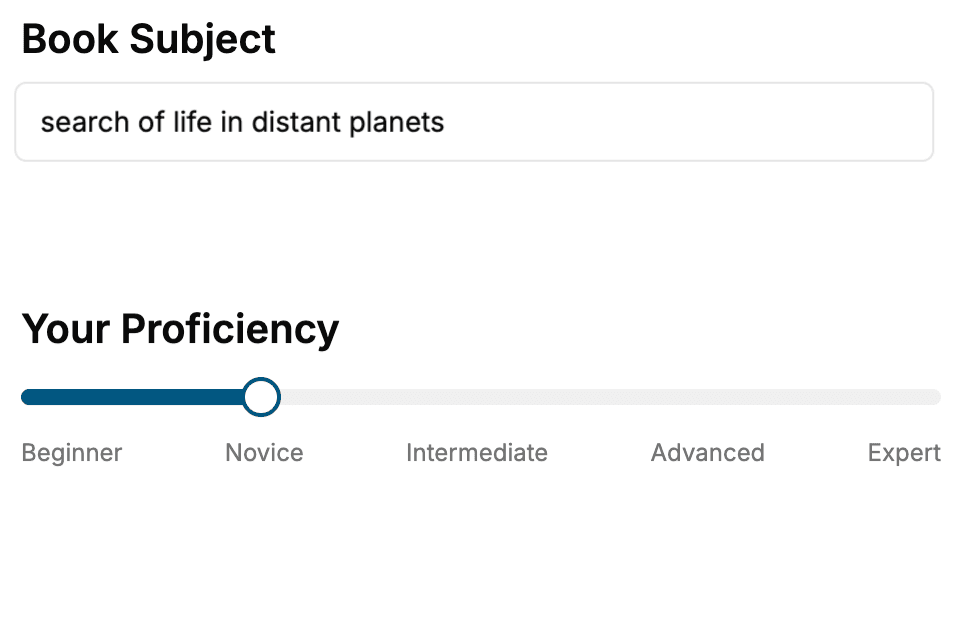
Select the focus of your Productivity book and share your background
- 2. Personalize your book
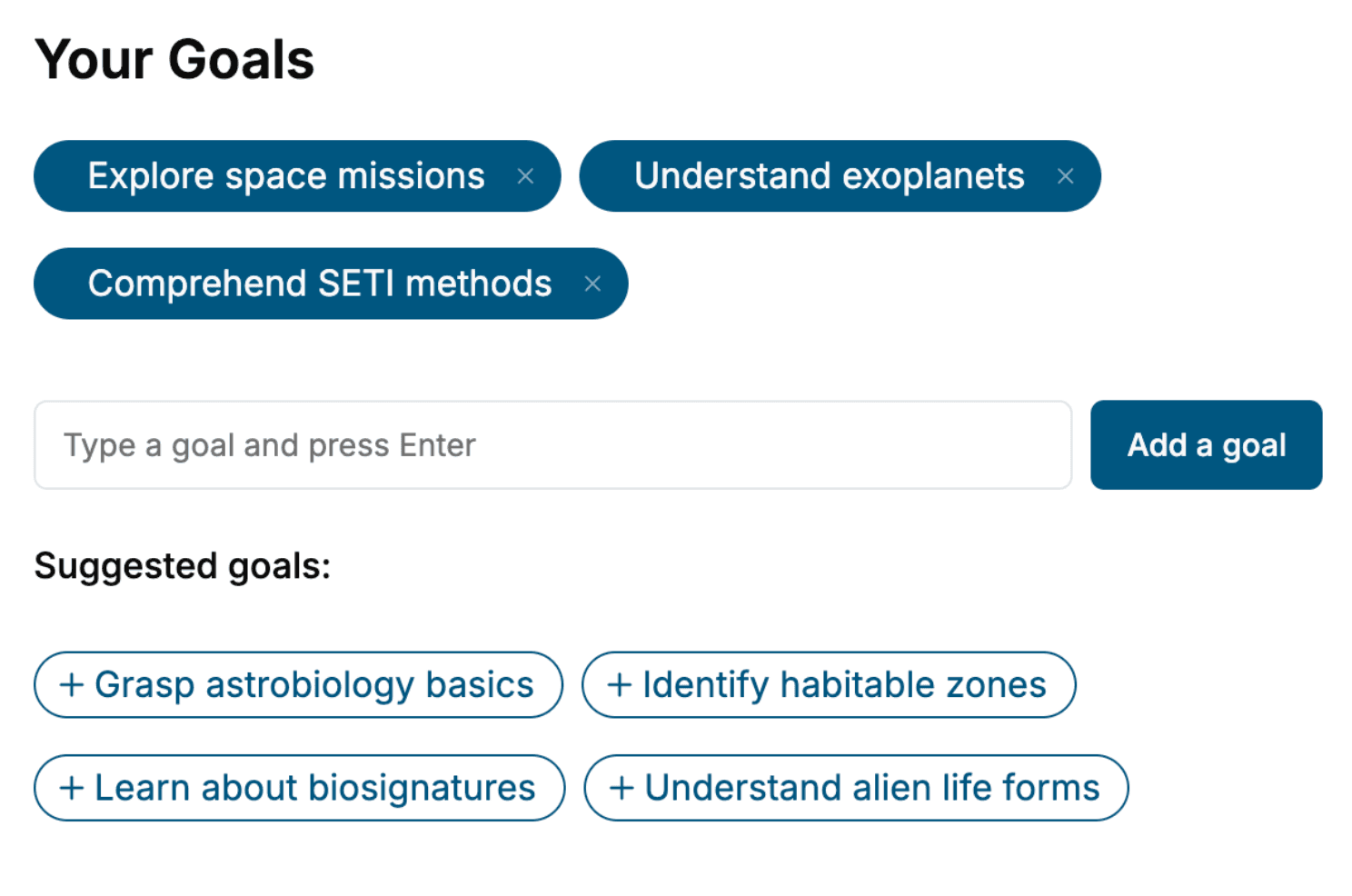
Specify your goals and choose sub-topics to include
- 3. Get your tailored book
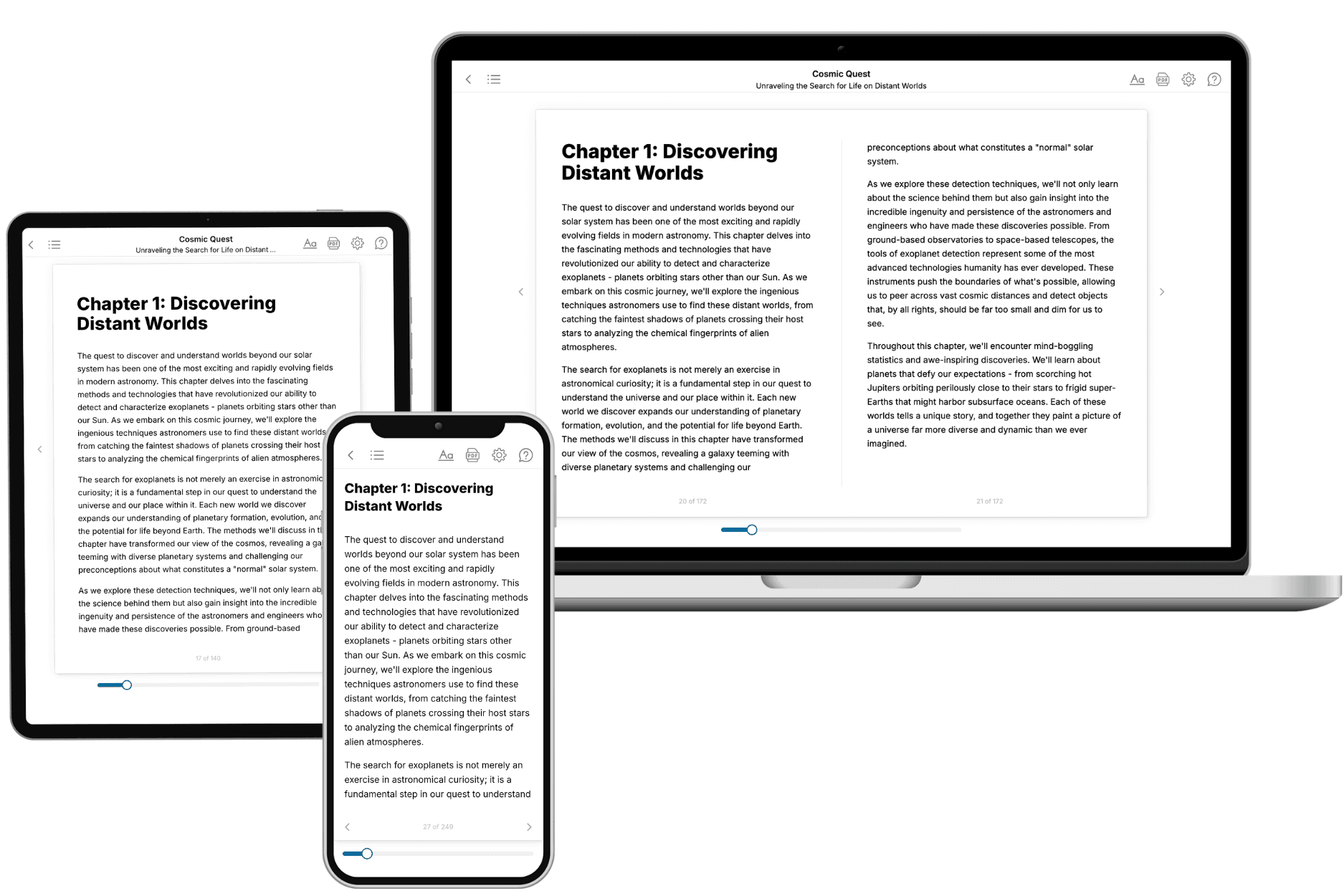
Your book is ready in 10 minutes. Read it online, download as EPUB or PDF, or send to Kindle.
Frequently asked questions
- What is TailoredRead?
TailoredRead creates complete, full-length nonfiction ebooks, written specifically for you. Tell us what you want to learn and why, and TailoredRead writes you a complete ebook on it, with charts, tables, and diagrams throughout. Read it online, on Kindle, or on any e-reader, or download it as a PDF or EPUB. Every book is written fresh the day you order it.
- How is the book tailored to me?
Before anything is written, you answer a few short questions about your goals, your background, and the topics you care about. Your book is then planned around your answers: written at your level, focused on your goals, and covering the topics you chose, instead of the one-size-fits-all book a store sells everyone.
- Will it read like generic AI content?
No. Your book isn't a chat transcript: it's planned chapter by chapter before a single word is written, told in a clear book voice, and explains ideas visually with charts, tables, and diagrams. After writing, every book goes through an editorial pass that polishes chapters so the book reads consistent from start to finish. Judge for yourself: browse thousands of sample books on our Explore Books page.
- How accurate is the content?
Our AI first checks whether your subject needs live research. Niche and fast-moving subjects are researched before writing, and the book plan and chapters are grounded in what it finds. After writing, every book goes through a quality pass that checks its facts and consistency, and researched books list their sources in a Notes section at the back.
- How long is the book?
You choose the length: Comprehensive (250-300 pages), Detailed (150-200 pages), Essential (70-100 pages), or Short (30-50 pages).
- Does the book include visuals?
Yes. Every book includes visual elements such as timelines, checklists, step-by-step guides, decision trees, comparison tables, and matrices, and many include bar charts. A typical book includes dozens of these visual elements.
- Can I read it on Kindle? What formats can I download?
Yes. Every book can be read in our online reader or downloaded as a PDF or EPUB. The EPUB can be opened with Kindle, Apple Books, Kobo, and any e-reader. The Commercial and Author licenses also include an editable Word (DOCX) and Markdown download.
- How much does it cost?
About the price of a regular ebook. The exact price depends on your book's length and complexity, from $2 for the shortest books to $35 for the most comprehensive, and it's shown when you review your book, before you commit to anything. Each book is a one-time purchase, yours to keep, no subscription. Licenses that let you share, teach, or publish your book range from $35.99 to $49.99.
- Can I preview the book before purchasing?
Before you pay, you'll see what your book will cover: the title, a detailed description, the estimated length, and the complete chapter-by-chapter table of contents, so you know what you're getting before you decide. The full text itself is written after you purchase.
- How long does it take to create a book?
About 10 minutes. You can start reading the opening chapters while the rest is still being written.