Google IDX Mastery
Unleash the Full Potential of Your Development Environment
Picture yourself effortlessly navigating through complex codebases, refactoring with precision, and collaborating seamlessly with your team - all within a highly customized and efficient development environment.
315 pages17 chaptersMay 9, 2025Software DevelopmentCreated by Chris
About this book
This is the reality that awaits you as a master of Google IDX IDE. Google IDX Mastery is your comprehensive guide to harnessing the full power of this cutting-edge integrated development environment. You'll dive deep into advanced features, customization options, and productivity-boosting techniques that will revolutionize your coding experience. From mastering keybindings and refactoring wizards to leveraging AI-assisted coding and setting up sophisticated CI/CD pipelines, this book covers every aspect of IDX that a seasoned developer needs to know. You'll learn how to create custom plugins, optimize your workflow, and use IDX's collaborative features to elevate your team's performance. Whether you're looking to fine-tune your debugging skills, create efficient code navigation shortcuts, or explore the depths of IDX's extension capabilities, this book provides the insights and practical knowledge you need. By the time you finish, you'll have transformed IDX into a powerful ally in your quest for coding excellence.
Table of contents
- IntroductionOverview of Google IDX IDE, How to Use This Book, Setting Up Your IDX Environment, Adopting a Productivity MindsetRead below
- Chapter 1: Mastering IDX KeybindingsUnderstanding Default Keybindings, Creating Custom Keybindings, Resolving Keybinding Conflicts, Essential Keybinding Cheatsheet
- Chapter 2: Git Integration in IDXGit Basics in IDX, Branching and Merging Strategies, Conflict Resolution Techniques, Useful Git Extensions for IDX
- Chapter 3: Mastering IDX Refactoring ToolsRefactoring Basics in IDX, Advanced Refactoring Techniques, Common Refactoring Patterns, Automated Refactoring in IDX
- Chapter 4: Optimizing Your IDX WorkflowEfficient Workspace Setup, Task Automation in IDX, Leveraging Snippets and Templates, Tracking Productivity Metrics
- Chapter 5: Leveraging AI-Assisted Coding in IDXAI-Powered Code Completion, AI Code Generation Techniques, AI-Assisted Code Review, Understanding AI Limitations and Best Practices
- Chapter 6: Customizing Your IDX ExperienceCreating Custom IDX Themes, Optimizing UI Layout, Font and Color Scheme Customization, Creating Custom Views and Panels
- Chapter 7: Integrating IDX with CI/CD PipelinesCI/CD Basics in IDX, Setting Up CI/CD Pipelines, Integrating Automated Testing, Automating Deployment Processes
- Chapter 8: Developing IDX ExtensionsIDX Extension Basics, Exploring the IDX Extension API, Publishing Your IDX Extension, Best Practices for Extension Development
- Chapter 9: Automating Code Reviews in IDXStreamlining the Code Review Process, Setting Up Automated Code Checks, Effective Code Review Comments, Tracking Code Review Metrics
- Chapter 10: IDX Best Practices and PatternsEffective Code Organization, Naming Conventions and Style Guides, Performance Optimization Techniques, Security Best Practices in IDX
- Chapter 11: Advanced Debugging TechniquesMastering IDX Debugger Features, Using Conditional Breakpoints, Remote Debugging in IDX, Memory Profiling and Leak Detection
- Chapter 12: Collaborative Development in IDXEffective Pair Programming Techniques, Code Sharing and Collaboration Tools, Remote Collaboration Best Practices, Optimizing Team Workflows in IDX
- Chapter 13: Creating Custom IDX PluginsUnderstanding Plugin Architecture, Developing Your First Plugin, Testing and Debugging Plugins, Distributing and Maintaining Plugins
- Chapter 14: Mastering Code Navigation in IDXQuick Navigation Techniques, Efficient Symbol Search and Lookup, Advanced Code Folding Strategies, Essential Navigation Shortcuts
- Chapter 15: IDX Performance TuningOptimizing Resource Usage, Effective Caching Strategies, Improving IDX Startup Time, Handling Large-Scale Projects
- Chapter 16: Integrating Test Runners in IDXConfiguring Test Environments, Running Tests Efficiently, Debugging Tests in IDX, Analyzing Test Coverage
- Chapter 17: Integrating External Tools with IDXUnderstanding the IDX Tool Ecosystem, Integrating Command-Line Tools, Connecting Database Tools, API Testing Tools in IDX
- ConclusionThe Future of IDX, Strategies for Continuous Learning
- AppendixCommon Issues and Troubleshooting, Additional Resources and References
Introduction
Welcome to the world of Google IDX, a cutting-edge integrated development environment (IDE) designed to revolutionize your coding experience. As a highly experienced Principal Software Engineer with an MSc in Computer Science, you're about to embark on a journey that will elevate your development skills to new heights. This introduction will provide you with a comprehensive overview of Google IDX, guide you through the structure of this book, help you set up your IDX environment, and instill a productivity mindset that will serve as the foundation for your mastery of this powerful tool.
Overview of Google IDX IDE
Google IDX represents the next evolution in cloud-based integrated development environments. It combines the power of Google's cloud infrastructure with cutting-edge development tools to create a seamless, efficient, and highly productive coding experience. IDX is designed to address the challenges faced by modern software engineers, offering a suite of features that streamline workflows, enhance collaboration, and leverage artificial intelligence to boost productivity.
At its core, IDX is built on the principle of accessibility and flexibility. It runs entirely in the cloud, which means you can access your development environment from any device with an internet connection. This cloud-native approach eliminates the need for complex local setups and ensures that your development environment is always up-to-date and consistent across all your devices.
One of the standout features of IDX is its intelligent code completion and analysis capabilities. Powered by Google's advanced AI algorithms, IDX can understand your code context and provide smart suggestions, making coding faster and reducing errors. This AI assistance extends beyond just code completion; it can help with refactoring, identifying potential bugs, and even suggesting optimizations for your code.
Collaboration is another area where IDX shines. It offers real-time collaboration features that allow multiple developers to work on the same codebase simultaneously. This is particularly valuable for pair programming sessions or when you need to quickly get input from a colleague on a piece of code. The collaboration features are seamlessly integrated into the IDE, making it feel natural and unobtrusive.
IDX also excels in its integration capabilities. It supports a wide range of programming languages and frameworks out of the box, and its extensible architecture allows for easy integration with various tools and services. Whether you're working with version control systems, CI/CD pipelines, or external APIs, IDX provides smooth integration points that can significantly streamline your development process.
Performance is a crucial aspect of any IDE, and IDX doesn't disappoint. Despite running in the cloud, it offers near-native performance, with quick startup times and responsive editing. The IDE is optimized to handle large codebases efficiently, ensuring that you can work on complex projects without experiencing lag or slowdowns.
Security is a top priority in IDX. It leverages Google's robust security infrastructure to ensure that your code and data are protected. With features like encrypted storage, secure access controls, and regular security updates, you can code with confidence knowing that your intellectual property is safe.
As you delve deeper into IDX, you'll discover its extensive customization options. From keybindings to UI layouts, IDX allows you to tailor the environment to your specific preferences and workflow. This level of customization ensures that IDX can adapt to your needs, rather than forcing you to adapt to it.
Throughout this book, we'll explore these features in depth, providing you with the knowledge and techniques to leverage IDX to its fullest potential. By mastering IDX, you'll not only enhance your coding efficiency but also gain a competitive edge in the rapidly evolving landscape of software development.
How to Use This Book
This book is designed to be your comprehensive guide to mastering Google IDX. It's structured to take you from the fundamentals to advanced techniques, ensuring that you can extract maximum value from the IDE. To get the most out of this book, it's recommended that you approach it with a mindset of active learning and practical application.
The book is divided into chapters, each focusing on a specific aspect of IDX. While the chapters build upon each other, they're also designed to be modular, allowing you to focus on the areas that are most relevant to your current needs. Here's an overview of how the book is structured and how you can best utilize it:
1. Sequential Learning: If you're new to IDX or want a comprehensive understanding, start from the beginning and work your way through the chapters sequentially. This approach will give you a solid foundation and gradually introduce more advanced concepts.
2. Topic-Based Exploration: If you're already familiar with IDX and want to dive into specific areas, use the table of contents to navigate directly to the chapters that interest you. Each chapter is self-contained enough to provide value even if read in isolation.
3. Hands-On Practice: Throughout the book, you'll find practical examples and exercises. It's highly recommended that you follow along with these in your own IDX environment. Hands-on practice is crucial for internalizing the concepts and techniques presented.
4. Code Samples: The book includes numerous code samples to illustrate key points. These samples are provided in a variety of programming languages to cater to different backgrounds. Feel free to adapt these samples to your preferred language or project context.
5. Tips and Best Practices: Look out for highlighted tips and best practices throughout the book. These insights, drawn from real-world experience, can significantly enhance your productivity and code quality.
6. Advanced Techniques: As you progress through the book, you'll encounter more advanced techniques. These are designed to push the boundaries of what's possible with IDX and are particularly valuable for experienced developers looking to optimize their workflow.
7. Reference Material: The appendices at the end of the book serve as quick reference guides. They include troubleshooting tips, keyboard shortcuts, and links to additional resources. Bookmark these sections for easy access when you need quick information.
8. Continuous Learning: Technology evolves rapidly, and IDX is no exception. Use the strategies outlined in the conclusion to stay updated with the latest features and best practices in IDX development.
Remember, the goal of this book is not just to teach you how to use IDX, but to help you become a power user who can leverage the IDE to its fullest potential. As you read, constantly think about how you can apply the concepts to your own projects and workflow. Don't hesitate to experiment with different features and customizations to find what works best for you.
Lastly, coding is often a collaborative effort. Consider discussing the concepts you learn with your colleagues or in online developer communities. Sharing knowledge and experiences can lead to new insights and help solidify your understanding of IDX.
Setting Up Your IDX Environment
Before diving into the advanced features and techniques of Google IDX, it's crucial to set up your environment correctly. This section will guide you through the process of setting up and configuring your IDX workspace for optimal performance and productivity. While IDX is designed to be user-friendly out of the box, taking the time to customize your setup can significantly enhance your development experience.
1. Accessing IDX: To get started with IDX, you'll need a Google account. If you don't already have one, create it at accounts.google.com. Once you have your account, navigate to the IDX homepage and sign in. IDX is a cloud-based IDE, so there's no need for local installation – you can access it directly through your web browser.
2. Creating Your First Project: After signing in, you'll be prompted to create a new project or open an existing one. For your first project, select "Create New Project" and choose a template that matches your development needs. IDX offers a variety of project templates for different programming languages and frameworks.
3. Configuring Your Workspace: Once your project is created, take some time to familiarize yourself with the IDX interface. The default layout includes a file explorer on the left, a code editor in the center, and a terminal at the bottom. You can customize this layout by dragging and resizing panels to suit your preferences.
4. Setting Up Version Control: IDX integrates seamlessly with Git. To set up version control for your project, open the Source Control panel (usually represented by a branch icon) and initialize a new Git repository. If you're working on an existing project, you can clone a repository directly within IDX.
5. Customizing Editor Settings: IDX allows for extensive customization of editor settings. Navigate to the Settings panel (usually represented by a gear icon) to adjust things like font size, color theme, indentation, and line numbers. Take the time to set these according to your preferences – a comfortable editing environment can significantly boost your productivity.
6. Installing Extensions: One of IDX's strengths is its extensibility. Browse the IDX marketplace for extensions that can enhance your workflow. Popular extensions include language-specific tools, linters, and productivity boosters. Be selective in your choices to avoid cluttering your environment.
7. Configuring Keybindings: Efficient use of keyboard shortcuts can dramatically speed up your coding. IDX allows you to customize keybindings to match your preferences or mimic other IDEs you're familiar with. Access the Keyboard Shortcuts menu to view and modify keybindings.
8. Setting Up Debugging: Proper debugging setup is crucial for efficient development. In the Debug panel, configure launch configurations for your project. This typically involves specifying the entry point of your application and any necessary environment variables.
9. Configuring Language-Specific Settings: If you're working with specific programming languages, take advantage of IDX's language-specific settings. These can include formatter configurations, linter rules, and compilation options. These settings are usually found in the language-specific sections of the Settings panel.
10. Setting Up Cloud Resources: If your project requires cloud resources (e.g., databases, storage buckets), you can set these up directly from IDX. Use the Cloud Console integration to provision and manage these resources without leaving your development environment.
11. Configuring Collaboration Settings: If you plan to collaborate with team members, set up your collaboration preferences. This includes configuring sharing settings and setting up any necessary access controls.
12. Performance Optimization: Finally, take some time to optimize IDX's performance for your specific setup. This might include adjusting the amount of memory allocated to the IDE, configuring file indexing settings, or setting up local caching for frequently accessed resources.
Remember, setting up your IDX environment is not a one-time task. As you become more familiar with the IDE and your needs evolve, don't hesitate to revisit and refine your setup. A well-configured environment is the foundation for productive development, so invest the time to get it right.
Adopting a Productivity Mindset
Mastering Google IDX is not just about learning its features and functionalities; it's about adopting a mindset geared towards maximum productivity and efficiency. As a highly experienced Principal Software Engineer, you're likely already familiar with many productivity techniques. However, the unique capabilities of IDX offer new opportunities to enhance your workflow and output. This section will explore how to cultivate a productivity mindset specifically tailored to leveraging IDX to its fullest potential.
1. Embrace Continuous Learning: The field of software development is ever-evolving, and IDX is no exception. Adopt a mindset of continuous learning and improvement. Stay updated with the latest IDX features and updates. Regularly explore new extensions and tools that can enhance your workflow. Set aside time each week to experiment with new IDX features or techniques you've learned.
2. Automate Repetitive Tasks: IDX offers powerful automation capabilities. Identify repetitive tasks in your workflow and look for ways to automate them using IDX's features. This could involve creating custom snippets, setting up task runners, or using IDX's macro recording capabilities. Remember, even small time savings can add up to significant productivity gains over time.
3. Optimize Your Workflow: Analyze your current development process and identify bottlenecks or inefficiencies. Use IDX's features to streamline these areas. For example, if you spend a lot of time navigating between files, master IDX's quick file navigation features. If code reviews are time-consuming, leverage IDX's code review tools to make the process more efficient.
4. Leverage AI Assistance: IDX's AI-powered features are not just conveniences; they're powerful tools that can significantly boost your productivity. Train yourself to rely on and trust these AI assistants for tasks like code completion, refactoring suggestions, and even bug detection. The more you use these features, the more accurate and helpful they become.
5. Focus on High-Impact Activities: With the efficiency gains from IDX, you'll likely find yourself with more time. Use this time wisely by focusing on high-impact activities that truly move your project forward. This could involve tackling complex architectural challenges, mentoring team members, or exploring innovative solutions to long-standing problems.
6. Embrace Cloud-Native Development: IDX's cloud-based nature opens up new possibilities for development practices. Adopt a cloud-native mindset, thinking about how you can leverage cloud resources and services seamlessly in your development process. This might involve using cloud-based testing environments, leveraging serverless architectures, or utilizing cloud APIs directly from your IDE.
7. Prioritize Code Quality: Use IDX's advanced code analysis and refactoring tools to maintain high code quality standards. Make it a habit to regularly review and refactor your code. Remember, writing clean, maintainable code is a crucial aspect of productivity, as it saves time and reduces errors in the long run.
8. Collaborate Effectively: IDX's collaboration features allow for seamless teamwork. Cultivate a mindset that values and seeks out collaboration. Use pair programming features for complex problem-solving, leverage code sharing for quick feedback, and utilize IDX's communication tools to keep your team aligned.
9. Practice Deliberate Focus: While IDX offers many features and capabilities, it's important to maintain focus on your primary tasks. Use IDX's customization options to create a distraction-free environment when needed. Practice time-boxing techniques to maintain productivity during coding sessions.
10. Measure and Reflect: Regularly measure your productivity and reflect on your development practices. IDX offers various metrics and insights about your coding patterns. Use these to identify areas for improvement and track your progress over time.
11. Balance Efficiency and Innovation: While efficiency is crucial, don't let it come at the cost of innovation. Use the time saved through IDX's efficiency-boosting features to explore new ideas, experiment with different approaches, and push the boundaries of what's possible in your projects.
12. Cultivate Resilience: As with any tool, there will be times when you encounter challenges or frustrations with IDX. Cultivate a resilient mindset that sees these challenges as opportunities for growth and learning. When you encounter a problem, approach it methodically, leveraging IDX's debugging and problem-solving tools.
13. Share Knowledge: As you become more proficient with IDX, make it a point to share your knowledge with your team and the broader developer community. This not only helps others but also reinforces your own understanding and can lead to new insights.
By adopting these mindsets and practices, you'll be well-positioned to leverage IDX not just as a tool, but as a catalyst for significant productivity and quality improvements in your development work. Remember, the goal is not just to work faster, but to work smarter, producing higher quality code and more innovative solutions.
This is the end of the free sample. The full book has 17 chapters.
Want this book written for you?
Tell us your goals and background, and get your own version of this book, tailored by AI to you.


Benefits of AI-tailored books
- Read one book, not ten:
- all the Software Development knowledge you need, gathered into a single book.
- Save days of learning:
- tell us your goals, choose your topics, and the whole book is built around them.
- Learn effortlessly:
- Software Development book written for your specific background and expertise.
- Understand at a glance:
- includes charts, tables, timelines, checklists, decision trees, and more.
- Stay current:
- written the day you order it, not years ago.
- Trust what you read:
- every book is checked for accuracy, with real research when your subject needs it.
Create your unique book in 3 steps
- 1. Select your focus
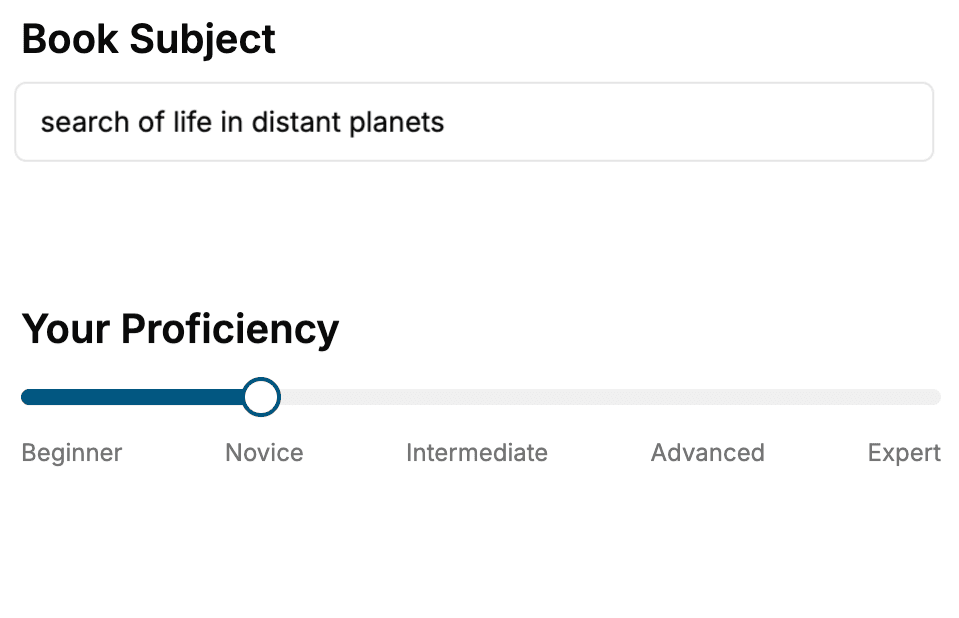
Select the focus of your Software Development book and share your background
- 2. Personalize your book
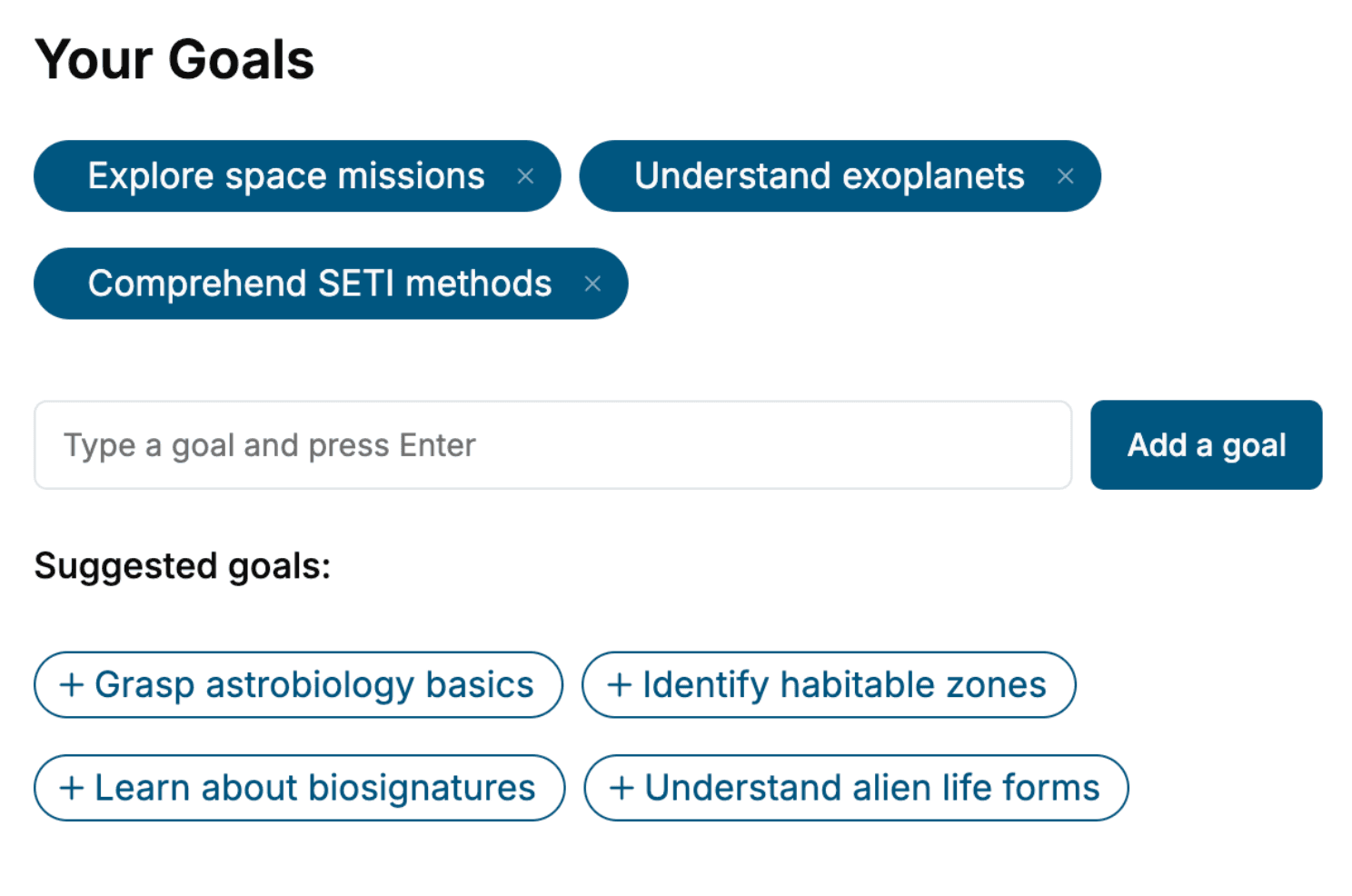
Specify your goals and choose sub-topics to include
- 3. Get your tailored book
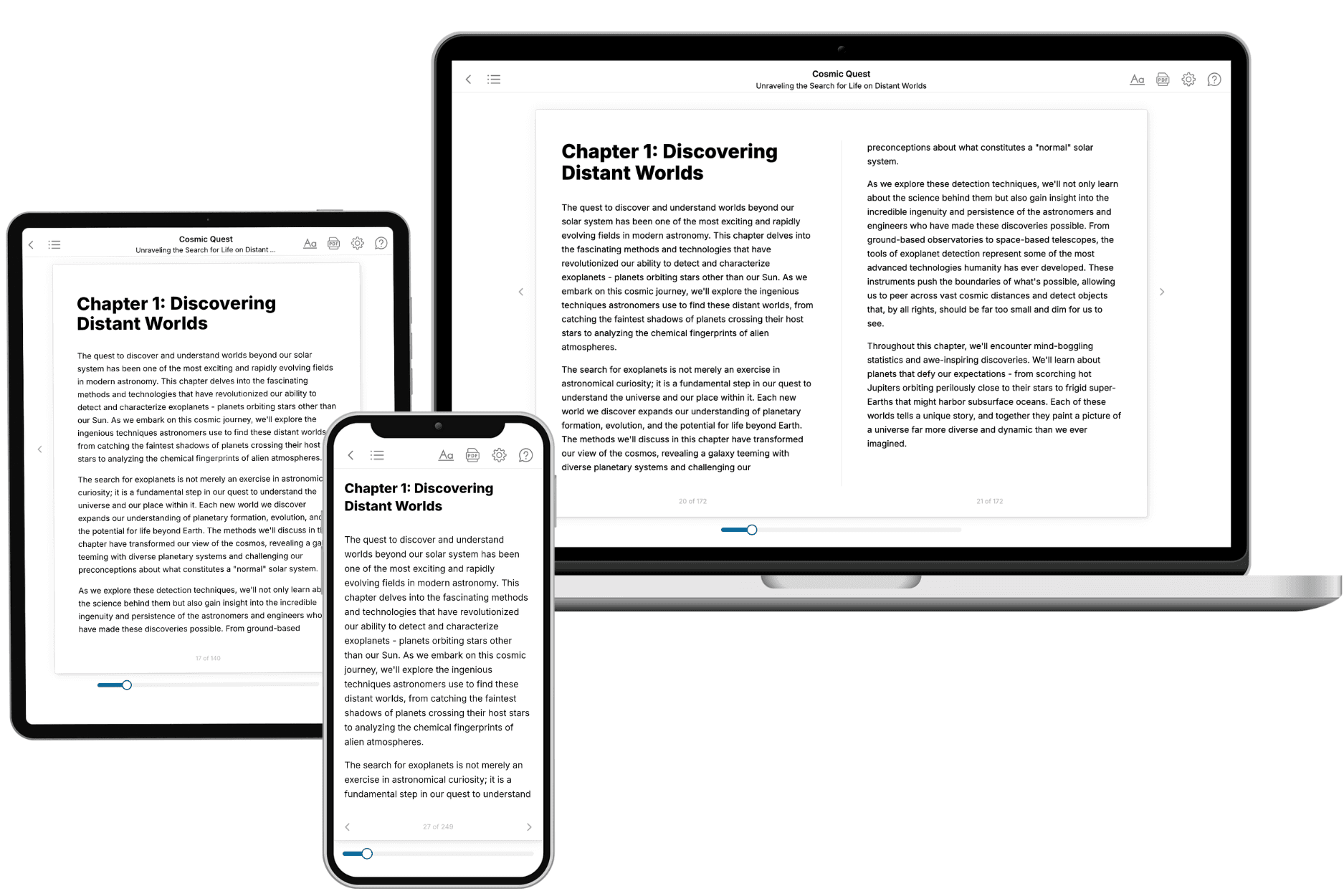
Your book is ready in 10 minutes. Read it online, download as EPUB or PDF, or send to Kindle.
Frequently asked questions
- What is TailoredRead?
TailoredRead creates complete, full-length nonfiction ebooks, written specifically for you. Tell us what you want to learn and why, and TailoredRead writes you a complete ebook on it, with charts, tables, and diagrams throughout. Read it online, on Kindle, or on any e-reader, or download it as a PDF or EPUB. Every book is written fresh the day you order it.
- How is the book tailored to me?
Before anything is written, you answer a few short questions about your goals, your background, and the topics you care about. Your book is then planned around your answers: written at your level, focused on your goals, and covering the topics you chose, instead of the one-size-fits-all book a store sells everyone.
- Will it read like generic AI content?
No. Your book isn't a chat transcript: it's planned chapter by chapter before a single word is written, told in a clear book voice, and explains ideas visually with charts, tables, and diagrams. After writing, every book goes through an editorial pass that polishes chapters so the book reads consistent from start to finish. Judge for yourself: browse thousands of sample books on our Explore Books page.
- How accurate is the content?
Our AI first checks whether your subject needs live research. Niche and fast-moving subjects are researched before writing, and the book plan and chapters are grounded in what it finds. After writing, every book goes through a quality pass that checks its facts and consistency, and researched books list their sources in a Notes section at the back.
- How long is the book?
You choose the length: Comprehensive (250-300 pages), Detailed (150-200 pages), Essential (70-100 pages), or Short (30-50 pages).
- Does the book include visuals?
Yes. Every book includes charts, tables, and diagrams: timelines, checklists, step-by-step guides, decision trees, comparison tables, matrices, and bar charts. A typical book includes dozens of these visual elements.
- Can I read it on Kindle? What formats can I download?
Yes. Every book can be read in our online reader or downloaded as a PDF or EPUB. The EPUB can be opened with Kindle, Apple Books, Kobo, and any e-reader. The Commercial and Author licenses also include an editable Word (DOCX) and Markdown download.
- How much does it cost?
About the price of a regular ebook. The exact price depends on your book's length and complexity, from $2 for the shortest books to $35 for the most comprehensive, and it's shown when you review your book, before you commit to anything. Each book is a one-time purchase, yours to keep, no subscription. Licenses that let you share, teach, or publish your book range from $35.99 to $49.99.
- Can I preview the book before purchasing?
Before you pay, you'll see what your book will cover: the title, a detailed description, the estimated length, and the complete chapter-by-chapter table of contents, so you know what you're getting before you decide. The full text itself is written after you purchase.
- How long does it take to create a book?
About 10 minutes. You can start reading the opening chapters while the rest is still being written.