Gradle Plugin Mastery
Advanced Techniques for Kotlin-based Build Automation
Transform your build processes and development workflows with powerful, custom Gradle plugins.
315 pages17 chaptersMar 27, 2025KotlinCreated by Chris
About this book
This comprehensive guide takes you deep into the world of Gradle plugin development using Kotlin, equipping you with the skills to create efficient, reusable, and sophisticated build automation tools. You'll learn to craft custom tasks that streamline your development process, optimize build performance, and enhance your CI/CD pipelines. Master the art of extending Gradle's functionality to suit your project's unique needs, from implementing domain-specific languages to designing plugin test suites. By the end of this book, you'll be able to contribute to the Gradle ecosystem, integrate external tools seamlessly, and leverage Kotlin's powerful features to create plugins that revolutionize your build automation. Whether you're looking to optimize multi-project structures or implement incremental task designs, this book provides the advanced knowledge and practical examples you need to become a Gradle plugin development expert.
Table of contents
- IntroductionThe Gradle Ecosystem, Kotlin and Gradle: A Powerful Combination, Book Overview and Learning PathRead below
- Chapter 1: Gradle and Kotlin FundamentalsGradle Basics Refresher, Understanding the Kotlin Gradle DSL, Anatomy of a Gradle Plugin, Leveraging Kotlin Features in Gradle Scripts
- Chapter 2: Custom Task CreationUnderstanding the Task API, Defining Custom Task Types, Managing Task Dependencies, Implementing Incremental Tasks
- Chapter 3: Plugin Development BasicsStructuring Your Plugin Project, Defining Plugin Metadata, Applying Plugins Programmatically, Creating Plugin Configuration DSLs
- Chapter 4: Extending the Gradle APIWorking with Extension Objects, Implementing Convention Mapping, Lazy Configuration Techniques, Utilizing the Provider API
- Chapter 5: Understanding and Manipulating the Build LifecycleGradle Build Lifecycle Phases, Plugin Lifecycle Hook Points, Task Graph Manipulation, Implementing Build Listeners
- Chapter 6: Advanced Dependency ManagementCreating Custom Repositories, Customizing Dependency Resolution, Implementing Version Catalogs, Working with Composite Builds
- Chapter 7: Designing Multi-Project BuildsStructuring Multi-Project Builds, Creating Cross-Project Tasks, Sharing Configuration Across Projects, Managing Project Dependencies
- Chapter 8: Working with Custom Source SetsUnderstanding Source Sets, Defining Custom Source Directories, Creating Tasks for Custom Source Sets, Managing Dependencies for Custom Source Sets
- Chapter 9: Code Generation with Gradle PluginsImplementing Code Generation Tasks, Integrating Template Engines, Leveraging Annotation Processing, Managing Generated Sources
- Chapter 10: Implementing Custom CompilersCustom Compiler Basics, Implementing Incremental Compilation, Configuring Compiler Options, Creating Compiler Plugins
- Chapter 11: Plugin Testing StrategiesUnit Testing Plugin Logic, Functional Testing of Plugins, Integration Testing with Real Projects, Creating and Using Test Fixtures
- Chapter 12: Integrating External ToolsCreating Tool Wrappers, Integrating Command-Line Tools, Connecting to External APIs, Ensuring Plugin Interoperability
- Chapter 13: Resource and Performance OptimizationOptimizing Gradle's Build Cache, Implementing Parallel Task Execution, Managing Memory Usage in Plugins, Profiling and Optimizing Build Performance
- Chapter 14: Customizing Build ReportsCreating Custom Build Reports, Aggregating Data Across Projects, Visualizing Build Data, Publishing and Sharing Reports
- Chapter 15: Enhancing IDE IntegrationGenerating IDE Metadata, Creating Custom IDE Tasks, Developing Gradle Plugins for IDEs, Improving Debugging Support
- Chapter 16: Creating Domain-Specific LanguagesDSL Design Principles, Leveraging Kotlin for DSL Creation, Integrating DSLs with Gradle, Best Practices for DSL Development
- Chapter 17: Contributing to the Gradle EcosystemPublishing Plugins to the Gradle Portal, Writing Effective Plugin Documentation, Engaging with the Gradle Community, Strategies for Long-term Plugin Maintenance
- ConclusionFuture Trends in Gradle Plugin Development, Continuing Your Gradle Mastery Journey
- AppendixKotlin-Gradle Cheat Sheet, Common Plugin Issues and Solutions
Introduction
Welcome to the world of advanced Gradle plugin development using Kotlin. As an experienced software engineer with a strong foundation in Computer Science, you're about to embark on a journey that will elevate your build automation and CI/CD capabilities to new heights. This book is designed to be your comprehensive guide to mastering the art of creating sophisticated, efficient, and reusable Gradle plugins that will revolutionize your development workflows.
In today's fast-paced software development landscape, build automation has become an indispensable part of the development process. Gradle, with its powerful and flexible build system, has emerged as a leading tool in this domain. However, the true power of Gradle lies not just in its out-of-the-box functionality, but in its extensibility through plugins. By learning to create custom Gradle plugins, you'll gain the ability to tailor your build processes to your specific needs, optimize performance, and create reusable components that can benefit not just your projects, but potentially the entire Gradle community.
Throughout this book, we'll delve deep into the intricacies of Gradle plugin development, leveraging the expressive power and concise syntax of Kotlin. You'll learn how to create custom tasks that streamline your development process, implement sophisticated build logic, and integrate seamlessly with external tools. We'll explore advanced topics such as incremental task design, build cache optimization, and the creation of domain-specific languages (DSLs) for simplified build configurations.
By the end of this journey, you'll have the skills and knowledge to create plugins that can dramatically improve build efficiency, enhance project organization, and provide powerful new capabilities to your development teams. Whether you're looking to optimize multi-project builds, implement custom compilers, or create advanced reporting tools, this book will equip you with the techniques and best practices you need to succeed.
Let's begin by exploring the Gradle ecosystem, understanding the synergy between Kotlin and Gradle, and outlining the learning path that lies ahead. Your journey to becoming a Gradle plugin development expert starts now.
The Gradle Ecosystem
The Gradle ecosystem is a vast and dynamic landscape that has revolutionized build automation in the software development world. At its core, Gradle is an open-source build automation tool that is designed to be flexible enough to build almost any type of software. However, it's much more than just a build tool; it's a comprehensive ecosystem that includes a rich set of plugins, integrations, and a vibrant community of developers and contributors.
Gradle's popularity stems from its ability to address the complexities of modern software projects. It supports multi-project builds, has a powerful dependency management system, and can be extended through a plugin architecture. This extensibility is what sets Gradle apart from many other build tools. The Gradle plugin ecosystem is diverse and extensive, with plugins available for a wide range of tasks, from compiling Java code to deploying applications to cloud platforms.
One of the key strengths of the Gradle ecosystem is its adaptability to different programming languages and platforms. While it was initially closely associated with Java and Android development, Gradle has grown to support a multitude of languages and frameworks. This polyglot nature makes it an ideal choice for organizations working with diverse technology stacks. For instance, the Kotlin DSL for Gradle build scripts has gained significant traction, offering a more concise and type-safe alternative to the traditional Groovy DSL[1].
The Gradle ecosystem also includes a robust set of tools and services that enhance the build and development process. The Gradle Build Scan, for example, provides detailed insights into build performance and helps in diagnosing issues. The Gradle Enterprise offers advanced features for large-scale development, including build caching and predictive test selection. These tools, combined with Gradle's core functionality, create a powerful ecosystem for managing complex build processes.
Community involvement is another crucial aspect of the Gradle ecosystem. The open-source nature of Gradle has fostered a community of developers who contribute plugins, share knowledge, and collaborate on improving the tool. The Gradle Plugin Portal serves as a central repository for sharing and discovering plugins, allowing developers to extend Gradle's functionality to suit their specific needs. This community-driven approach has led to a rich ecosystem of plugins and extensions, addressing a wide range of use cases and scenarios.
In recent years, the Gradle ecosystem has also been evolving to meet the demands of modern development practices. Continuous Integration and Continuous Deployment (CI/CD) pipelines have become integral to software development, and Gradle has adapted to support these workflows. Many popular CI/CD tools offer native support for Gradle, making it easier to integrate Gradle builds into automated pipelines. This integration capability extends the reach of Gradle beyond just local development environments to encompass the entire software delivery process.
The performance aspect of Gradle is another area where the ecosystem shines. Gradle's incremental build feature, which only rebuilds what's necessary, significantly reduces build times in large projects. The Gradle Daemon, a long-running background process, further improves build performance by keeping build data in memory. These performance optimizations are crucial in large-scale development environments where build times can significantly impact productivity.
As you delve deeper into Gradle plugin development, you'll find that understanding the broader Gradle ecosystem is crucial. Your plugins will not exist in isolation but will be part of this rich ecosystem. They may need to interact with other plugins, leverage Gradle's core APIs, and potentially be shared with the wider community. This interconnectedness is what makes the Gradle ecosystem so powerful and versatile.
In the context of plugin development, the Gradle ecosystem provides a wealth of resources and examples. By studying existing plugins, you can learn best practices and common patterns in plugin design. The Gradle API, which is extensively documented, offers a wide range of hooks and extension points that you can use in your plugins. Understanding how to leverage these existing resources will be key to creating effective and efficient plugins.
As we progress through this book, we'll explore how to create plugins that not only solve specific problems but also integrate seamlessly with the broader Gradle ecosystem. You'll learn how to design plugins that can be easily configured, extended, and combined with other plugins. This approach will ensure that your plugins are not just standalone tools, but valuable contributions to the Gradle ecosystem that can be used and appreciated by developers worldwide.
Kotlin and Gradle: A Powerful Combination
The synergy between Kotlin and Gradle represents a significant leap forward in build automation and plugin development. Kotlin, a modern, concise, and expressive programming language developed by JetBrains, has found a natural home in the Gradle ecosystem. This partnership has opened up new possibilities for creating more maintainable, readable, and powerful build scripts and plugins. As we delve into this powerful combination, we'll explore how Kotlin enhances Gradle development and why it's becoming the preferred choice for many developers in the Gradle community.
Kotlin's concise syntax is one of its most appealing features when it comes to Gradle development. Compared to Groovy, the traditional language for Gradle scripts, Kotlin offers a more streamlined and less verbose way of expressing build logic. This conciseness is particularly valuable in complex build scripts where readability is crucial. For instance, Kotlin's string interpolation, lambda expressions, and extension functions can significantly reduce the amount of boilerplate code needed in Gradle scripts and plugins[2].
Type safety is another area where Kotlin shines in the context of Gradle development. Kotlin's strong type system helps catch errors at compile-time rather than runtime, which is especially beneficial in build scripts where errors can be costly and time-consuming to debug. When developing Gradle plugins with Kotlin, you can leverage this type safety to create more robust and reliable plugins. The IDE support for Kotlin is also superior, offering better code completion, refactoring tools, and inline error detection, all of which contribute to a more productive development experience.
Kotlin's interoperability with Java is a crucial factor in its success with Gradle. Since Gradle is built on Java, Kotlin's seamless integration with Java libraries and frameworks makes it an ideal language for Gradle plugin development. You can easily use existing Java-based Gradle APIs and libraries in your Kotlin code, while also taking advantage of Kotlin's more modern features. This interoperability ensures that you're not limited in what you can achieve with your plugins, as you have the entire Java ecosystem at your disposal.
The introduction of the Kotlin DSL for Gradle build scripts has been a game-changer. This DSL provides a more structured and IDE-friendly way to write build scripts. With features like auto-completion, navigation to sources, and refactoring support, the Kotlin DSL makes it easier to manage complex build configurations. For plugin developers, this means you can create more intuitive and user-friendly APIs for your plugins, improving the overall developer experience for those who will use your plugins.
Kotlin's support for functional programming concepts aligns well with Gradle's task-based nature. Gradle builds are essentially a series of task executions, and Kotlin's functional features like higher-order functions and lambdas provide elegant ways to define and manipulate these tasks. This functional approach can lead to more declarative and easier-to-understand build scripts and plugin logic. For example, you can use Kotlin's sequence operations to efficiently process large sets of files or dependencies in your plugins.
Another significant advantage of using Kotlin for Gradle plugin development is its support for coroutines. Coroutines provide a way to write asynchronous, non-blocking code in a sequential manner. This can be particularly useful in plugins that need to perform I/O operations or interact with external services. By leveraging coroutines, you can create plugins that are more efficient and responsive, especially when dealing with time-consuming tasks.
Kotlin's null safety features are also a boon for Gradle plugin development. Null pointer exceptions are a common source of errors in Java-based systems, including Gradle builds. Kotlin's handling of nullable types forces developers to explicitly deal with potential null cases, leading to more robust and predictable plugin behavior. This is especially important in build scripts and plugins where unexpected null values can lead to build failures.
The combination of Kotlin and Gradle extends beyond just syntax and language features. The Kotlin community's focus on best practices and clean code aligns well with the goals of creating maintainable and efficient build systems. As you develop plugins with Kotlin, you'll find that many of the language's idioms and patterns naturally lead to well-structured and easy-to-maintain code. This is crucial for plugin development, where your code may be used and extended by other developers.
It's worth noting that the Gradle team itself has embraced Kotlin, with parts of Gradle's core now being written in Kotlin. This commitment from the Gradle team ensures ongoing support and optimization for Kotlin in the Gradle ecosystem. As a plugin developer, this means you can be confident in the long-term viability of using Kotlin for your Gradle projects.
As we progress through this book, you'll see numerous examples of how Kotlin's features can be leveraged to create powerful and elegant Gradle plugins. From using data classes to represent plugin configurations to utilizing extension functions for adding new capabilities to existing Gradle types, Kotlin provides a rich toolkit for plugin development. By mastering the combination of Kotlin and Gradle, you'll be well-equipped to create plugins that are not only functional but also a joy to use and maintain.
Book Overview and Learning Path
As we embark on this journey of mastering Gradle plugin development with Kotlin, it's essential to understand the structure of this book and the learning path ahead. This book is designed to take you from a solid foundation in Gradle and Kotlin to becoming an expert in creating sophisticated, efficient, and reusable Gradle plugins. The content is carefully structured to build your knowledge progressively, introducing new concepts and techniques as we advance through increasingly complex topics.
We begin with a refresher on Gradle and Kotlin fundamentals, ensuring that you have a solid grasp of the basics before diving into more advanced topics. This foundation is crucial, as it will allow you to understand the underlying principles that drive Gradle's plugin system. We'll explore the Kotlin Gradle DSL in depth, showing you how to leverage Kotlin's features to write more expressive and maintainable build scripts. This section will also cover the anatomy of a Gradle plugin, providing you with a clear understanding of how plugins are structured and how they interact with Gradle's core systems.
From there, we'll move into the heart of plugin development, starting with custom task creation. You'll learn how to define your own task types, manage task dependencies, and implement incremental tasks for improved build performance. This knowledge forms the foundation for creating plugins that can significantly enhance build processes and automate complex workflows. We'll then delve into the basics of plugin development, covering essential topics such as structuring your plugin project, defining plugin metadata, and creating configuration DSLs that make your plugins easy to use and customize.
As we progress, we'll explore more advanced topics that will elevate your plugin development skills. You'll learn how to extend the Gradle API, manipulate the build lifecycle, and implement sophisticated dependency management techniques. These skills will enable you to create plugins that can deeply integrate with and enhance Gradle's core functionality. We'll also cover multi-project builds and custom source sets, equipping you with the knowledge to create plugins that can handle complex project structures and specialized compilation needs.
The book then moves into specialized areas of plugin development. You'll learn about code generation, custom compiler implementation, and advanced testing strategies for plugins. These chapters will provide you with the tools to create plugins that can transform source code, implement domain-specific languages, and ensure the reliability of your plugins through comprehensive testing. We'll also cover the integration of external tools, showing you how to extend your plugins' capabilities by leveraging existing software and APIs.
Performance and optimization are crucial aspects of plugin development, and we dedicate a significant portion of the book to these topics. You'll learn how to optimize Gradle's build cache, implement parallel task execution, and profile your builds for maximum efficiency. These skills are essential for creating plugins that can handle large-scale projects without compromising on build speed.
In the later chapters, we'll explore more specialized topics such as customizing build reports, enhancing IDE integration, and creating domain-specific languages. These advanced techniques will allow you to create plugins that not only automate builds but also improve the overall development experience for your team. We'll conclude with guidance on contributing to the Gradle ecosystem, including how to publish your plugins and engage with the community.
Throughout the book, you'll find practical examples and case studies that illustrate how to apply the concepts in real-world scenarios. Each chapter builds upon the previous ones, gradually increasing in complexity and depth. By the end of the book, you'll have a comprehensive understanding of Gradle plugin development and the skills to create sophisticated build automation solutions.
To get the most out of this book, it's recommended that you follow along with the examples, experimenting with the code and adapting it to your own needs. The hands-on experience of writing and debugging plugins is invaluable in cementing your understanding of the concepts. Don't hesitate to explore beyond the examples provided – trying out different approaches and pushing the boundaries of what you've learned will help you become a truly proficient plugin developer.
Remember that mastering Gradle plugin development is not just about learning syntax and APIs; it's about understanding build processes, thinking in terms of automation and efficiency, and designing solutions that can scale with your projects. As you progress through the book, try to think about how you can apply these concepts to your own work and the challenges you face in your development projects.
By the end of this learning journey, you'll be well-equipped to create plugins that can dramatically improve your build processes, enhance project organization, and provide powerful new capabilities to your development teams. You'll have the skills to contribute meaningfully to the Gradle ecosystem and potentially shape the future of build automation in your organization and beyond.
Let's begin this exciting journey into the world of advanced Gradle plugin development with Kotlin. Your path to becoming a Gradle plugin expert starts now, and the knowledge and skills you'll gain will be invaluable in your career as a software engineer and build automation specialist.
This is the end of the free sample. The full book has 17 chapters.
Want this book written for you?
Tell us your goals and background, and get your own version of this book, tailored by AI to you.


Benefits of AI-tailored books
- Read one book, not ten:
- all the Kotlin knowledge you need, gathered into a single book.
- Save days of learning:
- tell us your goals, choose your topics, and the whole book is built around them.
- Learn effortlessly:
- Kotlin book written for your specific background and expertise.
- Understand at a glance:
- includes charts, tables, timelines, checklists, decision trees, and more.
- Stay current:
- written the day you order it, not years ago.
- Trust what you read:
- every book is checked for accuracy, with real research when your subject needs it.
Create your unique book in 3 steps
- 1. Select your focus
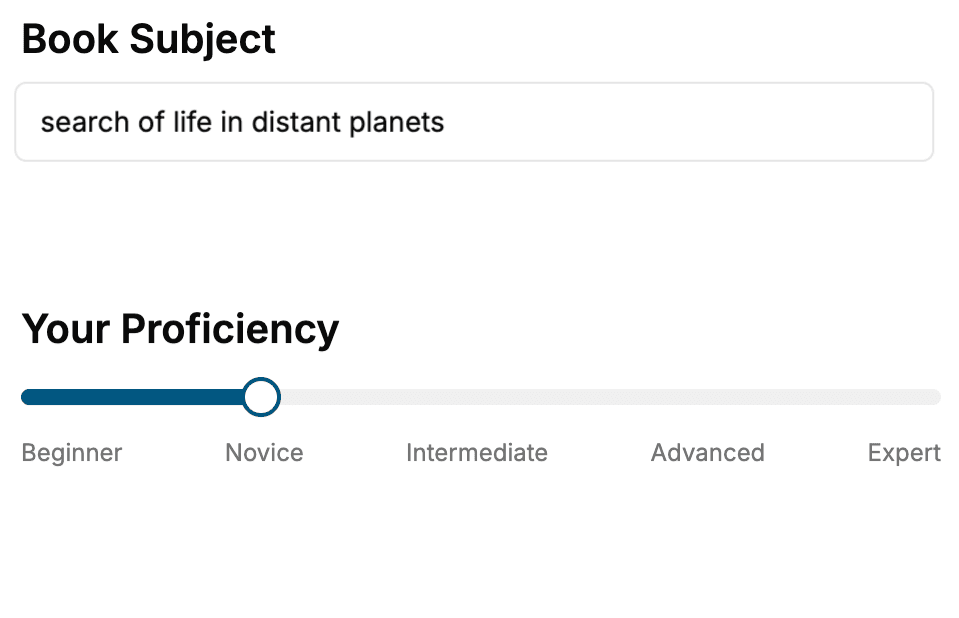
Select the focus of your Kotlin book and share your background
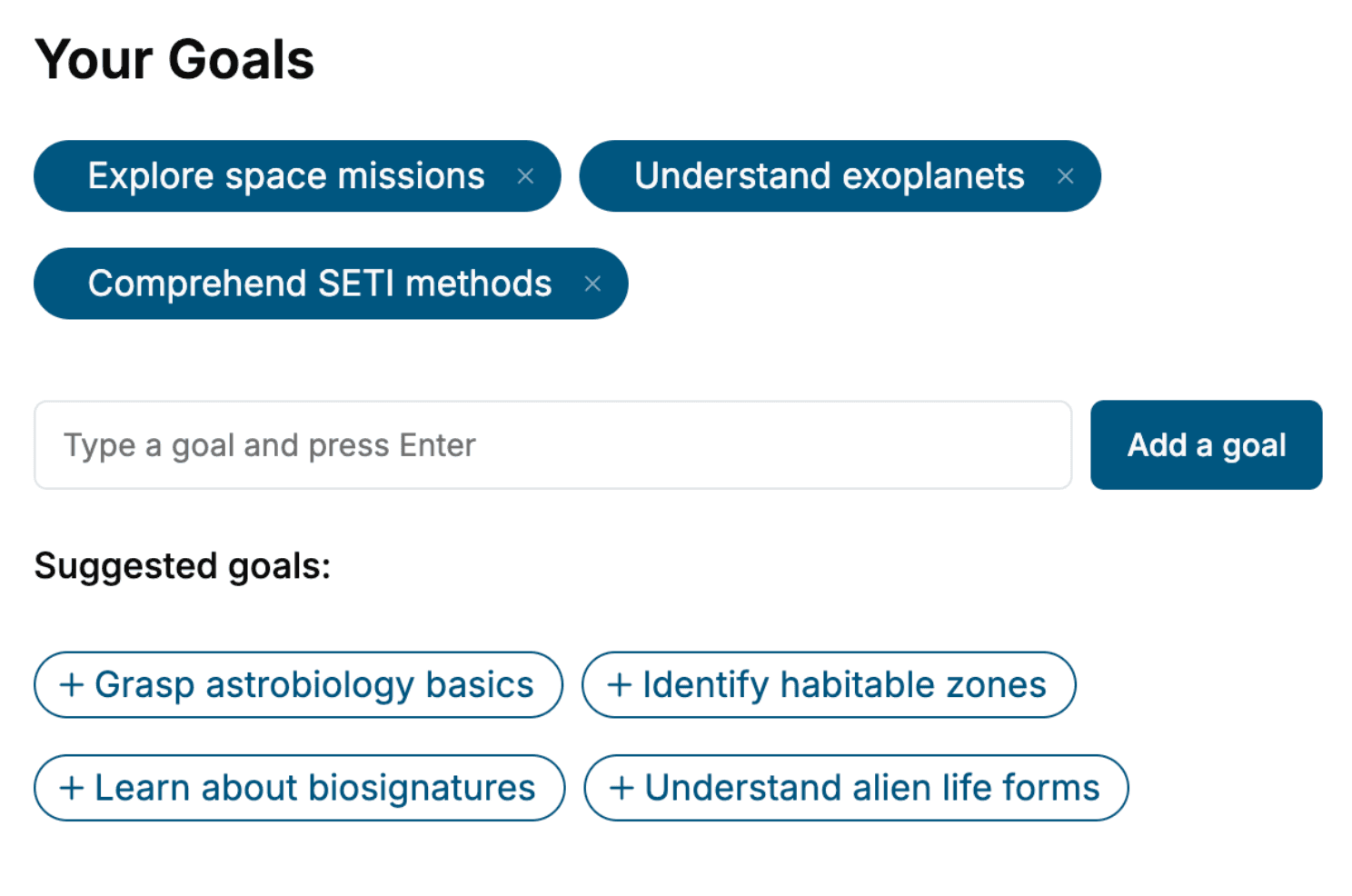
- 2. Personalize your book
Specify your goals and choose sub-topics to include
- 3. Get your tailored book
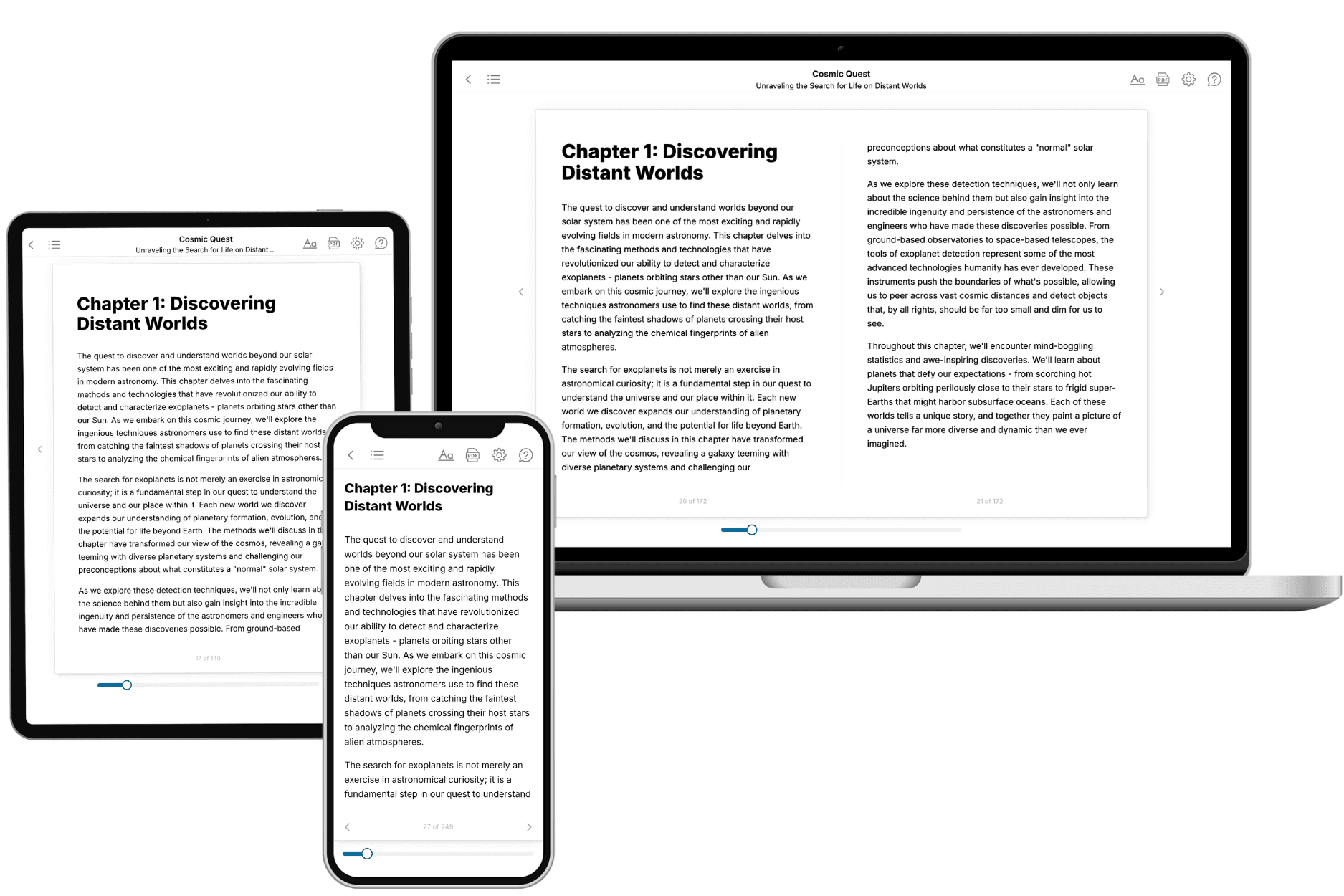
Your book is ready in 10 minutes. Read it online, download as EPUB or PDF, or send to Kindle.
Frequently asked questions
- What is TailoredRead?
TailoredRead creates complete, full-length nonfiction ebooks, written specifically for you. Tell us what you want to learn and why, and TailoredRead writes you a complete ebook on it, with charts, tables, and diagrams throughout. Read it online, on Kindle, or on any e-reader, or download it as a PDF or EPUB. Every book is written fresh the day you order it.
- How is the book tailored to me?
Before anything is written, you answer a few short questions about your goals, your background, and the topics you care about. Your book is then planned around your answers: written at your level, focused on your goals, and covering the topics you chose, instead of the one-size-fits-all book a store sells everyone.
- Will it read like generic AI content?
No. Your book isn't a chat transcript: it's planned chapter by chapter before a single word is written, told in a clear book voice, and explains ideas visually with charts, tables, and diagrams. After writing, every book goes through an editorial pass that polishes chapters so the book reads consistent from start to finish. Judge for yourself: browse thousands of sample books on our Explore Books page.
- How accurate is the content?
Our AI first checks whether your subject needs live research. Niche and fast-moving subjects are researched before writing, and the book plan and chapters are grounded in what it finds. After writing, every book goes through a quality pass that checks its facts and consistency, and researched books list their sources in a Notes section at the back.
- How long is the book?
You choose the length: Comprehensive (250-300 pages), Detailed (150-200 pages), Essential (70-100 pages), or Short (30-50 pages).
- Does the book include visuals?
Yes. Every book includes charts, tables, and diagrams: timelines, checklists, step-by-step guides, decision trees, comparison tables, matrices, and bar charts. A typical book includes dozens of these visual elements.
- Can I read it on Kindle? What formats can I download?
Yes. Every book can be read in our online reader or downloaded as a PDF or EPUB. The EPUB can be opened with Kindle, Apple Books, Kobo, and any e-reader. The Commercial and Author licenses also include an editable Word (DOCX) and Markdown download.
- How much does it cost?
About the price of a regular ebook. The exact price depends on your book's length and complexity, from $2 for the shortest books to $35 for the most comprehensive, and it's shown when you review your book, before you commit to anything. Each book is a one-time purchase, yours to keep, no subscription. Licenses that let you share, teach, or publish your book range from $35.99 to $49.99.
- Can I preview the book before purchasing?
Before you pay, you'll see what your book will cover: the title, a detailed description, the estimated length, and the complete chapter-by-chapter table of contents, so you know what you're getting before you decide. The full text itself is written after you purchase.
- How long does it take to create a book?
About 10 minutes. You can start reading the opening chapters while the rest is still being written.