Grafana Dashboarding Essentials
Master Real-Time Monitoring and Visualization for DevOps Success
Building effective Grafana dashboards is harder than it looks.
222 pages11 chaptersJun 8, 2026Grafana
About this book
You can connect data sources and add panels, but creating dashboards that actually help your team make faster decisions requires a deeper understanding of design principles, data visualization, and user behavior. This book bridges that gap. You'll learn how to architect dashboards that surface the metrics that matter, design visualizations that communicate clearly under pressure, and implement advanced features that transform Grafana from a monitoring tool into a strategic asset. Whether you're managing infrastructure, optimizing application performance, or supporting multiple teams, this guide provides practical techniques for building dashboards that reduce mean time to resolution, improve visibility, and scale across your organization. Packed with real-world examples and actionable strategies, you'll discover how to move beyond basic dashboarding to create monitoring solutions that your team actually uses and trusts.
Table of contents
- IntroductionWhy Dashboards Matter in DevOps, What You'll Learn in This Book, How to Use This GuideRead below
- Chapter 1: Grafana Fundamentals and ArchitectureUnderstanding Grafana's Core Components, Installation, Setup, and Initial Configuration, Navigating the Grafana Interface
- Chapter 2: Data Sources and Query FundamentalsConnecting and Configuring Data Sources, Writing Effective Queries and Expressions, Optimizing Queries for Performance
- Chapter 3: Dashboard Design PrinciplesDesigning for Your Audience and Use Cases, Creating Visual Hierarchy and Information Flow, Layout, Spacing, and Organization Best Practices
- Chapter 4: Visualization Types and SelectionUnderstanding Grafana's Visualization Options, Selecting the Right Visualization for Your Data, Customizing Colors, Thresholds, and Display Options
- Chapter 5: Building Your First DashboardCreating and Configuring a New Dashboard, Adding Panels and Configuring Data Sources, Dashboard Settings, Refresh Rates, and Time Ranges
- Chapter 6: Advanced Querying and TransformationsComplex Queries and Multi-Source Data, Using Transformations to Reshape Data, Mathematical Operations and Calculations
- Chapter 7: Templating and VariablesCreating and Managing Template Variables, Variable Types and Data Source Queries, Building Scalable Dashboards with Variables
- Chapter 8: Alerting and ThresholdsConfiguring Alert Rules and Conditions, Setting Up Notification Channels and Integrations, Reducing Alert Fatigue and Improving Accuracy
- Chapter 9: Advanced Dashboard FeaturesUsing Annotations and Dashboard Links, Creating Drill-Down and Navigation Flows, Interactive Features and User Engagement
- Chapter 10: Security, Access Control, and CollaborationUser Roles, Permissions, and Access Control, Sharing Dashboards and Managing Visibility, Security Best Practices and Data Protection
- Chapter 11: Monitoring Real-World ScenariosInfrastructure and System Performance Dashboards, Application Performance and Error Tracking, Business Metrics and SLO Dashboards
- ConclusionMoving Toward Dashboard Maturity, Continuous Improvement and Iteration
- Appendix: Quick Reference and ResourcesKeyboard Shortcuts and Tips, Common Issues and Troubleshooting, Further Learning and Community Resources
Introduction
There is a moment that almost every DevOps engineer recognizes. An alert fires at 2 a.m., the on-call engineer opens Grafana, and instead of finding clarity, they find chaos. Panels are scattered across the screen, time ranges are mismatched, and the one metric that actually matters is buried three dashboards deep. The system is being monitored, technically speaking, but the dashboard is not helping anyone make a faster decision. That gap between having a dashboard and having a useful dashboard is exactly what this book is about.
Grafana has become the de facto standard for observability and monitoring visualization across the industry. Its flexibility is remarkable. You can connect it to dozens of data sources, build panels with complex queries, and share dashboards across your entire organization. But that flexibility is also a trap. Because Grafana makes it easy to add panels, many teams end up adding too many. Because it supports so many visualization types, engineers often pick the wrong one. Because it can display any metric, dashboards frequently display every metric, which is the same as displaying none of them clearly. The tool is powerful, but power without design produces noise, not insight.
This book was written for DevOps engineers and infrastructure professionals who already know their way around Grafana but want to go deeper. You know how to connect a data source and drop a time series panel onto a dashboard. What you want to know is how to build dashboards that your team actually trusts, uses under pressure, and maintains over time without them becoming a tangled mess of outdated panels and forgotten queries. That is a different skill set, and it is one that combines technical knowledge with design thinking, user empathy, and operational discipline. This guide covers all of it, from the fundamentals of Grafana's architecture to advanced features like templating, alerting, and drill-down navigation, with practical examples at every step.
Throughout these chapters, the focus stays on outcomes rather than features. Every technique covered here connects back to a real operational goal: reducing mean time to resolution, improving system visibility, scaling monitoring across environments, or protecting sensitive data. You will not find a dry catalog of every Grafana setting. Instead, you will find opinionated, practical guidance built around the question that should drive every dashboarding decision: does this help my team make a better decision, faster? If the answer is yes, it belongs on the dashboard. If the answer is no, it is clutter.
Why Dashboards Matter in DevOps
Modern infrastructure is complex in ways that were almost unimaginable a decade ago. A single user request might touch dozens of microservices, traverse multiple cloud regions, and interact with several databases before returning a response. When something goes wrong in that chain, the window for diagnosis is short and the cost of delay is high. Dashboards are the primary interface through which engineers understand what is happening inside that complexity in real time. They are not a nice-to-have feature. They are a core operational tool.
The business case for good dashboards is straightforward. Research from the DevOps Research and Assessment (DORA) program consistently shows that high-performing engineering teams have significantly lower mean time to restore service (MTTR) than their peers.[1] One of the key differentiators is observability: the ability to understand system state from external outputs. Dashboards are the human-readable layer of observability. A well-designed dashboard can cut the time it takes to identify the source of an incident from minutes to seconds, and that difference compounds across every incident your team handles over a year.
Beyond incident response, dashboards serve a broader strategic function. They make invisible systems visible to people who need to understand them, including engineers, managers, and business stakeholders. A dashboard showing application error rates alongside deployment frequency tells a story about software quality. A dashboard tracking infrastructure costs alongside resource utilization tells a story about efficiency. When dashboards are built around meaningful metrics rather than raw data dumps, they become communication tools that align teams around shared understanding of system health.
Consider a concrete example. A mid-sized e-commerce company runs a Kubernetes cluster serving their main application. Before investing in proper dashboarding, their on-call team spent an average of 22 minutes diagnosing each production incident. After rebuilding their dashboards around a clear hierarchy (cluster health, then service health, then individual pod metrics), with proper alerting thresholds and drill-down navigation, that average dropped to under 7 minutes. The infrastructure did not change. The monitoring data did not change. Only the way that data was organized and presented changed, and the operational impact was significant.
Dashboards also play a critical role in building team confidence. When engineers trust their monitoring, they deploy more frequently and with less anxiety. When they do not trust it, they hesitate, add manual checks, and slow down. Trust in a dashboard comes from accuracy, consistency, and clarity. A dashboard that shows stale data, uses confusing visualizations, or fires false alerts erodes confidence quickly. Building dashboards that earn and maintain that trust is one of the most valuable investments a DevOps team can make.
It is also worth acknowledging what dashboards cannot do. They cannot replace good logging, distributed tracing, or a solid incident management process. They are one layer of an observability stack, not the entire stack. The most effective teams treat dashboards as the entry point for investigation, not the final word. A dashboard surfaces the signal; the engineer follows the thread. Understanding that relationship helps you design dashboards that are appropriately scoped and genuinely useful rather than trying to make a single dashboard answer every possible question.
The shift from basic monitoring to effective observability is ultimately a cultural one as much as a technical one. Teams that invest in dashboard quality signal that they take operational excellence seriously. They create shared vocabulary around system health. They reduce the knowledge gap between senior engineers who know the system deeply and newer team members who are still learning. Good dashboards democratize operational knowledge, and that is a competitive advantage that compounds over time.
What You'll Learn in This Book
This book is organized as a progressive journey from foundational knowledge to advanced techniques. Each chapter builds on the previous one, but the structure also allows you to jump to specific topics if you have an immediate need. Here is a clear picture of what each part of the book covers and what you will be able to do after reading it.
The first two chapters establish the technical foundation. Chapter 1 covers Grafana's core architecture, including how its components fit together, how to install and configure it properly, and how to navigate the interface efficiently. Even if you have used Grafana for years, this chapter may surface details about the underlying architecture that change how you think about dashboard performance and organization. Chapter 2 dives into data sources and query fundamentals, covering how to connect different data source types, write effective queries, and optimize them for performance. Query efficiency is often overlooked until dashboards become slow, and this chapter gives you the tools to get it right from the start.
Chapters 3 through 5 focus on design and construction. Chapter 3 introduces dashboard design principles, including how to design for specific audiences, create visual hierarchy, and organize layouts that guide the eye to what matters most. Chapter 4 covers visualization types in depth, helping you understand not just what each visualization does but when to use it and when to avoid it. Chapter 5 brings it all together with a practical walkthrough of building a complete dashboard from scratch, covering panel configuration, data source connections, refresh rates, and time range settings.
The middle section of the book, Chapters 6 through 9, covers the advanced features that separate basic dashboards from genuinely powerful ones:
- Chapter 6 explores advanced querying techniques, multi-source data, transformations, and mathematical operations that let you derive new metrics from raw data.
- Chapter 7 covers templating and variables, which are the key to building dashboards that scale across multiple environments, services, and teams without duplicating work.
- Chapter 8 addresses alerting and thresholds in detail, including how to configure alert rules, set up notification channels, and reduce alert fatigue without missing critical issues.
- Chapter 9 introduces advanced dashboard features like annotations, dashboard links, drill-down navigation, and interactive elements that create cohesive monitoring ecosystems.
The final chapters address the organizational and operational dimensions of dashboarding. Chapter 10 covers security, access control, and collaboration, including user roles, permissions, dashboard sharing, and data protection best practices. Chapter 11 applies everything to real-world scenarios, with detailed examples of infrastructure monitoring dashboards, application performance dashboards, and business metrics and SLO dashboards. These examples are designed to be directly adaptable to your own environment.
By the end of this book, you will be able to do the following with confidence:
- Design dashboards around specific user needs and operational goals rather than available data
- Write and optimize queries across multiple data source types, including Prometheus, InfluxDB, and Loki
- Select and configure the right visualization for any metric or dataset
- Build scalable, reusable dashboards using template variables and dynamic queries
- Configure alerting rules that catch real problems without generating noise
- Implement drill-down navigation and annotations that accelerate incident investigation
- Manage access control and sharing in a way that protects sensitive data while enabling collaboration
- Apply monitoring best practices to infrastructure, application, and business metric scenarios
One thing this book deliberately avoids is treating Grafana as a static product. Grafana evolves quickly, and specific UI details change between versions. The focus here is on principles, patterns, and techniques that remain relevant across versions. Where specific configuration steps are described, they reflect current Grafana behavior, but the underlying concepts will serve you regardless of which version you are running.
The examples throughout the book are drawn from realistic DevOps scenarios. You will see dashboards for Kubernetes clusters, web application APIs, database performance, and business-level SLOs. These are not toy examples. They reflect the kinds of monitoring challenges that real teams face, and the solutions are designed to be practical starting points rather than theoretical ideals. Adapt them to your context, and they will serve you well.
How to Use This Guide
This book is designed to work in two modes. The first is a cover-to-cover read for engineers who want a comprehensive, structured understanding of Grafana dashboarding from the ground up. If you are building a new monitoring practice, onboarding to a new team, or preparing to lead a dashboarding initiative, reading straight through will give you the most complete picture. Each chapter is written to build on the previous one, so concepts introduced early are referenced and extended in later chapters.
The second mode is reference-driven. If you have a specific problem to solve right now, you can jump directly to the relevant chapter. Need to reduce alert fatigue? Go to Chapter 8. Trying to build a dashboard that works across 20 different environments without duplicating panels? Chapter 7 on templating and variables is where you want to start. The table of contents is detailed enough to help you find what you need quickly, and each chapter is written to be self-contained enough to be useful on its own.
To get the most out of this guide, have a Grafana instance available as you read. The techniques covered here are best learned by doing, not just reading. If you do not have a production environment to experiment with, a local Grafana instance running via Docker is an excellent option. You can spin one up with a single command:
docker run -d -p 3000:3000 --name grafana grafana/grafana-oss:latest
This gives you a fully functional Grafana instance at http://localhost:3000 with default credentials (admin / admin). From there, you can connect test data sources, build practice dashboards, and experiment with every feature covered in this book without any risk to production systems. Grafana also ships with a built-in TestData data source that generates synthetic metrics, which is useful for practicing visualization and query techniques before connecting real data.
Each chapter follows a consistent structure designed to make the content easy to absorb and apply. Concepts are introduced with context and rationale before diving into implementation details. Concrete examples follow each major concept, and actionable steps are called out clearly so you know exactly what to do next. Where relevant, common mistakes and how to avoid them are highlighted, because understanding what not to do is often as valuable as knowing what to do.
A note on Grafana versions: The content in this book is based on Grafana 10.x and later. Some features, particularly around alerting (Grafana Unified Alerting) and panel options, differ significantly from Grafana 8.x and earlier. If you are running an older version, most concepts still apply, but specific configuration steps may look different in your interface. Upgrading to a recent version is recommended to take full advantage of the techniques covered here.
Pay particular attention to the design chapters (Chapters 3 and 4) even if your instinct is to skip ahead to the technical content. Many engineers underestimate how much dashboard design affects operational outcomes. The difference between a dashboard that gets used during an incident and one that gets ignored often comes down to layout, color choices, and information hierarchy rather than the sophistication of the underlying queries. The design principles in this book are grounded in how humans process visual information under stress, and applying them will make every technical feature you implement more effective.
As you work through the book, keep a running list of dashboards in your own environment that could benefit from the techniques you are learning. The best way to internalize these concepts is to apply them to real problems you care about. After reading Chapter 3 on design principles, look at your current dashboards with fresh eyes. After reading Chapter 7 on variables, identify one dashboard that is currently duplicated across environments and rebuild it as a single templated dashboard. This kind of active application accelerates learning dramatically compared to passive reading.
Finally, treat this book as a starting point rather than a final word. The Grafana community is active and generous with knowledge. The official Grafana documentation is thorough and regularly updated. The community forums and GitHub discussions are full of real-world solutions to specific problems. The appendix at the end of this book includes a curated list of community resources, plugins, and further learning materials to help you continue growing after you finish the last chapter. The goal is not just to help you build better dashboards today, but to give you the foundation and the habits to keep improving your monitoring practice over time.
Dashboarding is a craft. Like any craft, it improves with deliberate practice, honest feedback, and a willingness to revisit and refine your work. The engineers who build the best monitoring systems are not necessarily the ones who know the most Grafana features. They are the ones who stay curious about what their team actually needs, who treat their dashboards as living documents rather than finished products, and who measure success by whether their dashboards help people make better decisions faster. That mindset, combined with the technical skills in this book, is what separates good monitoring from great monitoring. Let's get started.
Notes
Introduction
- 1. N. Forsgren and others, Accelerate: The Science of Lean Software and DevOps, IT Revolution Press, 2018
This is the end of the free sample. The full book has 11 chapters.
Want this book written for you?
Tell us your goals and background, and get your own version of this book, tailored by AI to you.






Benefits of AI-tailored books
- Read one book, not ten:
- all the Grafana knowledge you need, gathered into a single book.
- Save days of learning:
- tell us your goals, choose your topics, and the whole book is built around them.
- Learn effortlessly:
- Grafana book written for your specific background and expertise.
- Understand at a glance:
- includes charts, tables, timelines, checklists, decision trees, and more.
- Stay current:
- written the day you order it, not years ago.
- Trust what you read:
- every book is checked for accuracy, with real research when your subject needs it.
Create your unique book in 3 steps
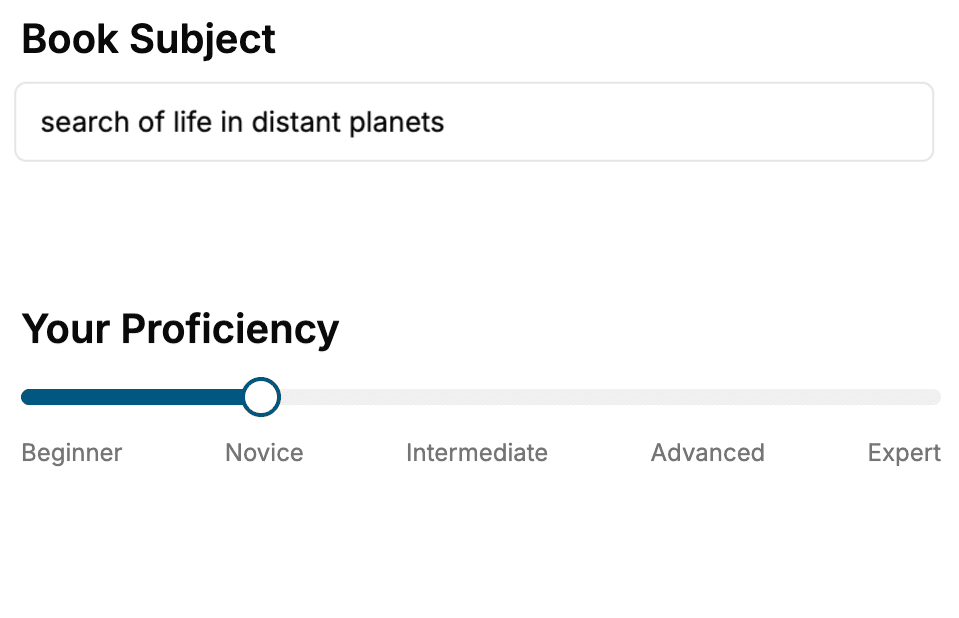
- 1. Select your focus
Select the focus of your Grafana book and share your background
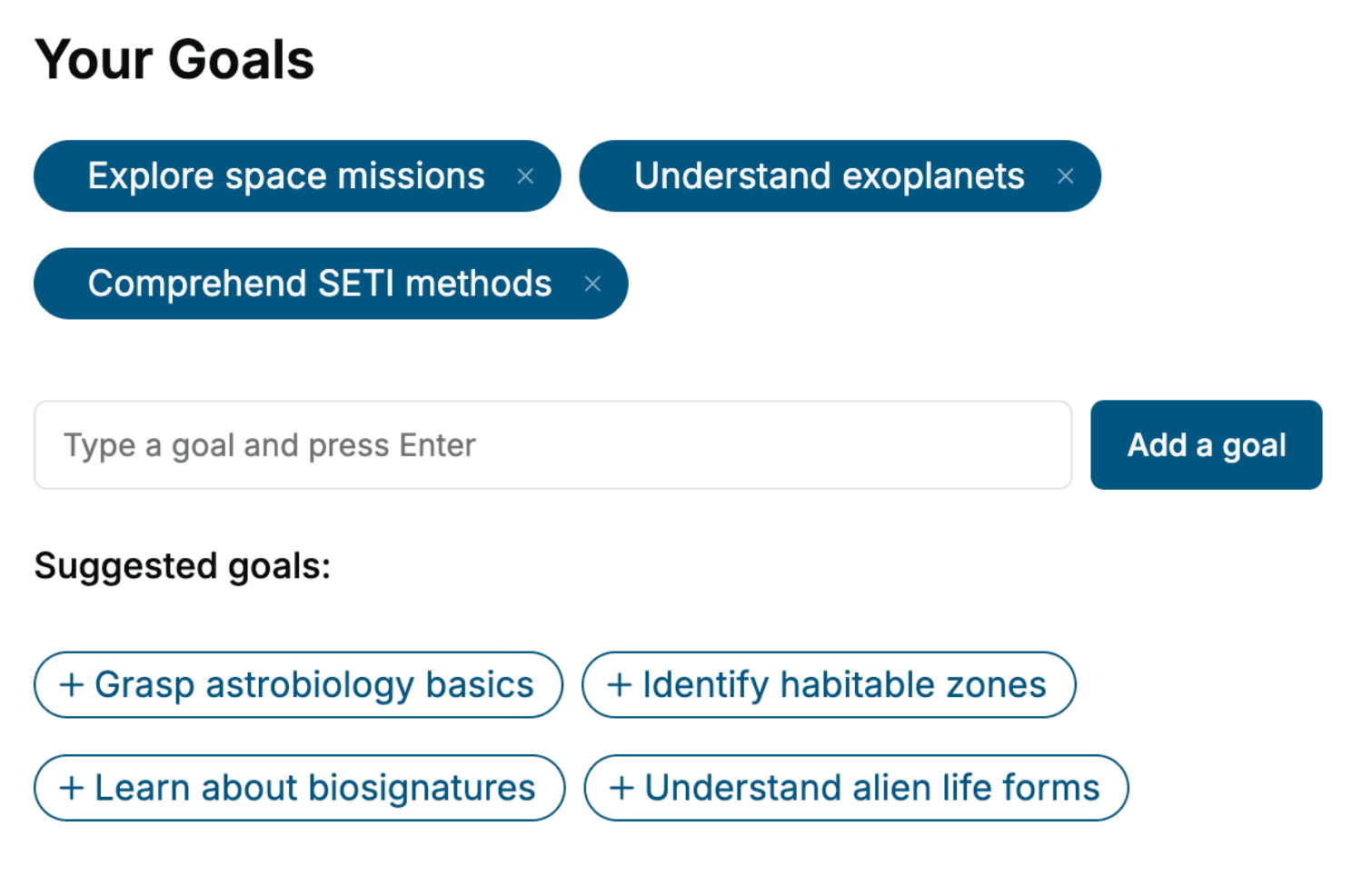
- 2. Personalize your book
Specify your goals and choose sub-topics to include
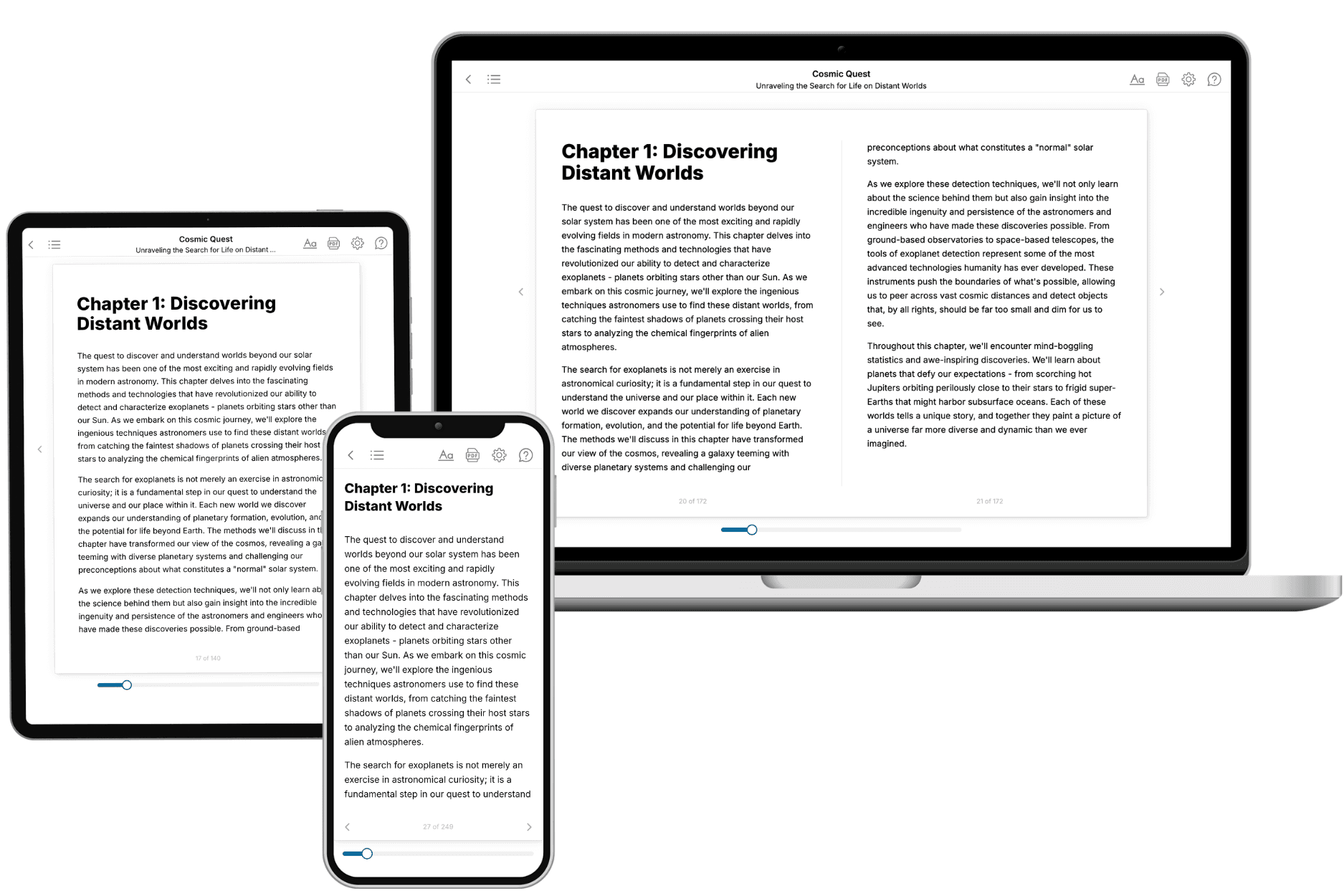
- 3. Get your tailored book
Your book is ready in 10 minutes. Read it online, download as EPUB or PDF, or send to Kindle.
Frequently asked questions
- What is TailoredRead?
TailoredRead creates complete, full-length nonfiction ebooks, written specifically for you. Tell us what you want to learn and why, and TailoredRead writes you a complete ebook on it, with charts, tables, and diagrams throughout. Read it online, on Kindle, or on any e-reader, or download it as a PDF or EPUB. Every book is written fresh the day you order it.
- How is the book tailored to me?
Before anything is written, you answer a few short questions about your goals, your background, and the topics you care about. Your book is then planned around your answers: written at your level, focused on your goals, and covering the topics you chose, instead of the one-size-fits-all book a store sells everyone.
- Will it read like generic AI content?
No. Your book isn't a chat transcript: it's planned chapter by chapter before a single word is written, told in a clear book voice, and explains ideas visually with charts, tables, and diagrams. After writing, every book goes through an editorial pass that polishes chapters so the book reads consistent from start to finish. Judge for yourself: browse thousands of sample books on our Explore Books page.
- How accurate is the content?
Our AI first checks whether your subject needs live research. Niche and fast-moving subjects are researched before writing, and the book plan and chapters are grounded in what it finds. After writing, every book goes through a quality pass that checks its facts and consistency, and researched books list their sources in a Notes section at the back.
- How long is the book?
You choose the length: Comprehensive (250-300 pages), Detailed (150-200 pages), Essential (70-100 pages), or Short (30-50 pages).
- Does the book include visuals?
Yes. Every book includes charts, tables, and diagrams: timelines, checklists, step-by-step guides, decision trees, comparison tables, matrices, and bar charts. A typical book includes dozens of these visual elements.
- Can I read it on Kindle? What formats can I download?
Yes. Every book can be read in our online reader or downloaded as a PDF or EPUB. The EPUB can be opened with Kindle, Apple Books, Kobo, and any e-reader. The Commercial and Author licenses also include an editable Word (DOCX) and Markdown download.
- How much does it cost?
About the price of a regular ebook. The exact price depends on your book's length and complexity, from $2 for the shortest books to $35 for the most comprehensive, and it's shown when you review your book, before you commit to anything. Each book is a one-time purchase, yours to keep, no subscription. Licenses that let you share, teach, or publish your book range from $35.99 to $49.99.
- Can I preview the book before purchasing?
Before you pay, you'll see what your book will cover: the title, a detailed description, the estimated length, and the complete chapter-by-chapter table of contents, so you know what you're getting before you decide. The full text itself is written after you purchase.
- How long does it take to create a book?
About 10 minutes. You can start reading the opening chapters while the rest is still being written.