The Home Studio Mixing Masterclass
A Step-by-Step Guide to Crafting Professional Mixes in Your DAW
Unlock the secrets of professional-quality mixing in your home studio with "The Home Studio Mixing Masterclass." This comprehensive guide is tailored for aspiring music producers and audio engineers who want to take their mixes to the next level.
331 pages17 chaptersNov 10, 2024Music Production
About this book
From mastering essential concepts like gain staging and EQ techniques to advanced topics such as multiband compression and stereo imaging, this book covers everything you need to know to create polished, radio-ready tracks. Each chapter breaks down complex topics into easy-to-understand lessons, complete with practical examples and exercises you can apply directly in your Digital Audio Workstation (DAW). Whether you're struggling with muddy mixes, unclear vocals, or unbalanced instrument levels, "The Home Studio Mixing Masterclass" provides the knowledge and techniques to solve these common issues. You'll learn how to critically listen to your mixes, make informed decisions about audio processing, and develop an efficient workflow that will speed up your mixing process without sacrificing quality. By the end of this book, you'll have the skills and confidence to approach any mixing project with ease, armed with a toolbox of professional techniques that will elevate your mixes from amateur to industry-standard. Get ready to transform your home studio into a powerhouse of sonic creativity!
Table of contents
- IntroductionThe Importance of Mixing in Music Production, Overview of the Book, Setting Up Your Home Studio for Mixing, DAW Basics for MixingRead below
- Chapter 1: Optimizing Your Listening EnvironmentUnderstanding Room Acoustics, Speaker Placement and Calibration, Mixing with Headphones, Choosing and Using Reference Tracks
- Chapter 2: Gain Staging: The Foundation of a Good MixGain Staging Basics, Setting Proper Input Levels, Understanding Headroom, Using Gain Plugins Effectively
- Chapter 3: Understanding the Frequency SpectrumFrequency Ranges and Their Characteristics, Identifying Instrument Frequencies, Recognizing and Resolving Frequency Masking, Using Spectrum Analyzers
- Chapter 4: Essential EQ TechniquesTypes of EQ and Their Uses, Subtractive EQ Techniques, High-Pass Filtering for Clarity, Low-End Theory and Management, Controlling the Mid-Range
- Chapter 5: Compression BasicsUnderstanding Compression Parameters, Compression Ratios and Their Effects, Setting Attack and Release Times, Parallel Compression Techniques
- Chapter 6: Advanced Compression TechniquesMultiband Compression, Sidechain Compression, Bus Compression Strategies, Using Compression for Character
- Chapter 7: Balancing and PanningVolume Balance Fundamentals, Panning Techniques for Width and Depth, Ensuring Mono Compatibility, Stereo Enhancement Techniques
- Chapter 8: Creating Depth and DimensionReverb Basics and Types, Delay Techniques for Depth, Using Pre-Delay Effectively, Designing Cohesive Spaces in Your Mix
- Chapter 9: Vocal Treatment and ProcessingEQ Techniques for Vocals, Compressing Vocals Effectively, De-essing and Controlling Sibilance, Creative Vocal Effects
- Chapter 10: Drum Mixing TechniquesMixing Kick and Snare, Balancing Overheads and Room Mics, Processing the Drum Bus, Using Samples to Enhance Drums
- Chapter 11: Bass Mixing StrategiesEQ Techniques for Bass, Compressing Bass Instruments, Using Saturation on Bass, Mixing Synth Bass vs. Electric Bass
- Chapter 12: Guitar Mixing TechniquesMixing Acoustic Guitars, Mixing Electric Guitars, Working with Guitar Effects, Mixing Guitar Doubles and Layers
- Chapter 13: Synthesizer and Electronic Element MixingArranging Synths in the Mix, Processing Synths and Electronic Elements, Creating Space for Synths, Adding Movement to Synth Parts
- Chapter 14: Mix Automation TechniquesVolume Automation Strategies, Pan Automation for Interest, Automating Effects Parameters, Developing an Automation Workflow
- Chapter 15: Bus Processing and Mix CohesionSetting Up Instrument Busses, EQ Techniques for Busses, Bus Compression Strategies, Creating Mix 'Glue'
- Chapter 16: Developing Critical Listening SkillsCritical Listening Exercises, Analyzing Professional Mixes, Identifying and Fixing Mix Issues, Ear Training for Mixers
- Chapter 17: Finalizing Your MixDeveloping a Mix Checklist, Proper Referencing Techniques, Ensuring Mix Translation, Preparing Your Mix for Delivery
- Conclusion
- Glossary of Mixing Terms
- Further Reading and Resources
Introduction
Welcome to "The Home Studio Mixing Masterclass: A Step-by-Step Guide to Crafting Professional Mixes in Your DAW." This comprehensive guide is designed to empower aspiring music producers and audio engineers with the knowledge and skills necessary to create professional-quality mixes in a home studio environment. Whether you're just starting your journey in music production or looking to refine your existing skills, this book will provide you with a solid foundation and advanced techniques to elevate your mixes to industry standards.
In today's music industry, the ability to produce high-quality mixes is more crucial than ever. With the democratization of music production technology, artists and producers now have unprecedented access to powerful tools that were once the exclusive domain of professional studios. However, having access to these tools is only the first step. The real challenge lies in understanding how to use them effectively to create polished, radio-ready tracks that can compete with commercial releases.
Throughout this book, we'll explore the essential concepts, techniques, and workflows that professional mix engineers use to craft exceptional mixes. We'll break down complex topics into easy-to-understand lessons, complete with practical examples and exercises that you can apply directly in your Digital Audio Workstation (DAW). By the end of this journey, you'll have developed a comprehensive skill set that will allow you to approach any mixing project with confidence and creativity.
Before we dive into the specifics of mixing techniques, it's important to understand the broader context of mixing in music production and what this book aims to achieve. Let's begin by exploring the importance of mixing in the music production process and provide an overview of what you can expect to learn from this book.
The Importance of Mixing in Music Production
Mixing is a critical stage in the music production process that can make or break a recording. It's the art and science of blending individual tracks into a cohesive and balanced whole, shaping the sonic character of a song, and creating an immersive listening experience. A well-executed mix can elevate a good recording to greatness, while a poor mix can diminish the impact of even the best performances.
At its core, mixing serves several crucial functions in music production:
- Balance: Achieving the right balance between different instruments and elements of a song is perhaps the most fundamental aspect of mixing. This involves setting appropriate volume levels for each track to ensure that all elements can be heard clearly without overpowering one another.
- Clarity: Through techniques like equalization (EQ) and compression, mixing helps to create clarity in a recording, ensuring that each element has its own space in the frequency spectrum and dynamic range.
- Depth and Dimension: Mixing techniques such as panning, reverb, and delay help to create a sense of space and dimension in a recording, giving the listener the impression of a three-dimensional soundstage.
- Enhancement: Mixing allows for the creative enhancement of sounds, whether it's adding warmth to a vocal, punch to a drum kit, or shimmer to a synth pad.
- Consistency: A good mix ensures that a song sounds consistent across different playback systems, from high-end studio monitors to car stereos and earbuds.
In today's music industry, where home recordings and independent productions are increasingly common, the ability to create a professional-sounding mix has become a valuable skill for musicians and producers alike. A well-mixed track can help an independent artist compete with major label releases, potentially opening doors to new opportunities and audiences.
Moreover, the mixing process is where much of the creative decision-making in music production takes place. It's where you can shape the emotional impact of a song, emphasize certain elements to guide the listener's attention, and create a sonic signature that defines an artist's sound. In many ways, mixing is where a recording truly becomes a finished piece of music.
Understanding the importance of mixing also helps to put the rest of the music production process into perspective. It underscores the need for quality recordings from the outset, as even the best mixing techniques can't fully compensate for poor source material. It also highlights the value of arrangement and production decisions made earlier in the process, as a well-arranged song will naturally lend itself to a more effective mix.
As we progress through this book, you'll gain a deeper appreciation for how each aspect of mixing contributes to the overall quality and impact of a production. You'll learn to approach mixing not just as a technical process, but as a creative endeavor that can significantly enhance the emotional resonance and professional polish of your music.
Overview of the Book
"The Home Studio Mixing Masterclass" is structured to provide a comprehensive and logical progression through the art and science of mixing. We'll start with foundational concepts and gradually build up to more advanced techniques, ensuring that you develop a solid understanding of each topic before moving on to the next. Here's an overview of what you can expect from each section of the book:
1. Optimizing Your Listening Environment: We'll begin by exploring how to set up your home studio for accurate mixing. This includes understanding room acoustics, proper speaker placement, and techniques for mixing with headphones. You'll also learn how to choose and use reference tracks effectively.
2. Gain Staging: The Foundation of a Good Mix: Here, we'll dive into the crucial but often overlooked process of gain staging. You'll learn how to set proper input levels, understand headroom, and use gain plugins effectively to create a solid foundation for your mix.
3. Understanding the Frequency Spectrum: This section will help you develop a deep understanding of the frequency spectrum and how different instruments occupy various frequency ranges. You'll learn to identify and resolve frequency masking issues and use spectrum analyzers to visualize your mix.
4. Essential EQ Techniques: Equalization is one of the most powerful tools in mixing. We'll explore different types of EQ and their uses, with a focus on subtractive EQ techniques. You'll learn strategies for managing the low end, controlling the mid-range, and adding clarity to your mix.
5. Compression Basics: Compression is often misunderstood but is crucial for controlling dynamics and adding character to your mix. We'll break down compression parameters and teach you how to use compression effectively on individual tracks and busses.
6. Advanced Compression Techniques: Building on the basics, we'll explore more advanced compression techniques such as multiband compression, sidechain compression, and using compression for character and color.
7. Balancing and Panning: You'll learn techniques for achieving a balanced mix and using panning to create width and depth. We'll also cover mono compatibility and stereo enhancement techniques.
8. Creating Depth and Dimension: This section focuses on using reverb and delay to create a sense of space in your mix. You'll learn about different types of reverb, how to use pre-delay effectively, and techniques for designing cohesive spaces in your mix.
9. Vocal Treatment and Processing: Given the central role of vocals in most music, we'll dedicate a full chapter to vocal mixing techniques. This includes EQ, compression, de-essing, and creative vocal effects.
10. Drum Mixing Techniques: You'll learn strategies for mixing both acoustic and electronic drums, including techniques for processing kick and snare, balancing overheads, and using samples to enhance your drum sound.
11. Bass Mixing Strategies: We'll explore techniques for achieving a solid low end in your mix, including EQ and compression strategies for both electric and synth bass.
12. Guitar Mixing Techniques: This section covers approaches for mixing both acoustic and electric guitars, including working with guitar effects and mixing guitar doubles and layers.
13. Synthesizer and Electronic Element Mixing: You'll learn strategies for arranging and processing synths and electronic elements in your mix, including techniques for creating space and adding movement to synth parts.
14. Mix Automation Techniques: Automation is key to creating dynamic, interesting mixes. We'll cover volume and pan automation, as well as techniques for automating effects parameters.
15. Bus Processing and Mix Cohesion: You'll learn how to use bus processing to create cohesion in your mix, including techniques for EQ and compression on group busses.
16. Developing Critical Listening Skills: This crucial section will help you train your ears to identify mix issues and make informed decisions. We'll provide exercises for critical listening and techniques for analyzing professional mixes.
17. Finalizing Your Mix: In the final chapter, we'll cover the process of putting the finishing touches on your mix, including developing a mix checklist, proper referencing techniques, and preparing your mix for delivery.
Throughout the book, we'll provide practical examples and exercises that you can apply directly in your DAW. We'll also include tips and tricks from professional mix engineers, giving you insights into real-world mixing scenarios.
By the end of this book, you'll have a comprehensive understanding of mixing techniques and workflows, as well as the confidence to approach any mixing project with creativity and skill. Remember, while the techniques and concepts we'll cover are important, developing your mixing abilities is a journey that requires practice, experimentation, and a willingness to trust your ears. Let's begin this exciting journey into the world of professional mixing!
Setting Up Your Home Studio for Mixing
Before we dive into the specifics of mixing techniques, it's crucial to ensure that your home studio is set up in a way that allows for accurate and effective mixing. While professional studios invest heavily in acoustic treatment and high-end equipment, it's possible to create a functional mixing environment in a home setting without breaking the bank. In this section, we'll explore the key considerations for setting up your home studio for mixing.
1. Room Selection and Layout: The first step in setting up your home studio is choosing the right room and optimizing its layout. Here are some key points to consider:
- Room Size: Ideally, choose a room that's not perfectly square, as square rooms can exacerbate acoustic problems. A rectangular room is often preferable.
- Symmetry: Try to set up your workstation symmetrically in the room. This means placing your listening position (where you sit) and your speakers equidistant from the side walls.
- Listening Position: The ideal listening position is often at about 38% of the room's length from the front wall. This helps to minimize the impact of room modes on your listening experience.
- Speaker Placement: Position your speakers to form an equilateral triangle with your listening position. The tweeters should be at ear level when you're seated at your mixing position.
2. Acoustic Treatment: While professional acoustic treatment can be expensive, there are cost-effective ways to improve your room's acoustics:
- Bass Traps: Place bass traps in the corners of your room to help control low-frequency buildup.
- Absorption Panels: Use absorption panels at the first reflection points on the side walls and ceiling to reduce early reflections.
- Diffusion: Consider adding some diffusion on the rear wall to help scatter reflections and create a more even sound field.
- DIY Options: There are many DIY acoustic treatment options available that can be effective and budget-friendly. However, be cautious of using egg cartons or foam - these are not effective for proper acoustic treatment.
3. Monitoring System: Your monitors (speakers) are perhaps the most critical component of your mixing setup. They are your window into your mix, and their accuracy will directly impact the quality of your mixing decisions.
- Near-field Monitors: For most home studios, near-field monitors are the best choice. They're designed to be listened to from a close distance, which is ideal for smaller rooms.
- Flat Response: Look for monitors with a relatively flat frequency response. This means they reproduce audio without significantly boosting or cutting any particular frequencies.
- Size Considerations: The size of your monitors should be appropriate for your room. In smaller rooms, 5" or 6" woofers are often sufficient.
- Amplification: Decide between active (self-powered) or passive monitors. Active monitors are often more convenient for home studios.
- Subwoofer: While not essential, a subwoofer can help you hear and manage the low end of your mix more accurately.
4. Audio Interface: An audio interface is essential for connecting your monitors to your computer and for achieving high-quality audio conversion. Consider the following:
- Conversion Quality: Look for an interface with high-quality digital-to-analog converters (DACs) for accurate monitoring.
- I/O Requirements: Ensure the interface has enough inputs and outputs for your needs, including balanced outputs for your monitors.
- Compatibility: Make sure the interface is compatible with your computer and DAW software.
5. Headphones: While mixing primarily on speakers is ideal, a good pair of headphones is essential for checking your mix and for situations where you can't use your monitors.
- Open-back vs. Closed-back: Open-back headphones often provide a more natural, spacious sound that's beneficial for mixing, but they leak sound. Closed-back headphones offer better isolation but may color the sound more.
- Flat Response: As with monitors, look for headphones with a relatively flat frequency response for accurate mixing.
- Comfort: Since you'll likely be wearing them for extended periods, comfort is crucial.
6. Additional Tools: Several other tools can be valuable in your mixing setup:
- Reference Monitors: A second pair of monitors or even a pair of consumer-grade speakers can be useful for checking how your mix translates to different systems.
- Room Correction Software: Tools like Sonarworks Reference or IK Multimedia ARC can help compensate for room acoustics and speaker deficiencies.
- Spectrum Analyzer: A good spectrum analyzer plugin can help you visualize the frequency content of your mix.
- Metering Tools: Invest in quality metering plugins for accurate level and loudness measurement.
Remember, while having a well-set-up studio is important, it's not everything. Many great mixes have been created in less-than-ideal environments. The key is to understand your space and equipment, learn their strengths and weaknesses, and develop techniques to work around any limitations. As you progress through this book and gain more mixing experience, you'll become more adept at making great mixes regardless of your studio setup.
In the next section, we'll explore the basics of working with your Digital Audio Workstation (DAW) for mixing. This will set the stage for the more detailed mixing techniques we'll cover in subsequent chapters.
DAW Basics for Mixing
Your Digital Audio Workstation (DAW) is the central hub of your mixing process. It's where you'll spend countless hours crafting your mixes, so it's crucial to have a solid understanding of how to use your DAW effectively for mixing. While different DAWs may have unique features and workflows, the fundamental concepts remain largely the same across platforms. In this section, we'll cover the essential DAW concepts and features you'll need to know for mixing.
1. Track Types and Signal Flow: Understanding the different types of tracks in your DAW and how signal flows through them is fundamental to effective mixing.
- Audio Tracks: These contain your recorded audio files or samples.
- MIDI Tracks: These contain MIDI data that triggers virtual instruments or hardware synths.
- Auxiliary (Aux) Tracks: These are used for routing audio, creating effect sends, and grouping tracks.
- Master Track: This is where your entire mix comes together before output.
- Signal Flow: Audio typically flows from top to bottom in the channel strip and from left to right across the mixer.
2. Mixer View: The mixer view is where you'll spend most of your time when mixing. Familiarize yourself with these key elements:
- Channel Strips: Each track has a channel strip containing volume faders, pan controls, send controls, and insert slots for plugins.
- Input/Output Routing: Understand how to route signals between tracks and to/from your audio interface.
- Metering: Learn to read and understand the various meters in your DAW, including volume meters and plugin meters.
3. Plugin Integration: Plugins are essential tools for mixing. Here's what you need to know:
- Insert Slots: These are where you add plugins to individual tracks.
- Plugin Order: The order of plugins in the signal chain can significantly affect the sound. Experiment with different orders to achieve the desired result.
- Send Effects: Understand how to set up and use send effects for things like reverb and delay.
- Plugin Presets: Learn how to save and recall plugin presets to streamline your workflow.
4. Automation: Automation is a powerful tool for creating dynamic, interesting mixes. Familiarize yourself with:
- Writing Automation: Learn how to write automation for volume, pan, plugin parameters, and other mix elements.
- Automation Modes: Understand the different automation modes (e.g., Read, Write, Touch, Latch) and when to use each.
- Editing Automation: Know how to edit automation data after it's been written.
5. Grouping and Bussing: Effective use of groups and busses can streamline your mixing process:
- Creating Groups: Learn how to group related tracks for easier control.
- Bussing: Understand how to route multiple tracks to a single bus for processing.
- VCA Faders: If your DAW supports them, learn how to use VCA faders for advanced grouping and control.
6. Project Organization: A well-organized project is crucial for efficient mixing:
- Track Naming: Develop a consistent system for naming tracks.
- Color Coding: Use colors to visually organize different types of tracks or instruments.
- Track Order: Arrange your tracks in a logical order that makes sense for your workflow.
- Markers: Use markers to navigate quickly through different sections of your song.
7. Saving and Recalling: Knowing how to save and recall your work effectively is crucial:
- Save Versions: Regularly save new versions of your project as you work.
- Templates: Learn to create and use templates to speed up your workflow.
- Recall Sheets: For hybrid setups using outboard gear, learn to create recall sheets to document settings.
8. CPU Management: Understanding how to manage your computer's resources is important for smooth operation:
- Freezing Tracks: Learn how to freeze tracks to reduce CPU load.
- Bouncing to Audio: Understand when and how to bounce MIDI tracks to audio.
- Plugin CPU Usage: Be aware of which plugins are CPU-intensive and manage their use accordingly.
9. Keyboard Shortcuts: Learning keyboard shortcuts for common tasks can significantly speed up your workflow. Take the time to learn the shortcuts for your DAW, particularly for tasks you perform frequently.
10. Collaboration Features: If you collaborate with other producers or musicians, familiarize yourself with your DAW's collaboration features:
- File Sharing: Understand how to share projects or stems with collaborators.
- Version Control: Learn how to manage different versions of a project when collaborating.
- Comments and Annotations: Some DAWs allow you to leave comments or annotations in the project for collaborators.
Remember, while these concepts are universal, the specific implementation may vary between DAWs. It's worth investing time in learning your DAW inside and out. The better you know your tools, the more you can focus on the creative aspects of mixing rather than getting bogged down in technical details.
As we progress through this book, we'll delve deeper into how to use these DAW features effectively for various mixing tasks. The goal is to help you develop a efficient, creative workflow that allows you to translate your musical ideas into polished, professional mixes.
This is the end of the free sample. The full book has 17 chapters.
Want this book written for you?
Tell us your goals and background, and get your own version of this book, tailored by AI to you.


Benefits of AI-tailored books
- Read one book, not ten:
- all the Music Production knowledge you need, gathered into a single book.
- Save days of learning:
- tell us your goals, choose your topics, and the whole book is built around them.
- Learn effortlessly:
- Music Production book written for your specific background and expertise.
- Understand at a glance:
- includes charts, tables, timelines, checklists, decision trees, and more.
- Stay current:
- written the day you order it, not years ago.
- Trust what you read:
- every book is checked for accuracy, with real research when your subject needs it.
Create your unique book in 3 steps
- 1. Select your focus
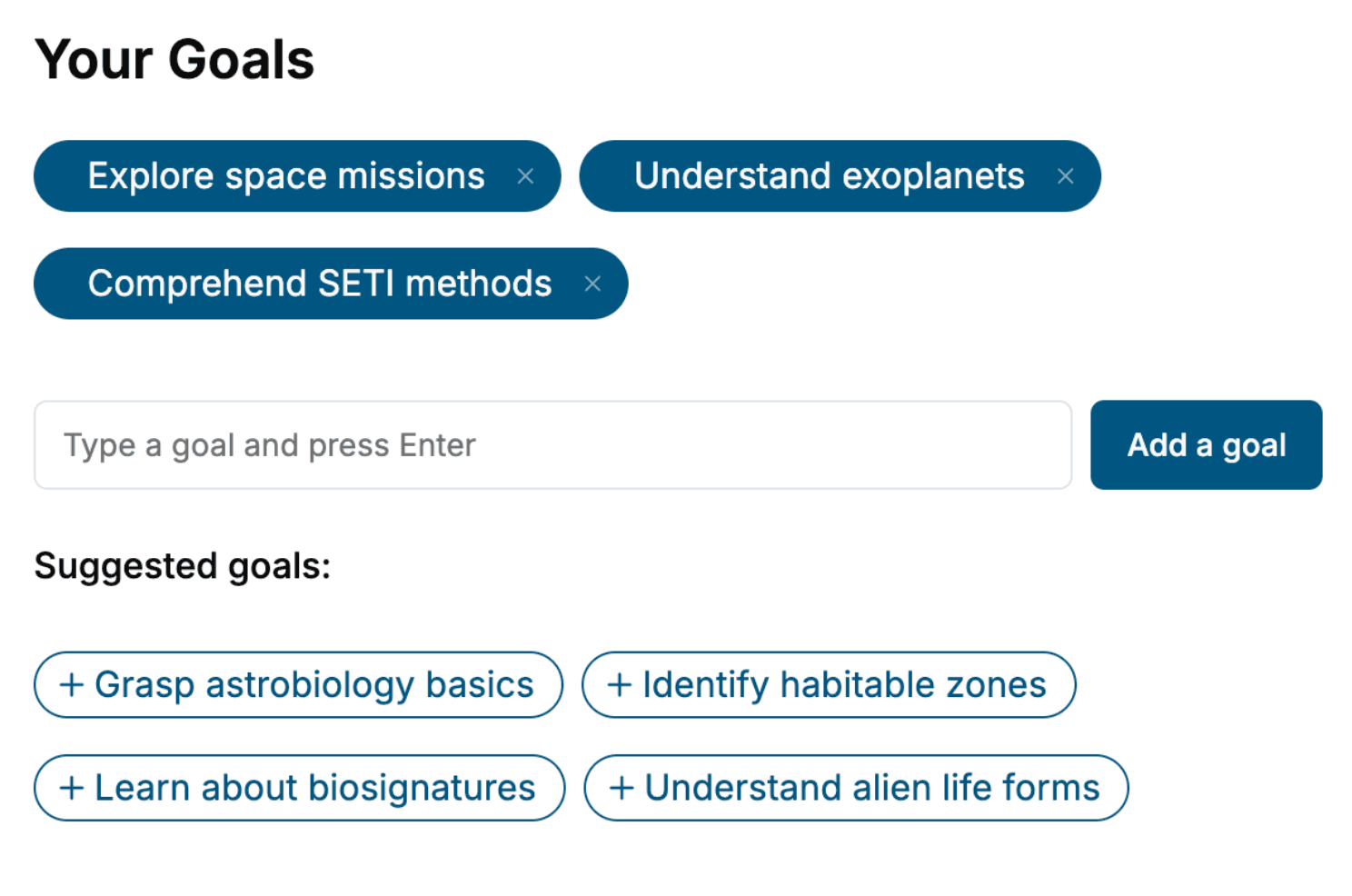
Select the focus of your Music Production book and share your background
- 2. Personalize your book
Specify your goals and choose sub-topics to include
- 3. Get your tailored book
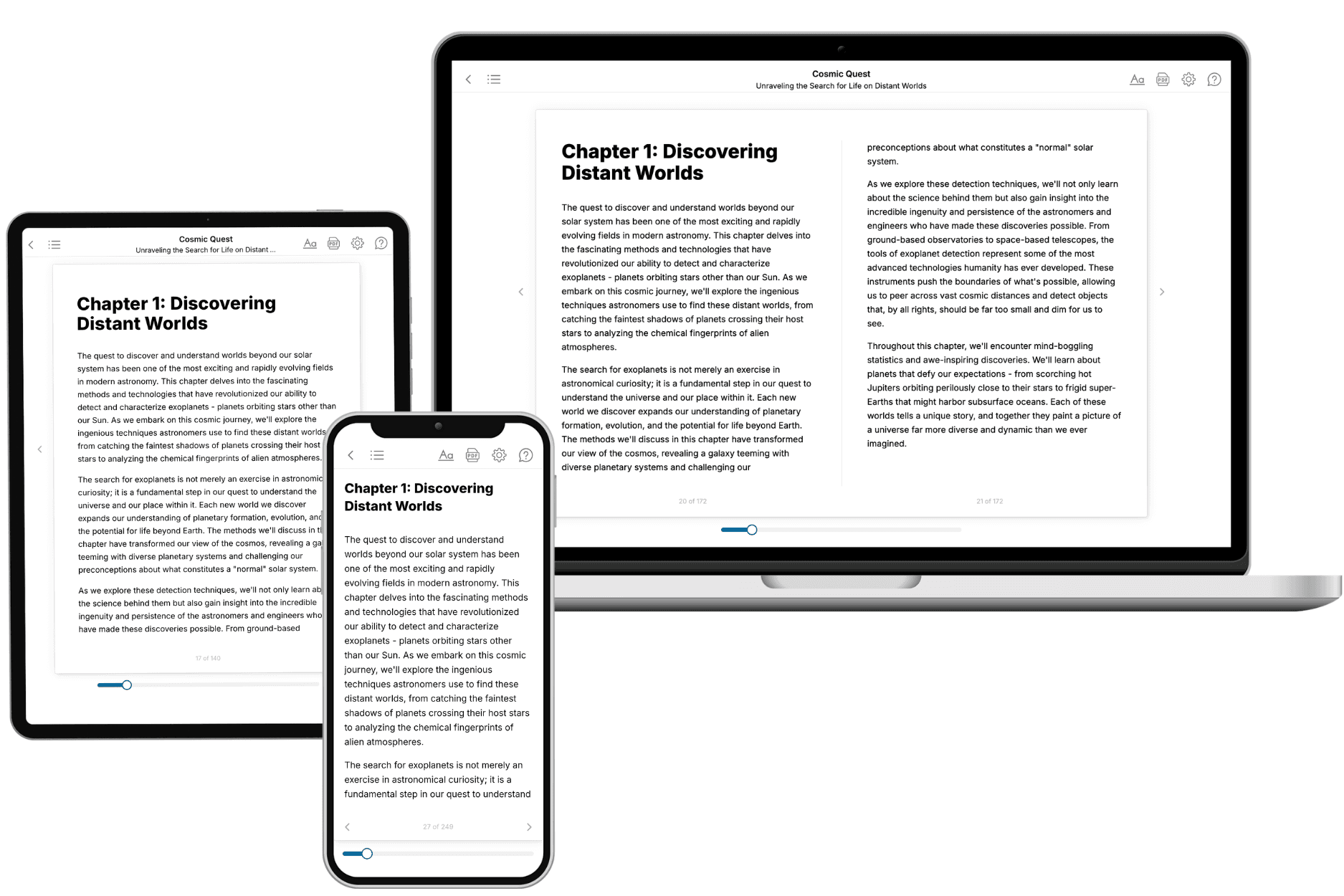
Your book is ready in 10 minutes. Read it online, download as EPUB or PDF, or send to Kindle.

Frequently asked questions
- What is TailoredRead?
TailoredRead creates complete, full-length nonfiction ebooks, written specifically for you. Tell us what you want to learn and why, and TailoredRead writes you a complete ebook on it, with charts, tables, and diagrams throughout. Read it online, on Kindle, or on any e-reader, or download it as a PDF or EPUB. Every book is written fresh the day you order it.
- How is the book tailored to me?
Before anything is written, you answer a few short questions about your goals, your background, and the topics you care about. Your book is then planned around your answers: written at your level, focused on your goals, and covering the topics you chose, instead of the one-size-fits-all book a store sells everyone.
- Will it read like generic AI content?
No. Your book isn't a chat transcript: it's planned chapter by chapter before a single word is written, told in a clear book voice, and explains ideas visually with charts, tables, and diagrams. After writing, every book goes through an editorial pass that polishes chapters so the book reads consistent from start to finish. Judge for yourself: browse thousands of sample books on our Explore Books page.
- How accurate is the content?
Our AI first checks whether your subject needs live research. Niche and fast-moving subjects are researched before writing, and the book plan and chapters are grounded in what it finds. After writing, every book goes through a quality pass that checks its facts and consistency, and researched books list their sources in a Notes section at the back.
- How long is the book?
You choose the length: Comprehensive (250-300 pages), Detailed (150-200 pages), Essential (70-100 pages), or Short (30-50 pages).
- Does the book include visuals?
Yes. Every book includes visual elements such as timelines, checklists, step-by-step guides, decision trees, comparison tables, and matrices, and many include bar charts. A typical book includes dozens of these visual elements.
- Can I read it on Kindle? What formats can I download?
Yes. Every book can be read in our online reader or downloaded as a PDF or EPUB. The EPUB can be opened with Kindle, Apple Books, Kobo, and any e-reader. The Commercial and Author licenses also include an editable Word (DOCX) and Markdown download.
- How much does it cost?
About the price of a regular ebook. The exact price depends on your book's length and complexity, from $2 for the shortest books to $35 for the most comprehensive, and it's shown when you review your book, before you commit to anything. Each book is a one-time purchase, yours to keep, no subscription. Licenses that let you share, teach, or publish your book range from $35.99 to $49.99.
- Can I preview the book before purchasing?
Before you pay, you'll see what your book will cover: the title, a detailed description, the estimated length, and the complete chapter-by-chapter table of contents, so you know what you're getting before you decide. The full text itself is written after you purchase.
- How long does it take to create a book?
About 10 minutes. You can start reading the opening chapters while the rest is still being written.