iCloud Find My Device Mastery
Secure Your Apple Ecosystem and Never Lose Track of Your Devices
Imagine a world where your Apple devices are always within reach, even when they're not.
284 pages14 chaptersDec 28, 2024Software
About this book
A world where losing your iPhone, iPad, or MacBook is no longer a cause for panic, but a minor inconvenience easily resolved with a few taps. This is the reality that iCloud's Find My Device feature offers, and it's time for you to harness its full potential. In "iCloud Find My Device Mastery," you'll discover the ins and outs of this powerful tool that's already at your fingertips. From basic setup to advanced techniques, this guide will take you on a journey through the Find My ecosystem, revealing features you never knew existed and showing you how to use them to their fullest. You'll learn how to locate your devices with pinpoint accuracy, secure them remotely, and even track them offline. But this book goes beyond mere technicalities. It's about empowering you to take control of your digital life, ensuring that your valuable data and devices are always protected and within reach. Whether you're a casual Apple user or a dedicated tech enthusiast, this book will elevate your understanding and usage of Find My Device to new heights.
Table of contents
- IntroductionThe Importance of Device Tracking in the Digital Age, Overview of the iCloud Ecosystem, The Evolution of Find My Device, What to Expect from This BookRead below
- Chapter 1: Understanding Find My Device BasicsWhat is Find My Device?, Supported Devices and Requirements, How Find My Device Works, Key Features and Capabilities
- Chapter 2: Setting Up Find My DeviceCreating and Managing Your iCloud Account, Enabling Find My on Your Devices, Setting Up Family Sharing for Find My, Verification and Security Steps
- Chapter 3: Using Find My DeviceLocating Your Devices, Playing a Sound to Find Nearby Devices, Activating Lost Mode, Erasing Your Device Remotely
- Chapter 4: Advanced Find My Device FeaturesOffline Finding Network, Location Sharing with Friends and Family, Setting Up Custom Notifications, Third-Party Device Integration
- Chapter 5: Find My iPhone Deep DiveiPhone-Specific Features, Understanding Activation Lock, SIM Card Protection Measures, Real-World Scenarios and Solutions
- Chapter 6: Mastering Find My iPadUnique Aspects of Find My for iPad, Cellular vs. Wi-Fi Only iPads, Optimizing Lost Mode for iPads, iPad-Specific Scenarios and Solutions
- Chapter 7: Find My Mac EssentialsSetting Up Find My on macOS, Firmware Password and Security, Mac-Specific Lost Mode Features, Mac Recovery Scenarios
- Chapter 8: Apple Watch and Find MyConfiguring Find My on Apple Watch, Understanding Apple Watch Limitations, Cellular vs. GPS-only Apple Watches, Apple Watch Recovery Strategies
- Chapter 9: Locating AirPods and Beats ProductsSetting Up Find My for AirPods, Integrating Beats Products, Limitations of Audio Device Tracking, Finding Lost AirPods: Real-World Examples
- Chapter 10: The Find My NetworkHow the Find My Network Works, Crowdsourced Location Technology, Privacy and Security in the Network, Network Coverage and Limitations
- Chapter 11: Expanding to Find My ItemsIntroduction to AirTags, Third-Party Item Trackers, Differences Between Find My Items and Devices, Creative Uses for Find My Items
- Chapter 12: Privacy and Security ConsiderationsHow Apple Protects Your Location Data, End-to-End Encryption Measures, Anti-Stalking Features and Alerts, Best Practices for Secure Usage
- Chapter 13: Troubleshooting and FAQsCommon Find My Device Issues, Dealing with Accuracy Problems, Network and Connectivity Troubleshooting, Frequently Asked Questions
- Chapter 14: Future of Find My TechnologyUpcoming Features and Improvements, Industry Trends in Device Tracking, Potential New Applications, How to Stay Informed About Updates
- ConclusionKey Takeaways, Final Thoughts on Device Security
- Glossary
- Additional Resources
Introduction
In an era where our digital devices have become extensions of ourselves, the ability to keep track of these valuable assets is more crucial than ever. The introduction of iCloud's Find My Device feature has revolutionized the way we approach device security and management within the Apple ecosystem. This powerful tool not only provides peace of mind but also offers a range of functionalities that go far beyond simple location tracking. As we embark on this journey to master iCloud's Find My Device, we'll explore its evolution, understand its place within the broader iCloud ecosystem, and set the stage for the comprehensive guide that follows.
The Importance of Device Tracking in the Digital Age
In today's interconnected world, our digital devices serve as gateways to our personal and professional lives. Smartphones, tablets, laptops, and wearables have become repositories of our most sensitive information, from personal photos and messages to financial data and work documents. The loss or theft of these devices can have far-reaching consequences, extending beyond the monetary value of the hardware itself. It's not just about losing a physical object; it's about potentially compromising your digital identity and security.
The statistics paint a sobering picture of the scale of device loss and theft. According to a report by Kensington, a laptop is stolen every 53 seconds[1]. Meanwhile, Asurion, a global tech care company, found that 69% of Americans misplace their phone at least once a week[2]. These numbers underscore the critical need for robust device tracking solutions that can help users quickly locate and secure their devices in the event of loss or theft.
Device tracking technology offers a multifaceted approach to addressing these concerns. At its core, it provides the ability to pinpoint the location of a lost or stolen device, significantly increasing the chances of recovery. However, modern device tracking solutions like iCloud's Find My Device go beyond simple geolocation. They offer features such as remote locking, data wiping, and even the ability to display custom messages on lost devices. These capabilities not only aid in device recovery but also serve as powerful deterrents against theft and unauthorized access.
Moreover, the importance of device tracking extends to the realm of data protection and privacy. In an age where data breaches and identity theft are increasingly common, the ability to remotely secure or erase a lost device can be the difference between a minor inconvenience and a major security crisis. This is particularly crucial for businesses and professionals who handle sensitive client information or proprietary data on their devices.
The psychological impact of device tracking should not be underestimated either. Knowing that you have a reliable means of locating and securing your devices provides a sense of security and control in an often unpredictable digital landscape. This peace of mind allows users to fully leverage the mobility and convenience offered by modern technology without constant worry about potential loss or theft.
As we delve deeper into the capabilities of iCloud's Find My Device feature throughout this book, it's important to keep in mind the broader context of why device tracking is so crucial in our digital age. It's not just about finding lost items; it's about maintaining control over your digital life, protecting your personal information, and ensuring that the technology that enriches our lives doesn't become a vulnerability. With the right tools and knowledge, you can harness the power of device tracking to create a more secure and manageable digital experience.
Overview of the iCloud Ecosystem
To fully appreciate the power and functionality of Find My Device, it's essential to understand its place within the broader iCloud ecosystem. iCloud is Apple's cloud computing and storage service, designed to seamlessly integrate with iOS, iPadOS, macOS, and watchOS devices. Launched in 2011, iCloud has evolved into a comprehensive platform that underpins many of the features that make Apple devices so user-friendly and interconnected.
At its core, iCloud serves as a central hub for data synchronization and storage across all of your Apple devices. This includes everything from photos and documents to app data and device backups. The service operates on the principle of keeping your information up-to-date and accessible across all your devices, ensuring a consistent user experience whether you're using an iPhone, iPad, Mac, or Apple Watch.
One of the key strengths of the iCloud ecosystem is its emphasis on security and privacy. Apple employs end-to-end encryption for sensitive data, meaning that your information is scrambled in such a way that even Apple cannot access it. This commitment to privacy extends to features like iCloud Keychain, which securely stores and syncs passwords across devices, and iCloud Private Relay, which enhances your privacy while browsing the web.
Within this ecosystem, Find My Device stands out as a critical security feature. It leverages the interconnected nature of iCloud to provide a powerful tool for locating, securing, and managing your Apple devices. The service works by using a combination of GPS, Wi-Fi, and cellular data to pinpoint the location of your devices. This information is then securely transmitted to your iCloud account, where you can access it from any other device or via the web.
The integration of Find My Device with other iCloud services enhances its functionality. For example, iCloud Backup ensures that your device's data is regularly saved to the cloud, which can be crucial if you need to erase a lost device remotely. Similarly, the synchronization of your Apple ID across devices means that you can use any of your Apple products to locate the others, providing multiple access points to the Find My service.
Another important aspect of the iCloud ecosystem that complements Find My Device is Family Sharing. This feature allows up to six family members to share access to various Apple services, including Find My. This means that family members can help locate each other's devices, adding an extra layer of security and convenience to the service.
The iCloud ecosystem also includes features like iCloud Drive for file storage and sharing, iCloud Photos for syncing and organizing your photo library across devices, and iCloud Mail for email services. While these features may seem separate from Find My Device, they all contribute to creating a cohesive and secure digital environment. For instance, the ability to quickly access your important documents via iCloud Drive can be invaluable if you need to remotely access information from a lost device.
As we explore Find My Device in detail throughout this book, it's important to keep in mind how it fits into this larger ecosystem. The service's effectiveness is greatly enhanced by its integration with other iCloud features, and understanding these connections will help you make the most of Find My Device's capabilities. Whether you're using it to locate a misplaced iPhone, secure a stolen MacBook, or keep track of your family's devices, Find My Device is a testament to the power and convenience of a well-integrated cloud ecosystem.
The Evolution of Find My Device
The journey of Find My Device from a simple location tracker to a comprehensive device management tool is a testament to Apple's commitment to user security and convenience. Understanding this evolution provides valuable context for appreciating the current capabilities of the service and anticipating future developments.
The story of Find My Device begins in 2010 with the introduction of Find My iPhone. This initial iteration was a relatively basic service, primarily focused on locating lost iOS devices. Users could log into their iCloud account (then called MobileMe) via a web browser to see the location of their iPhone on a map. While groundbreaking at the time, the service had limitations. It required the lost device to be powered on and connected to the internet, and its features were largely limited to displaying location and playing a sound.
As smartphones became increasingly central to our daily lives, Apple recognized the need for more robust security features. In 2011, with the launch of iOS 5, Find My iPhone was expanded to include remote locking and wiping capabilities. This was a significant step forward, allowing users to protect their data even if they couldn't physically recover their device. The service was also made free for all iCloud users, removing the previous requirement for a paid MobileMe subscription.
The next major evolution came in 2013 with the introduction of Activation Lock in iOS 7. This feature tied the device to the user's Apple ID, making it significantly more difficult for thieves to resell stolen iPhones. Activation Lock was a game-changer in device security, with law enforcement agencies reporting substantial decreases in iPhone thefts following its implementation[3].
As Apple's product lineup expanded, so did the scope of Find My iPhone. The service was extended to include iPads, Macs, Apple Watches, and even AirPods. Each new device type brought unique challenges and opportunities for enhancing the Find My experience. For example, the inclusion of Macs led to the development of features like the ability to display custom messages on the lock screen of a lost computer.
In 2019, Apple made a significant change by merging Find My iPhone with Find My Friends, a separate app for location sharing with contacts. The result was a new, unified app simply called "Find My." This consolidation streamlined the user experience and laid the groundwork for future expansions of the service. The new Find My app also introduced offline finding capabilities, leveraging a network of hundreds of millions of Apple devices to help locate devices even when they're not connected to the internet.
The most recent chapter in the evolution of Find My Device came in 2021 with the introduction of AirTags and the expansion of the Find My network to include third-party devices. This move transformed Find My from a service focused solely on Apple products to a broader ecosystem for tracking a wide range of items. The inclusion of precision finding for compatible devices, using Ultra Wideband technology, further enhanced the accuracy and usefulness of the service.
Throughout its evolution, Find My Device has consistently balanced enhanced functionality with a strong commitment to user privacy. Features like end-to-end encryption, anonymous location reporting, and anti-stalking measures have been integral to the service's development. This focus on privacy has helped maintain user trust even as the service's capabilities have expanded.
Looking to the future, it's clear that Find My Device will continue to evolve. Potential areas for development include improved integration with smart home devices, enhanced AI capabilities for predicting device locations, and expanded support for non-Apple products. As technology advances, we can expect Find My Device to incorporate new features that further enhance its ability to keep our devices secure and easily locatable.
By understanding this evolution, you can better appreciate the sophisticated tool that Find My Device has become. What started as a simple way to locate a lost phone has grown into a comprehensive platform for device security, location sharing, and item tracking. As we delve deeper into the current capabilities of Find My Device in the following chapters, keep in mind the years of development and refinement that have gone into creating this powerful service.
What to Expect from This Book
"iCloud Find My Device Mastery" is designed to be your comprehensive guide to understanding, setting up, and maximizing the potential of Apple's Find My Device feature. Whether you're new to the Apple ecosystem or a long-time user looking to enhance your device security, this book will provide you with the knowledge and skills to make the most of this powerful tool.
Throughout the chapters that follow, you'll embark on a journey that will take you from the basics of Find My Device to advanced techniques and troubleshooting. Here's a brief overview of what you can expect to learn:
1. Fundamentals: We'll start by building a solid foundation, explaining what Find My Device is, how it works, and the devices it supports. You'll gain a clear understanding of the key features and capabilities that make this service so valuable.
2. Setup and Configuration: Next, we'll walk you through the process of setting up Find My Device on all your Apple products. From creating and managing your iCloud account to enabling Find My on each device, you'll learn how to ensure your entire Apple ecosystem is protected.
3. Core Functionality: We'll dive deep into the primary functions of Find My Device, including how to locate your devices, play sounds to find nearby items, activate Lost Mode, and even erase your device remotely if necessary. You'll learn not just what these features do, but how to use them effectively in real-world situations.
4. Advanced Features: As you become more comfortable with the basics, we'll explore advanced features like the Offline Finding Network, location sharing with friends and family, and setting up custom notifications. You'll discover how to leverage these capabilities to create a more robust and personalized device security system.
5. Device-Specific Guidance: Recognizing that Find My works differently across various Apple devices, we'll provide dedicated chapters on Find My for iPhone, iPad, Mac, Apple Watch, and AirPods. Each chapter will highlight unique features and considerations for that particular device type.
6. Find My Network and Items: We'll explore the broader Find My Network, including how it works, its privacy implications, and its limitations. You'll also learn about the expansion into Find My Items, including the use of AirTags and third-party trackers.
7. Privacy and Security: Given the sensitive nature of location data, we'll dedicate a full chapter to privacy and security considerations. You'll learn about Apple's data protection measures, encryption protocols, and best practices for secure usage.
8. Troubleshooting and FAQs: No guide would be complete without addressing common issues and questions. We'll provide troubleshooting tips for a range of scenarios and answer frequently asked questions to help you overcome any obstacles you might encounter.
9. Future Developments: Finally, we'll look ahead to the future of Find My technology, discussing upcoming features, industry trends, and potential new applications. You'll learn how to stay informed about updates and continue to get the most out of Find My Device as it evolves.
Throughout the book, you'll find practical examples, step-by-step instructions, and real-world scenarios that illustrate how to apply the concepts you're learning. We've designed each chapter to build upon the previous ones, creating a comprehensive learning experience that will take you from novice to expert.
By the time you finish this book, you'll have a thorough understanding of Find My Device and the confidence to use it effectively. You'll be equipped to secure your devices, protect your data, and enjoy the peace of mind that comes from knowing you can always locate your valuable Apple products.
Remember, the goal of this book is not just to provide information, but to empower you to take control of your device security. We encourage you to actively engage with the material, try out the features as you learn about them, and think about how you can integrate Find My Device into your daily digital life.
So, let's begin this journey into the world of iCloud Find My Device. Whether you're looking to secure your personal devices, manage a family's worth of Apple products, or enhance your professional device management skills, this book will serve as your comprehensive guide to mastering one of Apple's most powerful security tools.
This is the end of the free sample. The full book has 14 chapters.
Want this book written for you?
Tell us your goals and background, and get your own version of this book, tailored by AI to you.


Benefits of AI-tailored books
- Read one book, not ten:
- all the Software knowledge you need, gathered into a single book.
- Save days of learning:
- tell us your goals, choose your topics, and the whole book is built around them.
- Learn effortlessly:
- Software book written for your specific background and expertise.
- Understand at a glance:
- includes charts, tables, timelines, checklists, decision trees, and more.
- Stay current:
- written the day you order it, not years ago.
- Trust what you read:
- every book is checked for accuracy, with real research when your subject needs it.
Create your unique book in 3 steps
- 1. Select your focus
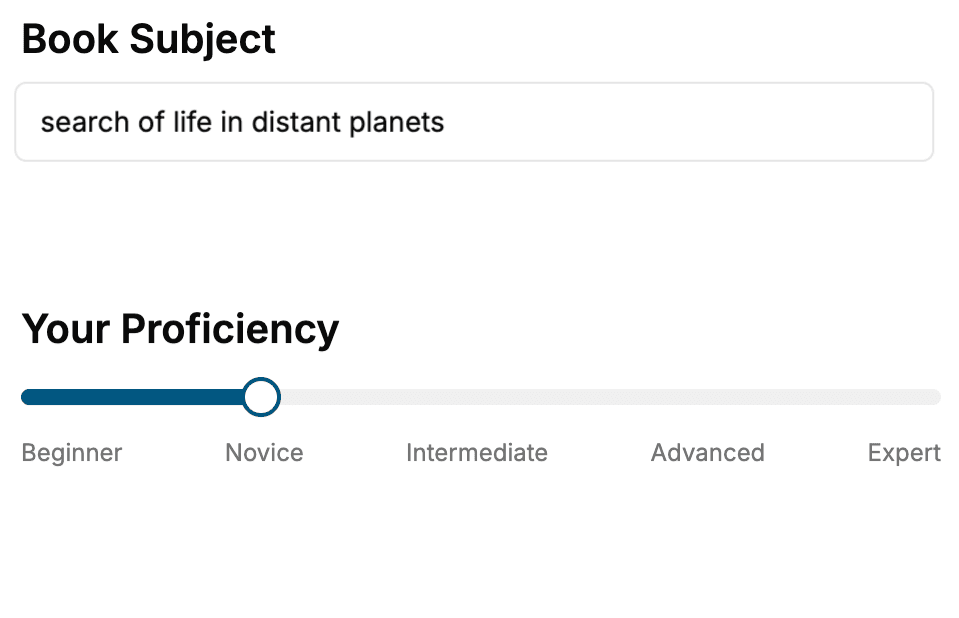
Select the focus of your Software book and share your background
- 2. Personalize your book
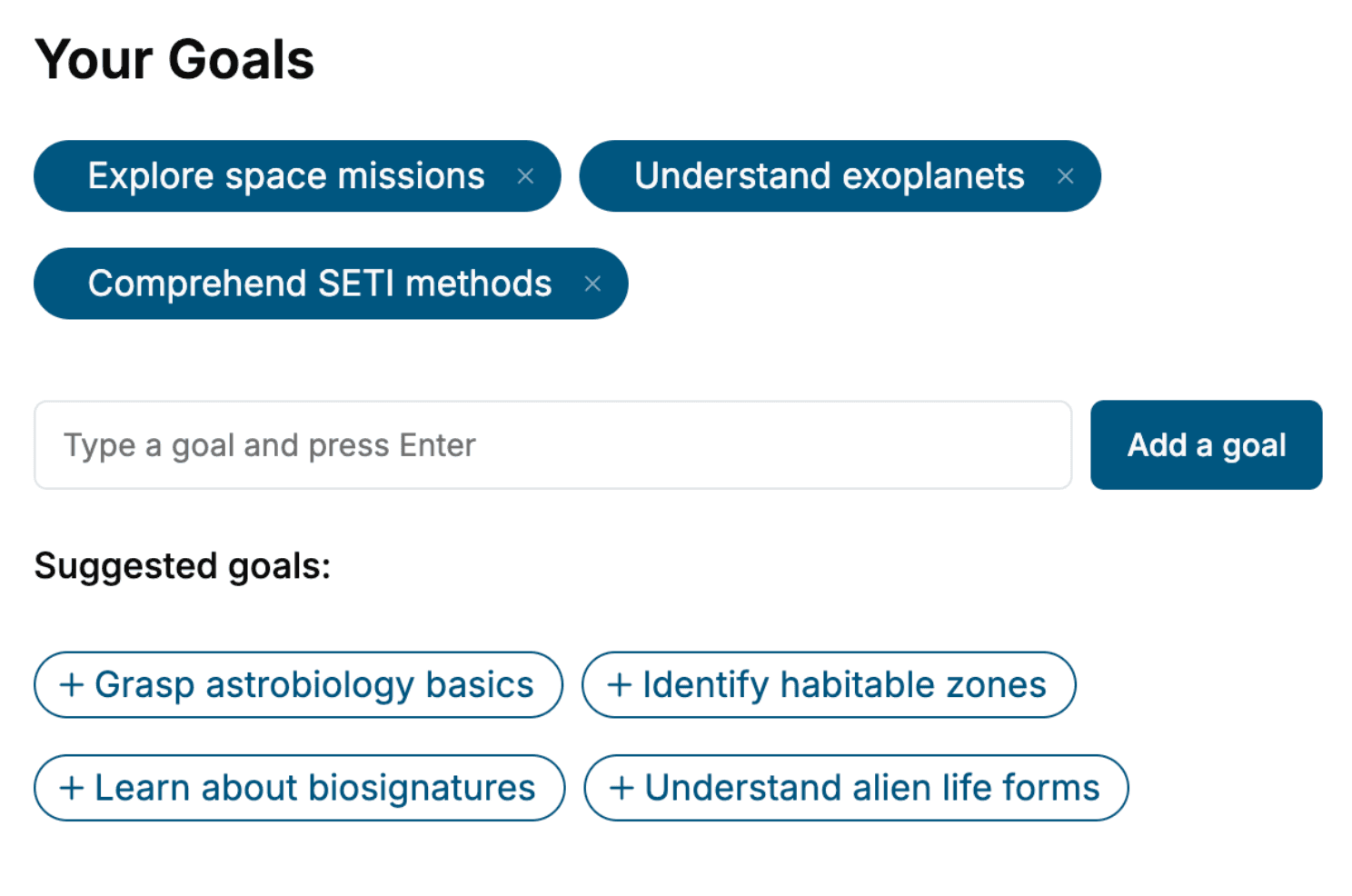
Specify your goals and choose sub-topics to include
- 3. Get your tailored book
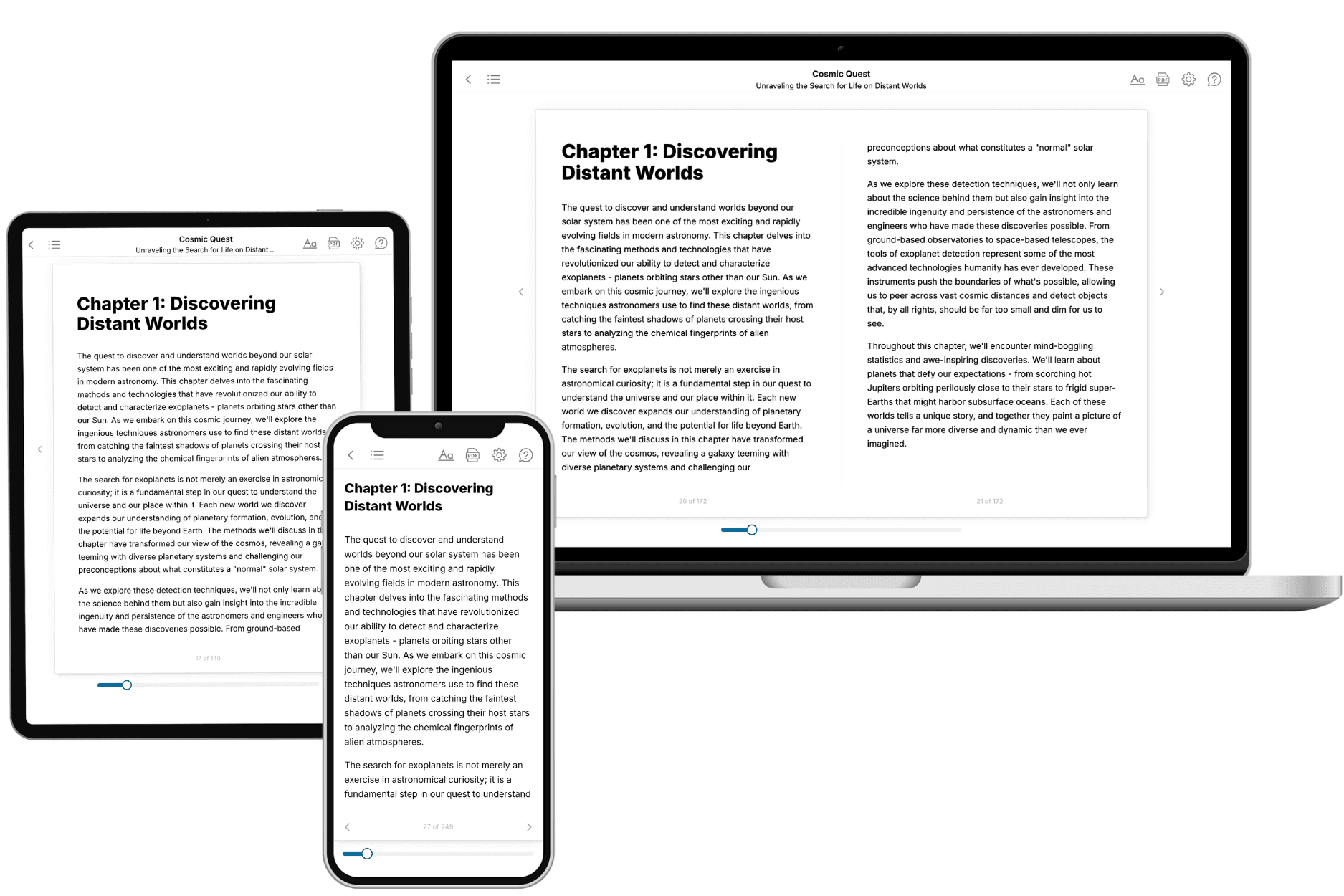
Your book is ready in 10 minutes. Read it online, download as EPUB or PDF, or send to Kindle.
Frequently asked questions
- What is TailoredRead?
TailoredRead creates complete, full-length nonfiction ebooks, written specifically for you. Tell us what you want to learn and why, and TailoredRead writes you a complete ebook on it, with charts, tables, and diagrams throughout. Read it online, on Kindle, or on any e-reader, or download it as a PDF or EPUB. Every book is written fresh the day you order it.
- How is the book tailored to me?
Before anything is written, you answer a few short questions about your goals, your background, and the topics you care about. Your book is then planned around your answers: written at your level, focused on your goals, and covering the topics you chose, instead of the one-size-fits-all book a store sells everyone.
- Will it read like generic AI content?
No. Your book isn't a chat transcript: it's planned chapter by chapter before a single word is written, told in a clear book voice, and explains ideas visually with charts, tables, and diagrams. After writing, every book goes through an editorial pass that polishes chapters so the book reads consistent from start to finish. Judge for yourself: browse thousands of sample books on our Explore Books page.
- How accurate is the content?
Our AI first checks whether your subject needs live research. Niche and fast-moving subjects are researched before writing, and the book plan and chapters are grounded in what it finds. After writing, every book goes through a quality pass that checks its facts and consistency, and researched books list their sources in a Notes section at the back.
- How long is the book?
You choose the length: Comprehensive (250-300 pages), Detailed (150-200 pages), Essential (70-100 pages), or Short (30-50 pages).
- Does the book include visuals?
Yes. Every book includes charts, tables, and diagrams: timelines, checklists, step-by-step guides, decision trees, comparison tables, matrices, and bar charts. A typical book includes dozens of these visual elements.
- Can I read it on Kindle? What formats can I download?
Yes. Every book can be read in our online reader or downloaded as a PDF or EPUB. The EPUB can be opened with Kindle, Apple Books, Kobo, and any e-reader. The Commercial and Author licenses also include an editable Word (DOCX) and Markdown download.
- How much does it cost?
About the price of a regular ebook. The exact price depends on your book's length and complexity, from $2 for the shortest books to $35 for the most comprehensive, and it's shown when you review your book, before you commit to anything. Each book is a one-time purchase, yours to keep, no subscription. Licenses that let you share, teach, or publish your book range from $35.99 to $49.99.
- Can I preview the book before purchasing?
Before you pay, you'll see what your book will cover: the title, a detailed description, the estimated length, and the complete chapter-by-chapter table of contents, so you know what you're getting before you decide. The full text itself is written after you purchase.
- How long does it take to create a book?
About 10 minutes. You can start reading the opening chapters while the rest is still being written.