Image Optimization Essentials
Master Cross-Platform Image Delivery for Faster, Smarter Applications
Why do some applications load images instantly while others lag behind?
207 pages9 chaptersJul 3, 2026Website Performance
About this book
The answer lies in how images are optimized and delivered. This book reveals the practical strategies that separate high-performing applications from sluggish ones. You'll discover how to choose the right image formats for different scenarios, implement responsive images that adapt to any device, and leverage modern tools to automate optimization workflows. Whether you're building web applications, mobile apps, or cross-platform solutions, you'll learn concrete techniques to reduce file sizes without sacrificing quality, implement intelligent caching strategies, and deploy images globally with minimal latency. This isn't theoretical—every technique is grounded in real-world performance challenges and proven solutions that developers use in production environments today.
Table of contents
- IntroductionWhy Images Matter in Modern Applications, The Performance Impact of Unoptimized Images, What You'll Learn in This BookRead below
- Chapter 1: Image Fundamentals and FormatsRaster vs. Vector Images: Understanding the Difference, Common Image Formats: JPEG, PNG, GIF, and Beyond, Modern Formats: WebP, AVIF, and Next-Generation Options, Choosing the Right Format for Your Use Case
- Chapter 2: Compression Techniques and Quality Trade-offsLossy vs. Lossless Compression: Finding the Balance, How Compression Algorithms Work, Measuring Image Quality: SSIM, PSNR, and Perceptual Quality, Tools and Libraries for Image Compression
- Chapter 3: Responsive Images and Adaptive DeliveryResponsive Design Principles for Images, Using srcset and sizes Attributes for Adaptive Loading, The Picture Element and Art Direction, Device Detection and Server-Side Adaptation
- Chapter 4: Lazy Loading and Progressive EnhancementLazy Loading Fundamentals and Benefits, Native Lazy Loading with HTML and Browser APIs, JavaScript-Based Lazy Loading Strategies, Progressive Enhancement and Fallback Strategies
- Chapter 5: Caching and Content DeliveryBrowser Caching and HTTP Headers, Content Delivery Networks: Architecture and Benefits, Edge Computing and On-the-Fly Optimization, Cache Busting and Version Management
- Chapter 6: Automation and Build PipelinesImage Optimization in Build Tools and Bundlers, Integrating Image Optimization into CI/CD Pipelines, Batch Processing and Automated Workflows, Quality Assurance and Performance Testing
- Chapter 7: Platform-Specific OptimizationWeb Application Image Optimization, Mobile App Image Optimization and Memory Management, Desktop Application Considerations, Cross-Platform Strategies and Unified Approaches
- Chapter 8: Performance Monitoring and MetricsKey Performance Indicators for Image Optimization, Tools for Monitoring and Analyzing Image Performance, Collecting and Analyzing Real-World Performance Data, Measuring the Business Impact of Optimization
- Chapter 9: Advanced Techniques and Emerging TechnologiesAI-Powered Image Optimization and Smart Cropping, Dynamic Format Selection and Client Hints, Next-Generation Delivery Methods and Protocols
- ConclusionKey Takeaways and Best Practices, Your Implementation Roadmap
- Glossary
- Further Reading and Resources
Introduction
Open any popular e-commerce site on a slow mobile connection and watch what happens. The page skeleton appears, text loads, buttons become clickable, and then you wait. You wait for the hero image, the product thumbnails, the promotional banners. Sometimes you wait long enough to give up entirely. That experience, frustrating as it is, is not accidental. It is the direct result of images that were never properly optimized for the people trying to view them. Images are almost always the heaviest assets on any page or screen, and how they are handled determines whether an application feels fast or feels broken.
This book exists because image optimization is one of the most impactful performance improvements available to developers, yet it remains one of the most commonly neglected. The reasons are understandable. Images feel like a design concern rather than an engineering one. The tools and formats have changed rapidly over the past decade, making older advice unreliable. And the sheer variety of devices, screen sizes, network conditions, and platform requirements makes it genuinely difficult to know where to start. The goal here is to cut through that complexity and give you a clear, practical path forward.
Whether you are building a web application, a mobile app, or a cross-platform product that spans multiple environments, the core principles of image optimization apply everywhere. The specific techniques vary by platform, but the underlying logic is consistent: serve the right image, in the right format, at the right size, to the right device, as efficiently as possible. Every chapter in this book builds toward that goal, moving from foundational concepts to advanced delivery strategies. By the end, you will have both the knowledge and the tools to make image optimization a reliable, automated part of your development workflow.
Why Images Matter in Modern Applications
Images are not just decoration. They communicate product quality, establish brand identity, guide user attention, and often carry the emotional weight of an entire interface. A well-placed photograph can increase conversion rates. A blurry or slow-loading image can destroy trust in seconds. Understanding this dual role, images as both visual communication and technical assets, is the starting point for taking optimization seriously.
From a purely technical standpoint, images dominate the weight of most applications. According to HTTP Archive data, images account for roughly 40 to 60 percent of the total bytes transferred on the average web page.[1] On mobile applications, image assets frequently represent the largest category of bundled resources. When you reduce image weight, you reduce load times, lower bandwidth costs, and improve the experience for every user on every device.
The stakes are especially high on mobile networks. A significant portion of global internet users access applications primarily through mobile devices on cellular connections that are slower and less reliable than broadband. In markets across Southeast Asia, Africa, and Latin America, 3G connections are still common. An unoptimized image that loads in one second on a fiber connection might take eight to ten seconds on a 3G network. That gap is the difference between a user who stays and a user who leaves.
Images also interact directly with Core Web Vitals, the set of performance metrics that Google uses to evaluate user experience and influence search rankings. The Largest Contentful Paint (LCP) metric, which measures how quickly the main content of a page becomes visible, is almost always triggered by an image element. A slow LCP score is frequently caused by an unoptimized hero image or a large above-the-fold banner. Improving that single image can move LCP from a failing score to a passing one, with measurable effects on both user experience and organic search visibility.[2]
Beyond performance, images have real cost implications. Every byte transferred costs money, whether that cost falls on the developer through CDN bandwidth fees or on the user through mobile data charges. In regions where data plans are expensive and capped, sending a 2MB image when a 200KB version would look identical is not just a performance problem. It is a user experience problem with direct financial consequences for the people using your application.
The good news is that image optimization is one of the highest-return investments in application performance. Unlike some optimizations that require deep architectural changes, many image improvements can be implemented incrementally, often with existing tools and without touching application logic. The impact is immediate and measurable. That combination of accessibility and impact is why image optimization deserves a dedicated, systematic approach rather than an afterthought.
Images are the single largest contributor to page weight on the web, and optimizing them consistently delivers some of the fastest, most measurable performance gains available to developers working on real-world applications.
The Performance Impact of Unoptimized Images
To understand why optimization matters so much, it helps to look at what actually happens when images are not optimized. The problems are not abstract. They show up in specific, measurable ways that affect real users and real business outcomes. Unoptimized images create a cascade of performance issues that touch everything from initial load time to memory consumption to battery drain on mobile devices.
The most obvious problem is file size. A photograph exported directly from a camera or design tool might be 5 to 15 megabytes. Even after basic export from a tool like Photoshop, a JPEG might still be 800KB to 2MB when a properly optimized version could be 80 to 150KB with no visible quality difference. That gap represents wasted bandwidth on every single page load, for every single user. Multiply that across thousands of daily visitors and the cumulative cost in bandwidth fees and lost user sessions becomes significant.
Oversized images are another common problem. Serving a 2400-pixel-wide image to a mobile device with a 390-pixel-wide screen means the browser downloads roughly 38 times more pixel data than it can actually display. The browser then scales the image down in memory, which wastes both bandwidth and processing time. This is an extremely common mistake, and it is entirely avoidable with responsive image techniques covered later in this book.
Consider a concrete example. An online retailer serving a 1.8MB product image to all devices, regardless of screen size, might see the following outcomes compared to a properly optimized approach:
- Mobile users on 4G wait an additional 2 to 4 seconds for the image to load
- LCP scores fall into the "needs improvement" or "poor" range, affecting search rankings
- Bounce rates increase by 15 to 30 percent among mobile visitors[3]
- CDN bandwidth costs increase by 60 to 80 percent compared to serving optimized variants
Format choice compounds the problem. Many applications still serve PNG files for photographs, even though JPEG or WebP would produce dramatically smaller files at equivalent visual quality. PNG is a lossless format designed for graphics with sharp edges and transparency. Using it for a full-color photograph can result in files three to five times larger than a well-compressed JPEG. Choosing the wrong format is one of the most common and most costly image optimization mistakes.
Memory consumption is a less visible but equally serious concern, particularly in mobile applications. When an image is loaded into memory for display, it is decoded into raw pixel data. A 1000x1000 pixel image at 32 bits per pixel occupies roughly 4MB of RAM, regardless of its compressed file size. Loading dozens of such images simultaneously, as happens in image-heavy feeds or galleries, can push memory usage to the point where the operating system terminates the application. This is a real problem in native iOS and Android development, and it requires deliberate management strategies.
The performance impact of unoptimized images is not limited to initial load. Images that are not properly cached force the browser or application to re-download them on every visit. Images without appropriate dimensions cause layout shifts as they load, contributing to poor Cumulative Layout Shift (CLS) scores. Images loaded eagerly when they are far below the visible viewport waste bandwidth on content the user may never see. Each of these issues is solvable, and solving them compounds into a dramatically better user experience.
Research from Google consistently shows that as page load time increases from one second to three seconds, the probability of a mobile user bouncing increases by 32 percent. At five seconds, that probability jumps by 90 percent.[4] Images are the primary driver of those extra seconds. The connection between image optimization and user retention is not theoretical. It is backed by data from billions of real user sessions.
What You'll Learn in This Book
This book is structured to take you from foundational understanding to advanced implementation, with practical techniques at every step. It is not a reference manual to skim. It is a guided progression through the full landscape of image optimization, designed so that each chapter builds on the one before it. Here is a clear picture of what each part covers and what you will be able to do after reading it.
Chapter 1: Image Fundamentals and Formats establishes the technical foundation. You will learn the difference between raster and vector images, understand how common formats like JPEG, PNG, and GIF actually work, and get a thorough introduction to modern formats like WebP and AVIF. By the end of this chapter, you will be able to make informed format decisions based on content type, browser support requirements, and performance goals rather than habit or guesswork.
Chapter 2: Compression Techniques and Quality Trade-offs goes deeper into how compression works and how to measure its effects. You will understand the difference between lossy and lossless compression, learn how to evaluate image quality using metrics like SSIM and PSNR, and get hands-on with the tools and libraries used to compress images in production. This chapter gives you the vocabulary and the tools to have precise conversations about quality versus file size trade-offs.
Chapter 3: Responsive Images and Adaptive Delivery addresses one of the most impactful techniques available for web developers. You will learn how to use the srcset and sizes attributes to serve appropriately sized images to every device, how the <picture> element enables art direction and format switching, and how server-side adaptation can extend these capabilities further. After this chapter, you will never serve a 2400-pixel image to a 390-pixel screen again.
Chapter 4: Lazy Loading and Progressive Enhancement covers strategies for deferring image loads until they are actually needed. You will implement native lazy loading with a single HTML attribute, explore JavaScript-based approaches for more complex scenarios, and learn how to use progressive image techniques to improve perceived performance even before an image fully loads. These techniques can dramatically reduce the amount of data transferred on initial page load.
Chapter 5: Caching and Content Delivery moves into the infrastructure layer. You will learn how browser caching and HTTP headers control how long images are stored locally, how Content Delivery Networks distribute images globally to reduce latency, and how edge computing enables on-the-fly image transformation without maintaining complex server infrastructure. You will also learn cache-busting strategies that let you update images without breaking cached versions.
Chapter 6: Automation and Build Pipelines is where optimization becomes systematic rather than manual. You will integrate image optimization into build tools like Webpack and Vite, add automated optimization steps to CI/CD pipelines, and set up batch processing workflows that handle large image libraries without manual intervention. This chapter transforms image optimization from a one-time task into a reliable, repeatable process.
Chapter 7: Platform-Specific Optimization addresses the real differences between web, mobile, and desktop environments. Web applications, native iOS and Android apps, and desktop applications each have distinct constraints and opportunities. This chapter covers the specific techniques, APIs, and tools relevant to each platform, along with strategies for maintaining consistency when building cross-platform products.
Chapter 8: Performance Monitoring and Metrics gives you the tools to measure what you have built. You will learn which metrics matter most for image performance, how to use tools like Lighthouse, WebPageTest, and real user monitoring platforms to collect data, and how to translate performance improvements into business metrics that stakeholders understand. Optimization without measurement is guesswork. This chapter makes it science.
Chapter 9: Advanced Techniques and Emerging Technologies looks at where image optimization is heading. You will explore AI-powered optimization tools that automate smart cropping and quality decisions, dynamic format selection using Client Hints, and next-generation delivery protocols that reduce latency further. This chapter prepares you to adopt new techniques as they mature and become production-ready.
Throughout the book, you will find concrete examples, real-world scenarios, and specific implementation guidance. The techniques covered here are not experimental. They are used in production by engineering teams at companies ranging from small startups to large-scale platforms serving millions of users. The goal is not just to teach you what to do, but to give you a deep enough understanding of why it works that you can adapt these techniques to your own specific context and constraints.
A few things to keep in mind as you work through the material. First, optimization always involves trade-offs. There is no universally correct answer to questions like "what quality setting should I use?" or "which format is best?" The right answer depends on your content, your audience, your infrastructure, and your performance goals. This book will give you the frameworks to make those decisions confidently. Second, the landscape of image formats and browser support changes regularly. Where specific support data is cited, it reflects the state of the ecosystem at the time of writing, and checking current compatibility tables before implementation is always a good practice. Third, the best optimization strategy is one that gets implemented and maintained. A perfect theoretical approach that never ships is worth less than a good-enough approach that runs automatically in your build pipeline every day.
Image optimization is a skill that compounds over time. Each technique you learn and implement makes your applications faster, your users happier, and your infrastructure costs lower. The investment in understanding this material pays dividends across every project you work on going forward. Start with the fundamentals, build toward the advanced techniques, and by the end of this book you will have a complete, practical toolkit for delivering images that are fast, efficient, and visually excellent on every platform and every device.
Notes
Introduction
- 1. HTTP Archive, "State of the Web: Images," 2024
- 2. Google Developers, "Largest Contentful Paint (LCP)," 2024
- 3. Google/SOASTA Research, The State of Online Retail Performance, Think with Google, 2017
- 4. Google, Find Out How You Stack Up to New Industry Benchmarks for Mobile Page Speed, Think with Google, 2018
This is the end of the free sample. The full book has 9 chapters.
Want this book written for you?
Tell us your goals and background, and get your own version of this book, tailored by AI to you.






Benefits of AI-tailored books
- Read one book, not ten:
- all the Website Performance knowledge you need, gathered into a single book.
- Save days of learning:
- tell us your goals, choose your topics, and the whole book is built around them.
- Learn effortlessly:
- Website Performance book written for your specific background and expertise.
- Understand at a glance:
- includes charts, tables, timelines, checklists, decision trees, and more.
- Stay current:
- written the day you order it, not years ago.
- Trust what you read:
- every book is checked for accuracy, with real research when your subject needs it.
Create your unique book in 3 steps
- 1. Select your focus
Select the focus of your Website Performance book and share your background
- 2. Personalize your book
Specify your goals and choose sub-topics to include
- 3. Get your tailored book
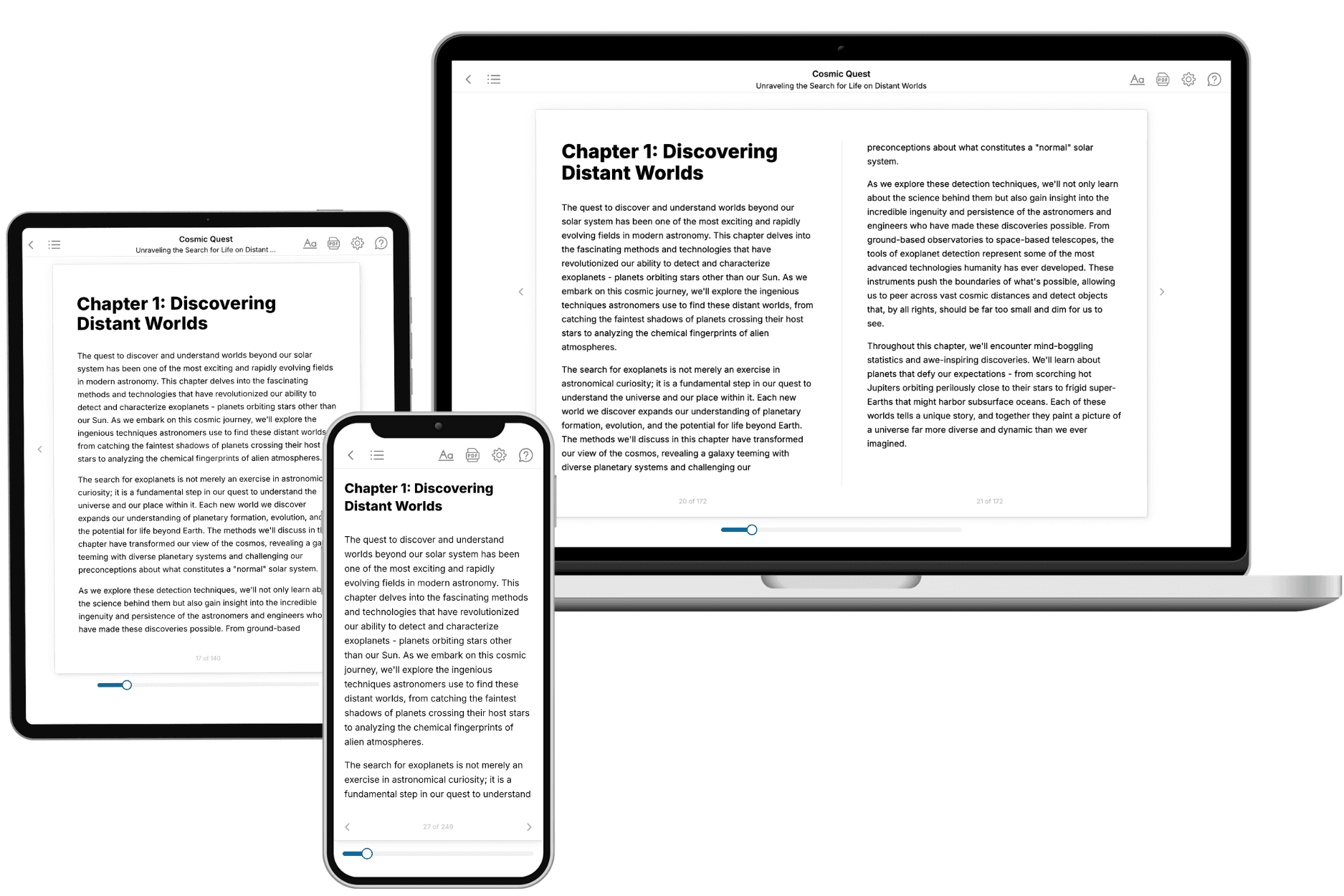
Your book is ready in 10 minutes. Read it online, download as EPUB or PDF, or send to Kindle.
Frequently asked questions
- What is TailoredRead?
TailoredRead creates complete, full-length nonfiction ebooks, written specifically for you. Tell us what you want to learn and why, and TailoredRead writes you a complete ebook on it, with charts, tables, and diagrams throughout. Read it online, on Kindle, or on any e-reader, or download it as a PDF or EPUB. Every book is written fresh the day you order it.
- How is the book tailored to me?
Before anything is written, you answer a few short questions about your goals, your background, and the topics you care about. Your book is then planned around your answers: written at your level, focused on your goals, and covering the topics you chose, instead of the one-size-fits-all book a store sells everyone.
- Will it read like generic AI content?
No. Your book isn't a chat transcript: it's planned chapter by chapter before a single word is written, told in a clear book voice, and explains ideas visually with charts, tables, and diagrams. After writing, every book goes through an editorial pass that polishes chapters so the book reads consistent from start to finish. Judge for yourself: browse thousands of sample books on our Explore Books page.
- How accurate is the content?
Our AI first checks whether your subject needs live research. Niche and fast-moving subjects are researched before writing, and the book plan and chapters are grounded in what it finds. After writing, every book goes through a quality pass that checks its facts and consistency, and researched books list their sources in a Notes section at the back.
- How long is the book?
You choose the length: Comprehensive (250-300 pages), Detailed (150-200 pages), Essential (70-100 pages), or Short (30-50 pages).
- Does the book include visuals?
Yes. Every book includes charts, tables, and diagrams: timelines, checklists, step-by-step guides, decision trees, comparison tables, matrices, and bar charts. A typical book includes dozens of these visual elements.
- Can I read it on Kindle? What formats can I download?
Yes. Every book can be read in our online reader or downloaded as a PDF or EPUB. The EPUB can be opened with Kindle, Apple Books, Kobo, and any e-reader. The Commercial and Author licenses also include an editable Word (DOCX) and Markdown download.
- How much does it cost?
About the price of a regular ebook. The exact price depends on your book's length and complexity, from $2 for the shortest books to $35 for the most comprehensive, and it's shown when you review your book, before you commit to anything. Each book is a one-time purchase, yours to keep, no subscription. Licenses that let you share, teach, or publish your book range from $35.99 to $49.99.
- Can I preview the book before purchasing?
Before you pay, you'll see what your book will cover: the title, a detailed description, the estimated length, and the complete chapter-by-chapter table of contents, so you know what you're getting before you decide. The full text itself is written after you purchase.
- How long does it take to create a book?
About 10 minutes. You can start reading the opening chapters while the rest is still being written.