Interaction Design Patterns
Building Intuitive Interfaces Through Proven Design Solutions
Create interfaces that feel natural and intuitive by mastering the design patterns that guide user behavior.
207 pages10 chaptersJul 31, 2026Interaction Design
About this book
This book teaches you how to recognize, apply, and adapt proven interaction patterns to solve real-world design challenges. You'll learn how design patterns connect to software architecture, enabling you to build systems that scale without sacrificing user experience. From navigation structures to feedback mechanisms, form interactions to accessibility considerations, you'll discover the principles behind effective patterns and when to use each one. Whether you're designing a mobile app, web platform, or complex enterprise system, these patterns provide a shared language with your team and a foundation for making consistent, user-centered decisions. Move beyond copying interfaces and start understanding the reasoning behind great design.
Table of contents
- IntroductionWhy Interaction Patterns Matter, Patterns vs. Trends: Building for Longevity, How to Use This BookRead below
- Chapter 1: Foundations of Interaction DesignWhat Are Design Patterns?, The Anatomy of a Pattern, How Patterns Connect to Software Architecture, Understanding User Mental Models
- Chapter 2: Navigation and Information Architecture PatternsHierarchical Navigation Patterns, Flat and Hub Navigation Patterns, Search and Discovery Patterns, Breadcrumbs and Wayfinding
- Chapter 3: Feedback and Response PatternsLoading States and Progress Indicators, Error Messages and Recovery Patterns, Confirmation and Undo Patterns, Notifications and Alerts
- Chapter 4: Form and Input PatternsForm Structure and Layout, Input Validation and Inline Feedback, Complex Input Patterns, Progressive Disclosure in Forms
- Chapter 5: Interaction States and TransitionsManaging Interaction States, Transitions and Micro-interactions, Disabled and Unavailable States
- Chapter 6: Building Consistency Across PatternsDesign Systems and Pattern Libraries, Documenting Patterns for Your Team, The Business Case for Consistency
- Chapter 7: Accessible Interaction PatternsWCAG Principles and Interaction Design, Keyboard Navigation Patterns, Screen Reader and Assistive Technology Patterns, Accessible Form Patterns
- Chapter 8: Performance and Perception in Interaction DesignPerceived Performance vs. Actual Speed, Lazy Loading and Progressive Enhancement, Responsive Interaction Patterns
- Chapter 9: Mobile and Touch Interaction PatternsTouch Targets and Gesture Patterns, Mobile Navigation Patterns, Context-Aware Interaction Patterns, Mobile Form and Input Patterns
- Chapter 10: Applying Patterns in PracticeChoosing the Right Pattern for Your Context, Adapting Patterns to Your Domain, Resolving Pattern Conflicts, Testing and Validating Patterns
- ConclusionFrom Learning to Mastery, The Future of Interaction Patterns
- Glossary
Introduction
A user opens a mobile banking app for the first time. Within thirty seconds, they've found their account balance, located the transfer button, and started a payment. They didn't read a manual. Nobody walked them through it. The interface simply behaved the way they expected it to, because the designers behind it made deliberate choices about structure, feedback, and flow. Those choices weren't invented from scratch. They were drawn from a shared vocabulary of solutions that the design community has refined over decades. That vocabulary is what this book is about.
Interaction design patterns are reusable answers to recurring problems. When a user submits a form and something goes wrong, there's a proven way to communicate that error clearly. When a product has dozens of sections, there are established structures for helping users navigate without getting lost. When a button triggers a slow server request, there are tested approaches for keeping the user informed and confident. These patterns exist because the same problems appear across thousands of products, and the solutions that work best have been identified, named, and documented so that designers and developers don't have to rediscover them every time.
This book is written for designers and developers who already understand the basics of interaction design and want to go deeper. You know what a button is. You've built forms. You've thought about navigation. What this book offers is a structured way to think about why certain solutions work, how they connect to each other, and how to choose and adapt them for your specific context. The goal isn't to give you a catalog to copy from. It's to give you a way of thinking that makes you faster, more consistent, and more confident in your design decisions.
The chapters ahead move from foundational concepts through specific pattern categories, covering navigation, feedback, forms, states, accessibility, performance, and mobile contexts, before finishing with practical guidance on applying patterns in real projects. Each chapter builds on the last, but the book is also designed so you can jump to the section most relevant to your current work. Whether you're redesigning a checkout flow, building a design system, or trying to make a complex enterprise tool more usable, there's a direct path through this material to what you need.
Why Interaction Patterns Matter
Design without patterns is design from scratch, every time. That sounds creative, but in practice it's expensive, inconsistent, and often worse for users. When every team member solves the same problem differently, the product becomes a collection of one-off solutions that users have to relearn as they move through it. Patterns solve this by giving teams a shared starting point, one that's already been tested against real user behavior and refined over time.
The value of patterns isn't just efficiency, though that matters too. Patterns carry embedded knowledge. When you use a well-established Confirmation Pattern before a destructive action, you're not just following a convention. You're applying a solution that accounts for the psychology of irreversible decisions, the cost of accidental data loss, and the user's need to feel in control. That knowledge is baked into the pattern. Using it means you inherit that understanding, even if you haven't explicitly reasoned through all of it yourself.
Consider what happens when a pattern is ignored. A team building an e-commerce checkout decides to skip the standard order summary step because it feels redundant. Users, accustomed to reviewing their cart before payment, feel uncertain at the payment screen. Cart abandonment rises. The team adds the summary back. This kind of cycle is common, and it's almost always avoidable. The pattern existed because users need that moment of confirmation. Skipping it meant relearning a lesson the industry had already learned.
Patterns also matter because they create a shared language between designers, developers, and stakeholders. When a designer says we need a Progressive Disclosure in Forms approach here
, a developer who knows the pattern understands the intent immediately. There's no need to describe the behavior from scratch, debate the logic, or prototype it just to communicate the idea. That shared vocabulary compresses communication and reduces the gap between design intent and implementation.
For users, consistent patterns reduce cognitive load. When the same type of action always looks and behaves the same way across a product, users build accurate User Mental Models of how the system works. They stop thinking about the interface and start thinking about their task. That shift, from interface-awareness to task-focus, is one of the clearest signs that a design is working. Patterns are the mechanism that makes it possible at scale.
A well-chosen pattern doesn't just solve today's problem. It sets a precedent that makes every future decision in the same category faster, more consistent, and easier to defend.
None of this means patterns are rigid rules. The best designers treat them as informed starting points. They understand what a pattern is trying to achieve, and they adapt it when the context demands something different. But adaptation requires understanding. You can't meaningfully deviate from a pattern you don't know. That's why learning patterns isn't about memorizing solutions. It's about understanding the problems those solutions were designed to address.
The practical impact of patterns shows up in measurable ways. Products with consistent interaction patterns tend to have lower error rates, higher task completion, and better user satisfaction scores. Teams that work from a shared Pattern Library ship faster and spend less time in design review debates. These aren't abstract benefits. They show up in sprint velocity, support ticket volume, and user retention. Patterns are a practical tool with real business consequences, not just a design theory concept.
Patterns vs. Trends: Building for Longevity
Design trends move fast. Flat design replaced skeuomorphism. Card layouts replaced list views. Dark mode became a standard expectation. Glassmorphism had its moment. Each of these shifts changed how interfaces looked, and some changed how they felt. But underneath the visual layer, the fundamental interaction problems stayed the same. Users still needed to navigate, submit data, receive feedback, and recover from errors. The patterns that address those needs have remained remarkably stable even as the aesthetic layer shifted dramatically.
The distinction between a pattern and a trend is worth being precise about. A Design Pattern is a solution to a recurring interaction problem, grounded in how users think and behave. A trend is a stylistic or structural choice that reflects current aesthetic preferences or technological capabilities. Trends can influence how a pattern is expressed visually, but they don't change what the pattern needs to accomplish. The Inline Validation pattern, for example, has been implemented in flat, material, and neumorphic visual styles. The visual treatment changed. The underlying behavior, validating input as the user types and surfacing errors immediately, stayed the same.
One of the most common mistakes in interface design is treating trends as patterns. A team sees a popular app using a bottom sheet for secondary actions and adopts it across their product, not because it solves a specific navigation problem, but because it looks current. When the trend fades or the context doesn't fit, the decision looks arbitrary and the interface feels dated. Patterns, by contrast, age well because they're grounded in user behavior rather than aesthetic fashion.
This doesn't mean trends are irrelevant. Visual trends often reflect genuine improvements in technology or shifts in user expectations. The move toward larger touch targets on mobile wasn't just aesthetic. It reflected the reality of how people hold and use phones. The adoption of skeleton screens over spinner animations reflected research showing that users perceive content-shaped placeholders as faster than abstract loading indicators. Trends that stick usually do so because they solve a real problem better than what came before. When that happens, they often become patterns themselves.
The practical test for distinguishing a pattern from a trend is to ask: what problem does this solve, and does that problem exist in my context? If you can answer that clearly, you're working with a pattern. If the answer is it looks like what other apps are doing right now
, you're following a trend. Both have a place in design, but they require different levels of commitment. Trends can be updated with a visual refresh. Patterns are structural decisions that affect how users learn and navigate your product over time.
Building for longevity means prioritizing patterns over trends when they conflict. It means choosing a Hierarchical Navigation structure because your content genuinely has depth and hierarchy, not because a particular navigation style is popular this year. It means implementing a Confirmation Pattern for destructive actions because users need that safety net, regardless of whether modal dialogs are currently in or out of fashion. The visual expression of that confirmation can follow current trends. The decision to include it should follow the pattern.
There's also a team dimension to this. When a design system is built around patterns rather than trends, it ages better. A Design Token system that separates visual values from structural decisions makes it possible to update the look of a product without rebuilding its interaction logic. Teams that conflate the two end up doing far more work during visual refreshes because they have to untangle style from behavior. Keeping patterns and trends conceptually separate from the start pays dividends every time the product needs to evolve.
The chapters in this book focus almost entirely on patterns. Where visual examples appear, they're chosen to illustrate the pattern's behavior, not to prescribe a specific aesthetic. The goal is to give you a foundation that remains useful regardless of what the design landscape looks like in two or five years. The problems users face when interacting with digital products are not going away. The patterns that address those problems are worth understanding deeply.
How to Use This Book
This book is structured to work in two ways: as a linear read from start to finish, and as a reference you return to when a specific problem comes up. The early chapters build conceptual foundations that make the later chapters more useful. If you're new to thinking about design patterns formally, reading in order will give you the mental framework to get more out of the specific pattern categories. If you're already comfortable with the theory and need practical guidance on a specific area, jumping directly to the relevant chapter is a reasonable approach.
The chapter on foundations covers what Design Patterns are, how to read their anatomy, how they connect to Software Architecture Connection, and how they relate to User Mental Models. This chapter is worth reading even if you feel confident in these areas, because the terminology and framing used there carries through the rest of the book. Subsequent chapters on navigation, feedback, forms, states, consistency, accessibility, performance, and mobile patterns each stand on their own but reference the foundational concepts regularly.
Each pattern chapter follows a consistent structure. It opens with the problem the patterns in that category address, then covers the main patterns with concrete examples, explains when to use each one, and flags common mistakes. This structure is intentional. Understanding the problem first makes the solution more meaningful. Seeing concrete examples makes the abstract practical. Knowing when not to use a pattern is as important as knowing when to use it.
Here's a practical guide to navigating the book based on your current situation:
- Building a new product from scratch: Start with the foundations chapter, then work through navigation and information architecture before moving to feedback and form patterns. These three areas shape the core user experience more than anything else.
- Improving an existing product: Jump to the chapter most relevant to your current pain point. If users are getting lost, go to navigation patterns. If error rates are high, go to form and feedback patterns. If the product feels inconsistent, go to the consistency chapter.
- Building or improving a design system: The consistency chapter and the accessibility chapter are your primary destinations, but the pattern documentation section will be especially relevant.
- Working on a mobile product: The mobile patterns chapter covers touch-specific considerations, but read the interaction states chapter first, since mobile patterns build heavily on state management concepts.
- Preparing for a design review or stakeholder presentation: The applying patterns chapter covers how to select, adapt, and defend pattern choices in real project contexts.
Throughout the book, patterns are referred to by their canonical names, which are consistent with how they're discussed in the broader design community. This is deliberate. Using precise names makes it easier to search for additional resources, communicate with teammates, and connect what you read here to other material you encounter. When a new term is introduced, it's defined in context. A glossary at the back of the book collects all the key terms for quick reference.
The examples in each chapter are drawn from common product contexts: e-commerce, productivity tools, mobile apps, enterprise software, and content platforms. This variety is intentional. A pattern that only makes sense in one context isn't really a pattern. Seeing the same solution applied across different domains helps clarify what's essential about the pattern versus what's specific to a particular implementation. Where examples show what not to do, they're framed as common mistakes rather than as criticism of specific products.
Accessibility is not isolated to a single chapter. The dedicated chapter on accessible interaction patterns covers WCAG Principles, Keyboard Navigation Pattern, Screen Reader Pattern, and related topics in depth. But accessibility considerations also appear throughout the book wherever a pattern has specific accessibility implications. This reflects how accessibility should work in practice: not as a separate checklist applied at the end, but as a constraint that shapes pattern decisions from the beginning.
Performance is treated similarly. The chapter on perceived performance and interaction design covers Perceived Performance, Lazy Loading, Skeleton Screen, and Optimistic UI patterns in detail. But performance considerations appear in other chapters too, particularly in the sections on loading states and mobile patterns, where performance constraints are most acute. The goal is to show that performance is an interaction design concern, not just an engineering one.
The final chapter on applying patterns in practice is worth reading even if you skip other sections. It addresses the hardest part of working with patterns: not learning what they are, but knowing how to choose between them, adapt them to unusual contexts, resolve conflicts when two patterns pull in different directions, and validate whether a pattern is actually working for your users. Pattern Selection, Pattern Adaptation, Pattern Conflict, and Pattern Validation are skills that develop with practice, but having a framework for them makes the learning curve much shorter.
One last note on how to engage with this material. Reading about patterns is useful. Applying them is where the real learning happens. As you move through each chapter, look for opportunities to connect what you're reading to something you're currently working on or have worked on recently. Ask yourself whether a pattern you're reading about would have helped in a past project, or whether a decision you made intuitively aligns with a pattern you're now seeing named and explained. That kind of active connection between reading and experience is what turns information into judgment, and judgment is what separates designers who know patterns from designers who can use them well.
This is the end of the free sample. The full book has 10 chapters.
Want this book written for you?
Tell us your goals and background, and get your own version of this book, tailored by AI to you.


Benefits of AI-tailored books
- Read one book, not ten:
- all the Interaction Design knowledge you need, gathered into a single book.
- Save days of learning:
- tell us your goals, choose your topics, and the whole book is built around them.
- Learn effortlessly:
- Interaction Design book written for your specific background and expertise.
- Understand at a glance:
- includes charts, tables, timelines, checklists, decision trees, and more.
- Stay current:
- written the day you order it, not years ago.
- Trust what you read:
- every book is checked for accuracy, with real research when your subject needs it.
Create your unique book in 3 steps
- 1. Select your focus
Select the focus of your Interaction Design book and share your background
- 2. Personalize your book
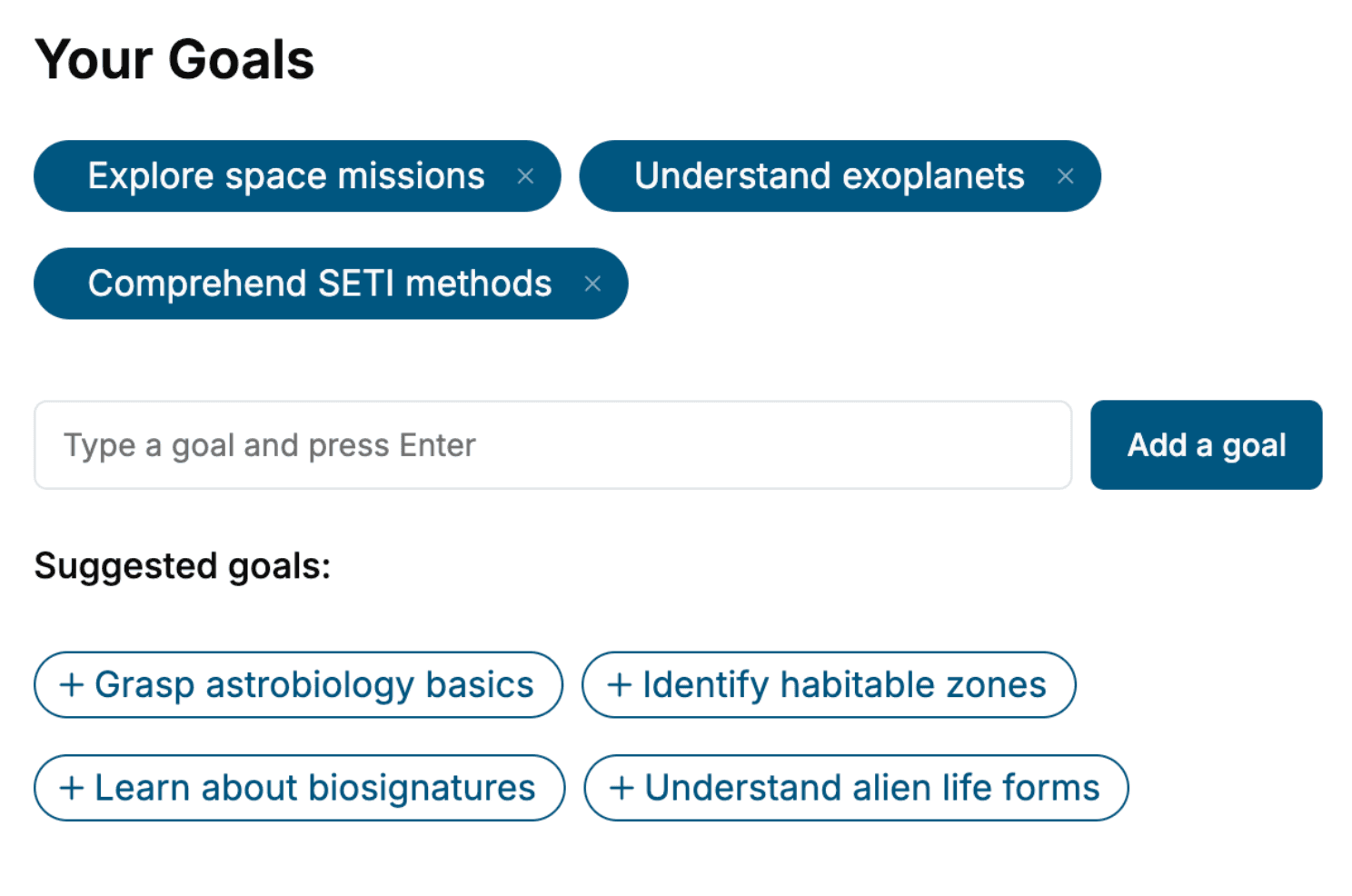
Specify your goals and choose sub-topics to include
- 3. Get your tailored book
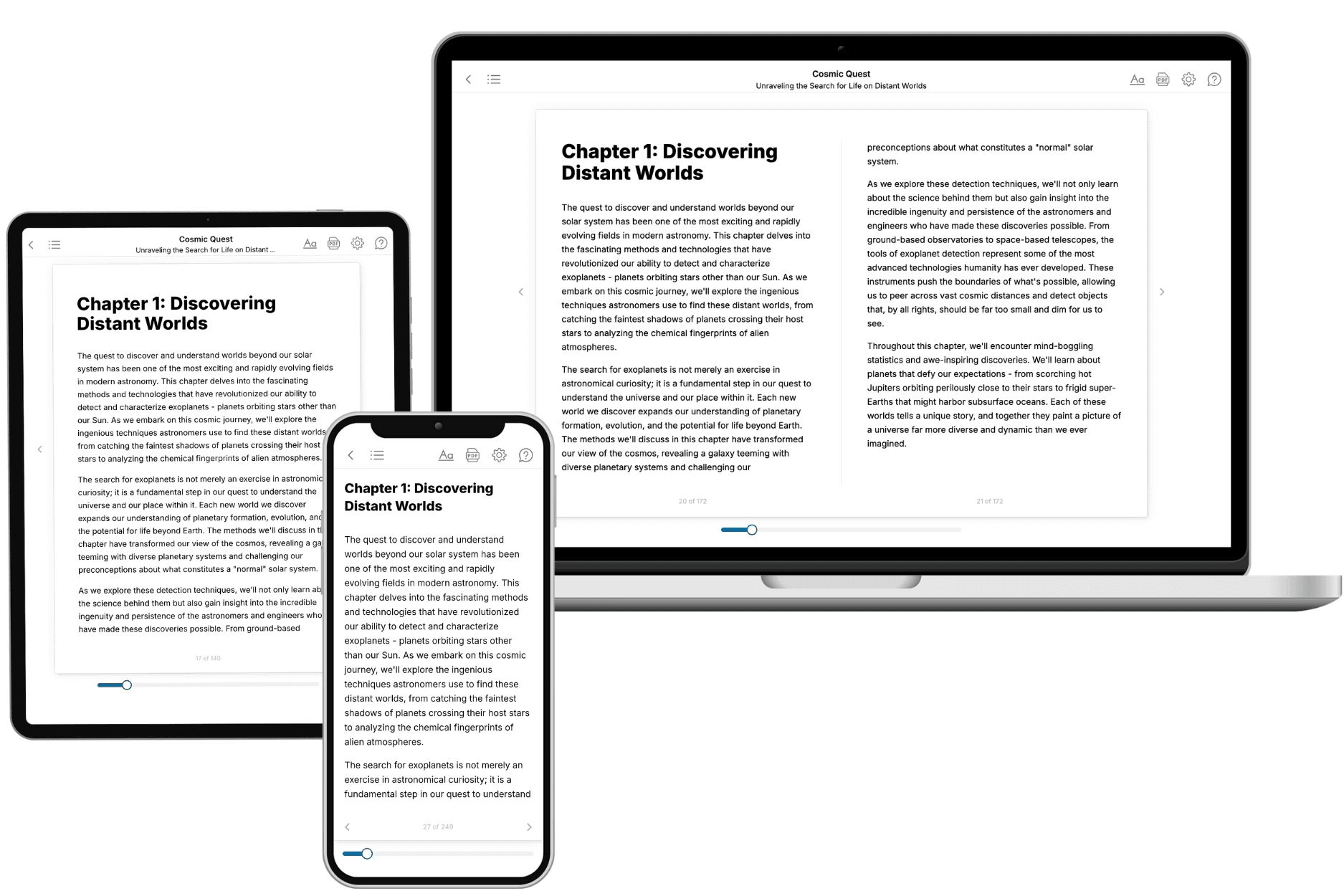
Your book is ready in 10 minutes. Read it online, download as EPUB or PDF, or send to Kindle.

Frequently asked questions
- What is TailoredRead?
TailoredRead creates complete, full-length nonfiction ebooks, written specifically for you. Tell us what you want to learn and why, and TailoredRead writes you a complete ebook on it, with charts, tables, and diagrams throughout. Read it online, on Kindle, or on any e-reader, or download it as a PDF or EPUB. Every book is written fresh the day you order it.
- How is the book tailored to me?
Before anything is written, you answer a few short questions about your goals, your background, and the topics you care about. Your book is then planned around your answers: written at your level, focused on your goals, and covering the topics you chose, instead of the one-size-fits-all book a store sells everyone.
- Will it read like generic AI content?
No. Your book isn't a chat transcript: it's planned chapter by chapter before a single word is written, told in a clear book voice, and explains ideas visually with charts, tables, and diagrams. After writing, every book goes through an editorial pass that polishes chapters so the book reads consistent from start to finish. Judge for yourself: browse thousands of sample books on our Explore Books page.
- How accurate is the content?
Our AI first checks whether your subject needs live research. Niche and fast-moving subjects are researched before writing, and the book plan and chapters are grounded in what it finds. After writing, every book goes through a quality pass that checks its facts and consistency, and researched books list their sources in a Notes section at the back.
- How long is the book?
You choose the length: Comprehensive (250-300 pages), Detailed (150-200 pages), Essential (70-100 pages), or Short (30-50 pages).
- Does the book include visuals?
Yes. Every book includes charts, tables, and diagrams: timelines, checklists, step-by-step guides, decision trees, comparison tables, matrices, and bar charts. A typical book includes dozens of these visual elements.
- Can I read it on Kindle? What formats can I download?
Yes. Every book can be read in our online reader or downloaded as a PDF or EPUB. The EPUB can be opened with Kindle, Apple Books, Kobo, and any e-reader. The Commercial and Author licenses also include an editable Word (DOCX) and Markdown download.
- How much does it cost?
About the price of a regular ebook. The exact price depends on your book's length and complexity, from $2 for the shortest books to $35 for the most comprehensive, and it's shown when you review your book, before you commit to anything. Each book is a one-time purchase, yours to keep, no subscription. Licenses that let you share, teach, or publish your book range from $35.99 to $49.99.
- Can I preview the book before purchasing?
Before you pay, you'll see what your book will cover: the title, a detailed description, the estimated length, and the complete chapter-by-chapter table of contents, so you know what you're getting before you decide. The full text itself is written after you purchase.
- How long does it take to create a book?
About 10 minutes. You can start reading the opening chapters while the rest is still being written.