iPhone Keyboard Mastery
Boost Your Productivity with Time-Saving Shortcuts and Tricks
Imagine typing on your iPhone with the speed and efficiency of a professional.
253 pages12 chaptersJan 8, 2025iOS
About this book
"iPhone Keyboard Mastery" is your ultimate guide to unlocking the full potential of your device's keyboard. You'll discover a wealth of time-saving shortcuts and tricks that will revolutionize the way you interact with your iPhone. From basic text editing to advanced symbol insertion, this comprehensive guide covers everything you need to know about iPhone keyboard shortcuts. You'll learn how to navigate your device swiftly, compose messages with lightning speed, and customize your keyboard to suit your unique needs. Whether you're a busy professional, a student, or simply someone who wants to get more out of their iPhone, this book will equip you with the skills to type faster, communicate more efficiently, and take control of your digital life. Get ready to impress your friends and colleagues with your newfound iPhone keyboard prowess!
Table of contents
- IntroductionThe Importance of Keyboard Shortcuts, Overview of the Book, Getting Started with iPhone Keyboard ShortcutsRead below
- Chapter 1: iPhone Keyboard BasicsUnderstanding the iPhone Keyboard Layout, Accessing Numbers and Symbols, Basic Text Entry Shortcuts, Using Predictive Text Effectively
- Chapter 2: Essential Text Editing ShortcutsMoving the Cursor Efficiently, Text Selection Techniques, Copy, Cut, and Paste Shortcuts, Undo and Redo Actions
- Chapter 3: Advanced Typing TechniquesOne-Handed Typing Mode, Mastering Swipe Typing, Using Text Replacement Features, Quick Emoji and Symbol Insertion
- Chapter 4: Customizing Your KeyboardExploring Keyboard Settings, Creating Custom Text Shortcuts, Third-Party Keyboard Options, Personalizing Keyboard Themes
- Chapter 5: Navigation and App Switching ShortcutsQuick Home Screen Navigation, Mastering the App Switcher, Spotlight Search Shortcuts, Control Center Keyboard Tricks
- Chapter 6: Shortcuts for Efficient CommunicationSetting Up Quick Replies, Email Composition Shortcuts, Messaging App Keyboard Tricks, Social Media Typing Hacks
- Chapter 7: Multilingual Typing and Language OptionsQuick Language Switching, Setting Up Multiple Keyboards, Managing Autocorrect for Different Languages, Translation Shortcuts and Features
- Chapter 8: Keyboard Shortcuts in Productivity AppsMastering the Notes App, Shortcuts for Reminders and To-Do Lists, Calendar App Keyboard Tricks, Efficient Document Editing
- Chapter 9: Accessibility Features and Keyboard ShortcutsVoiceOver Keyboard Commands, Switch Control for Keyboard Navigation, Advanced Dictation Features, AssistiveTouch and Keyboard Integration
- Chapter 10: Combining Gestures with Keyboard ShortcutsMastering Trackpad Mode, 3D Touch and Keyboard Interactions, Gesture Typing Techniques, Creating Custom Shortcut Gestures
- Chapter 11: Troubleshooting and OptimizationResolving Common Keyboard Issues, Keyboard Performance Optimization Tips, Resetting and Recalibrating Your Keyboard, Keeping Your Keyboard Updated and Maintained
- Chapter 12: The Future of iPhone KeyboardsAI-Powered Predictive Typing, Advanced Haptic Feedback Technologies, The Evolution of Gesture-Based Input, Upcoming Keyboard Features to Look Out For
- ConclusionKey Takeaways, Continuous Learning and Improvement
- Glossary of iPhone Keyboard Terms
- Additional Resources and Further Reading
Introduction
Welcome to the world of iPhone keyboard mastery! In this digital age, where communication and productivity are increasingly centered around our mobile devices, the ability to efficiently navigate and utilize your iPhone's keyboard is more crucial than ever. This introduction will set the stage for your journey towards becoming an iPhone keyboard virtuoso, exploring the importance of keyboard shortcuts, providing an overview of what you can expect from this book, and guiding you through the initial steps of getting started with iPhone keyboard shortcuts.
As you embark on this journey, remember that mastering your iPhone's keyboard is not just about typing faster—it's about enhancing your overall digital experience. By the end of this book, you'll be equipped with the knowledge and skills to transform the way you interact with your device, making every tap, swipe, and gesture count. Whether you're a busy professional, a student, or simply someone looking to get more out of their iPhone, the techniques and shortcuts you'll learn here will revolutionize your mobile productivity.
The Importance of Keyboard Shortcuts
In today's fast-paced digital world, efficiency is key. Every second saved in your daily interactions with technology can add up to significant time savings over weeks, months, and years. This is where keyboard shortcuts come into play. These time-saving techniques are not just conveniences; they are essential tools for anyone looking to maximize their productivity and streamline their digital workflow.
Keyboard shortcuts on your iPhone serve multiple purposes. Firstly, they significantly reduce the time it takes to perform common tasks. Instead of navigating through multiple menus or screens to accomplish a simple action, a well-executed shortcut can achieve the same result in a fraction of the time. This speed boost is particularly noticeable when you're composing emails, drafting documents, or engaging in rapid-fire text conversations.
Secondly, keyboard shortcuts enhance your overall user experience. As you become more proficient with these shortcuts, you'll find that interacting with your iPhone becomes more intuitive and less cumbersome. This improved interaction can lead to a more enjoyable and less frustrating experience with your device, especially during extended use periods.
Moreover, mastering keyboard shortcuts can have a positive impact on your physical well-being. By reducing the number of taps and swipes required to navigate your device, you can potentially decrease the strain on your fingers and wrists. This is particularly beneficial for those who use their iPhones extensively for work or communication.
The importance of keyboard shortcuts extends beyond personal use. In professional settings, the ability to quickly and efficiently manage your digital communications can give you a competitive edge. Whether you're responding to urgent emails, taking notes in a meeting, or managing your calendar on the go, keyboard shortcuts can help you stay on top of your tasks with greater ease and professionalism.
Furthermore, keyboard shortcuts are not static; they evolve with each iOS update, offering new possibilities for efficiency. Staying updated with the latest shortcuts ensures that you're always at the cutting edge of iPhone productivity. As Apple continues to refine and expand the capabilities of the iPhone keyboard, your mastery of these shortcuts will allow you to adapt quickly and take full advantage of new features as they're introduced.
It's worth noting that the benefits of keyboard shortcuts are not limited to text input alone. Throughout this book, you'll discover how shortcuts can enhance various aspects of your iPhone use, from navigation and app switching to accessibility features and multilingual typing. This comprehensive approach to keyboard mastery will empower you to use your iPhone more effectively across all its functions.
As you progress through this book, you'll find that learning keyboard shortcuts is not just about memorizing a set of commands. It's about developing a new way of thinking about how you interact with your device. This mindset shift can lead to continuous improvement in your digital skills, encouraging you to seek out new efficiencies and optimize your workflow constantly.
In essence, the importance of keyboard shortcuts lies in their ability to transform your relationship with your iPhone. They are the key to unlocking a more efficient, enjoyable, and productive mobile experience. By investing time in mastering these shortcuts, you're not just learning a few tricks; you're equipping yourself with a valuable skill set that will serve you well in our increasingly digital world.
As we move forward, keep in mind that the journey to keyboard mastery is a gradual process. Don't be discouraged if you don't memorize every shortcut immediately. With practice and persistence, these techniques will become second nature, and you'll wonder how you ever managed without them. Let's embark on this journey together, unlocking the full potential of your iPhone keyboard one shortcut at a time.
Overview of the Book
"iPhone Keyboard Mastery: Boost Your Productivity with Time-Saving Shortcuts and Tricks" is designed to be your comprehensive guide to unlocking the full potential of your iPhone's keyboard. This book is structured to take you on a journey from the basics of keyboard functionality to advanced techniques that will revolutionize the way you interact with your device. Whether you're a novice iPhone user or someone who's been using the device for years, this book has something valuable to offer.
We begin our exploration with the fundamentals in Chapter 1, "iPhone Keyboard Basics." Here, you'll gain a solid understanding of the iPhone keyboard layout, learn how to access numbers and symbols efficiently, and discover basic text entry shortcuts that will immediately boost your typing speed. This chapter also delves into the effective use of predictive text, a feature that, when mastered, can significantly reduce your typing time.
As we progress, Chapter 2 focuses on "Essential Text Editing Shortcuts." This chapter is crucial for anyone who frequently composes or edits text on their iPhone. You'll learn techniques for efficient cursor movement, text selection, and mastering the copy, cut, and paste functions. We'll also cover undo and redo actions, ensuring you can quickly recover from mistakes or revert changes as needed.
Chapter 3 takes us into the realm of "Advanced Typing Techniques." Here, you'll discover the power of one-handed typing mode, perfect for those moments when you need to use your iPhone while multitasking. We'll explore the art of swipe typing, a method that can dramatically increase your typing speed once mastered. This chapter also covers text replacement features and quick emoji and symbol insertion, tools that can add both efficiency and expressiveness to your digital communications.
Customization is the focus of Chapter 4, where we'll dive into "Customizing Your Keyboard." You'll learn how to tailor your keyboard settings to your personal preferences, create custom text shortcuts, and explore third-party keyboard options that can offer additional functionality. We'll also look at personalizing keyboard themes, allowing you to create a typing environment that's not only efficient but also visually appealing and comfortable for extended use.
Chapter 5 broadens our focus to "Navigation and App Switching Shortcuts." Here, you'll learn how to navigate your iPhone's interface with lightning speed, mastering quick home screen navigation, efficient use of the app switcher, and keyboard tricks for the Control Center. We'll also explore Spotlight search shortcuts, enabling you to find and launch apps or search for information with minimal effort.
In Chapter 6, we turn our attention to "Shortcuts for Efficient Communication." This chapter is essential for anyone who uses their iPhone extensively for messaging and social media. You'll learn how to set up quick replies, master email composition shortcuts, and discover keyboard tricks specific to various messaging and social media apps. These skills will help you communicate more quickly and effectively across all your digital platforms.
For those who work with multiple languages, Chapter 7 on "Multilingual Typing and Language Options" will be invaluable. We'll cover quick language switching techniques, setting up multiple keyboards, and managing autocorrect for different languages. You'll also learn about translation shortcuts and features that can help bridge language barriers in your communications.
Chapter 8 focuses on "Keyboard Shortcuts in Productivity Apps," where you'll learn how to leverage keyboard tricks in apps like Notes, Reminders, Calendar, and various document editing applications. These skills will help you manage your tasks, schedule, and work documents more efficiently, boosting your overall productivity.
Accessibility is a key focus in Chapter 9, where we explore "Accessibility Features and Keyboard Shortcuts." This chapter covers VoiceOver keyboard commands, Switch Control for keyboard navigation, advanced dictation features, and the integration of AssistiveTouch with keyboard functions. These features not only benefit users with specific accessibility needs but can also enhance the typing experience for all users.
In Chapter 10, we delve into "Combining Gestures with Keyboard Shortcuts." This advanced chapter will teach you how to master trackpad mode, utilize 3D Touch in conjunction with keyboard interactions, and even create custom shortcut gestures. These techniques represent the cutting edge of iPhone interaction, allowing for incredibly nuanced and efficient device control.
No guide would be complete without addressing potential issues, which is why Chapter 11 covers "Troubleshooting and Optimization." Here, you'll learn how to resolve common keyboard issues, optimize keyboard performance, reset and recalibrate your keyboard when necessary, and keep your keyboard updated and well-maintained.
Finally, we look to the future in Chapter 12, exploring "The Future of iPhone Keyboards." This forward-looking chapter discusses emerging technologies like AI-powered predictive typing, advanced haptic feedback, the evolution of gesture-based input, and upcoming keyboard features to watch for. This information will help you stay ahead of the curve and prepare for the next innovations in iPhone keyboard technology.
Throughout the book, you'll find practical examples, step-by-step instructions, and tips from power users that will help you apply these concepts in real-world situations. Each chapter builds upon the last, creating a comprehensive learning experience that will transform you from a casual iPhone user to a keyboard maestro.
By the time you reach the conclusion, you'll have a wealth of knowledge at your fingertips—literally. The key takeaways section will summarize the most crucial points, while the section on continuous learning will provide guidance on how to keep your skills sharp and stay updated with the latest iPhone keyboard developments.
Remember, mastering your iPhone keyboard is an ongoing journey. This book is designed to be a resource you can return to time and again as you continue to refine your skills. Whether you're looking to speed up your typing, navigate your device more efficiently, or discover new ways to interact with your iPhone, "iPhone Keyboard Mastery" has you covered. Let's begin this exciting journey towards becoming an iPhone keyboard expert!
Getting Started with iPhone Keyboard Shortcuts
Now that we've explored the importance of keyboard shortcuts and provided an overview of what this book has to offer, it's time to take your first steps towards iPhone keyboard mastery. This section will guide you through the initial stages of working with keyboard shortcuts, setting you up for success as you delve deeper into the more advanced techniques in the following chapters.
First and foremost, it's essential to ensure that your iPhone is running the latest version of iOS. Apple frequently updates its operating system, often introducing new keyboard features and refining existing ones. To check for updates, go to Settings > General > Software Update. If an update is available, install it before proceeding. This will ensure you have access to the most current keyboard functionality and shortcuts[1].
Once your device is up to date, familiarize yourself with the basic layout of the iPhone keyboard. Take a moment to open any app that allows text input, such as Notes or Messages, and bring up the keyboard. Notice the arrangement of letters, numbers, and special characters. Pay particular attention to the keys surrounding the space bar, as these often serve multiple functions and are crucial for many shortcuts.
One of the first shortcuts you should master is quickly switching between letter and number/symbol keyboards. Instead of tapping the '123' key, try holding it down and sliding your finger to the desired number or symbol. Upon releasing your finger, the keyboard will automatically revert to the letter layout. This simple technique can significantly speed up your typing when you need to insert numbers or punctuation into your text.
Next, practice using the shift key effectively. A single tap capitalizes the next letter, while a double-tap enables caps lock. You can also hold the shift key and slide to a letter to capitalize it, then release to continue typing in lowercase. This fluid motion can be faster than tapping shift and then the letter separately.
Another fundamental shortcut to practice is quickly inserting a period at the end of a sentence. Simply double-tap the space bar, and your iPhone will automatically add a period followed by a space. This shortcut works in most apps and can save you considerable time when composing longer texts or emails.
As you begin to use these basic shortcuts, pay attention to the predictive text suggestions that appear above the keyboard. While not a shortcut in the traditional sense, effectively using these suggestions can dramatically increase your typing speed. Practice tapping on suggested words to complete them or entire phrases to insert them into your text.
One often overlooked feature is the ability to move the cursor precisely through your text. Instead of tapping exactly where you want the cursor to go (which can be challenging on a small screen), try this: press and hold the space bar until the keyboard turns blank. Without lifting your finger, slide it around, and you'll see the cursor move accordingly. This technique gives you much finer control over cursor placement.
As you become comfortable with these initial shortcuts, start exploring the hidden characters on your keyboard. Many keys have additional characters accessible by long-pressing. For example, long-pressing the period key reveals options for other punctuation marks, while long-pressing letter keys often provides accented versions of that letter. Familiarize yourself with these options, as they can be invaluable when you need to type special characters quickly.
Another useful shortcut to practice early on is rapid deletion. Instead of repeatedly tapping the delete key to remove text, try holding it down. After a brief pause, it will begin deleting entire words at a time, allowing you to remove large portions of text quickly. Be cautious when using this feature, and remember that you can always use the undo function (shake your device or tap with three fingers) if you delete too much.
As you practice these initial shortcuts, don't be discouraged if they feel awkward or slow at first. Like any new skill, mastering iPhone keyboard shortcuts takes time and repetition. Set aside a few minutes each day to practice in a low-pressure environment, such as typing notes to yourself or composing practice emails. With consistent effort, these actions will become second nature, and you'll start to see improvements in your typing speed and efficiency.
Remember, the goal at this stage is not to memorize every possible shortcut but to begin developing a mindset of efficiency. Start looking for opportunities to apply these shortcuts in your daily iPhone use. Each time you catch yourself performing a task the "long way," pause and consider if there might be a shortcut you could use instead.
As you progress through this book, you'll build upon these foundational skills, learning more advanced techniques and shortcuts. But for now, focus on mastering these basics. They form the building blocks of efficient iPhone typing and will serve as a strong foundation for the more complex shortcuts and techniques we'll explore in later chapters.
Lastly, don't hesitate to experiment. The iPhone keyboard is a powerful tool with many hidden features. As you become more comfortable with the basics, try long-pressing different keys or exploring the settings to see what other options are available. You might discover shortcuts or features that are particularly useful for your specific needs.
With these initial steps, you're well on your way to becoming an iPhone keyboard expert. In the next chapter, we'll dive deeper into the fundamentals of the iPhone keyboard, exploring its layout and basic functionality in more detail. But for now, practice these introductory shortcuts and start to experience the satisfaction of more efficient typing on your iPhone. Remember, every shortcut mastered is a step towards a more productive and enjoyable iPhone experience.
Notes
Introduction
- 1. Apple Support, Update your iPhone, iPad, or iPod touch, Apple.com, 2023
This is the end of the free sample. The full book has 12 chapters.
Want this book written for you?
Tell us your goals and background, and get your own version of this book, tailored by AI to you.


Benefits of AI-tailored books
- Read one book, not ten:
- all the iOS knowledge you need, gathered into a single book.
- Save days of learning:
- tell us your goals, choose your topics, and the whole book is built around them.
- Learn effortlessly:
- iOS book written for your specific background and expertise.
- Understand at a glance:
- includes charts, tables, timelines, checklists, decision trees, and more.
- Stay current:
- written the day you order it, not years ago.
- Trust what you read:
- every book is checked for accuracy, with real research when your subject needs it.
Create your unique book in 3 steps
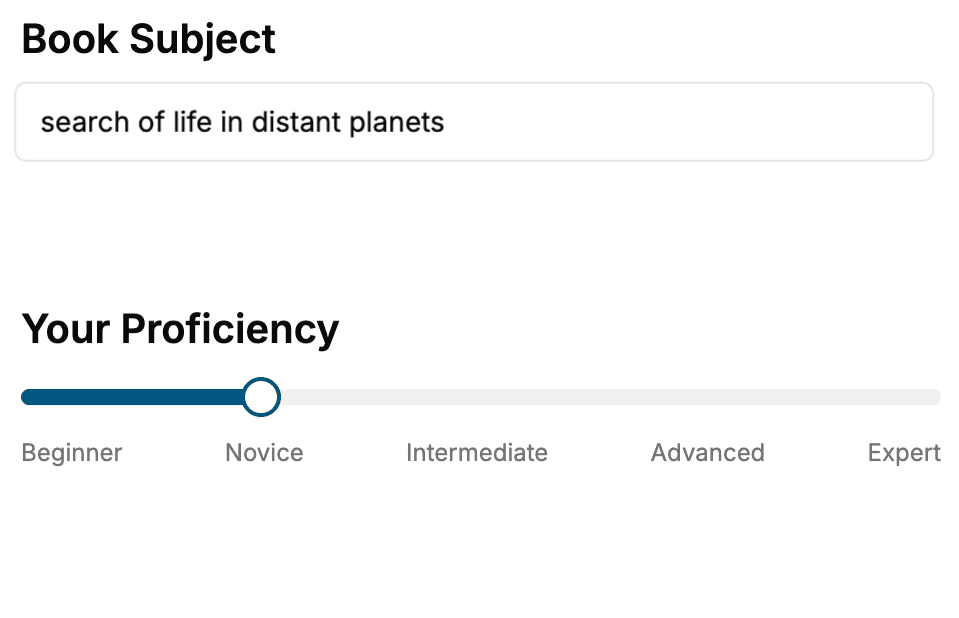
- 1. Select your focus
Select the focus of your iOS book and share your background
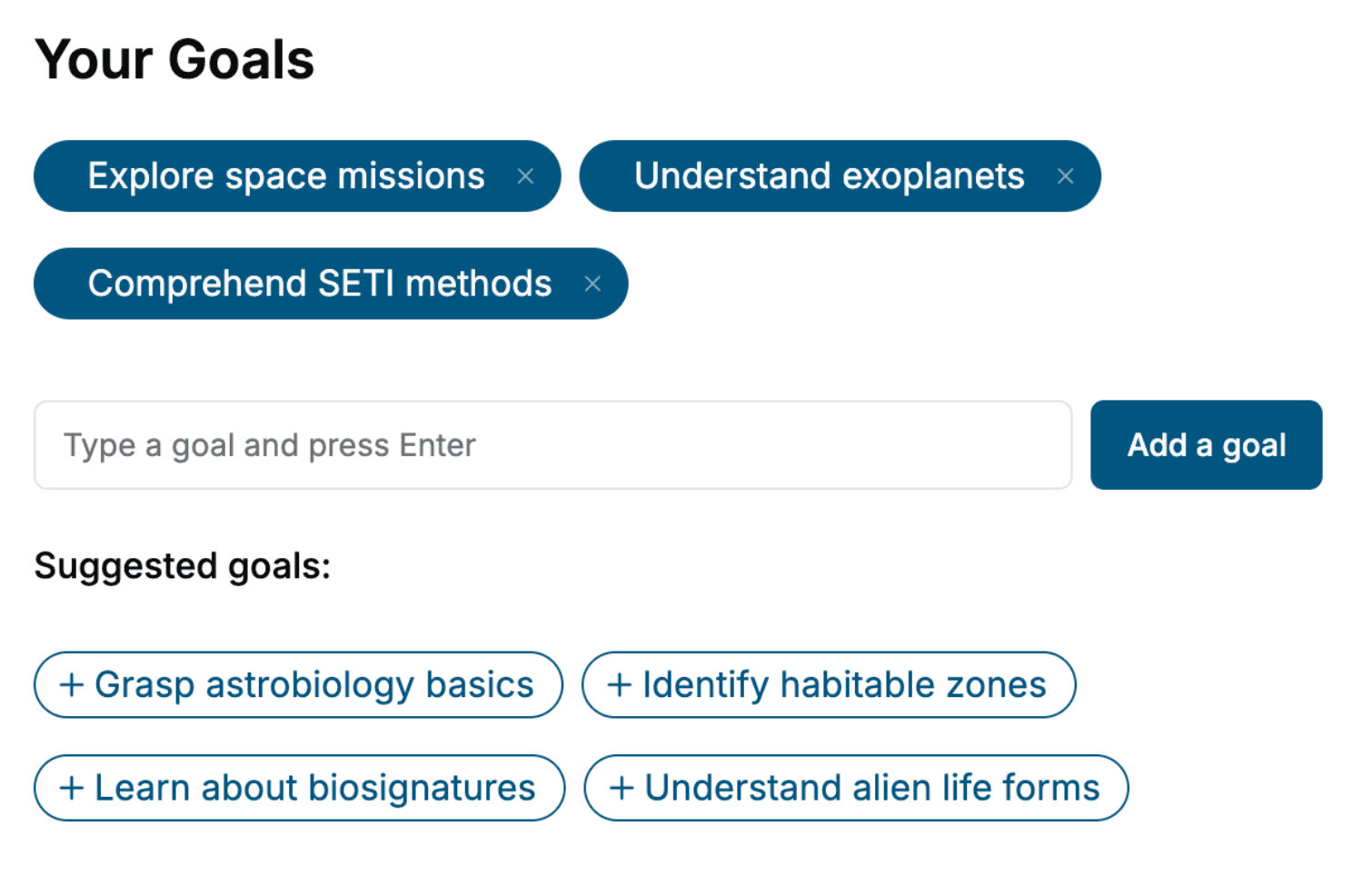
- 2. Personalize your book
Specify your goals and choose sub-topics to include
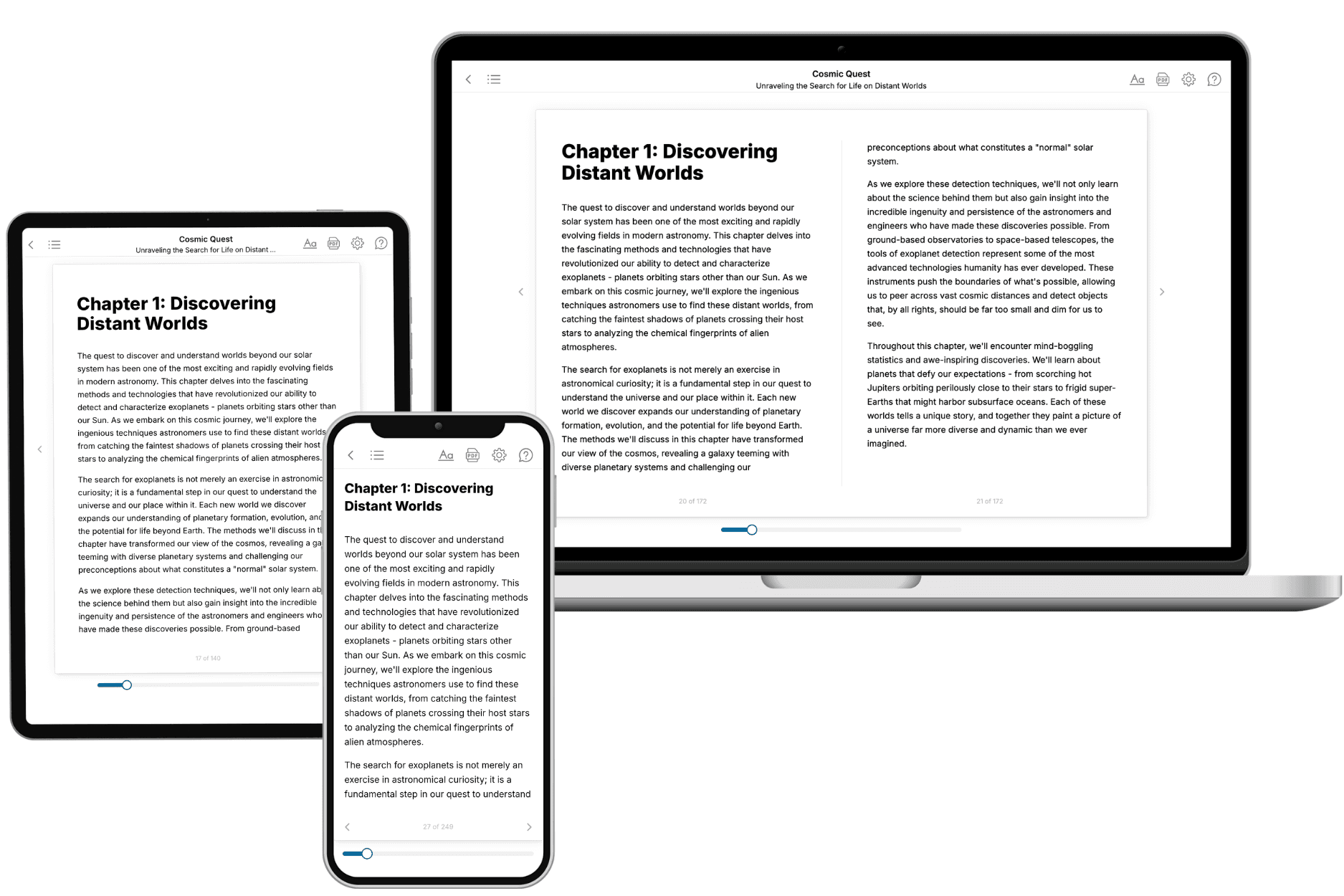
- 3. Get your tailored book
Your book is ready in 10 minutes. Read it online, download as EPUB or PDF, or send to Kindle.
Frequently asked questions
- What is TailoredRead?
TailoredRead creates complete, full-length nonfiction ebooks, written specifically for you. Tell us what you want to learn and why, and TailoredRead writes you a complete ebook on it, with charts, tables, and diagrams throughout. Read it online, on Kindle, or on any e-reader, or download it as a PDF or EPUB. Every book is written fresh the day you order it.
- How is the book tailored to me?
Before anything is written, you answer a few short questions about your goals, your background, and the topics you care about. Your book is then planned around your answers: written at your level, focused on your goals, and covering the topics you chose, instead of the one-size-fits-all book a store sells everyone.
- Will it read like generic AI content?
No. Your book isn't a chat transcript: it's planned chapter by chapter before a single word is written, told in a clear book voice, and explains ideas visually with charts, tables, and diagrams. After writing, every book goes through an editorial pass that polishes chapters so the book reads consistent from start to finish. Judge for yourself: browse thousands of sample books on our Explore Books page.
- How accurate is the content?
Our AI first checks whether your subject needs live research. Niche and fast-moving subjects are researched before writing, and the book plan and chapters are grounded in what it finds. After writing, every book goes through a quality pass that checks its facts and consistency, and researched books list their sources in a Notes section at the back.
- How long is the book?
You choose the length: Comprehensive (250-300 pages), Detailed (150-200 pages), Essential (70-100 pages), or Short (30-50 pages).
- Does the book include visuals?
Yes. Every book includes charts, tables, and diagrams: timelines, checklists, step-by-step guides, decision trees, comparison tables, matrices, and bar charts. A typical book includes dozens of these visual elements.
- Can I read it on Kindle? What formats can I download?
Yes. Every book can be read in our online reader or downloaded as a PDF or EPUB. The EPUB can be opened with Kindle, Apple Books, Kobo, and any e-reader. The Commercial and Author licenses also include an editable Word (DOCX) and Markdown download.
- How much does it cost?
About the price of a regular ebook. The exact price depends on your book's length and complexity, from $2 for the shortest books to $35 for the most comprehensive, and it's shown when you review your book, before you commit to anything. Each book is a one-time purchase, yours to keep, no subscription. Licenses that let you share, teach, or publish your book range from $35.99 to $49.99.
- Can I preview the book before purchasing?
Before you pay, you'll see what your book will cover: the title, a detailed description, the estimated length, and the complete chapter-by-chapter table of contents, so you know what you're getting before you decide. The full text itself is written after you purchase.
- How long does it take to create a book?
About 10 minutes. You can start reading the opening chapters while the rest is still being written.