The iPhone Location Services Handbook
Master Your Location Privacy, Tracking, and Navigation Features
Most iPhone users never think about Location Services until something goes wrong—an app draining their battery, unexpected location tracking, or privacy concerns.
238 pages11 chaptersMar 9, 2026Privacy
About this book
Yet this powerful system runs silently in the background, determining where you are, where you've been, and where you're going. Understanding Location Services isn't just about privacy; it's about taking control of your device and your data. This handbook walks you through every aspect of iPhone Location Services, from the technical foundations of how your location is determined to the practical steps for protecting your privacy and optimizing performance. You'll learn which apps actually need your location, how to spot privacy risks, and how to configure your iPhone so Location Services works for you—not against you. Whether you're concerned about battery drain, privacy leaks, or simply want to understand what's happening on your device, this guide provides clear, actionable strategies for mastering location technology.
Table of contents
- IntroductionWhy Location Services Matter More Than You Think, What You'll Learn in This Handbook, How to Use This Book for Maximum BenefitRead below
- Chapter 1: Understanding Location Services FundamentalsHow Your iPhone Determines Your Location, GPS, Cellular Networks, and Wi-Fi: The Three Pillars, Understanding Accuracy and Limitations, The Location Services Architecture on Your Device
- Chapter 2: Privacy Implications and Data CollectionWhat Location Data Is Collected and Stored, Who Can Access Your Location Data, Location History: How Your Movements Are Tracked, Third-Party Apps and Data Sharing Risks
- Chapter 3: Managing App Permissions and Access ControlPermission Levels: Always, While Using, and Never, Precise Location vs. Approximate Location, How to Review and Audit Your App Permissions, Revoking Location Access from Apps That Don't Need It
- Chapter 4: Optimizing Battery Life and PerformanceHow Location Services Drain Your Battery, Identifying Apps That Consume Location Power, Practical Strategies to Reduce Location Battery Drain, Monitoring and Tracking Location Usage Over Time
- Chapter 5: Apple's Privacy Features and ProtectionsApp Tracking Transparency and Location Privacy, On-Device Processing and Local Privacy, Using the Privacy Dashboard to Monitor Access, iCloud and End-to-End Encryption for Location Data
- Chapter 6: Managing Your Location HistoryHow to Access Your Location History, Reviewing Your Timeline and Visited Places, Deleting Location History and Clearing Records, Preventing Location History Collection Going Forward
- Chapter 7: Geofencing and Location-Based AutomationUnderstanding Geofencing and Virtual Boundaries, Setting Up Location-Based Reminders and Automations, Configuring Home and Work Locations, Best Practices for Reliable Geofencing
- Chapter 8: Optimizing Navigation and Maps FeaturesHow Maps and Navigation Apps Use Location Services, Real-Time Traffic, Routing, and Location Accuracy, Using Offline Maps and Reducing Location Dependency, Privacy-Conscious Navigation Alternatives
- Chapter 9: Troubleshooting Common Location Services IssuesWhen Location Services Aren't Working Properly, Fixing Inaccurate Location Detection, Diagnosing Unexpected Battery Drain from Location, Resolving App-Specific Location Problems
- Chapter 10: Advanced Configuration and SettingsSystem Services and Background Location Features, Fine-Tuning Location Accuracy and Precision, Emergency Location Services and E911, Developer Options and Advanced Debugging
- Chapter 11: Real-World Scenarios and Use CasesFamily Location Sharing and Parental Controls, Business and Work-Related Location Needs, Optimizing Location Services While Traveling, Setting Up a Privacy-Focused Location Configuration
- ConclusionTaking Control of Your Location Data, Ongoing Management and Regular Audits
- Glossary of Location Services Terms
- Further Reading and Resources
Introduction
Your iPhone knows where you are right now. It probably knew where you were yesterday, last week, and possibly for months or years before that. It knows which coffee shop you visit on Tuesday mornings, roughly how long your commute takes, and which neighborhood you call home. This isn't a conspiracy theory or a worst-case scenario. It's simply how Location Services works, and for most iPhone users, it runs quietly in the background without much thought or attention. That changes with this handbook.
Location Services is one of the most powerful and most misunderstood systems on your iPhone. It connects GPS satellites, cellular towers, and Wi-Fi networks to pinpoint your position with remarkable accuracy. It powers the apps you rely on every day, from Maps and Weather to Uber and Yelp. But it also creates a detailed record of your movements, shares data with third-party developers, and quietly drains your battery in ways that aren't always obvious. Understanding this system isn't optional if you care about your privacy, your device's performance, or simply knowing what your phone is doing on your behalf.
The good news is that Apple gives you real, meaningful control over Location Services. You can decide which apps get your precise location, which ones only get an approximate area, and which ones get nothing at all. You can review your location history, delete it, and prevent it from being collected going forward. You can configure geofencing automations that make your daily life more efficient, or you can lock everything down for maximum privacy. The tools are already on your device. This handbook shows you exactly how to use them, step by step, with clear explanations of what each setting actually does and why it matters.
Whether you picked up this book because your battery is draining faster than it should, because a news story about app tracking made you nervous, or simply because you want to understand your device better, you're in the right place. No deep technical background is required. Every concept is explained clearly, every recommendation is practical, and every chapter builds on the last. By the time you finish, you'll have a complete picture of how Location Services works and a concrete plan for making it work the way you want.
Why Location Services Matter More Than You Think
Most people think of Location Services as the thing that makes Google Maps work. That's true, but it's only a small part of the picture. Location data is one of the most sensitive categories of personal information your phone collects, because it reveals patterns about your life that go far beyond a simple map pin. Where you sleep tells someone where you live. Where you go during the day reveals your workplace, your routines, and your relationships. Where you go on weekends tells a story about your interests, your social life, and your habits.
Researchers at Princeton University and other institutions have repeatedly demonstrated that location data can be used to identify individuals even when names and other identifiers are removed.[1] Just four location data points are enough to uniquely identify more than 95% of people in a dataset. This means that even "anonymized" location data sold by apps to data brokers is rarely as private as it sounds. Your location history is, in a very real sense, a fingerprint of your life.
Beyond privacy, location data has direct, practical consequences for your device. GPS is one of the most power-hungry features on your iPhone. When multiple apps request location access in the background simultaneously, the cumulative drain on your battery can be significant. Many users who complain about poor battery life are unknowingly running five, ten, or even more apps that are quietly checking their location throughout the day. Fixing this problem doesn't require buying a new phone. It requires understanding which apps are doing it and adjusting their permissions accordingly.
There's also a security dimension worth considering. Location data can reveal when you're away from home, which has obvious implications for physical security. It can expose your presence at sensitive locations, whether that's a medical facility, a legal office, or a place of worship. In some contexts, location data has been used in legal proceedings, shared with law enforcement, or accessed by employers. These aren't hypothetical risks. They're documented cases that have affected real people in real ways.
At the same time, Location Services genuinely improves your life in ways that are easy to take for granted. Turn-by-turn navigation, real-time traffic updates, local weather, restaurant recommendations, and emergency services all depend on knowing where you are. The goal isn't to disable everything and live in a location-data blackout. The goal is to make informed, deliberate choices about which apps earn your location data and under what conditions. That's a very different thing from either ignoring the issue entirely or panicking about it.
Understanding Location Services also helps you spot when something is wrong. If an app you haven't opened in weeks is still accessing your location in the background, that's a red flag worth investigating. If your battery started draining faster after installing a new app, location permissions might be the culprit. If you're seeing ads that seem suspiciously tied to places you've visited, location data sharing is likely involved. Knowing how the system works gives you the ability to recognize these patterns and respond to them effectively.
A real-world example: In 2018, an investigation by the New York Times revealed that dozens of popular apps were collecting precise location data from users and selling it to third-party companies, including hedge funds and retailers. Many of these apps had vague privacy policies that technically disclosed this practice, but in language that most users would never read or understand. The apps included weather apps, news apps, and coupon apps. None of them needed precise, continuous location data to function. They collected it because it was valuable, and users had granted permission without realizing what they were agreeing to.[2]
This handbook gives you the knowledge to avoid being in that situation. You'll learn to read permission requests critically, audit your existing app permissions, and configure your iPhone so that location data flows only where you actually want it to go. That's not paranoia. That's informed, responsible use of a powerful technology.
What You'll Learn in This Handbook
This handbook covers Location Services from the ground up, starting with how the technology actually works and building toward advanced configuration, real-world use cases, and troubleshooting. Each chapter is designed to stand on its own, so you can jump to the topics most relevant to you. But reading in order gives you the strongest foundation, because later chapters build on concepts introduced earlier.
Here's a clear overview of what each part of the book covers:
- Chapter 1: Understanding Location Services Fundamentals. This chapter explains the technical foundation. You'll learn how your iPhone combines GPS, cellular networks, and Wi-Fi to determine your location, what each method contributes, and where each one falls short. You'll also get a clear picture of how the Location Services architecture works on your device, including which components are involved and how they communicate.
- Chapter 2: Privacy Implications and Data Collection. Here you'll learn exactly what location data is collected, where it's stored, and who can access it. This chapter covers the difference between on-device storage and cloud storage, how third-party apps share your data, and what the real-world privacy risks look like.
- Chapter 3: Managing App Permissions and Access Control. This is one of the most practical chapters in the book. You'll learn the difference between "Always," "While Using," and "Never" permission levels, how to choose between precise and approximate location, and how to audit and adjust every app's location access on your device.
- Chapter 4: Optimizing Battery Life and Performance. Location Services can be a significant source of battery drain. This chapter shows you how to identify which apps are consuming the most location power, and gives you specific strategies for reducing that drain without sacrificing the features you actually use.
- Chapter 5: Apple's Privacy Features and Protections. Apple has built meaningful privacy tools into iOS, including App Tracking Transparency, on-device processing, and end-to-end encryption for certain location data. This chapter explains what these features actually do and how to make sure they're working in your favor.
- Chapter 6: Managing Your Location History. Your iPhone keeps a record of places you've visited. This chapter shows you how to access that history, review it, delete it, and prevent it from being collected in the future.
- Chapter 7: Geofencing and Location-Based Automation. Geofencing lets your iPhone trigger actions based on where you are. This chapter covers how to set up location-based reminders, configure home and work locations, and build reliable automations that actually work.
- Chapter 8: Optimizing Navigation and Maps Features. Navigation apps are the most visible use of Location Services. This chapter covers how to get the best performance from Maps and navigation apps, how to use offline maps to reduce location dependency, and how to navigate with more privacy if that's a priority.
- Chapter 9: Troubleshooting Common Location Services Issues. When Location Services doesn't work the way it should, diagnosing the problem can be frustrating. This chapter walks through the most common issues, from inaccurate location detection to app-specific problems, with clear steps for fixing each one.
- Chapter 10: Advanced Configuration and Settings. For users who want to go deeper, this chapter covers system services, fine-tuning location accuracy, emergency location features, and developer options for advanced debugging.
- Chapter 11: Real-World Scenarios and Use Cases. This chapter applies everything from the previous chapters to specific situations: family location sharing, business use cases, traveling internationally, and setting up a privacy-focused configuration from scratch.
Throughout the book, you'll find concrete examples, step-by-step instructions, and specific settings to check on your own device. The goal isn't just to explain concepts. It's to give you actions you can take immediately to improve your privacy, extend your battery life, and get more out of Location Services.
You'll also find a glossary at the end of the book that defines key terms clearly and concisely. If you encounter a term you're not familiar with while reading, the glossary is a quick reference that doesn't require you to search the internet for an explanation. The further reading section points you toward additional resources if you want to go even deeper on any particular topic.
By the end of this handbook, you'll have a complete, working understanding of Location Services on your iPhone. More importantly, you'll have a personalized configuration that reflects your actual priorities, whether that's maximum privacy, maximum convenience, or something carefully balanced between the two.
How to Use This Book for Maximum Benefit
This handbook is designed to be used, not just read. That means having your iPhone nearby as you work through each chapter. Many sections include specific navigation paths through your iPhone's Settings app, and the most effective way to absorb those instructions is to follow along in real time. Reading about a setting is useful. Actually seeing it on your own device and adjusting it yourself is far more effective.
The chapters are organized in a logical sequence, but they're also written to be self-contained. If you already have a solid understanding of how GPS works and you're mainly concerned about privacy, you can start with Chapter 2 without missing anything critical. If battery drain is your primary concern, Chapter 4 is where you want to begin. The table of contents is detailed enough to help you find exactly what you're looking for, and the index at the back of the book makes it easy to locate specific topics, settings, or app names.
Here's a suggested approach based on your primary goal:
- If you're new to Location Services and want a complete understanding: Read the chapters in order, starting with Chapter 1. Take your time with Chapters 1 and 2 before moving into the practical configuration chapters. The foundation makes everything else easier to understand.
- If your main concern is privacy: Start with Chapter 2 to understand the risks, then move to Chapter 3 for permission management, Chapter 5 for Apple's privacy features, and Chapter 6 for location history. Chapter 11's privacy-focused setup section gives you a complete configuration checklist.
- If battery drain is your primary problem: Go directly to Chapter 4. Then read Chapter 3 to understand how permission levels affect battery usage. Chapter 9 can help if you're dealing with unexplained drain that doesn't respond to the usual fixes.
- If you want to set up geofencing or location automations: Read Chapter 7 first, then Chapter 3 to make sure the relevant apps have the right permissions. Chapter 9 covers troubleshooting if your automations aren't triggering reliably.
- If you're troubleshooting a specific problem: Go directly to Chapter 9. It's organized by symptom, so you can find your specific issue quickly and follow the diagnostic steps from there.
As you read, pay attention to the step-by-step instructions formatted throughout the book. These are written for the current version of iOS, with settings paths written out in full so you can follow them exactly. For example, when a chapter refers to navigating to Settings > Privacy & Security > Location Services, that's the exact sequence of taps you'll make on your device. iOS updates occasionally move settings to new locations, but the core features covered in this book have been stable across multiple iOS versions.
It's also worth doing a quick audit of your current Location Services setup before you start reading. Go to Settings > Privacy & Security > Location Services and scroll through the list of apps. Notice how many apps have location access, and what level of access each one has. You don't need to change anything yet. Just observe. This gives you a baseline that makes the later chapters much more concrete and personally relevant. You'll likely be surprised by what you find.
Some readers will want to implement every recommendation in this book immediately. Others will prefer to read through everything first and then decide which changes to make. Both approaches work. What matters is that you make deliberate, informed choices rather than leaving everything at the default settings that Apple or app developers chose for you. Defaults are designed for the average user. This handbook helps you configure your iPhone for your specific needs, your specific privacy preferences, and your specific daily life.
Finally, keep in mind that iOS is a living platform. Apple releases updates regularly, and some of those updates change how Location Services works, add new privacy features, or adjust the interface for existing settings. The principles in this book are durable. The specific steps are accurate for current iOS versions, but if a menu looks slightly different on your device, the underlying concept still applies. When in doubt, use the search function in the Settings app by pulling down on the Settings screen to reveal the search bar. Typing "Location" will surface the relevant settings quickly, regardless of where Apple has placed them in the current version of iOS.
A practical starting point: Before reading further, take two minutes to check one specific setting. Go to Settings > Privacy & Security > Location Services, then scroll to the bottom and tap System Services. Look for the toggle labeled Significant Locations. This feature stores a detailed history of places your iPhone considers significant based on how often you visit them. Many users are surprised to find it enabled and to see how much data it has collected. You'll learn exactly what to do with this setting in Chapter 6, but seeing it now gives you a concrete sense of what this handbook is about.
Location Services is not something to fear, and it's not something to ignore. It's a system worth understanding, worth configuring carefully, and worth revisiting periodically as your apps, your habits, and your privacy needs evolve. This handbook gives you everything you need to do exactly that. Let's get started.
This is the end of the free sample. The full book has 11 chapters.
Want this book written for you?
Tell us your goals and background, and get your own version of this book, tailored by AI to you.


Benefits of AI-tailored books
- Read one book, not ten:
- all the Privacy knowledge you need, gathered into a single book.
- Save days of learning:
- tell us your goals, choose your topics, and the whole book is built around them.
- Learn effortlessly:
- Privacy book written for your specific background and expertise.
- Understand at a glance:
- includes charts, tables, timelines, checklists, decision trees, and more.
- Stay current:
- written the day you order it, not years ago.
- Trust what you read:
- every book is checked for accuracy, with real research when your subject needs it.
Create your unique book in 3 steps
- 1. Select your focus
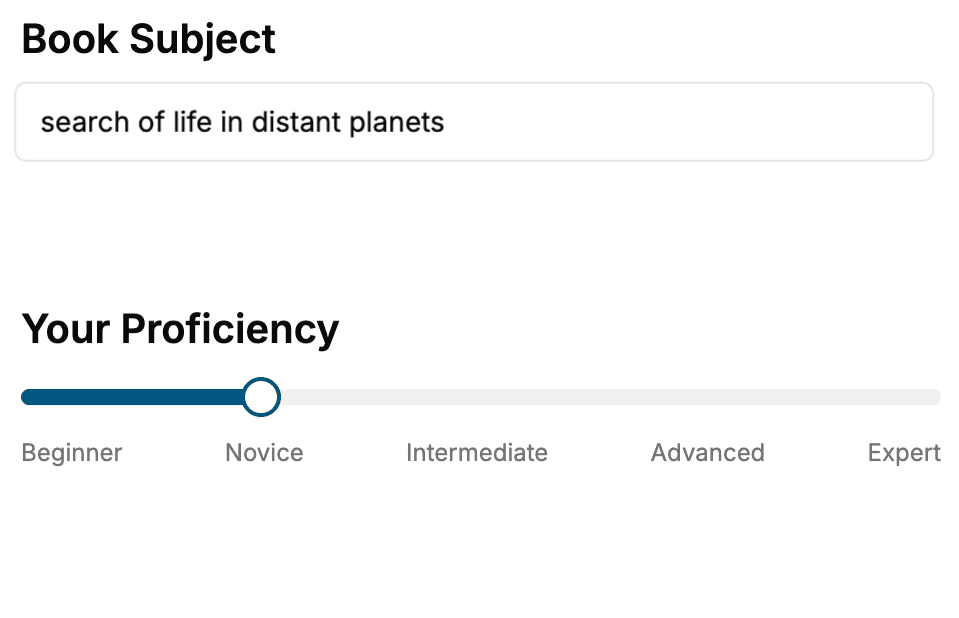
Select the focus of your Privacy book and share your background
- 2. Personalize your book
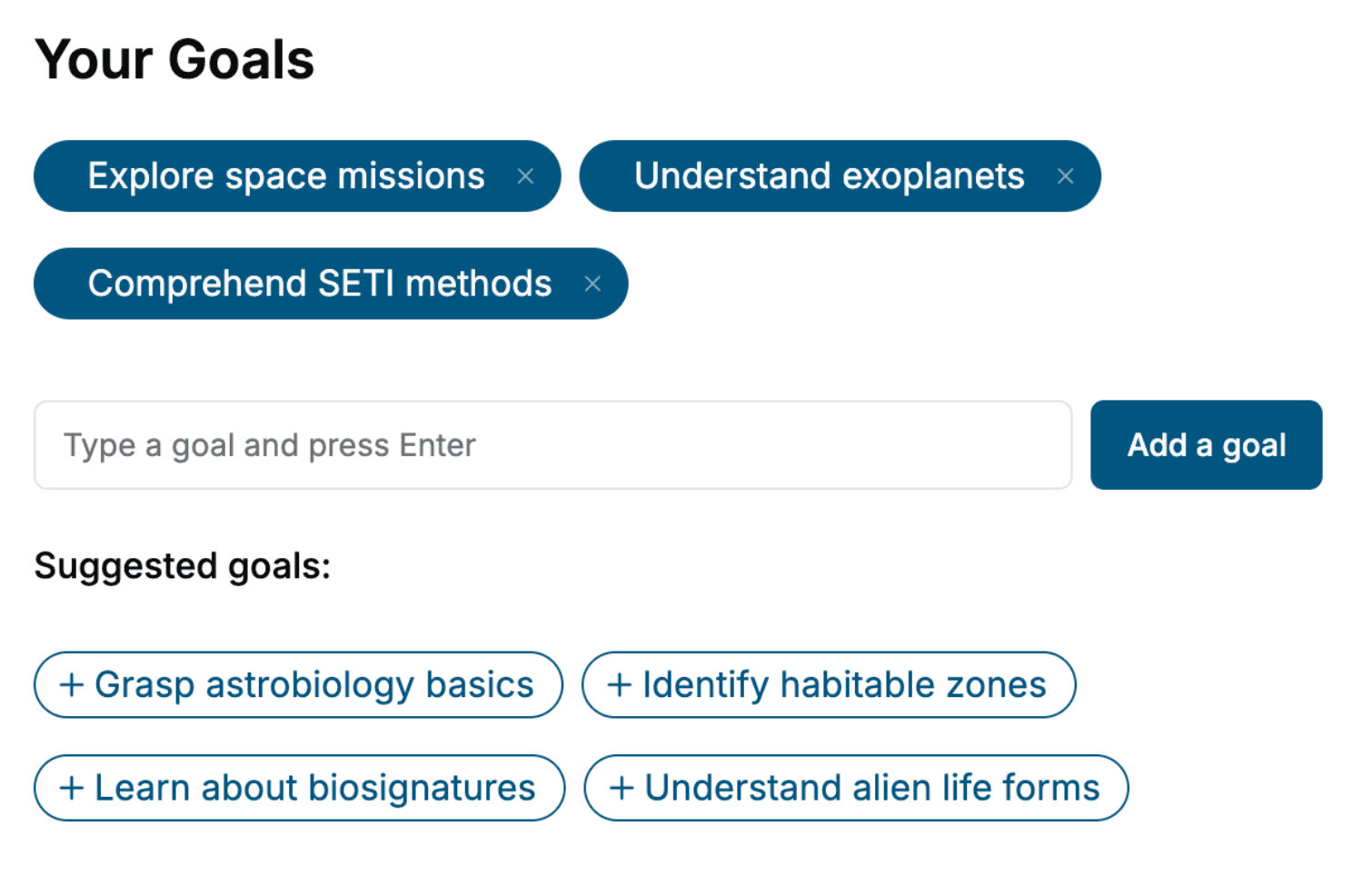
Specify your goals and choose sub-topics to include
- 3. Get your tailored book
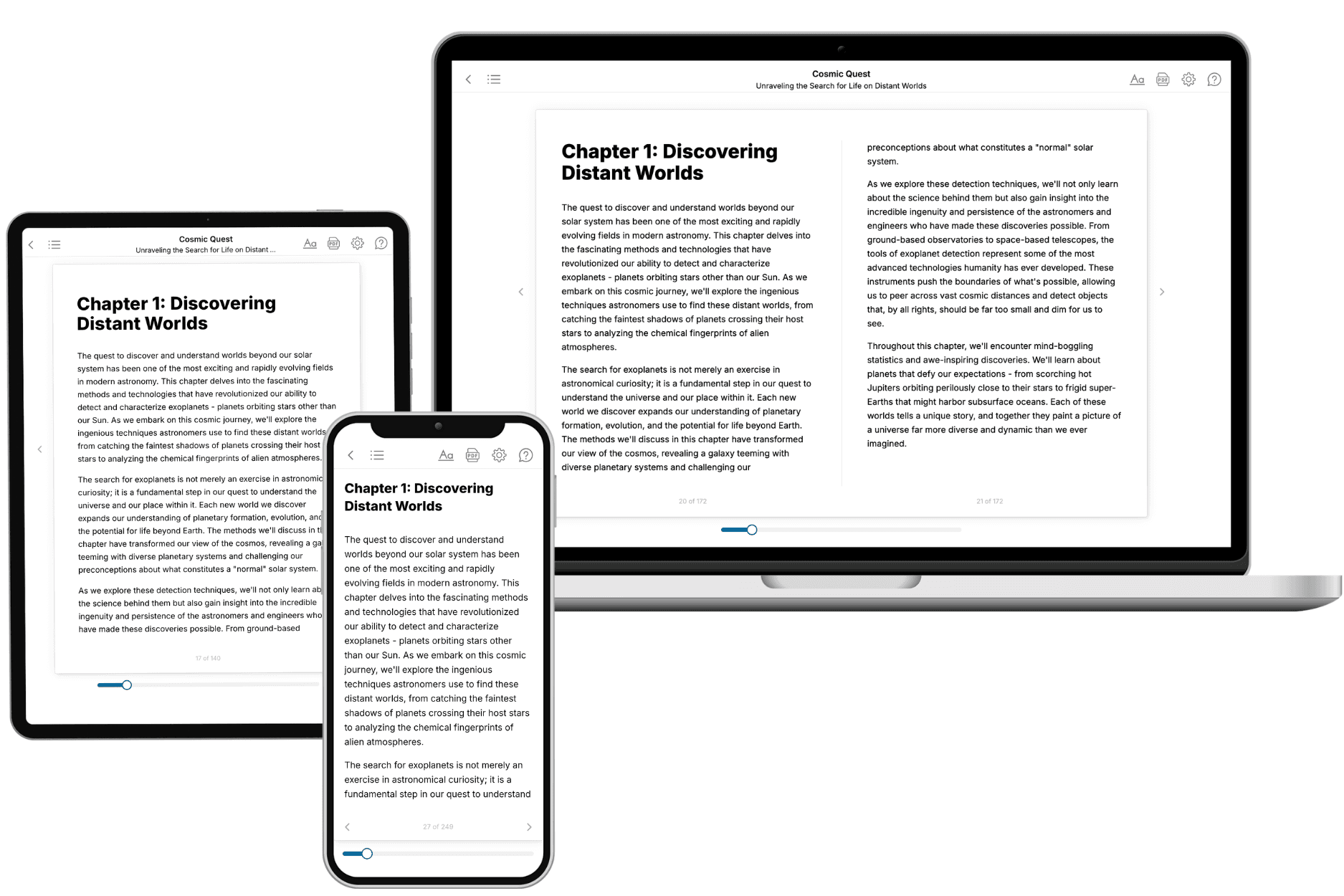
Your book is ready in 10 minutes. Read it online, download as EPUB or PDF, or send to Kindle.
Frequently asked questions
- What is TailoredRead?
TailoredRead creates complete, full-length nonfiction ebooks, written specifically for you. Tell us what you want to learn and why, and TailoredRead writes you a complete ebook on it, with charts, tables, and diagrams throughout. Read it online, on Kindle, or on any e-reader, or download it as a PDF or EPUB. Every book is written fresh the day you order it.
- How is the book tailored to me?
Before anything is written, you answer a few short questions about your goals, your background, and the topics you care about. Your book is then planned around your answers: written at your level, focused on your goals, and covering the topics you chose, instead of the one-size-fits-all book a store sells everyone.
- Will it read like generic AI content?
No. Your book isn't a chat transcript: it's planned chapter by chapter before a single word is written, told in a clear book voice, and explains ideas visually with charts, tables, and diagrams. After writing, every book goes through an editorial pass that polishes chapters so the book reads consistent from start to finish. Judge for yourself: browse thousands of sample books on our Explore Books page.
- How accurate is the content?
Our AI first checks whether your subject needs live research. Niche and fast-moving subjects are researched before writing, and the book plan and chapters are grounded in what it finds. After writing, every book goes through a quality pass that checks its facts and consistency, and researched books list their sources in a Notes section at the back.
- How long is the book?
You choose the length: Comprehensive (250-300 pages), Detailed (150-200 pages), Essential (70-100 pages), or Short (30-50 pages).
- Does the book include visuals?
Yes. Every book includes charts, tables, and diagrams: timelines, checklists, step-by-step guides, decision trees, comparison tables, matrices, and bar charts. A typical book includes dozens of these visual elements.
- Can I read it on Kindle? What formats can I download?
Yes. Every book can be read in our online reader or downloaded as a PDF or EPUB. The EPUB can be opened with Kindle, Apple Books, Kobo, and any e-reader. The Commercial and Author licenses also include an editable Word (DOCX) and Markdown download.
- How much does it cost?
About the price of a regular ebook. The exact price depends on your book's length and complexity, from $2 for the shortest books to $35 for the most comprehensive, and it's shown when you review your book, before you commit to anything. Each book is a one-time purchase, yours to keep, no subscription. Licenses that let you share, teach, or publish your book range from $35.99 to $49.99.
- Can I preview the book before purchasing?
Before you pay, you'll see what your book will cover: the title, a detailed description, the estimated length, and the complete chapter-by-chapter table of contents, so you know what you're getting before you decide. The full text itself is written after you purchase.
- How long does it take to create a book?
About 10 minutes. You can start reading the opening chapters while the rest is still being written.