iPhone Mastery for Mobile Professionals
Speed Up Your Work, Reduce Hand Strain, and Master Hands-Free Control for Delivery Drivers and Field Workers
You'll discover how to transform your iPhone from a source of hand fatigue and typing frustration into a powerful productivity tool that works the way you do.
238 pages11 chaptersJun 4, 2026iPhoneCreated by Noneya
About this book
This guide walks you through proven techniques that delivery drivers and field workers use daily to communicate faster, reduce physical strain, and stay safe while working. You'll learn exactly how to set up voice-to-text that actually understands your work vocabulary, create custom shortcuts that eliminate repetitive typing, and master hands-free control so you can keep your hands free for your actual job. The book covers practical, immediately applicable strategies: configuring predictive text for your industry, preventing repetitive strain injuries through smart feature use, securing your phone from threats, and automating complex work tasks. Whether you're documenting delivery routes, sending status updates, or managing work communications, you'll find step-by-step instructions for every feature, real-world scenarios showing how to use them, and troubleshooting tips for common challenges. This isn't theoretical—it's built on what actually works for mobile professionals in the field.
Table of contents
- IntroductionWhy iPhone Mastery Matters for Field Workers, What You'll Learn in This Book, How to Use This Guide for Maximum ResultsRead below
- Chapter 1: Voice-to-Text FundamentalsGetting Started with iPhone Dictation, Mobile Dictation Punctuation and Formatting, Voice-to-Text Accuracy Optimization, Dictation Accuracy in Noisy Field Environments
- Chapter 2: Hands-Free Control and Voice CommandsSiri Fundamentals for Field Work, Scenario-Based Voice Commands for Drivers, Hands-Free Navigation and Route Control, Voice-Activated Text Editing Without Typing
- Chapter 3: Keyboard Shortcuts and Text ExpansionSetting Up Custom Keyboard Shortcuts, Time-Saving Text Macros and Quick Reply Templates, Advanced Keyboard Shortcuts for Speed, Field-Specific Text Macros for Your Industry
- Chapter 4: Predictive Text and Autocorrect MasteryPredictive Text Customization for Your Vocabulary, Autocorrect Customization and Error Reduction, Predictive Text Refinement and Scenario Training, Character Input Shortcuts and Substitutions
- Chapter 5: Preventing Hand Strain and Repetitive InjuriesHand Strain Prevention Methods, Repetitive Strain Injury Prevention Strategies, Reducing Typing Fatigue Through Smart Features, Enable One-Handed iPhone Operation
- Chapter 6: Clipboard Management and Text EditingClipboard Management Tools and Workflow, Text Editing Shortcuts for Quick Corrections, Hands-Free Clipboard Operations, Clipboard Workflow Mastery for Efficiency
- Chapter 7: Voice Memos and DocumentationVoice Memo Organization and Best Practices, Voice Memo Transcription and Accuracy, Voice Memo Timestamp Integration for Route Notes, Voice-Activated Route Notes and Delivery Documentation
- Chapter 8: Accessibility Features for EfficiencyMobile Keyboard Accessibility Features, Accessibility Feature Integration and Setup, Accessibility Shortcut Chains for Complex Tasks, AI Shortcuts and Memory Scenarios for Automation
- Chapter 9: Work Communication and Delivery EfficiencyWork Communication Efficiency Strategies, Delivery Driver Communication Best Practices, Driver-Focused Keyboard Shortcuts, Voice Control for Drivers and Safe Operation
- Chapter 10: Security and Device ProtectionSecuring Your Phone from Spyware and Hackers, Avoiding and Removing Viruses and Malware, Apps That Hide Files and Detecting Hidden Features, Protecting Your Work Data and Personal Information
- Chapter 11: Android and Cross-Platform MasteryMust-Know Android Capabilities and Features, Little-Known Android and Motorola Settings, Hands-Free Control for AI Assistants, Voice Customization of AI Assistants
- ConclusionYour Next Steps to iPhone Mastery, Continuous Improvement and Staying Current
- Glossary
- Quick Reference Guide
Introduction
Picture this: you're sitting in your delivery vehicle, engine running, with three messages to send before your next stop. Your hands are cold, your gloves are still on, and you're trying to tap out a status update on a screen that barely responds to your fingertips. By the time you finish typing, you've made four autocorrect mistakes, your thumbs ache, and you've spent three minutes on something that should have taken thirty seconds. If that sounds familiar, you're not alone. Millions of delivery drivers and field workers deal with exactly this kind of friction every single day.
The iPhone is one of the most powerful tools ever put in a worker's pocket. But most people use about ten percent of what it can actually do. The other ninety percent sits untouched in menus and settings that nobody ever explained. That gap between what your phone can do and what you're actually getting out of it costs you real time, real physical strain, and real frustration on the job. This book exists to close that gap, specifically for people who work in the field, on the road, and with their hands.
This isn't a guide written for tech enthusiasts who enjoy tinkering with settings for fun. It's written for people who have actual work to do and need their phone to help them do it faster, safer, and with less physical wear on their body. Every technique in this book has been chosen because it solves a real problem that mobile professionals face. You'll find step-by-step instructions, real-world examples, and practical shortcuts that you can start using today, not someday when you have more time to figure things out.
The chapters ahead cover everything from voice-to-text dictation and hands-free control to injury prevention, security, and automation. Whether you drive for a delivery company, work construction, manage field inspections, or handle any job that keeps you moving, the tools in this book will change how you interact with your phone. The goal is simple: less typing, less strain, more speed, and more safety while you work.
Why iPhone Mastery Matters for Field Workers
Field workers and delivery drivers are among the heaviest smartphone users in the workforce, but they use their phones under conditions that most apps and features were never specifically designed for. You're typing while standing in the rain, dictating while a truck engine idles nearby, or trying to navigate a map while managing a tight delivery window. The standard smartphone experience assumes you're sitting at a desk with two free hands and a quiet room. That assumption doesn't match your reality at all.
The physical cost of heavy smartphone use is real and well-documented. Repetitive thumb movements, awkward wrist angles, and prolonged gripping of a small device contribute to conditions like De Quervain's tenosynovitis (a painful inflammation of the tendons near the thumb) and carpal tunnel syndrome.[1] For someone who already uses their hands heavily for physical work, adding hours of repetitive phone typing on top of that is a serious risk. These aren't minor inconveniences. They're injuries that can sideline you from work.
Beyond physical strain, there's the issue of distraction and safety. Texting while driving is one of the leading causes of vehicle accidents in the United States, responsible for thousands of deaths and hundreds of thousands of injuries every year.[2] Even glancing at a phone for five seconds at highway speed means traveling the length of a football field without looking at the road. Hands-free operation isn't just a convenience for drivers. It's a genuine safety necessity.
There's also a productivity argument that's hard to ignore. Consider how much time you spend on your phone for work each day. If you send twenty work messages, check routes, update delivery statuses, and document issues, that could easily add up to forty-five minutes or more of active phone interaction. Now imagine cutting that time in half through smarter use of voice commands, text shortcuts, and automation. Over a five-day work week, that's nearly two hours returned to you. Over a year, it's close to a hundred hours.
Real-world example: A delivery driver who sets up just five custom text shortcuts for their most common messages (package delivered, customer not home, address not found, running late, and need signature) can eliminate roughly 200 keystrokes per shift. That's not a small number when you multiply it across weeks and months of daily use.
The features that make the biggest difference for field workers already exist on your iPhone right now. They don't require expensive apps or technical expertise. They require knowing where to look and how to set them up correctly. That's exactly what this book provides. The knowledge gap between struggling with your phone and mastering it is smaller than you think, and the payoff is immediate once you start applying these techniques.
It's also worth noting that iPhone accessibility features, which many people assume are only for users with disabilities, are genuinely powerful productivity tools for anyone. Features like Voice Control, AssistiveTouch, and Reachability were designed to make the phone usable in difficult conditions. Those conditions describe a field worker's environment almost perfectly. You'll learn to use these tools not as workarounds, but as core parts of how you operate your phone every day.
What You'll Learn in This Book
This book is organized around the specific challenges that delivery drivers and field workers face with their iPhones. Each chapter tackles a distinct area of phone use, builds on what came before it, and gives you practical skills you can apply immediately. Here's a clear picture of what's covered and why each piece matters for your work.
Chapters 1 and 2 focus on voice-to-text and hands-free control, which are the foundation of everything else. You'll learn how to set up iPhone dictation so it actually understands your work vocabulary, how to speak punctuation and formatting commands naturally, and how to get accurate results even in loud environments like loading docks, construction sites, or busy streets. You'll also learn how to use Siri and Voice Control to operate your phone entirely without touching it, which is essential for safe driving and for situations where your hands are occupied.
Chapters 3 and 4 cover keyboard shortcuts, text expansion, and predictive text customization. These chapters will show you how to type a two-letter code and have your phone automatically expand it into a full paragraph. You'll learn how to train your phone's predictive text to recognize industry-specific terms, how to stop autocorrect from mangling the words you actually need, and how to build a library of quick-reply templates for your most common work messages. Research on text expansion tools consistently shows time savings of 60 to 80 percent on repetitive typing tasks.[3]
Chapter 5 is dedicated entirely to injury prevention. This chapter explains the mechanics of how repetitive phone use causes strain, which specific habits and postures create the most risk, and how to restructure your phone use to protect your hands and wrists. You'll find practical exercises, ergonomic adjustments, and feature-based strategies that reduce physical load without slowing you down. This chapter is especially important if you already feel any discomfort in your thumbs, wrists, or forearms.
Chapters 6 and 7 cover clipboard management, text editing, and voice memos. You'll learn how to copy, store, and reuse text without retyping it, how to edit messages quickly using gestures and shortcuts instead of hunting for the cursor, and how to use voice memos as a documentation tool for route notes, delivery issues, and field observations. These chapters are particularly useful for workers who need to record information quickly and accurately while on the move.
Chapter 8 goes deep into accessibility features and automation. This is where you'll learn to chain multiple features together into powerful workflows, set up AI-powered shortcuts that handle entire multi-step tasks with a single command, and create custom automation scenarios for your specific work routines. Think of it as programming your phone to handle the repetitive parts of your job automatically.
The remaining chapters cover work communication strategies, security and device protection, and a bonus chapter on Android features for those who use or switch between platforms. Here's a quick summary of what each chapter delivers:
- Chapter 1: Voice-to-text setup, accuracy tips, and noisy environment techniques
- Chapter 2: Siri commands, hands-free navigation, and voice-activated editing
- Chapter 3: Custom keyboard shortcuts and text expansion macros
- Chapter 4: Predictive text and autocorrect customization
- Chapter 5: Hand strain prevention and one-handed operation
- Chapter 6: Clipboard management and text editing shortcuts
- Chapter 7: Voice memos and delivery documentation
- Chapter 8: Accessibility features, shortcut chains, and AI automation
- Chapter 9: Work communication efficiency and driver-specific shortcuts
- Chapter 10: Security, spyware detection, and data protection
- Chapter 11: Android capabilities and cross-platform tips
By the time you finish this book, you'll have a phone that's configured specifically for how you work. You won't be fighting your device anymore. You'll be using it as a genuine tool that makes your job easier, faster, and safer.
How to Use This Guide for Maximum Results
This book is designed to be used, not just read. The difference matters. Reading through a chapter and nodding along is very different from actually picking up your phone and working through the steps while you read. The people who get the most out of this guide are the ones who treat it like a hands-on training session rather than a passive reading experience. That means having your iPhone nearby as you go through each chapter.
The best approach for most people is to work through the chapters in order, at least for the first pass. The early chapters on voice-to-text and hands-free control build the foundation that later chapters depend on. If you jump straight to automation in Chapter 8 without understanding the basics of dictation and Siri from Chapters 1 and 2, some of the instructions won't make as much sense. The sequence is intentional.
That said, if you have a specific urgent problem, it's completely fine to jump to the relevant chapter first. Here's a quick guide to help you prioritize based on your most pressing need:
- If your hands or wrists hurt from phone use: Start with Chapter 5, then come back to the beginning.
- If you need to stop typing while driving: Go to Chapters 1 and 2 first.
- If you spend too much time on repetitive messages: Jump to Chapter 3 for text shortcuts.
- If autocorrect is constantly causing problems: Chapter 4 will fix that quickly.
- If you're worried about phone security: Chapter 10 is your starting point.
- If you use an Android phone: Chapter 11 covers Android-specific features in detail.
Each chapter follows a consistent structure to make it easy to learn and apply. You'll find clear step-by-step instructions for every feature, real-world scenarios showing exactly how a delivery driver or field worker would use each tool, and troubleshooting tips for the most common problems people run into. When a setting or feature has changed between iOS versions, that's noted so you know what to look for on your specific device.
One of the most effective ways to use this book is to implement one new technique per workday rather than trying to change everything at once. Pick one shortcut, one voice command, or one accessibility feature and use it consistently for a full day before adding the next one. This approach works because it gives each new habit time to become automatic before you layer on something else. Trying to adopt ten new techniques simultaneously usually means none of them stick.
Suggested 5-day starter plan:
Day 1: Set up voice dictation and practice sending one message by voice.
Day 2: Create three custom text shortcuts for your most common messages.
Day 3: Set up one Siri shortcut for a task you do every day.
Day 4: Adjust your autocorrect settings and add five work-specific words.
Day 5: Enable Reachability and practice one-handed operation for routine tasks.
Throughout the book, you'll see specific iOS menu paths written out clearly, like Settings > General > Keyboard > Text Replacement. These paths are accurate for current iOS versions, but Apple occasionally moves settings between updates. If a path doesn't match exactly what you see on your screen, a quick search in the Settings app's built-in search bar (just pull down on the Settings screen) will find it immediately. Don't let minor navigation differences slow you down.
It's also worth knowing that some features in this book require iOS 16 or later to work as described. To check your current iOS version, go to Settings > General > About and look at the Software Version line. If you're running an older version, go to Settings > General > Software Update to update your phone. Keeping iOS current isn't just about getting new features. It's also one of the most important things you can do for your phone's security, which Chapter 10 covers in detail.
Finally, don't skip the Quick Reference Guide at the back of the book. It's a condensed summary of the most important shortcuts, commands, and settings paths from every chapter. Once you've worked through the full guide, that reference section becomes your go-to resource when you need a quick reminder without flipping through the whole book. Many readers print it out or screenshot it for easy access during their workday. The goal of everything in this guide is the same: to make your phone work harder so you don't have to.
Notes
Introduction
- 1. American Academy of Orthopaedic Surgeons, "De Quervain's Tendinosis," OrthoInfo, 2022
- 2. National Highway Traffic Safety Administration, "Distracted Driving," NHTSA, 2023
- 3. TextExpander, Productivity Research: How Much Time Do Text Expansion Tools Save?, Smile Software, 2021
This is the end of the free sample. The full book has 11 chapters.
Want this book written for you?
Tell us your goals and background, and get your own version of this book, tailored by AI to you.


Benefits of AI-tailored books
- Read one book, not ten:
- all the iPhone knowledge you need, gathered into a single book.
- Save days of learning:
- tell us your goals, choose your topics, and the whole book is built around them.
- Learn effortlessly:
- iPhone book written for your specific background and expertise.
- Understand at a glance:
- includes charts, tables, timelines, checklists, decision trees, and more.
- Stay current:
- written the day you order it, not years ago.
- Trust what you read:
- every book is checked for accuracy, with real research when your subject needs it.
Create your unique book in 3 steps
- 1. Select your focus
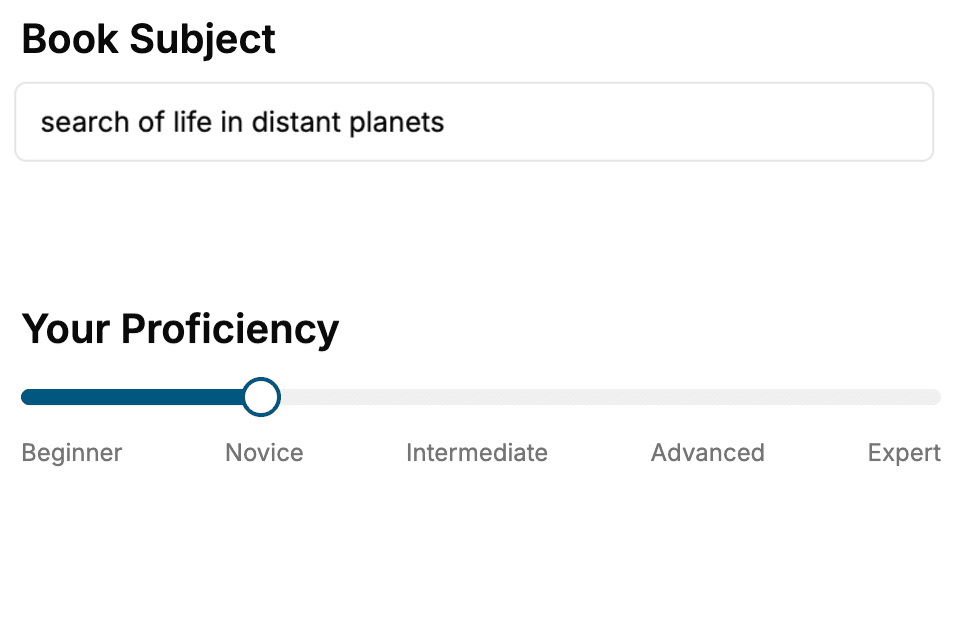
Select the focus of your iPhone book and share your background
- 2. Personalize your book
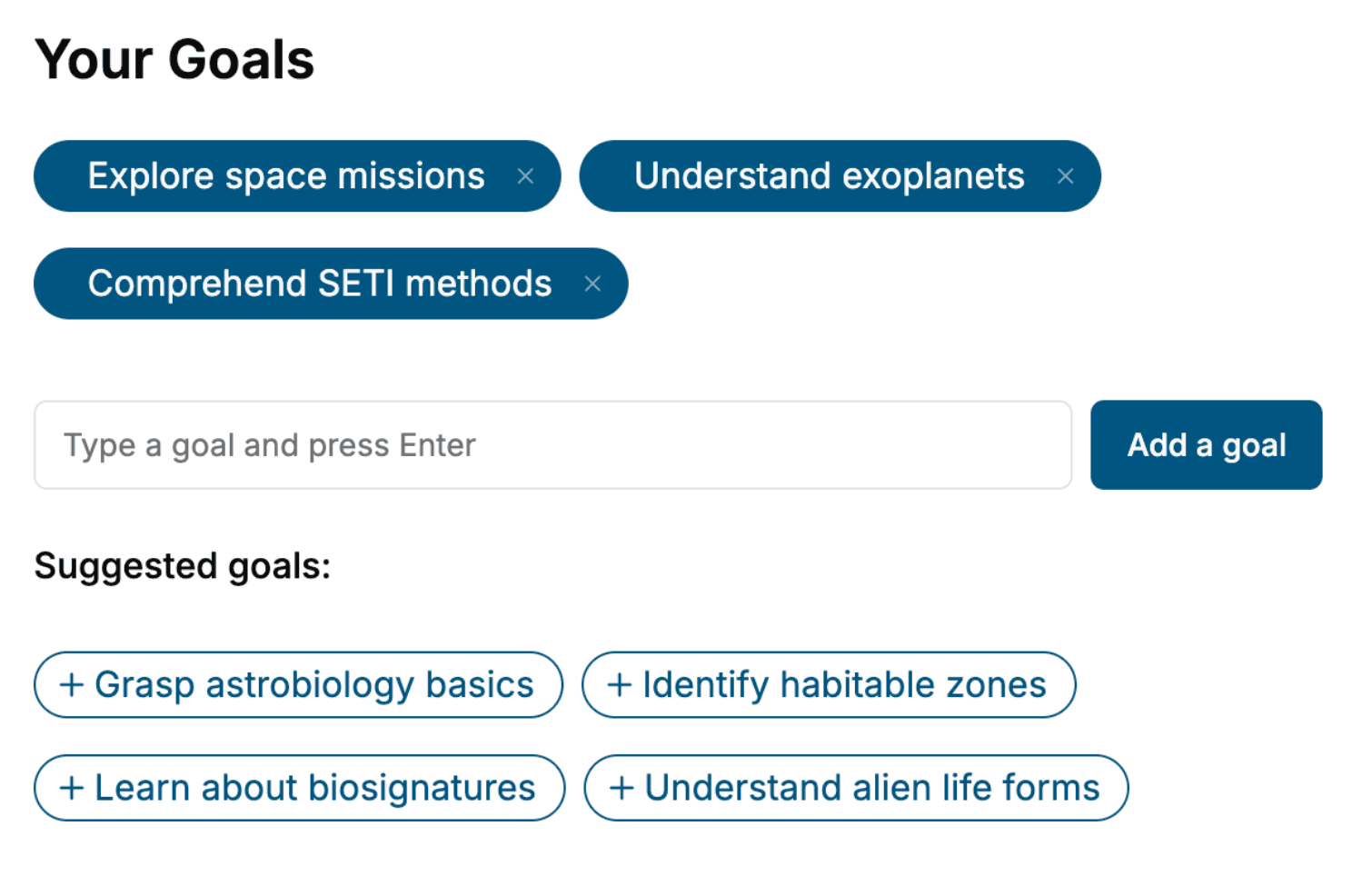
Specify your goals and choose sub-topics to include
- 3. Get your tailored book
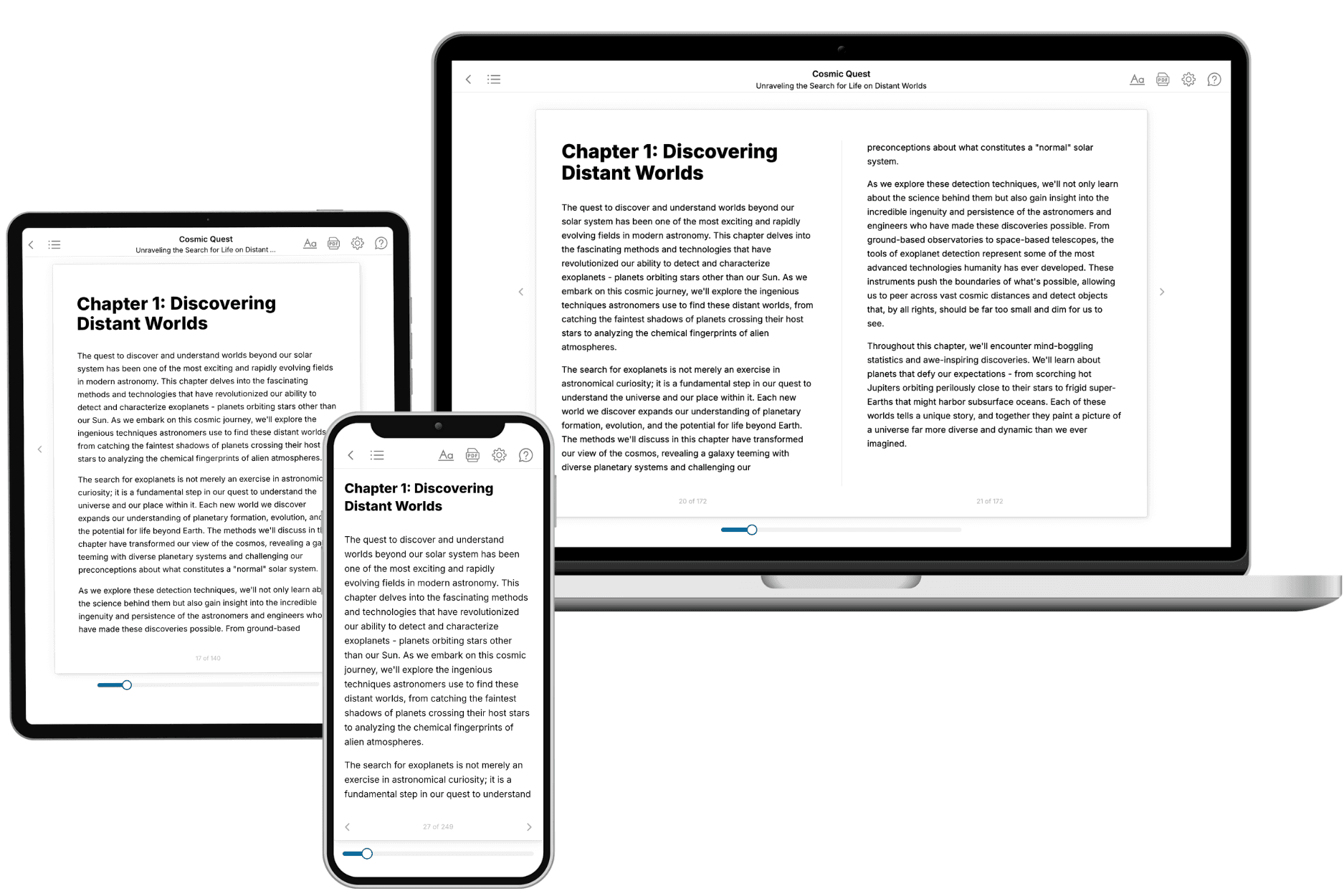
Your book is ready in 10 minutes. Read it online, download as EPUB or PDF, or send to Kindle.
Frequently asked questions
- What is TailoredRead?
TailoredRead creates complete, full-length nonfiction ebooks, written specifically for you. Tell us what you want to learn and why, and TailoredRead writes you a complete ebook on it, with charts, tables, and diagrams throughout. Read it online, on Kindle, or on any e-reader, or download it as a PDF or EPUB. Every book is written fresh the day you order it.
- How is the book tailored to me?
Before anything is written, you answer a few short questions about your goals, your background, and the topics you care about. Your book is then planned around your answers: written at your level, focused on your goals, and covering the topics you chose, instead of the one-size-fits-all book a store sells everyone.
- Will it read like generic AI content?
No. Your book isn't a chat transcript: it's planned chapter by chapter before a single word is written, told in a clear book voice, and explains ideas visually with charts, tables, and diagrams. After writing, every book goes through an editorial pass that polishes chapters so the book reads consistent from start to finish. Judge for yourself: browse thousands of sample books on our Explore Books page.
- How accurate is the content?
Our AI first checks whether your subject needs live research. Niche and fast-moving subjects are researched before writing, and the book plan and chapters are grounded in what it finds. After writing, every book goes through a quality pass that checks its facts and consistency, and researched books list their sources in a Notes section at the back.
- How long is the book?
You choose the length: Comprehensive (250-300 pages), Detailed (150-200 pages), Essential (70-100 pages), or Short (30-50 pages).
- Does the book include visuals?
Yes. Every book includes charts, tables, and diagrams: timelines, checklists, step-by-step guides, decision trees, comparison tables, matrices, and bar charts. A typical book includes dozens of these visual elements.
- Can I read it on Kindle? What formats can I download?
Yes. Every book can be read in our online reader or downloaded as a PDF or EPUB. The EPUB can be opened with Kindle, Apple Books, Kobo, and any e-reader. The Commercial and Author licenses also include an editable Word (DOCX) and Markdown download.
- How much does it cost?
About the price of a regular ebook. The exact price depends on your book's length and complexity, from $2 for the shortest books to $35 for the most comprehensive, and it's shown when you review your book, before you commit to anything. Each book is a one-time purchase, yours to keep, no subscription. Licenses that let you share, teach, or publish your book range from $35.99 to $49.99.
- Can I preview the book before purchasing?
Before you pay, you'll see what your book will cover: the title, a detailed description, the estimated length, and the complete chapter-by-chapter table of contents, so you know what you're getting before you decide. The full text itself is written after you purchase.
- How long does it take to create a book?
About 10 minutes. You can start reading the opening chapters while the rest is still being written.