iPhone Mastery for Seniors
A Practical Guide to iPhone 13, Accessibility, and Staying Connected
Gain complete confidence using your iPhone 13 with this practical, step-by-step guide designed specifically for seniors.
253 pages12 chaptersApr 15, 2026iPhoneCreated by J
About this book
You'll master essential features like Face ID, accessibility settings, and gesture controls while learning to safely manage payments, connect with family through FaceTime and social media, and organize your photos. This book walks you through device setup, app usage, and troubleshooting in clear, jargon-free language. Discover how to enable Voice Control and Siri for hands-free operation, configure hearing aid compatibility, and optimize your display for comfortable viewing. Whether you're taking quality photos, setting up emergency contacts, or managing your digital life independently, you'll find practical solutions to common challenges. With real-world examples and accessible explanations, this guide empowers you to use technology confidently while maintaining your privacy and security. Perfect for someone ready to embrace digital connectivity on your own terms.
Table of contents
- IntroductionWhy iPhone is Perfect for Seniors, How to Use This Book, What You'll Learn and AccomplishRead below
- Chapter 1: Getting Started with Your iPhone 13Unboxing and Initial Setup, Understanding the iPhone 13 Basics, Navigating the Home Screen
- Chapter 2: Setting Up Security and ProtectionSetting Up Face ID Securely, Configuring Touch ID for Convenience, Creating a Strong Passcode Backup
- Chapter 3: Mastering Accessibility FeaturesOptimizing Text Size and Display Settings, Configuring Hearing Aid Compatibility, Learning Accessibility Keyboard Options
- Chapter 4: Voice Control and Siri CommandsActivating and Using Siri, Mastering Voice Control for Hands-Free Operation, Creating Custom Voice Commands
- Chapter 5: Gesture Controls and NavigationLearning Essential Gesture Controls, Master Screen Reader Functionality, Configuring Accessibility Shortcuts
- Chapter 6: iCloud Backup and Storage ManagementSetting Up iCloud Backup and Storage, Managing Your Backup and Data, Recovering Data When Needed
- Chapter 7: Staying Connected with FamilyLearning FaceTime for Video Calls, Configuring Email and Messaging Apps, Setting Up Emergency Contacts Safely
- Chapter 8: Social Media and Online PresenceMaster Social Media Account Setup, Understand iOS Privacy Settings, Understand App Permissions and Privacy
- Chapter 9: Managing Payments SecurelyMaster Apple Pay and Digital Wallets, Securing Your Payment Information, Monitoring and Managing Transactions
- Chapter 10: Photography and Media ManagementTaking Quality Photos with Your iPhone, Improve Photo Editing on iPhone, Master Photo Library Management
- Chapter 11: Apps, Music, and EntertainmentLearn App Organization Techniques, Play Music on iPhone, Using Apps Confidently and Safely
- Chapter 12: Troubleshooting Common IssuesSolving Frequent iPhone Problems, Improving Speed and Performance, When and How to Get Technical Support
- ConclusionYour Path Forward, Continuing Your iPhone Journey
- Glossary of iPhone Terms
- Additional Resources and Support
Introduction
There is a moment that many people recognize. You are holding your iPhone, someone has just sent you a photo of the grandkids, and you are not quite sure how to make the image bigger, reply with a message, or even find where the photo went after you tapped it. That moment of uncertainty does not mean you are bad with technology. It simply means no one has walked you through the device in a way that actually makes sense for how you think and what you need. That is exactly what this book is here to do.
The iPhone 13 is one of the most capable and thoughtfully designed smartphones ever made. Apple has spent decades refining the experience, and a significant part of that refinement has gone into making the device genuinely accessible to people of all ages and abilities. Features like larger text options, voice commands, hearing aid compatibility, and simplified navigation are not afterthoughts. They are built into the core of the operating system, ready to be switched on and customized to fit your life. The challenge is simply knowing where to find them and how to use them with confidence.
This book was written with a specific goal in mind: to give you the knowledge and the practical skills to use your iPhone 13 independently, securely, and with real enjoyment. Every chapter is written in plain language. Every instruction is broken into clear steps. And every topic connects back to something that matters in daily life, whether that is video calling a family member across the country, paying for groceries without fumbling for a card, or capturing a sharp photo at a birthday party. By the time you finish this guide, your iPhone will feel less like a puzzle and more like a reliable tool you genuinely know how to use.
Why iPhone is Perfect for Seniors
Apple designed the iPhone with a philosophy that technology should work for people, not the other way around. That philosophy shows up in dozens of small but meaningful ways throughout the device. The screen is bright and sharp. The text can be made as large as you need. The buttons respond to a light touch. And the operating system, called iOS, is consistent across every app, which means once you learn how to navigate one part of the phone, that knowledge carries over everywhere else.
One of the strongest arguments for the iPhone is its Accessibility suite, a collection of built-in tools that Apple has developed specifically to support users with varying vision, hearing, and mobility needs. According to Apple, these features are available on every iPhone at no extra cost and require no special downloads.[1] That means tools like enlarged text, high-contrast display modes, hearing aid pairing, and full voice control are already sitting inside your device, waiting to be turned on.
Consider what that looks like in practice. If reading small text on a screen is uncomfortable, you can increase the font size across the entire phone in under a minute. If you find tapping small buttons difficult, you can enable a feature that makes all touch targets larger. If you prefer not to type at all, you can speak every command out loud and the phone will respond. These are not workarounds. They are core features that Apple actively maintains and improves with every software update.
Security is another area where iPhone stands out. The iPhone 13 uses Face ID, which unlocks the phone by recognizing your face in a fraction of a second. This means you never have to remember a complicated password just to check your messages. At the same time, your financial information, health data, and personal photos are protected by some of the strongest encryption available on any consumer device. For someone managing banking, medical appointments, and family communication all from one device, that level of protection matters enormously.
The iPhone also benefits from a tightly controlled app ecosystem. Every app available through the App Store has been reviewed by Apple before it reaches your phone. This does not make every app perfect, but it does significantly reduce the risk of accidentally downloading something harmful. Compare that to some other platforms where malicious software is a more common concern, and the difference becomes clear. For someone who wants to explore apps without worrying about security at every step, that controlled environment is a genuine advantage.
Finally, there is the matter of long-term support. Apple provides software updates for iPhones for many years after the device is released. The iPhone 13, released in 2021, will continue receiving security patches and new features well into the future. That means the investment you make in learning this device today will continue to pay off for years to come. You are not learning a system that will become obsolete next year. You are building skills on a platform that Apple actively supports and improves.
Research from AARP found that 61% of adults aged 70 and older own a smartphone, and among those who do, the iPhone is consistently rated highest for ease of use and satisfaction.[2]
The combination of accessibility features, strong security, a curated app environment, and long-term software support makes the iPhone 13 an exceptionally well-suited device for anyone who wants reliable, dignified, and independent access to digital life. It is not just a good phone. For many people, it becomes an essential daily companion.
How to Use This Book
This book is organized to take you from the very beginning, unboxing your iPhone and turning it on for the first time, all the way through advanced topics like managing payments, editing photos, and troubleshooting problems on your own. Each chapter builds on the one before it, so reading from start to finish gives you the most complete experience. That said, the book is also designed so you can jump directly to any chapter that addresses something you need right now.
Here is how the chapters are structured so you can navigate with confidence:
- Chapters 1 and 2 cover setup and security. If your iPhone is brand new, start here. These chapters walk you through turning on the device, connecting to Wi-Fi, and setting up Face ID so your phone is protected from day one.
- Chapters 3, 4, and 5 focus on accessibility and navigation. These are among the most important chapters in the book. Even if you feel comfortable with the basics, these chapters will show you features that can make your daily experience significantly more comfortable and efficient.
- Chapters 6 and 7 cover backup and communication. You will learn how to protect your data automatically and how to stay in touch with family through video calls, messages, and email.
- Chapters 8 and 9 address social media and payments. These topics come with important privacy and security guidance, so each chapter includes specific steps for protecting yourself while using these features.
- Chapters 10, 11, and 12 cover photography, apps, entertainment, and troubleshooting. These chapters help you get more enjoyment from your device and give you the tools to solve common problems without needing outside help.
Throughout the book, you will find several recurring elements designed to make learning easier. Step-by-step instructions are written in plain numbered lists so you always know exactly what to tap, swipe, or say. Examples show you what a real situation looks like and how to handle it. Tips highlight shortcuts or helpful details that are easy to miss. And caution notes flag anything that requires extra care, particularly around security and privacy.
One important piece of advice before you begin: keep your iPhone nearby as you read. The best way to learn any new skill is to practice it immediately. When a chapter walks you through enabling a setting, try it on your phone right then. When an example describes a gesture, practice that gesture on your screen. Reading about how to use a touchscreen is useful, but actually touching the screen while you read is what builds real confidence and muscle memory.
Do not worry about making mistakes. The iPhone is designed to be forgiving. Almost every action can be undone. Settings can be changed back. Apps can be deleted and reinstalled. Photos are backed up automatically. The device is built with the understanding that people explore and experiment, and it handles that gracefully. Approach each chapter with curiosity rather than caution, and you will find the learning process much more enjoyable.
If you encounter a term you do not recognize, check the Glossary at the back of the book. It covers all the key iPhone vocabulary in plain language, from terms like app and widget to more technical words like iCloud and Bluetooth. The Additional Resources section at the very end also points you toward Apple's own support tools, which are free and available any time you need extra help beyond what this book covers.
Finally, set realistic expectations for yourself. Learning a new device takes time, and that is completely normal. Most people find that after two or three weeks of regular use, the basic gestures and navigation patterns start to feel natural. After a month, many features that once seemed confusing become second nature. Give yourself permission to learn at your own pace, revisit chapters as needed, and celebrate each small win along the way.
What You'll Learn and Accomplish
By the time you reach the final page of this book, you will have built a comprehensive set of practical iPhone skills. These are not abstract concepts or theoretical knowledge. They are real capabilities you will use every day. Here is a clear picture of what you will be able to do when you are done.
You will set up and secure your iPhone from scratch. This includes connecting to your home Wi-Fi network, creating your Apple ID, enabling Face ID so the phone recognizes your face, and setting a strong backup passcode. You will understand why each of these steps matters and how they work together to keep your personal information safe.
You will customize your iPhone to match your vision and hearing needs. The accessibility chapter alone covers more than a dozen settings that can transform how comfortable the phone is to use. You will know how to:
- Increase text size across every app on the phone
- Enable bold text and high-contrast display modes
- Reduce screen motion if animations cause discomfort
- Pair hearing aids directly to your iPhone via Bluetooth
- Turn on visual alerts for calls and notifications
- Use the magnifier feature as a built-in reading glass
You will use Siri and Voice Control to operate your phone hands-free. This is one of the most powerful and underused features available to iPhone users. You will learn how to ask Siri to send a text message, set a reminder, make a phone call, or answer a question, all without touching the screen. You will also learn how to use Voice Control, which lets you navigate every part of the phone using spoken commands, a feature that is especially valuable if tapping small targets is difficult.
You will stay connected with family and friends through multiple channels. FaceTime video calls, text messages, email, and social media each get their own dedicated coverage. You will know how to start a video call with a grandchild, send a photo in a text message, set up an email account, and use platforms like Facebook safely. Importantly, you will also understand how to protect your privacy on each of these platforms so that staying connected does not come at the cost of your personal security.
You will manage payments securely using Apple Pay. Many people are understandably cautious about paying with a phone. This book explains exactly how Apple Pay works, why it is actually more secure than swiping a physical card, and how to set it up step by step. You will also learn how to monitor your transactions and what to do if something looks wrong.
You will take, edit, and organize photos with confidence. The iPhone 13 has a genuinely excellent camera, and you will learn how to use it well. That includes understanding the different camera modes, taking sharp photos in various lighting conditions, using the built-in editing tools to improve a photo after you take it, and organizing your photo library so you can find any image quickly. You will also understand how iCloud keeps your photos backed up automatically so they are never lost.
You will troubleshoot common problems on your own. One of the most empowering outcomes of this book is the ability to solve issues without immediately calling for help. The troubleshooting chapter covers the most frequent iPhone problems and their solutions in plain language. Whether the phone is running slowly, an app is not working, the battery is draining too fast, or you cannot connect to Wi-Fi, you will have a clear process for diagnosing and fixing the issue yourself.
Beyond the specific skills, there is a broader goal that runs through every chapter of this book. That goal is digital independence. Technology should expand what you can do, not create new sources of frustration or dependence. When you know how to use your iPhone well, you can manage your own calendar, communicate with family on your own terms, handle financial tasks without assistance, and access information whenever you need it. That kind of independence has real value in daily life, and this book is designed to help you achieve it fully.
A 2021 study published in the journal The Gerontologist found that older adults who received structured technology training reported significantly higher levels of social connectedness and lower rates of loneliness compared to those who did not receive training.[3] Learning to use your device well is not just a practical skill. It has measurable effects on quality of life.
The path ahead is straightforward. Each chapter gives you the knowledge, the steps, and the examples you need to build real competence with your iPhone 13. There is no assumed prior knowledge, no skipped steps, and no jargon left unexplained. Everything is here. All you need to bring is your iPhone and a willingness to learn. Let's get started.
This is the end of the free sample. The full book has 12 chapters.
Want this book written for you?
Tell us your goals and background, and get your own version of this book, tailored by AI to you.


Benefits of AI-tailored books
- Read one book, not ten:
- all the iPhone knowledge you need, gathered into a single book.
- Save days of learning:
- tell us your goals, choose your topics, and the whole book is built around them.
- Learn effortlessly:
- iPhone book written for your specific background and expertise.
- Understand at a glance:
- includes charts, tables, timelines, checklists, decision trees, and more.
- Stay current:
- written the day you order it, not years ago.
- Trust what you read:
- every book is checked for accuracy, with real research when your subject needs it.
Create your unique book in 3 steps
- 1. Select your focus
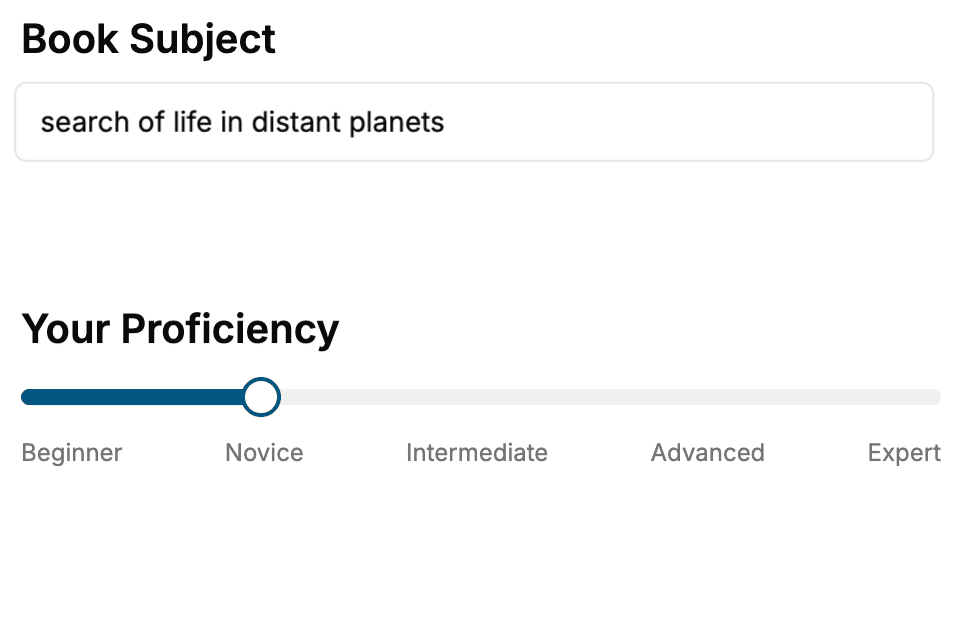
Select the focus of your iPhone book and share your background
- 2. Personalize your book
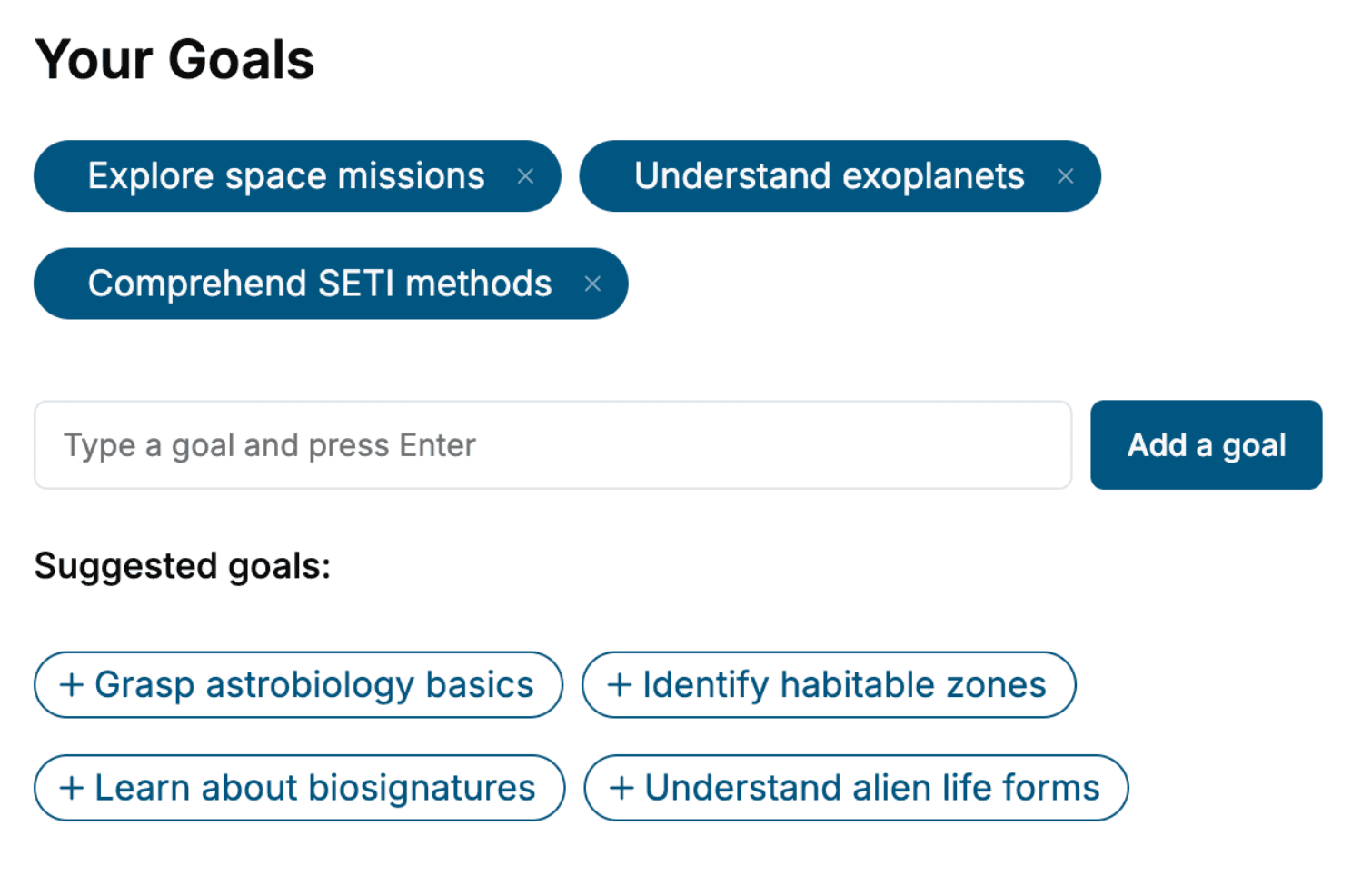
Specify your goals and choose sub-topics to include
- 3. Get your tailored book
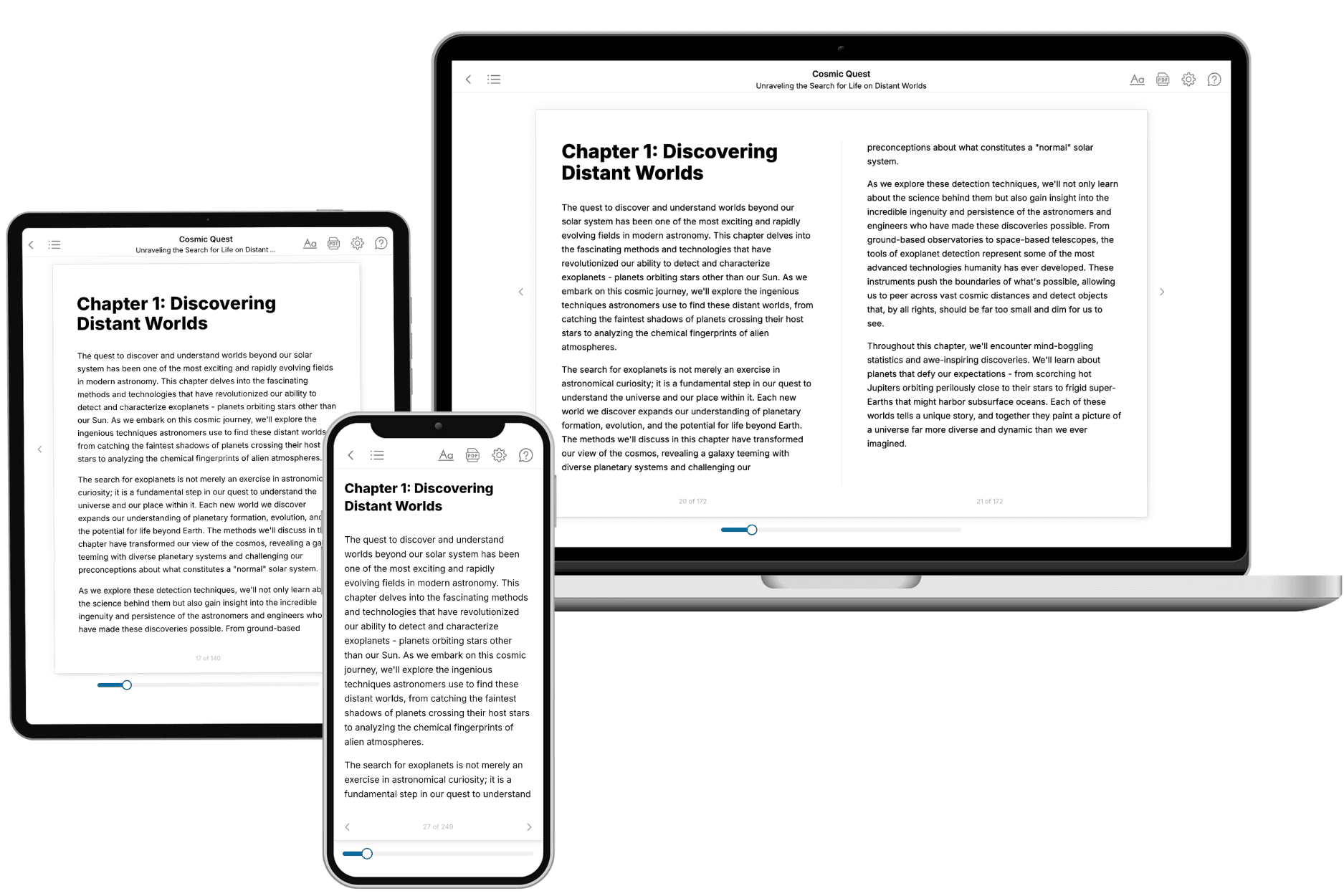
Your book is ready in 10 minutes. Read it online, download as EPUB or PDF, or send to Kindle.
Frequently asked questions
- What is TailoredRead?
TailoredRead creates complete, full-length nonfiction ebooks, written specifically for you. Tell us what you want to learn and why, and TailoredRead writes you a complete ebook on it, with charts, tables, and diagrams throughout. Read it online, on Kindle, or on any e-reader, or download it as a PDF or EPUB. Every book is written fresh the day you order it.
- How is the book tailored to me?
Before anything is written, you answer a few short questions about your goals, your background, and the topics you care about. Your book is then planned around your answers: written at your level, focused on your goals, and covering the topics you chose, instead of the one-size-fits-all book a store sells everyone.
- Will it read like generic AI content?
No. Your book isn't a chat transcript: it's planned chapter by chapter before a single word is written, told in a clear book voice, and explains ideas visually with charts, tables, and diagrams. After writing, every book goes through an editorial pass that polishes chapters so the book reads consistent from start to finish. Judge for yourself: browse thousands of sample books on our Explore Books page.
- How accurate is the content?
Our AI first checks whether your subject needs live research. Niche and fast-moving subjects are researched before writing, and the book plan and chapters are grounded in what it finds. After writing, every book goes through a quality pass that checks its facts and consistency, and researched books list their sources in a Notes section at the back.
- How long is the book?
You choose the length: Comprehensive (250-300 pages), Detailed (150-200 pages), Essential (70-100 pages), or Short (30-50 pages).
- Does the book include visuals?
Yes. Every book includes charts, tables, and diagrams: timelines, checklists, step-by-step guides, decision trees, comparison tables, matrices, and bar charts. A typical book includes dozens of these visual elements.
- Can I read it on Kindle? What formats can I download?
Yes. Every book can be read in our online reader or downloaded as a PDF or EPUB. The EPUB can be opened with Kindle, Apple Books, Kobo, and any e-reader. The Commercial and Author licenses also include an editable Word (DOCX) and Markdown download.
- How much does it cost?
About the price of a regular ebook. The exact price depends on your book's length and complexity, from $2 for the shortest books to $35 for the most comprehensive, and it's shown when you review your book, before you commit to anything. Each book is a one-time purchase, yours to keep, no subscription. Licenses that let you share, teach, or publish your book range from $35.99 to $49.99.
- Can I preview the book before purchasing?
Before you pay, you'll see what your book will cover: the title, a detailed description, the estimated length, and the complete chapter-by-chapter table of contents, so you know what you're getting before you decide. The full text itself is written after you purchase.
- How long does it take to create a book?
About 10 minutes. You can start reading the opening chapters while the rest is still being written.