JavaScript Frameworks in NetBeans
Master Modern Web Development with Integrated Tools and Best Practices
Many developers struggle with JavaScript frameworks, treating them as black boxes rather than understanding their core principles.
191 pages9 chaptersJan 28, 2026JavaScript
About this book
This leaves you vulnerable to performance issues, debugging nightmares, and architectural mistakes that compound over time. This book bridges the gap between knowing JavaScript syntax and mastering frameworks within NetBeans. You'll learn how to leverage NetBeans' integrated development environment to write cleaner, faster code while understanding the "why" behind framework design decisions. From setting up your first project to optimizing complex applications, you'll discover practical techniques that experienced developers use daily. Whether you're building single-page applications, managing state across components, or integrating APIs, this guide provides the knowledge and tools to work efficiently. By the end, you'll have the confidence to tackle real-world projects and make informed decisions about framework selection and implementation strategies.
Table of contents
- IntroductionWhy Frameworks Matter in Modern Development, The NetBeans Advantage for Framework Development, How to Use This BookRead below
- Chapter 1: Understanding JavaScript FrameworksWhat Is a Framework and Why You Need One, The Modern Framework Landscape, Core Concepts Across All Frameworks, Choosing the Right Framework for Your Project
- Chapter 2: Setting Up NetBeans for Framework DevelopmentInstalling and Configuring NetBeans, Essential Plugins and Extensions, Creating Projects with Framework Templates, Optimizing Your Workspace for Productivity
- Chapter 3: Components and Architecture FundamentalsUnderstanding Components as Building Blocks, Component Lifecycle and Hooks, Managing Props and State Effectively, Composing Components for Reusability
- Chapter 4: State Management StrategiesState Management Fundamentals, Local State Versus Global State, Popular State Management Libraries, Debugging State Issues in NetBeans
- Chapter 5: Routing and NavigationRouting Basics and URL Management, Implementing Routes in Your Framework, Handling Nested Routes and Parameters, Common Navigation Patterns and Best Practices
- Chapter 6: Working with APIs and Asynchronous OperationsAsynchronous Programming Fundamentals, Fetching Data from APIs, Error Handling and Retry Strategies, Debugging Asynchronous Code in NetBeans
- Chapter 7: Testing Frameworks and Quality AssuranceWhy Testing Matters in Framework Development, Unit Testing Components and Functions, Integration Testing and End-to-End Testing, Testing Tools and Integration in NetBeans
- Chapter 8: Performance Optimization and DebuggingUnderstanding Performance Metrics, Optimizing Rendering and Re-renders, Memory Management and Leak Prevention, Profiling and Debugging with NetBeans Tools
- Chapter 9: Building and Deployment WorkflowsUnderstanding the Build Process, Bundling and Code Splitting Strategies, Deployment Options and Environments, Continuous Integration and Deployment in NetBeans
- ConclusionKey Takeaways and Next Steps, Continuing Your Framework Journey
- Appendix: Quick Reference GuideNetBeans Keyboard Shortcuts for Framework Development, Common Errors and Solutions, Additional Resources and Documentation Links
Introduction
JavaScript frameworks have transformed web development from a collection of scattered scripts into a disciplined engineering practice. Yet many developers find themselves copying code from tutorials without understanding the underlying principles, leading to fragile applications that break under pressure. This book addresses that gap by teaching you not just how to use frameworks, but how to think with them. You'll learn to leverage NetBeans as a powerful ally in your development workflow, turning what might seem like complex abstractions into practical tools that accelerate your productivity. The combination of framework knowledge and IDE mastery creates a multiplier effect that separates competent developers from exceptional ones.
The landscape of JavaScript development has evolved dramatically over the past decade. What once required hundreds of lines of manual DOM manipulation now takes just a few declarative statements in a modern framework. This shift represents more than convenience—it reflects fundamental changes in how we architect applications. Frameworks enforce patterns that prevent common mistakes, provide structure that scales from small projects to enterprise applications, and offer ecosystems of tools that handle everything from routing to state management. Understanding these patterns and tools within the context of an integrated development environment like NetBeans gives you a significant advantage in building maintainable, performant applications.
This introduction sets the stage for your journey through framework development in NetBeans. You'll discover why frameworks have become essential rather than optional, how NetBeans specifically enhances framework development compared to simpler text editors, and how to approach this book to maximize your learning. Whether you're transitioning from vanilla JavaScript or switching from another IDE, the following sections provide the context you need to make the most of the chapters ahead. The goal isn't just to teach you syntax or shortcuts—it's to fundamentally change how you approach building web applications.
Why Frameworks Matter in Modern Development
Modern web applications demand complexity that vanilla JavaScript struggles to manage efficiently. Consider a typical single-page application with dozens of interactive components, real-time data updates, and complex user workflows. Without a framework, you'd spend countless hours writing boilerplate code for DOM manipulation, event handling, and state synchronization. Frameworks solve these problems by providing proven patterns and abstractions that handle the repetitive work, allowing you to focus on business logic rather than infrastructure. This isn't about laziness—it's about directing your cognitive resources toward problems that actually matter to your users and stakeholders.
Frameworks enforce architectural consistency that becomes critical as projects grow. When you work alone on a small project, you might maintain mental models of how everything connects. But when teams collaborate on applications with thousands of lines of code, consistency becomes paramount. Frameworks provide shared vocabularies and patterns that make codebases readable and maintainable. A developer joining your project can immediately understand component hierarchies, data flow, and lifecycle management because these concepts follow framework conventions. This standardization reduces onboarding time and minimizes the architectural debates that can paralyze teams.
The performance optimizations built into modern frameworks would take years to implement manually. Frameworks like React employ virtual DOM diffing algorithms that minimize expensive browser reflows. Vue uses reactive dependency tracking to update only the components affected by state changes. Angular implements zone-based change detection that batches updates efficiently. These optimizations represent thousands of hours of engineering work by teams who've profiled and refined their approaches across millions of applications[1]. When you use a framework, you inherit this accumulated wisdom without needing to become an expert in browser rendering engines or JavaScript performance characteristics.
Frameworks provide ecosystems that extend far beyond the core library. When you choose a framework, you gain access to routing libraries, state management solutions, testing utilities, development tools, and thousands of community-built components. This ecosystem effect means you rarely need to solve problems from scratch. Need form validation? There's a well-tested library for that. Want to implement authentication? Multiple solutions exist with detailed documentation. This ecosystem reduces development time and improves reliability because you're using battle-tested code rather than rolling your own solutions. The network effects of popular frameworks create virtuous cycles where better tools attract more developers, who create more tools, which attract even more developers.
The declarative programming model that frameworks embrace fundamentally changes how you think about user interfaces. Instead of writing imperative instructions that tell the browser exactly how to manipulate the DOM, you declare what the UI should look like for any given state. The framework handles the translation from your declarations to actual DOM operations. This shift might seem subtle, but it eliminates entire categories of bugs related to state synchronization. Consider this comparison:
- Imperative approach: Find the element, check its current state, calculate what needs to change, apply the changes, update related elements, handle edge cases
- Declarative approach: Describe what the UI should look like given the current state, let the framework handle everything else
Frameworks enable component-based architecture that promotes reusability and separation of concerns. Instead of building monolithic applications where HTML, CSS, and JavaScript are scattered across multiple files with unclear relationships, frameworks encourage you to create self-contained components. Each component encapsulates its own markup, styling, and behavior, making it easy to understand, test, and reuse. This modularity mirrors successful patterns from other engineering disciplines—you wouldn't build a car by welding together raw metal; you'd assemble pre-built, tested components. The same principle applies to web development, and frameworks make this component-based approach natural and efficient.
The tooling and developer experience improvements that frameworks enable cannot be overstated. Modern frameworks integrate with build tools, linters, formatters, and development servers that provide instant feedback as you code. Hot module replacement lets you see changes without refreshing the browser. Type checking catches errors before runtime. Component inspectors let you visualize your application's structure and state. These tools transform development from a cycle of write-save-refresh-debug into a fluid experience where you receive immediate feedback. This improved developer experience isn't just about comfort—it directly impacts productivity and code quality. When you can iterate faster and catch mistakes earlier, you ship better software.
Frameworks prepare you for the future of web development by establishing patterns that work across platforms. The component model, reactive programming, and unidirectional data flow that you learn with web frameworks translate directly to mobile development with React Native, desktop applications with Electron, and even server-side rendering. This portability of knowledge and sometimes even code means your investment in learning frameworks pays dividends across multiple domains. As the lines between web, mobile, and desktop continue to blur, framework expertise becomes increasingly valuable. The patterns you master today will remain relevant even as specific technologies evolve.
The NetBeans Advantage for Framework Development
NetBeans offers integrated development capabilities that lightweight editors simply cannot match. While text editors like VS Code or Sublime Text excel at quick edits, NetBeans provides a complete development environment with deep language understanding, refactoring tools, and integrated debugging. This distinction matters enormously when working with frameworks. NetBeans doesn't just highlight syntax—it understands your project structure, tracks dependencies, and provides intelligent code completion that knows about framework-specific APIs. When you type a component name, NetBeans can show you its props, suggest lifecycle methods, and even navigate to the component definition with a single keystroke. This level of integration transforms how quickly you can work and how confidently you can refactor code.
The project management capabilities in NetBeans eliminate much of the configuration overhead that plagues framework development. Creating a new framework project in NetBeans involves selecting a template, configuring a few options, and letting the IDE handle the rest. NetBeans automatically sets up your build configuration, manages dependencies through npm or yarn, configures linters and formatters, and establishes sensible project structure. This automation prevents the common pitfall of spending hours configuring webpack, babel, and various plugins before writing a single line of application code. For developers who want to focus on building features rather than maintaining build configurations, NetBeans provides tremendous value through its opinionated but flexible project setup.
NetBeans' debugging capabilities for JavaScript frameworks surpass what browser developer tools alone can provide. While browser DevTools excel at runtime inspection, NetBeans lets you set breakpoints in your source code, step through framework lifecycle methods, inspect component state, and trace data flow—all from within your development environment. The integration between NetBeans and browser debugging tools means you can seamlessly move between IDE debugging and browser inspection without context switching. This unified debugging experience becomes critical when tracking down complex issues that span multiple components or involve asynchronous operations. You can pause execution, examine variables, modify state, and resume—all while maintaining full visibility into your application's behavior.
The refactoring tools in NetBeans provide safety nets that encourage better code organization. When you rename a component, NetBeans automatically updates all references across your project, including imports, JSX usage, and even string references in configuration files. When you extract a function or move a component to a different file, NetBeans handles the import statements and path updates. These capabilities might seem minor, but they fundamentally change how willing you are to improve code structure. Without reliable refactoring tools, developers often leave code in suboptimal states because the manual work of updating references feels too risky or time-consuming. NetBeans removes this friction, making continuous improvement natural and safe.
NetBeans provides integrated version control that keeps your development workflow smooth and uninterrupted. You can view diffs, commit changes, create branches, and resolve merge conflicts without leaving the IDE. This integration matters particularly when working with frameworks because framework projects often involve many files—components, styles, tests, and configuration. Being able to see which files changed, review diffs in context, and commit logical units of work without switching to a terminal or separate Git client maintains your focus and reduces cognitive load. The visual diff tools in NetBeans make it easy to review changes before committing, catching accidental modifications or debugging code that shouldn't be committed.
The code quality tools integrated into NetBeans help maintain high standards across your framework projects. NetBeans can run ESLint, Prettier, and framework-specific linters automatically as you type, highlighting issues before you even save the file. This immediate feedback loop helps you internalize best practices and avoid common mistakes. The IDE can also apply automatic fixes for many issues, reformatting code to match your style guide or correcting simple errors with a single keystroke. These quality tools become particularly valuable when working on teams, ensuring that everyone's code meets the same standards regardless of individual preferences or experience levels.
NetBeans' plugin ecosystem extends its capabilities specifically for framework development. Plugins provide enhanced support for JSX syntax, Vue single-file components, Angular templates, and framework-specific tooling. These plugins add features like component generators, snippet libraries, and framework-aware code completion that understand the idioms and patterns of specific frameworks. The plugin architecture means NetBeans can evolve alongside the JavaScript ecosystem, adding support for new frameworks and tools without requiring core IDE updates. This extensibility ensures that your investment in learning NetBeans remains valuable even as the framework landscape changes.
The performance profiling tools in NetBeans help you identify and resolve bottlenecks in your framework applications. You can profile CPU usage, memory allocation, and rendering performance directly from the IDE, seeing which components consume the most resources and where optimization efforts should focus. This integrated profiling eliminates the need to export data to external tools or manually correlate profiling results with source code. When you identify a performance issue, you can immediately jump to the relevant code and begin optimization. This tight feedback loop between measurement and improvement accelerates the process of building performant applications.
NetBeans supports the full development lifecycle from initial coding through testing and deployment. You can run unit tests, view coverage reports, execute build scripts, and deploy to servers—all from within the IDE. This comprehensive support means you rarely need to switch contexts or remember command-line incantations. The IDE remembers your configurations, provides visual feedback on test results, and integrates with continuous integration systems. For developers who value efficiency and focus, this integrated approach to the development lifecycle represents a significant productivity advantage over cobbling together separate tools and workflows.
How to Use This Book
This book follows a progressive structure that builds from foundational concepts to advanced techniques. Each chapter assumes you've absorbed the material from previous chapters, so skipping ahead may leave gaps in your understanding. The early chapters establish framework fundamentals and NetBeans configuration that later chapters build upon. If you're tempted to jump directly to topics like state management or performance optimization, resist that urge. The foundational material isn't filler—it establishes mental models and vocabulary that make advanced topics comprehensible. Even if you have some framework experience, reviewing the fundamentals ensures you haven't developed misconceptions that could limit your growth.
Each chapter combines conceptual explanations with practical examples and NetBeans-specific guidance. The conceptual sections explain the "why" behind framework features and patterns, helping you understand the problems they solve and when to apply them. The practical examples show concrete implementations, often comparing different approaches to highlight trade-offs. The NetBeans-specific sections demonstrate how to leverage IDE features to work more efficiently with the concepts just introduced. This three-part structure ensures you develop both theoretical understanding and practical skills. Don't skip the conceptual sections even if you're eager to start coding—understanding why frameworks work the way they do will make you a better developer than memorizing syntax alone.
The code examples throughout this book are designed to be typed rather than copied. While it's tempting to copy-paste examples to save time, the act of typing code engages different cognitive processes that improve retention and understanding. When you type code, you notice details you'd miss when copying. You make mistakes that force you to debug and truly understand what each line does. You develop muscle memory for common patterns. Consider the examples as exercises rather than reference material. Type them into NetBeans, experiment with modifications, break them intentionally to see what happens, and fix them. This active engagement transforms passive reading into active learning.
Each chapter includes specific exercises and challenges designed to reinforce the material. These aren't optional—they're integral to the learning process. The exercises start simple, asking you to apply concepts directly as presented. The challenges increase in difficulty, requiring you to combine multiple concepts or solve problems without explicit guidance. Completing these exercises builds confidence and reveals gaps in understanding that you can address before moving forward. If you find an exercise difficult, that's valuable feedback indicating you should review the chapter material. If exercises feel too easy, you're probably ready to move on. Use the exercises as calibration tools to gauge your progress and adjust your pace accordingly.
The book assumes you have intermediate JavaScript knowledge but doesn't require prior framework experience. You should be comfortable with ES6+ syntax including arrow functions, destructuring, modules, and promises. You should understand closures, the event loop, and asynchronous programming. If these concepts feel shaky, consider reviewing JavaScript fundamentals before diving into frameworks. The book won't reteach JavaScript basics—it builds on that foundation to explore framework-specific patterns and NetBeans integration. However, you don't need to be a JavaScript expert. The book explains framework concepts from first principles and doesn't assume you've used React, Vue, Angular, or any other framework previously.
NetBeans-specific instructions assume you're using NetBeans 12 or later with the JavaScript and HTML5 features enabled. Earlier versions may lack some features discussed in the book, while later versions should remain compatible with minor interface differences. The book provides screenshots and step-by-step instructions for common tasks, but NetBeans' interface may evolve over time. If you can't find a specific menu item or feature, consult NetBeans documentation or use the IDE's search functionality to locate the feature. The underlying concepts remain valid even if specific UI elements move or change names. Focus on understanding what you're trying to accomplish rather than memorizing exact menu paths.
The framework examples in this book primarily use React for consistency, but the concepts apply broadly across frameworks. React's popularity and clear component model make it an excellent teaching vehicle, but you'll find explicit comparisons to Vue and Angular throughout the book. These comparisons highlight how different frameworks approach the same problems, helping you understand the underlying patterns rather than framework-specific syntax. If you plan to use a different framework professionally, don't worry—the mental models, architectural patterns, and NetBeans skills you develop will transfer directly. The book teaches you to think in frameworks, not just to write React code.
Supplementary resources including code repositories, video demonstrations, and community forums complement the book content. The code repository contains complete working examples for each chapter, organized by topic. These examples include additional comments and variations not shown in the book due to space constraints. The video demonstrations show NetBeans workflows in real-time, which can be easier to follow than static screenshots for some learners. The community forums provide spaces to ask questions, share your projects, and learn from other developers working through the same material. These resources enhance the book but aren't required—the book stands alone as a complete learning resource.
Your learning path should include regular practice beyond the book's exercises. Build small projects that interest you, even if they seem trivial. Recreate interfaces from websites you use daily. Contribute to open-source framework projects to see how experienced developers structure code. The book provides knowledge and skills, but mastery comes from application. Set aside time each week to experiment with concepts from the book in your own projects. This practice solidifies learning and reveals nuances that only emerge through hands-on experience. The goal isn't just to finish the book—it's to become a confident, capable framework developer who can tackle real-world projects with skill and understanding.
Notes
Introduction
- 1. Addy Osmani, "The Cost of JavaScript Frameworks," Google Developers Blog, 2017
This is the end of the free sample. The full book has 9 chapters.
Want this book written for you?
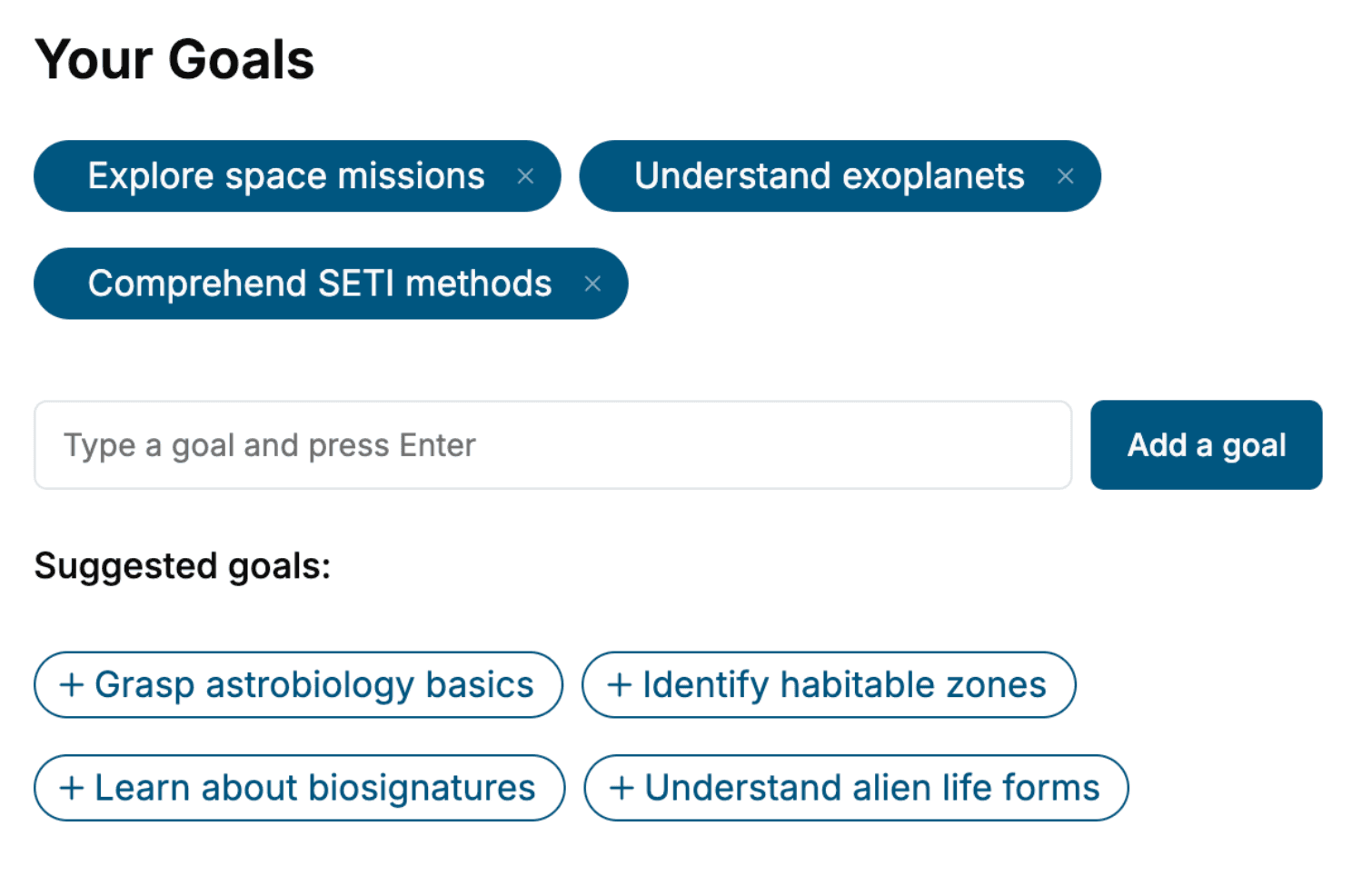
Tell us your goals and background, and get your own version of this book, tailored by AI to you.


Benefits of AI-tailored books
- Read one book, not ten:
- all the JavaScript knowledge you need, gathered into a single book.
- Save days of learning:
- tell us your goals, choose your topics, and the whole book is built around them.
- Learn effortlessly:
- JavaScript book written for your specific background and expertise.
- Understand at a glance:
- includes charts, tables, timelines, checklists, decision trees, and more.
- Stay current:
- written the day you order it, not years ago.
- Trust what you read:
- every book is checked for accuracy, with real research when your subject needs it.
Create your unique book in 3 steps
- 1. Select your focus
Select the focus of your JavaScript book and share your background
- 2. Personalize your book
Specify your goals and choose sub-topics to include
- 3. Get your tailored book
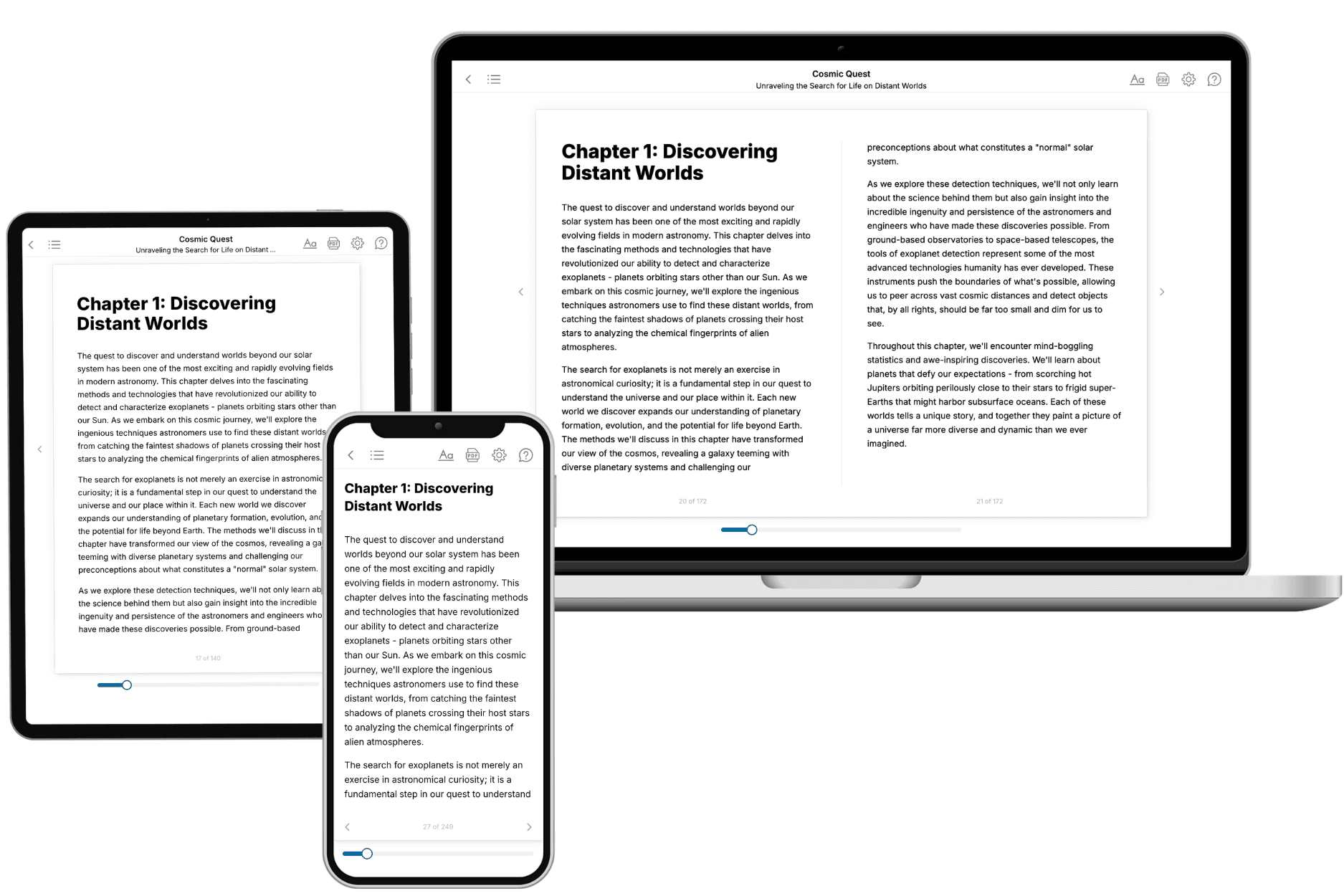
Your book is ready in 10 minutes. Read it online, download as EPUB or PDF, or send to Kindle.

Frequently asked questions
- What is TailoredRead?
TailoredRead creates complete, full-length nonfiction ebooks, written specifically for you. Tell us what you want to learn and why, and TailoredRead writes you a complete ebook on it, with charts, tables, and diagrams throughout. Read it online, on Kindle, or on any e-reader, or download it as a PDF or EPUB. Every book is written fresh the day you order it.
- How is the book tailored to me?
Before anything is written, you answer a few short questions about your goals, your background, and the topics you care about. Your book is then planned around your answers: written at your level, focused on your goals, and covering the topics you chose, instead of the one-size-fits-all book a store sells everyone.
- Will it read like generic AI content?
No. Your book isn't a chat transcript: it's planned chapter by chapter before a single word is written, told in a clear book voice, and explains ideas visually with charts, tables, and diagrams. After writing, every book goes through an editorial pass that polishes chapters so the book reads consistent from start to finish. Judge for yourself: browse thousands of sample books on our Explore Books page.
- How accurate is the content?
Our AI first checks whether your subject needs live research. Niche and fast-moving subjects are researched before writing, and the book plan and chapters are grounded in what it finds. After writing, every book goes through a quality pass that checks its facts and consistency, and researched books list their sources in a Notes section at the back.
- How long is the book?
You choose the length: Comprehensive (250-300 pages), Detailed (150-200 pages), Essential (70-100 pages), or Short (30-50 pages).
- Does the book include visuals?
Yes. Every book includes charts, tables, and diagrams: timelines, checklists, step-by-step guides, decision trees, comparison tables, matrices, and bar charts. A typical book includes dozens of these visual elements.
- Can I read it on Kindle? What formats can I download?
Yes. Every book can be read in our online reader or downloaded as a PDF or EPUB. The EPUB can be opened with Kindle, Apple Books, Kobo, and any e-reader. The Commercial and Author licenses also include an editable Word (DOCX) and Markdown download.
- How much does it cost?
About the price of a regular ebook. The exact price depends on your book's length and complexity, from $2 for the shortest books to $35 for the most comprehensive, and it's shown when you review your book, before you commit to anything. Each book is a one-time purchase, yours to keep, no subscription. Licenses that let you share, teach, or publish your book range from $35.99 to $49.99.
- Can I preview the book before purchasing?
Before you pay, you'll see what your book will cover: the title, a detailed description, the estimated length, and the complete chapter-by-chapter table of contents, so you know what you're getting before you decide. The full text itself is written after you purchase.
- How long does it take to create a book?
About 10 minutes. You can start reading the opening chapters while the rest is still being written.