Lua Mastery for Video Editors
Automating Workflows and Extending CommandPost on Mac OS
As a video editor, you face the constant challenge of repetitive tasks and time-consuming workflows.
253 pages13 chaptersMay 4, 2025Lua
About this book
What if you could automate these processes, customize your editing software, and significantly boost your productivity? "Lua Mastery for Video Editors" is your comprehensive guide to harnessing the power of Lua programming for video editing automation and software customization. This book bridges the gap between your current skills and the vast potential of Lua scripting in CommandPost and Mac OS environments. You'll learn how to create custom plugins, design efficient workflows, and interact seamlessly with Mac OS using Lua. From basic scripting concepts to advanced techniques in video timeline control and batch processing, this book covers it all. By the end, you'll be equipped to streamline your editing process, extend your software's capabilities, and take your Mac productivity to new heights. Whether you're looking to automate repetitive tasks, create custom editing tools, or dive deep into software customization, this book provides the knowledge and practical skills you need to revolutionize your video editing workflow.
Table of contents
- IntroductionWhy Lua for Video Editing?, Book Overview and How to Use It, Setting Up Your Lua Environment, Introduction to CommandPostRead below
- Chapter 1: Lua FundamentalsLua Syntax and Structure, Variables and Data Types, Control Structures and Loops, Functions and Scope
- Chapter 2: Advanced Lua ConceptsWorking with Tables, Modules and Packages, File I/O Operations, Error Handling and Debugging
- Chapter 3: CommandPost BasicsCommandPost Architecture, CommandPost API Overview, Configuring CommandPost Preferences, Creating Custom Shortcuts
- Chapter 4: Lua in CommandPostIntroduction to CommandPost Scripting, Creating Custom Actions, Developing CommandPost Plugins, Building Custom Panels
- Chapter 5: Video Timeline ControlNavigating the Timeline, Manipulating Clips with Lua, Working with Markers and Keyframes, Automating Timeline Tasks
- Chapter 6: Video Effect ScriptingUnderstanding Effect Parameters, Creating Custom Effects, Automating Effect Application, Managing Effect Presets
- Chapter 7: Video Metadata EditingUnderstanding Video Metadata, Accessing and Modifying Metadata, Automating Metadata Workflows, Organizing Projects with Metadata
- Chapter 8: Video Batch ProcessingPrinciples of Batch Processing, Writing Batch Processing Scripts, Batch Format Conversion, Applying Effects in Batch
- Chapter 9: Lua and Mac OS IntegrationMac OS Scripting with Lua, Integrating AppleScript with Lua, Creating Automator Workflows, Executing Shell Commands from Lua
- Chapter 10: Mac Productivity TechniquesMastering Mac Keyboard Shortcuts, Creating Custom Shortcuts, Optimizing Your Mac Workflow, Essential Mac Productivity Tools
- Chapter 11: Advanced CommandPost TechniquesDesigning Complex Workflows, Advanced UI Customization, Debugging CommandPost Scripts, Optimizing Script Performance
- Chapter 12: Object-Oriented Programming in LuaOOP Concepts in Lua, Creating Classes and Objects, Implementing Inheritance, OOP in CommandPost Plugins
- Chapter 13: Real-World ProjectsBuilding an Auto-Editor, Creating a Batch Export Tool, Developing a Metadata Manager, Crafting a Custom Effect Library
- ConclusionFuture Learning Paths, Staying Updated with Lua and CommandPost
- AppendixLua Cheatsheet, CommandPost API Quick Reference
Introduction
Welcome to the world of Lua programming for video editing! As a video editor with a background in electrical engineering and programming, you're about to embark on an exciting journey that will revolutionize your workflow, boost your productivity, and unleash your creative potential. This introduction will set the stage for your exploration of Lua, its integration with CommandPost, and how these powerful tools can transform your video editing experience on Mac OS.
In today's fast-paced video production environment, efficiency is key. The ability to automate repetitive tasks, customize your editing software, and create bespoke solutions for unique challenges can set you apart in a competitive field. Lua, with its simplicity, flexibility, and power, is the perfect language to achieve these goals. Whether you're looking to streamline your editing process, extend the capabilities of your favorite software, or create entirely new tools, Lua provides the foundation you need to succeed.
Throughout this book, you'll discover how to harness Lua's potential to create custom plugins, design efficient workflows, and interact seamlessly with Mac OS. From basic scripting concepts to advanced techniques in video timeline control and batch processing, we'll cover everything you need to know to become a Lua master in the context of video editing. By the end of this journey, you'll be equipped with the knowledge and skills to tackle complex editing challenges, automate time-consuming tasks, and push the boundaries of what's possible in your editing suite.
Why Lua for Video Editing?
You might be wondering, "Why Lua?" With so many programming languages available, what makes Lua particularly suited for video editing tasks? The answer lies in Lua's unique combination of simplicity, flexibility, and performance. Created in 1993 by a team at the Pontifical Catholic University of Rio de Janeiro, Lua has since become a go-to language for embedding in applications, particularly in the gaming and multimedia industries[1].
Lua's simplicity is one of its greatest strengths. With a clean and straightforward syntax, Lua is easy to learn, even for those with limited programming experience. This accessibility is crucial for video editors who may not have extensive coding backgrounds but need to quickly implement automation solutions. Despite its simplicity, Lua is incredibly powerful, capable of handling complex tasks with ease. Its lightweight nature and efficient memory usage make it ideal for real-time operations, which is essential when working with video editing software where performance is critical.
Flexibility is another key advantage of Lua. The language is designed to be embedded in other applications, making it an excellent choice for extending the functionality of existing software. This is particularly relevant in the context of video editing, where you often need to work within the constraints of established editing suites. Lua's ability to integrate seamlessly with these applications allows you to create custom tools and workflows that feel like native features of your editing software.
Performance is a critical factor in video editing, where you're often working with large files and complex timelines. Lua's reputation for speed and efficiency makes it an excellent choice for tasks that require quick execution. Whether you're batch processing hundreds of clips or applying complex effects in real-time, Lua can handle the workload without significant performance overhead. This efficiency translates directly into time saved and increased productivity in your editing workflow.
Moreover, Lua's popularity in the multimedia and gaming industries has led to the development of numerous libraries and frameworks specifically designed for working with audio and video. This ecosystem provides a rich set of tools and resources that you can leverage in your video editing projects. From timeline manipulation to color grading algorithms, chances are there's a Lua-based solution available or easily implementable.
In the context of CommandPost, a powerful automation tool for Final Cut Pro and other video editing software, Lua serves as the primary scripting language. This integration allows you to extend CommandPost's capabilities, creating custom plugins and workflows tailored to your specific needs. By mastering Lua in this environment, you're not just learning a programming language; you're gaining the ability to customize and enhance your primary editing tools in ways that were previously impossible or required extensive development resources.
Lastly, Lua's cross-platform nature aligns perfectly with the needs of modern video editors who often work across different operating systems. While this book focuses on Mac OS, the skills you'll learn are transferable to other platforms, ensuring that your investment in learning Lua pays dividends regardless of your future work environment.
As you progress through this book, you'll discover countless ways in which Lua can enhance your video editing workflow. From automating repetitive tasks to creating complex effects and managing metadata, Lua will become an indispensable tool in your editing arsenal. The combination of Lua's simplicity, power, and integration capabilities makes it the ideal language for video editors looking to take their skills to the next level.
Book Overview and How to Use It
"Lua Mastery for Video Editors" is designed to be your comprehensive guide to harnessing the power of Lua programming for video editing automation and software customization. This book is structured to take you from the basics of Lua programming to advanced techniques specific to video editing, with a focus on practical applications and real-world scenarios. Whether you're a beginner looking to dip your toes into programming or an experienced coder wanting to apply your skills to video editing, this book has something for you.
The book is divided into several key sections, each building upon the previous to create a solid foundation of knowledge and skills. We begin with an introduction to Lua fundamentals, ensuring that you have a strong grasp of the language's syntax, data types, and control structures. This foundation is crucial for understanding more complex concepts later in the book. Even if you have programming experience, it's worth reviewing these chapters as Lua has some unique features that may differ from other languages you've worked with.
Following the fundamentals, we delve into advanced Lua concepts, exploring topics such as tables, modules, and error handling. These chapters will equip you with the tools to write more sophisticated and robust scripts. We then transition into CommandPost-specific content, introducing you to the software's architecture and API. This section is vital for understanding how to leverage Lua within the CommandPost environment to create custom actions, plugins, and panels.
The heart of the book focuses on applying Lua to various aspects of video editing. We cover timeline control, effect scripting, metadata editing, and batch processing. Each of these chapters includes practical examples and exercises that you can apply directly to your work. We've designed these sections to address common challenges faced by video editors, providing solutions that you can implement immediately to improve your workflow.
As we progress, we explore the integration of Lua with Mac OS, teaching you how to create powerful automation solutions that extend beyond your editing software. This includes working with AppleScript, Automator, and shell commands, allowing you to create comprehensive workflows that streamline your entire production process. We also dedicate a chapter to Mac productivity techniques, helping you optimize your overall workflow beyond just video editing tasks.
The book concludes with advanced CommandPost techniques, object-oriented programming in Lua, and a series of real-world projects. These final chapters are designed to bring together everything you've learned, challenging you to create complex, professional-grade solutions. By the time you complete these projects, you'll have a portfolio of work that demonstrates your Lua mastery in the context of video editing.
To get the most out of this book, we recommend following these guidelines:
- Read sequentially: While it may be tempting to jump to specific topics, the book is designed to build your knowledge progressively. Each chapter assumes understanding of the previous material.
- Practice regularly: Programming is a skill that improves with practice. Try to implement the concepts you learn in your daily work, even if it's just small scripts or modifications to existing code.
- Experiment and explore: Don't be afraid to experiment with the code examples provided. Modify them, break them, and see what happens. This hands-on approach will deepen your understanding of Lua and CommandPost.
- Use the appendices: The Lua cheatsheet and CommandPost API reference in the appendix are valuable resources. Refer to them often, especially when working on your own projects.
- Join the community: Engage with other Lua enthusiasts and CommandPost users. Online forums and communities can be excellent sources of inspiration and help when you encounter challenges.
Remember, learning to program is a journey, not a destination. As you work through this book, you'll likely encounter concepts that challenge you. Don't get discouraged; take your time to understand each concept before moving on. The skills you're developing will not only make you a more efficient video editor but will also open up new creative possibilities in your work.
By the end of this book, you'll have transformed from a video editor with programming knowledge to a Lua master capable of creating sophisticated automation solutions and custom tools. You'll be equipped to tackle complex editing challenges, streamline your workflow, and push the boundaries of what's possible in video editing. So, let's begin this exciting journey into the world of Lua programming for video editing!
Setting Up Your Lua Environment
Before diving into Lua programming for video editing, it's crucial to set up a proper development environment. This setup will ensure that you can efficiently write, test, and debug your Lua scripts. While much of your work will be done within CommandPost, having a standalone Lua environment is beneficial for learning the language and testing scripts independently. Let's walk through the process of setting up your Lua environment on Mac OS.
First, let's install Lua itself. While Mac OS doesn't come with Lua pre-installed, there are several easy ways to get it up and running on your system. The most straightforward method is to use Homebrew, a popular package manager for Mac OS. If you don't already have Homebrew installed, open Terminal and run the following command:
/bin/bash -c "$(curl -fsSL https://raw.githubusercontent.com/Homebrew/install/HEAD/install.sh)"brew install luaAfter installation, verify that Lua is correctly installed by opening Terminal and typing:
lua -vNext, let's set up a code editor optimized for Lua development. While you can use any text editor to write Lua code, using an Integrated Development Environment (IDE) or a code editor with Lua support can significantly enhance your productivity. Some popular options for Mac OS include:
- Visual Studio Code: A free, open-source editor with excellent Lua support through extensions.
- Sublime Text: A powerful, flexible editor that's popular among developers.
- ZeroBrane Studio: An IDE specifically designed for Lua development.
- Download and install Visual Studio Code from the official website.
- Open Visual Studio Code and navigate to the Extensions view (Cmd+Shift+X).
- Search for "Lua" and install the "Lua" extension by sumneko.
- Additionally, install the "Lua Debug" extension by actboy168 for debugging capabilities.
With Lua installed and your code editor set up, you're almost ready to start coding. However, there's one more important step: setting up version control. Version control is crucial for managing your code, tracking changes, and collaborating with others. Git is the most widely used version control system, and it integrates well with most code editors. To install Git on Mac OS, use Homebrew:
brew install gitgit config --global user.name "Your Name"
git config --global user.email "youremail@example.com"Lastly, let's create a dedicated workspace for your Lua projects. Open Terminal and run:
mkdir ~/LuaProjects
cd ~/LuaProjectsWith your Lua environment set up, you're now ready to begin your journey into Lua programming for video editing. Remember to keep your tools updated, and don't hesitate to explore additional plugins or extensions that might enhance your development experience. As you progress through the book, you may find the need for additional tools or libraries specific to video editing tasks. We'll introduce these as needed in the relevant chapters.
In the next section, we'll introduce you to CommandPost, the powerful automation tool that will serve as the primary platform for applying your Lua skills to video editing tasks. With your Lua environment ready and CommandPost at your fingertips, you'll be well-equipped to tackle the exciting challenges and projects that lie ahead in this book.
Introduction to CommandPost
Now that your Lua environment is set up, it's time to introduce you to CommandPost, the powerful automation tool that will serve as the primary platform for applying your Lua skills to video editing tasks. CommandPost is an open-source application that extends the capabilities of Final Cut Pro, Adobe After Effects, and other video editing software, allowing you to create custom workflows, automate repetitive tasks, and enhance your overall editing experience.
CommandPost was created by Chris Hocking and David Peterson, two experienced video professionals who recognized the need for more flexible and powerful tools in the video editing workflow. Since its inception, CommandPost has grown into a robust platform with a dedicated community of users and contributors. Its open-source nature means that it's constantly evolving, with new features and improvements being added regularly[2].
At its core, CommandPost is built on Lua, which is why it's the perfect companion to your Lua learning journey. By mastering Lua and understanding how to use it within CommandPost, you'll be able to create custom solutions tailored to your specific editing needs. Whether you're looking to automate complex editing sequences, create custom panels for frequently used tools, or develop entirely new functionalities, CommandPost and Lua provide the framework to make it happen.
Some key features of CommandPost include:
- Custom Shortcuts: Create and manage custom keyboard shortcuts for Final Cut Pro, After Effects, and other supported applications.
- Control Surfaces: Support for various control surfaces, allowing for tactile control of your editing software.
- Customizable Touch Bar: For MacBook Pro users, CommandPost offers extensive Touch Bar customization options.
- Scripting Engine: A powerful Lua-based scripting engine that allows you to automate tasks and create custom tools.
- Plugin Architecture: Extend CommandPost's functionality with plugins, many of which are community-contributed.
- Watch Folders: Automate actions based on changes to specified folders on your file system.
To get started with CommandPost, follow these steps:
- Visit the official CommandPost website (https://commandpost.io) and navigate to the download page.
- Download the latest version of CommandPost for Mac OS.
- Once downloaded, open the .dmg file and drag the CommandPost application to your Applications folder.
- Launch CommandPost from your Applications folder.
- When prompted, grant CommandPost the necessary permissions it needs to function properly. This may include accessibility access and automation permissions.
One of the most powerful aspects of CommandPost is its Console, which allows you to write and execute Lua code directly within the application. To access the Console:
- Open CommandPost
- Click on the "Developer" menu in the menu bar
- Select "Console" from the dropdown menu
It's worth noting that while CommandPost is incredibly powerful, it's also designed to be user-friendly. You don't need to be a programming expert to benefit from its basic features. However, as you develop your Lua skills, you'll be able to leverage CommandPost in increasingly sophisticated ways, creating custom solutions that can dramatically improve your editing efficiency and creativity.
Throughout this book, we'll be exploring how to use Lua within the context of CommandPost to solve real-world video editing challenges. We'll start with simple scripts and gradually move to more complex projects, always with a focus on practical applications that you can use in your daily work.
Remember, the CommandPost community is a valuable resource as you embark on this journey. The official forums and GitHub repository are great places to ask questions, share your creations, and learn from other users. Don't hesitate to engage with the community as you explore the possibilities of Lua and CommandPost.
In the next chapter, we'll dive into Lua fundamentals, laying the groundwork for the exciting projects and techniques we'll be exploring throughout the book. With your Lua environment set up and CommandPost installed, you're now fully equipped to begin your journey into the world of Lua programming for video editing. Let's get started!
Notes
Introduction
- 1. R. Ierusalimschy and others, Lua 5.1 Reference Manual, Lua.org, 2006
- 2. CommandPost, "About CommandPost," 2023
This is the end of the free sample. The full book has 13 chapters.
Want this book written for you?
Tell us your goals and background, and get your own version of this book, tailored by AI to you.


Benefits of AI-tailored books
- Read one book, not ten:
- all the Lua knowledge you need, gathered into a single book.
- Save days of learning:
- tell us your goals, choose your topics, and the whole book is built around them.
- Learn effortlessly:
- Lua book written for your specific background and expertise.
- Understand at a glance:
- includes charts, tables, timelines, checklists, decision trees, and more.
- Stay current:
- written the day you order it, not years ago.
- Trust what you read:
- every book is checked for accuracy, with real research when your subject needs it.
Create your unique book in 3 steps
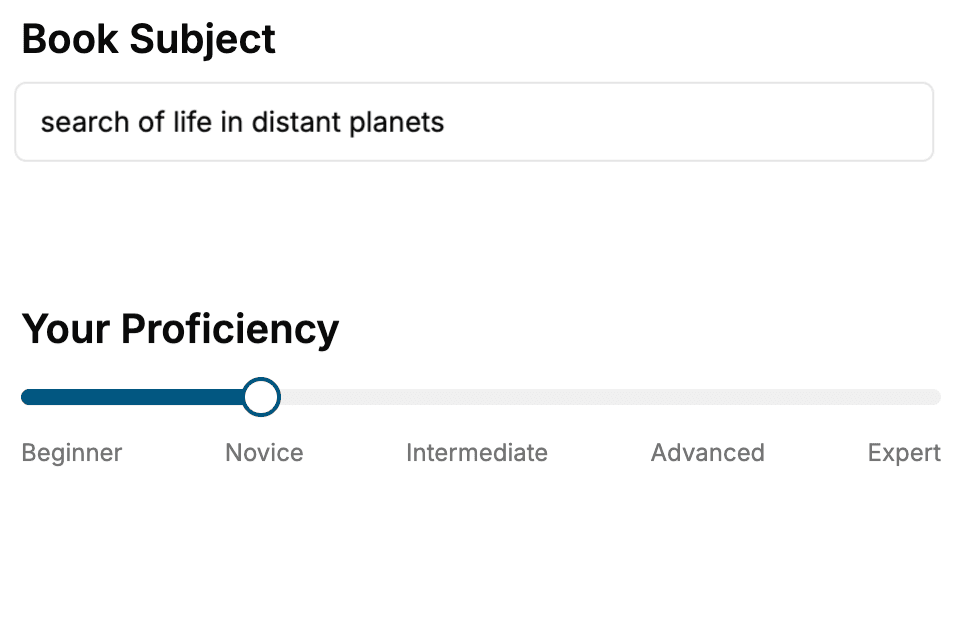
- 1. Select your focus
Select the focus of your Lua book and share your background
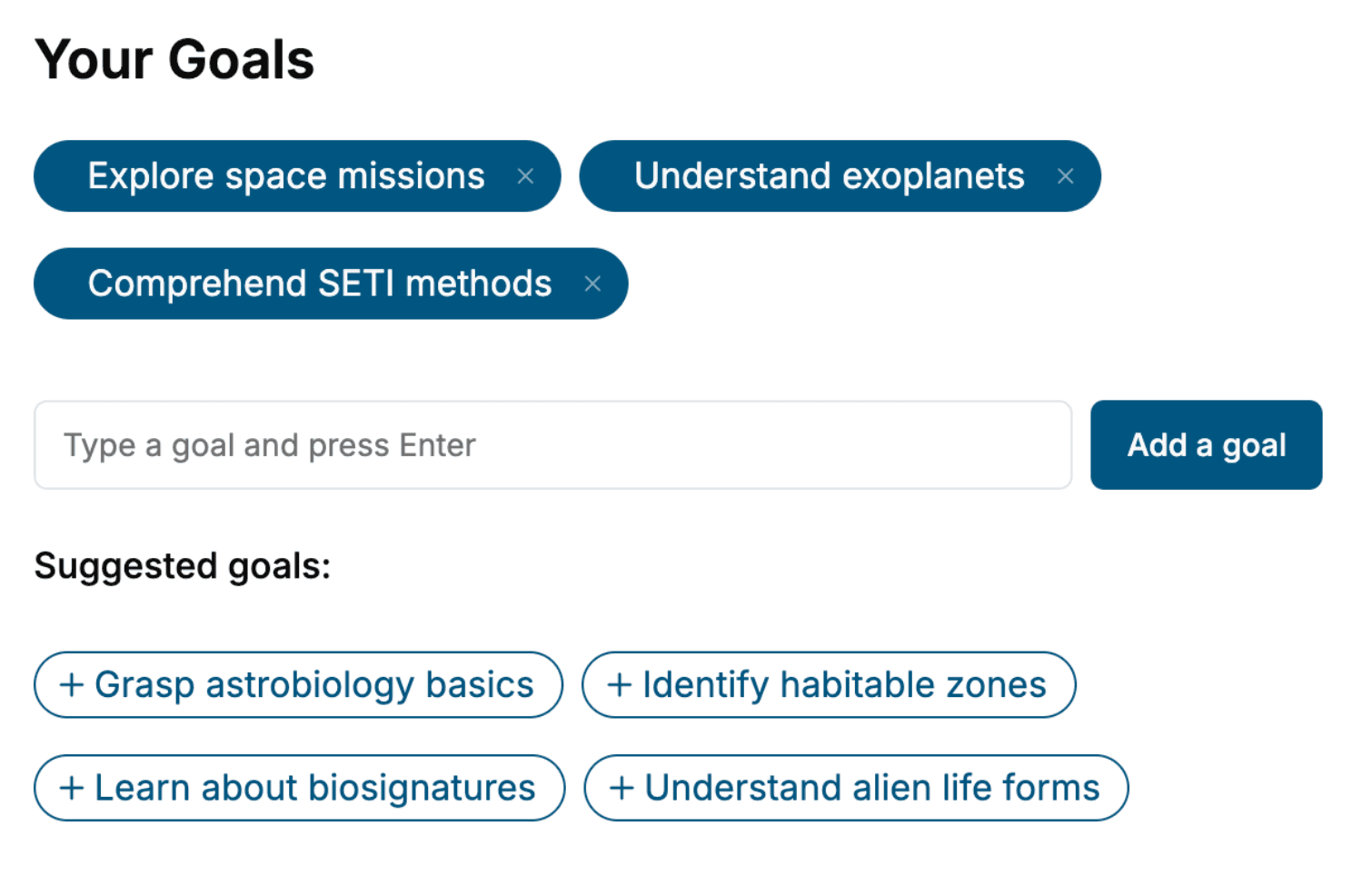
- 2. Personalize your book
Specify your goals and choose sub-topics to include
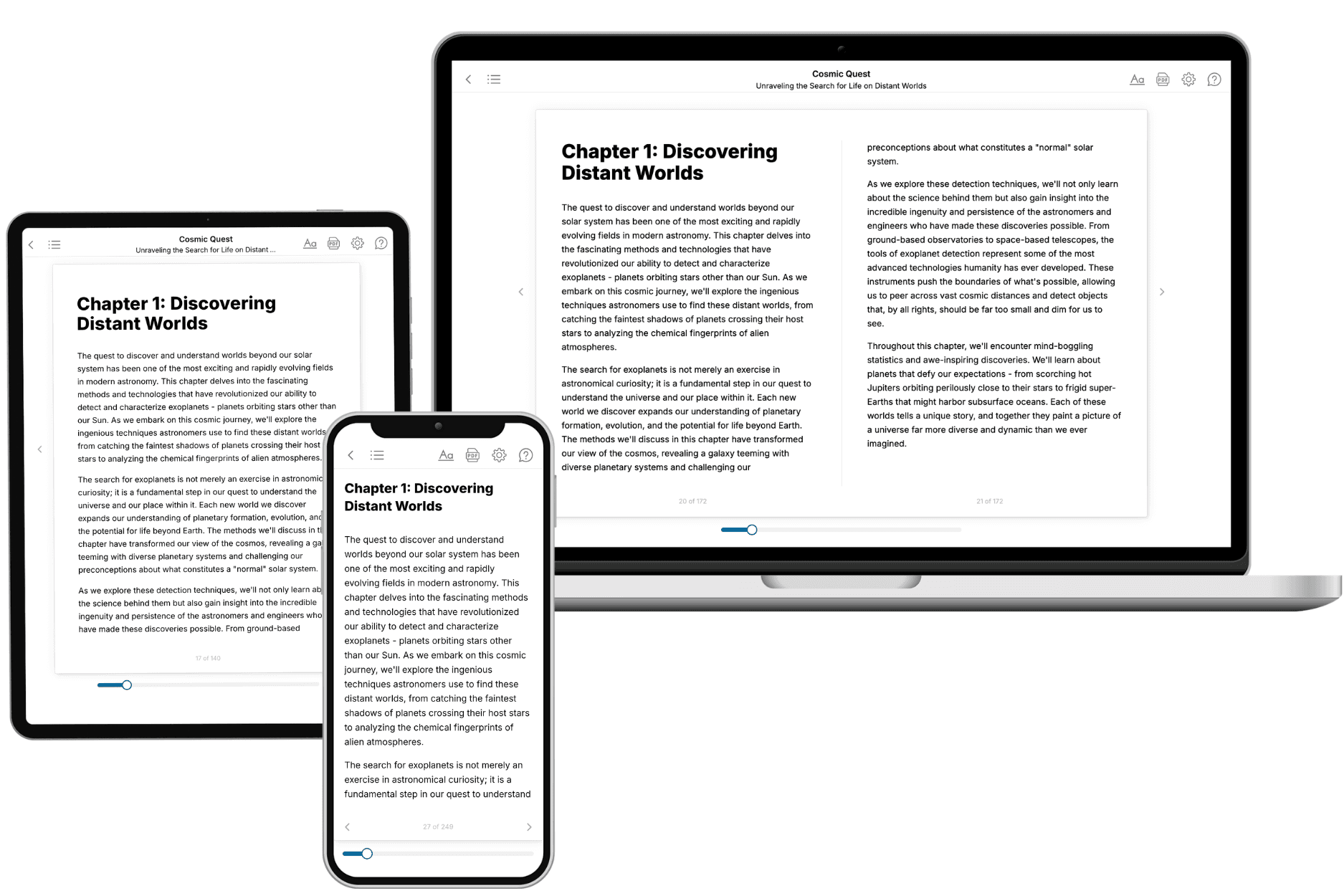
- 3. Get your tailored book
Your book is ready in 10 minutes. Read it online, download as EPUB or PDF, or send to Kindle.
Frequently asked questions
- What is TailoredRead?
TailoredRead creates complete, full-length nonfiction ebooks, written specifically for you. Tell us what you want to learn and why, and TailoredRead writes you a complete ebook on it, with charts, tables, and diagrams throughout. Read it online, on Kindle, or on any e-reader, or download it as a PDF or EPUB. Every book is written fresh the day you order it.
- How is the book tailored to me?
Before anything is written, you answer a few short questions about your goals, your background, and the topics you care about. Your book is then planned around your answers: written at your level, focused on your goals, and covering the topics you chose, instead of the one-size-fits-all book a store sells everyone.
- Will it read like generic AI content?
No. Your book isn't a chat transcript: it's planned chapter by chapter before a single word is written, told in a clear book voice, and explains ideas visually with charts, tables, and diagrams. After writing, every book goes through an editorial pass that polishes chapters so the book reads consistent from start to finish. Judge for yourself: browse thousands of sample books on our Explore Books page.
- How accurate is the content?
Our AI first checks whether your subject needs live research. Niche and fast-moving subjects are researched before writing, and the book plan and chapters are grounded in what it finds. After writing, every book goes through a quality pass that checks its facts and consistency, and researched books list their sources in a Notes section at the back.
- How long is the book?
You choose the length: Comprehensive (250-300 pages), Detailed (150-200 pages), Essential (70-100 pages), or Short (30-50 pages).
- Does the book include visuals?
Yes. Every book includes charts, tables, and diagrams: timelines, checklists, step-by-step guides, decision trees, comparison tables, matrices, and bar charts. A typical book includes dozens of these visual elements.
- Can I read it on Kindle? What formats can I download?
Yes. Every book can be read in our online reader or downloaded as a PDF or EPUB. The EPUB can be opened with Kindle, Apple Books, Kobo, and any e-reader. The Commercial and Author licenses also include an editable Word (DOCX) and Markdown download.
- How much does it cost?
About the price of a regular ebook. The exact price depends on your book's length and complexity, from $2 for the shortest books to $35 for the most comprehensive, and it's shown when you review your book, before you commit to anything. Each book is a one-time purchase, yours to keep, no subscription. Licenses that let you share, teach, or publish your book range from $35.99 to $49.99.
- Can I preview the book before purchasing?
Before you pay, you'll see what your book will cover: the title, a detailed description, the estimated length, and the complete chapter-by-chapter table of contents, so you know what you're getting before you decide. The full text itself is written after you purchase.
- How long does it take to create a book?
About 10 minutes. You can start reading the opening chapters while the rest is still being written.