MAC Address Filtering Essentials
Secure Your Network and Protect Your Digital Identity
Unauthorized access to your personal network is a growing threat that can compromise your devices, steal your data, and expose your family to cyber risks.
222 pages10 chaptersJun 21, 2026Network Security
About this book
Many people overlook one of the most effective first-line defenses available: MAC address filtering. This practical guide demystifies MAC address filtering and shows you exactly how to implement it across your home and personal networks. You'll learn what MAC addresses are, why they matter for security, and how to configure filtering on routers, access points, and devices. Discover how to balance security with convenience, troubleshoot common issues, and integrate MAC filtering into a comprehensive security strategy. Whether you're protecting a home network, securing IoT devices, or managing multiple connected systems, this book provides clear, step-by-step guidance to strengthen your digital defenses and regain control of your network.
Table of contents
- IntroductionWhy Network Security Matters Today, What You'll Learn in This Book, How to Use This GuideRead below
- Chapter 1: Understanding MAC AddressesWhat Is a MAC Address?, MAC Addresses vs. IP Addresses, How to Find Your Device's MAC Address, Understanding MAC Address Structure and Format
- Chapter 2: Network Security FundamentalsCommon Network Threats and Vulnerabilities, How Unauthorized Access Happens, The Importance of Layered Security
- Chapter 3: MAC Address Filtering ExplainedHow MAC Address Filtering Works, Whitelist vs. Blacklist Approaches, Benefits and Limitations of MAC Filtering, Understanding MAC Address Spoofing
- Chapter 4: Setting Up MAC Filtering on Your RouterAccessing Your Router's Admin Panel, Identifying and Documenting Your Devices, Enabling and Configuring MAC Filtering, Testing Your Configuration
- Chapter 5: MAC Filtering for Different Device TypesSmartphones and Tablets, Computers and Laptops, IoT Devices and Smart Home Systems, Managing Guest Devices and Temporary Access
- Chapter 6: Managing Guest Access and FlexibilityCreating a Separate Guest Network, Granting Temporary Access to Visitors, Balancing Security with Convenience
- Chapter 7: Monitoring and Maintaining Your MAC FilterConducting Regular Network Audits, Detecting Unauthorized Devices, Updating Your MAC Filter Lists, Tools for Network Monitoring
- Chapter 8: Troubleshooting Common IssuesLegitimate Devices Being Blocked, Connection Problems After Enabling Filtering, Dealing with Dynamic MAC Addresses, Performance and Latency Issues
- Chapter 9: Integrating MAC Filtering into Your Security StrategyCombining with Strong Encryption (WPA3/WPA2), Strong Passwords and Authentication, Keeping Firmware and Software Updated, Building a Comprehensive Security Plan
- Chapter 10: Advanced MAC Filtering TechniquesMAC Filtering Across Multiple Networks, Enterprise-Level Filtering Solutions, Automation and Scheduled Filtering
- ConclusionKey Takeaways, Your Next Steps
- Frequently Asked Questions
- Glossary of Terms
Introduction
Every day, millions of home networks sit quietly in the background, connecting phones, laptops, smart TVs, and a growing collection of smart home devices to the internet. Most people set up their router once, create a password, and never think about it again. That approach worked reasonably well a decade ago, when the average household had two or three connected devices. Today, the average American home has more than 20 connected devices, and that number keeps climbing.[1] Each one of those devices is a potential entry point for someone who shouldn't be on your network.
The uncomfortable truth is that most home networks are far easier to access than their owners realize. A neighbor with basic technical knowledge, a visitor who saved your Wi-Fi password, or someone sitting in a car outside your home can potentially connect to your network without your knowledge. Once they're in, they can consume your bandwidth, monitor your traffic, access shared files, or use your connection to conduct activities you'd never want associated with your address. Network security isn't just a concern for businesses and IT departments anymore. It's a personal responsibility.
This is where MAC address filtering comes in. It's one of the most practical and underused security tools available to everyday network users. A MAC address is a unique identifier assigned to every network-capable device. MAC address filtering lets your router check the identity of any device trying to connect and decide whether to allow or deny that connection. It's not a perfect solution on its own, but when implemented correctly and combined with other security measures, it adds a meaningful layer of protection that most unauthorized users simply won't bother trying to overcome.
This book was written for people who are comfortable with technology but don't necessarily have a background in network administration or cybersecurity. You don't need to be an expert to follow along. Every concept is explained clearly, every step is broken down practically, and every recommendation is grounded in real-world use. Whether you're protecting a home network, managing a small office setup, or trying to get a handle on a growing collection of IoT devices, the guidance here applies directly to your situation.
Why Network Security Matters Today
The way people use home networks has changed dramatically over the past few years. What was once a convenience for browsing the web and streaming video has become the backbone of daily life. People work from home on corporate systems, manage bank accounts and medical records through connected devices, and control physical aspects of their homes through smart locks, cameras, and thermostats. The stakes of a compromised network have never been higher, and the threat landscape has grown to match.
Unauthorized network access is more common than most people expect. A 2023 study found that roughly one in four people have experienced some form of unauthorized access to their home network or connected devices.[2] In many cases, the victim had no idea it was happening. Attackers don't always announce themselves. They may quietly use your bandwidth, intercept unencrypted data, or probe connected devices for vulnerabilities over days or weeks before doing anything noticeable.
The rise of IoT devices has made this problem significantly worse. Smart speakers, security cameras, baby monitors, and connected appliances often have weak default security settings and infrequent firmware updates. Many of them can't run traditional security software. Once an attacker gains access to your network, these devices become easy targets. A compromised smart camera can become a surveillance tool. A vulnerable smart lock can become a physical security risk. The network is the common thread connecting all of these devices, which makes securing it the single most impactful thing you can do.
There's also the issue of bandwidth theft, which sounds minor but carries real consequences. When unauthorized users connect to your network, they consume resources you're paying for. More importantly, if they use your connection for illegal activity, that activity traces back to your IP address. Cases of people facing legal scrutiny because someone else used their unsecured Wi-Fi connection to conduct illegal activity are well-documented. Protecting your network is also protecting your legal standing.
Many people assume that a strong Wi-Fi password is enough. It's a good start, but it's not sufficient on its own. Passwords can be shared, guessed, or captured through various means. A layered security approach, one that includes encryption, strong authentication, and access controls like MAC filtering, is far more resilient than any single measure. Think of it the way you'd think about home security: a lock on the door is essential, but most people also have windows, an alarm system, and exterior lighting. Network security works the same way.
Understanding the threats you face is the first step toward addressing them effectively. The chapters ahead will give you a clear picture of how attackers gain access to networks, what they do once they're in, and how MAC address filtering fits into a broader strategy for keeping them out. The goal isn't to make you paranoid. It's to make you informed and prepared.
A real-world example: In 2019, a family in Tennessee discovered that their home security camera had been accessed by an unknown party who used it to speak to their children through the device's speaker. The attacker had gained access through the family's unsecured Wi-Fi network. The incident highlighted how a single weak point in home network security can have deeply personal consequences.[3]
The good news is that the tools to protect yourself are accessible, free to use, and built into the hardware you already own. You don't need to buy new equipment or hire a professional. You need knowledge, a plan, and the willingness to spend a few hours configuring your network properly. That's exactly what this book provides.
What You'll Learn in This Book
This book covers MAC address filtering from the ground up, starting with the fundamentals and building toward practical implementation and long-term maintenance. Each chapter is designed to stand on its own, so you can jump to the sections most relevant to your situation. That said, reading in order gives you the strongest foundation, especially if MAC addresses and network security are relatively new territory for you.
Here's a clear picture of what each part of the book covers:
- Chapters 1 and 2 build your foundational knowledge. You'll learn what MAC addresses are, how they differ from IP addresses, how to find them on any device, and what the most common network threats look like in practice.
- Chapter 3 explains exactly how MAC address filtering works, including the difference between whitelist and blacklist approaches, the real benefits and honest limitations of the technique, and how MAC address spoofing works so you understand what filtering can and can't stop.
- Chapters 4 and 5 walk you through the hands-on process of setting up MAC filtering on your router and configuring it for different types of devices, from smartphones and laptops to IoT devices and smart home systems.
- Chapter 6 tackles one of the most common practical challenges: managing guest access without compromising your security. You'll learn how to create a separate guest network and grant temporary access without weakening your main network's defenses.
- Chapter 7 covers ongoing maintenance, including how to conduct network audits, detect unauthorized devices, and keep your MAC filter lists current as your device collection changes.
- Chapter 8 addresses troubleshooting, because things don't always go smoothly. You'll find clear solutions for the most common problems, including legitimate devices being blocked, connection issues after enabling filtering, and challenges with devices that use dynamic MAC addresses.
- Chapters 9 and 10 zoom out to show how MAC filtering fits into a comprehensive security strategy and introduce more advanced techniques for users managing multiple networks or more complex setups.
Throughout the book, you'll find concrete examples, step-by-step instructions, and practical frameworks you can apply immediately. The goal isn't just to explain concepts. It's to give you the tools to act on them. By the time you finish, you'll have a configured, tested, and maintainable MAC filtering setup running on your network.
One important thing to set expectations on: this book is honest about what MAC address filtering can and cannot do. It's a valuable security layer, but it's not a silver bullet. You'll learn exactly where its strengths lie and where its limitations are, so you can make informed decisions about how to deploy it. Security is always about trade-offs between protection and convenience, and this book helps you navigate those trade-offs thoughtfully.
You'll also come away with a broader understanding of network security principles that extends well beyond MAC filtering. Concepts like layered security, access control, network monitoring, and encryption are all covered in ways that will make you a more capable and confident network administrator for your own home or small office. These are skills that compound over time. The more you understand about how your network works, the better equipped you are to protect it.
The technical content is written to be accessible without being dumbed down. Where technical terms are necessary, they're explained clearly the first time they appear and collected in the glossary at the back of the book. If you ever encounter a term you're not sure about, the glossary is there as a quick reference. The goal is to make you genuinely knowledgeable, not just able to follow instructions without understanding what you're doing.
What you'll be able to do after reading this book: Configure MAC address filtering on your home router, identify all devices currently connected to your network, detect unauthorized access attempts, manage guest access securely, troubleshoot common filtering problems, and integrate MAC filtering into a broader security strategy that includes strong encryption and regular monitoring.
How to Use This Guide
This guide is designed to be used, not just read. That distinction matters. Network security is a hands-on discipline, and the concepts here only become truly useful when you apply them to your actual network. The most effective way to use this book is to read a chapter and then immediately work through the relevant steps on your own router and devices before moving on. That active approach will help the material stick and give you a working setup rather than just theoretical knowledge.
Before you start, it helps to have a few things ready:
- Your router's model number and the login credentials for its admin panel (often printed on a sticker on the router itself)
- A list of the devices you want to allow on your network, or at least a plan to compile that list
- Access to the settings menus on your primary devices so you can find their MAC addresses when needed
- A notepad or document where you can record MAC addresses and device names as you go
If you're new to accessing your router's admin panel, don't worry. Chapter 4 walks through that process in detail, including how to find your router's IP address, how to log in, and how to navigate the settings interface. Most modern routers have similar layouts, and the concepts transfer even if the exact menu names differ between brands.
For those who already have some experience with network administration, the early chapters may cover familiar ground. Feel free to move quickly through the foundational material and spend more time on the implementation chapters and the advanced techniques in Chapter 10. The troubleshooting chapter is worth reading carefully regardless of your experience level, because some of the issues it covers are subtle and easy to miss even for experienced users.
Throughout the book, you'll encounter several recurring elements designed to make the content more useful:
- Step-by-step instructions for specific tasks, formatted clearly so you can follow along on your own device
- Examples and scenarios that illustrate how concepts apply in real situations
- Callout boxes that highlight important warnings, tips, or common mistakes to avoid
- Checklists at key points to help you verify that your configuration is complete and correct
- Footnotes pointing to sources and additional reading for those who want to go deeper on specific topics
One practical note about router interfaces: the exact steps for enabling MAC filtering vary between router brands and firmware versions. The instructions in this book are written to be as broadly applicable as possible, covering the most common router brands including ASUS, Netgear, TP-Link, Linksys, and Cisco. Where steps differ significantly between brands, those differences are noted. If your specific router model isn't mentioned, the general principles still apply. Your router's documentation or a quick search for your model number plus "MAC filtering" will fill in any brand-specific gaps.
It's also worth noting that some newer devices, particularly smartphones running iOS 14 and later and Android 10 and later, use a feature called MAC address randomization by default. This feature changes the device's MAC address periodically to improve privacy, which can interfere with MAC filtering. Chapter 8 covers this in detail, including how to disable randomization for your home network when needed. Being aware of this upfront will save you frustration if you encounter unexpected connection issues after setting up filtering.
Finally, approach this process with patience. Setting up MAC filtering for the first time takes a bit of effort, especially if you have many devices. You'll need to find and record MAC addresses, configure your router, test connections, and troubleshoot any issues that come up. Most people can complete a basic setup in one to two hours. The ongoing maintenance after that is minimal, typically a few minutes when you add a new device or do a periodic audit. The upfront investment is well worth the long-term security benefit.
Network security is one of those areas where a small amount of effort delivers a disproportionately large return. Most attackers are opportunistic. They look for easy targets and move on when they encounter resistance. A properly configured network with MAC filtering, strong encryption, and good password hygiene is significantly harder to access than the average home network, and that difference is often enough to make an attacker look elsewhere. You don't need a perfect defense. You need a defense that's better than the alternative. This book will help you build exactly that.
This is the end of the free sample. The full book has 10 chapters.
Want this book written for you?
Tell us your goals and background, and get your own version of this book, tailored by AI to you.


Benefits of AI-tailored books
- Read one book, not ten:
- all the Network Security knowledge you need, gathered into a single book.
- Save days of learning:
- tell us your goals, choose your topics, and the whole book is built around them.
- Learn effortlessly:
- Network Security book written for your specific background and expertise.
- Understand at a glance:
- includes charts, tables, timelines, checklists, decision trees, and more.
- Stay current:
- written the day you order it, not years ago.
- Trust what you read:
- every book is checked for accuracy, with real research when your subject needs it.
Create your unique book in 3 steps
- 1. Select your focus
Select the focus of your Network Security book and share your background
- 2. Personalize your book
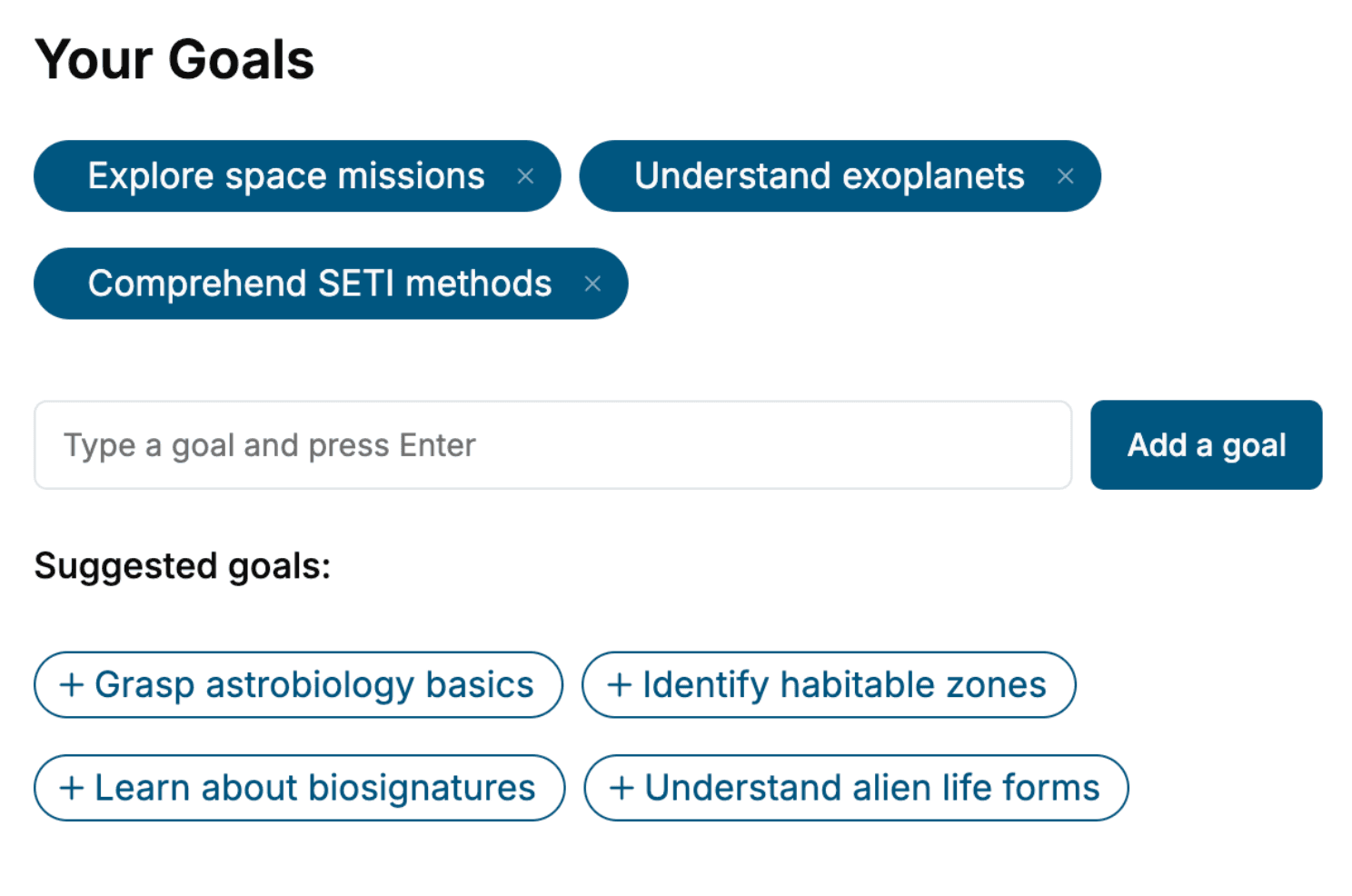
Specify your goals and choose sub-topics to include
- 3. Get your tailored book
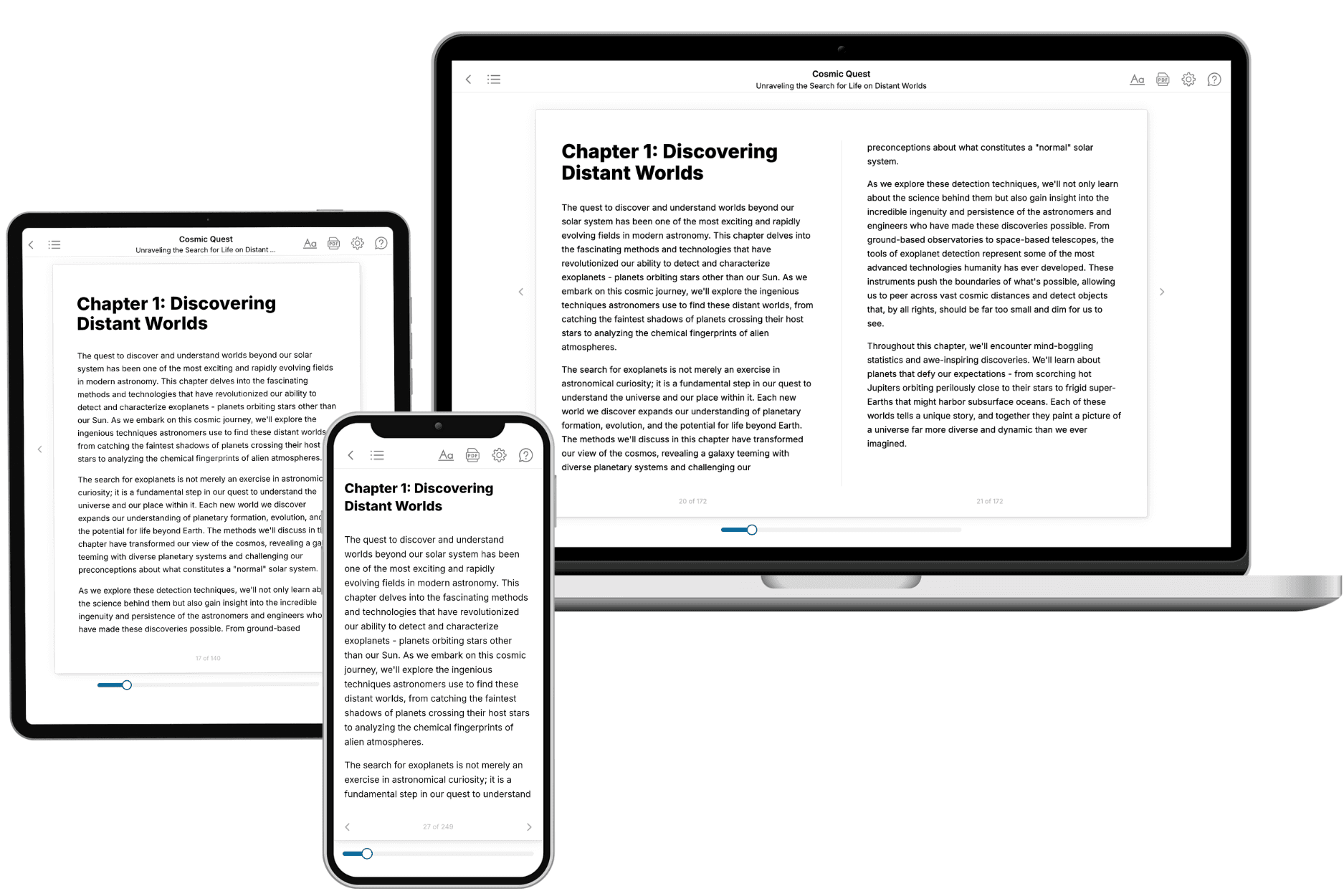
Your book is ready in 10 minutes. Read it online, download as EPUB or PDF, or send to Kindle.

Frequently asked questions
- What is TailoredRead?
TailoredRead creates complete, full-length nonfiction ebooks, written specifically for you. Tell us what you want to learn and why, and TailoredRead writes you a complete ebook on it, with charts, tables, and diagrams throughout. Read it online, on Kindle, or on any e-reader, or download it as a PDF or EPUB. Every book is written fresh the day you order it.
- How is the book tailored to me?
Before anything is written, you answer a few short questions about your goals, your background, and the topics you care about. Your book is then planned around your answers: written at your level, focused on your goals, and covering the topics you chose, instead of the one-size-fits-all book a store sells everyone.
- Will it read like generic AI content?
No. Your book isn't a chat transcript: it's planned chapter by chapter before a single word is written, told in a clear book voice, and explains ideas visually with charts, tables, and diagrams. After writing, every book goes through an editorial pass that polishes chapters so the book reads consistent from start to finish. Judge for yourself: browse thousands of sample books on our Explore Books page.
- How accurate is the content?
Our AI first checks whether your subject needs live research. Niche and fast-moving subjects are researched before writing, and the book plan and chapters are grounded in what it finds. After writing, every book goes through a quality pass that checks its facts and consistency, and researched books list their sources in a Notes section at the back.
- How long is the book?
You choose the length: Comprehensive (250-300 pages), Detailed (150-200 pages), Essential (70-100 pages), or Short (30-50 pages).
- Does the book include visuals?
Yes. Every book includes charts, tables, and diagrams: timelines, checklists, step-by-step guides, decision trees, comparison tables, matrices, and bar charts. A typical book includes dozens of these visual elements.
- Can I read it on Kindle? What formats can I download?
Yes. Every book can be read in our online reader or downloaded as a PDF or EPUB. The EPUB can be opened with Kindle, Apple Books, Kobo, and any e-reader. The Commercial and Author licenses also include an editable Word (DOCX) and Markdown download.
- How much does it cost?
About the price of a regular ebook. The exact price depends on your book's length and complexity, from $2 for the shortest books to $35 for the most comprehensive, and it's shown when you review your book, before you commit to anything. Each book is a one-time purchase, yours to keep, no subscription. Licenses that let you share, teach, or publish your book range from $35.99 to $49.99.
- Can I preview the book before purchasing?
Before you pay, you'll see what your book will cover: the title, a detailed description, the estimated length, and the complete chapter-by-chapter table of contents, so you know what you're getting before you decide. The full text itself is written after you purchase.
- How long does it take to create a book?
About 10 minutes. You can start reading the opening chapters while the rest is still being written.